
- Category Utilities & tools
- Available on PC, Mobile, Surface Hub, HoloLens
- OS Windows 11 version 26100.0 or higher
- Keyboard Integrated Keyboard
- Mouse Integrated Mouse
- languages Chinese (Simplified), Chinese (Traditional), Dutch, English (United States), French, German, Portuguese, Russian, Spanish, Ukrainian
Introduction to GPU Check for Windows
Imagine having a high-precision health report for your graphics card—detailed, accessible, and easy to understand; that's exactly what GPU Check for Windows offers. This utility serves as a comprehensive diagnostics tool designed to keep your GPU in peak condition, making it an essential companion for gamers, content creators, or anyone relying on graphics-intensive tasks. Developed by Stefan vd, this app promises a smooth and user-friendly experience to unveil your GPU's true status at a glance.
Core Features that Stand Out
Deep Hardware Inspection Made Simple
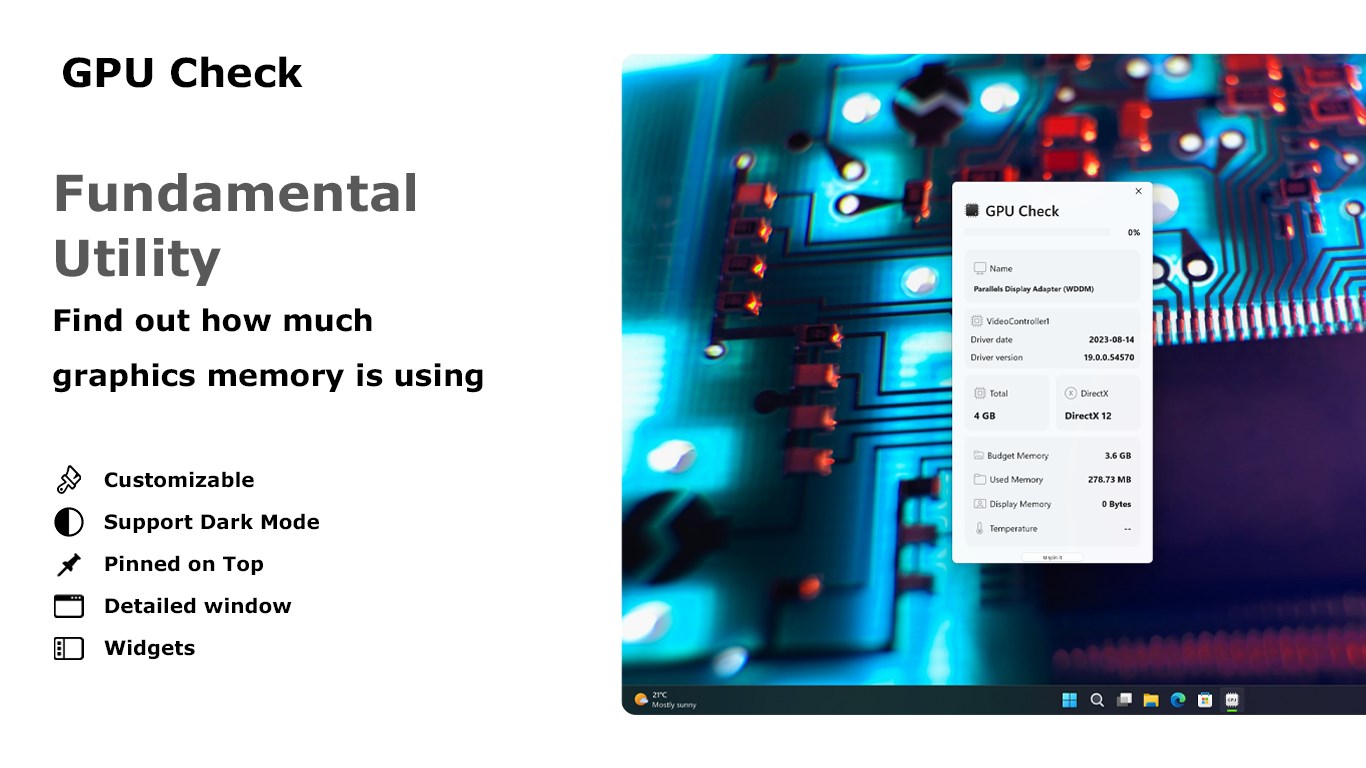
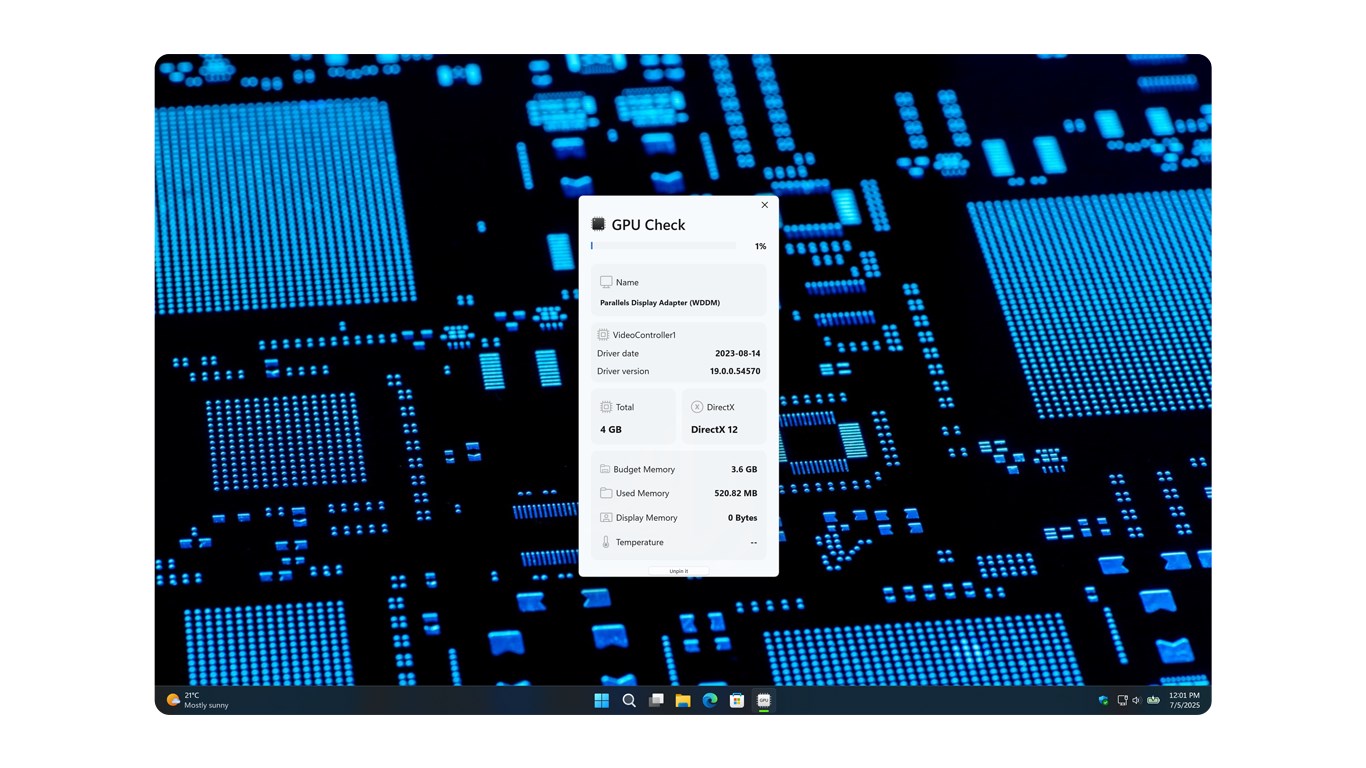
At the heart of GPU Check is its ability to provide in-depth hardware information. It scans your system's graphics hardware, revealing detailed specs—from model and driver version to VRAM and clock speeds. Think of it as a health check-up for your GPU, giving you all the facts without the technical jargon overload. This feature makes it easier to diagnose issues or verify your hardware specs for upgrades.
Performance Monitoring in Real-Time
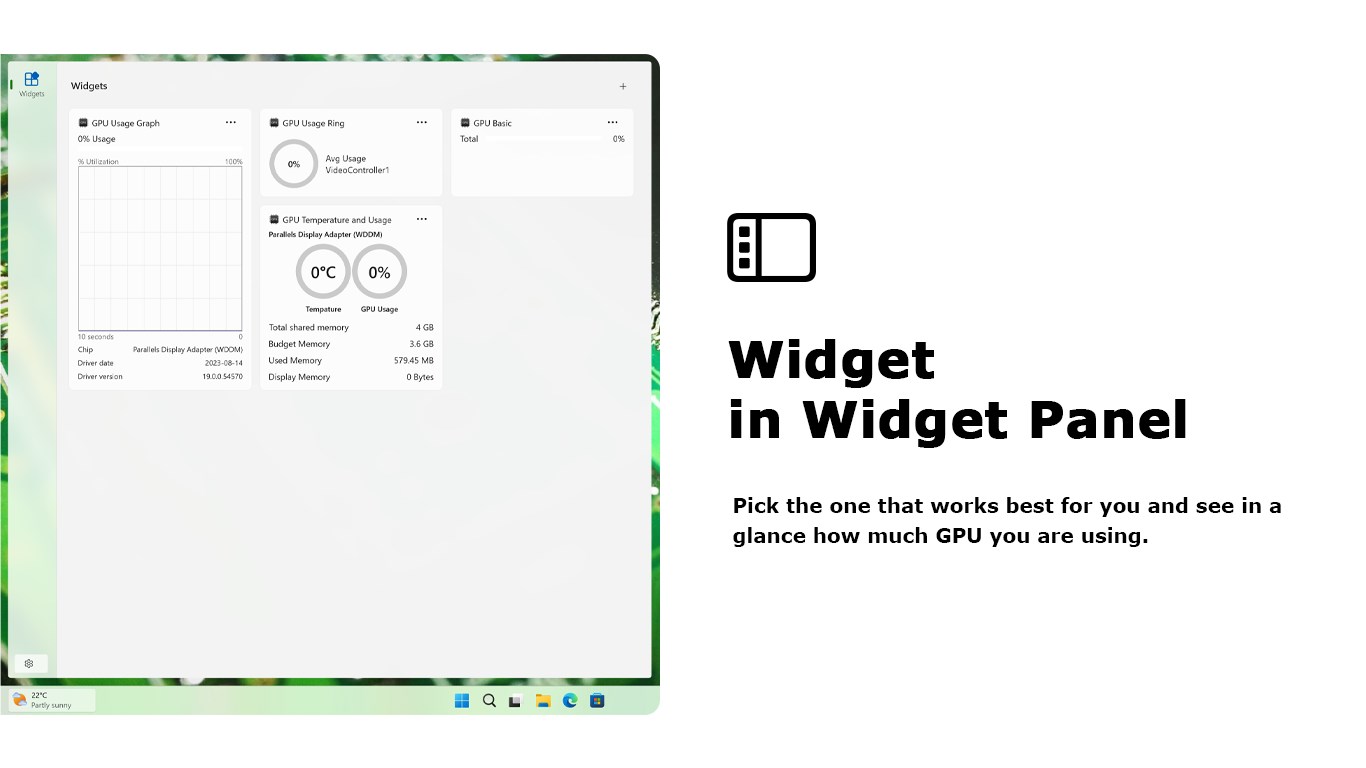
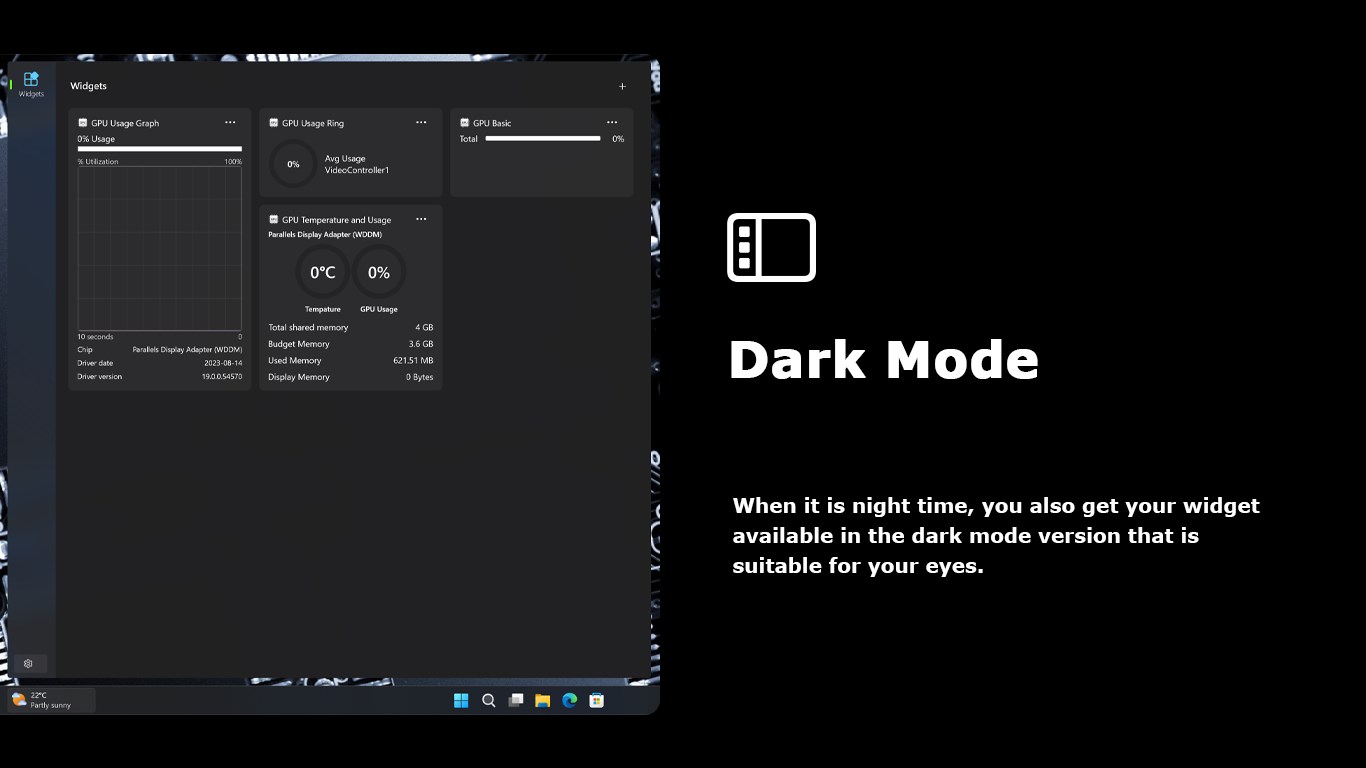
The app includes live monitoring capabilities that provide real-time data on GPU usage, temperature, and power consumption. Visualize this as your GPU's vital signs displayed directly on your screen, allowing you to catch overheating or underperformance issues before they become critical. Especially useful during gaming or rendering sessions, this feature helps maintain a stable, optimal experience.
Comprehensive Diagnostics and Reporting
Beyond just displaying raw data, GPU Check offers diagnostic tests that evaluate your GPU's health and stability. Users can run stress tests to check for anomalies or potential faults, and generate detailed reports for sharing with tech support or for archiving. This holistic approach saves time and provides peace of mind, knowing your GPU's health is monitored thoroughly.
User Experience: Smooth, Intuitive, and Practical
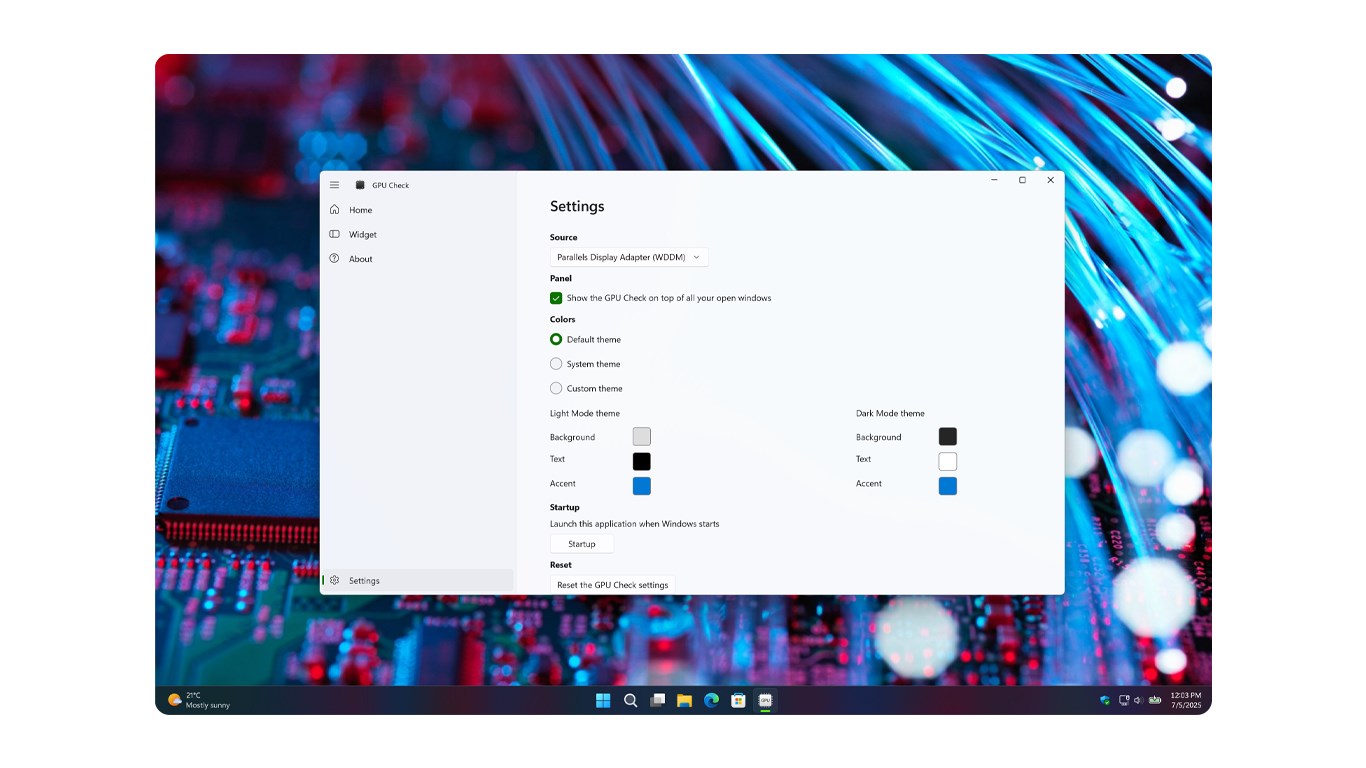
The interface design of GPU Check strikes a balance between technical detail and user-friendliness. Clean lines, clear icons, and straightforward menus make navigation intuitive—even for users new to hardware diagnostics. The app responds quickly, with minimal lag, which is key when monitoring real-time statistics during intensive tasks. Overall, the learning curve remains gentle: a few clicks are enough to understand core functions, making it accessible without sacrificing depth.
Unique Selling Points: What Sets It Apart?
Focus on Accurate, Real-Time Data
Unlike many utilities that offer superficial readings, GPU Check emphasizes precise, real-time monitoring backed by detailed diagnostics. Its ability to provide instant updates on temperature and load during high-stress scenarios makes it a practical tool for those who need immediate feedback, such as gamers or developers troubleshooting hardware issues.
Designed for Clarity and Ease of Use
Many technical tools drown users in convoluted interfaces; GPU Check, however, prioritizes clarity. Its thoughtfully crafted UI ensures that even complex data is presented in an understandable manner. Imagine having a friendly guide by your side, translating technical metrics into meaningful insights—this is the app's core advantage.
Final Verdict and Recommendations
Overall, GPU Check for Windows by Stefan vd stands out as a reliable and user-friendly utility for GPU diagnostics and performance monitoring. Its focus on real-time data accuracy and intuitive design makes it a particularly valuable tool for both enthusiasts and casual users concerned about their graphics hardware. While it may not boast overly elaborate features like overclocking or detailed benchmarking, its straightforward approach makes it a strong choice for routine health checks and troubleshooting.
If you're looking to regularly monitor your GPU's health or want a clear snapshot of your graphics hardware without fuss, this app comes highly recommended. It's like having a professional technician on call—straightforward, trustworthy, and efficient. For those who value precision and simplicity, GPU Check is an excellent addition to your utility toolkit.
Pros
- User-Friendly Interface
- Accurate GPU Benchmarking
- Real-Time Monitoring
- Detailed Hardware Info
- Lightweight and Fast
Cons
- Limited Compatibility with Older GPUs
- Basic Performance Metrics
- Occasional Detection Errors
- Lack of Custom Testing Options
- No Built-in Troubleshooting Guides











