
- Category Utilities & tools
- Available on PC, Mobile, Surface Hub, HoloLens
- OS Windows 10 version 18362.0 or higher
- languages English (United States)
An Overview of HEIC Convert Pro - Image Converter for Windows
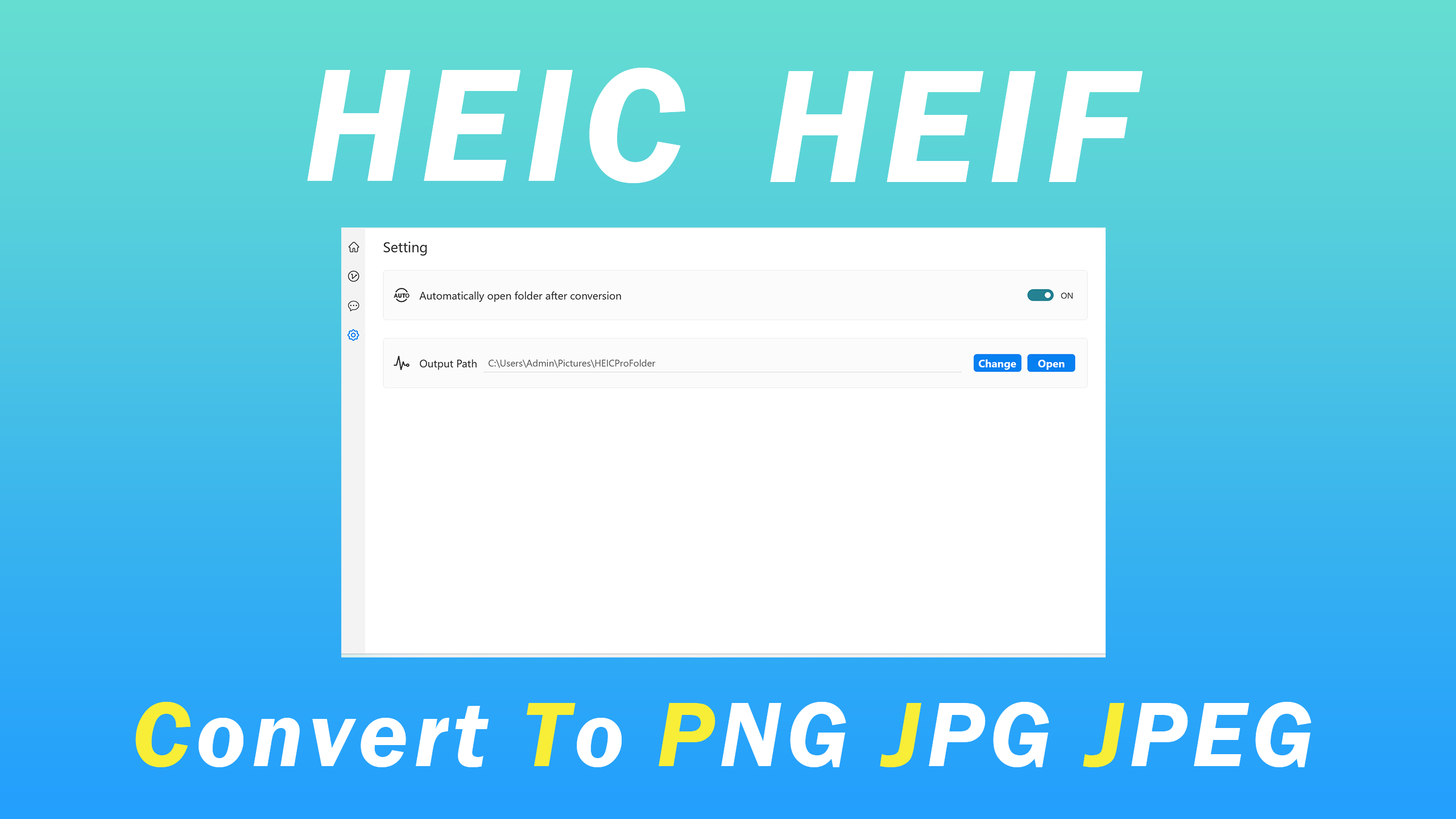
HEIC Convert Pro is a dedicated Windows application designed to simplify the process of converting HEIC images into more versatile formats like JPEG and PNG. Developed by MeetmeXM Technology Co., Ltd, this tool positions itself as a user-friendly, efficient solution for anyone dealing with HEIC files, whether for personal photography or professional workflows. Its standout features include batch conversion capabilities, format customization options, and seamless integration with Windows, making it a noteworthy utility in image management.
User-Friendly Interface with Intuitive Navigation
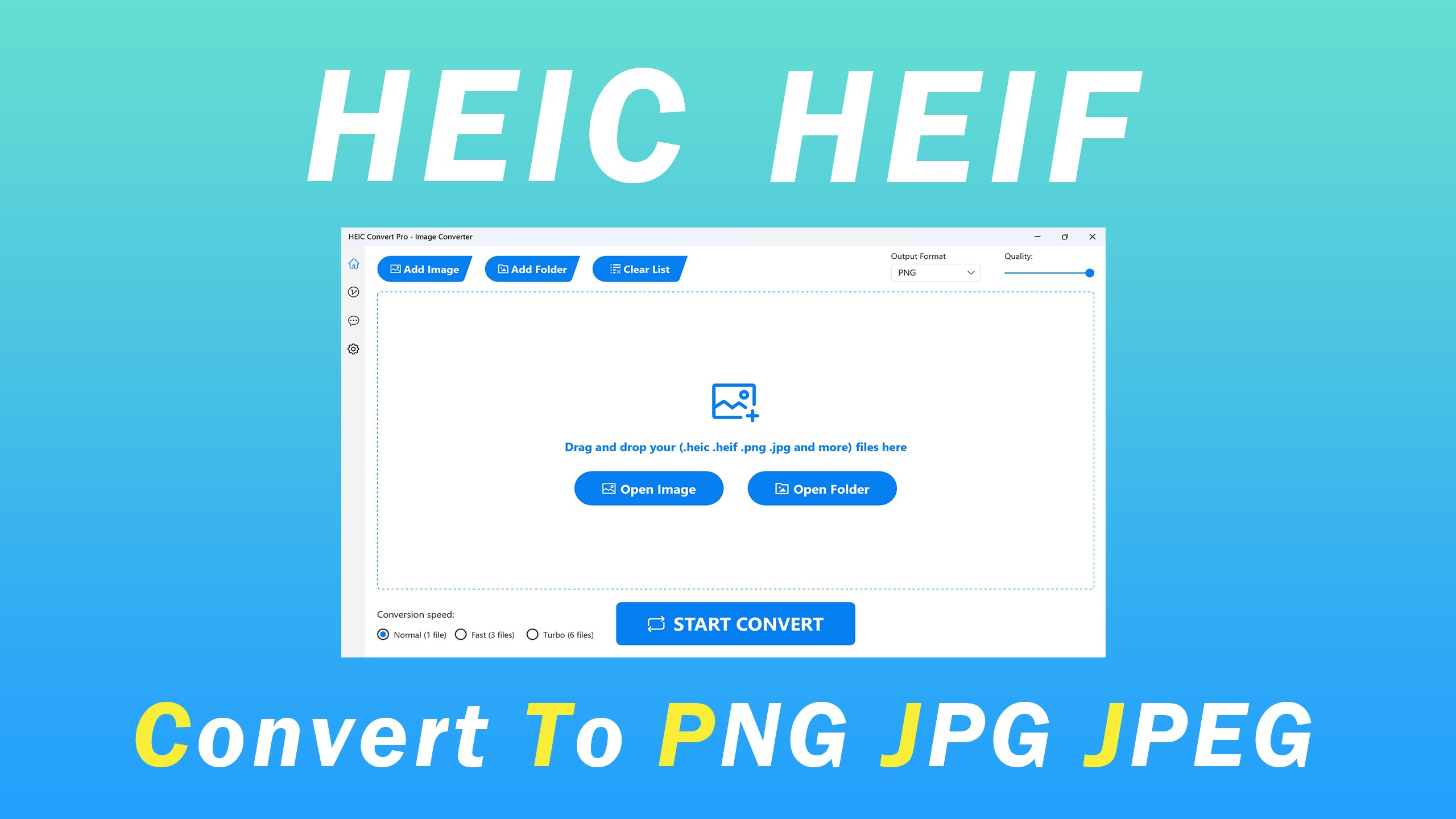
One of the first things users notice about HEIC Convert Pro is its clean, straightforward interface—much like stepping into a well-organized workroom. The layout is uncluttered, with clearly labeled buttons and an easily accessible menu system, ensuring even those new to image conversion can pick it up quickly. The app's design emphasizes ease of use, with minimal learning curve, allowing users to drag and drop images with confidence. Smooth animations and responsive controls contribute to a fluid experience, making the conversion process feel almost effortless—like a chef seamlessly moving through their kitchen to craft a perfect dish.
Powerful Core Functionality: Batch Conversion & Format Flexibility
Batch Processing to Save Time
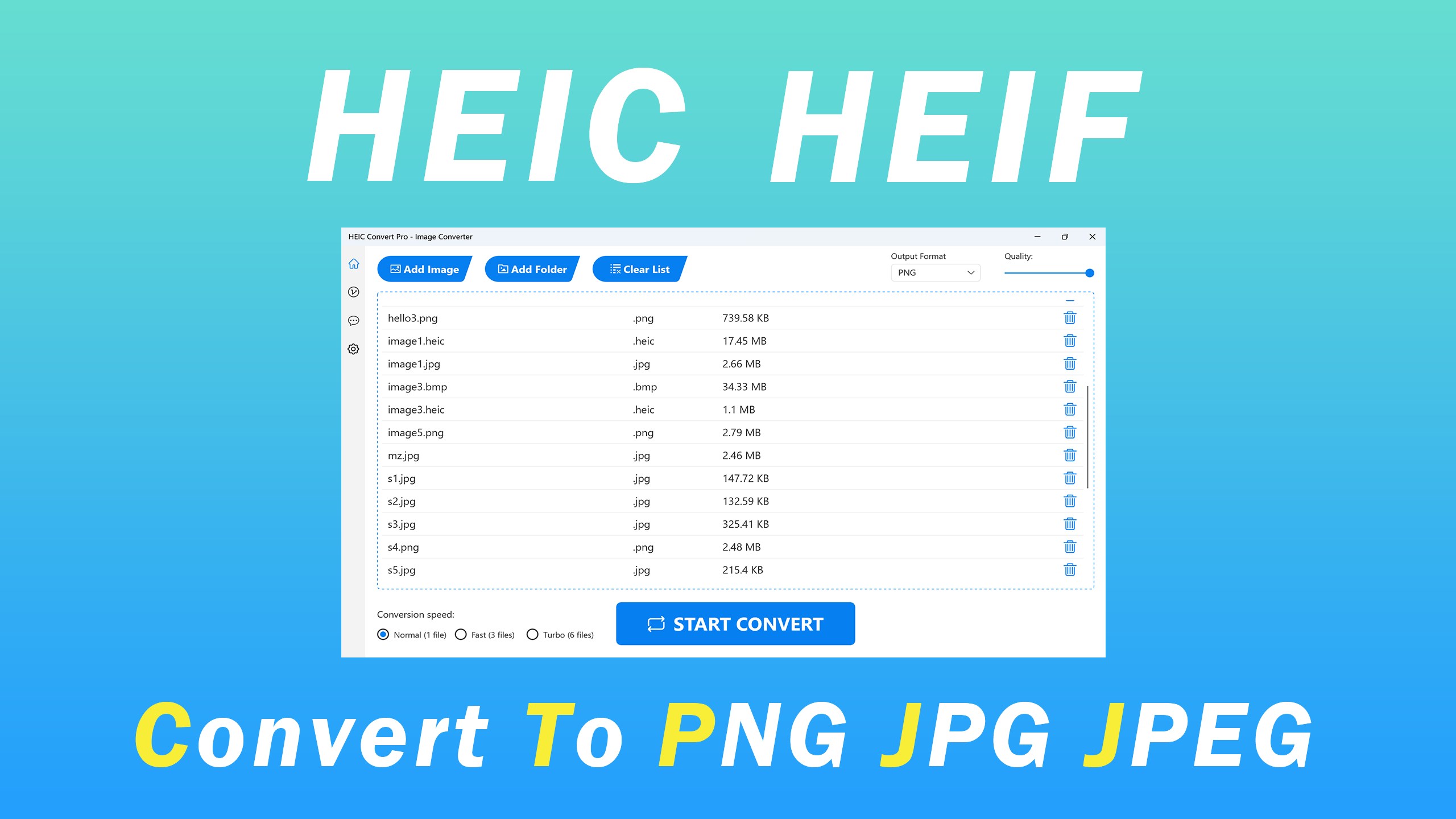
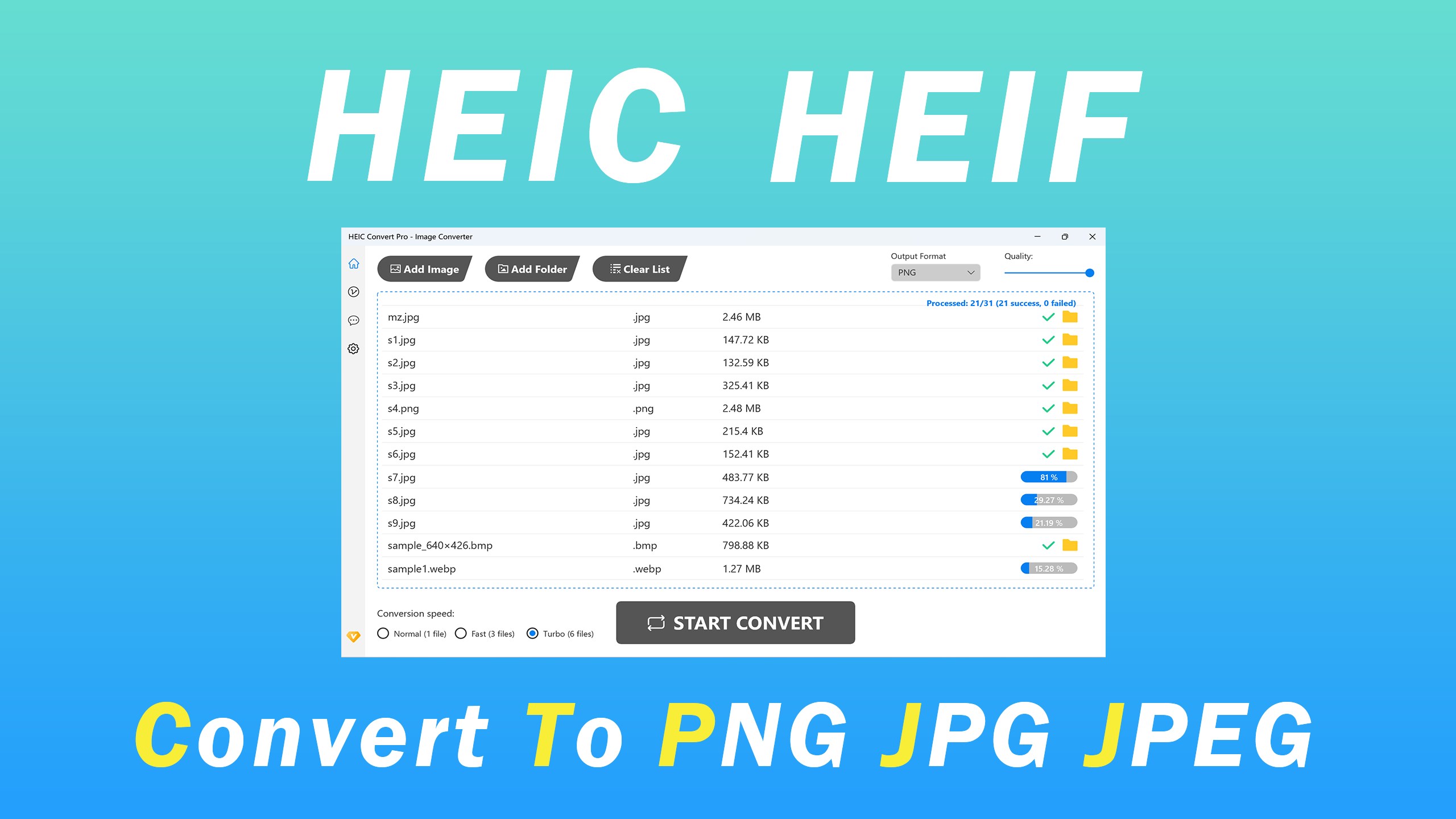
The standout feature of HEIC Convert Pro is its robust batch processing capability. Imagine having dozens of high-resolution HEIC images from a recent trip, all needing quick conversion for sharing online or editing. Instead of converting one by one, this app allows you to select entire folders or multiple files and convert them simultaneously. This not only saves time but also streamlines workflows, especially for photographers or content creators managing large image libraries.
Versatile Output Formats & Customization
Beyond simple conversion, HEIC Convert Pro offers flexibility with output formats—primarily JPEG and PNG—catering to different needs. Whether you require smaller file sizes for web use or lossless images for professional printing, the app provides customizable settings such as quality level, resolution, and color profile adjustments. This level of control ensures the final images meet your specific requirements without the need for secondary editing tools, acting like a skilled photography assistant that prepares your images just right.
Additional User Experience Highlights and Unique Selling Points
The app's experience extends beyond core functionalities. Its seamless integration with Windows Explorer enables right-click context menu conversions, which is like having a secret shortcut to quick edits without opening the application every time. Furthermore, HEIC Convert Pro maintains a low resource footprint, running smoothly even on modest hardware—ideal for users with aging PCs or those who prefer unobtrusive tools.
Compared to other utility tools in the market, HEIC Convert Pro's defining feature is its focus on batch efficiency combined with straightforward operating principles. Unlike some converters that are cluttered with unnecessary options or have steep learning curves, this app serves a singular purpose: making HEIC conversions fast, reliable, and easy. Its intuitive design makes it a perfect companion for casual users and professionals seeking a hassle-free, dependable tool.
Final Thoughts and Recommendations
I would recommend HEIC Convert Pro especially to users frequently dealing with HEIC files—photographers, graphic designers, or casual photo enthusiasts—who need a quick, no-fuss solution. Its core strengths in batch processing and format customization make it stand out without overwhelming the user. While it lacks some advanced editing features found in larger image editors, its dedicated performance and simple interface are compelling for those primarily concerned with format conversion.
In summary, HEIC Convert Pro is a trustworthy, efficient utility that addresses a common pain point with HEIC images. With its effortless operation and focus on core conversion needs, it's a tool worth having in your digital toolkit—think of it as your reliable assistant helping you tidy up your photo collection swiftly and effortlessly.
Pros
- High-quality image conversion
- Supports batch processing
- User-friendly interface
- Fast conversion speed
- Built-in image preview
Cons
- Limited format support beyond HEIC and common formats
- Occasional conversion errors with heavily compressed HEIC files
- Lacks advanced editing features
- No cloud integration for batch uploads
- Some popup ads in free version











