
- Category Utilities & tools
- Available on PC, Mobile, Surface Hub, HoloLens
- OS Windows 10 version 18362.0 or higher
- languages English (United States)
Introducing HEIC Converter – Transform Your Images Seamlessly
In an era where efficient image formats are vital for quick sharing and storage, HEIC Converter by Moonlight Tidal Technology emerges as a straightforward yet powerful tool designed to convert images effortlessly on Windows. Whether you're a professional photographer, a casual user, or someone needing quick format compatibility, this app promises to streamline your image management with ease.
Powerful Core Features That Make Converting a Breeze
Convert Any Image Format to HEIC or Vice Versa
The standout feature of HEIC Converter is its flexibility in handling various image formats. Need to save space and use high-efficiency HEIC files? Or perhaps convert HEIC images back to more universally supported formats like JPEG or PNG? This app manages both with intuitive controls, ensuring that your images are converted accurately without distortion or quality loss. Think of it as a bilingual translator for your images—bridging compatibility gaps effortlessly.
Batch Conversion for Efficiency
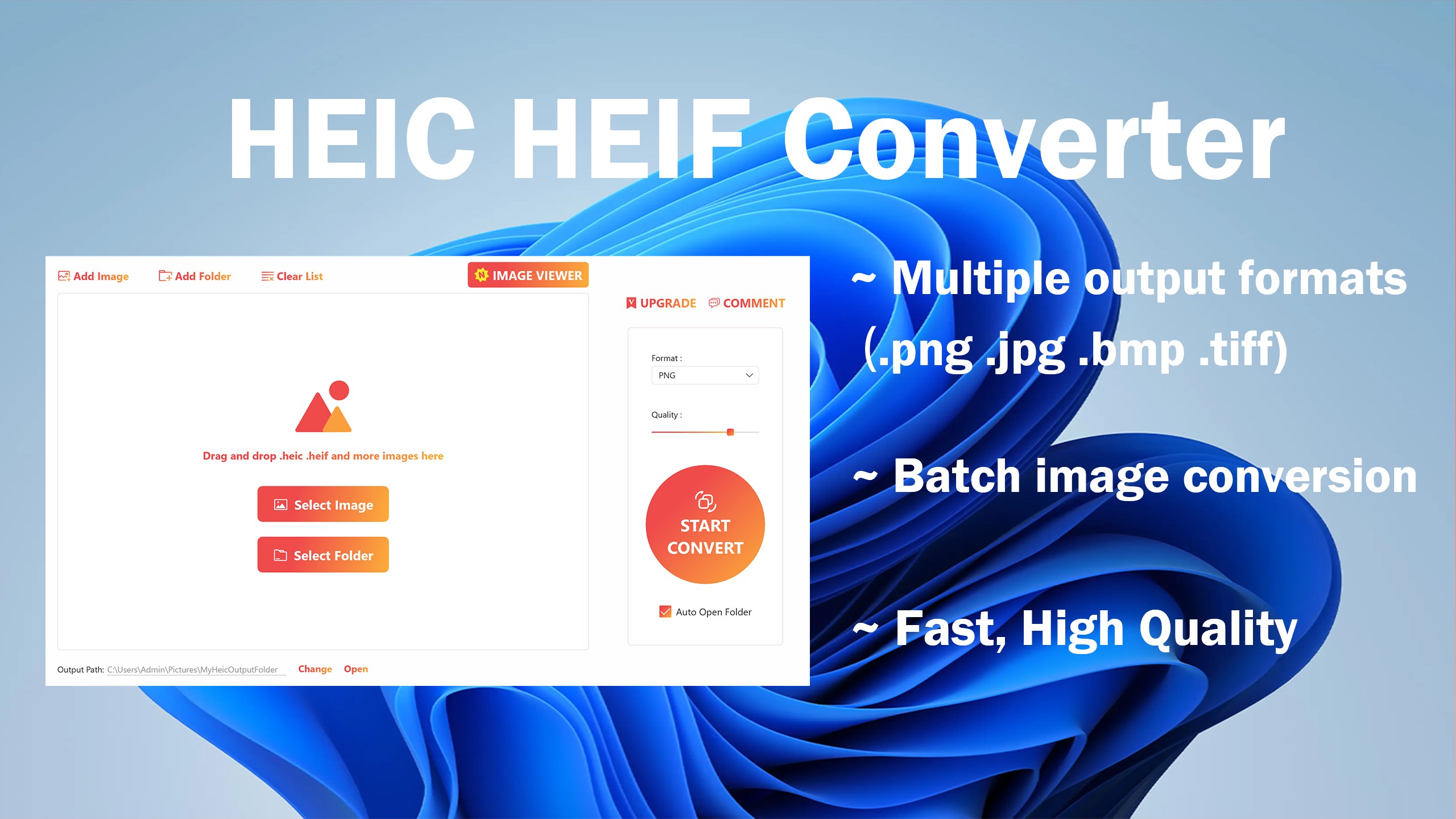
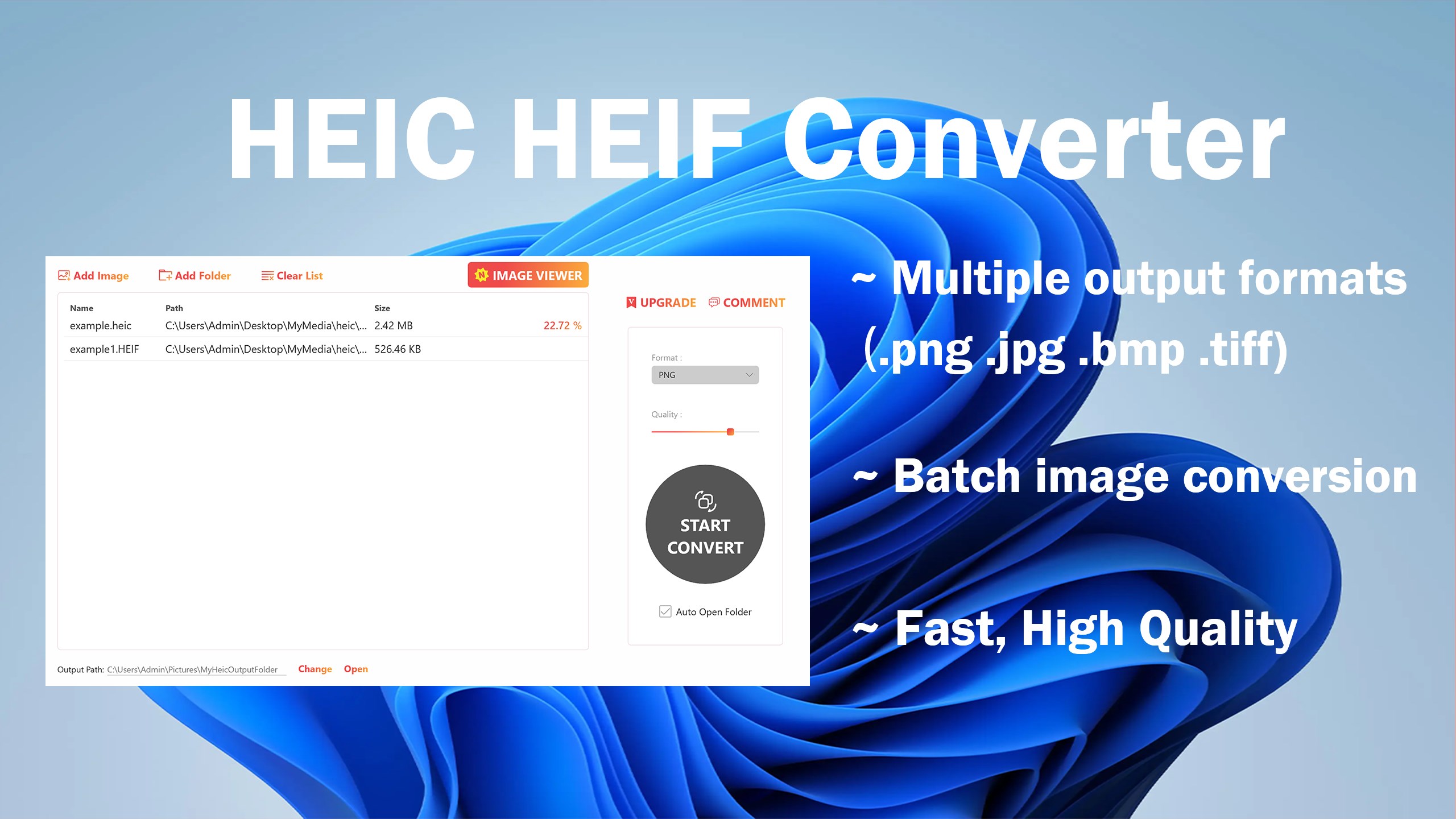
Trying to convert multiple images one by one can feel like yanking teeth—tedious and time-consuming. HEIC Converter tackles this with batch processing capabilities. Simply select a folder or multiple files, and let the app do its magic in one go. This feature transforms what could be a chore into a quick and satisfying experience, perfect for users handling large volumes of images regularly.
Preview and Custom Settings
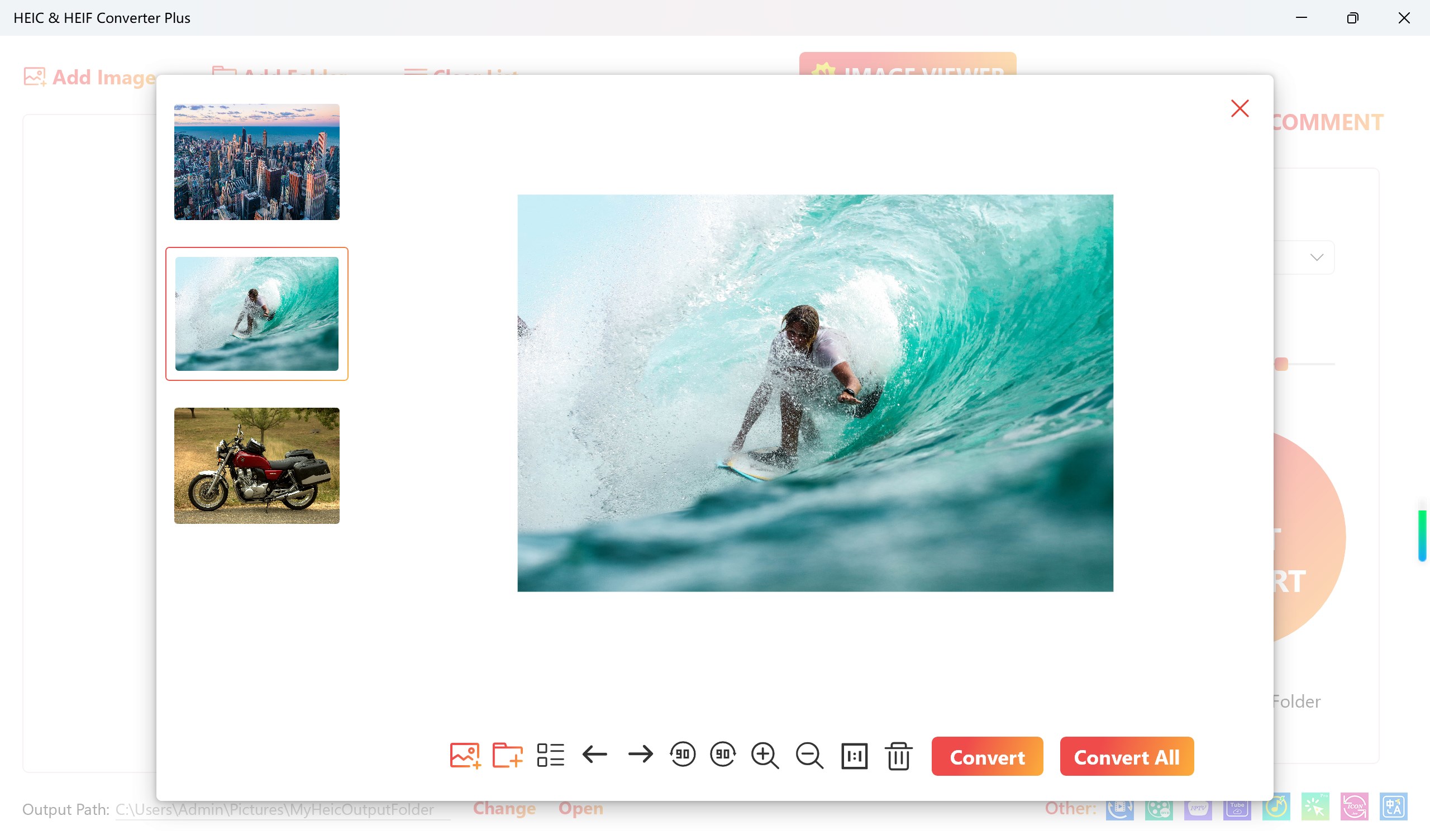
Experience total control with built-in preview options that let you see how your images will look after conversion. The app also offers adjustable settings, giving you the ability to select output quality, resolution, and format specifics. It's like having a mini photo studio at your fingertips, ensuring your images look just right before saving them. This feature particularly appeals to users wanting precise, high-quality results without a steep learning curve.
Design, Usability, and User Experience
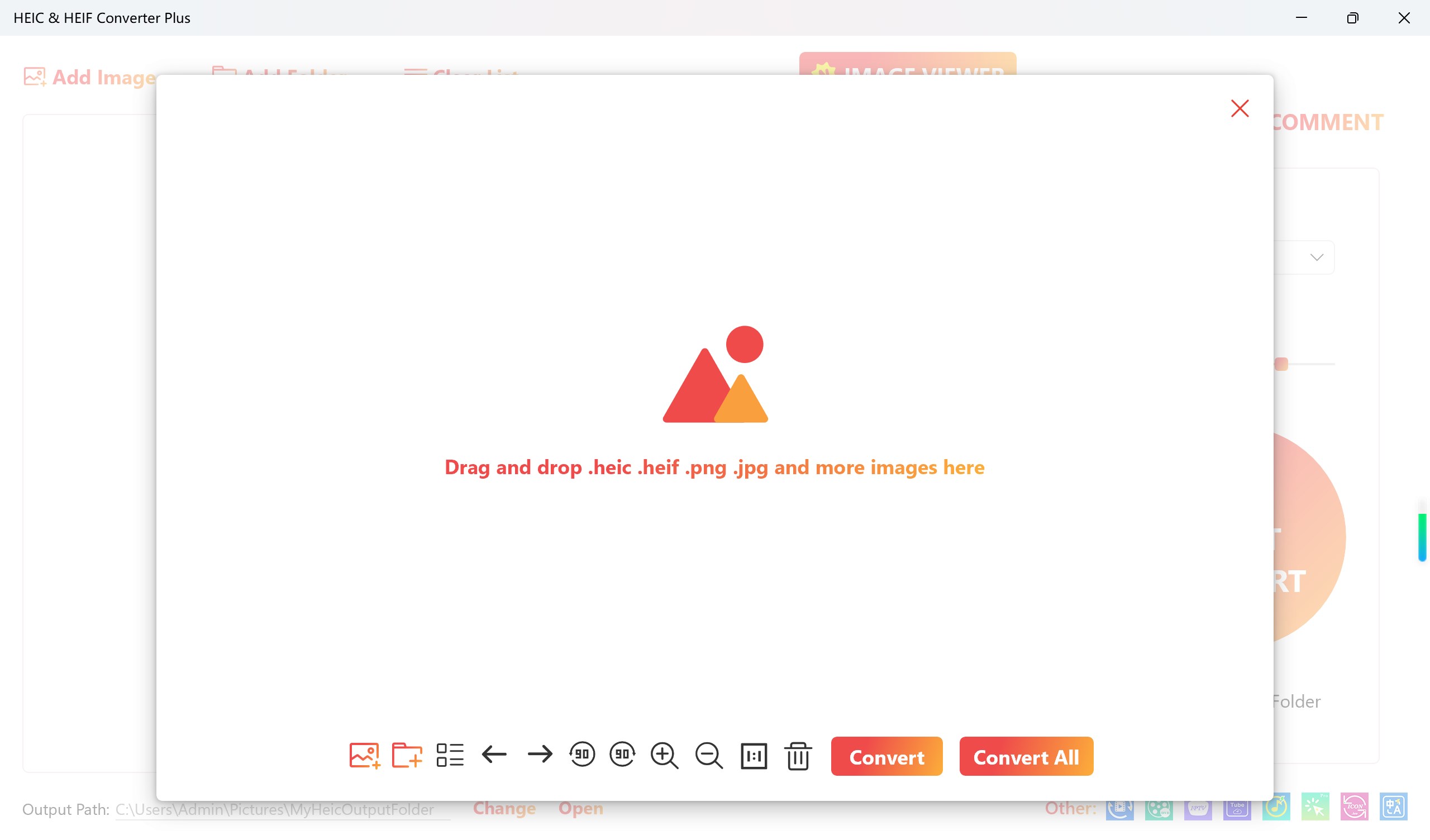
The interface of HEIC Converter strikes a fine balance between minimalism and functionality. Clean, straightforward layout means even tech novices can navigate without a hitch—think of it as a well-organized toolbox where every tool has its place. Operations are smooth; clicking ‘Add Files,' choosing output options, and hitting ‘Convert' feels almost like a friendly chat rather than a complex procedure. The learning curve is gentle, making it accessible for anyone who needs quick image conversions without jumping through hoops.
Unique Selling Points that Set It Apart
While many utilities claim to convert images, HEIC Converter's real strength shines through its dual-format versatility—converting both to and from HEIC seamlessly—paired with a high-performance batch processing engine that ensures speed without sacrificing quality. Its ability to preserve image fidelity after multiple conversions is particularly noteworthy, making it a reliable choice for professionals and hobbyists alike. Moreover, compared to other tools that focus solely on one way of conversion, this flexibility offers a genuine advantage, especially when managing diverse image collections.
Final Thoughts and Recommendations
Overall, HEIC Converter by Moonlight Tidal Technology earns a solid recommendation for users seeking a straightforward, reliable, and efficient image conversion utility for Windows. Its ease of use combined with robust features makes it an ideal companion for everyday tasks or more intensive workflows. If you often deal with HEIC images or need quick format conversions, this app could become your go-to tool, saving time and reducing frustration. For those who prioritize simplicity without sacrificing quality, HEIC Converter is worth a try—and it might just become your trusted digital assistant.
Pros
- Fast and efficient image conversion
- Supports multiple image formats
- Easy-to-use interface
- Batch conversion capability
- Preserves original image quality
Cons
- Limited editing features
- No built-in image preview before conversion
- Occasional compatibility issues with very large files
- Limited customization options for output settings
- Lack of detailed support documentation











