
- Category Utilities & tools
- Developer MakeTone
- Available on PC, Mobile, Surface Hub, HoloLens
- OS Windows 10 version 17763.0 or higher
- Keyboard Integrated Keyboard
- Mouse Integrated Mouse
- languages English (United States)
Transforming Your HEIC images effortlessly: An in-depth look at HEIC Converter Pro
If you've ever wrestled with the hassle of converting HEIC files — those light and compact images shot by iPhones — you'll appreciate the straightforward power this app promises. HEIC Converter Pro for Windows by MakeTone aims to streamline your image management with its efficient, user-friendly approach. But does it live up to the hype? Let's dive into what makes this tool stand out in the crowded utilities market.
An Overview: Efficient, User-Friendly, and Reliable
HEIC Converter Pro is designed specifically for users who need to convert HEIC images into more universally compatible formats like JPG with ease. Created and maintained by MakeTone, this application targets everyday users — from casual photographers to small business owners handling large volumes of images, who seek a quick and reliable solution for image conversion without fuss.
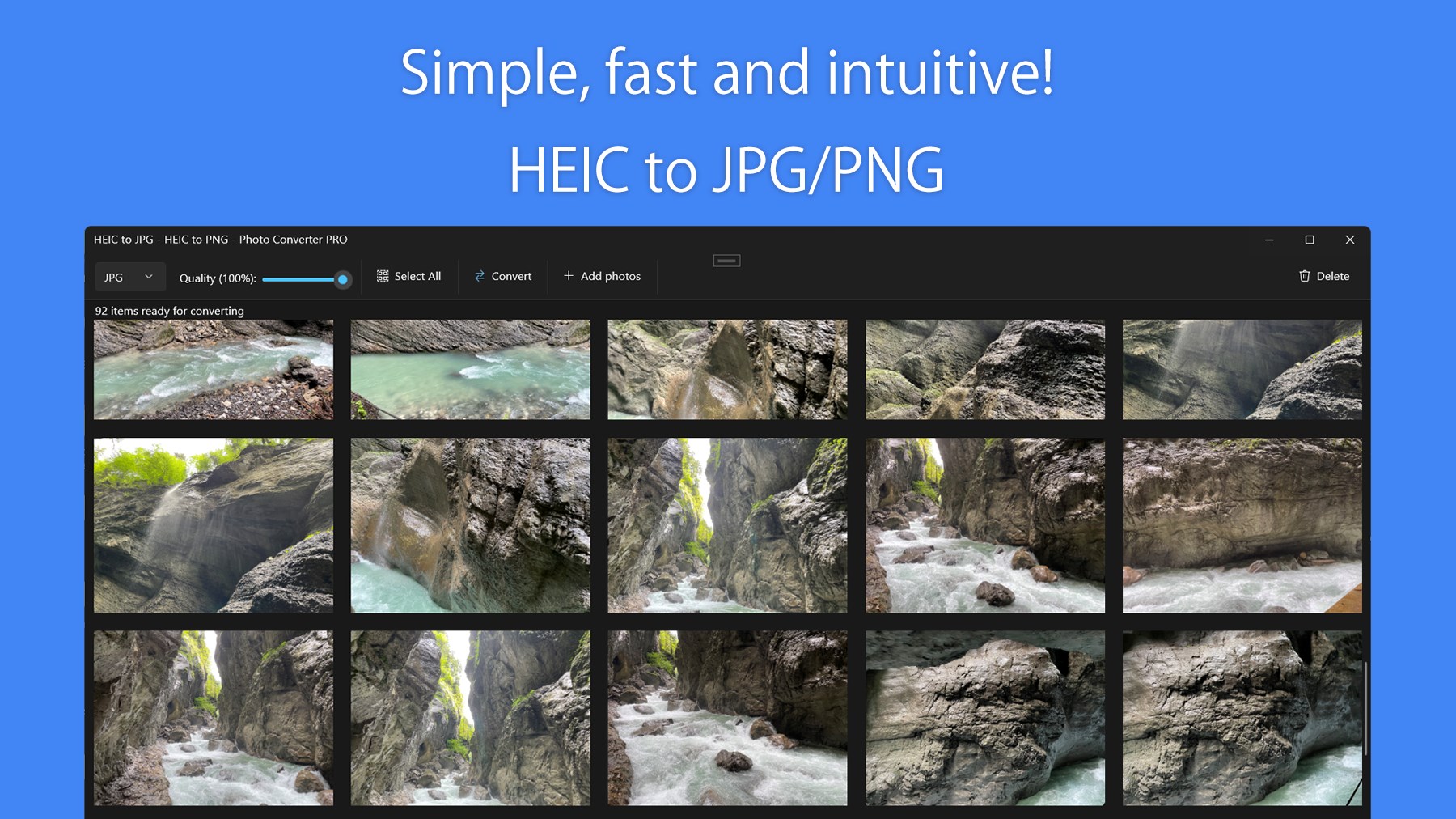
Its main highlights include rapid conversion speeds, batch processing capabilities, and an intuitive interface that minimizes the learning curve. Whether you're looking to convert a handful of images or hundreds, HEIC Converter Pro caters to your needs efficiently and without compromising quality.
A Fresh Take on Image Conversion: The Engaging Core Features
Fast and Batch Conversion Powerhouse
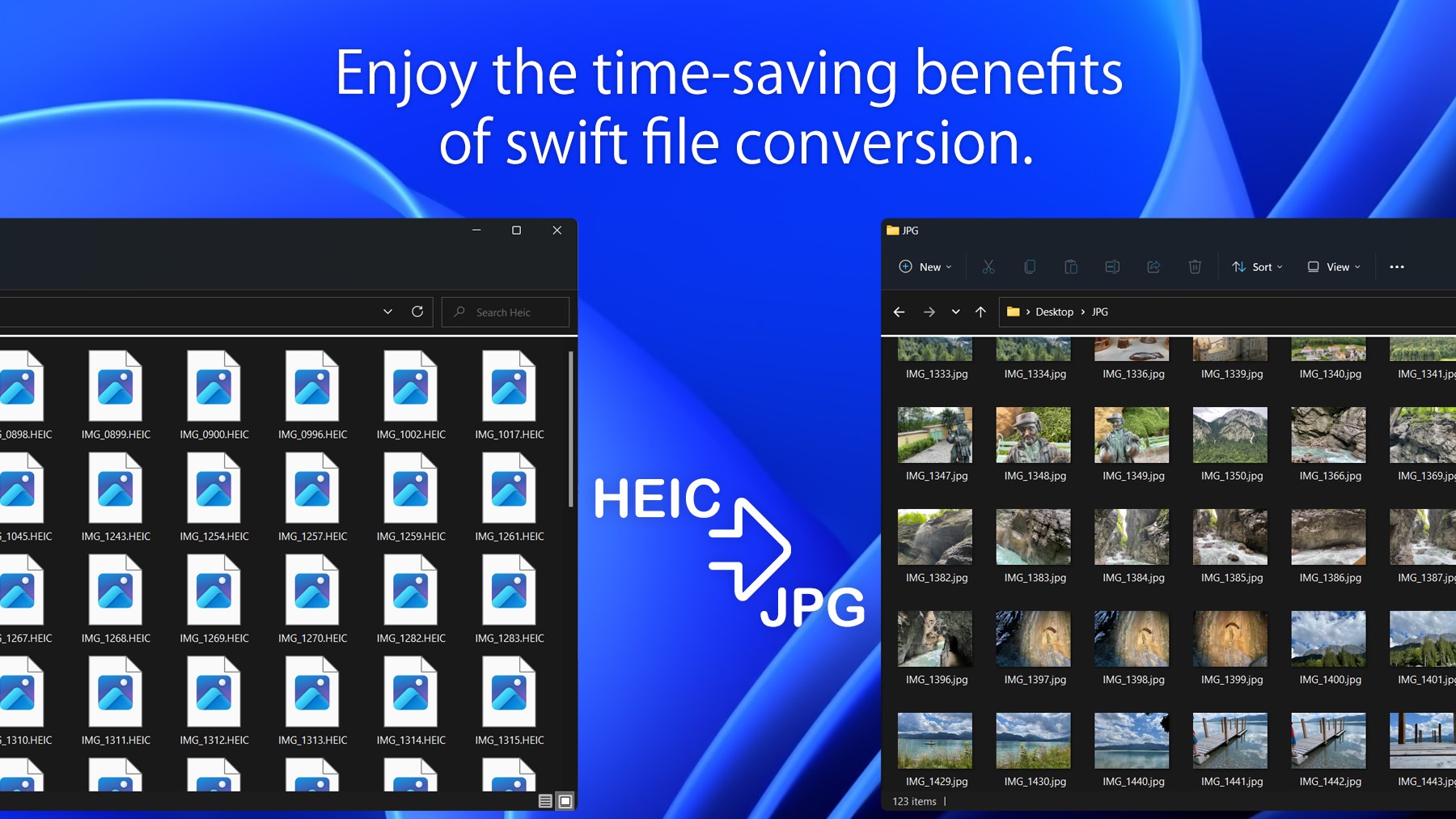
The standout feature of HEIC Converter Pro is its ability to convert multiple HEIC files simultaneously without breaking a sweat. Imagine you've just returned from a vacation, and your phone has stored hundreds of images in HEIC format — instead of one-by-one conversions that drain your patience, this app handles it all at once. The engine behind the scenes employs optimized processing that reduces wait times substantially, making it feel more like a magic wand than a mundane task. This efficiency is perfect for photographers and users who need quick turnaround times.
Intuitive, Minimalist Interface with a Clear Workflow
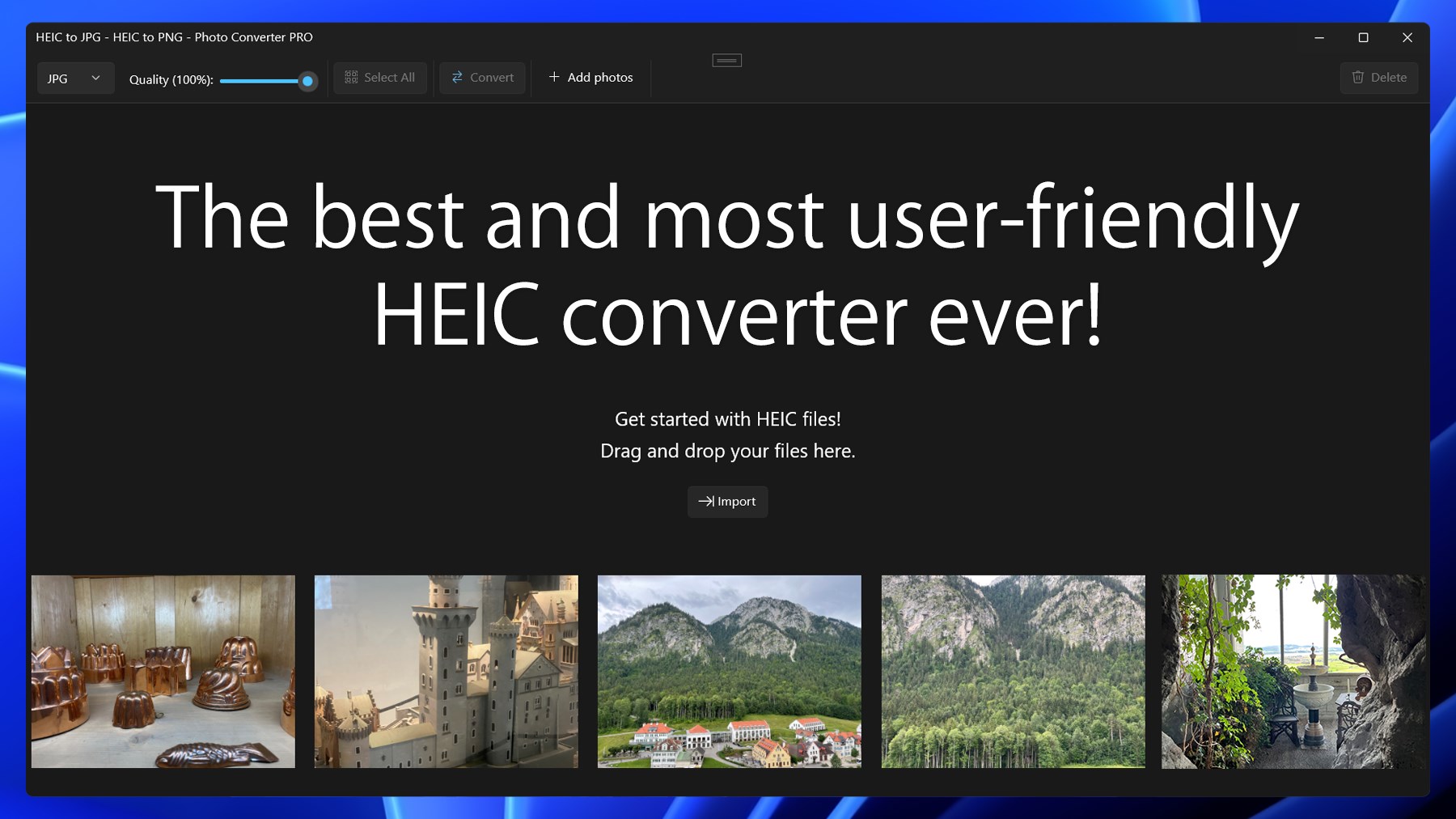
Pour a cup of coffee while navigating through this app — it's that smooth. The interface is clean and clutter-free, offering clear options like "Add Files," "Choose Output Folder," and "Convert." No confusing menus or complicated settings; instead, it guides you seamlessly through what could be a complex process, translating technical steps into simple clicks. This means even those new to image conversion can master it within minutes, making it accessible for all levels.
Lossless Quality and Format Control
One of the most critical aspects of any image conversion tool is maintaining image quality. HEIC Converter Pro ensures that your JPGs retain the original clarity, colors, and details, so your memories stay vivid after conversion. Additionally, it provides customizable options, like adjusting the output quality or resizing images during the process — offering both simplicity and control in one package.
What Sets It Apart? The Unique Advantages
Compared to many other utilities that perform similar tasks, HEIC Converter Pro excels in its combination of speed, ease of use, and quality assurance. Its batch processing capacity isn't just a side feature; it's at the core, making it particularly suitable for users handling large sets of images regularly. Moreover, the app's minimalist interface coupled with efficient processing creates a user experience that feels both professional and approachable.
Another notable point is its platform compatibility. Designed specifically for Windows, it integrates smoothly into your desktop workflow, unlike some tools that are web-based or require complicated setup. For those who value privacy and speed without sacrificing functionality, HEIC Converter Pro offers a familiar yet powerful local solution.
Final Thoughts: Your Go-To HEIC Conversion Companion
Overall, HEIC Converter Pro earns a solid recommendation for users seeking a straightforward, reliable, and high-quality conversion tool. It's particularly advantageous for those who frequently handle large batches of images or need a quick, no-fuss solution that preserves image integrity. If your workflow involves dealing with HEIC files and you want a tool that makes the process seamless and efficient, this app is worth trying out.
Given its user-friendly design and robust features, I see it fitting well in both personal photo management and small business operations. Just set your files in, choose your preferences, and let the app handle the heavy lifting. It's a smart utility that combines practicality with professionalism, making your image management tasks less of a chore and more of a pleasure.
Pros
- High conversion speed
- User-friendly interface
- Batch processing support
- Preserves image quality
- Supports various output settings
Cons
- Limited format options
- Occasional crashes with large files
- No built-in editing features
- Free version has limited batch size
- Lacks detailed conversion logs











