
- Category Utilities & tools
- Developer The Home Remote LLC
- Available on PC, Mobile, Xbox console, Surface Hub, HoloLens
- OS Windows 10 version 16299.0 or higher
- languages English, English (United States), French, German, Italian, Spanish, Spanish (Spain)
Unlocking Your Smart Home Potential: An In-Depth Look at Home Remote for Windows
Imagine seamlessly managing all your smart devices from your Windows PC as if you had a universal remote in your hands—that's the promise that Home Remote for Windows delivers. Designed to unify control over various connected gadgets, this app aims to streamline your smart home experience with intuitive interfaces and powerful customization options.
About the App: Bridging Convenience and Control
Home Remote for Windows is developed by The Home Remote LLC, a team dedicated to creating comprehensive smart home control solutions. This application stands out by offering an all-in-one platform that consolidates multiple device protocols and ecosystems into a single, user-friendly interface.
- Main Features:
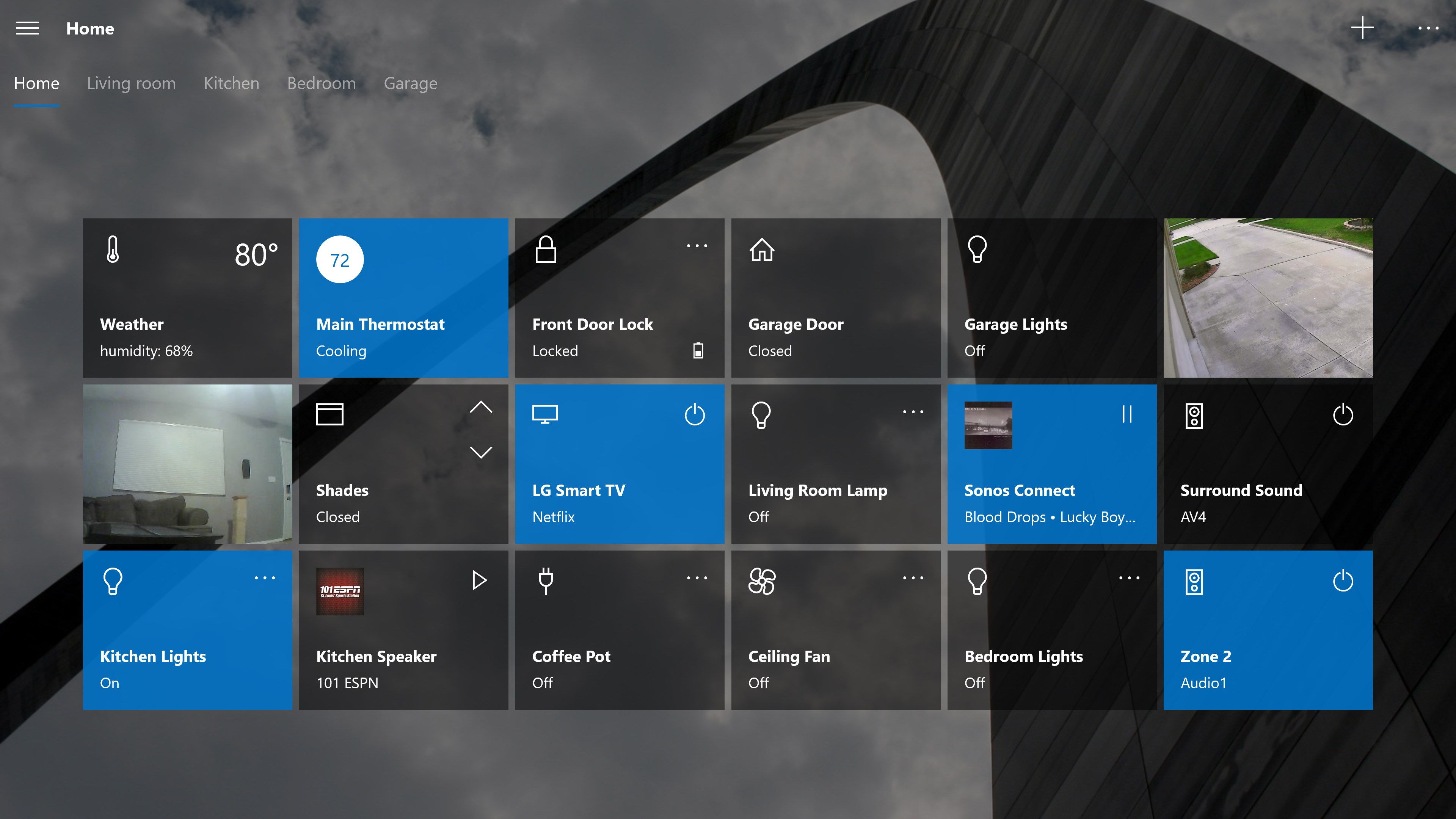
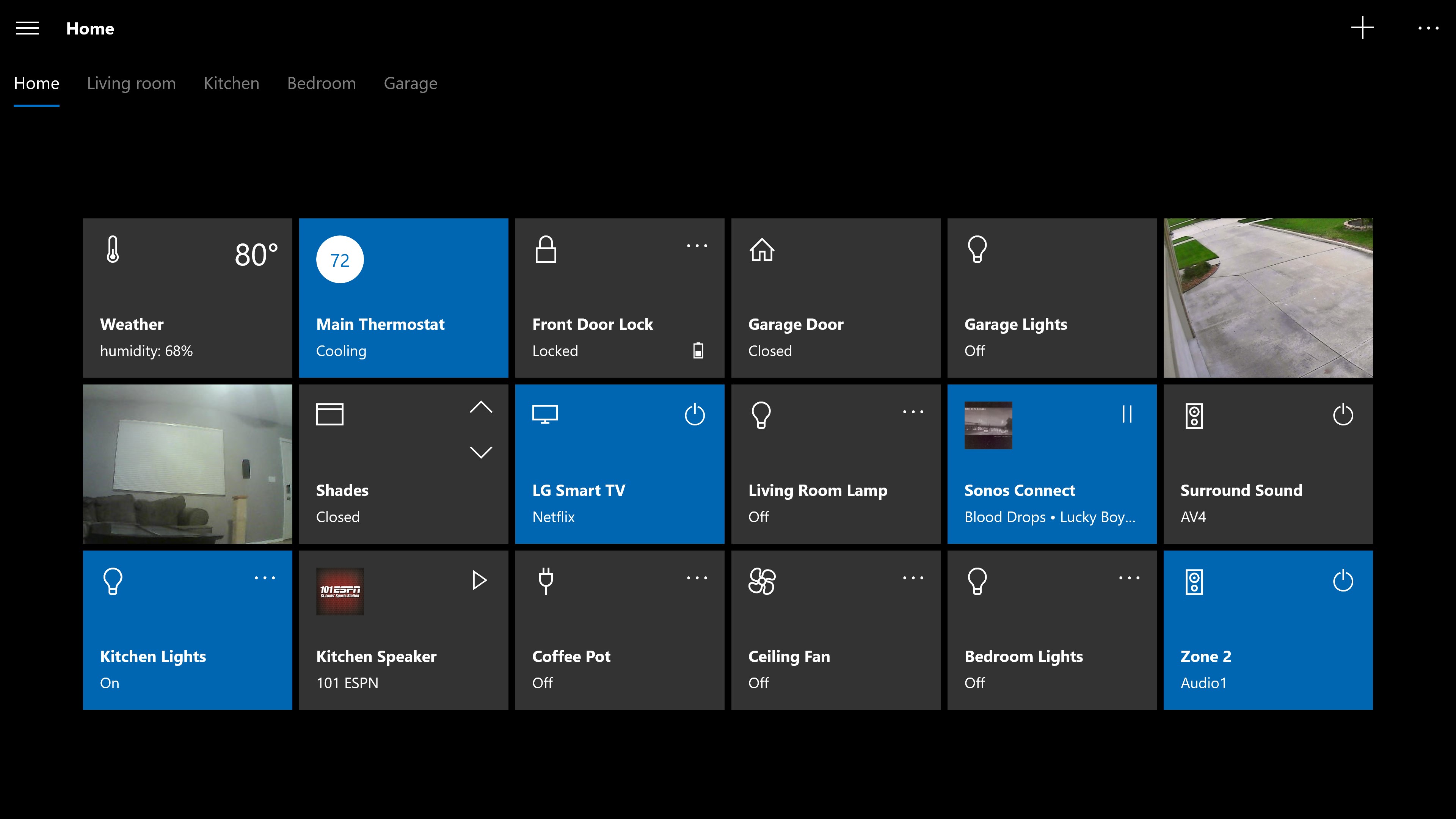
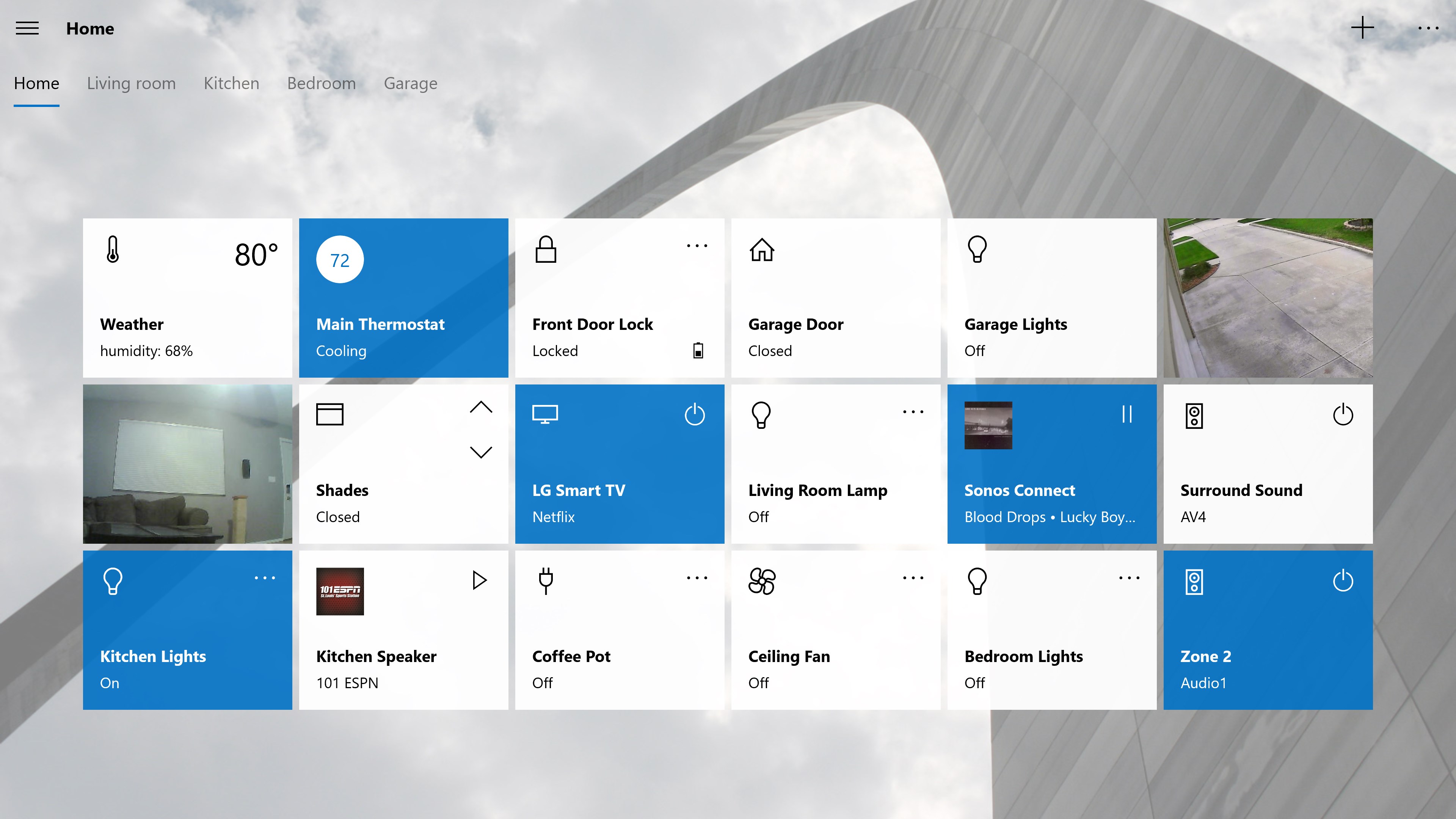
- Customizable dashboards that cater to your specific smart devices and scenes
- Support for a wide range of protocols including Z-Wave, Zigbee, and IP-based devices
- Automated routines and triggers to automate your daily routines
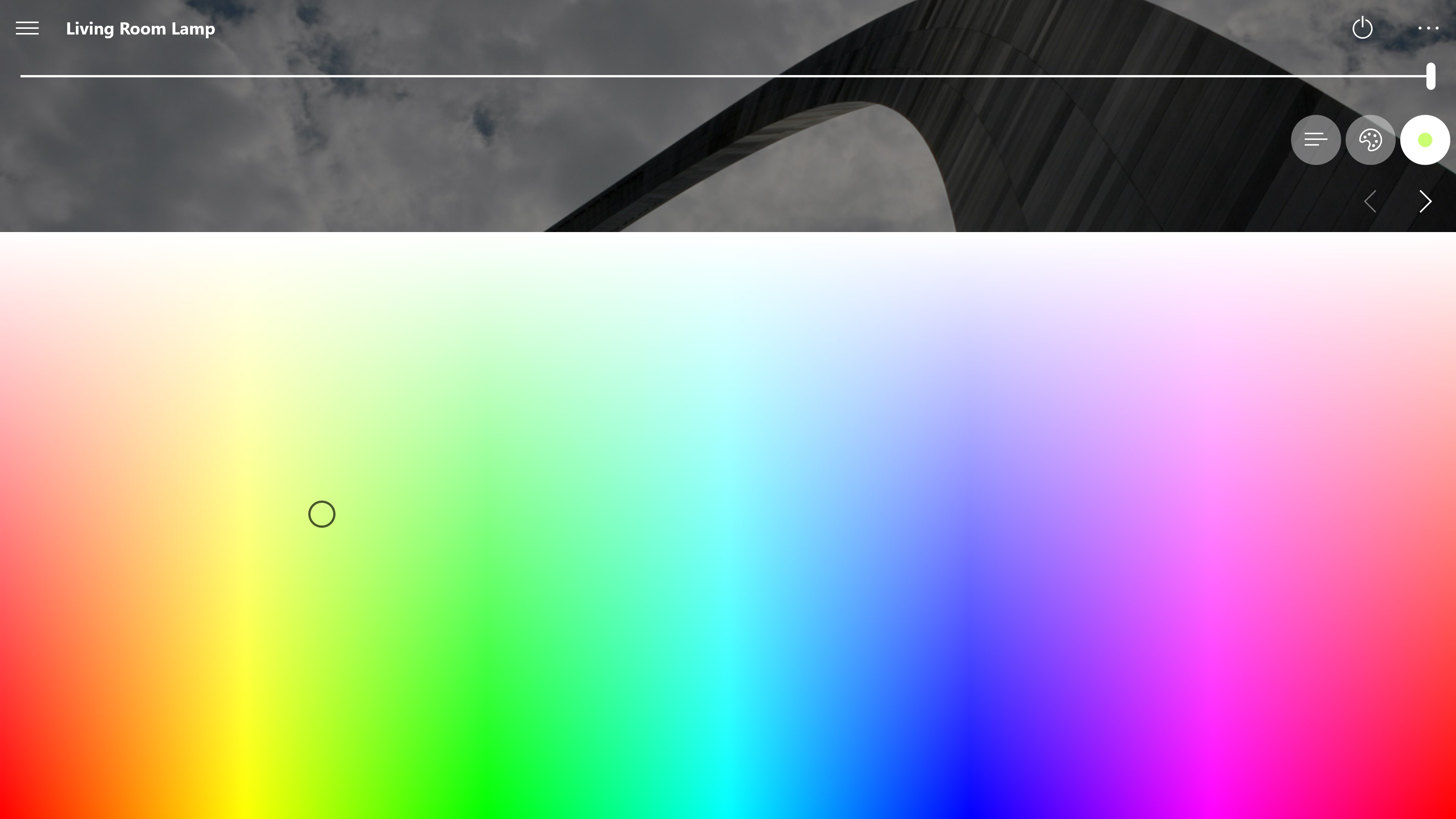
- Rich visual interface with live status updates and control buttons
- Target Audience: Tech enthusiasts, smart home hobbyists, and anyone seeking a centralized platform to manage their connected devices efficiently.
Dive Into a Smart Control Wonderland
Picture sitting at your desk, glancing at your monitor, and effortlessly flipping the lights off, adjusting the thermostat, and closing the blinds—all from your Windows desktop. Home Remote truly transforms your PC into the command center for your entire smart home ecosystem, turning mundane control into a delight.
Customizable Dashboards: Your Personal Control Panel
The app's most compelling feature is its highly customizable dashboards. Think of it as designing your own cockpit; you can drag and drop device controls, group related devices, and create scenes for specific moods—like 'Movie Night' or 'Away Mode.' This flexibility ensures you're not stuck with a cluttered interface, but rather a tailored experience that fits your routine perfectly. Setting up these dashboards initially might take a bit of time, but the learning curve is gentle thanks to clear tutorials and a supportive community.
Robust Device Compatibility and Protocol Support
One of the app's standout advantages over typical utilities is its broad protocol support. While many control apps are tied to specific ecosystems—like only Z-Wave or only IP devices—Home Remote bridges these worlds effortlessly. It allows you to control Zigbee sensors, Z-Wave switches, IP cameras, and more, all from one unified platform. This capability is especially beneficial for households with varied smart devices, as it tears down compatibility barriers, providing you with a true centralized control system.
Automation and Scene Management: Making Your Devices Work Smarter
Home Remote excels in automation capabilities, enabling you to set routines based on time, device states, or external triggers. Imagine your PC automatically dimming the lights and unlocking your door when it detects your arrival—these automations can be tailored to your preferences. The user interface for creating and managing scenes is straightforward, yet powerful enough to satisfy both casual users and tech-savvy enthusiasts. It's akin to programming a personal assistant tailored exactly to your living habits.
User Experience: Seamless and Intuitive?
The app sports a clean, modern interface with well-organized menus and responsive controls. Navigating through dashboards and device lists is snappy, which is essential for a real-time control environment. The learning curve is gentle; even users new to smart home automation can grasp the basics quickly, while advanced users can leverage the detailed configuration options. Compatibility with Windows' touch capabilities further enriches the user experience, allowing for swipe gestures and quick access controls.
What Makes Home Remote Truly Stand Out?
While many smart home apps exist, Home Remote's key differentiators are its extensive protocol support and fully customizable dashboards. Unlike apps that lock you into a fixed layout or ecosystem, this platform empowers you to craft your ideal control panel, accommodating a growing smart device lineup without the need to switch apps or interfaces. Its flexibility turns your PC into an adaptable control hub—an asset for both casual users and tech aficionados alike.
Final Thoughts and Recommendations
In summary, Home Remote for Windows is a versatile and robust tool for anyone seeking a centralized, customizable solution for managing their smart home devices. Its support for multiple protocols and user-centric design make it a compelling choice, especially for those who want to go beyond basic control and delve into automation and scene creation.
We recommend this app to users comfortable with configuring their smart ecosystems and eager to personalize their control experience. For newcomers, the learning curve might require some patience, but the payoff is a tailored, efficient control center that truly meets modern smart home demands.
Pros
- Ease of Remote Access
- User-Friendly Interface
- Wide Compatibility
- Strong Security Features
- Multi-Device Support
Cons
- Occasional Connection Drops
- Limited Customization Options
- Performance Lag on Low-End Devices
- Requires Stable Internet Connection
- Initial Setup Complexity for Beginners











