

- Category Utilities & tools
- Available on PC
- OS Windows 10 version 15063.0 or higher
- languages English (United States)
An In-Depth Look at HP Cloud Recovery Tool for Windows
If you're a tech enthusiast or a cautious user eager to safeguard your Windows environment, HP Cloud Recovery Tool offers a streamlined solution to keep your systems safe and recoverable. Designed by HP Inc., this app simplifies the process of creating cloud-based recovery options, ensuring peace of mind in case of system failures or data loss.
Basic Information and Core Highlights
Positioned as a reliable utility for Windows users, the HP Cloud Recovery Tool is developed by HP Inc., a global leader in personal computing and printing solutions. The app's main features include:
- Cloud-Based Recovery Creation: Effortlessly generate a recovery environment stored securely in the cloud, reducing reliance on physical media.
- Seamless System Backup: Efficiently back up critical system images, enabling faster restoration without complex procedures.
- Automated Recovery Processes: Simplifies recovery workflows, especially useful in emergency scenarios where time is critical.
- User-Friendly Interface: Designed for both tech-savvy users and beginners, making recovery tasks accessible and straightforward.
Targeted mainly at HP device owners and Windows users seeking hassle-free recovery solutions, this app caters to both IT professionals and everyday users eager for peace of mind.
Vivid Exploration of Features
Making Recovery a Breeze: Cloud Storage Advantage
One of the standout features of the HP Cloud Recovery Tool is its ability to generate recovery images directly stored in the cloud. Imagine having a safety deposit box for your system—accessible anytime, anywhere. This eliminates the need for physical DVDs or USB drives, which can be misplaced or damaged. Setting this up is as simple as clicking a few buttons, and in minutes, your recovery environment is ready to go. This feature's biggest strength lies in its convenience and security, providing users with an off-site backup that's less vulnerable to local hardware failures.
Streamlined Backup and Recovery Operations
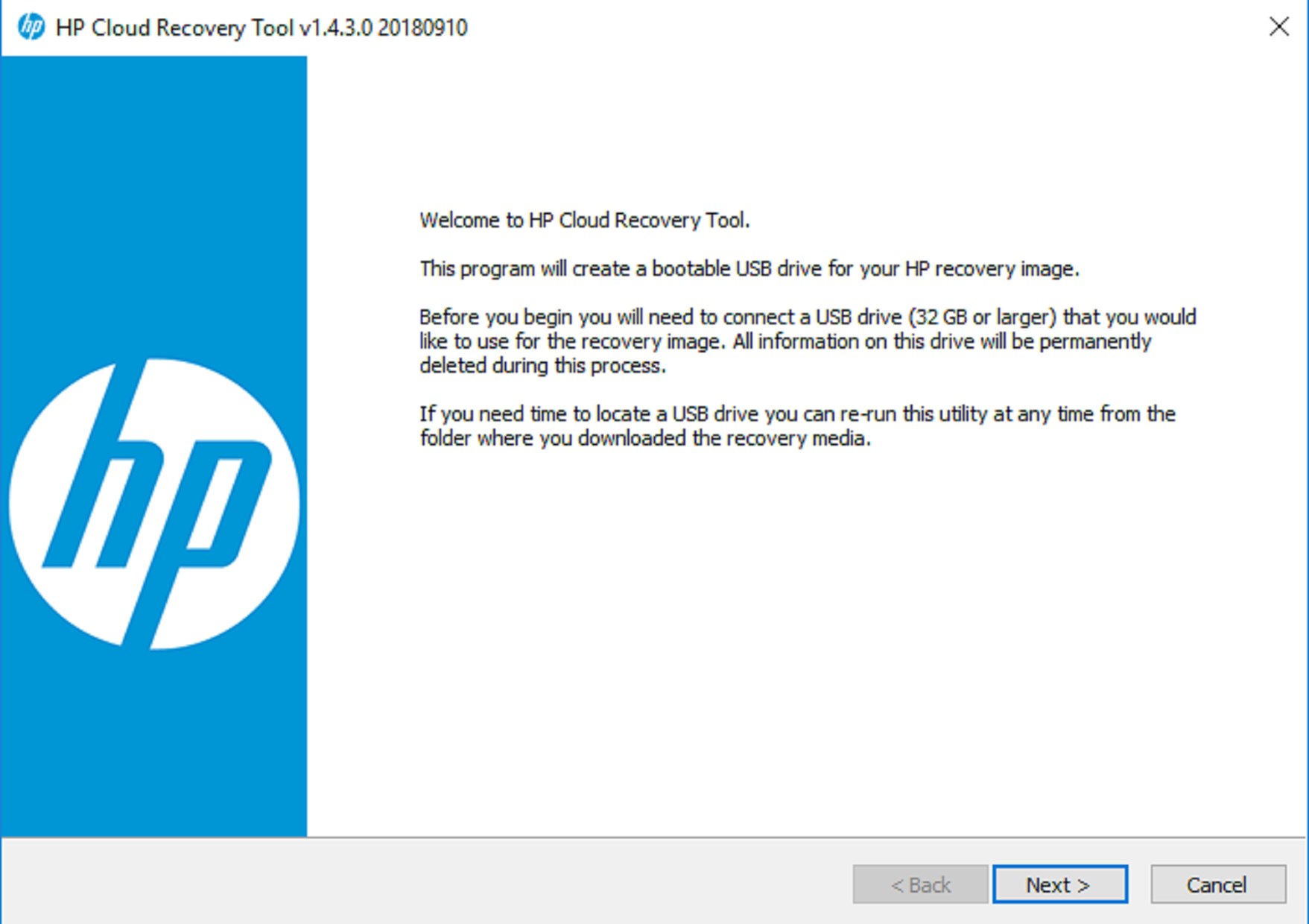
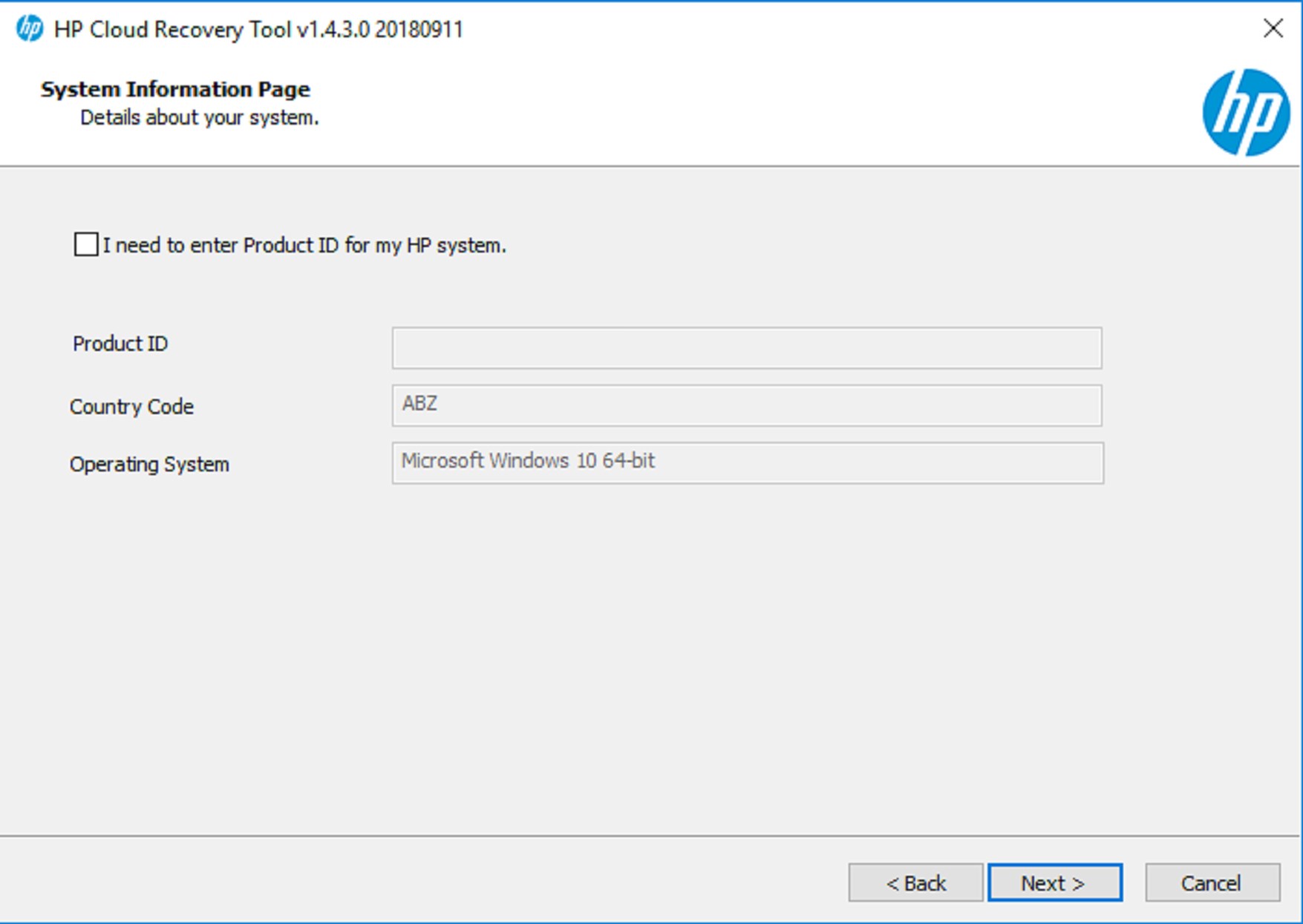
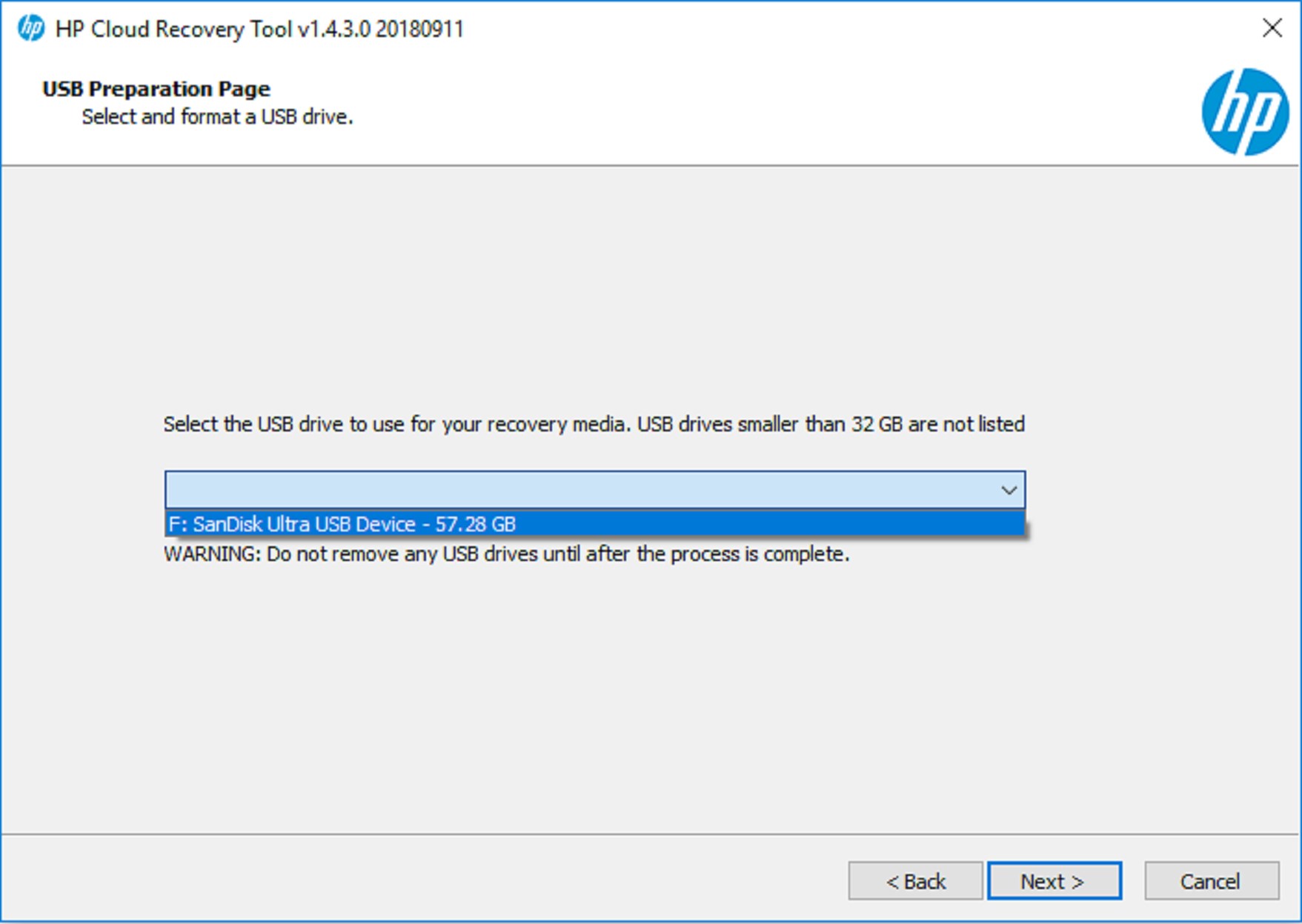
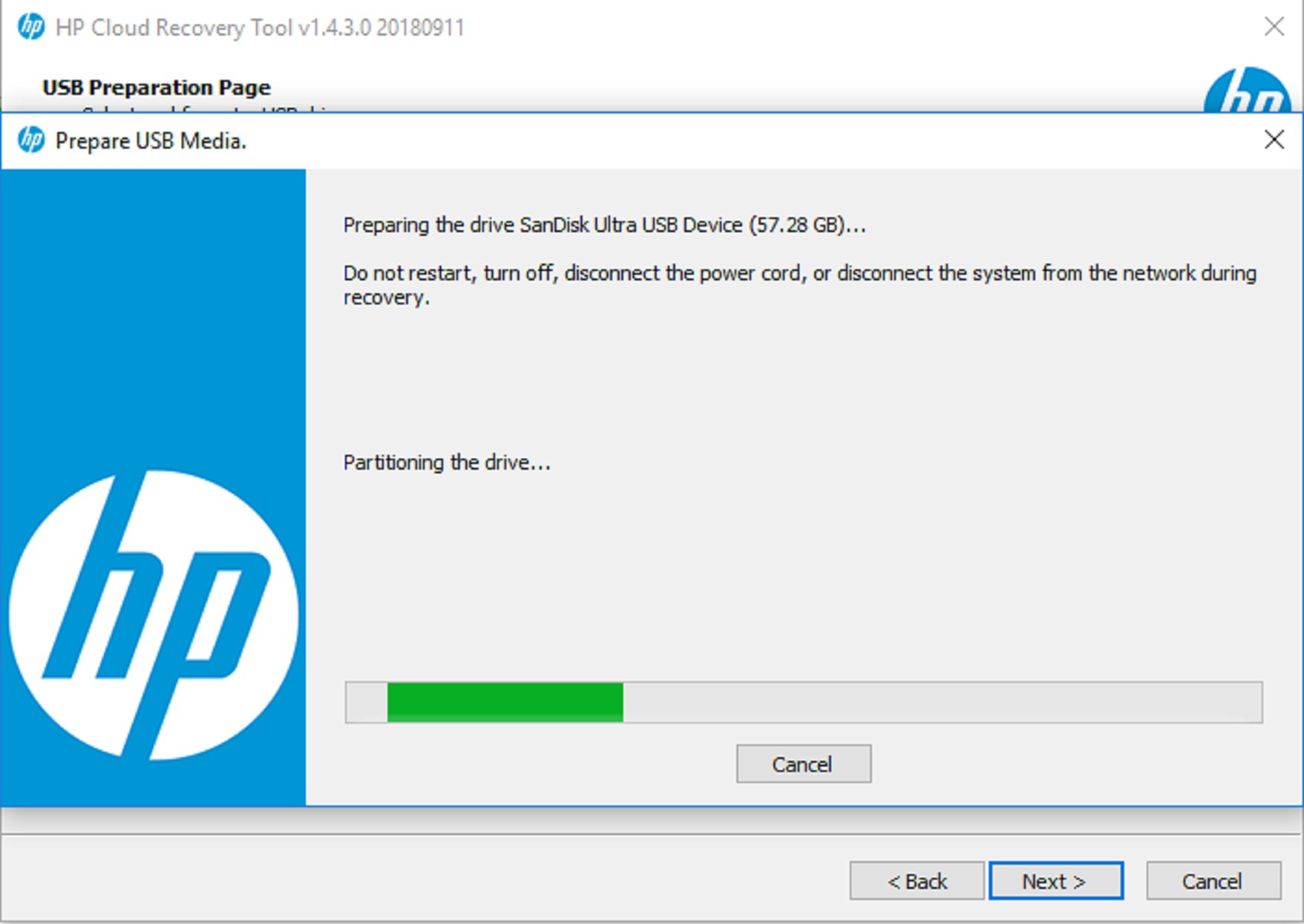
The app's core purpose revolves around creating reliable backups and restoring systems swiftly. Its intuitive wizard guides users through selecting what to back up and where to save it, making complex processes appear effortless—think of it as having a trusted co-pilot navigating through system recovery. Once set up, restoring a system becomes a matter of a few clicks, minimizing downtime during disaster scenarios. This smooth operation is particularly beneficial for IT departments managing multiple devices or for individual users who prefer straightforward solutions.
Elegant User Experience and Differentiators
The interface of the HP Cloud Recovery Tool is clean, modern, and easy to navigate, reminiscent of a well-organized toolbox where every tool has its place. The operation flow is fluid, with responsive buttons and clear prompts that reduce the learning curve significantly. Unlike some utility tools cluttered with options or laden with technical jargon, this app presents itself as friendly yet professional. Its standout advantage lies in integrating cloud storage seamlessly with recovery functions, a feature not always as polished in other similar utilities. This uniqueness positions it as a forward-thinking recovery tool, aligning with the increasing shift towards cloud solutions.
Final Thoughts and Recommendation
Overall, the HP Cloud Recovery Tool for Windows earns a solid recommendation for HP users and anyone seeking a dependable, easy-to-use recovery assistant. Its highlight—cloud-based recovery creation—sets it apart from many peers, offering enhanced security and flexibility. The app is best suited for users who want to minimize hardware dependency and prefer straightforward, automated recovery options. While it's not a comprehensive backup suite, it excels in its niche of quick, reliable recovery setup. If system resilience and convenience are priorities for you, give it a try—it's a practical tool that can serve as your digital safety net without complicating your routine.
Pros
- User-Friendly Interface
- Reliable Recovery Process
- Fast Performance
- Official Support from HP
- Regular Updates
Cons
- Limited Device Compatibility
- Occasional Download Errors
- Basic Recovery Options
- Requires Internet Connection for Updates
- Limited Language Support











