

- Category Utilities & tools
- Developer Human Typer
- Available on PC
- OS Windows 10 version 17763.0 or higher
- languages English (United States)
A Handy Assistant for Effortless Typing on Windows
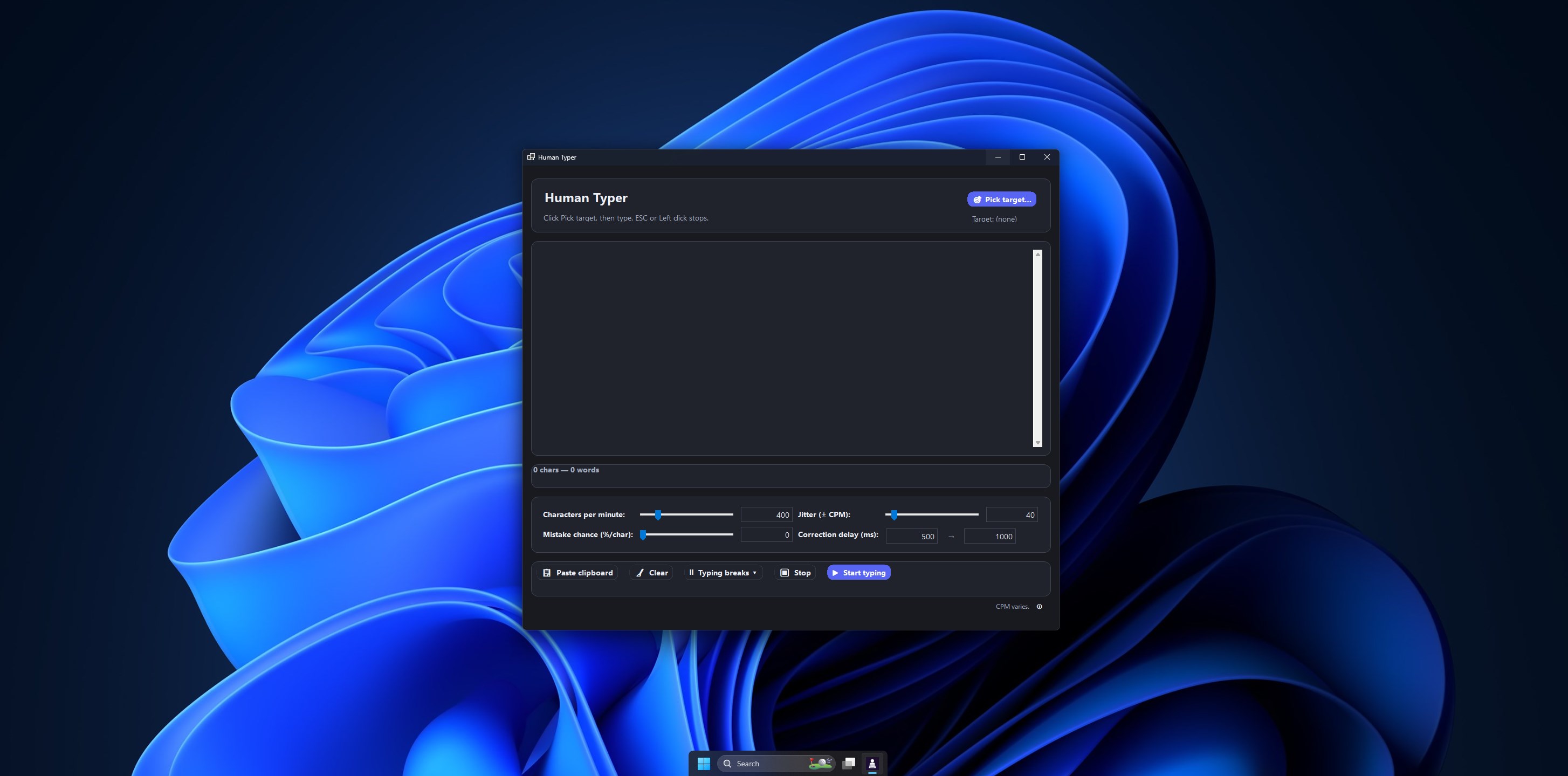
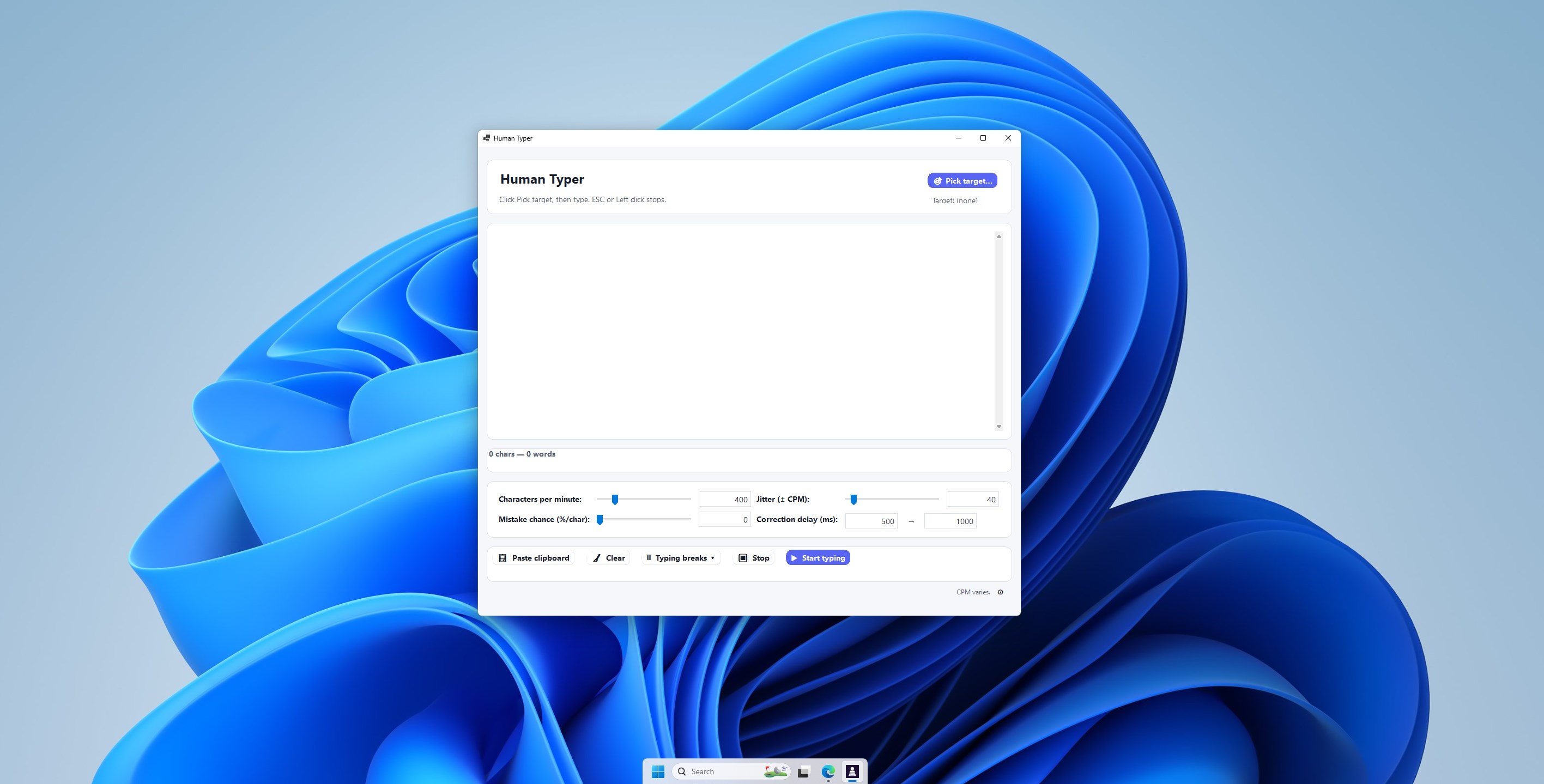
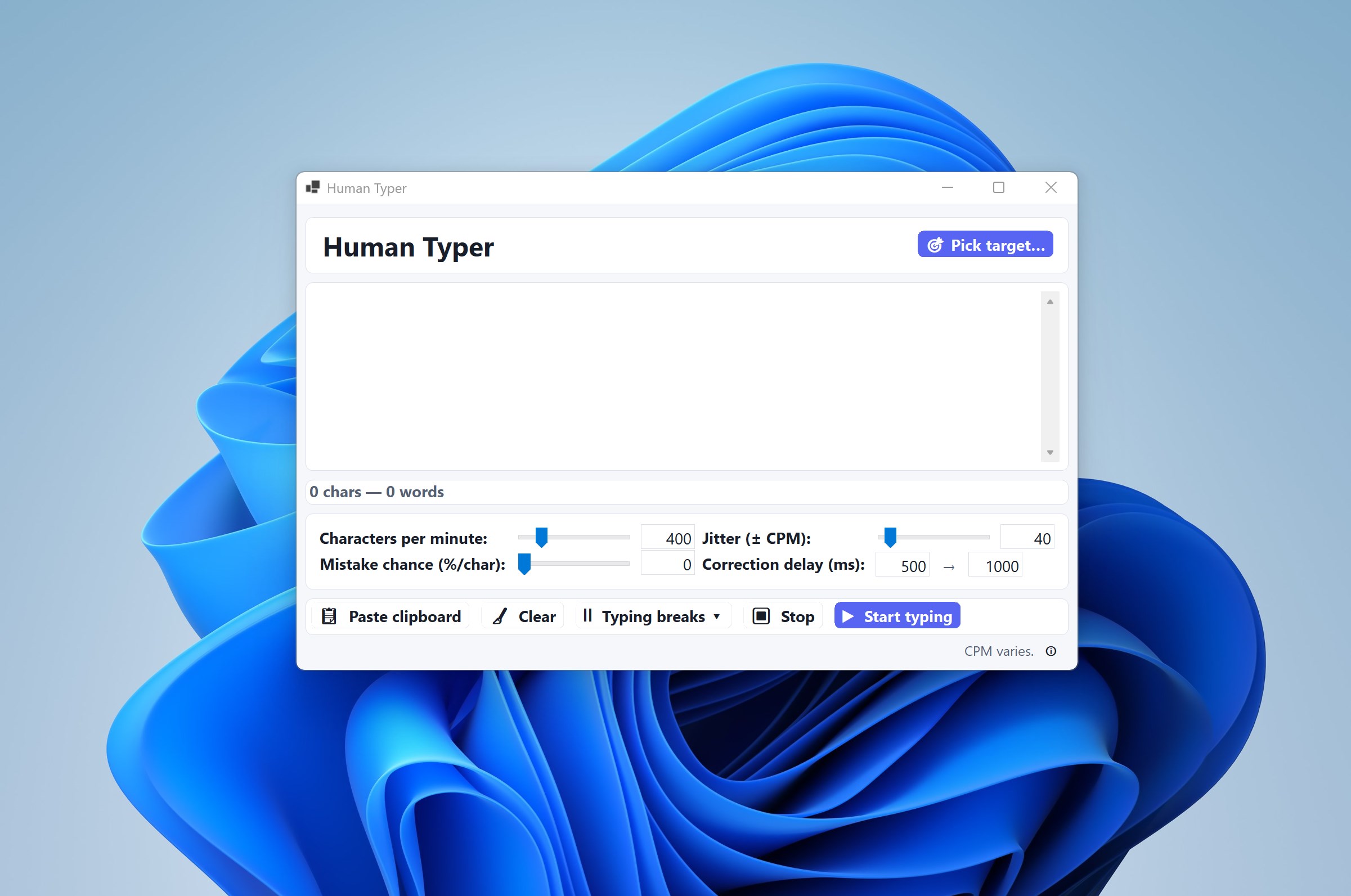
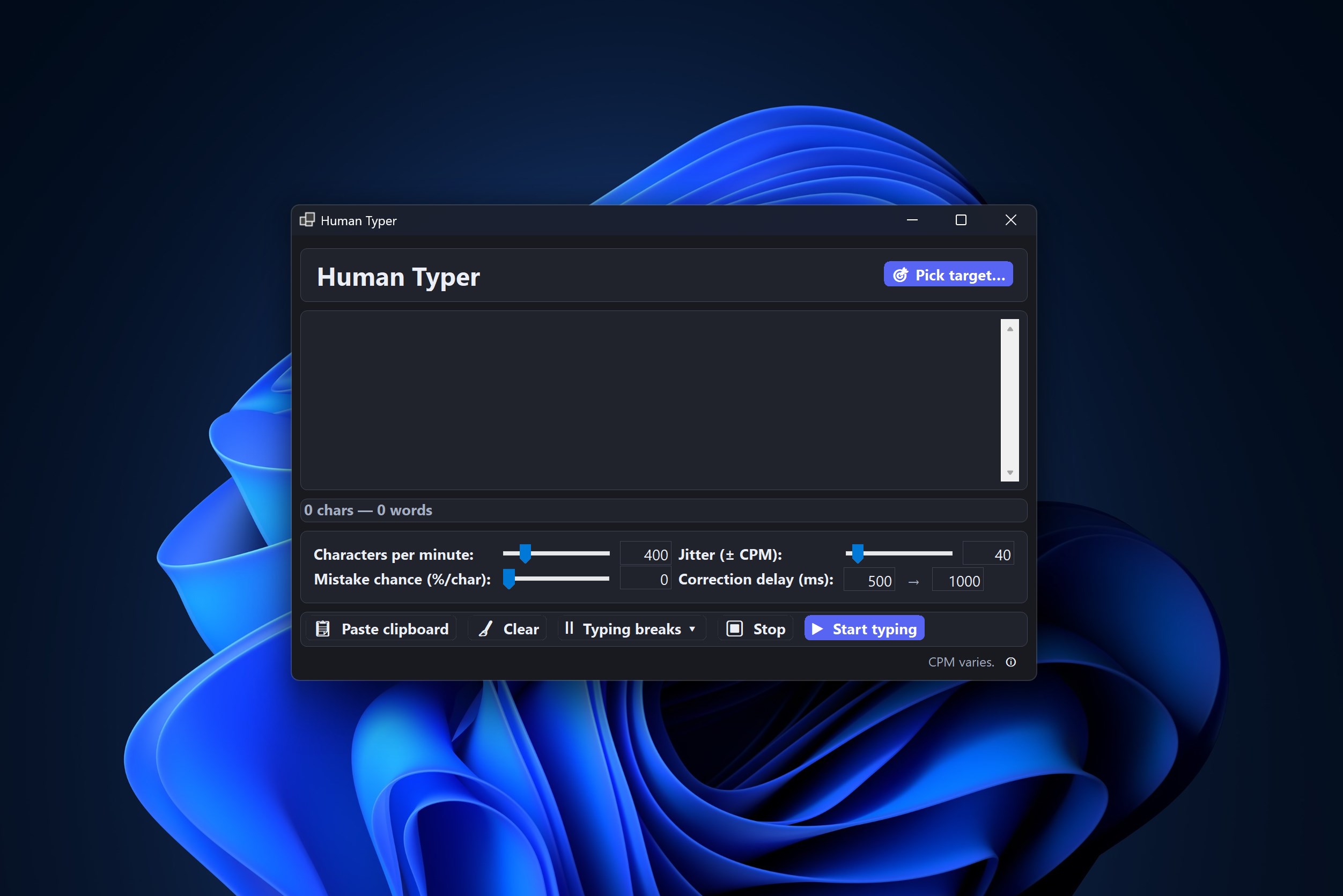
Human Typer for Windows is a streamlined tool designed to improve your typing experience through automation and customization, making everyday text input more efficient and less tedious.
Who's Behind the Magic?
Developed and published by Human Typer, this application is crafted with user productivity in mind. The team focuses on creating intuitive utilities that simplify common computer tasks, especially for users who spend a significant amount of time typing or constructing repetitive texts.
Key Features that Make a Difference
- Automatic Text Expansion: Quickly insert predefined snippets or phrases with simple shortcuts, reducing repetitive keystrokes and saving time.
- Customizable Hotkeys: Assign specific keyboard shortcuts to trigger text snippets or actions, enabling a highly personalized workflow.
- Multi-language Support: Accommodates users in different languages, ensuring broader accessibility and utility across diverse user bases.
- Lightweight & User-Friendly Interface: Minimalistic design ensures ease of use without sacrificing essential functionalities, making setup and everyday navigation seamless.
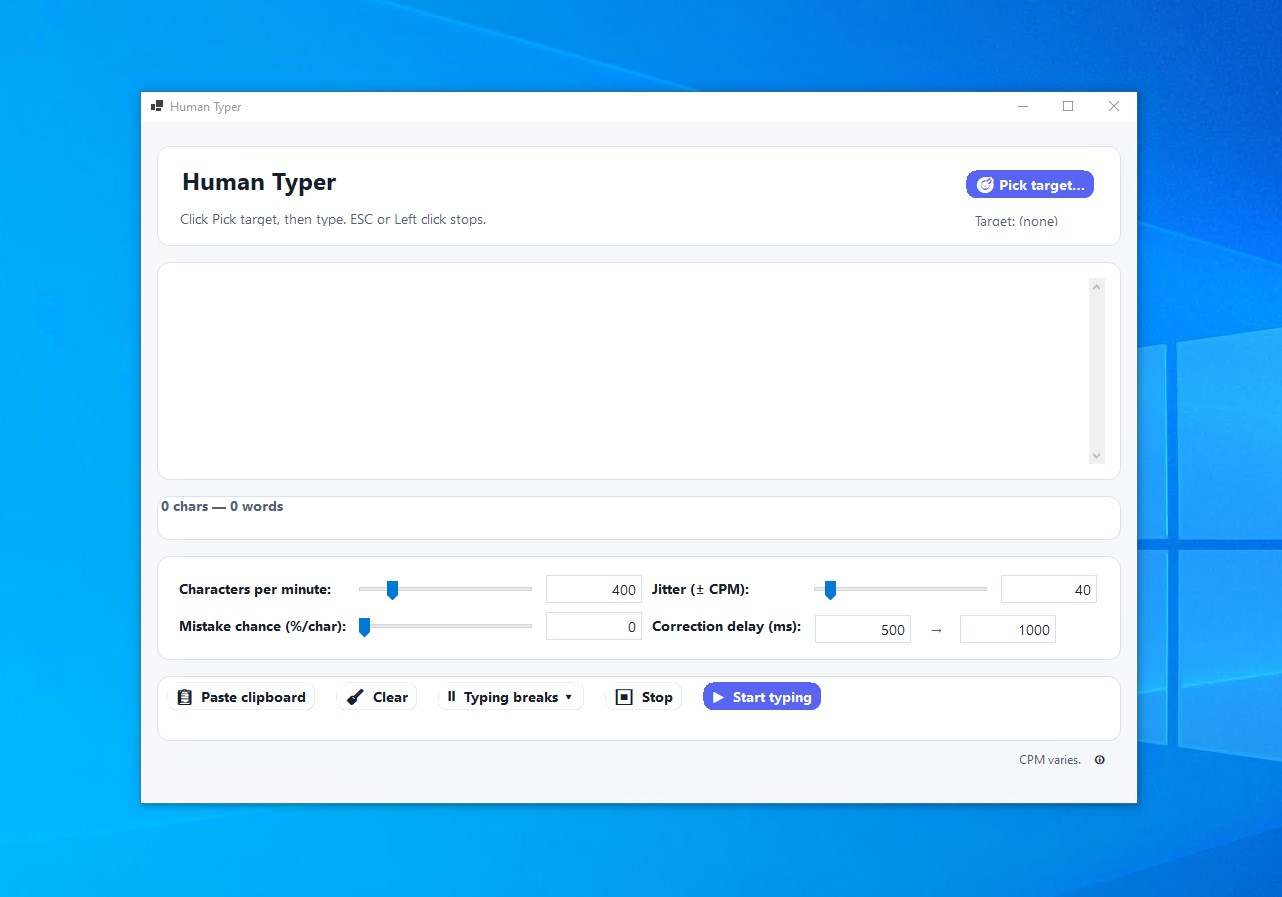
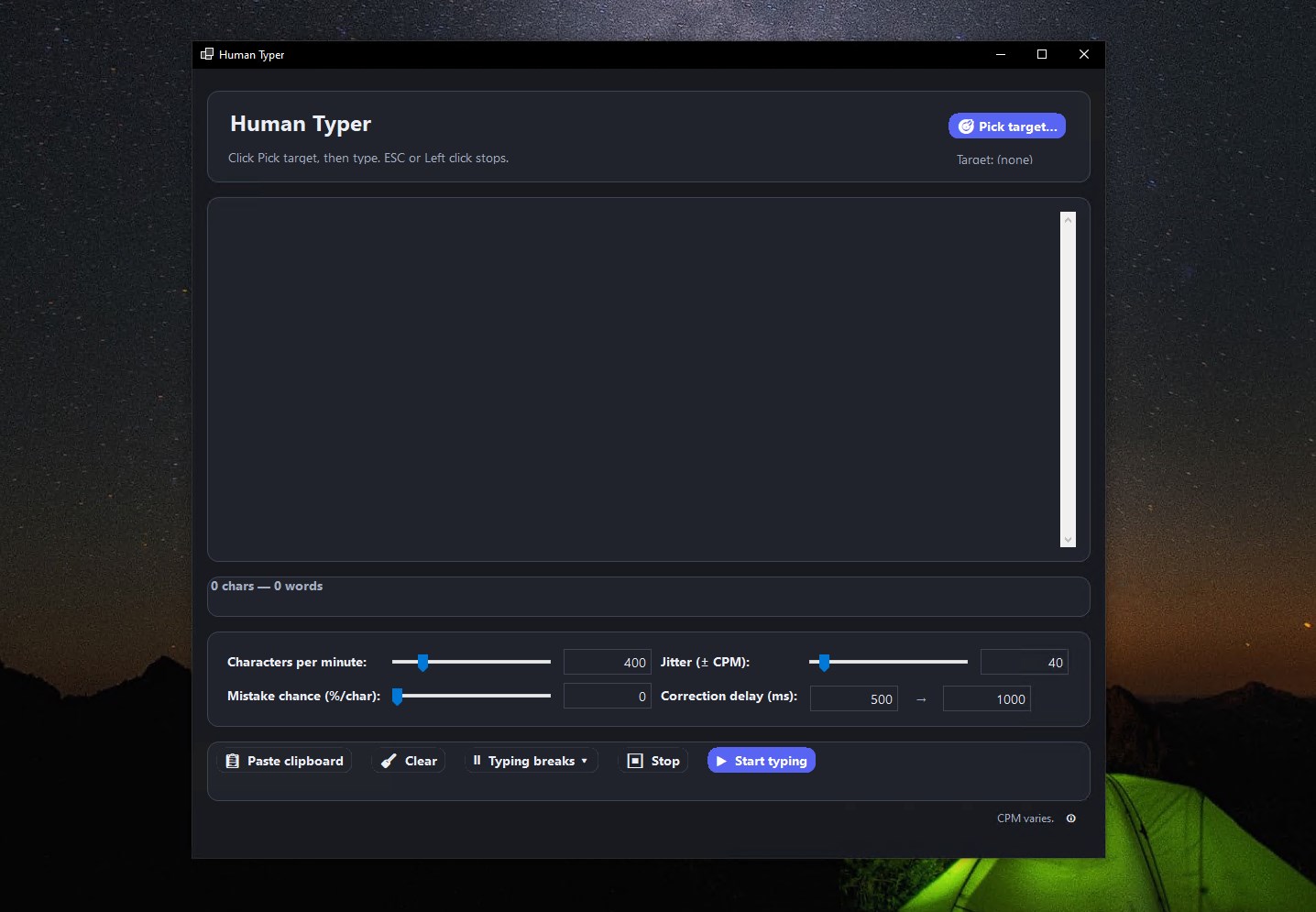
Engaging the User: A Close-Up of Human Typer
Imagine yourself needing to compose a lengthy email or fill out repetitive form fields—Human Typer steps in like a reliable co-pilot, anticipating your needs and easing the burden of manual typing. Its simple interface invites both novice and seasoned users to explore its capabilities, turning a potentially tedious task into a smooth, almost playful experience. Think of it as having a personal assistant that remembers your most used phrases and dishes them out instantly, freeing you to focus on what truly matters—your ideas and creativity.
Core Functionalities Explored
Text Expansion and Snippet Management
This feature is the standout, akin to having a personal shorthand system. Users can define frequently used phrases, email signatures, or even code snippets, and trigger them with easy hotkeys. The setup process is straightforward, guiding you through creating, editing, and organizing snippets via an intuitive interface. Once configured, these snippets become your digital superpower, transforming long-winded sentences into a couple of keystrokes. Compared to similar tools, Human Typer emphasizes simplicity and speed, avoiding cluttered menus and complex configuration options.
Custom Hotkey Assignments for Enhanced Productivity
Assigning custom hotkeys is like creating your own secret handshake—an efficient shortcut to your favorite operations. Whether you want to insert a common phrase, open a specific application, or execute a sequence of commands, Human Typer makes it possible with minimal fuss. The interface supports multiple hotkeys, and the flexible configuration allows users to tailor their workflow precisely. Unlike more generic utilities, Human Typer offers a refined control system without overwhelming the user with options.
User Experience and Differentiators
From an ease-of-use perspective, Human Typer excels with its sleek, uncluttered UI and logical workflow. The learning curve is gentle; even those unfamiliar with automation tools can quickly grasp its functionalities through simple guides. Its responsive design ensures that commands execute smoothly, offering a frictionless experience akin to having a virtual typing partner. Compared to other utilities like AutoHotkey or clipboard managers, Human Typer's focus on snippet management and hotkey customization positions it as a specialized tool for boosting productivity without complicating the process.
Final Verdict and Recommendations
All in all, Human Typer for Windows is a practical, well-designed utility that can significantly streamline your typing tasks. I recommend it especially for professionals, students, or anyone engaged in repetitive text input who values simplicity and efficiency. Its standout features—particularly text expansion and hotkey customization—are genuine game-changers, turning cumbersome manual input into a swift, almost effortless task. If you're seeking a lightweight yet powerful tool to enhance your typing workflow, Human Typer definitely deserves a spot on your Windows toolkit.
Pros
- Realistic human typing simulation
- Easy-to-use interface
- Customizable typing styles
- Supports multiple languages
- Resource-efficient performance
Cons
- Limited animation customization options
- Lack of integration with other applications
- Occasional synchronization delays
- Limited export options for recordings
- No multi-user support










