

- Category Utilities & tools
- Developer HyperX
- Available on PC
- OS Windows 10 version 17763.0 or higher
- Keyboard Not specified
- Mouse Not specified
- languages Chinese (Simplified), Chinese (Traditional Chinese), English, French, German, Italian, Japanese, Korean, Polish, Russian, Spanish
HyperX NGENUITY for Windows: A Comprehensive Customization Hub for Gamers
HyperX NGENUITY is a versatile application designed to elevate your gaming experience by offering detailed customization and control over HyperX peripherals. If you're passionate about tailoring your setup, this tool transforms what could be a mundane device configuration into an engaging and intuitive process.
Basic Information: Precision Focused on Gaming Gear
HyperX NGENUITY is a dedicated Windows application aimed at providing users with seamless management of HyperX gaming peripherals. Developed by HyperX, a well-known leader in gaming accessories, the app consolidates device configuration into an accessible interface.
- Developer: HyperX
- Publisher: HP Inc.
- Main Features Highlights:
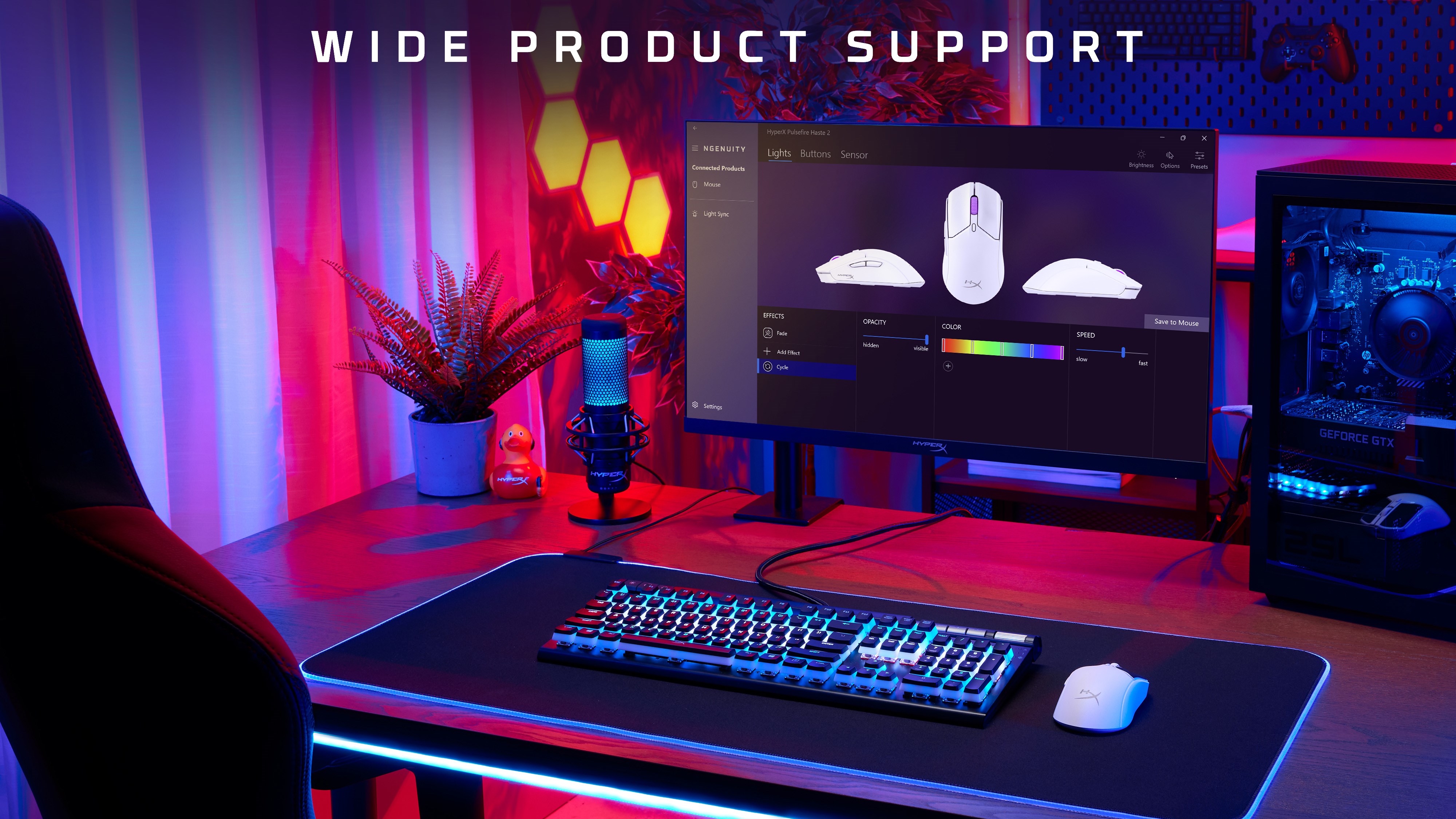
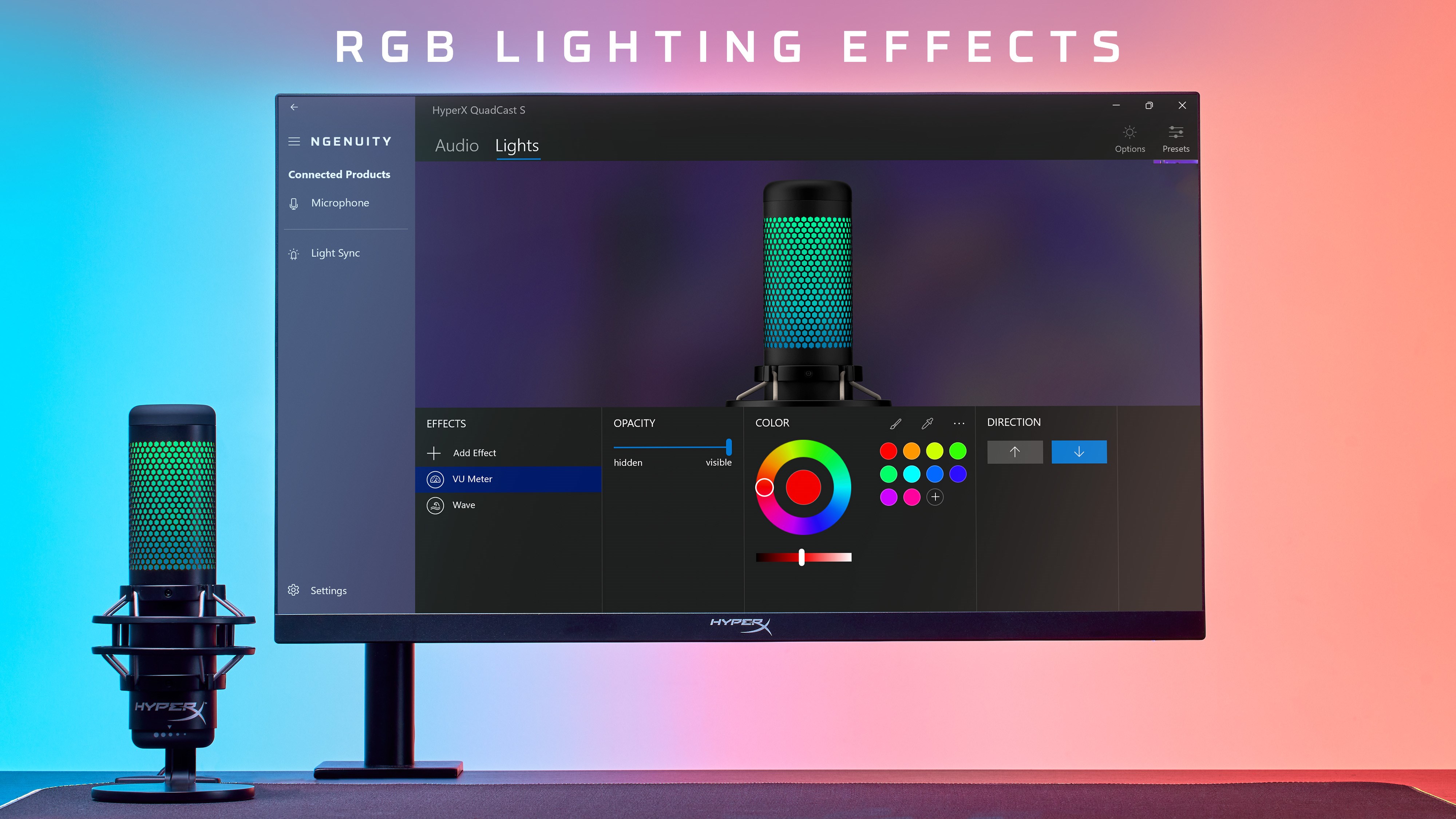
- Customizable RGB lighting effects to match your gaming mood or setup.
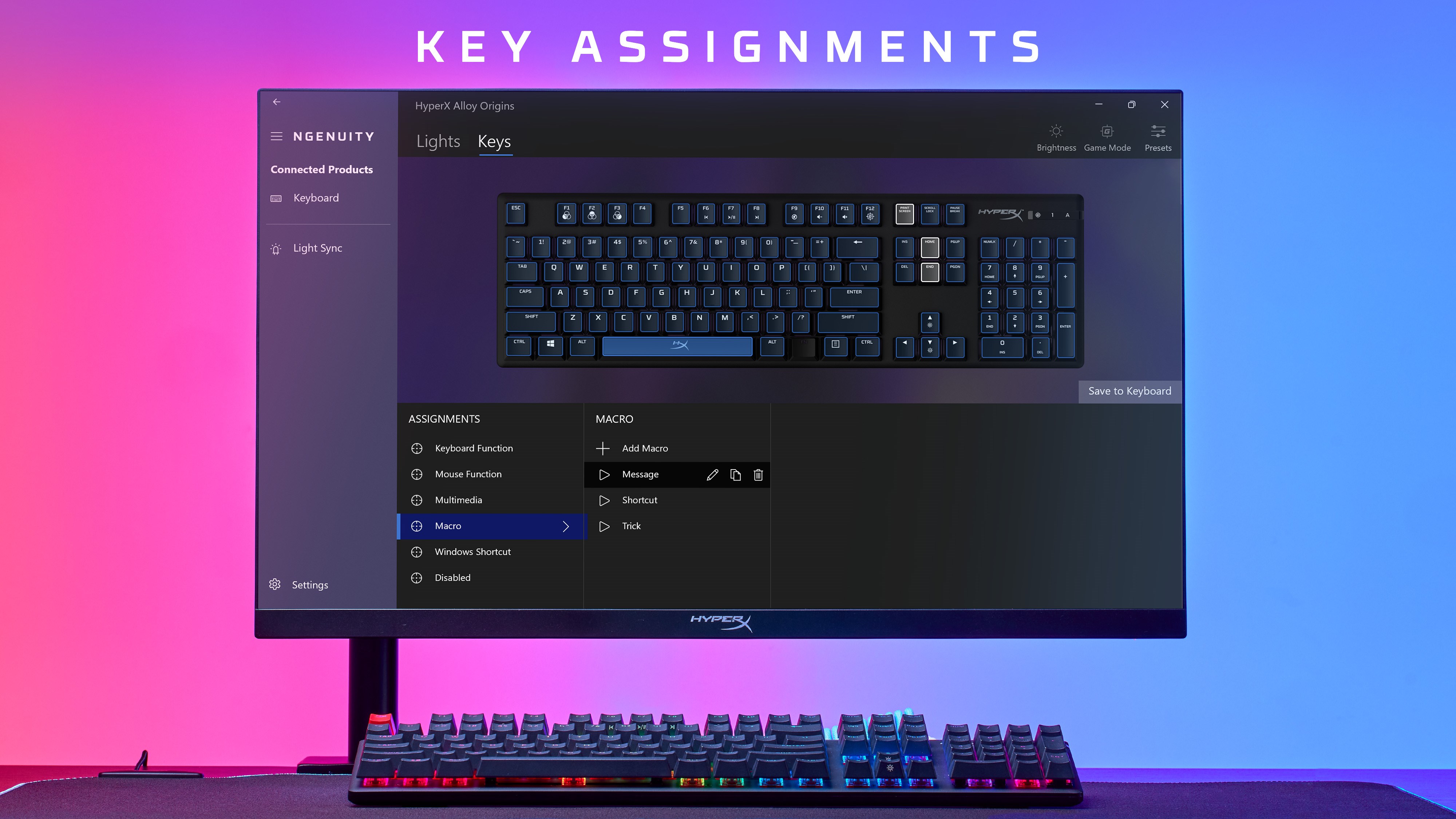
- Easy remapping of buttons and macro creation for enhanced gameplay efficiency.
- Profiles management allowing users to switch configurations effortlessly based on game or preference.
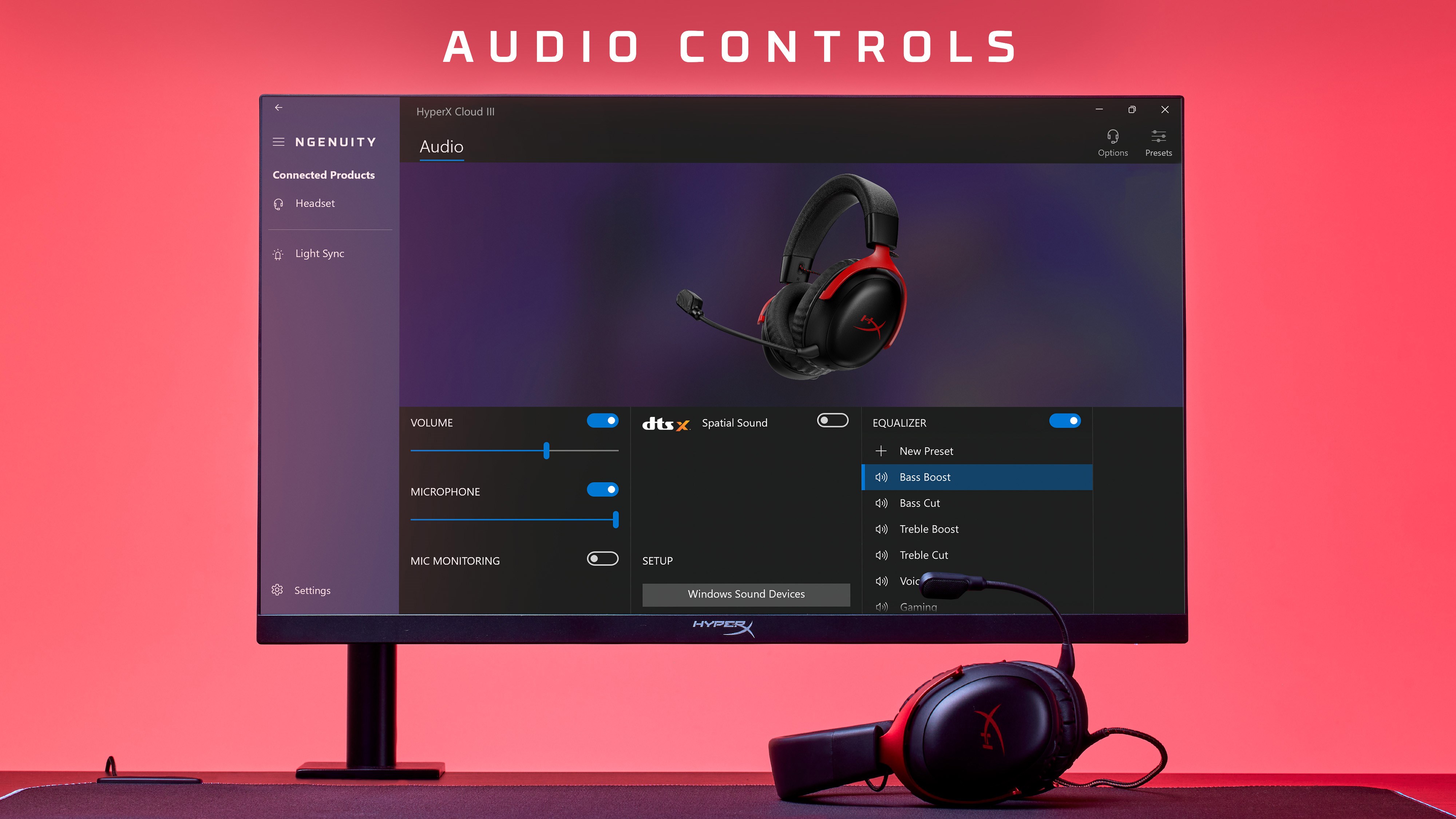
- Real-time device status display, including battery level and connection info for wireless devices.
- Target Audience: Gamers seeking detailed peripheral customization, streamers, and power users who value precise control over device settings.
Intuitive and Engaging Interface
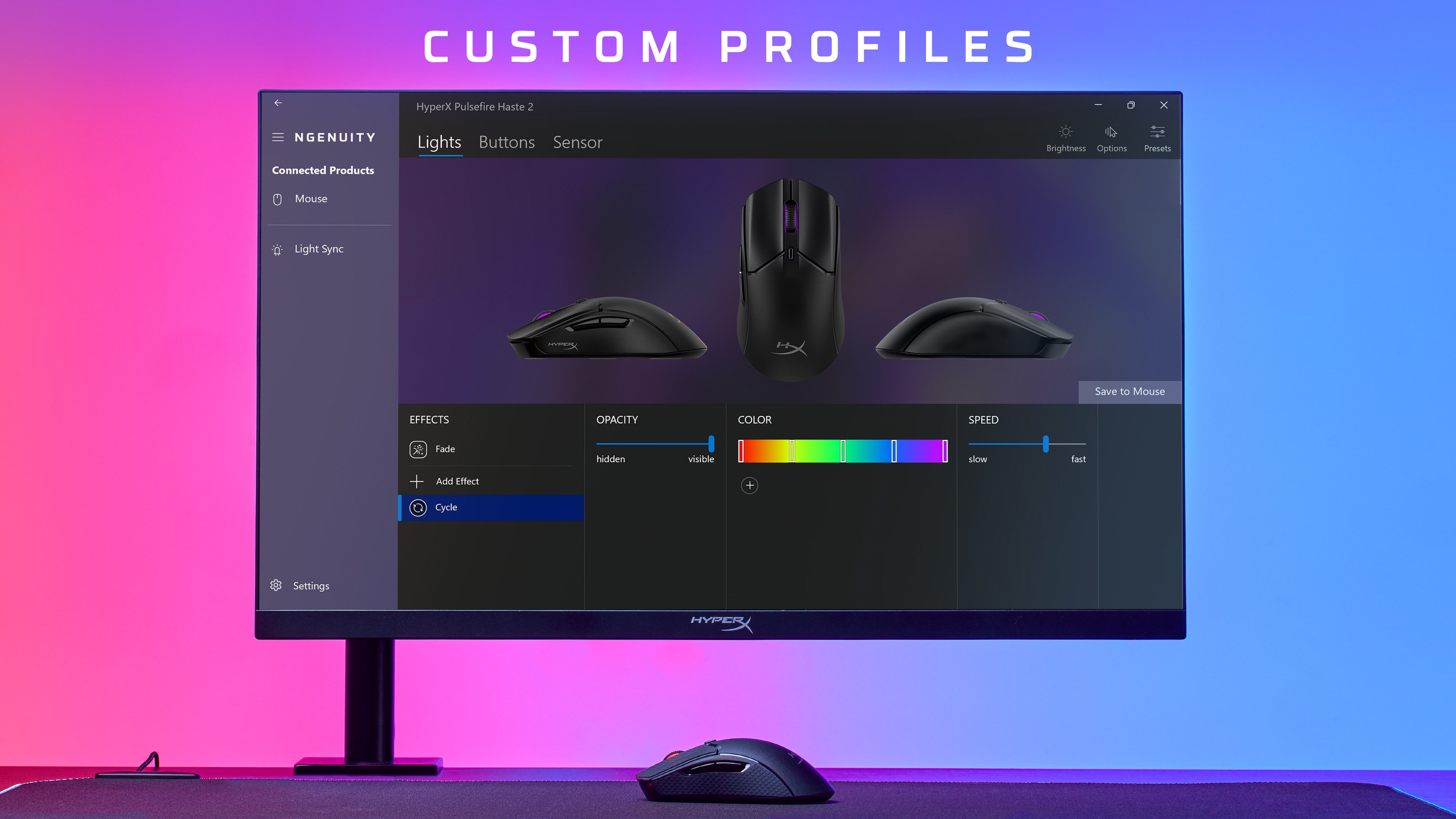
Imagine opening a dashboard where controls bloom into view like the cockpit of your favorite flight simulator—HyperX NGENUITY makes device management feel like a breeze. The interface adopts a sleek, dark-themed layout that is both modern and familiar, reminiscent of high-tech control panels. Navigation is straightforward, with clearly labeled sections guiding you through lighting, buttons, and profiles. Even newcomers can catch on quickly, thanks to its logical flow and supportive tooltips.
Core Functionality: Lighting, Buttons, and Profiles
Vivid Lighting Customization: Bringing Your Setup to Life
The standout feature of HyperX NGENUITY is its rich RGB customization capabilities. Users can choose from an array of preset lighting effects—breathing, static, color cycle—or craft their own effects to reflect their personality or team spirit. Imagine your keyboard or mouse bursting into synchronized waves of color during a gaming raid—that's the immersive environment NGENUITY facilitates. The real-time preview and granular control over color zones make it easy to perfect your aesthetic without fuss.
Button Remapping and Macro Recording: Power at Your Fingertips
This tool shines when it comes to reprogramming device buttons. Whether you want a single press to execute complex commands or assign quick macros, NGENUITY makes it manageable. The process is as simple as dragging and dropping options within a clean interface, with instant application and testing. This feature is particularly valuable for competitive gamers or streamers who need rapid command execution without fumbling through multiple keystrokes.
Profiles and Settings Management: Switch Gears Effortlessly
Managing multiple configurations is as smooth as flipping a switch—literally. With profiles, you can save custom lighting, button layouts, and macros tailored for individual games or tasks. Switching between profiles is just a click, allowing you to adapt your peripherals on the fly during marathon gaming sessions or live streams. This flexibility ensures your setup is always optimized without the need for manual reconfiguration each time.
User Experience and Differentiating Factors
In terms of user experience, HyperX NGENUITY hits a sweet spot between sophistication and simplicity. Its design minimizes unnecessary complexity, making setup and adjustment feel more like tuning an instrument rather than decoding a manual. The responsiveness of the app contributes to a smooth workflow—settings update instantly, and changes are reflected without lag. The learning curve is gentle enough for beginners but offers depth for power users wanting detailed control.
Compared to other utility tools like Razer Synapse or Logitech G Hub, NGENUITY's unique edge lies in its specialization—hyper-focused customization for HyperX gear. Its seamless profiles integration and exclusive lighting effects tailored to HyperX peripherals give it a unique charm, ensuring users can achieve a cohesive aesthetic without navigating through overly cluttered interfaces.
Final Recommendation: An Essential Companion for HyperX Users
For anyone invested in HyperX peripherals, NGENUITY presents an invaluable resource—like having a personalized assistant that understands your gaming setup intimately. Its most compelling features are the detailed lighting control and intuitive profile switching, which set it apart from broader utility apps. While it's balanced and not overloaded with unnecessary options, it offers enough depth for both casual gamers and dedicated enthusiasts.
Our advice? Give it a try if you're looking to maximize your devices' potential with minimal fuss. It's a well-crafted tool that complements the HyperX ecosystem without overwhelming the user, making it highly recommended for those who want both control and simplicity in their gaming gear management.
Pros
- User-friendly interface
- Extensive customization options
- Real-time synchronization
- Profile management
- Regular updates and support
Cons
- Occasional connection issues
- Limited device compatibility
- Complex onboarding process for new users
- Occasional software lag during profile switching
- Lack of detailed tutorials for advanced customization











