
- Category Utilities & tools
- Developer Wide Angle Software Ltd
- Available on PC
- OS Windows 10 version 17763.0 or higher
- languages Dutch, English, English (United States), French, German, Italian, Japanese, Spanish
Unlocking Your iPhone Data: A Review of iBackup Extractor for Windows
If you've ever found yourself tangled in the web of iPhone backups, wondering how to retrieve specific messages or app data without restoring everything, iBackup Extractor for Windows might just be your digital savior. Developed by Wide Angle Software Ltd., this tool aims to bridge the gap between complex backup files and user-friendly data extraction. Let's explore its capabilities and see if it truly delivers the ease and efficiency it promises.
Essential Details: What is iBackup Extractor?
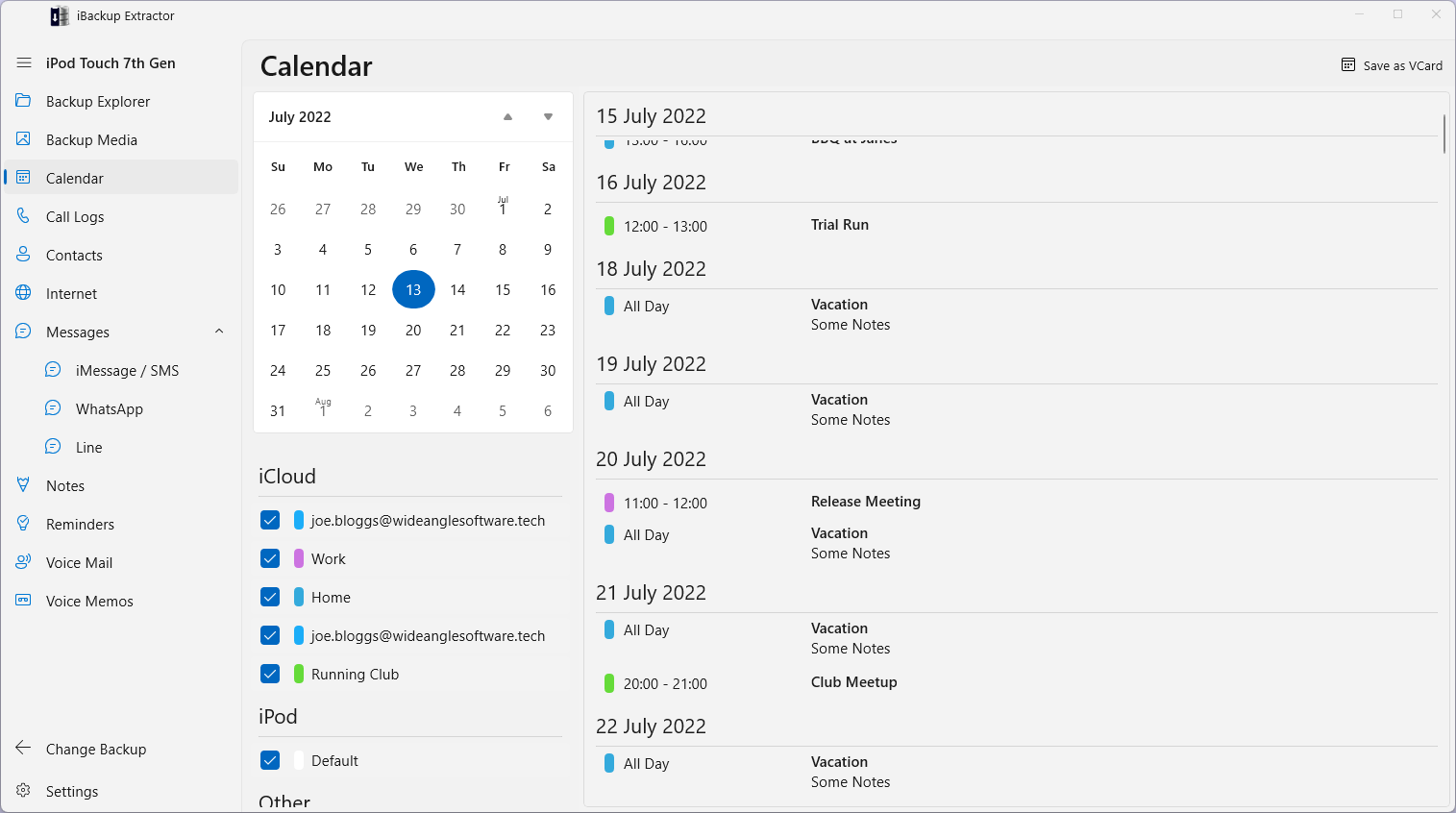
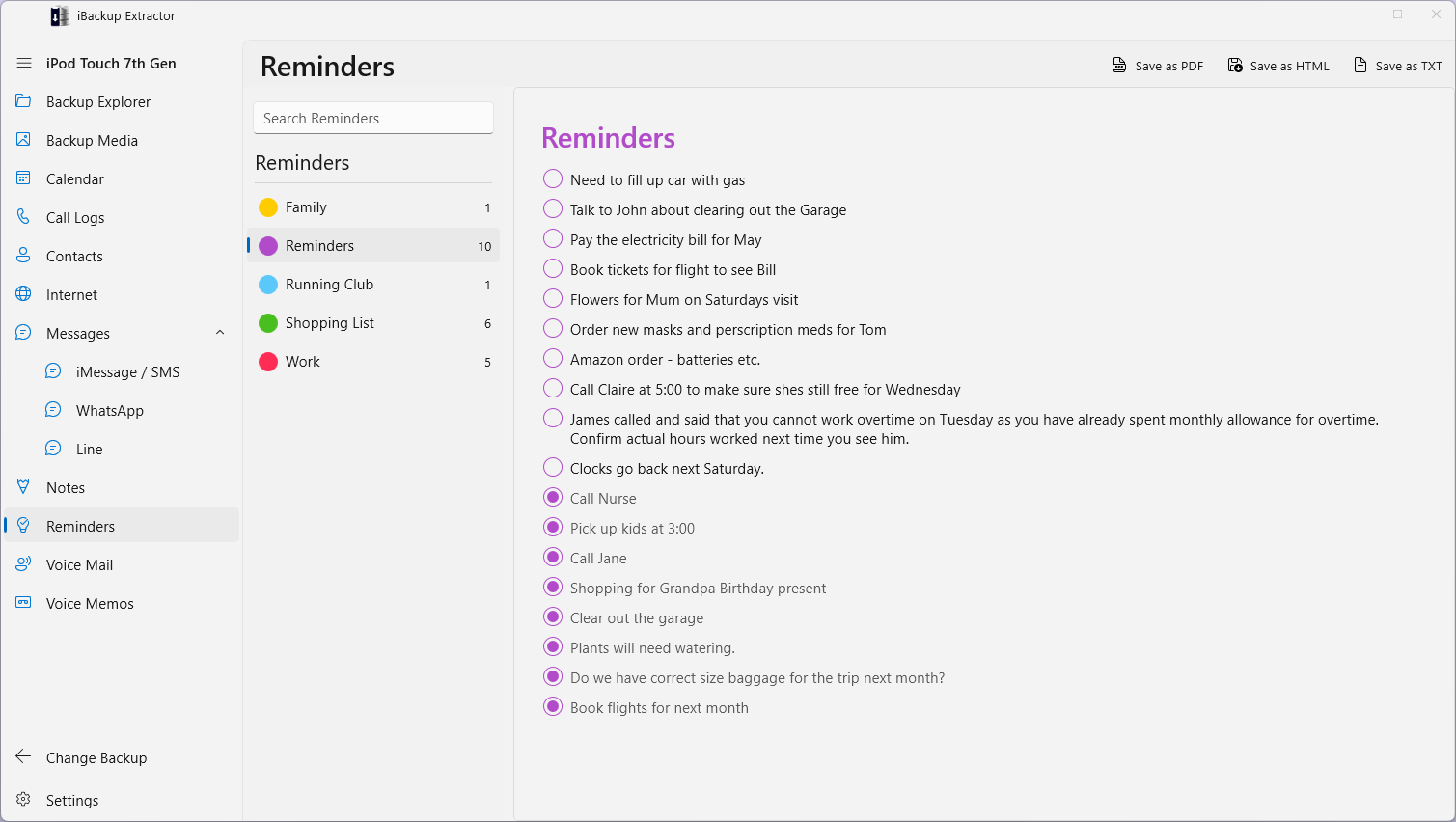
Designed as a versatile utility for Windows users, iBackup Extractor serves as a powerful yet accessible solution for extracting data from iPhone backups. Whether you're looking to recover lost contacts, messages, notes, or app data, this application positions itself as an all-in-one extractor.
- Developer/Publisher: Wide Angle Software Ltd.
- Key Features:
- Supports virtually all types of data stored in iPhone backups, including media, messages, and app data
- Selective data extraction, enabling users to pick and choose specific files or categories
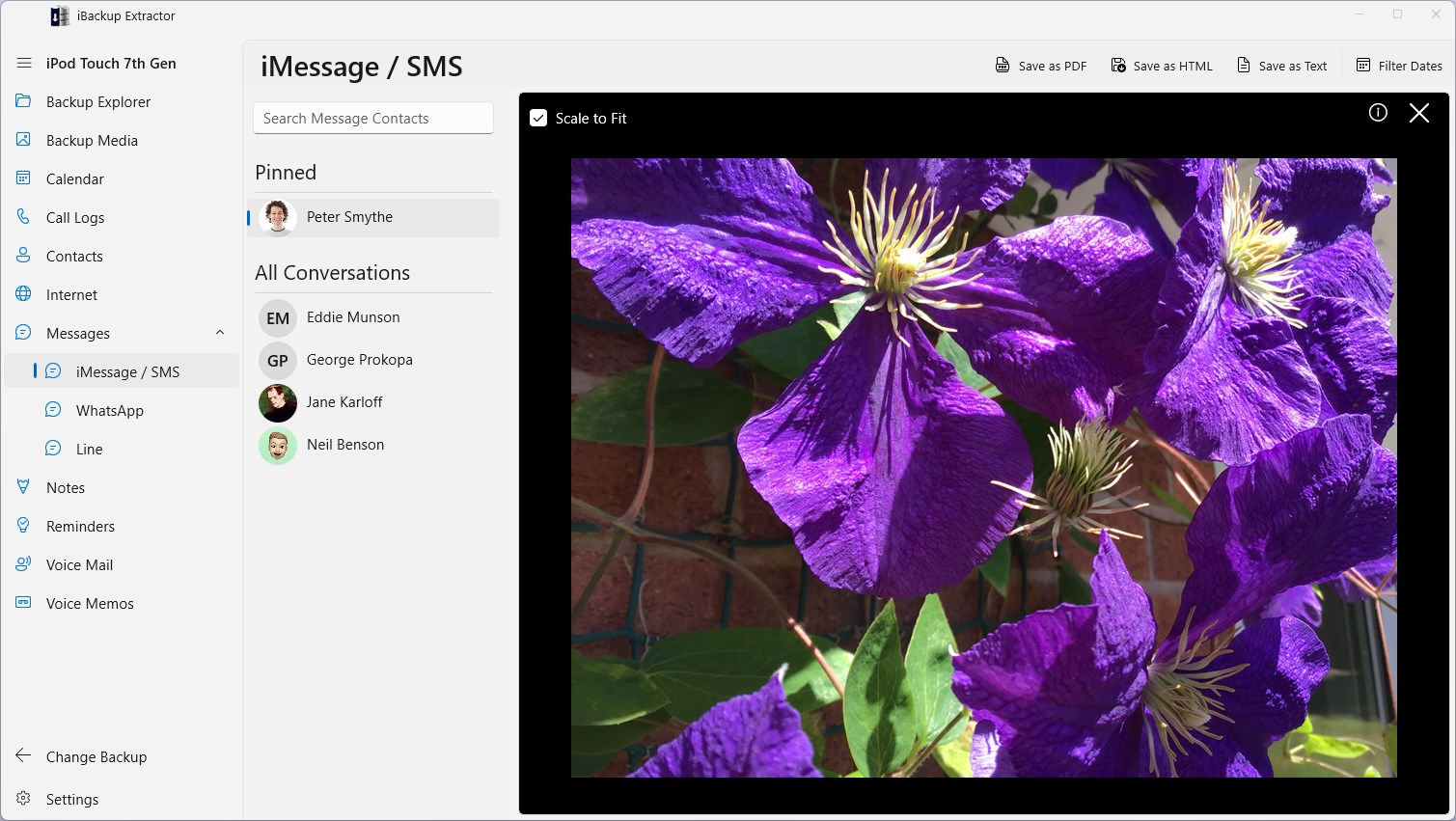
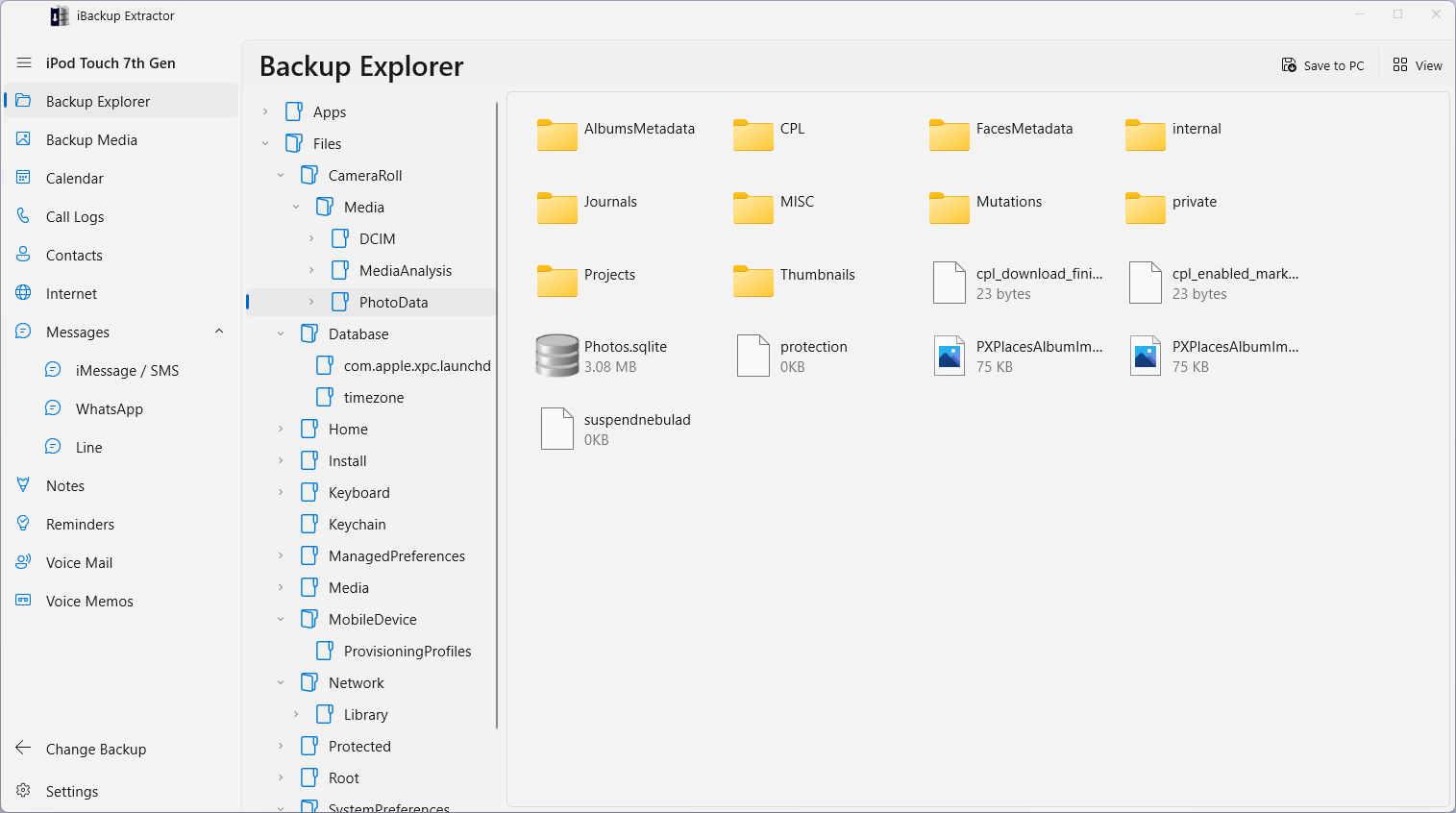
- Preview and browse backup contents before extraction, enhancing user control
- Enhanced compatibility across different Windows versions and models
- Target Audience: iPhone users who need to recover or access specific data from their backups without restoring the entire device, IT professionals, digital forensics teams, and anyone needing detailed backup analysis.
Bringing Data Back to Life: Core Functionalities
Intuitive Data Browsing and Preview
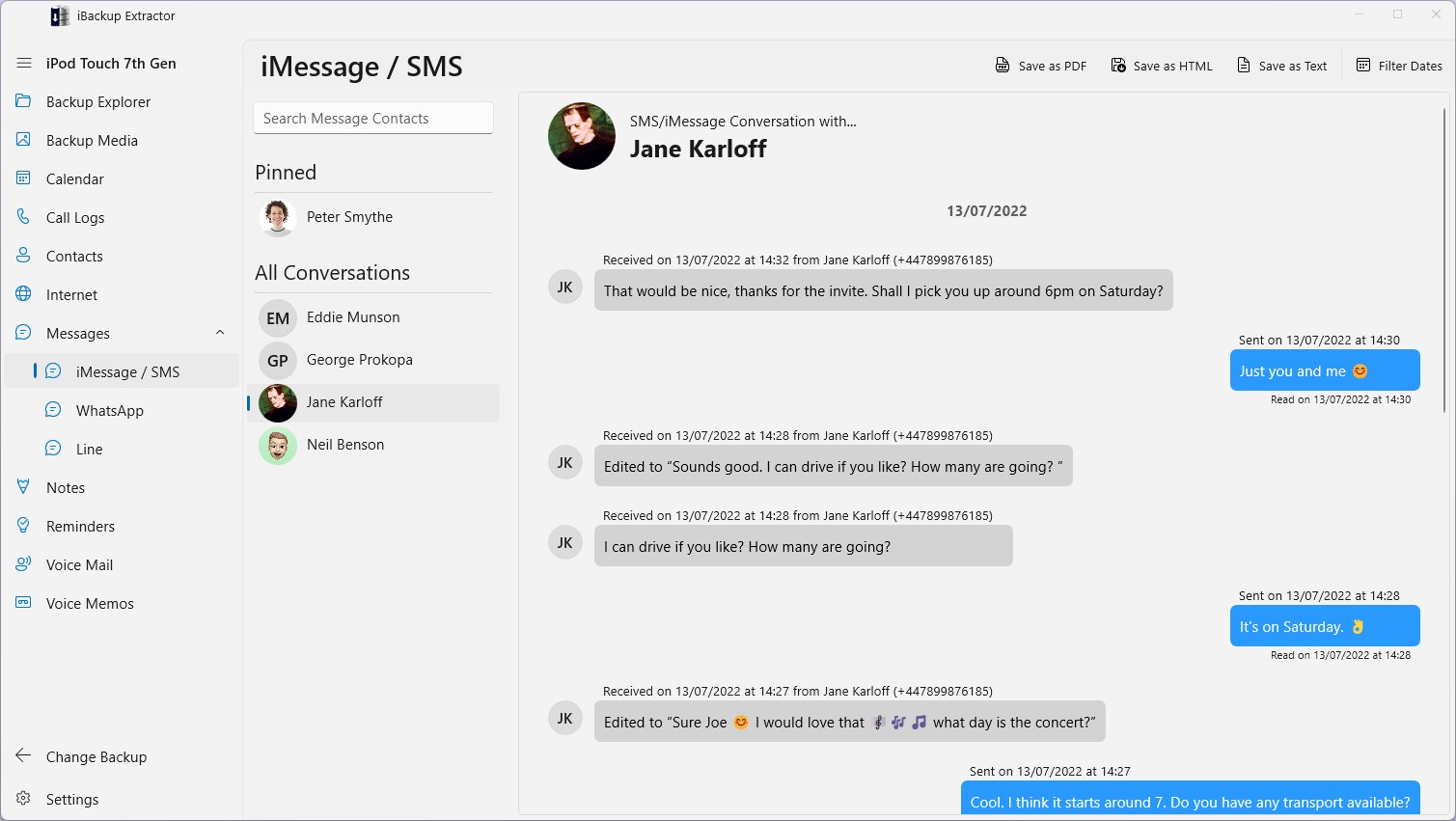
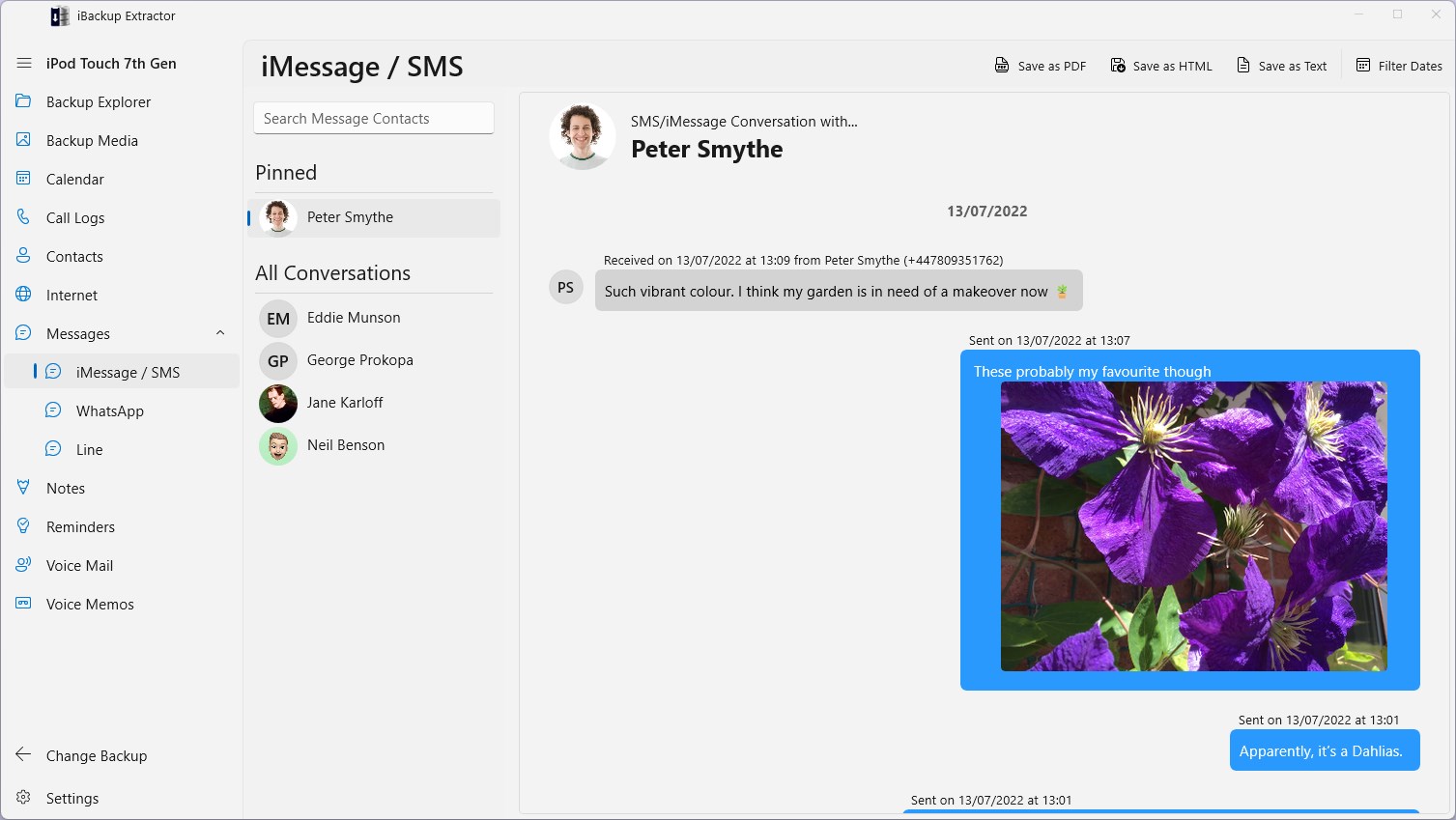
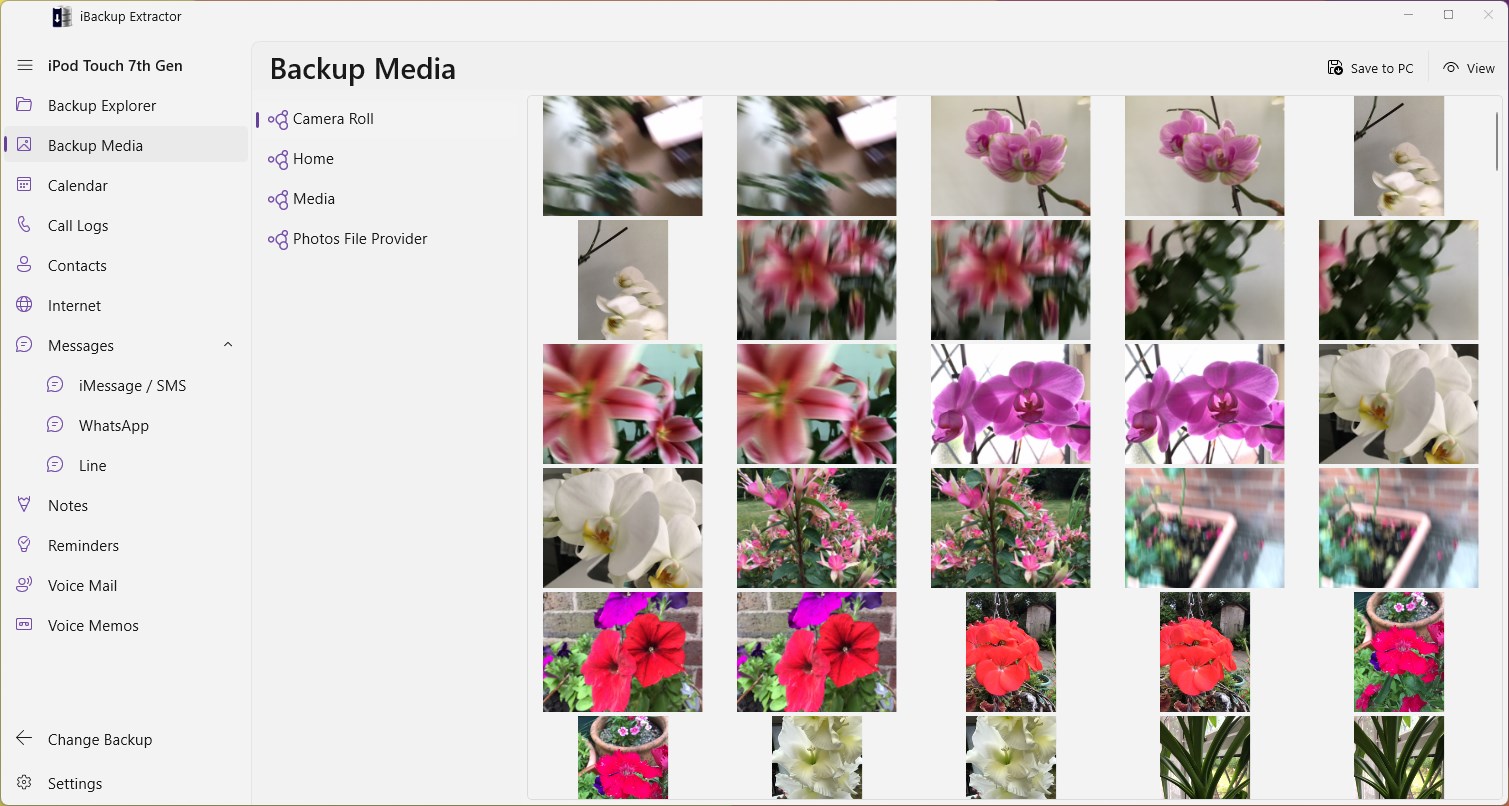
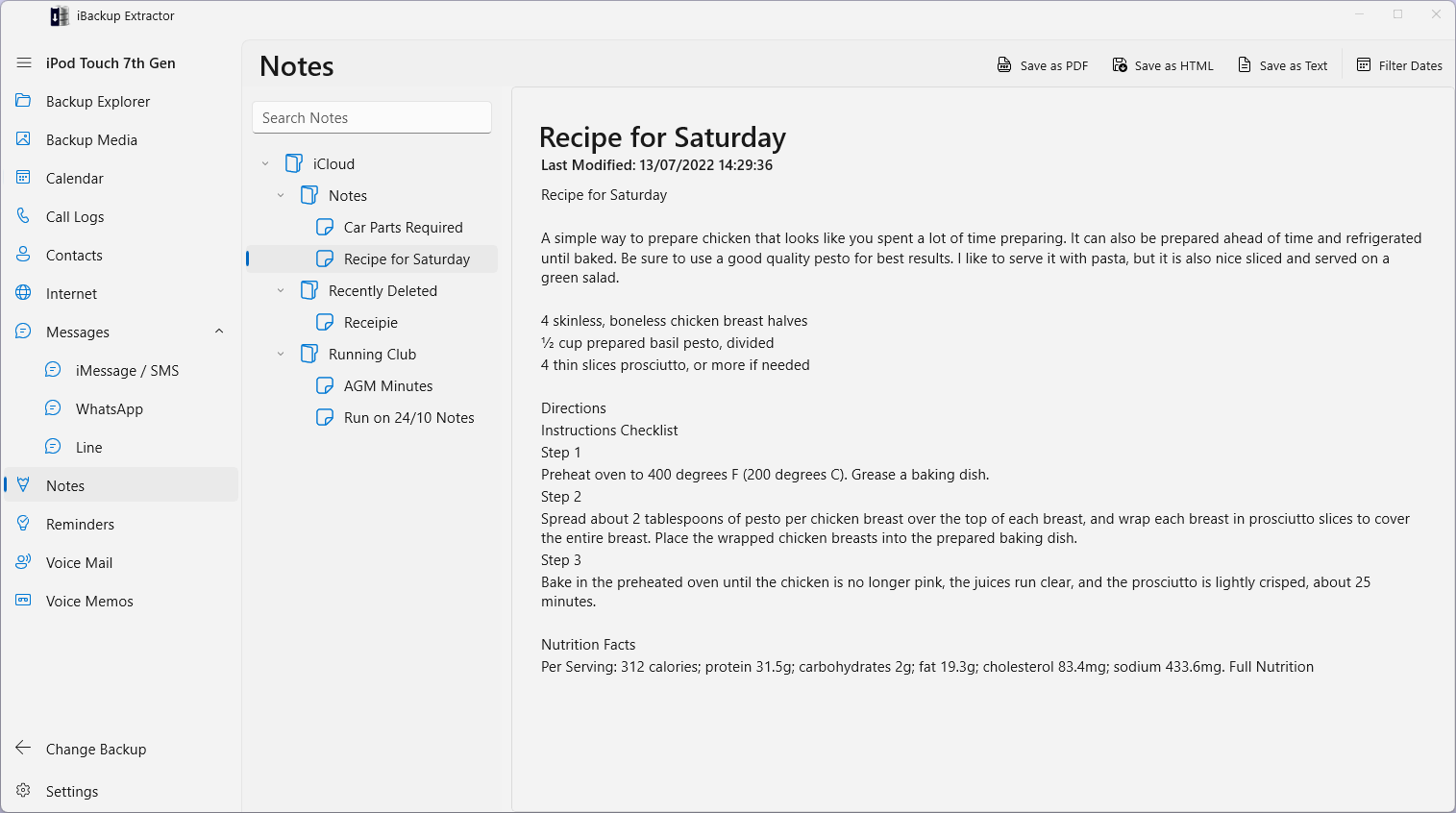
Picture opening a treasure chest filled with your digital memories—photos, messages, and notes—as if they are neatly organized in a digital library. iBackup Extractor provides a straightforward interface that displays backup contents in an easy-to-navigate manner. This feature acts like a searchlight, illuminating specific files—be it a lost WhatsApp chat or vital contacts—so you don't have to sift through the entire backup blindly.
Selective Data Extraction for Precision Recovery
Rather like a skilled jeweler extracting a single flawless diamond from a cluttered gem, the app allows users to select exactly what they want from the backup—whether it's just your recent messages, Safari bookmarks, or app data—without restoring the entire backup. This targeted approach saves time and minimizes the risk of overwriting existing data on your device, making data recovery or analysis far more manageable.
Compatibility and Data Format Support
One of the standout features is its robustness in handling various backup formats and data types. From iOS 12 to the latest versions, iBackup Extractor maintains high compatibility. It also supports extracting data from encrypted backups, a critical feature for privacy-conscious users, giving them peace of mind that sensitive information remains protected yet accessible when needed.
User Experience: Easy as Pie or a Mountain to Climb?
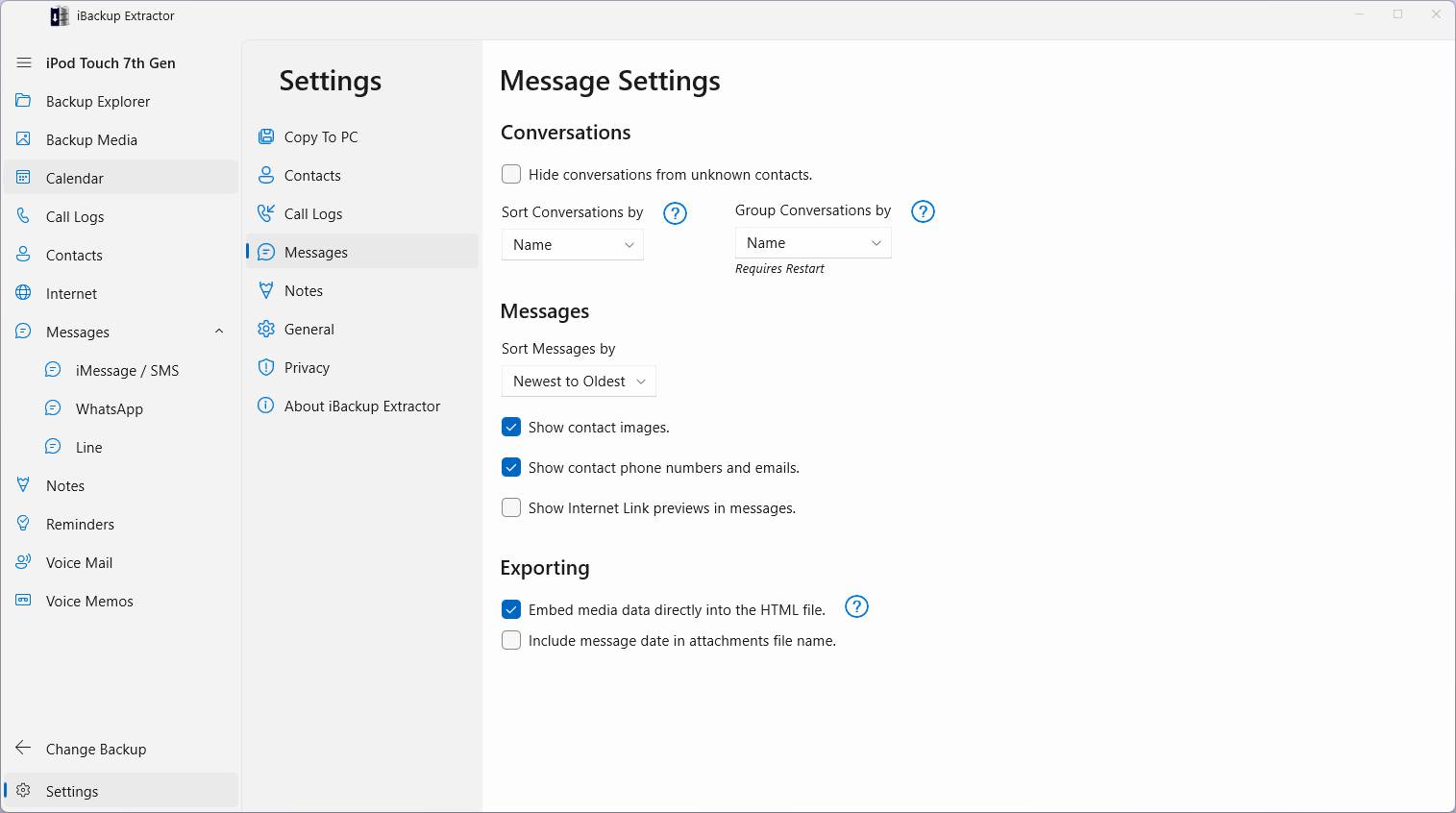
The interface of iBackup Extractor feels like a well-placed dashboard—clean, uncluttered, and designed with the user's journey in mind. Even novice users find it approachable, owing to its straightforward layout and guided steps. The process from selecting a backup to previewing and extracting data flows smoothly; there are no confusing menus or unnecessary complications. It's akin to having a GPS guiding you through the complex terrain of backup files.
Learning curve? Gentle. Operation speed? Responsive. Overall, it caters well to both tech-savvy users and those less familiar with data extraction, making data recovery accessible and less intimidating.
What Sets iBackup Extractor Apart?
Compared to other utilities in the same realm, iBackup Extractor's uniqueness lies in its ability to handle encrypted backups effortlessly and its comprehensive support for a wide array of data types. Unlike more generic tools, which may be limited to specific data segments, this app offers a broad toolkit—all in one package. Its ability to preview files before extraction is like having a safety scanner, ensuring you're extracting exactly what you need without guesswork.
Furthermore, its seamless integration with Windows and straightforward interface reduce the technical barrier, making it suitable for both casual users and professionals needing quick, reliable access to backup data.
Final Verdict and Recommendations
On the whole, iBackup Extractor for Windows provides a solid, user-friendly means of accessing and extracting data from iPhone backups. Its strongest points—secure handling of encrypted backups and precise, selective data extraction—make it especially valuable in scenarios demanding meticulous data recovery.
I'd recommend this tool to anyone who regularly backs up their iPhone and needs an efficient way to access specific data without restoring the entire device. Whether you're recovering sentimental photos, crucial messages, or analyzing backup contents for professional reasons, this app can be a dependable partner. For casual users, the clear interface and straightforward operations make it a handy addition to your toolkit. Tech enthusiasts and professionals will appreciate its versatility and reliability.
In conclusion, iBackup Extractor isn't just another utility; it is a thoughtfully designed solution that simplifies what used to be a complicated process, all while maintaining a professional and neutral tone. If you value safety, accuracy, and ease of use, this app is worth a try.
Pros
- Intuitive User Interface
- Supports Multiple Data Types
- Compatibility with Various Backup Files
- Preview Feature
- Recover Deleted Data
Cons
- Limited Free Functionality
- Slow Extraction Speed
- Occasional Compatibility Issues
- Limited Support for Cloud Services
- Steep Learning Curve for Advanced Features











