

- Category Utilities & tools
- Developer Krueger Systems Inc.
- Available on PC
- OS Windows 8 or higher
- languages English (United States)
iCircuit for Windows: A Powerful and User-Friendly Circuit Simulator
If you're venturing into electronics or just love tinkering with circuits, iCircuit for Windows presents itself as a friendly and robust digital lab right on your desktop. Combining intuitive design with versatile features, this app aims to make circuit simulation accessible for hobbyists, students, and even professionals seeking quick prototyping. Let's delve into what makes iCircuit stand out in the crowded landscape of electronics tools.
Developer and Core Features
Developed and published by Krueger Systems Inc., a company dedicated to crafting practical, user-oriented software solutions, iCircuit for Windows underscores their commitment to accessible electronics simulation. This application boasts several key features:
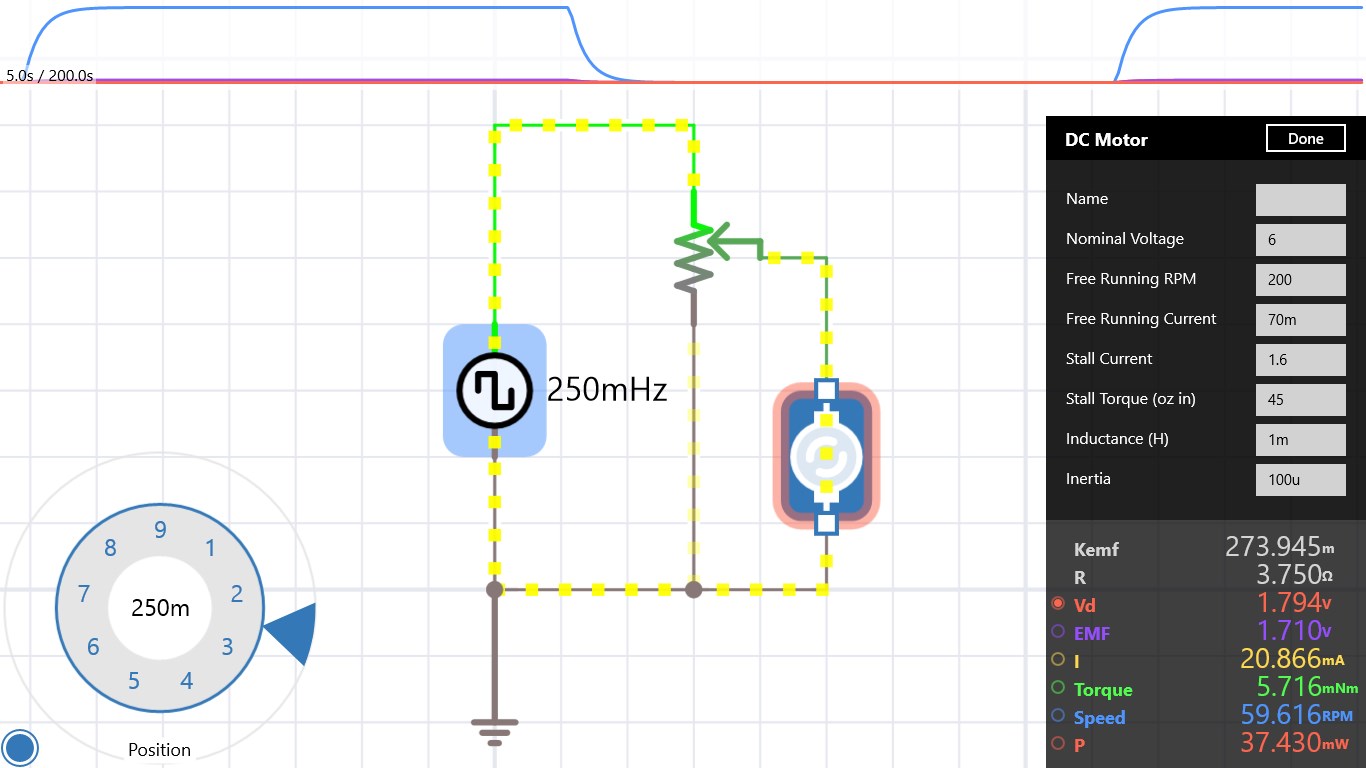
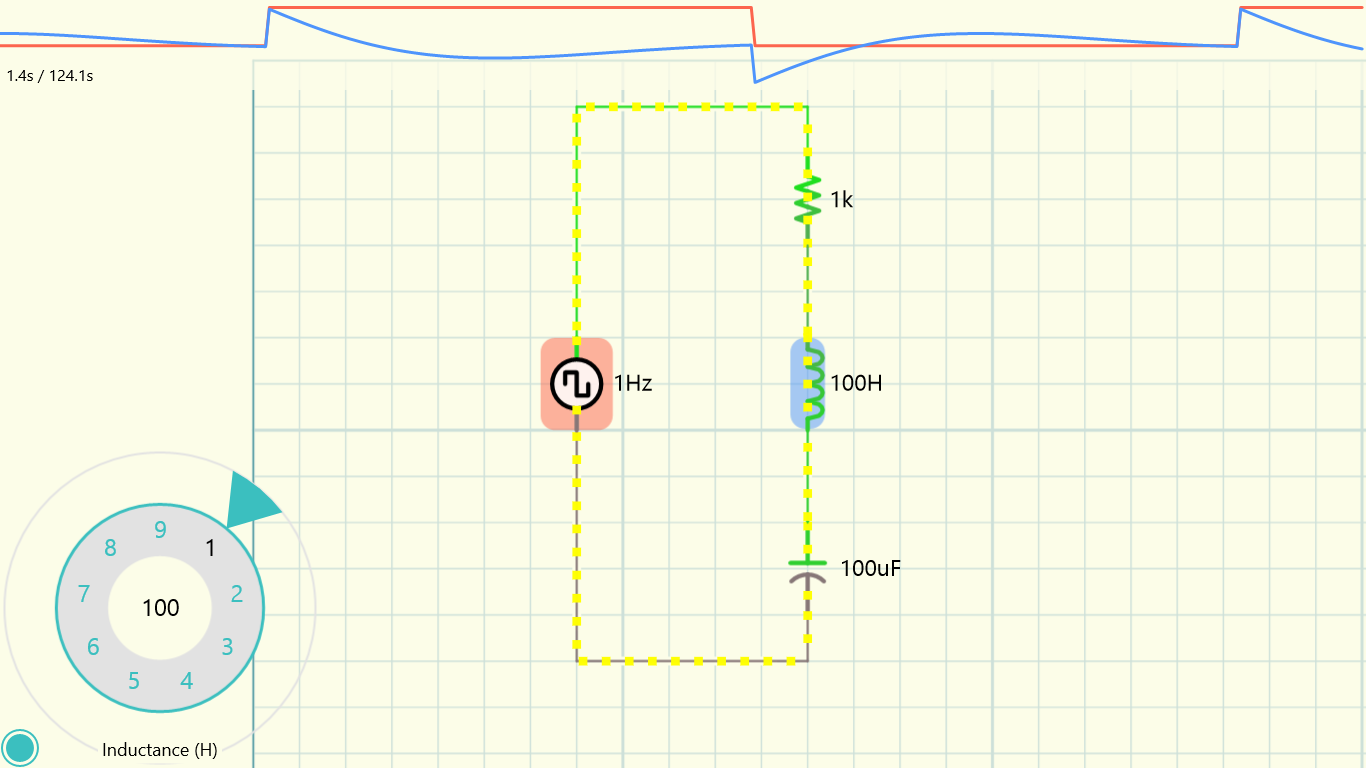
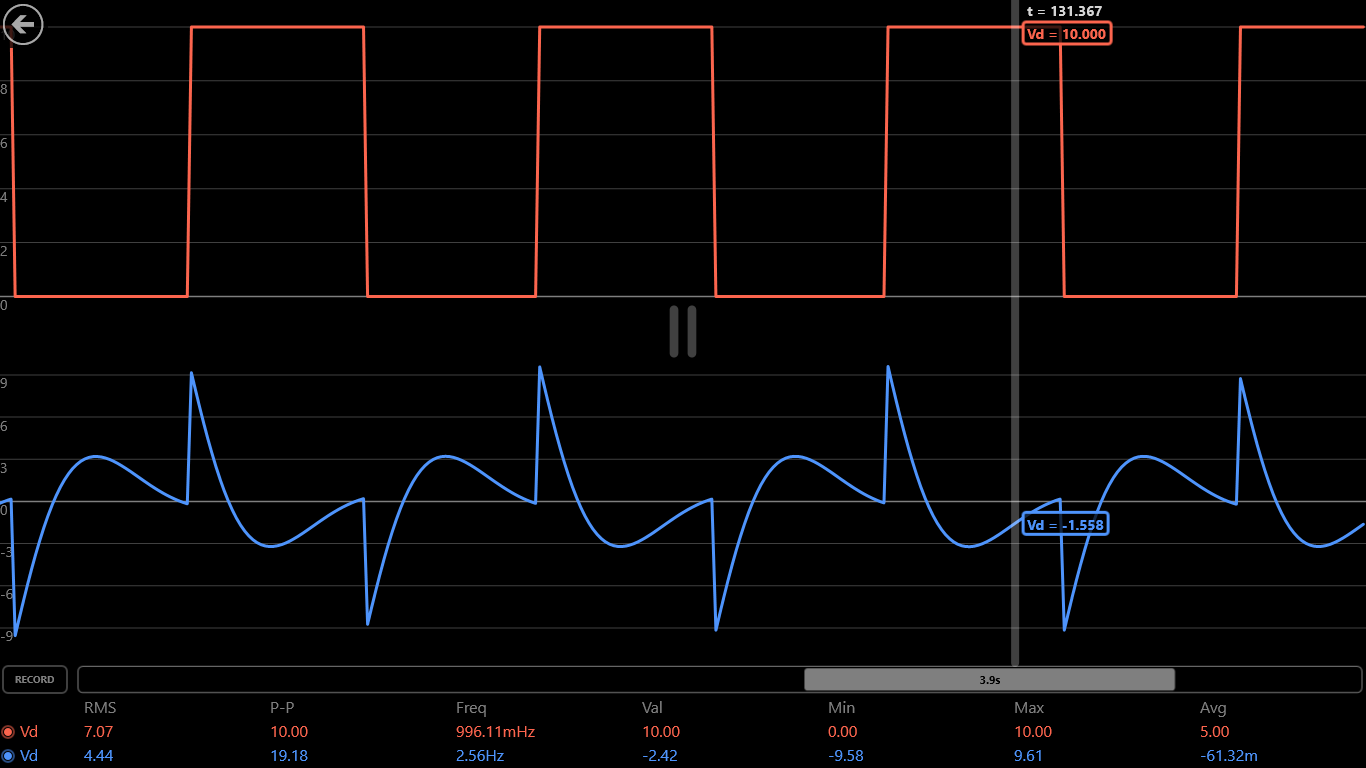
- Real-Time Circuit Simulation: Users can build and test analog and digital circuits that respond instantly to modifications, fostering an intuitive experiment environment.
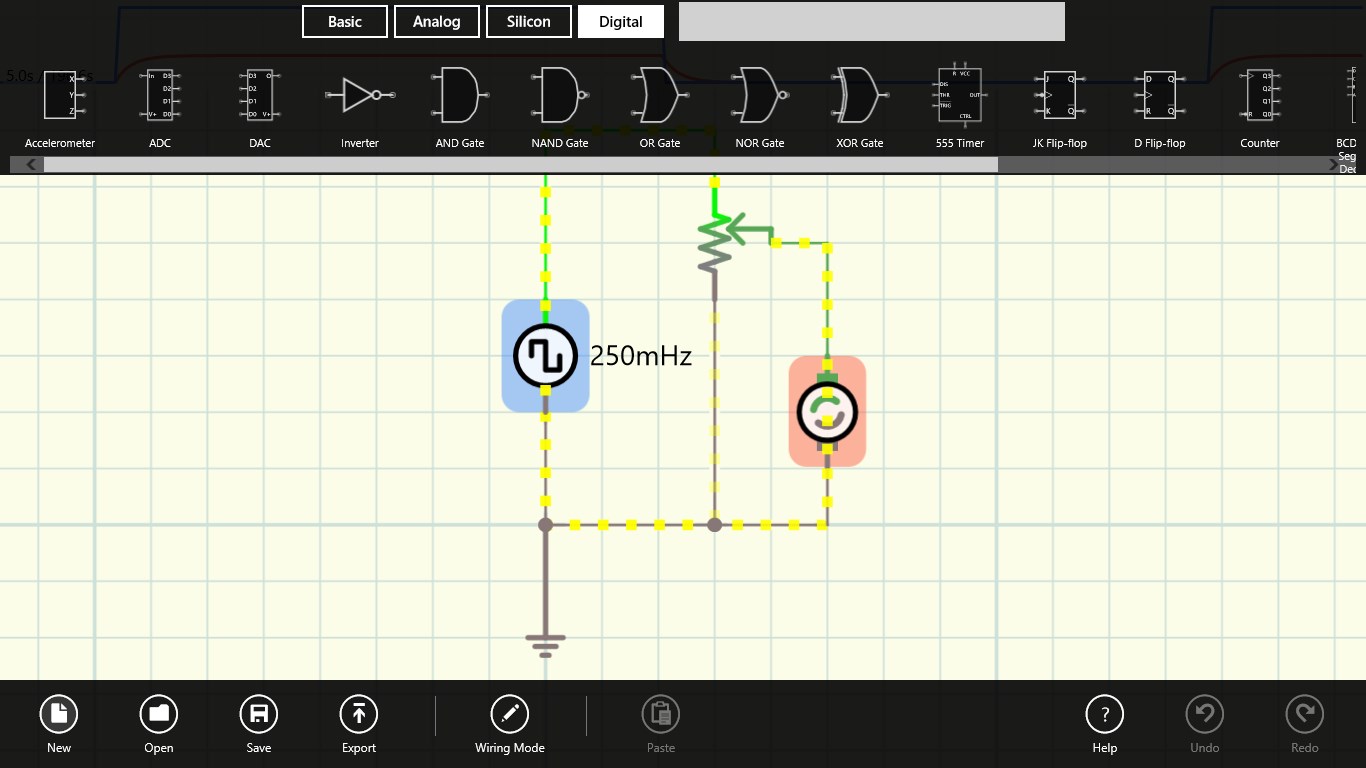
- Extensive Component Library: Incorporating over 30 different circuit elements, from resistors and capacitors to transistors and logic gates, it allows for a broad range of circuit designs.
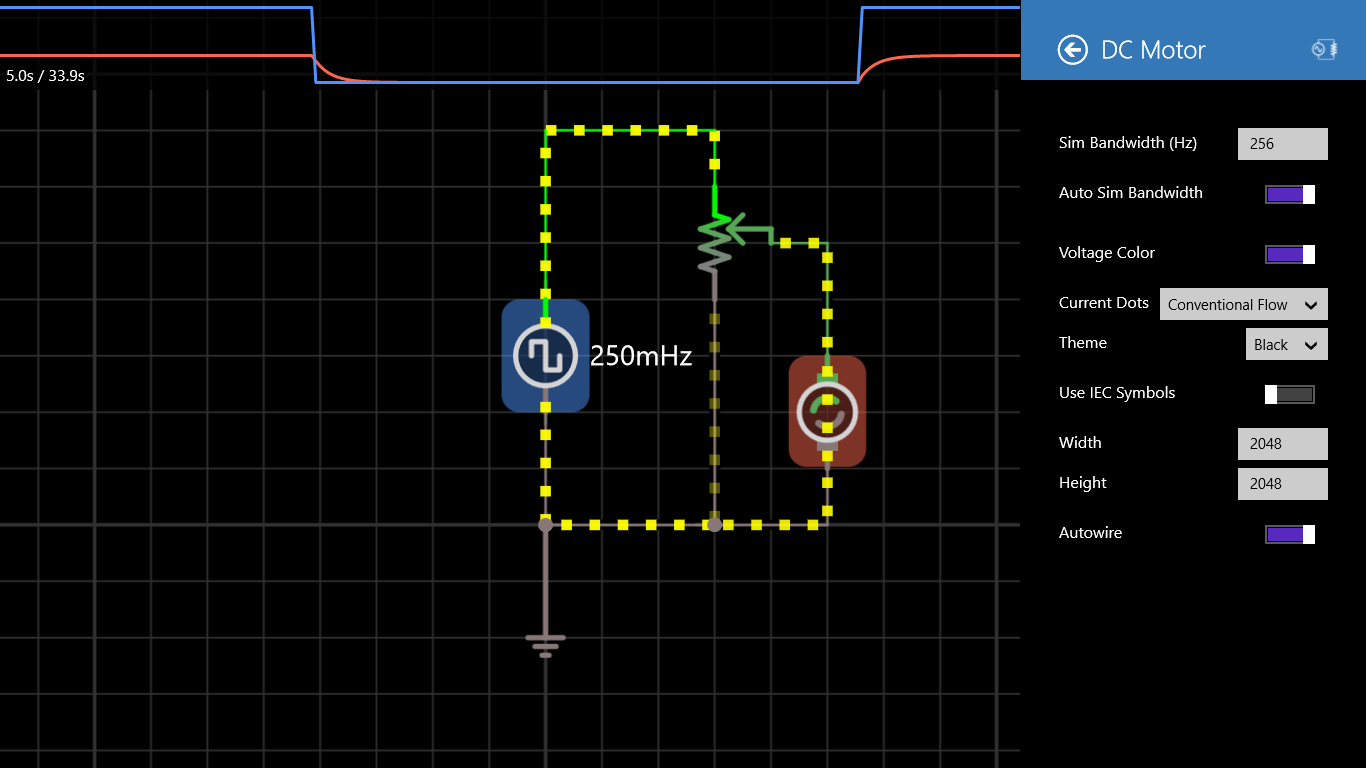
- Visual and Interactive Interface: An elegant drag-and-drop interface simplifies circuit assembly, making complex diagrams approachable even for beginners.
- Cross-Platform Compatibility: Designed to work seamlessly on Windows devices, it ensures a consistent experience across desktops and tablets.
Targeted primarily at students, educators, amateur electronics enthusiasts, and product designers who need a quick and reliable circuit testing environment, iCircuit bridges the gap between complexity and usability.
Evaluation of User Experience and Interface Design
Jumping into iCircuit feels like opening a well-organized electronics lab waiting at your fingertips. The interface is clean and inviting—think of it as a digital breadboard that's as much a workspace as a playground. Dragging components onto the workspace is effortless, with snap-to-grid precision that keeps circuits neat and professional-looking. The color-coded icons make navigation intuitive, even for newcomers.
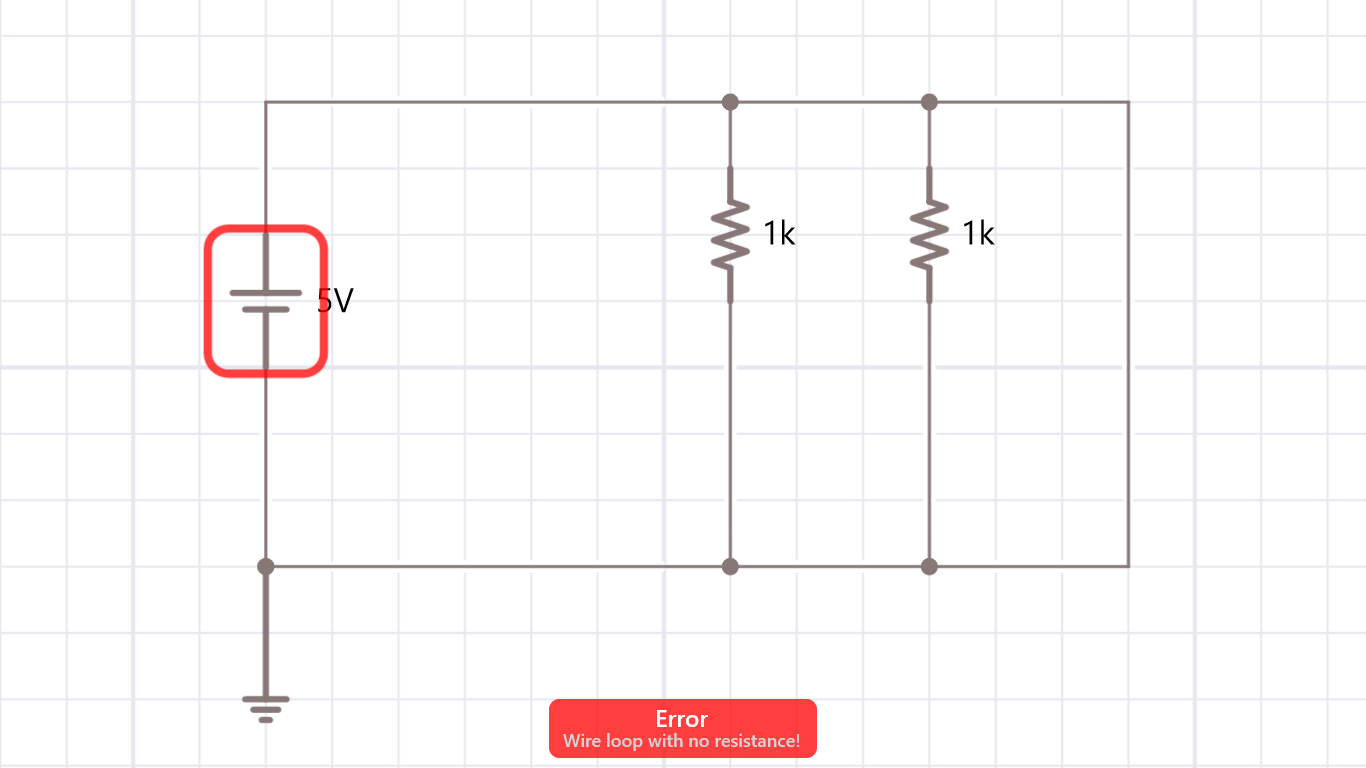
The app operates smoothly, with immediate feedback when adjusting circuit parameters—there's almost no lag, which is critical when you're trying to troubleshoot or optimize a design. Its learning curve is gentle; guided tutorials and inline hints help newcomers get up to speed without feeling overwhelmed. For seasoned engineers, the detailed simulation options and real-time updates make it a reliable prototyping tool without fuss or delay.
Highlighting the Unique Strengths: Why Choose iCircuit?
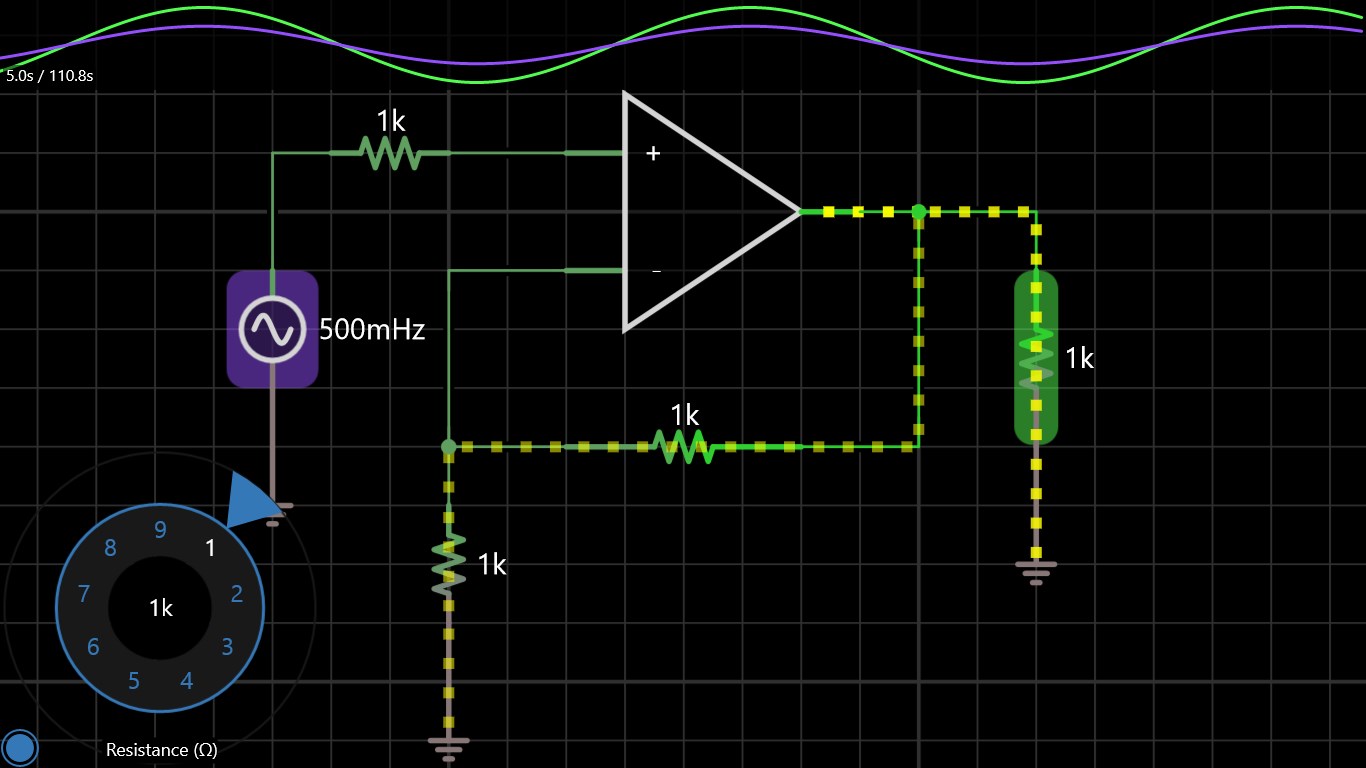
One of iCircuit's most compelling features is its ability to simulate both analog and digital circuits within a unified workspace. Unlike some tools that focus solely on either analog or digital, iCircuit's versatility means you can switch between the two seamlessly—like having a Swiss Army knife for electronics design. Its real-time simulation capability is another standout—imagine tweaking a transistor's gain and immediately observing the impact on your circuit's behavior, providing an almost hands-on feel even before breadboarding physically.
Compared to other utilities and tools, iCircuit's user-centric design sets it apart. Its clean interface reduces cognitive load, and the hybrid simulation approach allows for rapid iteration, making it a practical choice for educational purposes and quick prototyping alike.
Final Recommendations and Usage Suggestions
Based on its features, performance, and user experience, I'd recommend iCircuit for Windows as a solid choice for electronics enthusiasts who seek a balance between simplicity and functionality. It's especially beneficial for students and educators, offering a low barrier to entry without sacrificing the depth needed for meaningful circuit testing.
If your goal is to develop complex hardware with intricate digital logic, iCircuit is excellent for preliminary design and testing, but for very advanced projects, you might need more dedicated CAD tools. Nevertheless, for everyday experimentation, learning, and quick prototyping, this app proves to be a reliable companion.
In a nutshell, iCircuit for Windows stands out with its real-time mixed analog-digital simulation and user-friendly interface, making it a noteworthy tool worth exploring for anyone interested in electronics. Don't miss out on its ability to turn your idea from a sketch into a virtual working circuit in moments!
Pros
- User-Friendly Interface
- Comprehensive Circuit Components
- Real-Time Simulation
- Cross-Platform Compatibility
- Helpful Simulation Tools
Cons
- Limited Advanced Features
- Performance Lag on Larger Circuits
- Basic Documentation
- Connectivity Requirements for Saving Projects
- Limited Export Options











