

- Category Utilities & tools
- Available on PC
- OS Windows 8.1 or higher
- languages English (United States)
Introducing the InfoPrint Driver Utility for Windows
Imagine managing your printing devices with the same ease as tuning a fine instrument—this is where the InfoPrint Driver Utility steps in, making printer management straightforward and efficient. Developed by Ricoh Company, Ltd., this utility serves as a vital tool for users seeking seamless printer and driver management on Windows platforms. Whether you're a small business owner, an IT technician, or a tech-savvy home user, this utility aims to streamline complex printer administration tasks into simple, manageable steps.
Core Features that Make Your Printing Life Easier
Effortless Driver Installation and Updates
The utility simplifies the often daunting task of installing and updating printer drivers. With just a few clicks, users can ensure their printers are equipped with the latest drivers, reducing compatibility issues and enhancing print quality. It acts like a personal assistant, automatically identifying connected devices and recommending the most appropriate driver versions—saving time and avoiding the hassle of manual searches.
Intuitive Printer Management Dashboard
Beyond driver updates, the utility offers a user-friendly dashboard where you can monitor multiple printers simultaneously. Imagine having a control panel that shows all your devices' status—whether they are ready, busy, or encountering errors. This feature allows for quick troubleshooting and efficient operation, making printer maintenance less of a chore and more of a breeze.
Advanced Configuration and Troubleshooting Tools
Another standout feature is the utility's ability to configure printer settings and troubleshoot common issues. Whether it's adjusting print preferences, setting default printers, or diagnosing connectivity problems, the utility provides clear, guided steps. This empowers users to resolve problems confidently without needing in-depth technical knowledge, akin to having a technician at your fingertips.
User Experience and Design
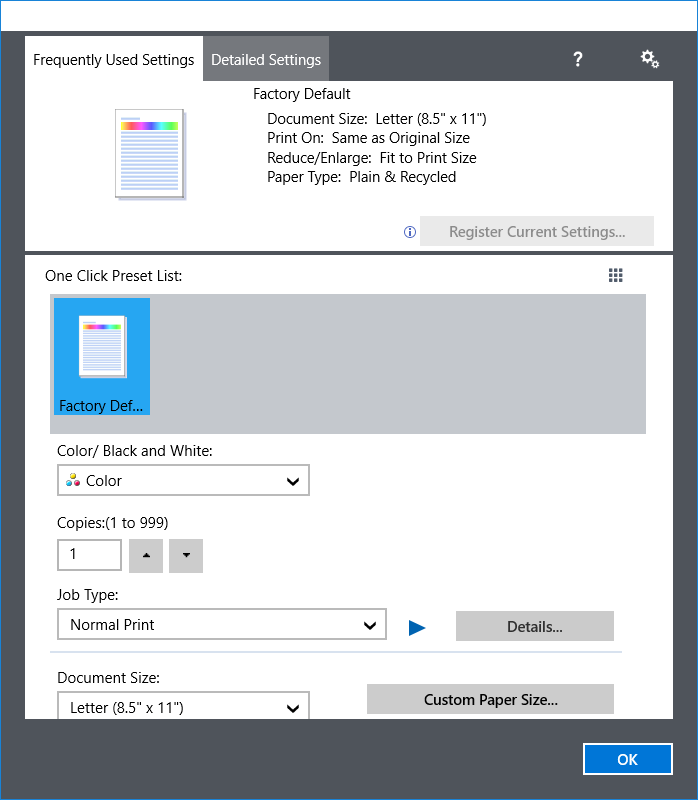
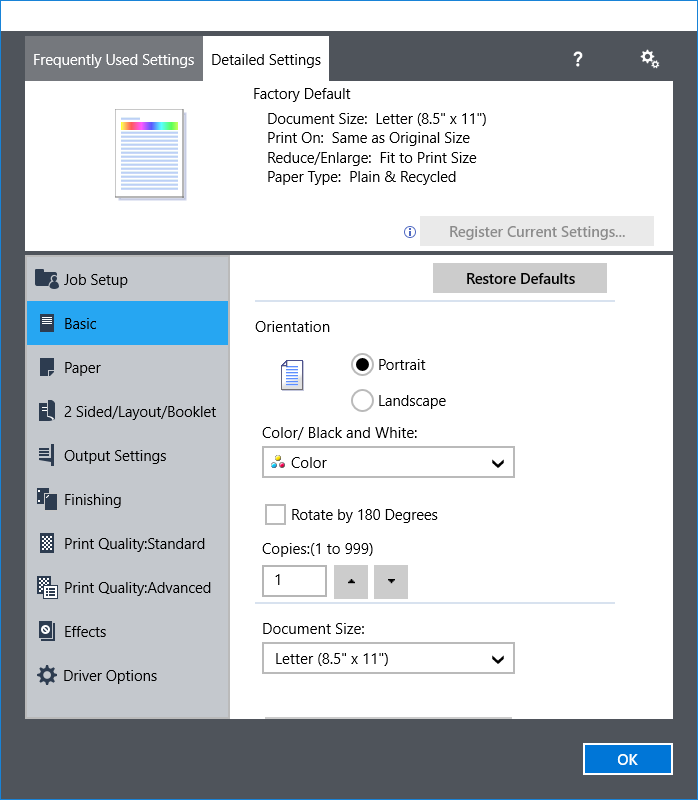
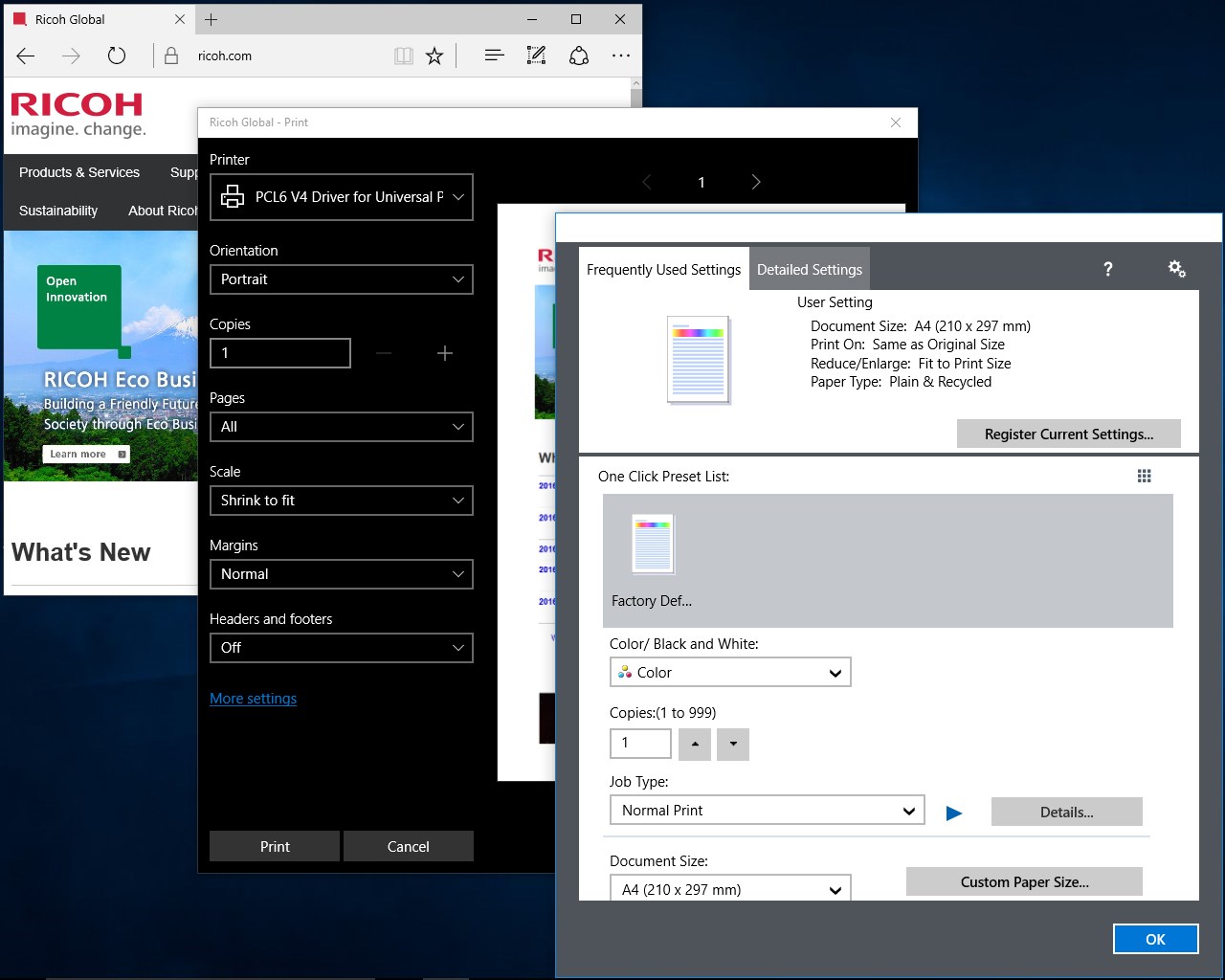
The interface design of the InfoPrint Driver Utility emphasizes simplicity and clarity. Its clean layout and logical navigation resemble a well-organized toolbox—everything in its place and easy to find. The operational flow is smooth; tasks that might seem complex are broken down into straightforward steps, reducing the learning curve. This makes it accessible to novice users while still offering the depth needed by experienced administrators.
Compared to other utilities in the same category, the utility's focus on seamless integration with Ricoh printers and its automatic device recognition set it apart. It reduces manual input and minimizes user errors, making routine printer management feel almost effortless. Its stability and responsiveness further enhance overall user satisfaction, ensuring that managing your printers won't become a frustrating puzzle.
Should You Use It? My Honest Recommendation
Overall, I'd say this utility deserves a solid thumbs-up—especially if you are a Ricoh printer user looking for a hassle-free management experience. Its most compelling feature is the automatic driver detection and update system, which acts like a personal tech assistant, always keeping your devices at peak performance without constant manual intervention. If you value a clean, intuitive interface combined with reliable functionality, this utility is a well-rounded tool worth incorporating into your device management routine.
For casual home users or small business environments, it offers enough features to handle daily printer tasks efficiently. Power users or IT professionals will appreciate its advanced troubleshooting options and multi-device management capabilities. In conclusion, the InfoPrint Driver Utility balances ease of use with powerful features, making it a welcome addition for anyone invested in streamlined printer management.
Pros
- Reliable print job management
- User-friendly interface
- Enhanced print security features
- Good compatibility with various printers
- Frequent updates improve stability
Cons
- Limited customization options
- Occasional connection delays
- Lack of detailed troubleshooting guides
- Interface could be more modern
- Minor compatibility issues with newer operating system updates











