
- Category Utilities & tools
- Developer Intel® Corporation
- Available on PC
- OS Windows 10 version 19041.0 or higher
- languages English (United States)
Introducing Intel® Graphics Software for Windows
As a dedicated tool tailored for maximizing the performance and stability of Intel integrated graphics, Intel® Graphics Software for Windows offers a streamlined interface and robust features to enhance your visual experience. From gamers to everyday users, this software acts as a control hub to fine-tune graphics settings and keep your system optimized.
Developer and Core Highlights
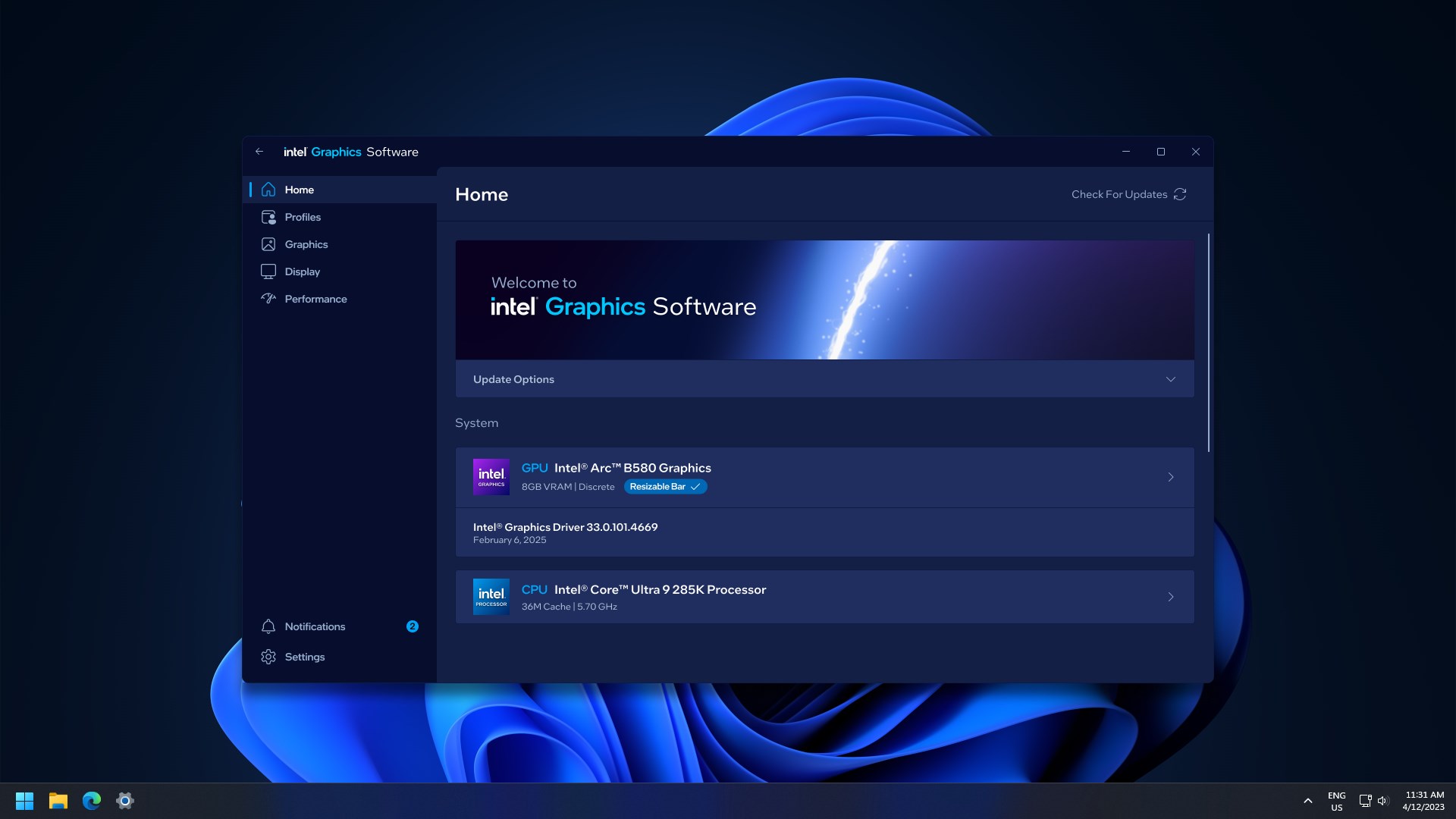
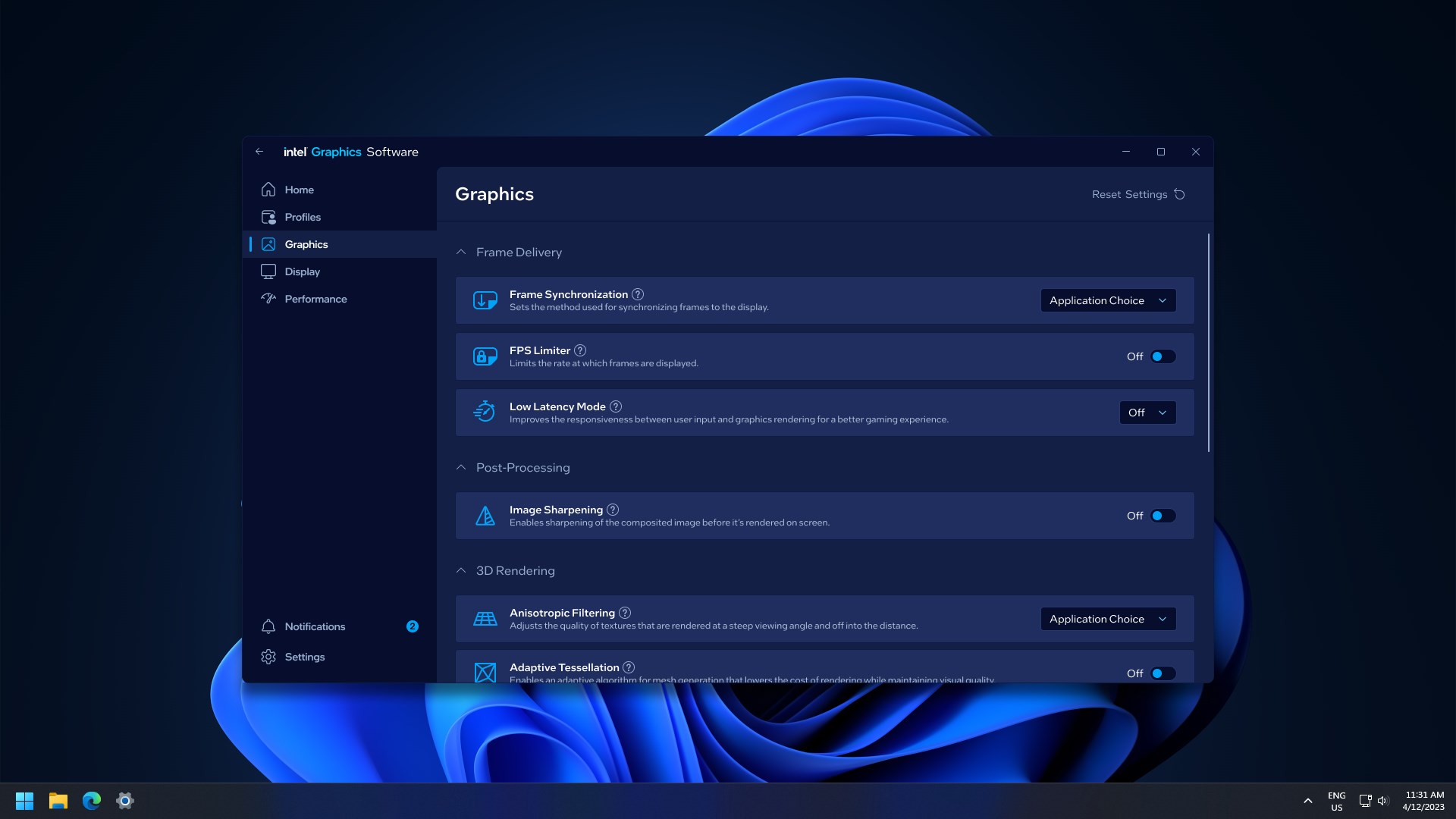
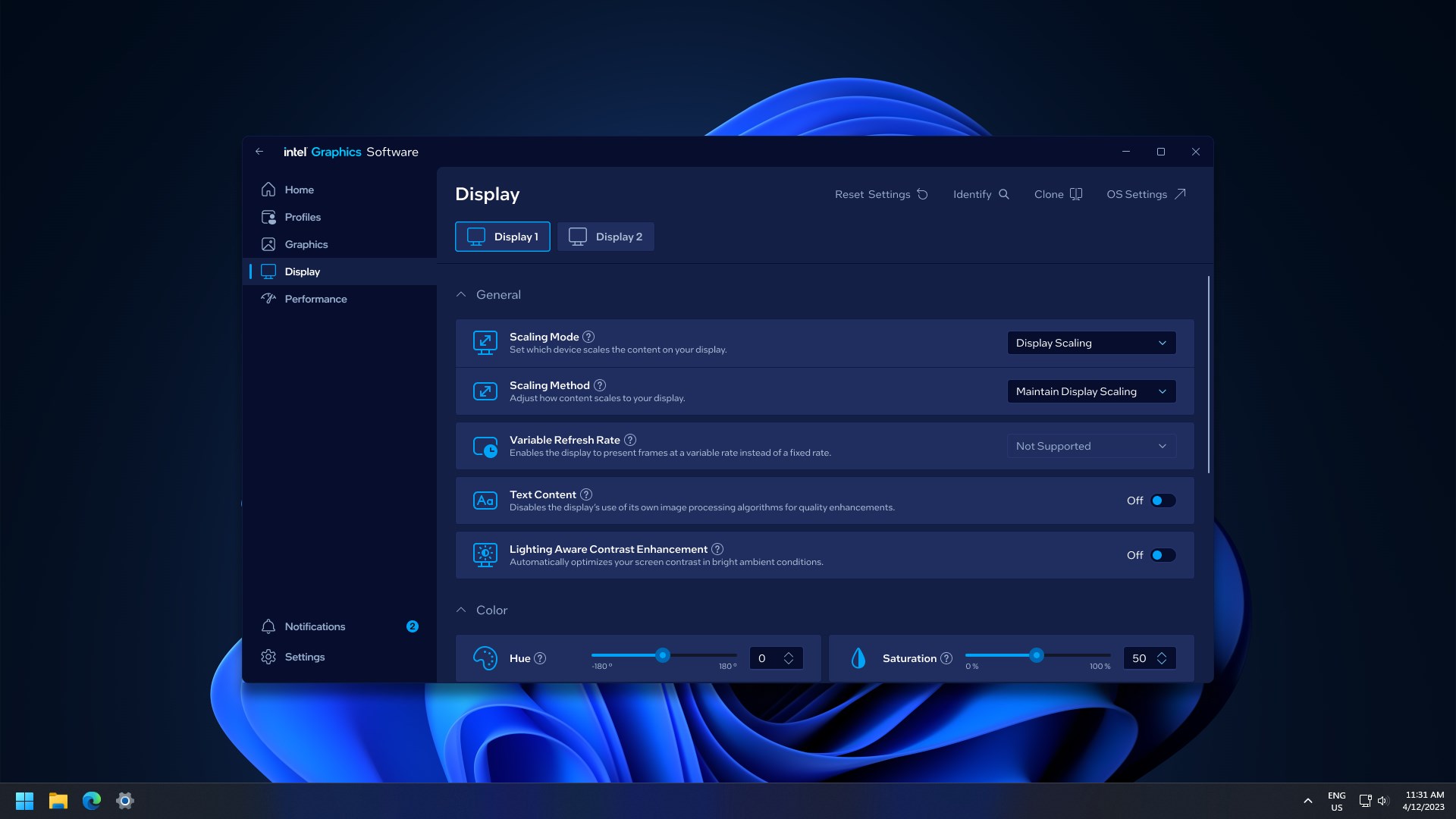
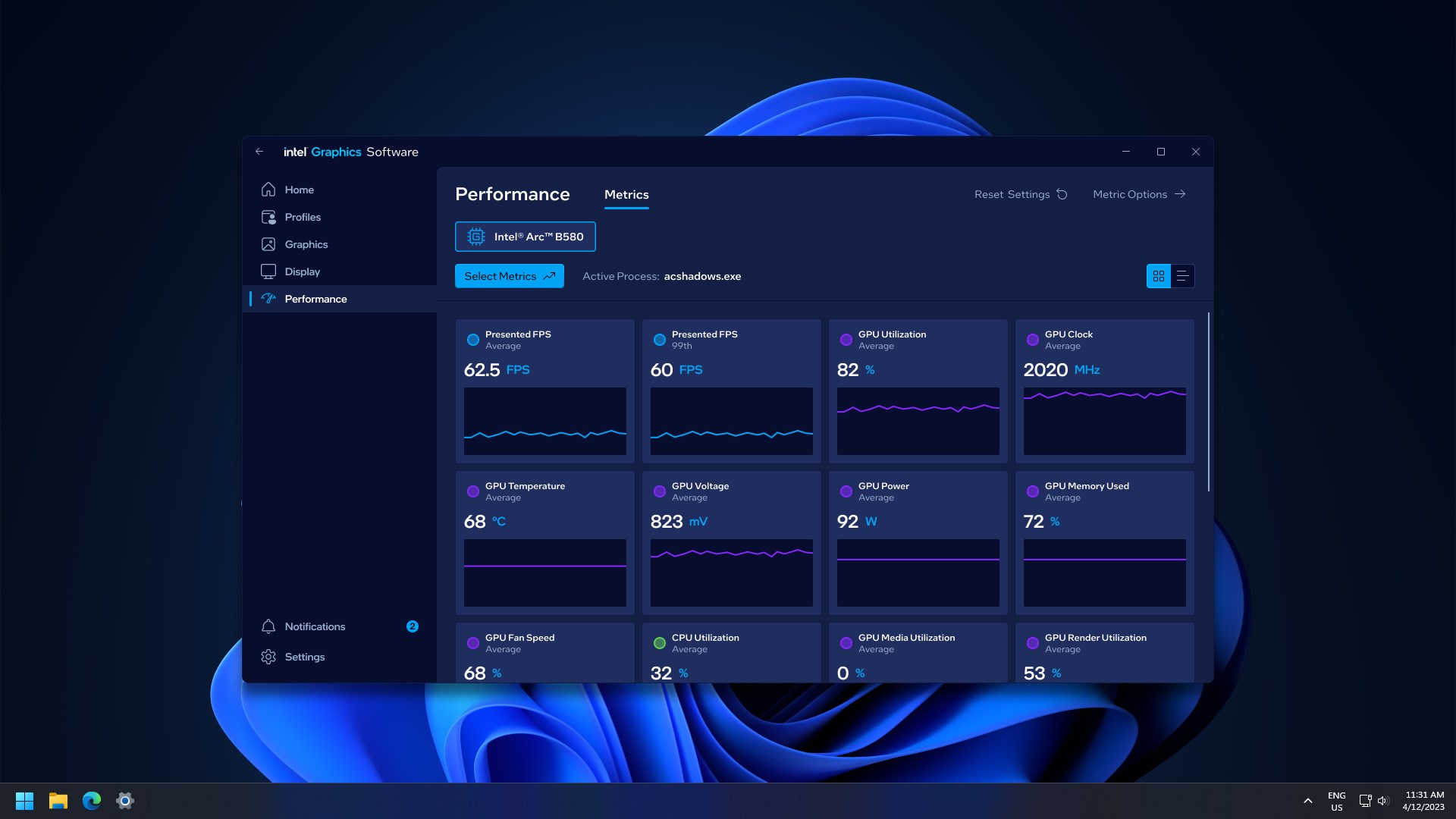
Developed and published by Intel® Corporation, a leader in semiconductor technology, this application is crafted to serve users who rely on Intel integrated graphics solutions. Its main features include easy driver management, customizable display settings, and performance monitoring tools. Notably, the software supports graphics driver updates, ensuring your system benefits from the latest enhancements and security patches, and it provides intuitive controls for adjusting resolution, color profiles, and display configurations – all within a user-friendly interface.
A Friendly yet Powerful User Experience
Getting started with Intel® Graphics Software feels akin to discovering a toolkit nestled within your system—easy to open, even easier to understand. Navigating through its dashboard is smooth and fluid, reminiscent of gliding on freshly waxed ice, thanks to its well-organized layout and clear icons. Users may find the learning curve gentle, with helpful prompts guiding new users while offering advanced options for seasoned enthusiasts. The interface's clean design and logical structure allow anyone to optimize their visuals without fuss or confusion.
Unveiling the Most Unique Features
1. Seamless Driver Management with Real-Time Updates
This is where Intel® Graphics Software shines brightest. Unlike many utilities that require manual checking or third-party tools, this application provides a built-in driver update mechanism. It's like having a personal assistant constantly scanning for the latest drivers, ensuring your system stays current with minimal effort. This feature reduces compatibility issues and maximizes stability, thus providing peace of mind whether you're gaming, streaming, or working creatively.
2. Customizable Graphics Profiles for Every Scenario
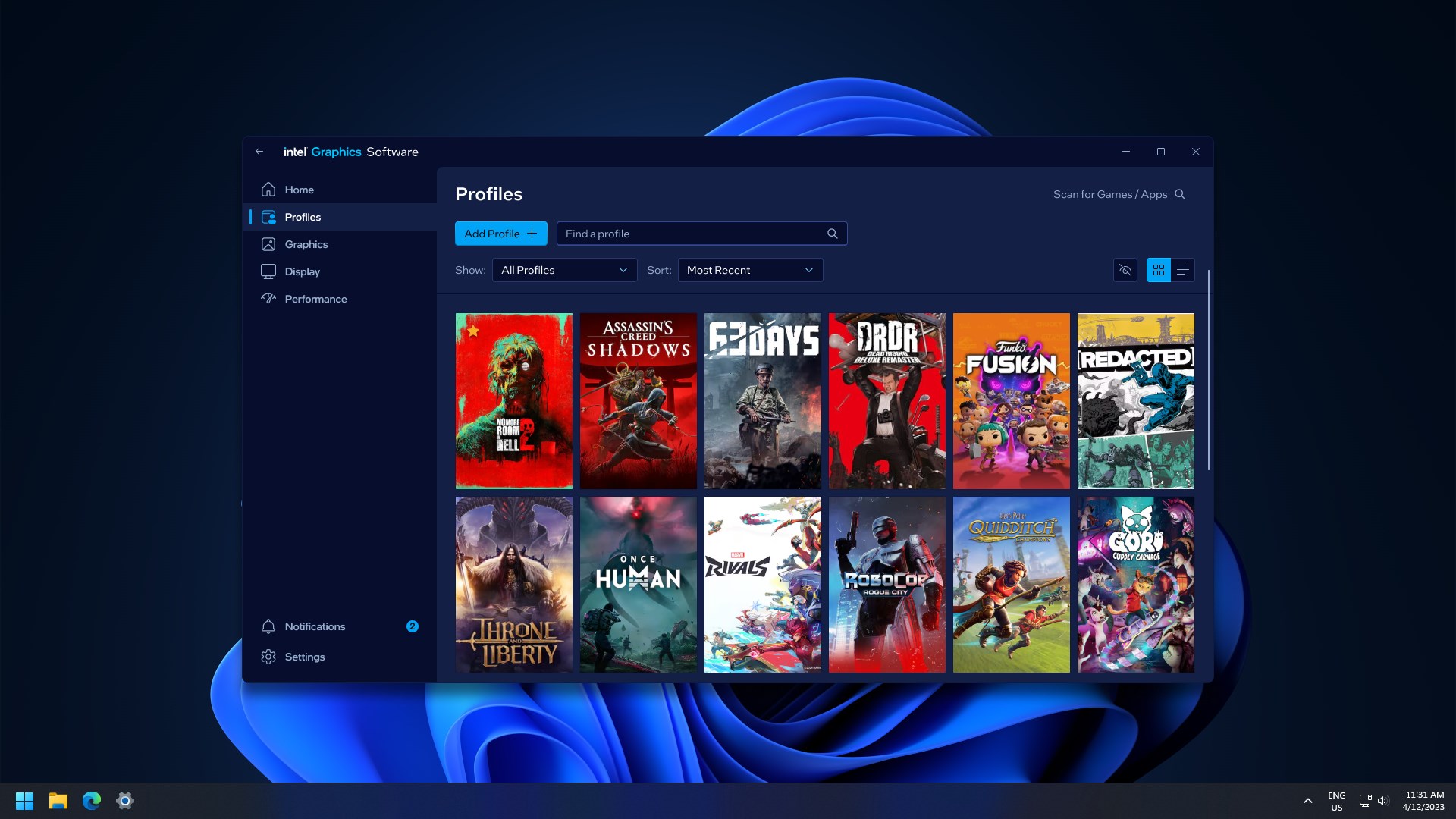
Another standout feature is its ability to create dynamic graphics profiles tailored to specific tasks. Whether you're launching a high-end game or editing photos, you can switch profiles seamlessly. Imagine toggling between modes like picking different lenses for a camera—sharper for gaming, balanced for daily use, or energy-saving for long battery life. This adaptability allows users to optimize visual output based on their immediate needs, enhancing the overall experience.
Final Verdict and Recommendations
Overall, Intel® Graphics Software for Windows is a thoughtful and robust utility that elevates the user's control over integrated graphics. Its user-friendly design, coupled with intelligent features like automatic driver updates and customizable profiles, sets it apart from generic graphics utilities. For those who depend on Intel graphics—be it casual users, serious gamers, or creative professionals—this software provides both confidence and convenience. I would recommend it for anyone looking to squeeze more performance and stability out of their integrated graphics setup, especially given its ease of use and thoughtful features. Consider installing it if you are aiming for a smoother, more tailored visual experience without the complexity of manual configurations.
Pros
- Enhanced graphics performance
- User-friendly interface
- Automatic driver updates
- Advanced display customization
- Integrated troubleshooting tools
Cons
- Occasional bugs during updates
- Limited support for older graphics cards
- Fragmented feature set across Windows versions
- Initial installation can be slow on low-performance systems
- Limited customization options compared to third-party apps











