


- Category Utilities & tools
- Available on Xbox console, PC
- OS Windows 10 version 19041.0 or higher
- languages English, Russian
Introducing Internet Browser Pro for Windows: A Sleek and Powerful Web Companion
Internet Browser Pro for Windows is designed to streamline your browsing experience with a blend of speed, security, and user-friendly features. It's not just another browser; it aims to be your efficient partner in navigating the web effortlessly.
About the Developer: Finebits OÜ
Developed by Finebits OÜ, a software company dedicated to creating intuitive digital tools, Internet Browser Pro showcases their commitment to enhancing user productivity and safety online. With their focus on simple yet effective solutions, they bring a professional touch to everyday browsing.
Key Features That Set It Apart
- Customizable Interface: Tailor your browsing environment with themes, toolbar arrangements, and layout options for a personalized look and feel.
- Enhanced Privacy Controls: Built-in privacy features like ad-blocking, tracking protection, and incognito modes help safeguard your online footprint.
- Fast and Efficient Performance: Optimized to reduce memory footprint and load times, making browsing smoother even on modest hardware.
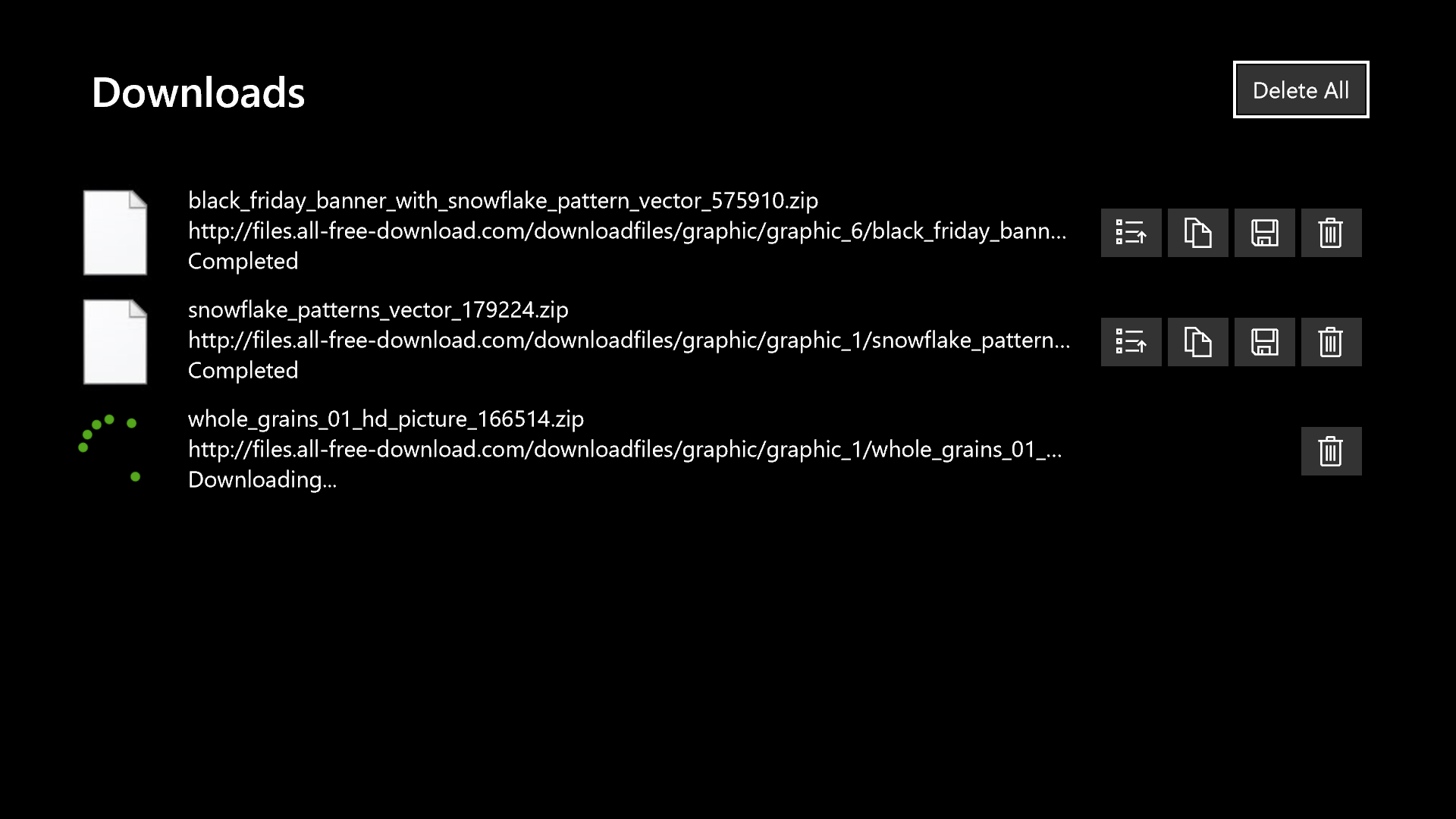
- Integrated Download Manager: Manage downloads seamlessly within the browser, with pause/resume capabilities and organized file management.
A Splash of Creativity in Browsing Experience
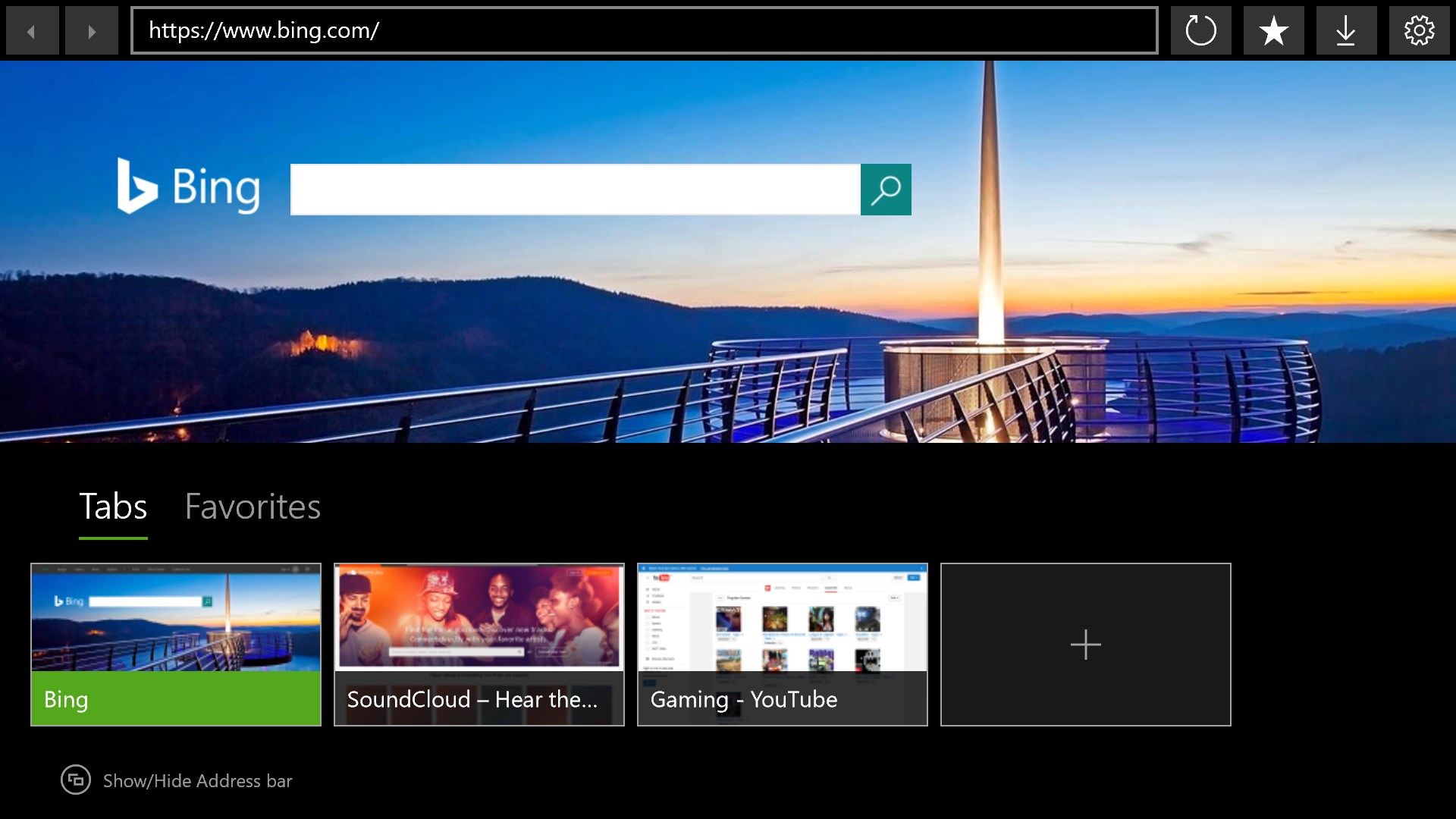
Imagine opening your web browser as stepping into a well-organized workspace—everything you need within arm's reach. Internet Browser Pro announces itself silently but confidently, promising to elevate your online adventures with sleek design and thoughtful features. Whether you're a casual surfer or a power user, this app aims to become your reliable digital companion, providing not only speed but also a level of customization that makes it uniquely yours.
Focus on Core Functionality: Efficiency and Privacy
The standout feature of Internet Browser Pro is how it balances performance with privacy. Its lightweight architecture ensures pages load rapidly, reducing frustration and waiting. Meanwhile, the integrated privacy controls—such as ad-blocking and anti-tracking features—operate transparently, so you can browse confidently without constantly fiddling with settings. This combination is particularly compelling for users tired of intrusive ads or concerned about online privacy but unwilling to compromise on speed.
User Interface and User Experience: Friendly and Intuitive
The interface design is minimalist but thoughtfully constructed, akin to a tidy workspace that doesn't overwhelm. Icons are clear, menus are straightforward, and customization options are accessible without steep learning curves. The app feels fluid—scenarios like opening multiple tabs or managing downloads demonstrate smoothness and responsiveness. Even users less familiar with tech can quickly adapt, thanks to the intuitive layout.
What Makes It Different From the Crowd?
While many browsers boast speed or privacy, Internet Browser Pro shines through its high degree of customization and integrated download management—an often-overlooked element. Its modular approach, allowing users to modify interface layout and privacy settings in one place, is akin to a tailor adjusting a suit for perfect fit. This flexibility ensures the browser adapts to diverse needs, whether for work, entertainment, or research. Furthermore, its lightweight design means it performs well on less powerful devices, offering a refreshingly smooth experience in a market often dominated by resource-heavy options.
Final Word: Is It Worth Your Click?
Overall, I'd recommend Internet Browser Pro for Windows to users seeking a clean, fast, and privacy-conscious browsing tool with a touch of personalization. Its standout features—especially the customizable interface and seamless download management—make it a compelling choice amid a sea of similar utilities. For those tired of cluttered browsers and desire a straightforward experience without sacrificing functionality, this app is worth trying out. Think of it as your trusty, adaptable toolkit for the web—simple, effective, and ready when you are.
Pros
- Fast browsing speeds
- User-friendly interface
- Strong security features
- Customizable settings
- Regular updates
Cons
- Limited extension support
- Occasional slow startup
- Network dependency for sync features
- Some advanced features are behind a paywall
- Limited customization options compared to other browsers











