
- Category Utilities & tools
- Developer ©iTop
- Available on PC
- OS Windows 10 version 0.0 or higher
- languages Chinese (Traditional Chinese), Danish, Dutch, English, French, Georgian, German, Hebrew, Hungarian, Indonesian, Italian, Japanese, Korean, Malay, Polish, Portuguese (Brazil), Russian, Slovak, Slovenian, Swedish, Thai, Turkish, Ukrainian, Vietnamese
iTop VPN for Windows: A Reliable Companion in Digital Privacy and Access
iTop VPN for Windows positions itself as a user-friendly and efficient tool designed to safeguard your online privacy while providing seamless access to geo-restricted content. Whether you're browsing, streaming, or working remotely, this VPN aims to be your digital shield and gateway.
Developed by iTop: The Team Behind the Shield
Produced by ©iTop, a reputable developer known for their suite of user-centric utility applications, iTop VPN benefits from their emphasis on simplicity, security, and effective performance. The team's experience in developing security and utility software ensures that this VPN isn't just another generic tool but a thoughtfully crafted solution.
Key Features That Make a Difference
iTop VPN stands out through several compelling features. First, its robust server network offers quick and stable connections across multiple countries, reducing buffering and lag during streaming. Second, its ability to unblock popular streaming platforms like Netflix and Hulu opens access to global content. Third, the application emphasizes user privacy by including features like a strict no-logs policy and automatic kill switch. Lastly, its easy setup and minimal configuration make it accessible even for VPN novices.
Vibrant and Intuitive User Experience
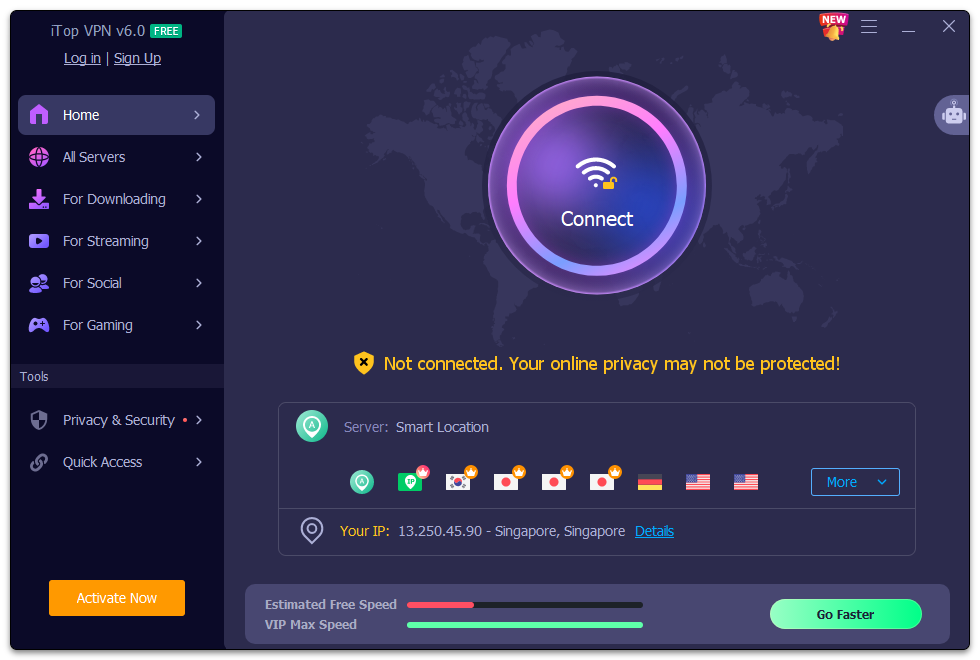
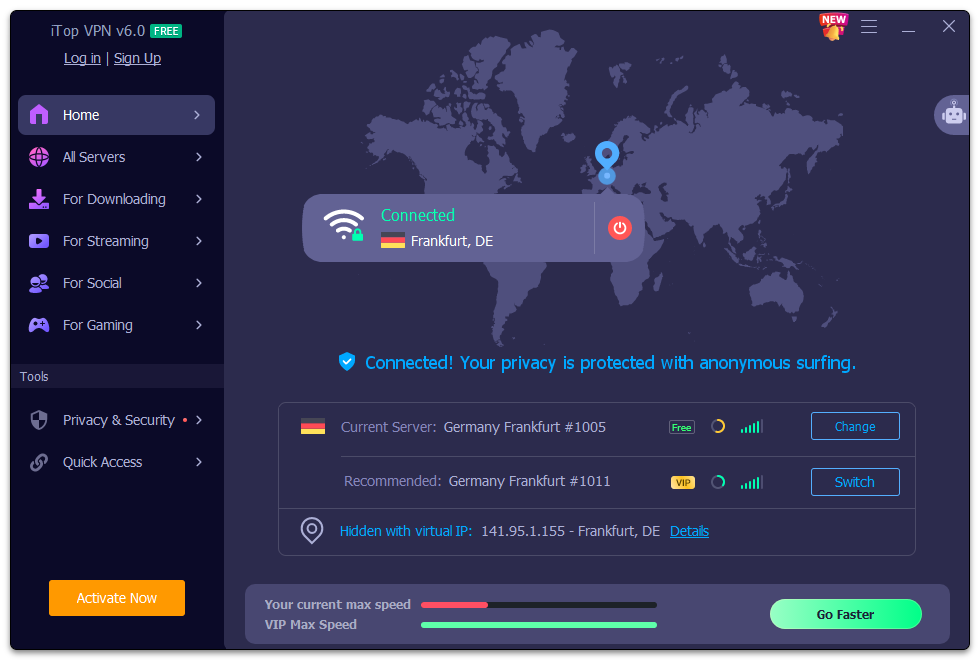
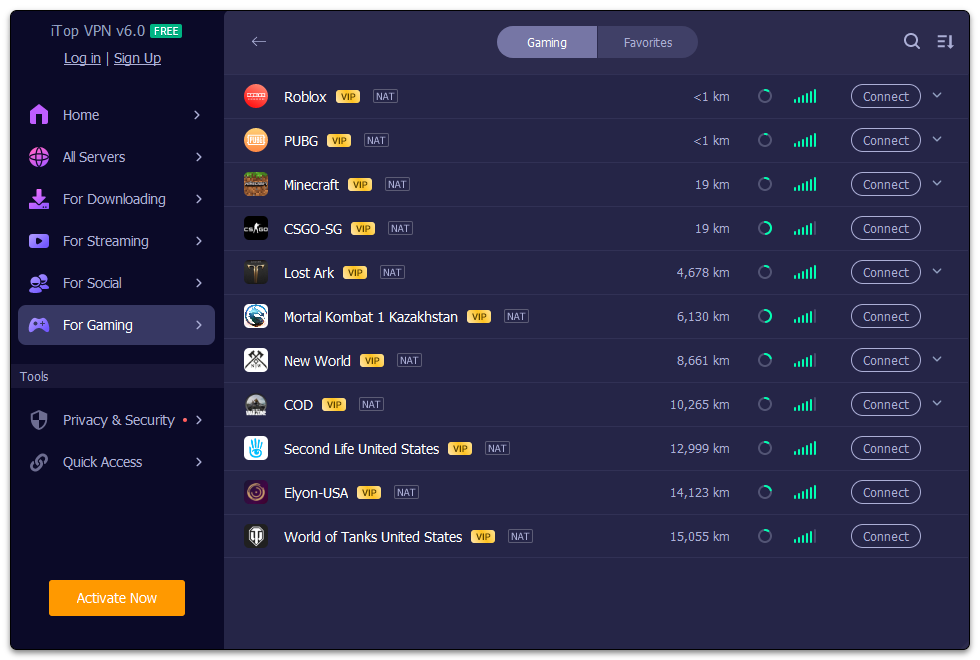
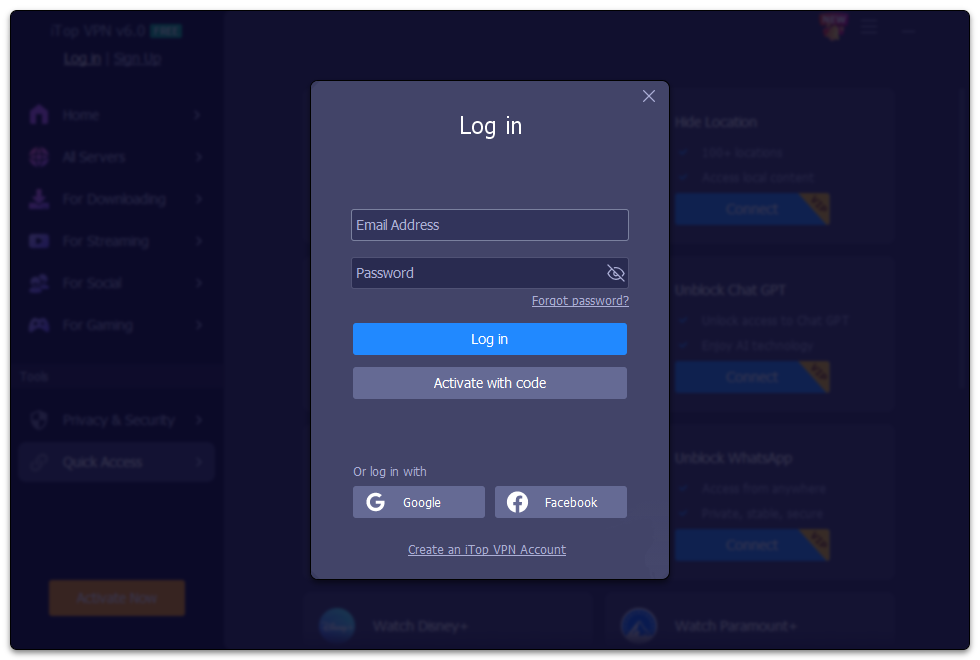
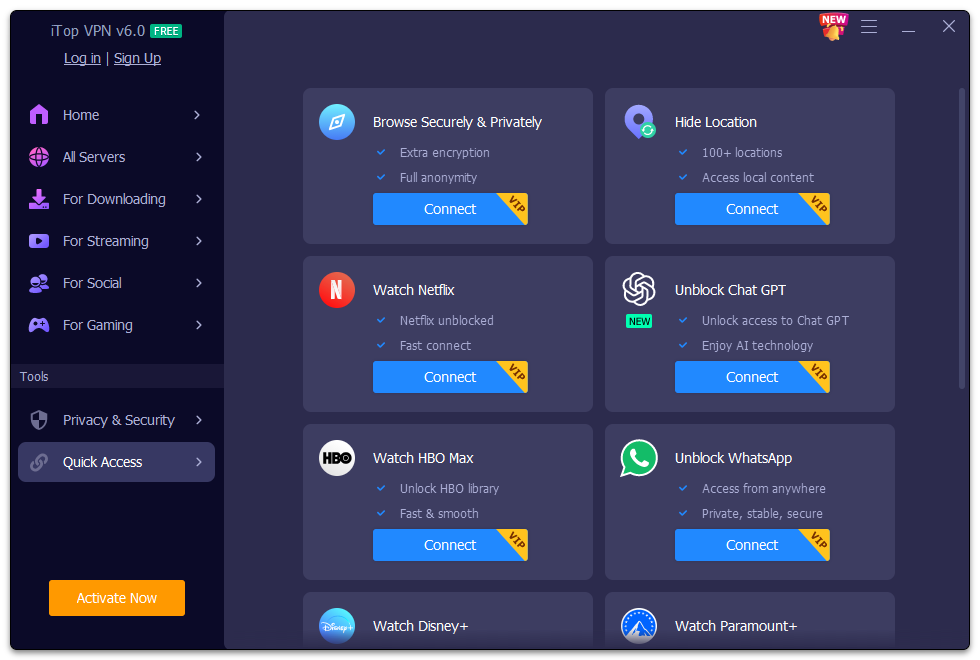
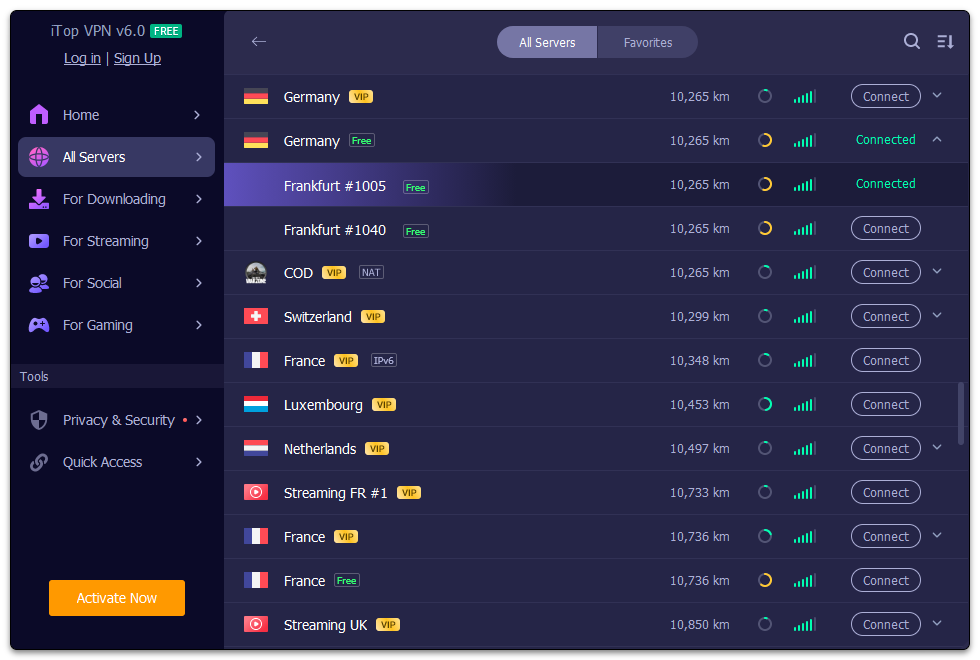
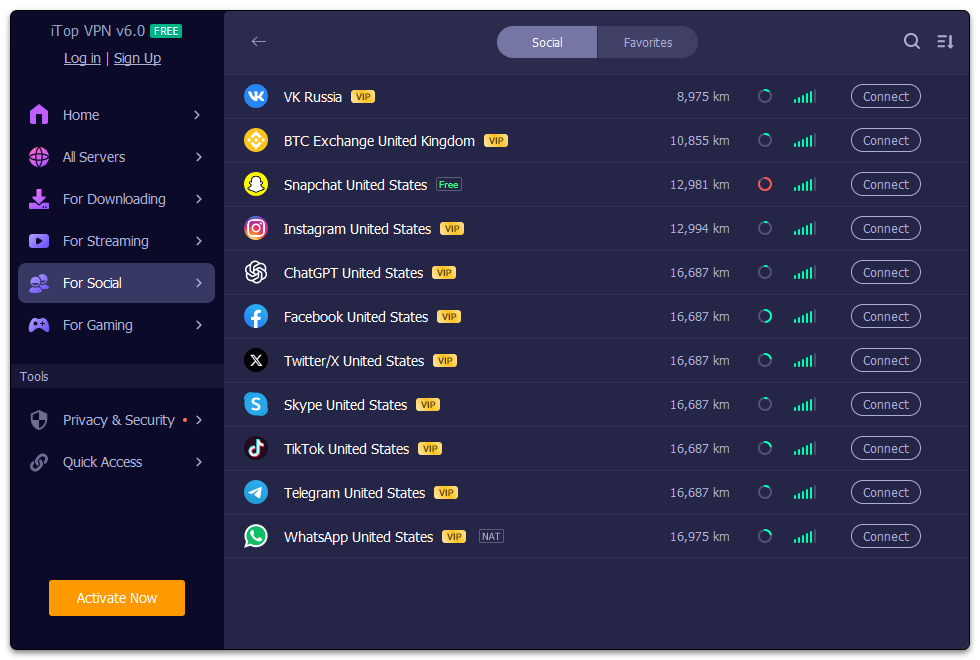
Imagine launching an app as smooth as opening a well-organized toolbox—you're met with an inviting interface that's both sleek and straightforward. ITop VPN's design employs a clean layout with prominent connect/disconnect buttons, making it a breeze to get started. The interface's bright, friendly color scheme and simple icons eliminate any intimidation often associated with security tools, welcoming users of all tech backgrounds.
The app demonstrates impressive operational fluidity; connections are established swiftly without noticeable lag, and switching between servers is instantaneous. The learning curve is gentle—within minutes, even a VPN novice can comfortably navigate and utilize its core functions. Its minimalist approach ensures that users aren't overwhelmed by options but can easily access advanced settings when needed.
Unpacking the Core Functionalities
Unblocking Content with a Tap
One of the core strengths of iTop VPN lies in its ability to bypass geo-restrictions. Imagine being able to watch your favorite shows on Netflix abroad or access websites otherwise blocked by network filters—this app makes such scenarios effortless. The process is as simple as pressing a button; select your preferred country, and the VPN handles the rest, establishing a secure connection within seconds.
Privacy and Security at Its Heart
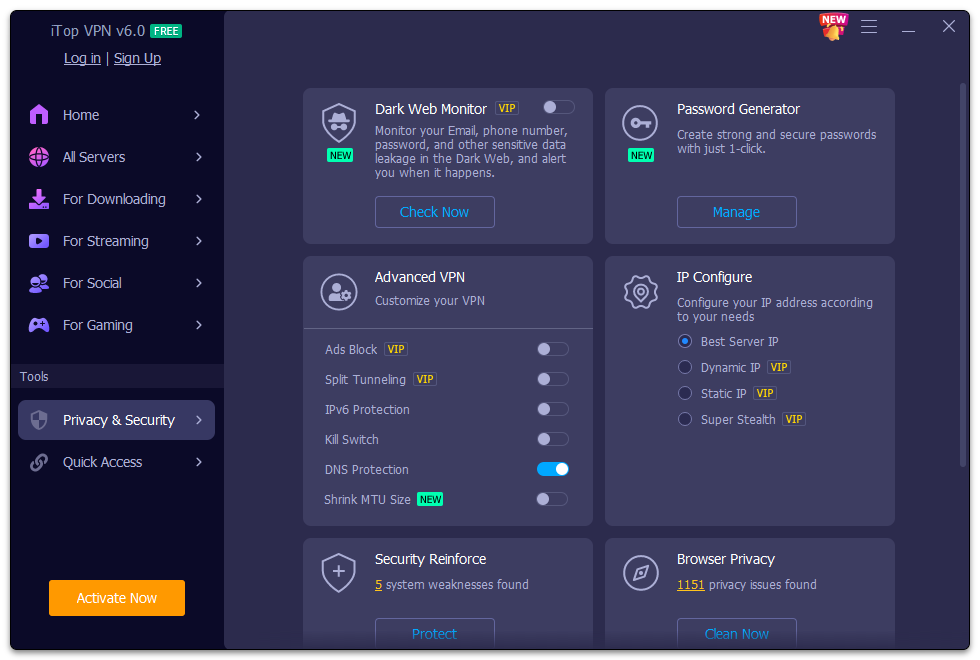
In today's digital world, privacy isn't a luxury—it's a necessity. iTop VPN employs modern encryption standards and adheres to a strict no-logs policy, ensuring user activity remains confidential. Its automatic kill switch adds an extra layer of security, instantly disconnecting internet access if the VPN drops, preventing leaks that could compromise your identity. These features collectively offer peace of mind whether you're browsing sensitive information or using public Wi-Fi.
Enhanced Speed and Stability
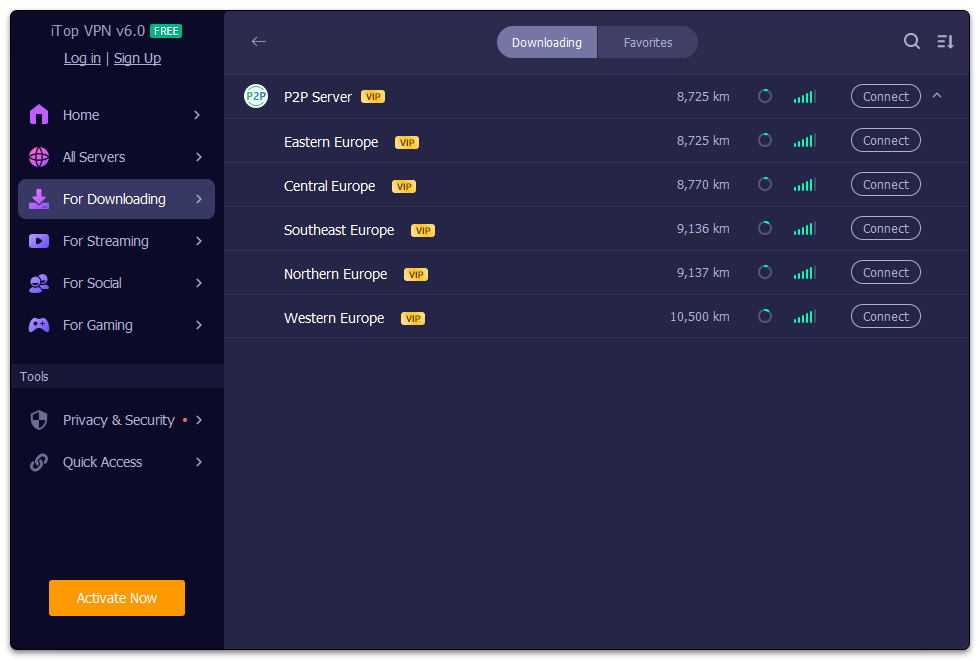
Streaming videos, gaming, or conducting online meetings require a steady connection—iTop VPN's optimized server network reduces latency and ensures smooth data flow. The app's connection stability is notably reliable, even during high traffic periods. This reliability distinguishes it from less optimized VPNs that often buckle under demand, making it suitable for both casual users and professionals alike.
What Sets iTop VPN Apart?
Compared to many competing tools, iTop VPN's unique advantage lies in its balanced approach of simplicity and effectiveness. Unlike VPNs with cluttered user interfaces loaded with unnecessary features, iTop keeps things straightforward, making it appealing for users who want quick, reliable protection without a steep learning curve. Additionally, its ability to unblock major streaming services consistently sets it apart, particularly for users seeking entertainment access without sacrificing security.
Should You Give It a Try?
Considering its reliable performance, user-friendly design, and robust privacy features, iTop VPN for Windows is a solid choice for both VPN newcomers and experienced users. It's particularly recommended for those looking for quick access to blocked content and reliable security in daily browsing routines. While it may not boast the extensive server options of the top-tier VPNs, its focus on core functionalities makes it an excellent utility tool for everyday use.
In summary, if you're seeking a straightforward, dependable VPN that's easy to set up and effective at unblocking content while protecting your privacy, iTop VPN for Windows deserves a spot in your digital toolkit. It's like having a reliable, friendly guardian—a trustworthy companion navigating the vast online world with ease and confidence.
Pros
- Strong privacy protection with robust AES-256 encryption
- High-speed server connections worldwide
- User-friendly interface with one-click VPN setup
- Unblocking popular streaming platforms such as Netflix and Hulu
- Affordable pricing plans with multiple subscription options
Cons
- Limited server locations compared to top-tier VPN providers
- Occasional connection instability during peak hours
- Lacks advanced security features like a kill switch or DNS leak protection in some plans
- Mobile app occasionally shows minor UI bugs
- Customer support response times could be improved











