




- Category Utilities & tools
- Developer Junyun Limited
- Available on PC
- OS Windows 10 version 0.0 or higher
- languages English
Introducing LagoFast for Windows: The Speed Boost You Didn't Know You Needed
If you've ever felt that your PC could run faster or smoother, LagoFast for Windows promises to be your new best friend in performance tuning. Designed with simplicity and effectiveness in mind, this utility makes optimizing your system straightforward without the need for technical expertise. Whether you're a casual user or someone looking to squeeze that last bit of performance out of your machine, LagoFast aims to deliver measurable improvements.
Developed by Junyun Limited, Published by Iredwhale
Created by the innovative team at Junyun Limited and brought to users through Iredwhale, LagoFast benefits from a developer with a focus on user-centered system utilities. Their goal appears to be providing a hassle-free cleanup and acceleration tool that can bridge the gap between complex system adjustment and everyday usability.
Key Features That Make LagoFast Stand Out
- One-Click Optimization: A central, user-friendly button allows you to swiftly clean junk files, close unnecessary background processes, and optimize system resources with minimal effort.
- Real-time Performance Monitoring: Provides live data on CPU, memory, and disk usage, helping users identify bottlenecks and monitor improvements after optimization.
- Intelligent Cleanup Algorithms: Uses advanced, adaptive algorithms to target obsolete or redundant files and processes, fostering a more efficient system over time.
- Low Resource Footprint: The app itself is lightweight, ensuring that it doesn't bog down your system during operation—ideal for older or less powerful devices.
The target audience for LagoFast ranges from everyday Windows users seeking a quick boost to tech enthusiasts who appreciate a no-fuss but effective utility to maintain system health.
Performance and User Experience: Smooth Sailing or Rough Waters?
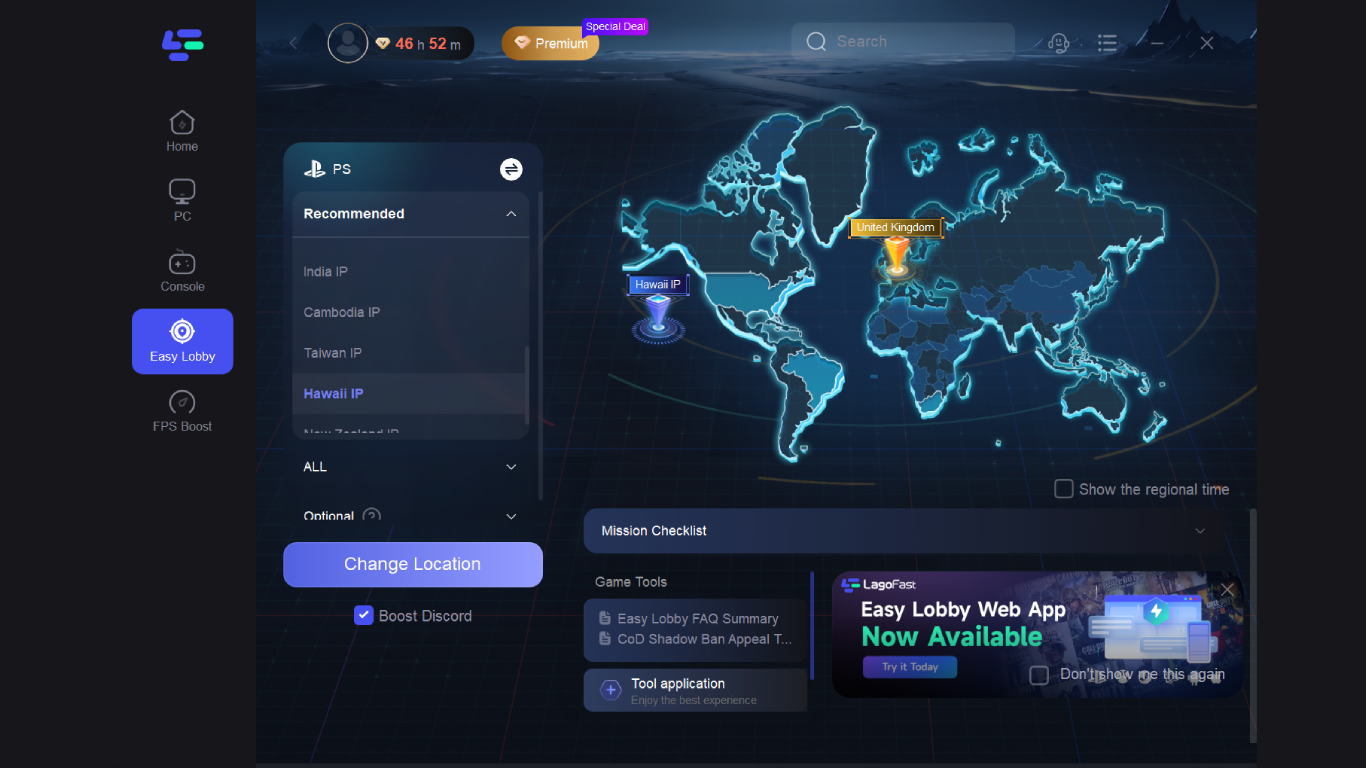
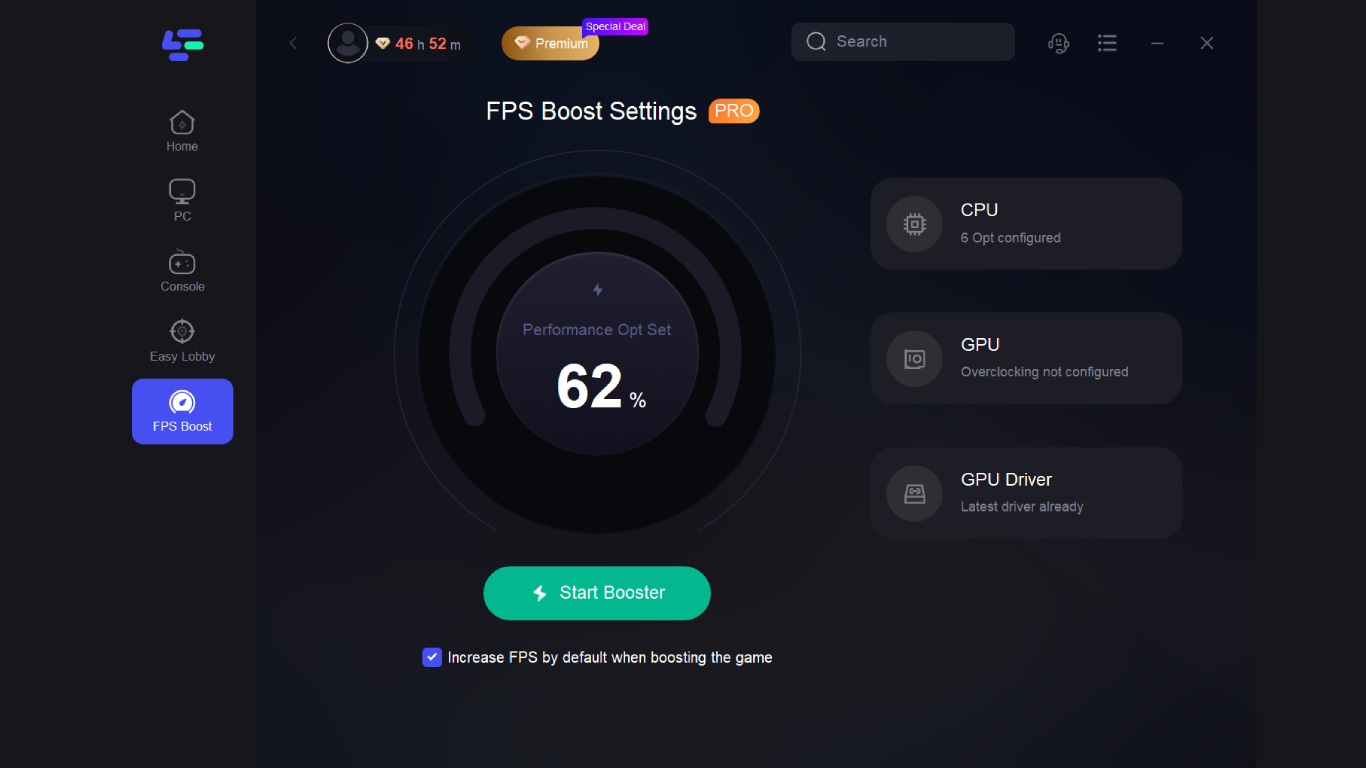
Upon launching LagoFast, you're greeted with a sleek, modern interface that feels both inviting and intuitive—think of it as a well-organized workspace where everything is just a click away. The dashboard displays system health indicators, recent cleanup results, and system metrics, all laid out in a clean, digestible format. Navigating through the app is seamless, thanks to thoughtfully designed menus and buttons, making the learning curve gentle—even for new users.
The core optimization process is designed to be swift, with most tasks completing within seconds to a couple of minutes. Users report that the app runs quietly in the background, only prompting for interaction when necessary, which contributes to a smooth overall experience. Plus, the program's lightweight architecture ensures minimal impact on system resources, allowing your PC to breathe freely whether you're gaming, working, or browsing.
Unique Strengths: What Sets LagoFast Apart
One of the standout features of LagoFast is its *real-time performance monitoring*, providing insight into system health as you use your device. Unlike many utilities that simply clean and optimize, LagoFast offers ongoing visibility into resource usage, empowering users to make informed decisions about system adjustments. And its *adaptive cleanup algorithms* ensure that you're not just removing data blindly; it intelligently identifies what truly hinders performance and targets those areas specifically.
Compared to other utilities in the same niche, LagoFast's focus on simplicity combined with effective, targeted optimizations makes it particularly appealing. Its minimal resource footprint and ease of use make it accessible for users who may be intimidated by more complex system tools, yet it remains powerful enough to deliver tangible improvements.
Final Verdict and Recommendations
All things considered, LagoFast for Windows earns a solid recommendation for casual users and those seeking quick, reliable system performance enhancements without the fuss. Its most compelling feature—real-time system monitoring coupled with intelligent cleanup—distinguishes it from many peers. If your goal is to keep your PC running smoothly with minimal effort, LagoFast will serve as a dependable companion.
For power users or those with specific fine-tuning needs, it may lack the depth of more comprehensive utilities, but for everyday optimization, it hits the sweet spot. Try LagoFast if you desire a friendly, effective, and resource-light solution to maintain your Windows PC's performance. Just remember—no tool can replace good habits like regular updates and prudent usage, but LagoFast can certainly help you keep things running at their best.
Pros
- Intuitive User Interface
- Fast Performance
- Wide Compatibility
- Regular Updates
- Robust Security Features
Cons
- Limited Customization Options
- Occasional Minor Bugs
- Learning Curve for Advanced Features
- Limited Offline Functionality
- Help & Support Resources Could Be Expanded











