

- Category Utilities & tools
- Developer Natchland
- Available on PC
- OS Windows 10 version 17763.0 or higher
- Keyboard Integrated Keyboard
- Mouse Integrated Mouse
- Memory Not specified
- languages English (United States)
An Efficient and User-Friendly Solution for Minecraft Server Management
If you're a Minecraft enthusiast who dreams of setting up and maintaining your own server without the hassle of complex configurations, MC Server Manager for Windows might just be your new best friend. Developed by Natchland, this app promises to simplify server administration and make managing your virtual world as smooth as traversing a well-paved road.
Basic Information: The Essentials in a Nutshell
MC Server Manager for Windows is a dedicated utility designed to streamline the process of overseeing Minecraft servers through an intuitive interface. Created by the innovative team at Natchland, this app offers a comprehensive set of features aimed at both beginners and experienced administrators.
- Core Features Highlights:
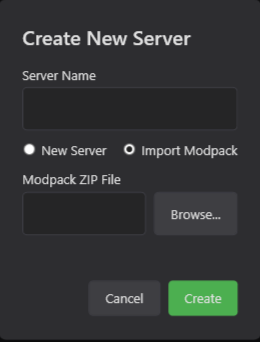
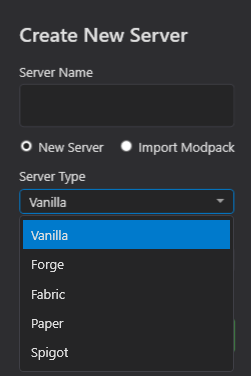
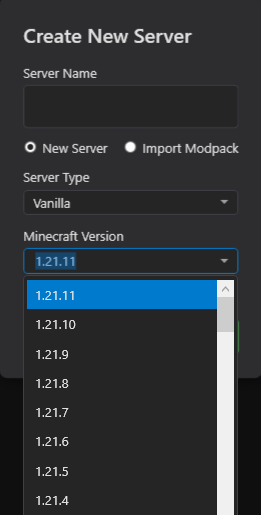
- One-Click Server Setup and Management — simplifies the complex process of server configuration.
- Automatic Backup and Restore — safeguards your world data effortlessly.
- Real-Time Server Monitoring — provides live insights into server status and performance.
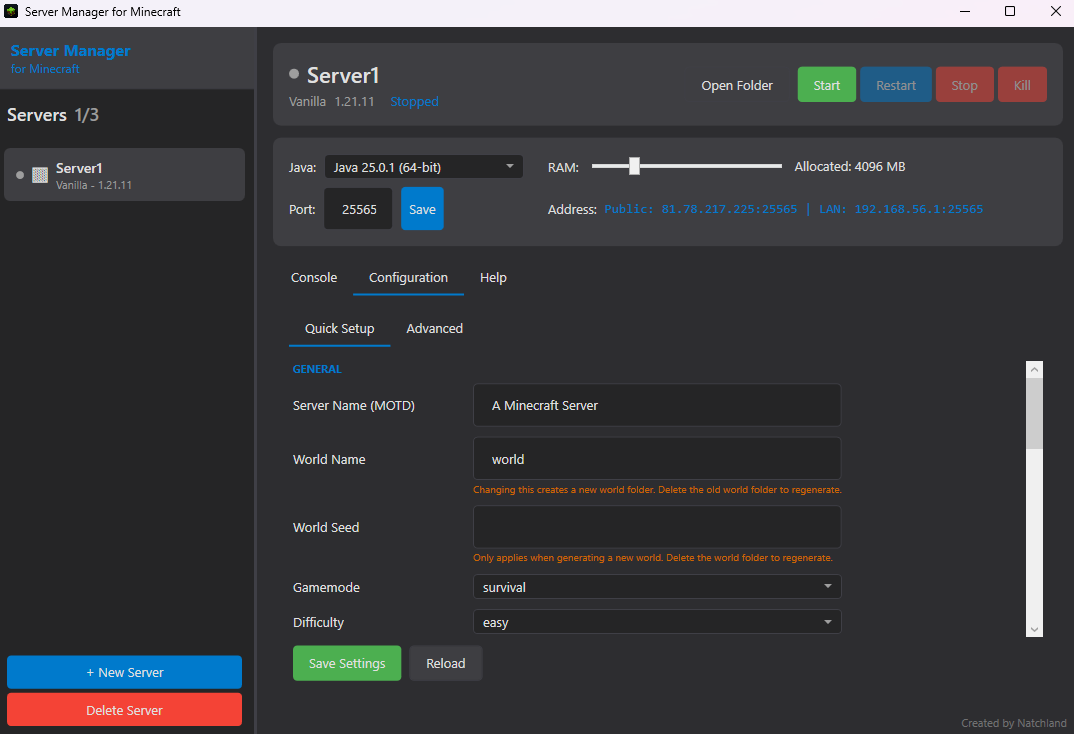
- Customizable Server Parameters — allows fine-tuning to match your gameplay style.
Designed primarily for casual players, local server hosts, and tech-savvy admins alike, this tool caters to those who want to control their Minecraft experience with minimal fuss and maximum control.
Getting Under the Hood: What Makes This App Stand Out?
Engaging and Intuitive User Interface
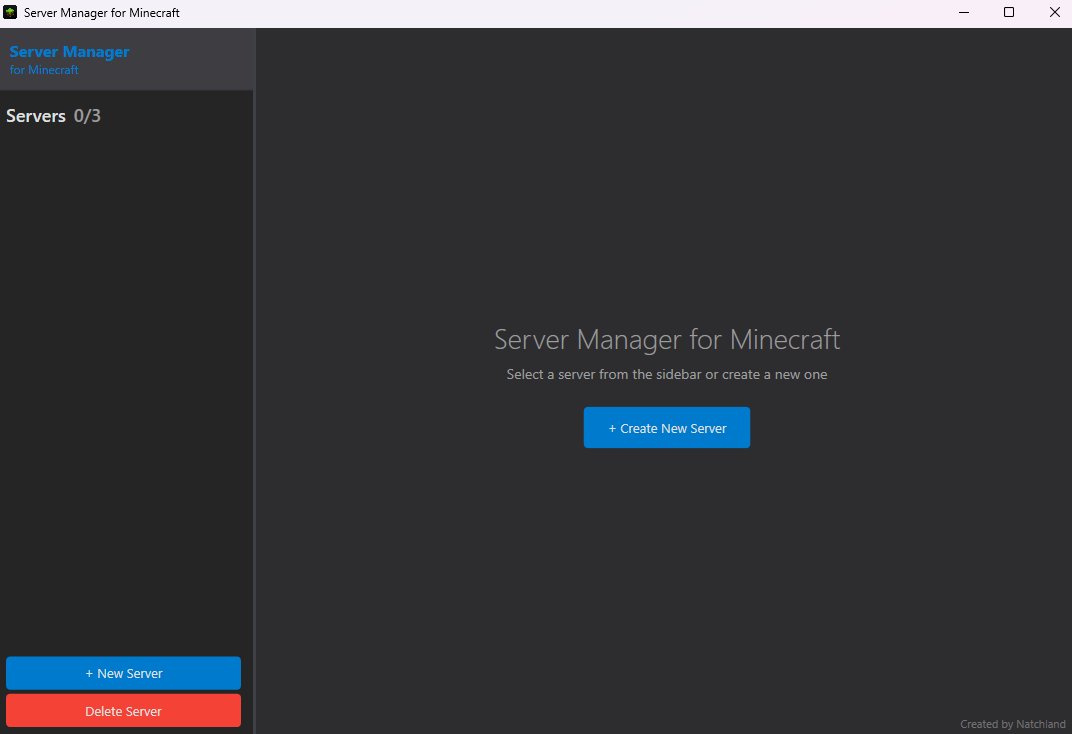
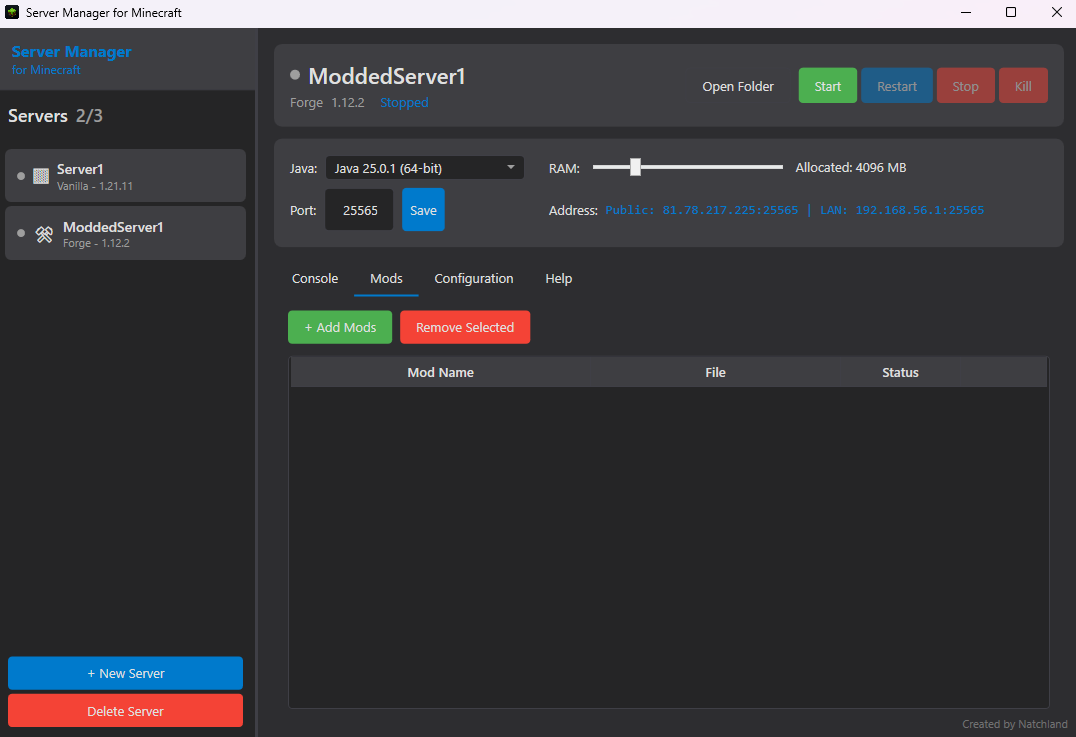
Stepping into MC Server Manager's interface feels like entering a clean, organized workshop where everything is within arm's reach. The layout is sleek yet straightforward, with a dashboard that displays critical server data at a glance—CPU usage, memory consumption, active players, and server uptime. This visual clarity makes monitoring your server as easy as reading a map, even for newcomers. The app employs familiar Windows-style controls, reducing the learning curve and making navigation feel natural from the start.
Powerful Core Features Simplified
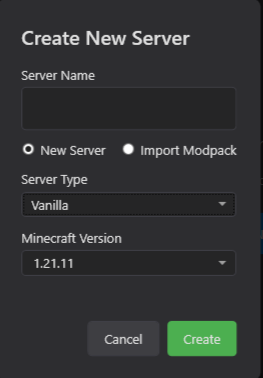
The real magic of MC Server Manager lies in its core functionalities. The one-click setup wizard is akin to having a seasoned guide leading you through the technical wilderness—ready-made configurations save time, while options to customize allow flexibility. The backup and restore system functions quietly in the background, like a diligent guardian, ensuring your worlds are protected without interrupting your gameplay or administrative duties. Meanwhile, real-time monitoring provides live metrics, allowing you to spot issues before they become problems, much like a seasoned captain keeping an eye on the horizon.
Performance and User Experience
Performance-wise, the app runs smoothly on modest hardware, maintaining responsiveness even during peak server loads. Its operation is fluid—the transitions between tabs and commands execute seamlessly, much like the glide of a well-oiled machine. For newcomers, the onboarding process is gentle; the straightforward design and clear labels help flatten the learning curve, making server management accessible rather than intimidating. On the technical side, advanced users will appreciate the capacity to fine-tune server parameters, giving them the control they crave.
What Makes it Uniquely Different?
Compared to other server management utilities, MC Server Manager's standout feature is its balance of simplicity and depth. Many tools either offer too much complexity for casual users or lack the automation needed for quick setup. This app's approach—driving the user experience with automation (like instant backups) while still providing avenues for customization—strikes a commendable middle ground. Additionally, the integration of real-time monitoring directly within a user-friendly interface sets it apart; it's like having a cockpit dashboard rather than a cluttered control panel.
Moreover, the app's clean, Windows native design ensures compatibility and stability, reducing the typical troubleshooting obstacles of cross-platform tools. Its thoughtful design promotes a seamless experience that caters to both novices and tech-savvy admins, making it a versatile contender in the Minecraft server management realm.
Final Thoughts and Recommendations
Based on its features, ease of use, and thoughtful design, I'd recommend MC Server Manager for Windows to anyone interested in running their own Minecraft server—be they amateurs seeking a simple setup or experienced admins needing quick management tools. Its most standout features—automatic backups and real-time monitoring—are particularly valuable for maintaining a healthy server environment with minimal effort.
While it may not offer the depth of more complex server tools aimed at enterprise-level management, for everyday Minecraft enthusiasts, it hits a sweet spot of functionality and simplicity. Whether you want to host a small family server or a community hub, this app provides you with the essentials wrapped in an accessible package. Give it a try, and you might find managing your Minecraft worlds becomes as enjoyable as exploring them!
Pros
- Intuitive user interface
- Real-time server monitoring
- Comprehensive management tools
- Secure login options
- Regular updates and support
Cons
- Limited customization options
- Occasional slow response times
- Requires consistent internet connection
- Limited customization for notifications
- Learning curve for complex features











