





- Category Utilities & tools
- Developer MenaVPN Holding B.V.
- Available on PC
- OS Windows 10 version 0.0 or higher
- languages English
A Trusted Companion for Seamless Internet Exploration on Windows
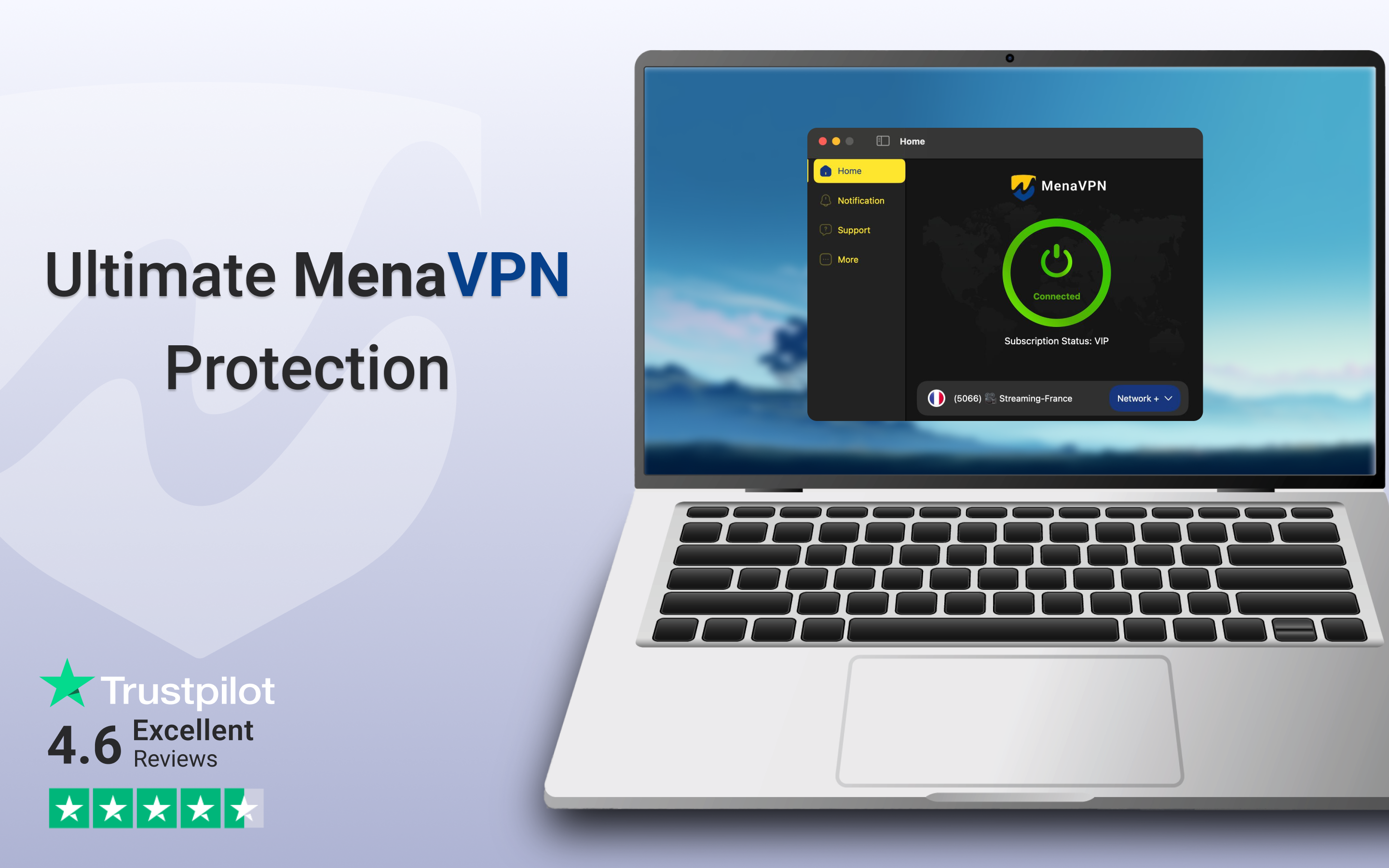
MenaVPN for Windows is emerging as a reliable, user-friendly VPN solution designed to protect your online privacy while granting easy access to global content. Developed by MenaVPN Holding B.V., it aims to bridge the digital gap for users seeking secure and smooth browsing experiences on their desktops.
Core Features That Stand Out
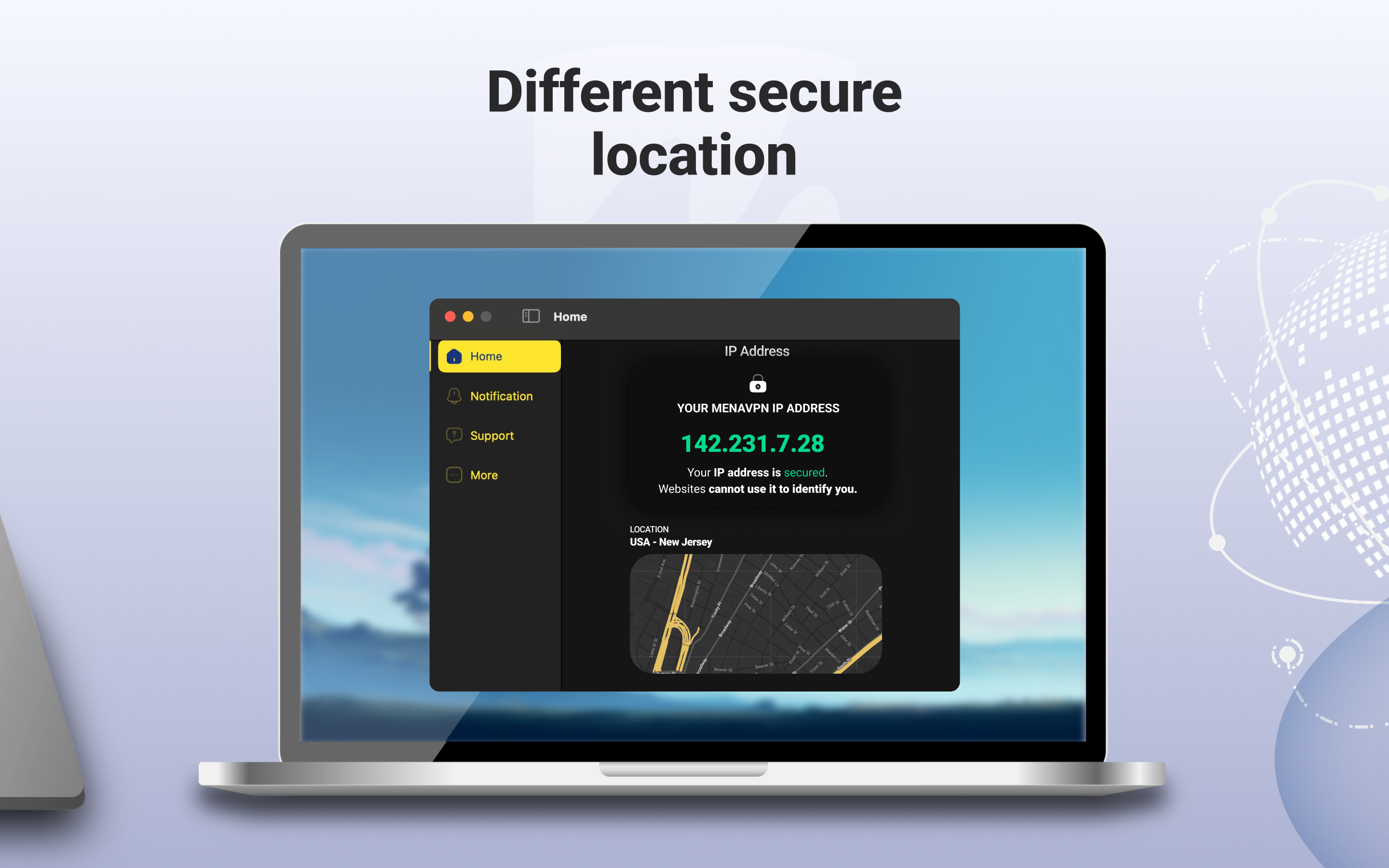
At its heart, MenaVPN offers a few compelling features that make it worth considering—robust connection stability, multiple server locations, and a clean, intuitive interface. The application promises not just security but also convenience, making it suitable for a broad spectrum of users—from casual browsers to more privacy-conscious individuals.
Connecting with Confidence: The Core Functionalities
The standout feature of MenaVPN is undoubtedly its ease of establishing secure connections. Upon launch, the app's straightforward interface guides you through selecting a server from a list spanning multiple countries, much like choosing your preferred lane on a busy highway. The connection process is swift, taking only seconds, which is perfect for users who dislike waiting around or complicated setups. Once connected, the app ensures your data is encrypted using modern protocols, providing peace of mind whether you're streaming, working remotely, or just browsing without restrictions.
A Sleek Interface That Makes VPN Use Effortless
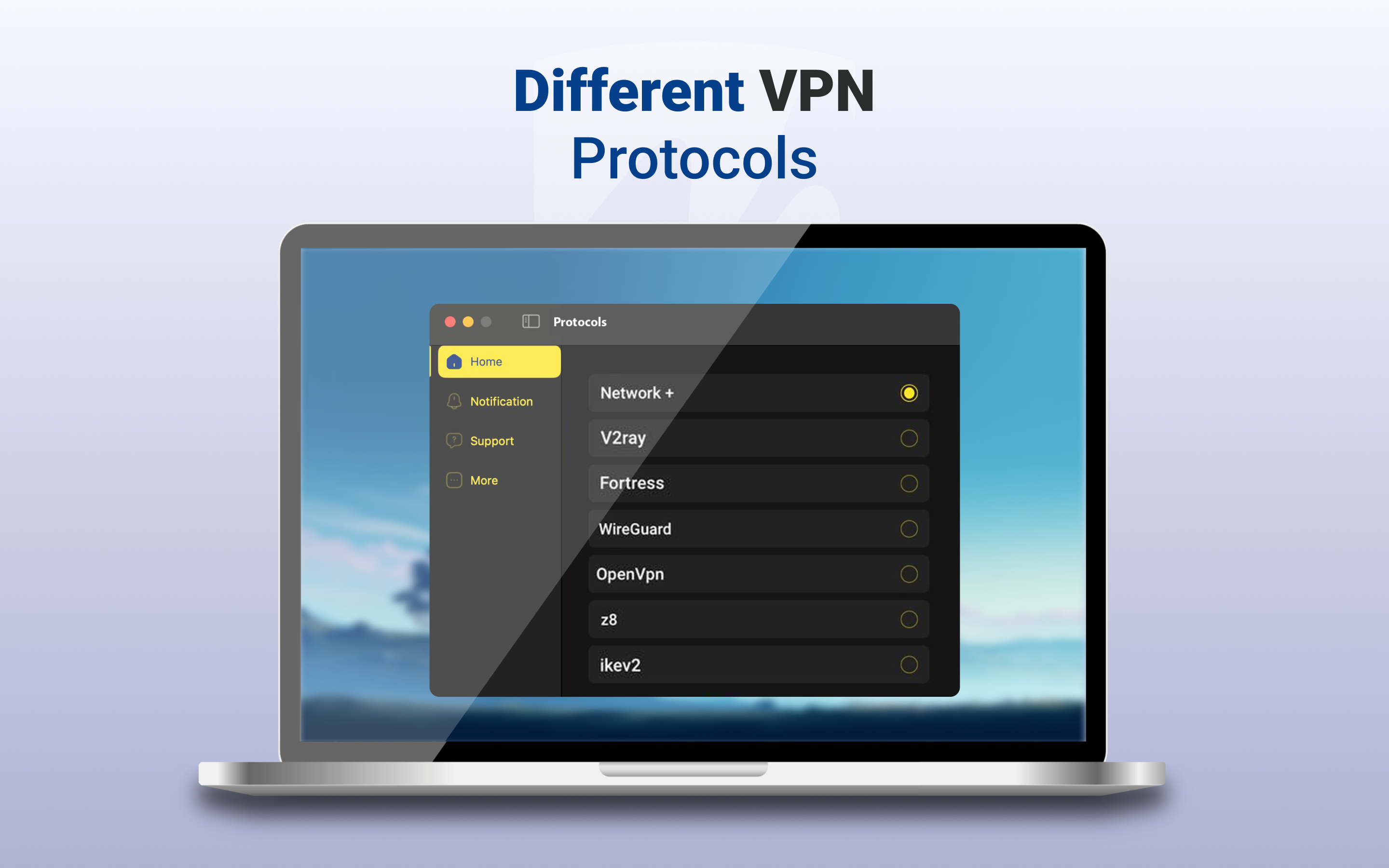
The app's design strikes a commendable balance between modern aesthetics and usability. The dark-themed interface resembles a well-organized command center—intuitive buttons, clear labels, and minimal clutter make navigation a breeze. Even first-time users will find themselves comfortably navigating through options without confusion. The operation flows smoothly, with minimal lag or glitches; switching servers or toggling features feels almost instantaneous, transforming a potentially cumbersome process into a seamless experience.
Staying Ahead in the VPN Crowd: What Sets MenaVPN Apart
Compared to other utilities and VPN tools, MenaVPN's biggest advantage lies in its simplicity paired with solid performance. While many VPN apps bombard users with complex settings and overwhelming options, MenaVPN keeps things straightforward—perfect for those who prefer “plug-and-play” solutions. Additionally, its focus on privacy, demonstrated through effective encryption and no-log policies, gives users confidence that their data remains their own. Another unique aspect is its ability to bypass regional restrictions efficiently—whether it's streaming geo-locked content or accessing censored sites—making it a practical choice for diverse online needs.
Final Verdict and Usage Tips
Overall, I'd recommend MenaVPN for users who want a reliable, easy-to-use VPN with decent speed and straightforward controls. It's especially suited for beginners or those who prefer minimal fuss. While it may lack some advanced features found in high-end VPN services, its core strengths—simplicity, security, and effective regional access—make it a worthwhile tool in the digital toolbox.
For best results, ensure you select the closest or fastest server available and keep your app updated to benefit from any performance improvements or security patches. Whether you're looking to safeguard your data on public Wi-Fi or unlock content from afar, MenaVPN offers a friendly, efficient solution without overwhelming users with technical complexity.
Pros
- Reliable Connection Speed
- Strong Security Features
- User-Friendly Interface
- Wide Server Network in the MENA Region
- Dedicated Customer Support
Cons
- Limited Free Version
- Occasional Connection Drops
- Pricing Slightly Higher than Competitors
- Inconsistent Server Performance
- Lack of Advanced Settings for Power Users











