

- Category Utilities & tools
- Developer Barker Software
- Available on PC, Mobile, Surface Hub, HoloLens
- OS Windows 10 version 17763.0 or higher
- languages English (United States)
Microsco-PE for Windows: A Powerful Microscope Simulation Tool with Precision and Ease
Microsco-PE for Windows is an innovative application designed to bring the microscopic world to your fingertips, offering detailed visualization and measurement capabilities for educational, professional, or hobbyist users alike. Developed by Barker Software, this app aims to merge scientific accuracy with user-friendly design, making it easier for users to explore tiny details without the need for bulky physical microscopes.
Who's Behind the Lens? Developer and Target Audience
Barker Software, the driving force behind Microsco-PE, brings a background rooted in educational technology and scientific software development. Their expertise ensures that the app maintains both technical precision and accessibility. The primary users of Microsco-PE include biology educators, students, amateur microscopists, and anyone interested in exploring the microscopic world—whether for academic purposes or simple curiosity.
Features that Make a Difference
- Realistic Microview Simulation: The app offers a detailed and accurate simulation of a microscope, complete with adjustable magnifications, focus controls, and lighting effects—making it feel like using a real microscope.
- Precise Measurement Tools: Users can measure dimensions directly on the images, with tools for calibration, allowing for accurate size estimations—a crucial feature for educational and professional applications.
- Image Capture and Sharing: The ability to capture high-resolution snapshots directly from the simulation makes it easy to document and share findings, supporting collaborative learning or research.
- Learning Curve and Ease of Use: Despite its advanced features, Microsco-PE maintains an intuitive interface, making it accessible for users with varying levels of familiarity with microscopy.
Exploring the Microscope: A Closer Look at Functionality
Engaging Visual Design and User Interface
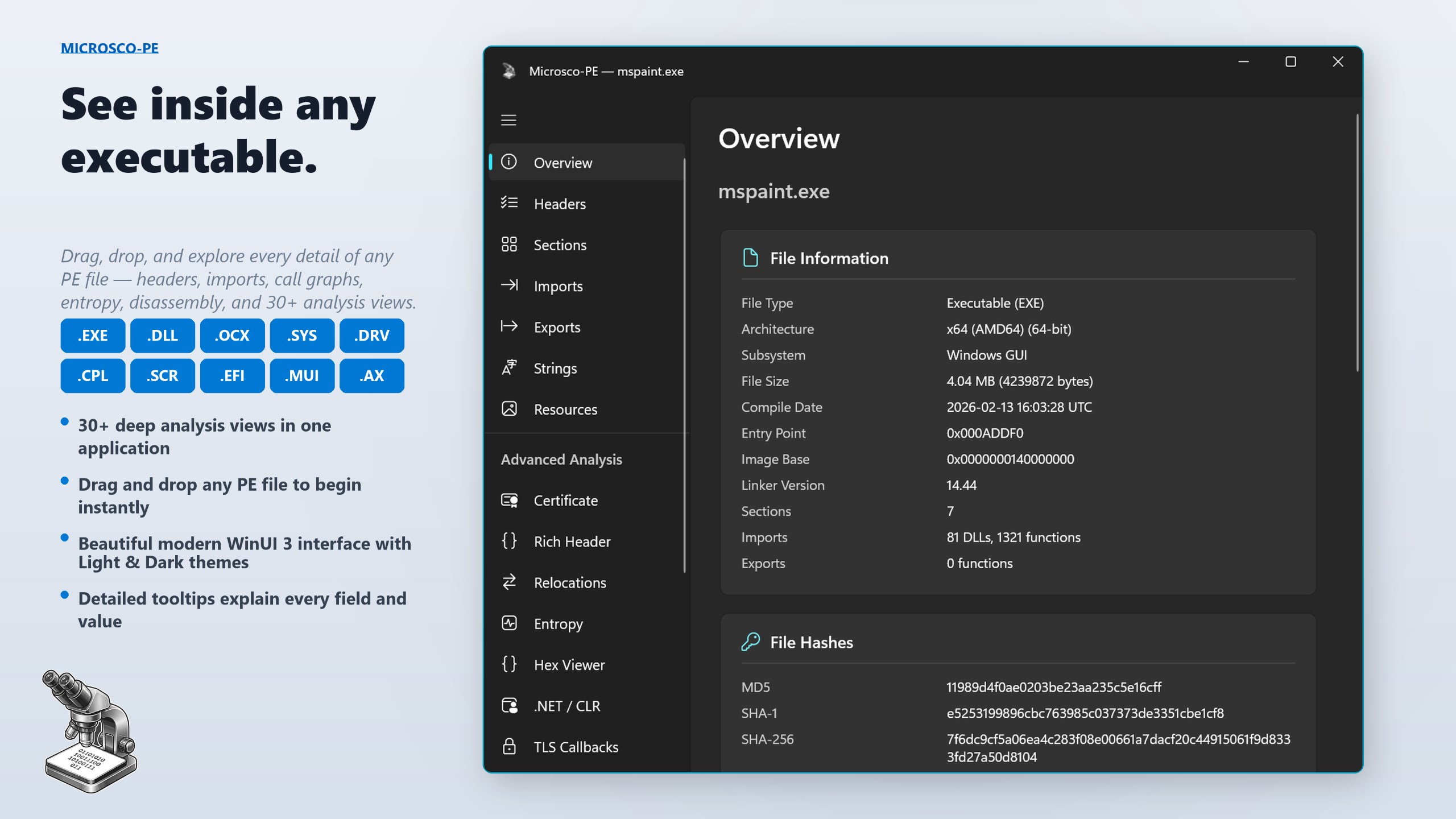
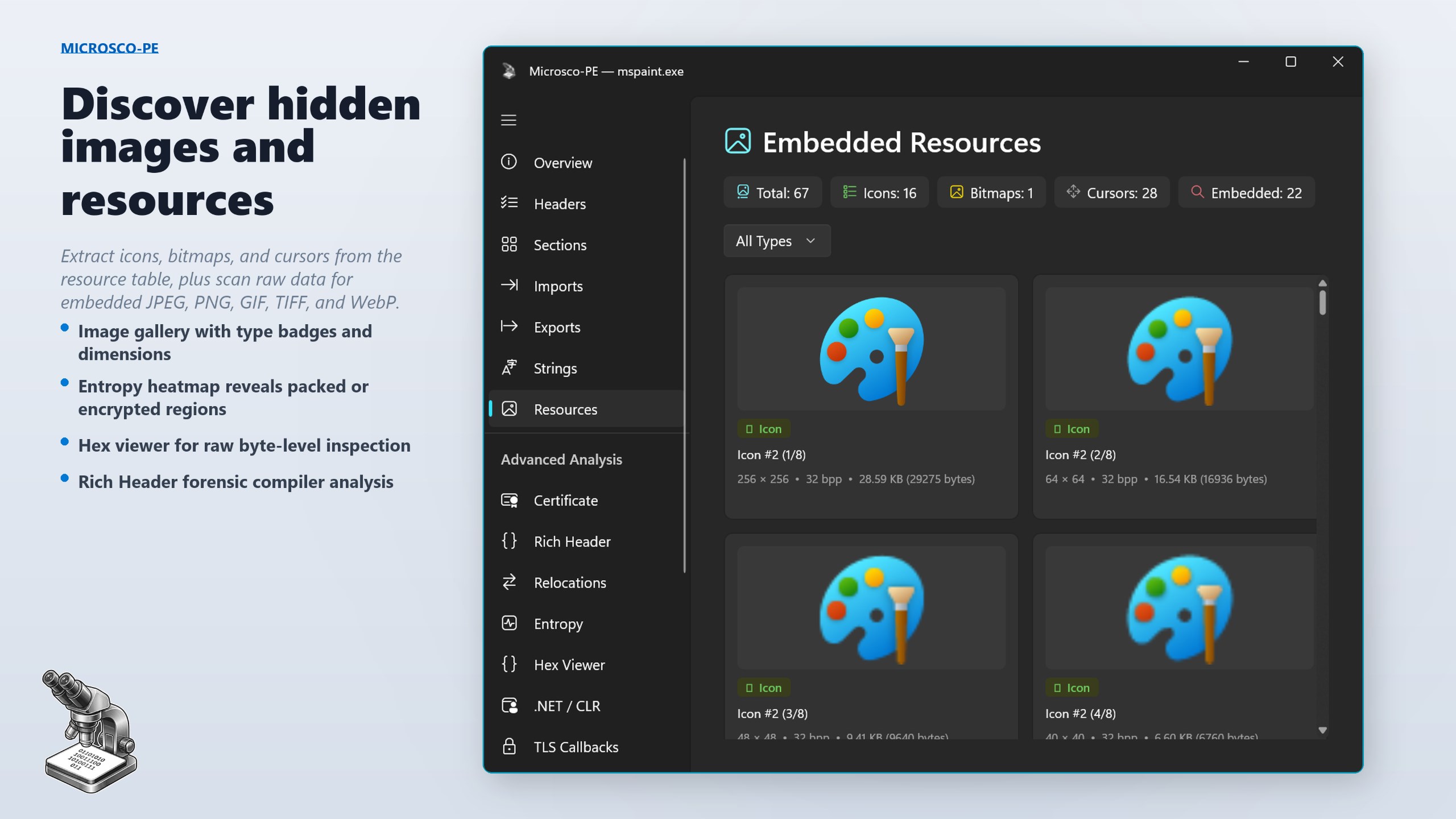
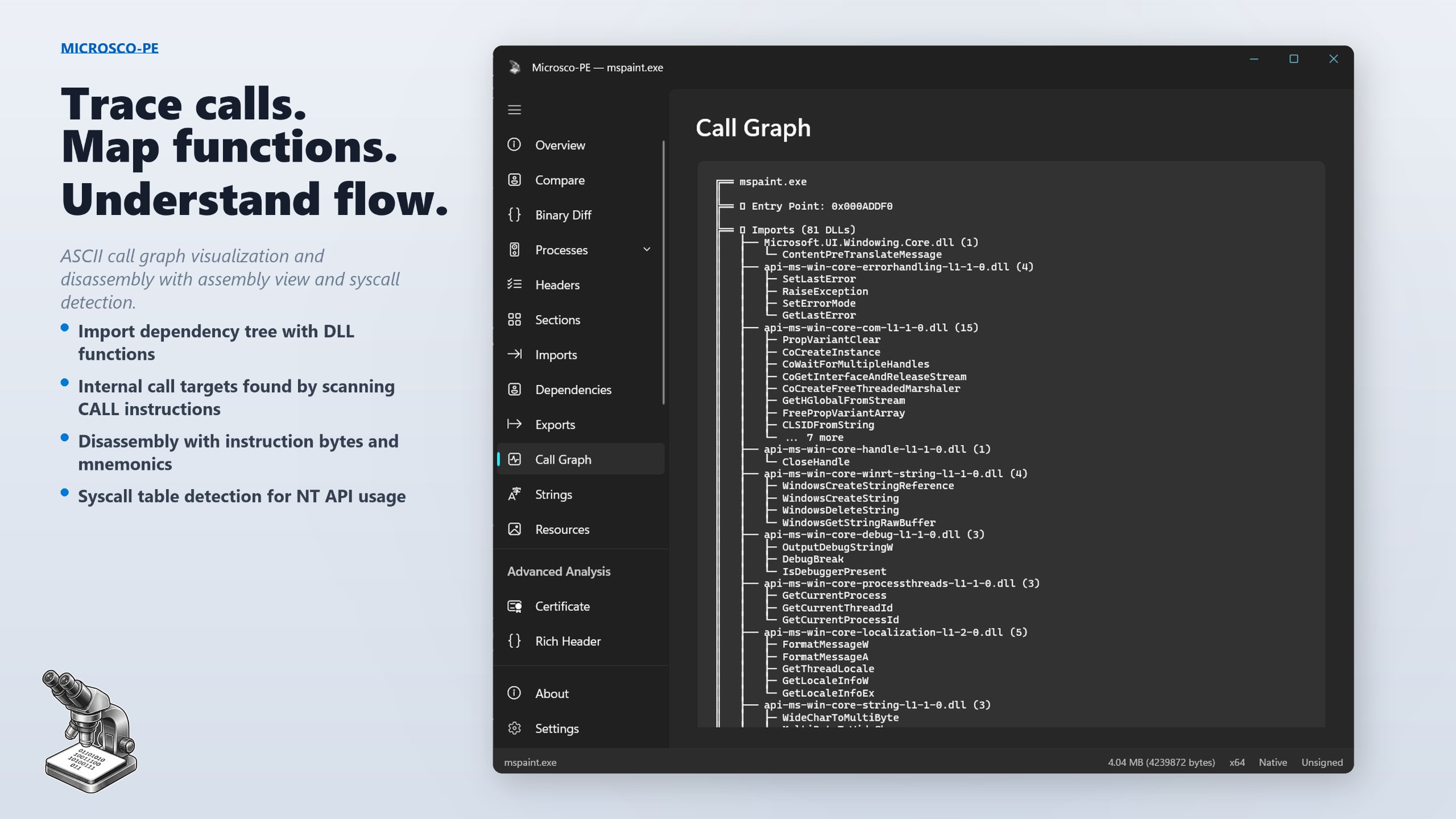
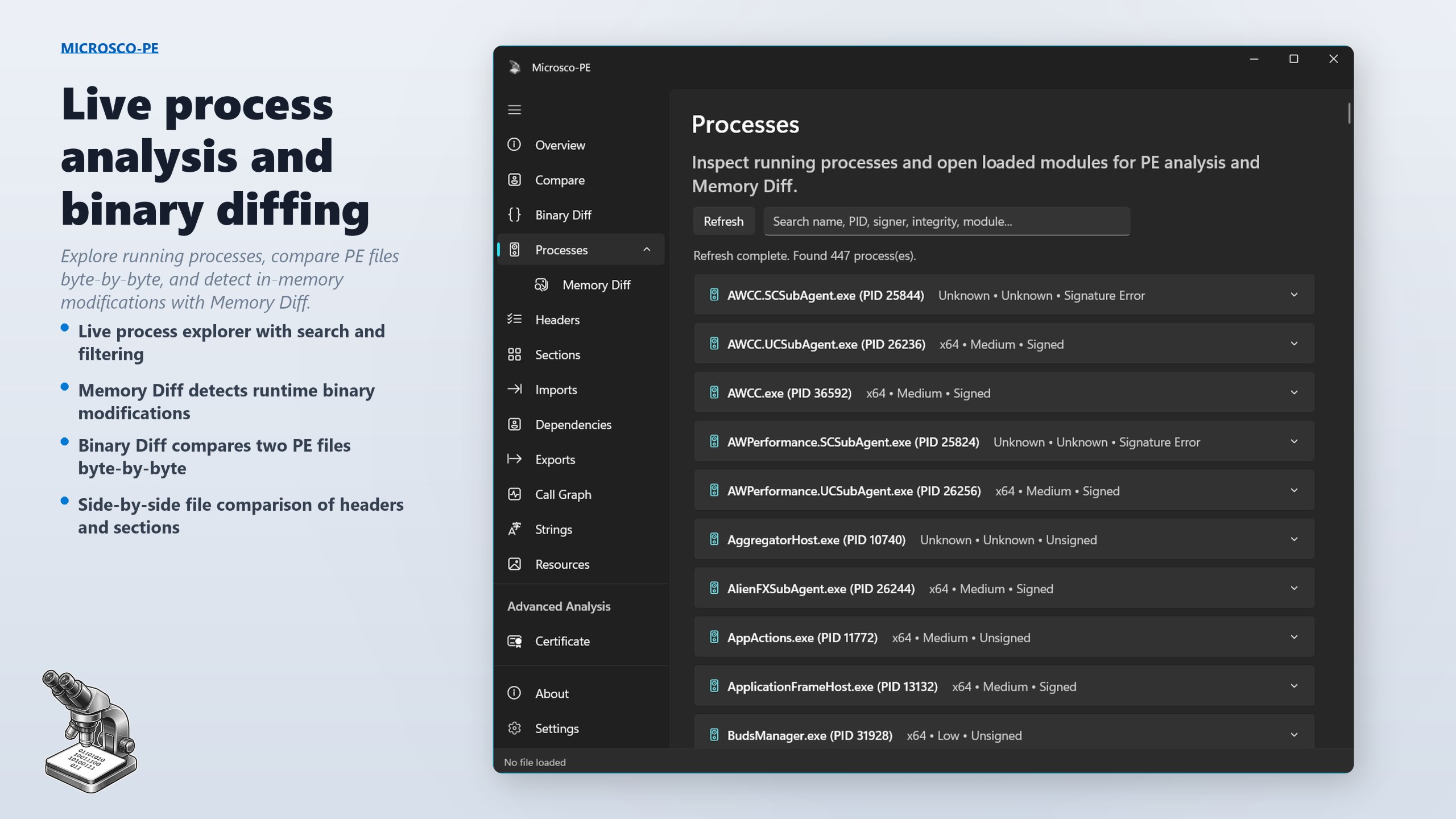
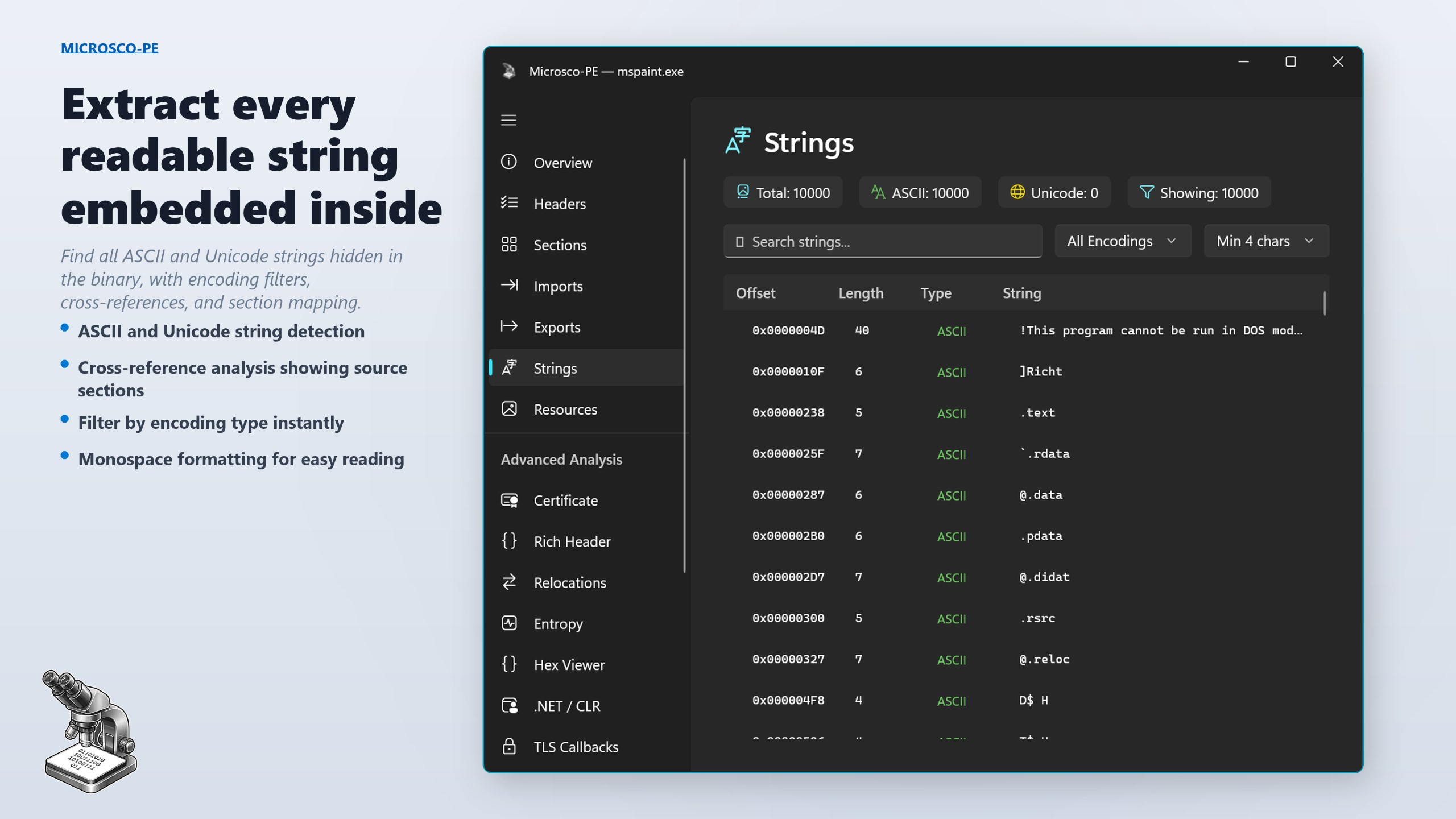
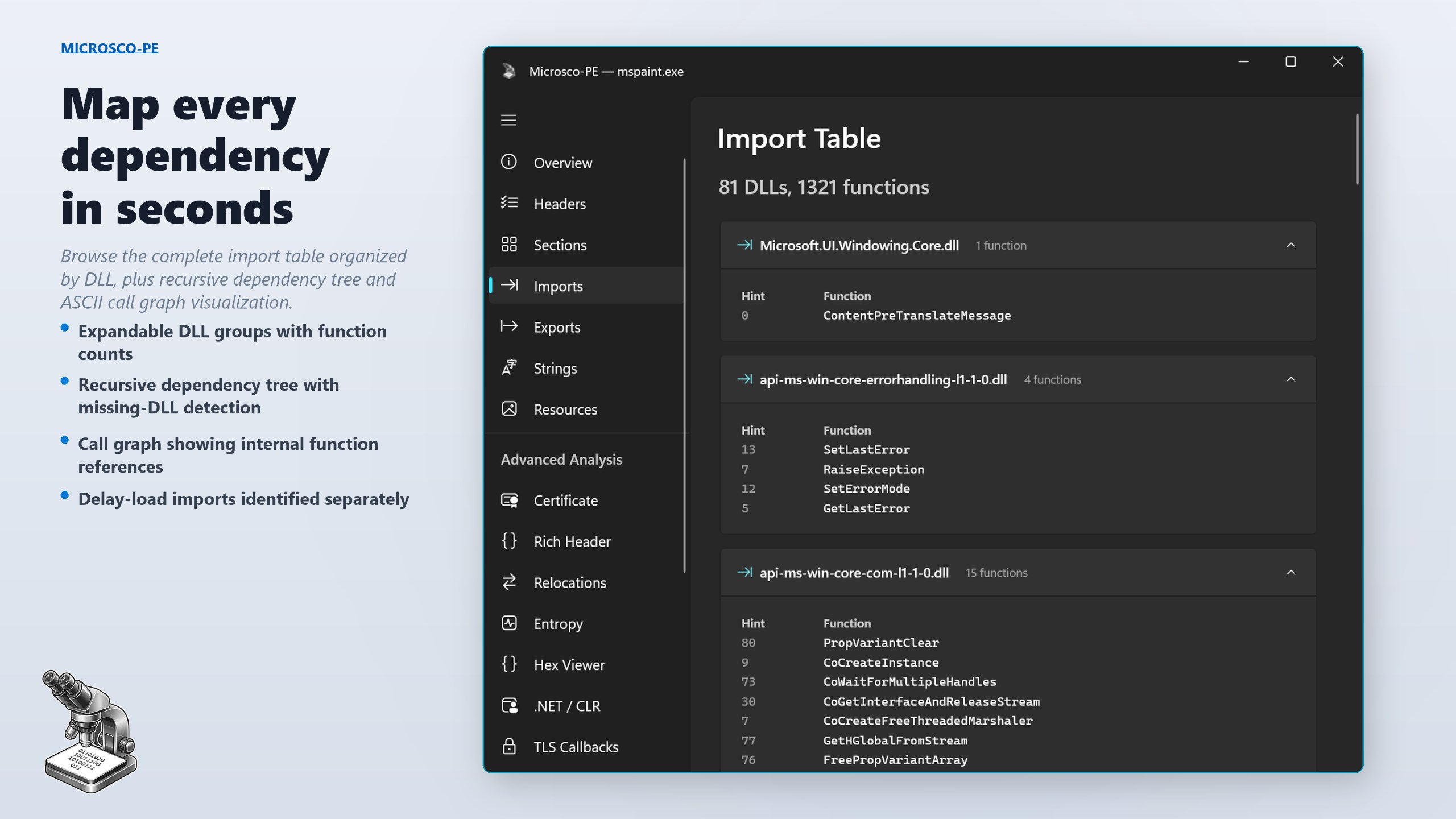
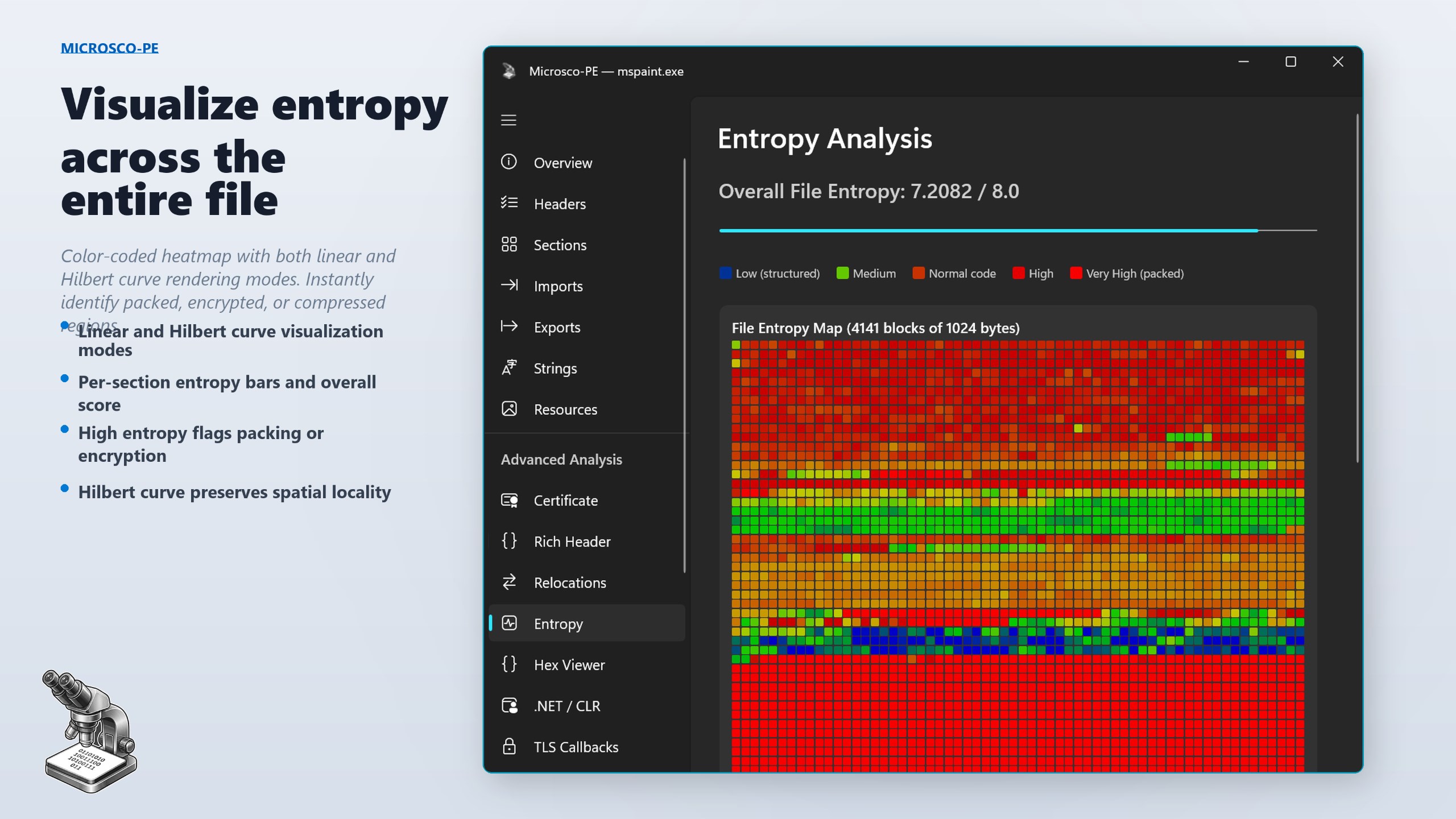
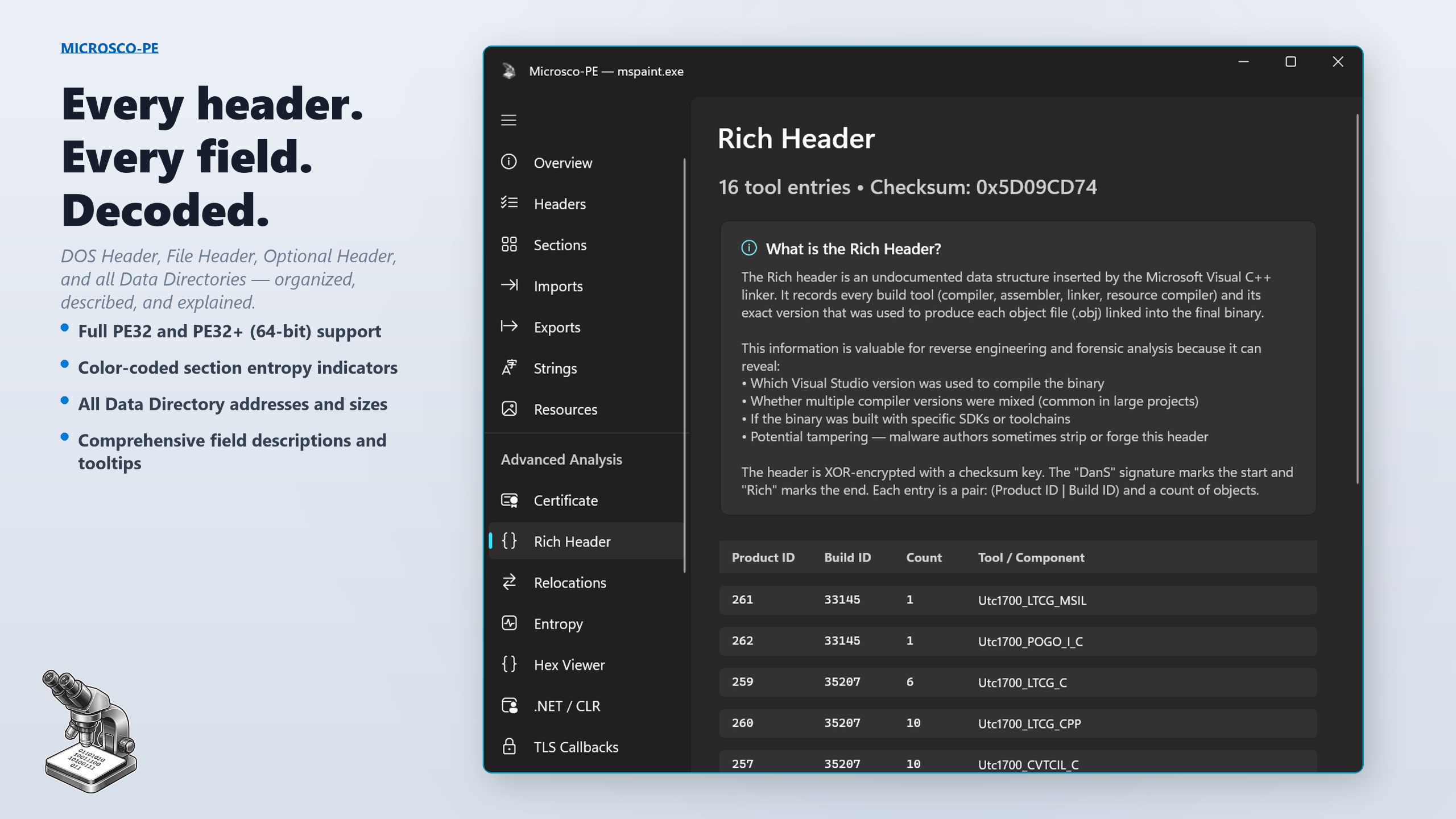
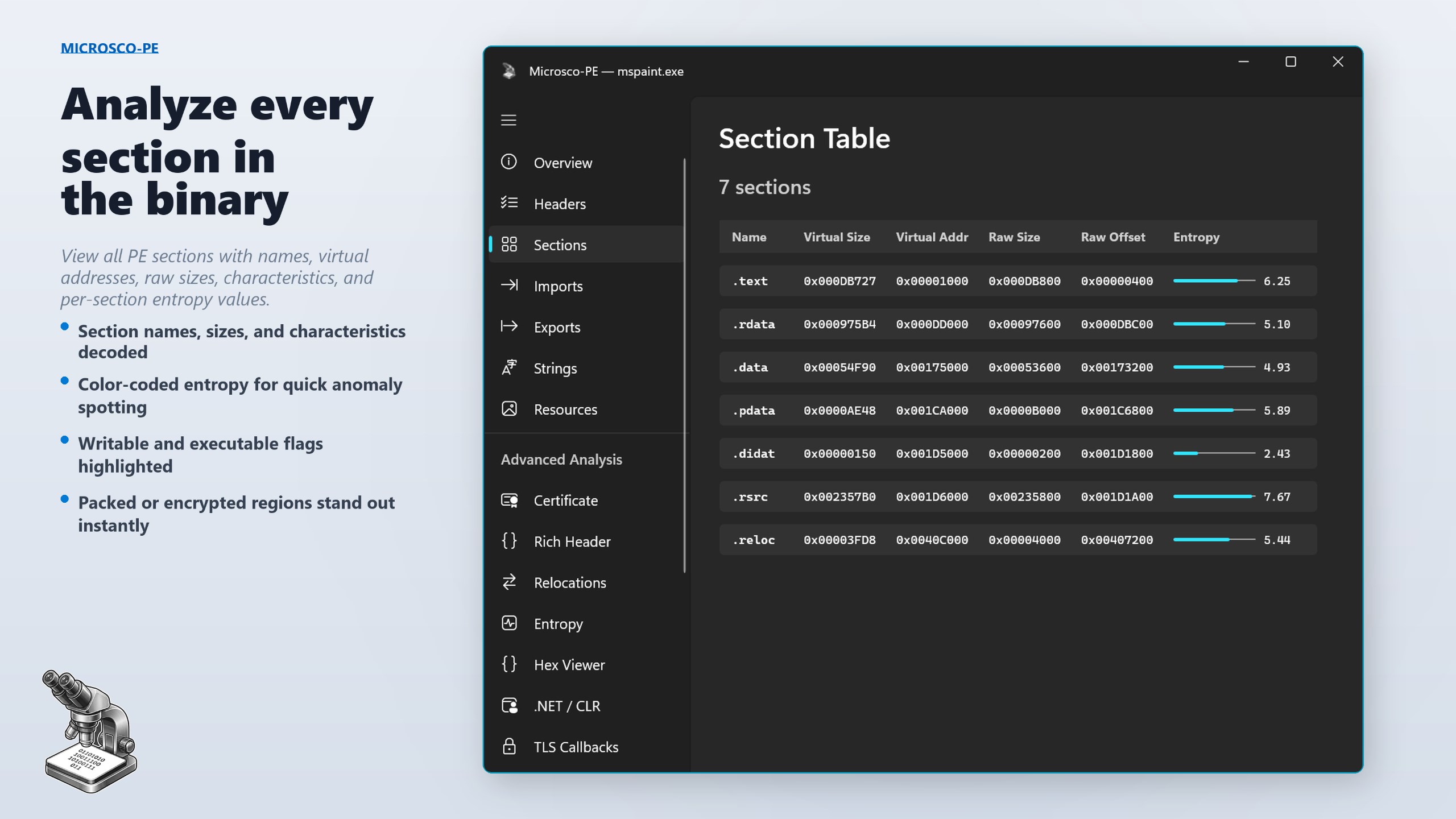
The interface of Microsco-PE is thoughtfully crafted like a sleek, virtual laboratory station. It uses clean icons and familiar controls, reminiscent of real microscope components—think of it as stepping into a well-organized science kit. The visual design emphasizes clarity, allowing users to focus on their microscopic exploration without distraction. Navigating between different zoom levels and adjusting focus feels natural, akin to turning physical knobs—vividly bridging the gap between digital and real-world microscopy.
Performance and Learning Curve
Running smoothly on typical Windows setups, Microsco-PE demonstrates commendable responsiveness, even at higher magnifications. Transitioning between different zoom levels or adjusting lighting is fluid, enabling seamless navigation. The learning curve is gentle; beginners can quickly familiarize themselves with the interface, while advanced users can take advantage of precision measurement tools for detailed analysis. The app's design ensures that exploring the microscopic realm feels like an exciting adventure rather than a steep learning challenge.
What Sets It Apart? Uniqueness in the Crowd
Compared to other utilities and tools in the same field, Microsco-PE's standout feature is its combination of realism and educational versatility. Unlike simpler visualization apps, it emphasizes measurement accuracy and adjustable lighting, mimicking real microscopes' tactile controls. Its calibration tool is especially noteworthy—allowing users to set measurement scales with precision, making it suitable for academic purposes where accuracy is paramount. Additionally, the app's simulation of lighting effects enhances the depth and clarity of images, setting it apart from more basic magnification tools that only zoom in without realism.
Final Verdict: Worth a Close Look?
In the landscape of microscopy simulation tools, Microsco-PE for Windows stands out as a well-rounded, reliable choice. Its realistic simulation, combined with professional measurement tools and user-friendly design, makes it suitable for educational settings, hobbyists, or even scientists needing quick visualizations. While it may lack some advanced features of high-end physical microscopes, its digital convenience and engaging interface make it a compelling virtual alternative.
Overall, I recommend Microsco-PE to anyone seeking an accessible yet precise microscope simulator. It's an ideal starting point for students, a handy reference for educators, and an enjoyable exploration tool for curious minds. For users interested in detailed measurements, realistic visuals, and straightforward operation, this app is definitely worth trying out.
Pros
- User-Friendly Interface
- Fast Performance
- Reliable Syncing
- Regular Updates
- Good Customer Support
Cons
- Limited Features in Free Version
- Occasional App Crashes
- Inconsistent Sync Performance
- Battery Consumption
- Limited Language Support











