

- Category Utilities & tools
- Available on PC
- OS Windows 10 version 18362.0 or higher
- Keyboard Integrated Keyboard
- languages Afrikaans, Albanian, Amharic, Arabic, Azerbaijani, Bangla (Bangladesh), Basque, Belarusian, Bosnian (Latin), Bulgarian, Catalan, Chinese (Simplified), Chinese (Traditional Chinese), Chinese (Traditional), Croatian, Czech, Danish, Dutch, English (United Kingdom), English (United States), Estonian, Filipino, Finnish, French, French (Canada), Galician, Galician , German, Greek, Hausa (Latin), Hebrew, Hindi, Hungarian, Icelandic, Indonesian, Italian, Japanese, Kannada, Kazakh, Khmer, Kiswahili, Korean, Korean , Lao, Latvian, Lithuanian, lo, Macedonian, Malay, Malayalam, Norwegian (Bokmål), Persian, Persian/Farsi, Polish, Polish , Portuguese (Brazil), Portuguese (Portugal), Romanian, Russian, Serbian, Serbian (Latin, Serbia), Slovak, Slovenian, Slovenian (Slovenia), Spanish, Spanish (Mexico), Spanish (Spain), Swedish, Tamil, Telugu, Thai, Turkish, Ukrainian, Uzbek, Vietnamese
Microsoft Sticky Notes for Windows: Your Digital Note-taking Companion
Microsoft Sticky Notes for Windows is a streamlined and versatile app designed to bring the classic spontaneity of paper notes into the digital realm, seamlessly integrated with your Windows environment.
Overview of the App: Quick Facts
This application serves as a modern digital sticky note tool that helps users jot down ideas, reminders, and quick references effortlessly. Developed by Microsoft Corporation, it offers a familiar yet powerful note-taking experience on Windows devices.
- Core Features Highlights:
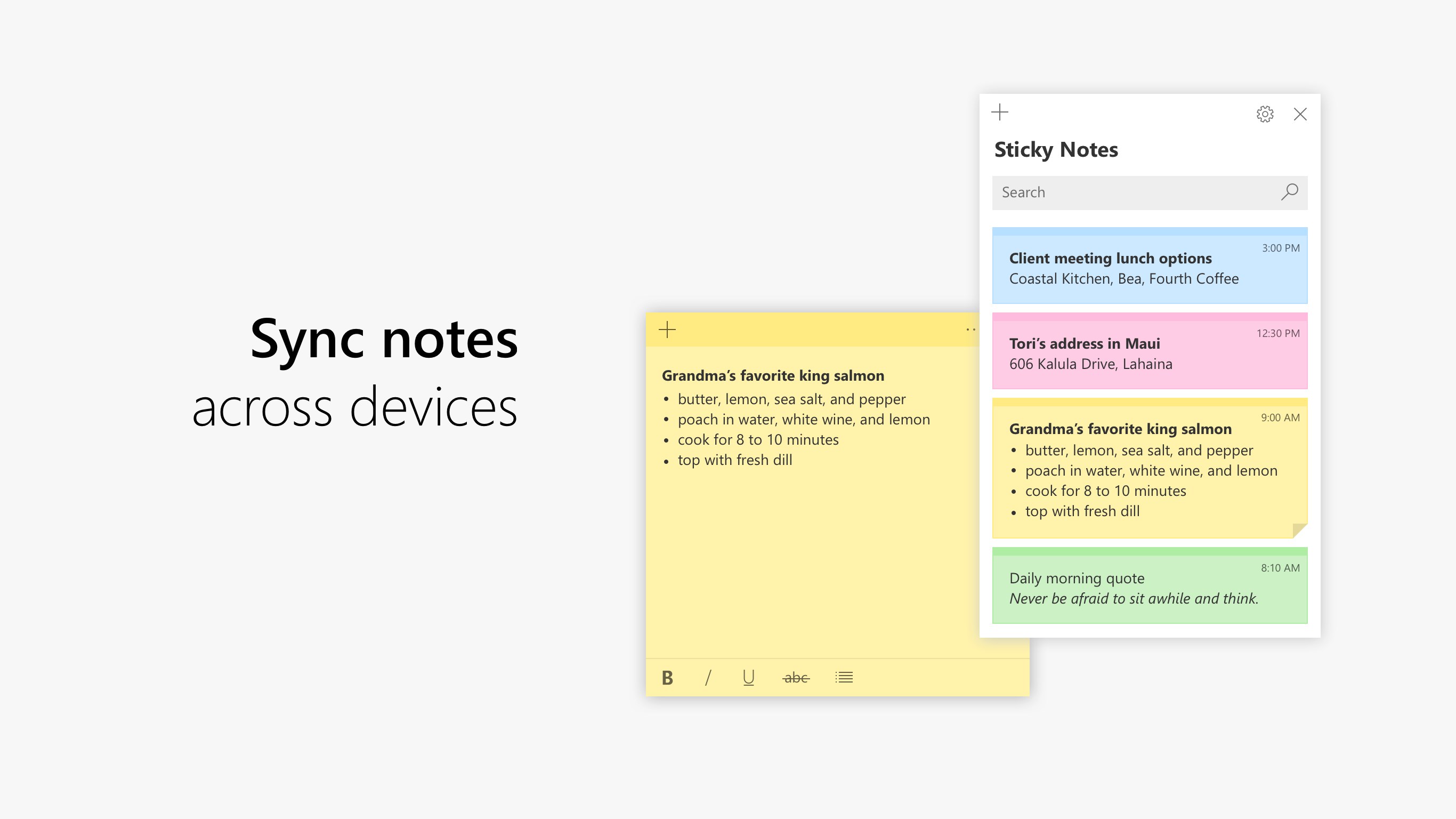
- Sync across devices via Microsoft account, ensuring your notes travel with you
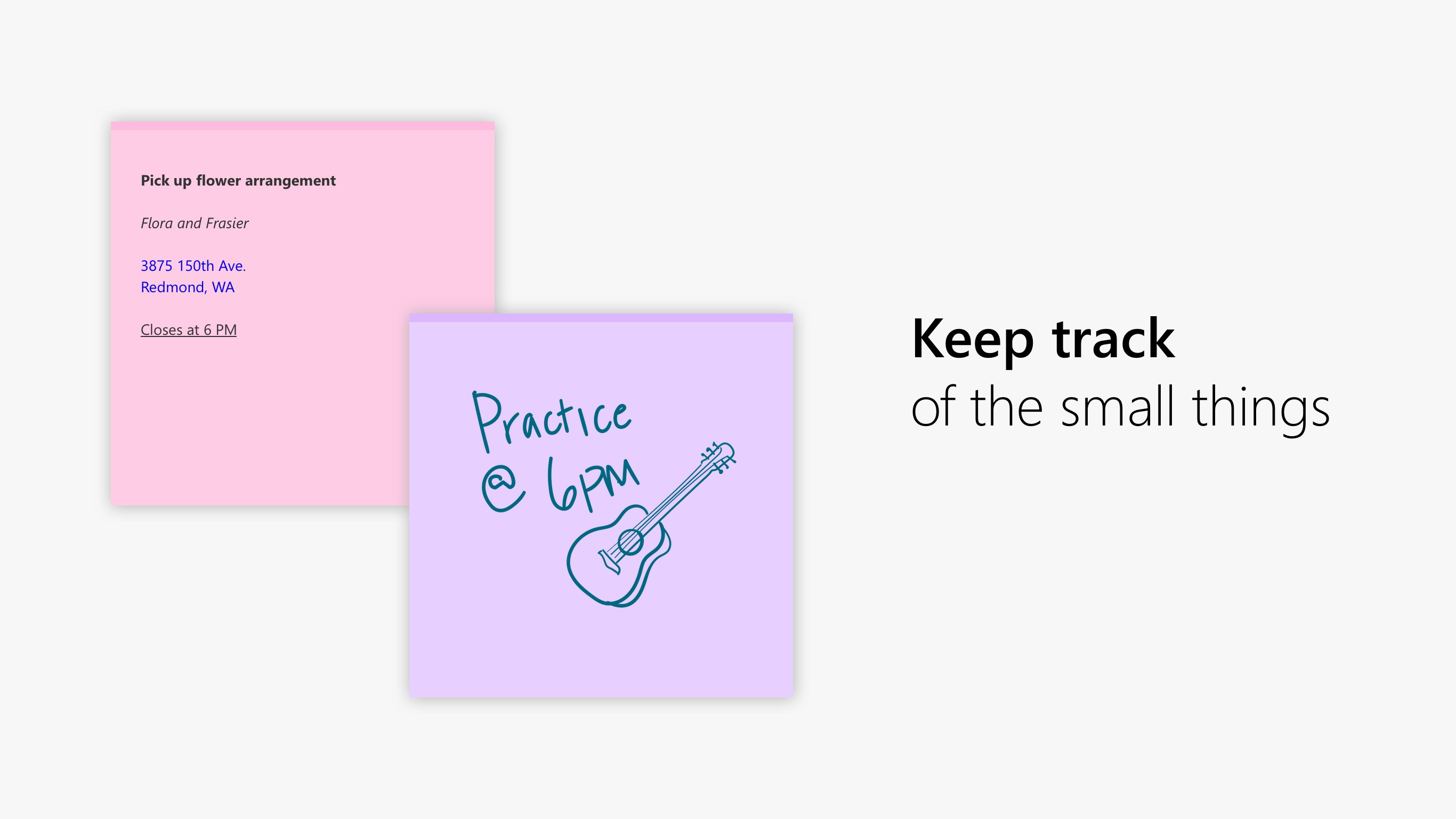
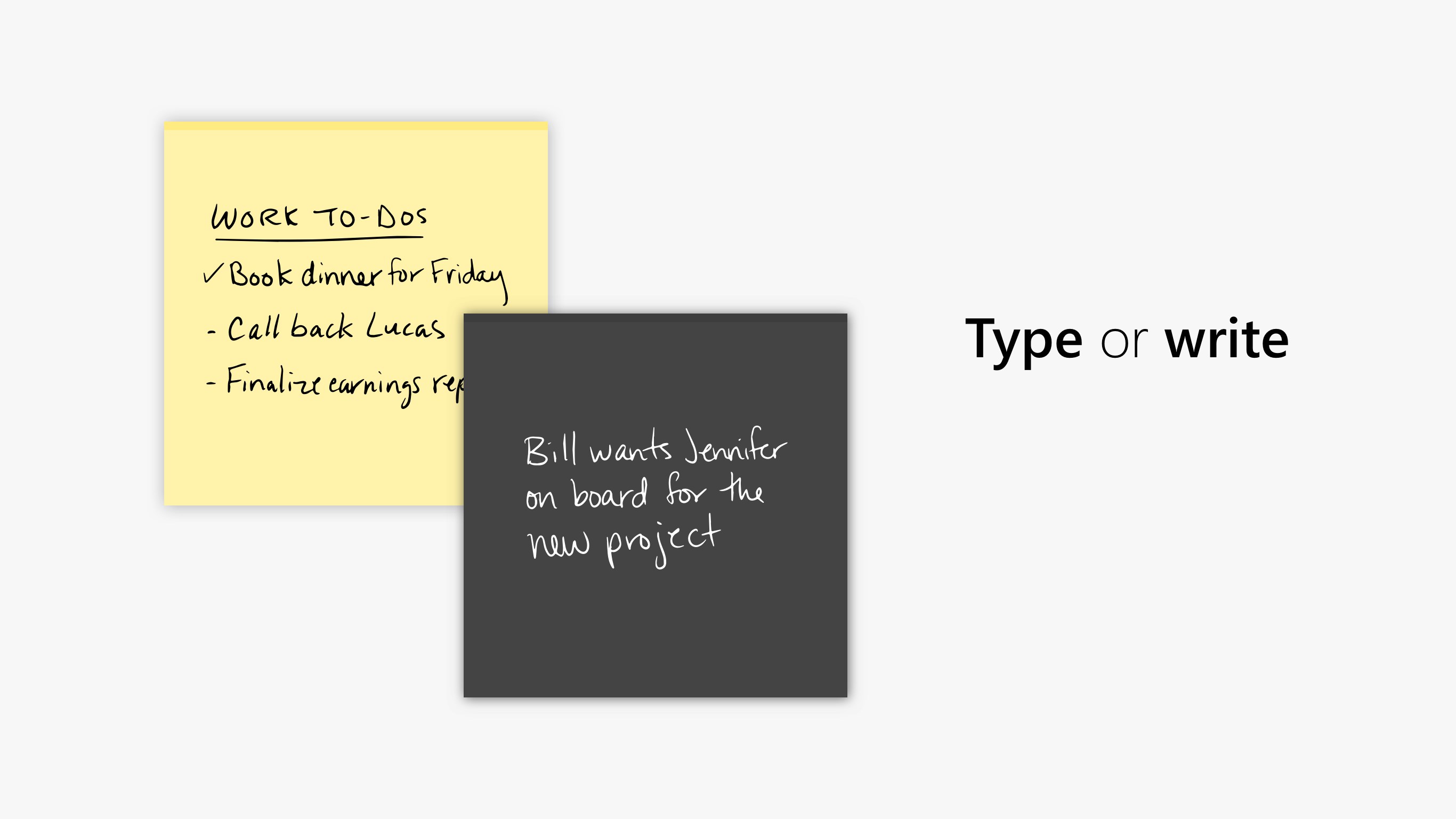
- Rich formatting options including bullet points, checklists, and ink support for stylus input
- Integration with Windows 10/11 features like Cortana and Calendar for smarter productivity
- Sticky notes that can be pinned on desktop for quick visibility
- Main target audience includes students, professionals, and anyone who needs rapid note-taking capabilities without the clutter
Engaging the Brain: A Note-taking App with Personality
If you've ever had that fleeting idea or urgent reminder slip your mind just seconds after it pops into your head, then you'll appreciate the simplicity and immediacy of Microsoft Sticky Notes. It's like having a digital post-it note that's always within arm's reach—ready to capture your thoughts before they vanish into the ether. Whether you're organizing a busy workday or just doodling a quick shopping list, this app aims to be your friendly, unobtrusive assistant that keeps your thoughts neatly corralled on your screen.
Core Functionality: Your Digital Post-it Note on Steroids
The standout feature of Microsoft Sticky Notes lies in its seamless integration with the Windows ecosystem. When you open the app, you're greeted with a clean, minimalistic interface—think of a tidy desk where every note has its dedicated spot. Creating a new note is as simple as clicking a button, and within seconds, you can type, draw, or even use your stylus if you're on a touch-enabled device.
One particularly compelling function is its synchronization feature. Log into your Microsoft account, and your notes become cloud-powered, accessible on other Windows devices, and even compatible with the Windows Phone ecosystem. It's like having your brain's sticky notes running in the cloud—no more frantic searches for that crucial reminder.
The app also excels in supporting rich media. Apart from typical text, you can embed checklists, structured bullet points, and handwritten sketches, making it a versatile tool for different note-taking needs. The ink support shines especially on devices with stylus input, turning your device into a digital whiteboard, perfect for diagramming or quick sketches during meetings.
Design, Usability, and Performance: Smooth Sailing
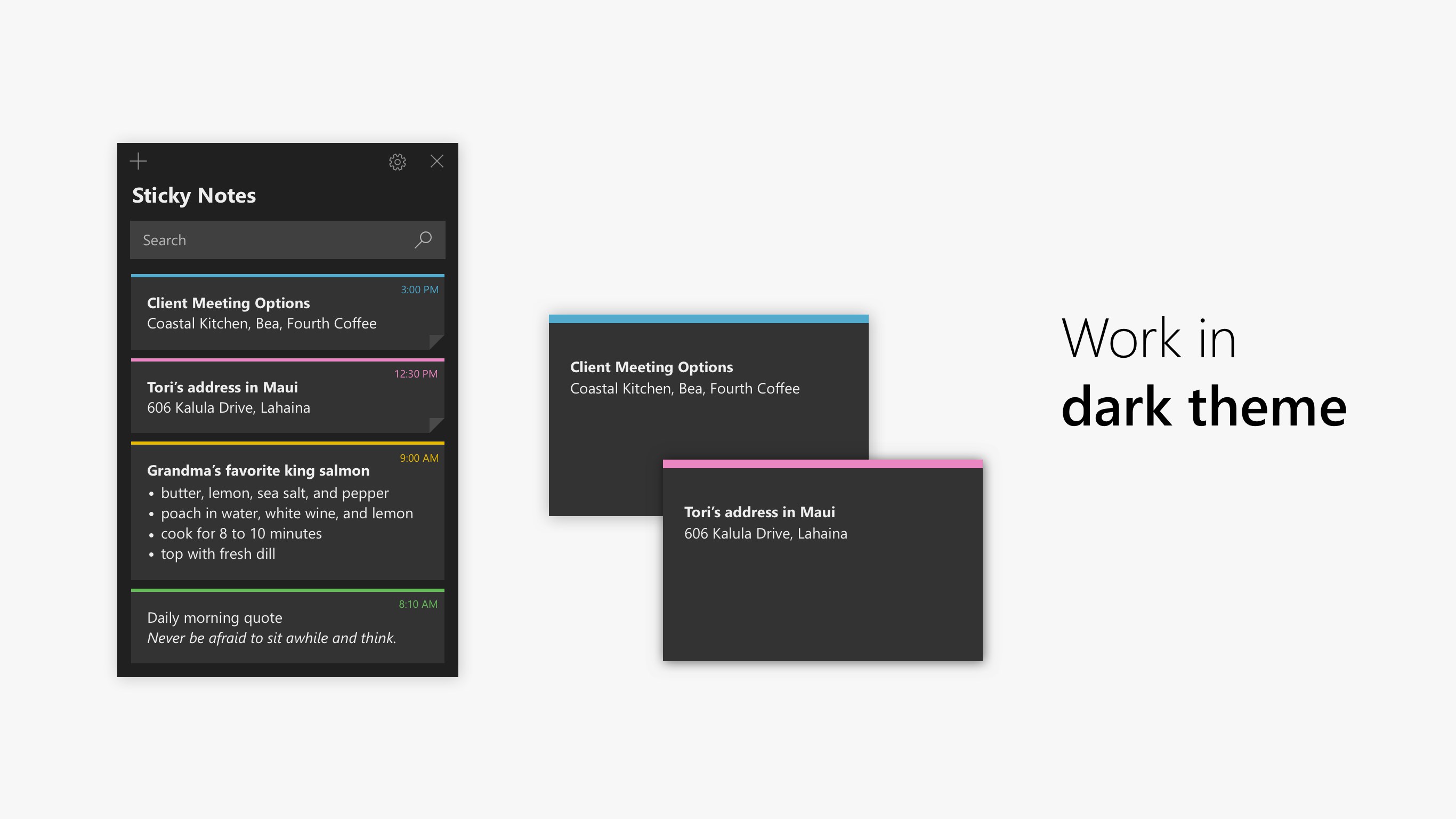
The interface of Microsoft Sticky Notes is sleek and unobtrusive, blending well with Windows aesthetics. From a user experience perspective, the app performs remarkably smoothly—no lag or freezes during normal use. Creating, moving, resizing, and deleting notes is intuitive and feels natural, akin to organizing physical sticky notes on a bulletin board. The learning curve is gentle, making it accessible even to those unfamiliar with digital note apps.
For power users, the app provides keyboard shortcuts and advanced formatting options, so becoming efficient isn't a stretch. Its integration with Windows features like Cortana further amplifies its usefulness; for example, you can ask Cortana to create a note for you verbally, blending voice commands with visual reminders seamlessly.
What Sets It Apart?
Unlike many third-party note apps, Microsoft Sticky Notes leverages deep integration within the Windows environment, turning it from a mere note repository into a productivity hub. Its ability to sync across multiple devices and integrate with other Microsoft services like Calendar, To Do, and Outlook makes it particularly compelling for users embedded in the Microsoft ecosystem. Additionally, its stylus support and inking capabilities set it apart from simpler text-based note apps, making it a flexible tool for creative and detailed note-taking.
Final Thoughts and Recommendations
Overall, I would recommend Microsoft Sticky Notes for users seeking a lightweight, yet powerful, note-taking solution that seamlessly integrates with Windows. It's especially ideal for those who rely on Microsoft's cloud services and want their quick notes to stay synchronized across devices. While it may not replace full-featured note apps like OneNote for extensive digital writing or multimedia notebooks, it excels at rapid note capture and integration-with-the-system that many users find indispensable.
If your workflow involves frequent reminders, to-do lists, or quick sketches on your desktop, this app is a reliable and efficient companion worth exploring. Its simplicity, combined with the intelligent sync and ink capabilities, makes it a standout utility among Windows productivity tools.
Pros
- Intuitive User Interface
- Seamless Microsoft Account Integration
- Sticky Notes Supports Pen Input
- Quick Access from the Taskbar
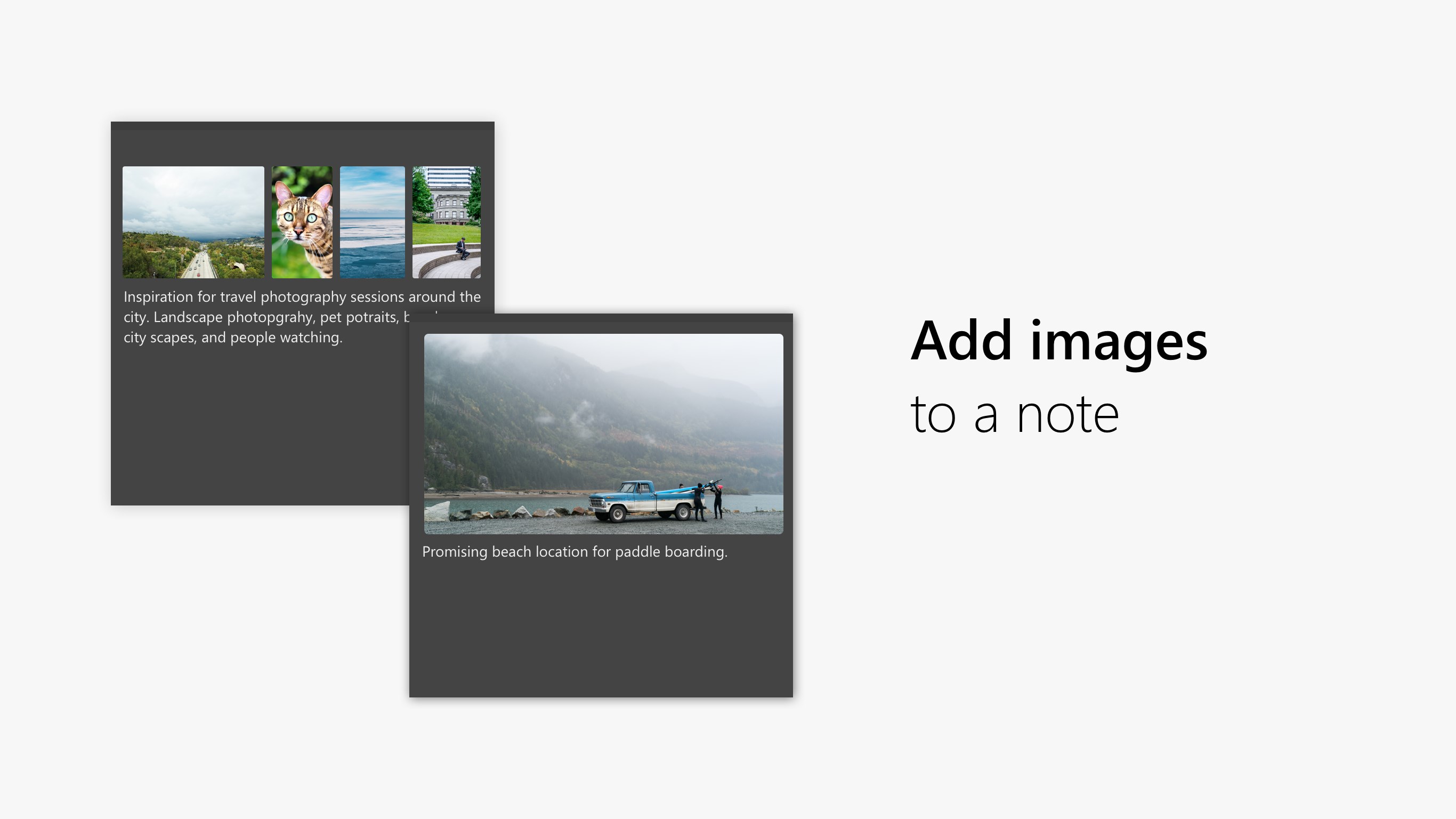
- Supports Rich Text and Images
Cons
- Limited Customization Options
- Occasional Sync Delays
- Lack of Advanced Organization Features
- Limited Export Options
- Performance Issues on Older Devices











