
- Category Utilities & tools
- Developer Microsoft
- Available on PC, Xbox console, Surface Hub, HoloLens
- OS Windows 10 version 17134.0 or higher
- Keyboard Not specified
- Mouse Not specified
- languages Chinese (Simplified), Chinese (Traditional), Czech, Danish, Dutch, English (India), English (United Kingdom), English (United States), Finnish, French, French (Canada), German, Italian, Japanese, Korean , Norwegian (Bokmål), Polish , Portuguese (Brazil), Portuguese (Portugal), Russian, Spanish (Latin America), Spanish (Mexico), Spanish (Spain), Swedish, Thai
Seamless Screen Mirroring with Microsoft Wireless Display Adapter for Windows
The Microsoft Wireless Display Adapter for Windows transforms your device into a portable projection powerhouse, allowing effortless streaming of content onto bigger screens without cluttering your workspace.
About This App
Designed as a companion to the Microsoft Wireless Display Adapter hardware, this app acts as a control hub that ensures smooth and reliable wireless display connections. Developed and published by Microsoft Corporation, it offers a robust solution for anyone seeking a hassle-free screen mirroring experience, whether at home, in the classroom, or during professional presentations.
- Key features include: Simple device pairing and connection management, high-quality streaming with reduced latency, support for multiple display setups, and real-time adjustment options.
- Target users: Professionals, students, educators, and tech enthusiasts who want an easy way to project their Windows device content onto TVs or projectors without tangled cables.
A Catchy Introduction: Your Window to Endless Possibilities
Imagine transforming your living room into a home theater or your conference room into a dynamic presentation arena—all within seconds. The Microsoft Wireless Display Adapter app makes this a reality by acting as your digital bridge, effortlessly connecting your Windows device to large screens. It's like having a universal translator that speaks the language of screens, making content sharing as simple as a tap on your device. Whether you're sharing vacation photos, streaming a movie, or delivering an impactful presentation, this app ensures the experience is smooth, intuitive, and enjoyable.
Core Functionality: Simplified, Yet Powerful
Easy Device Pairing & Connection Management
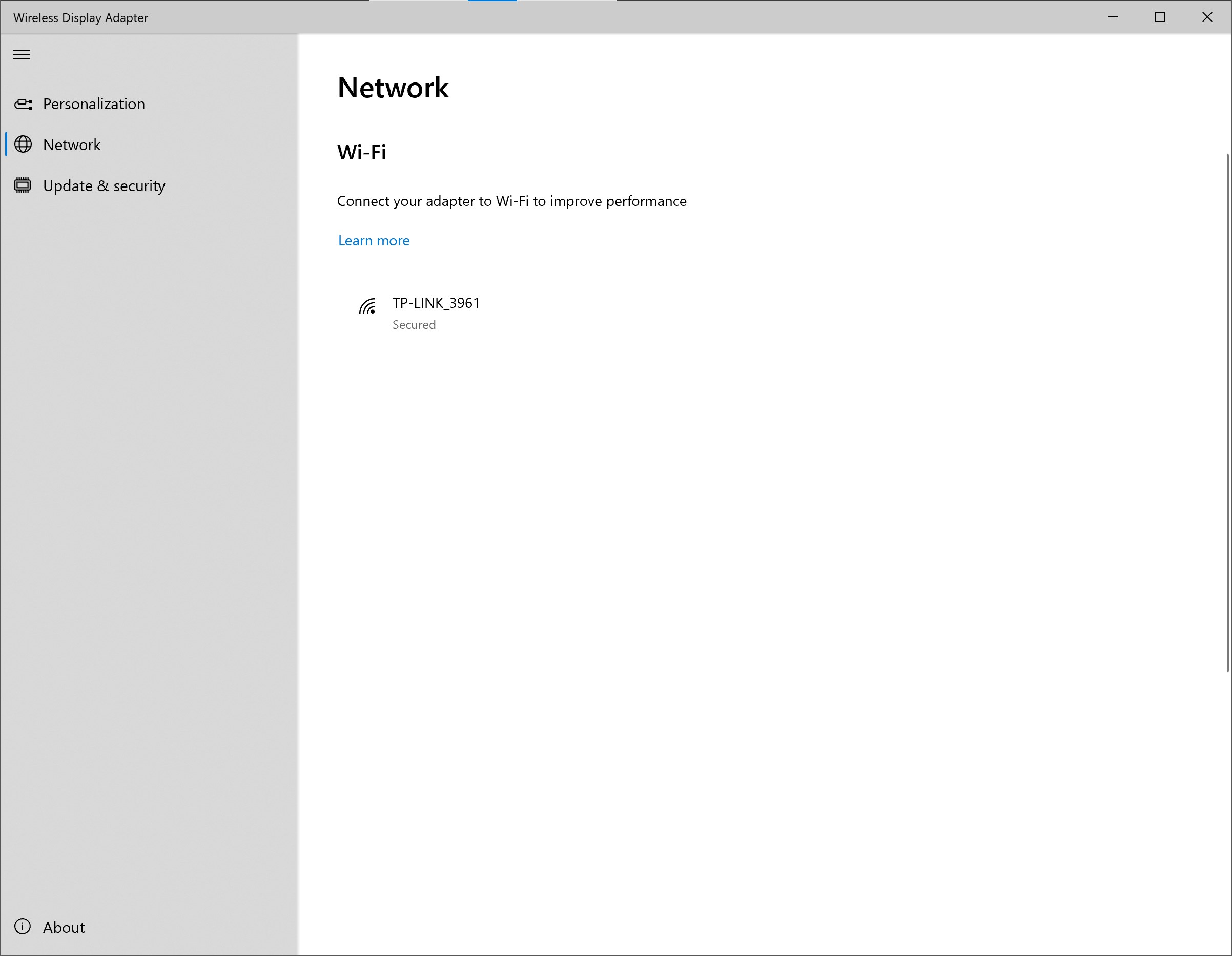
One of the standout features of this app is its straightforward pairing process. Once your Wireless Display Adapter is plugged into your TV or projector, launching the app instantly scans for compatible devices. With just a few clicks, you're connected—it's almost like having a secret handshake. The connection is stable and quick, minimizing wait times and preventing the frustrations of dropped streams. The app also allows you to manage multiple devices seamlessly, switching between screens or reconnecting with ease, akin to flipping channels on a smart TV.
High-Quality Streaming & Latency Reduction
This is where the app truly shines. Powered by Microsoft's robust technology, it guarantees sharp, crisp visuals with minimal lag—crucial for tasks like gaming, detailed presentations, or watching high-definition videos. The app dynamically adjusts streaming parameters to optimize the quality based on your network conditions, ensuring a fluid experience that doesn't compromise on clarity. This intelligent adaptation sets it apart from generic mirroring tools that often struggle with latency or image degradation.
Customization & Advanced Controls
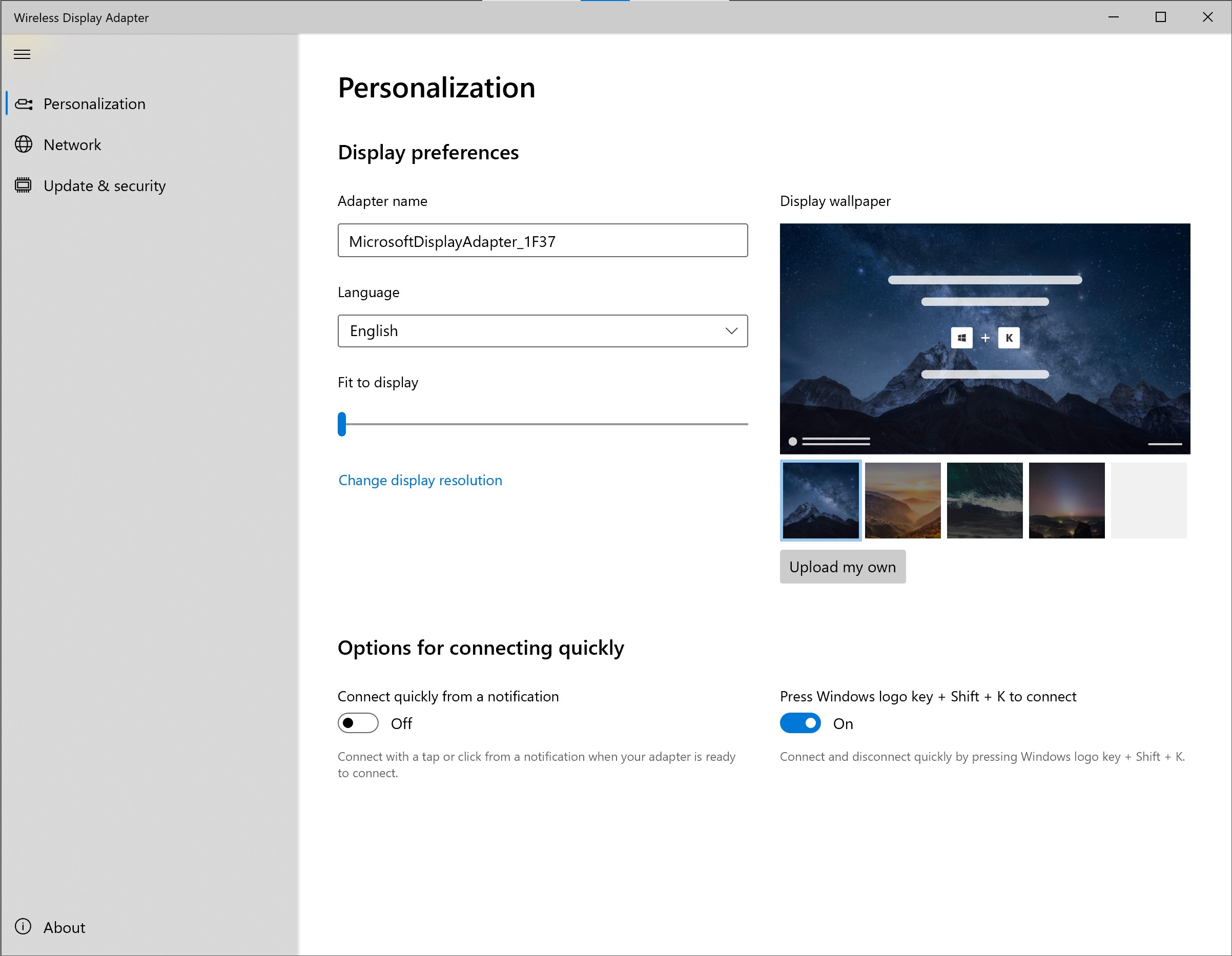
Beyond just mirroring, the app provides options to fine-tune your display settings in real-time. You can rotate, stretch, or mirror your screen as needed; think of it as having a remote control for your viewing experience. For multi-monitor setups, it offers easy configuration options, making complex arrangements feel straightforward—like arranging picture frames on a wall with a few taps. These controls empower users to personalize their display setup rapidly without jumping through complicated menus.
Experience & Unique Advantages
The user interface is clean, simple, and intuitive—think of it as a well-organized toolbox that invites you in rather than intimidating you. Setup is quick, and even first-time users find the learning curve gentle, comparable to learning a new smartphone feature. The app's seamless integration with Windows OS ensures reliability, outpacing many third-party tools that often face compatibility hiccups. The standout feature is its ability to support multiple device management and adaptive streaming quality, making it versatile for diverse environments and network conditions. Unlike other utilities that merely mirror screens, this app emphasizes stability and customization, making it particularly suitable for professional settings where reliability is key.
Would I Recommend It? Who Should Use It?
Absolutely. I'd rate this app as highly recommended for users who need a dependable and easy-to-use solution for wireless display. Whether you're a professional presenter aiming to avoid cable chaos, a teacher looking to engage students with multimedia, or a family wanting to share photos effortlessly, this app is a practical choice. Its standout ability to adjust streaming quality intelligently and manage multiple devices distinguishes it from many competitors, making it worth considering if your setup involves frequent switching or multiple displays.
Final Thoughts
If you're seeking a straightforward yet powerful tool to cast your Windows screen onto larger displays effortlessly, the Microsoft Wireless Display Adapter for Windows is a worthy companion. It doesn't just mirror your screen— it enhances your entire content sharing experience with reliability, ease, and flexibility. Think of it as your digital handshake—simple, dependable, and always ready to connect. Give it a try, and turn your screens into canvases for creativity and communication.
Pros
- Easy setup and seamless connection
- High-quality screen mirroring
- Supports multiple device compatibility
- Low latency for real-time streaming
- Stable wireless connection
Cons
- Limited support for non-Windows devices
- Occasional connection drops under interference
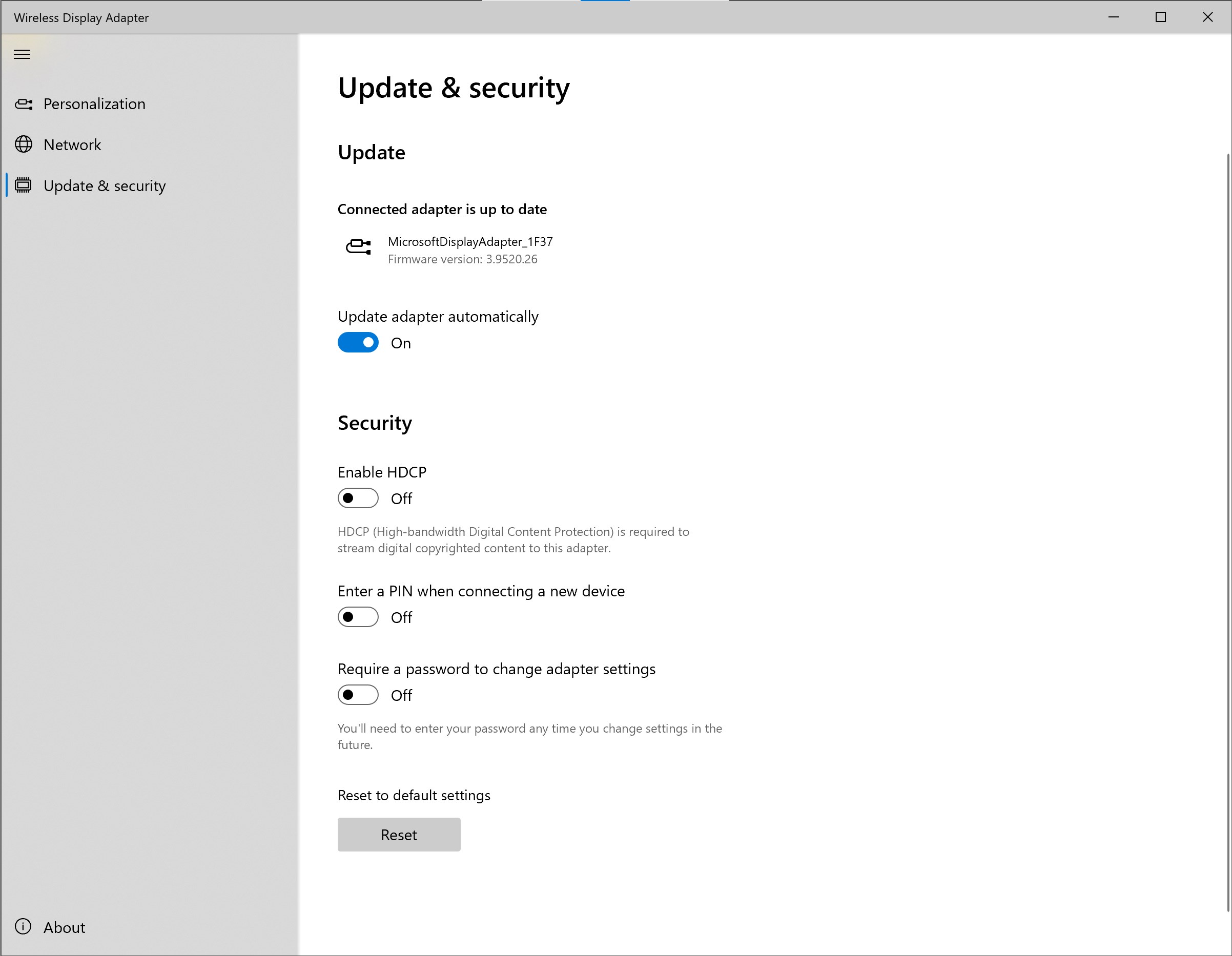
- Requires updated drivers for optimal performance
- Limited advanced settings for customization
- No built-in support for multi-screen streaming











