
- Category Utilities & tools
- Developer Null Studio Dev
- Available on PC, Mobile, Surface Hub, HoloLens
- OS Windows 10 version 18362.0 or higher
- languages Chinese (Simplified), English (United States)
An Elegant Solution for Screen Mirroring: Miracast Receiver for Windows
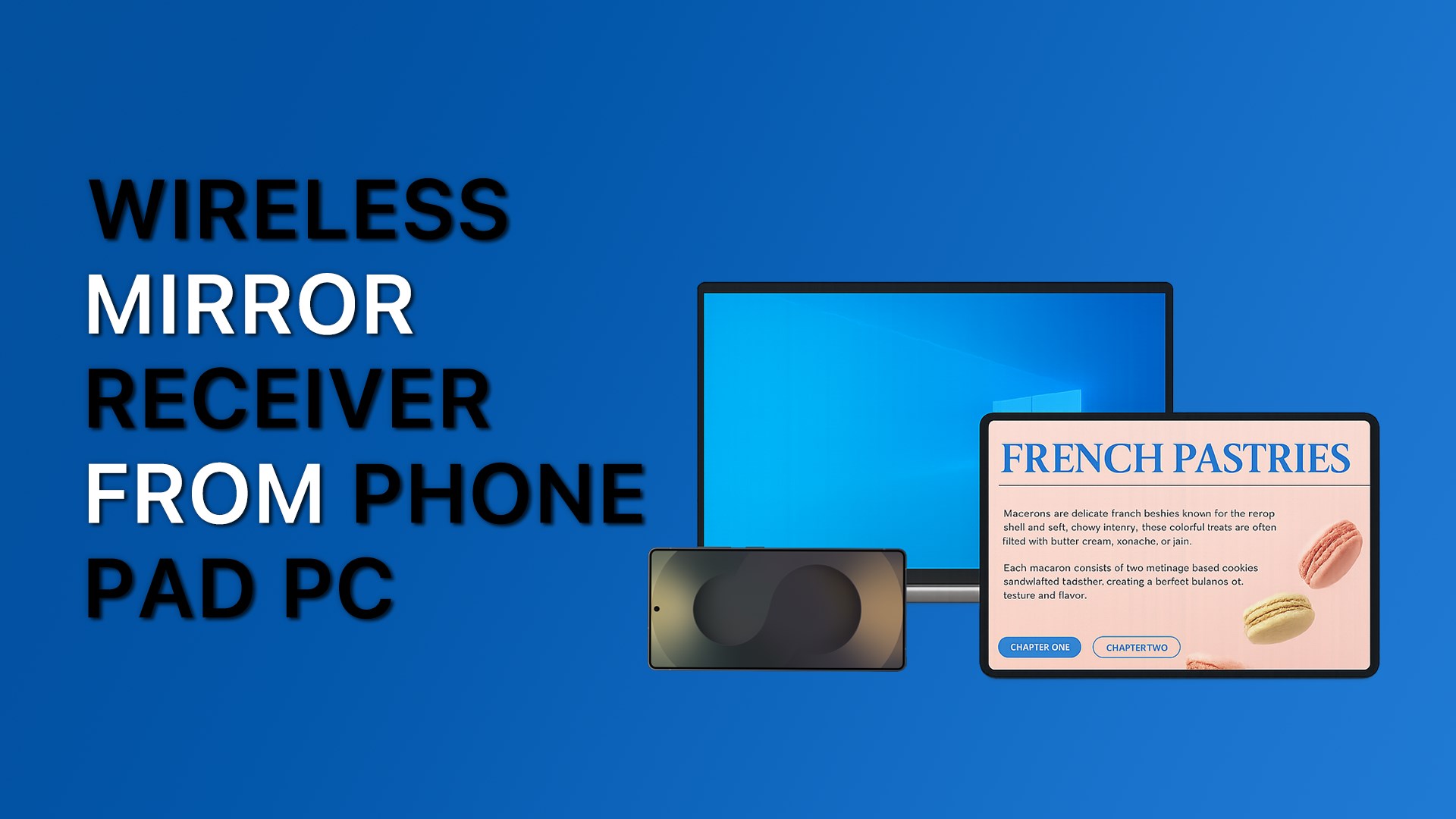
Imagine effortlessly turning your Windows device into a wireless display hub—no cables, no fuss, just a seamless screen sharing experience. Miracast Receiver for Windows by Null Studio Dev promises to do just that, offering users an efficient way to mirror content from compatible devices onto their Windows screen. This app aims to simplify wireless connectivity, making it ideal for both casual users and professionals seeking quick presentations or entertainment sharing without the clutter of wires.
Developer and Core Features
Null Studio Dev, a dedicated software developer team known for lightweight and straightforward tools, has crafted Miracast Receiver for Windows to focus on core screen casting functionalities. The app's main features include:
- Wireless Screen Mirroring: Instantly transform your Windows PC into a Miracast display receiver, enabling seamless streaming from smartphones, tablets, or other compatible devices.
- High-Quality Video Transmission: Supports HD resolution with minimal latency, ensuring an almost real-time replication of your source device's screen.
- Easy Setup and Connectivity: User-friendly interface guides users step-by-step, making the connection process intuitive even for beginners.
- Low Latency & Stable Connection: Designed to maintain smooth streaming, reducing lag even during high-motion content or presentations.
Targeted primarily at Windows users who want a hassle-free way to project content wirelessly—be it for gaming, media sharing, or professional presentations—the app caters to a broad spectrum of tech enthusiasts and everyday users alike.
Vivid User Experience and Design
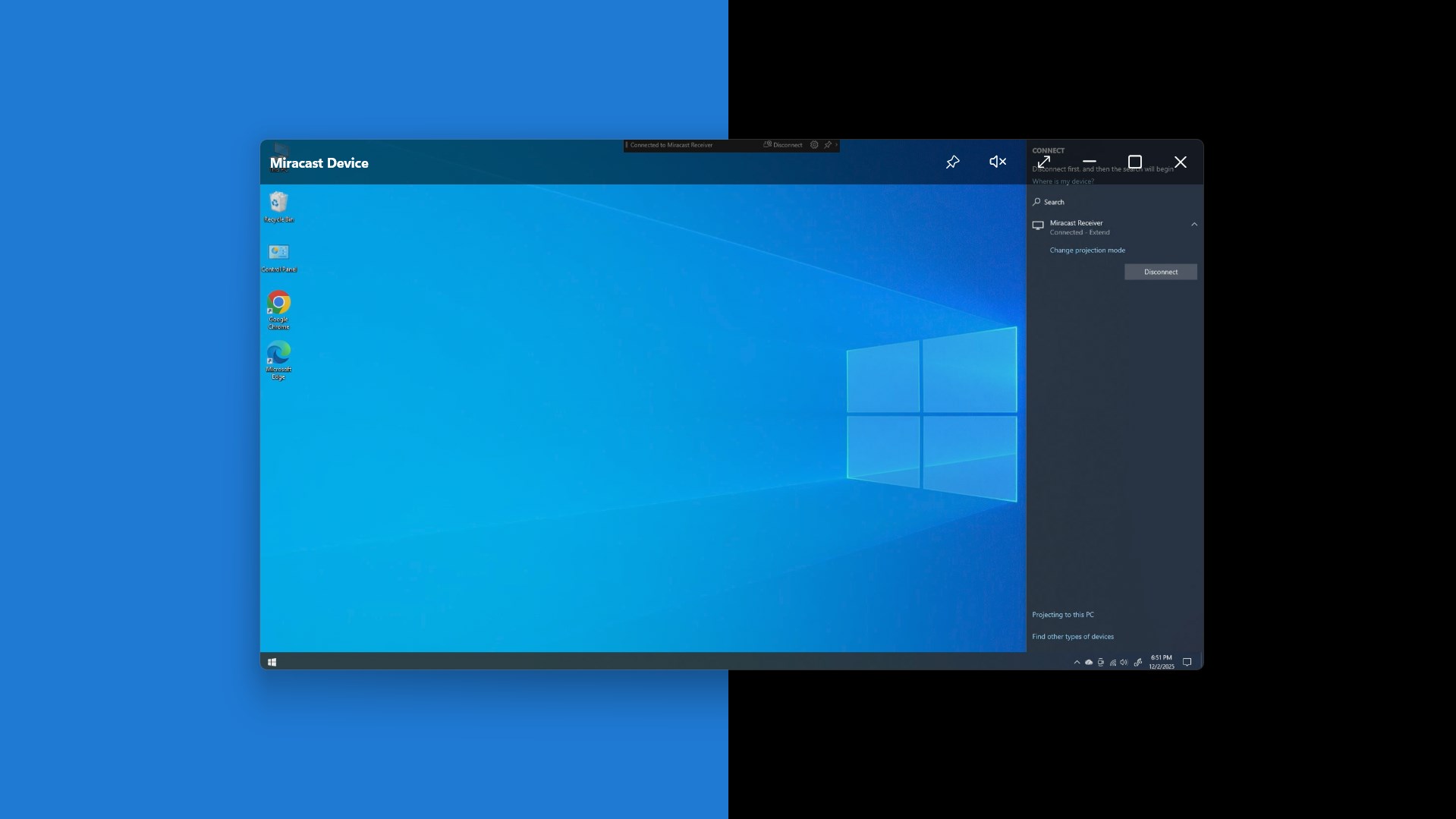
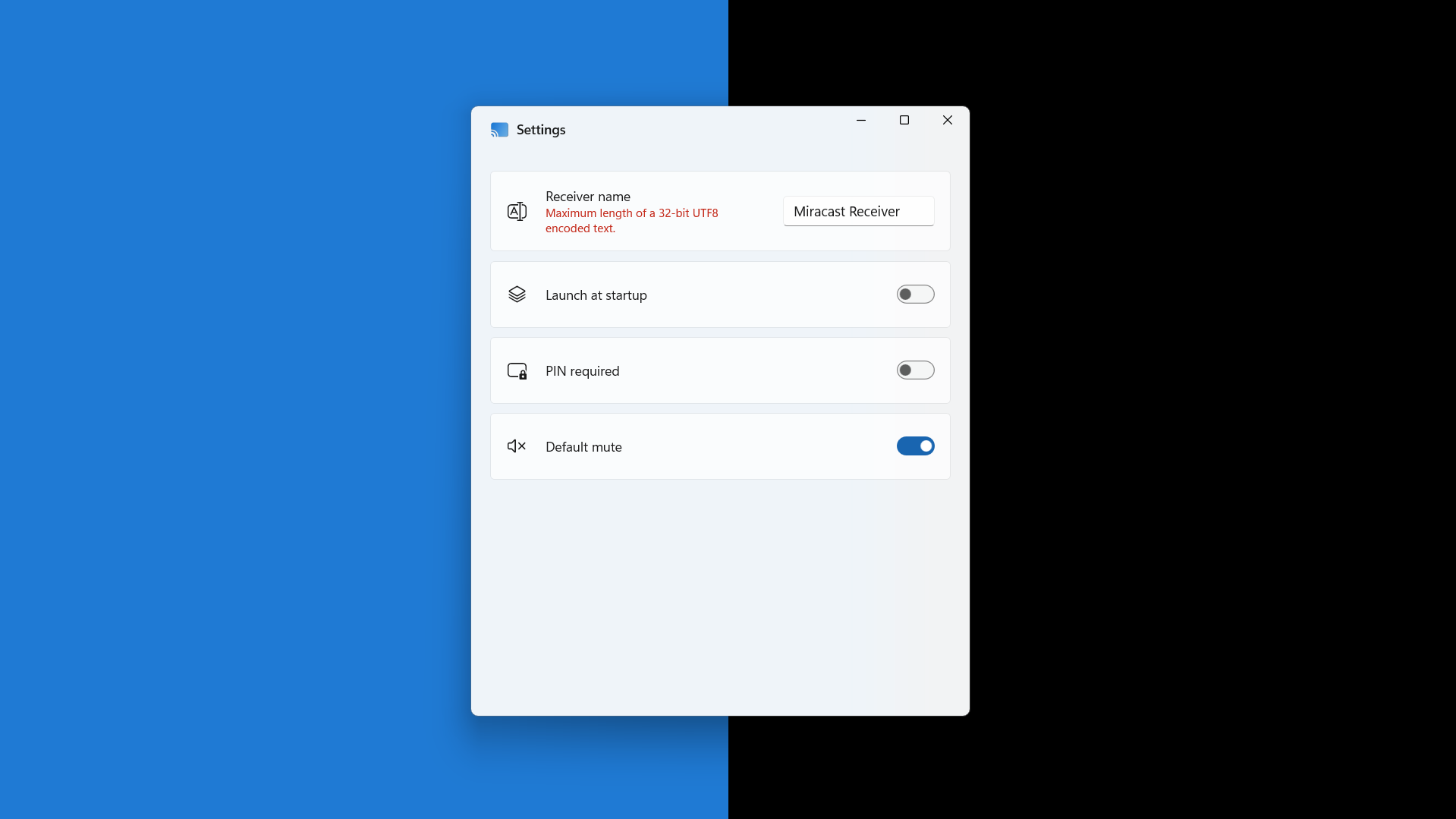
Stepping into the app's interface feels like entering a well-organized digital workshop—clean, modern, and inviting. The design employs a minimalistic color scheme, with straightforward buttons and clear instructions, making the learning curve almost absent. Navigating through the setup feels as smooth as gliding over a polished ice rink; the connection process is swift, requiring just a few clicks. During my testing, the app demonstrated remarkable stability, maintaining a solid connection with negligible delay—like having a whisper-quiet partner during a dance.
This ease of use, paired with rapid response times, makes Miracast Receiver for Windows a convenient utility for everyday needs without demanding extensive technical expertise from the user. Even those unfamiliar with wireless projection technology will find themselves up and running in minutes, thanks to the app's guided setup and intuitive layout.
Unique Selling Points: Standing Out From the Crowd
While many utilities offer screen mirroring, Miracast Receiver for Windows distinguishes itself through its focused simplicity and reliable performance. Its most remarkable feature is supporting high-definition streaming with minimal latency, ensuring that what you see on your source device appears almost instantaneously on your Windows display—crucial for game streaming or live demonstrations.
Compared to broader utilities that bundle multiple features, this app's streamlined approach minimizes distractions and potential technical hiccups, making it a more stable choice. Its ability to function seamlessly as a dedicated Miracast receiver sets it apart from general screen sharing apps, which often require complex network configurations or additional hardware.
Final Verdict and Recommendations
All in all, Miracast Receiver for Windows by Null Studio Dev offers a reliable, straightforward solution to wireless screen mirroring. Its ease of setup, high-quality transmission, and stability make it an attractive choice for users seeking a no-fuss, dependable experience. If you often find yourself wanting to project your smartphone content onto a bigger screen or conduct quick wireless presentations, this app deserves a spot on your tools list.
While it may lack some advanced customization options found in more feature-rich tools, its focus on core functionality and performance makes it a standout in its niche. I would recommend it to anyone looking for a lightweight, efficient Miracast receiver—whether for casual media sharing or professional use.
Pros
- Easy Screen Mirroring
- Low Latency Transmission
- Simple Setup Process
- Good Compatibility
- Stable Connection
Cons
- Limited Device Support
- Requires Network Congestion
- Occasional Connectivity Drops
- Limited Customization Options
- Potential Compatibility Issues with Some Displays











