

- Category Utilities & tools
- Developer emoacht
- Available on PC
- OS Windows 10 version 17763.0 or higher
- languages English (United States)
Monitorian for Windows: A Refreshing Take on Monitor Brightness Management
In the ever-expanding universe of utility tools, Monitorian stands out as a dedicated, user-friendly application that simplifies the often-overlooked task of managing multiple monitor brightness levels. Developed by emoacht, this app offers a streamlined experience tailored for users seeking effortless control over their display settings without the bloat of unnecessary features.
Who's Behind the Curtain?
Developed and published by emoacht, Monitorian is a product from a team committed to enhancing Windows utility experiences. Their focus on straightforward, effective tools reflects a clear intention: helping users fine-tune their monitor setups with ease and precision, making routine adjustments as simple as a few clicks.
What Makes Monitorian Shine? Key Features at a Glance
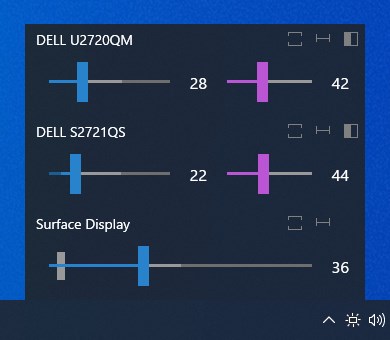
- Multi-Monitor Brightness Control: Effortlessly adjusts brightness levels across multiple screens, providing centralized management without juggling individual monitor buttons.
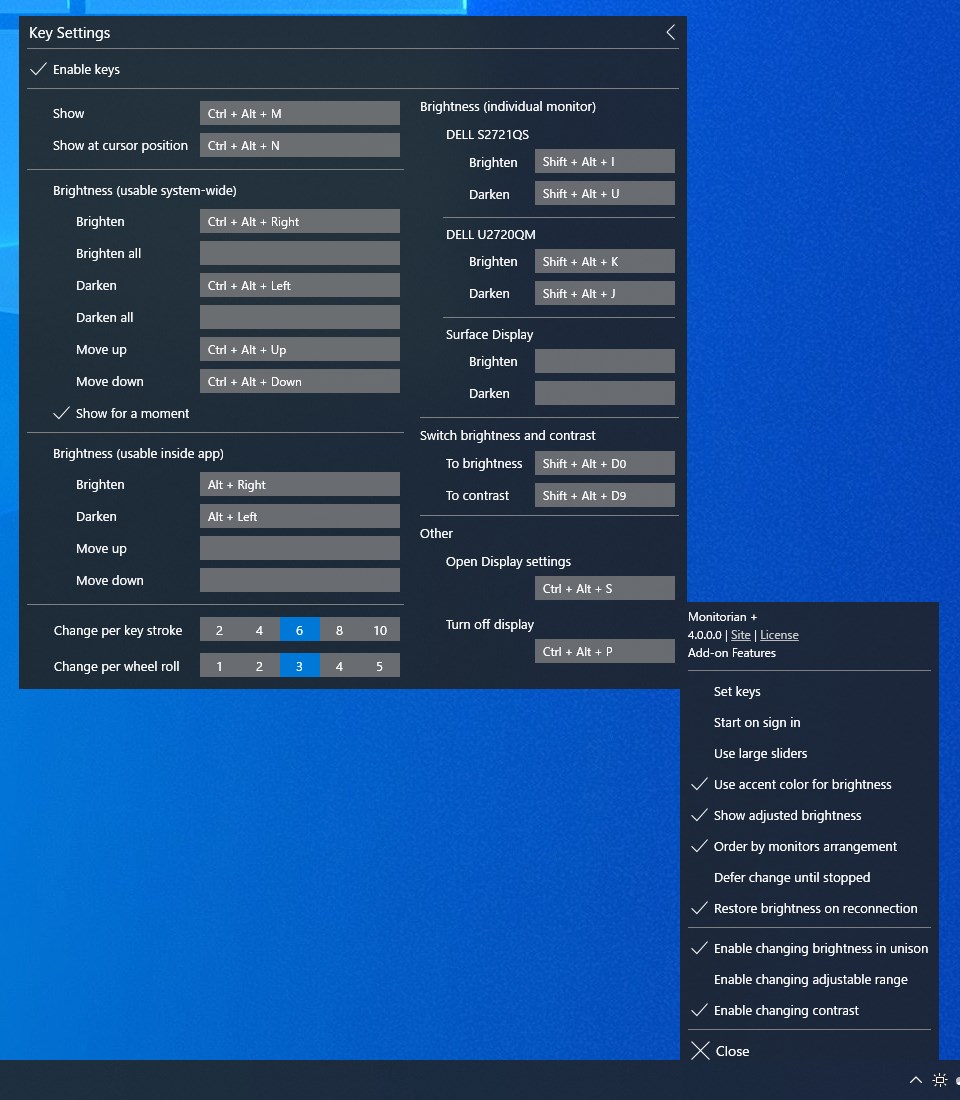
- Tray Icon Accessibility: Brightness controls are accessible directly from the system tray, enabling quick adjustments without interrupting your workflow.
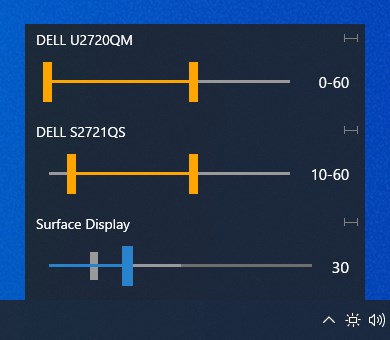
- Compatibility and Customization: Supports various monitor types and allows for personalized profiles, catering to different environments and user preferences.
A Bright Idea for Multi-Screen Users
Imagine sitting at your desk, surrounded by an array of monitors, each with its own unique glare and color palette. Adjusting them individually can feel like trying to tune four different radios at once. That's precisely where Monitorian steps in—a charming helper that acts like a conductor for your display orchestra, harmonizing brightness levels effortlessly. Its intuitive design turns a once tedious task into a smooth, almost subconscious activity, allowing you to focus on what truly matters: your work or entertainment.
Streamlined Interface and User Experience
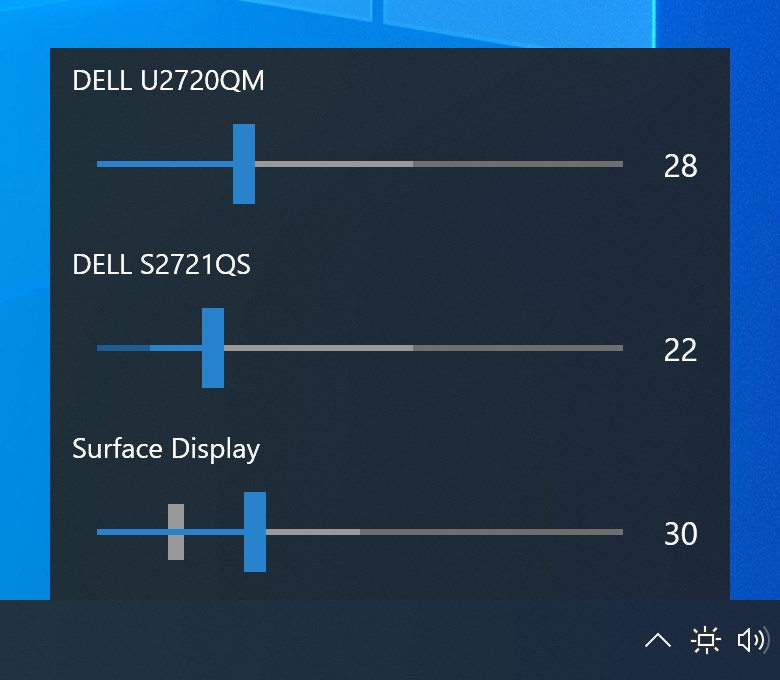
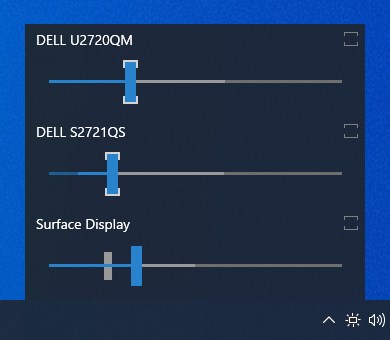
From the first launch, Monitorian greets you with a clean, minimal interface that's reminiscent of a friendly dashboard. The main control panel presents your monitors in a list format, each with an adjustable slider akin to volume controls on a stereo. The system tray icon gives instant access, letting you tweak brightness with a simple click—no digging through settings menus. Navigating the app requires zero steep learning curve; it feels almost like second nature—an intuitive extension of your desktop environment.
The app runs smoothly in the background, updating in real-time without lag or glitches—a testament to its optimized performance. Whether you're toggling between rooms or shifting from daylight to night mode, the experience remains fluid and responsive, making brightness adjustments feel like turning a dial rather than wrestling with complex software.
Unique Gains and Differentiating Factors
Compared to other utilities that bundle multiple screen adjustment features, Monitorian focuses decisively on brightness control—highlighted by its simplicity and targeted design. What sets it apart is its ability to handle multiple monitors seamlessly, offering not just control but also profiling options. Unlike generic display tools or GPU configuration software, Monitorian earns its stripes by integrating directly with Windows, ensuring compatibility across a broad spectrum of monitor models. Its lightweight footprint ensures it won't bog down system resources, and the tray shortcut means your adjustments are literally just a click away.
Furthermore, its open design allows advanced users to tweak settings or integrate it into larger automation workflows, making it a versatile tool for both everyday users and power users alike.
Final Verdict: Brightening Your Day with Confidence
In conclusion, I wholeheartedly recommend Monitorian for anyone tired of the cumbersome process of adjusting monitor brightness individually or through complex software. Its straightforward approach, combined with robust multi-monitor support, makes it stand out in the utility space. Perfect for daily desktop users, office workers, or gamers who value quick and consistent control, this app proves that sometimes, the simplest tools are the most effective.
If you're seeking a reliable, lightweight, and user-friendly brightness manager that puts control back into your hands—Monitorian is definitely worth a try. Just think of it as the gentle conductor guiding your display orchestra to perfection—without the need for a baton or a sea of settings—simply click and enjoy a perfectly tuned visual environment.
Pros
- User-Friendly Interface
- Supports Multiple Monitors
- Lightweight and Fast
- Free and Open Source
- Customizable Brightness Levels
Cons
- Limited Compatibility with Some Monitors
- Lack of Advanced Features
- Requires Manual Setup for Multiple Monitors
- Occasional Connectivity Issues
- No macOS Support











