
- Category Utilities & tools
- Developer Marcelo de Souza
- Available on Xbox console, PC, Mobile, Surface Hub, HoloLens
- OS Windows 10 version 17763.0 or higher
- languages Portuguese (Brazil)
Streamlined File Management at Your Fingertips
My Files Explorer for Windows, developed and published by Marcelo de Souza, is designed to serve as a modern, efficient alternative to the traditional Windows File Explorer. It aims to simplify and enhance your file browsing experience, making managing your files more intuitive and visually appealing without sacrificing familiarity.
What Sets This App Apart?
This application stands out through its emphasis on user-centric design and innovative features. Notably, it offers a sleek, customizable interface that adapts to your workflow, along with smart organization tools. Its standout features include a streamlined navigation system that allows quick access to recent, favorite, or frequently used folders, and an integrated previews pane that lets you see file contents at a glance without opening multiple windows. These features collectively make file management less of a chore and more of a seamless experience.
Intuitive Design and Smooth Navigation
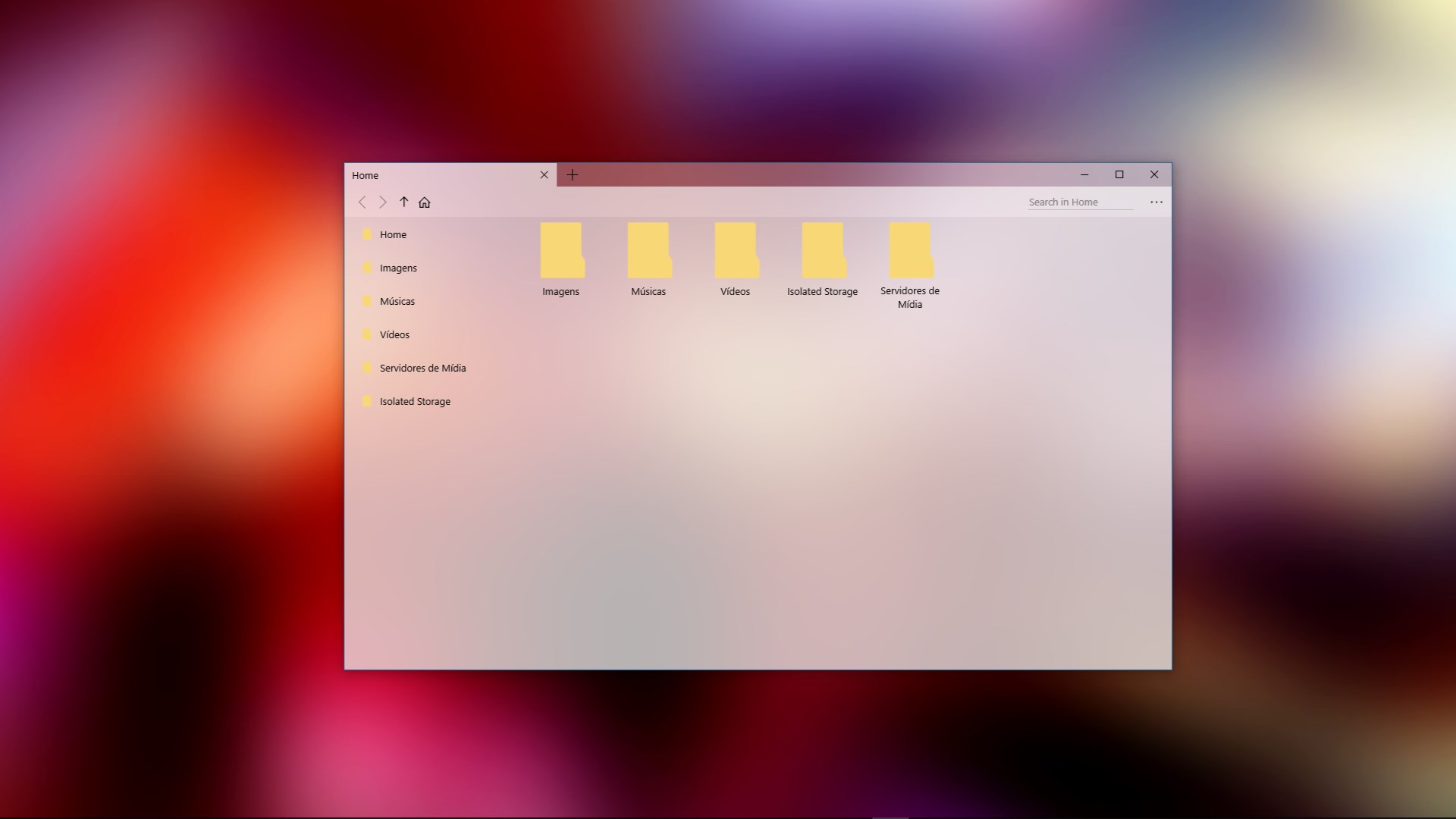
Right from the first click, My Files Explorer welcomes you with a clean, modern interface that feels both familiar and fresh—think of it as upgrading your trusty toolbox with a sleek new wrench that fits perfectly into your hand. The app maintains a logical layout similar to standard file explorers but amplifies usability through a customizable sidebar and versatile view options (list, details, icons). Navigation feels remarkably smooth, with instantaneous responses when switching folders or filtering files, thanks to optimized performance under the hood.
The learning curve is gentle; even users new to alternative explorers will find it easy to get started. The interface minimizes clutter while providing all essential tools within reach, making routine tasks like copying, moving, or deleting files feel effortless.
Powerful Features to Boost Productivity
One of the app's most compelling aspects is its 'Smart Sidebar'—a dynamic toolbar where users can pin favorite folders, recent files, or custom tags, creating a personalized docking station that adapts to your workflow. Imagine always having your most-used folders just a click away, like having a GPS guiding you through your digital landscape without any detours.
The integrated preview pane is another gem. Whether you're handling images, documents, or videos, it lets you preview the content instantly—saving time and reducing the frustration of multiple open windows. This feature shines particularly for users who handle large volumes of media or need quick validation of files' contents.
Compared to other utilities, My Files Explorer emphasizes visual clarity and efficiency, with customizable themes and a lightweight footprint that won't bog down your system. Its focus on quick access and seamless browsing makes it a practical helper rather than a mere accessory.
Final Verdict: A Friendly Nudge Toward Better File Management
I'd recommend My Files Explorer for Windows to users seeking a straightforward yet powerful upgrade over the default explorer. Its core strengths—focused on ease of use, quick navigation, and visual previews—make it particularly suitable for content creators, office workers, or anyone drowning in digital clutter but craving a more organized approach. While it lacks some of the more advanced features found in high-end file managers, its simplicity and efficiency make it a worthwhile addition to your toolset.
If you value a clean interface, rapid access to your files, and a tool that feels intuitive without a steep learning curve, this application is definitely worth exploring. Think of it as the friendly bridge between traditional file management and a smarter, more engaging digital workspace.
Pros
- Intuitive interface
- Fast file access
- Seamless cloud integration
- Built-in file management features
- Regular updates and improvements
Cons
- Limited customization options
- Occasional sync issues with cloud storage
- Basic search functionality
- Limited offline file management features
- No support for external storage devices











