

- Category Utilities & tools
- Available on PC
- OS Windows 10 version 17763.0 or higher
- Keyboard Integrated Keyboard
- Mouse Integrated Mouse
- Memory 2 GB
- languages English (United States)
Introducing My-Technician for Windows: Your Trusted Digital Helper
If you're looking for a reliable tool to troubleshoot, optimize, and maintain your Windows system effortlessly, My-Technician for Windows stands out as a promising assistant. Developed by MyTechnician, this application aims to simplify complex tech tasks and provide peace of mind for everyday users and IT enthusiasts alike.
Core Features That Make a Difference
Intelligent System Diagnostics and Repair
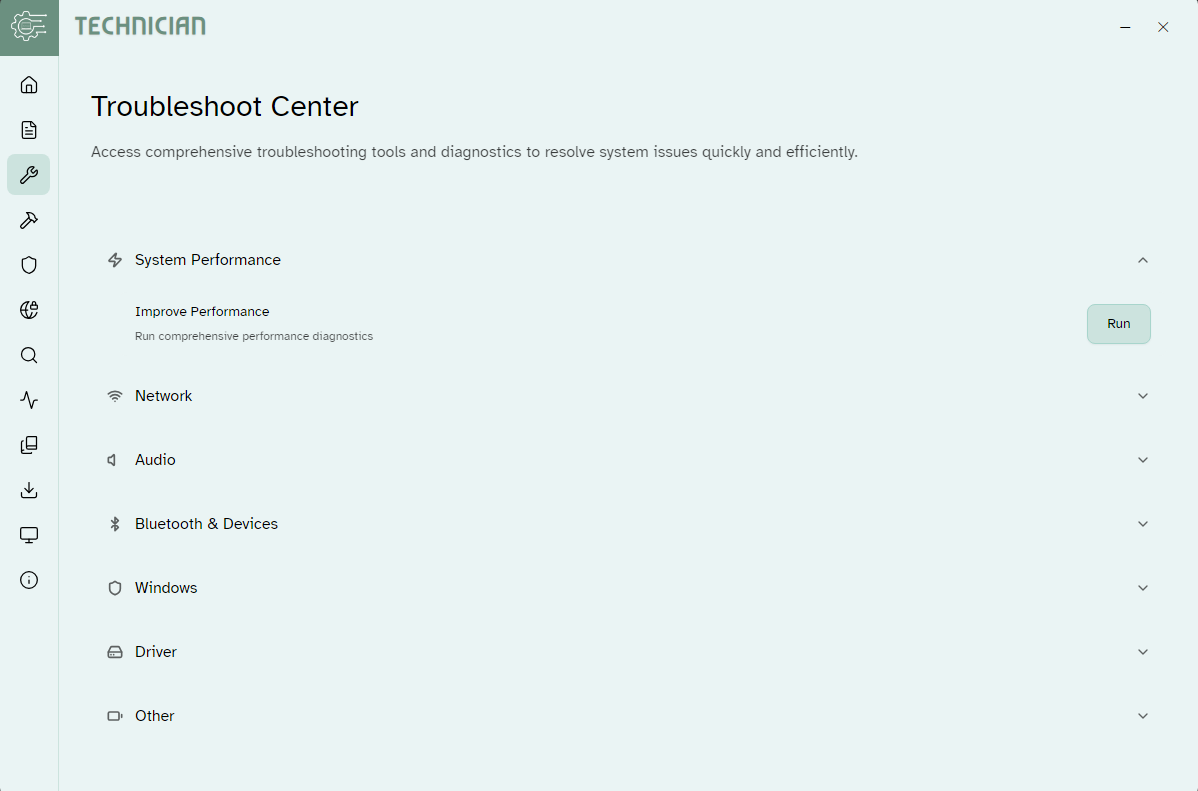
At its heart, My-Technician offers a robust diagnostic engine that scans your computer for issues ranging from system errors to malware threats. Once detected, it can even attempt automatic repairs, giving you a quick solution without needing deep technical know-how. Imagine having a virtual technician on call—ready to identify hiccups and fix them in a snap.
Performance Optimization with One Click
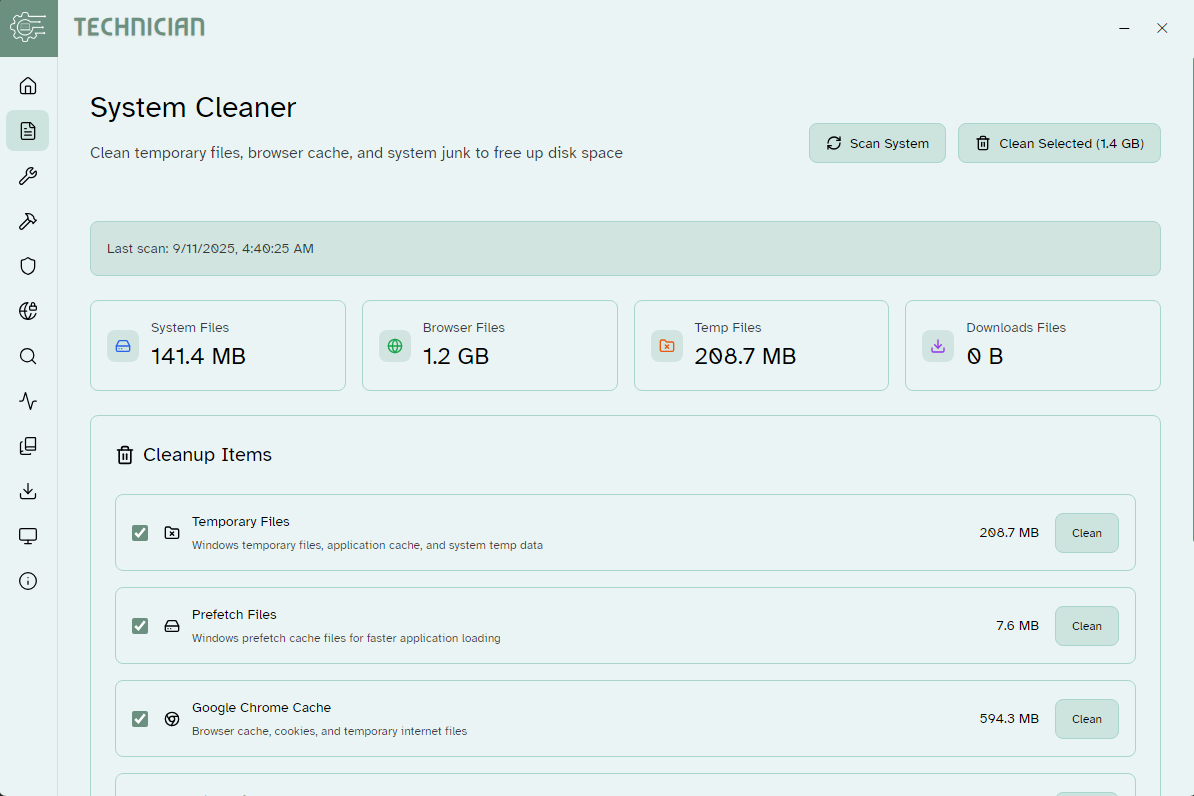
Ever felt your PC slow down just when you need it most? My-Technician simplifies performance boosting through intuitive tools that clean unnecessary files, optimize startup processes, and manage background services. The user interface guides even novice users to enhance their system speed efficiently, making maintenance feel less like a chore and more like a routine check-up.
Secure Data Backup and Privacy Tools
In addition to performance, data security is a priority. This app provides straightforward backup options and privacy cleaning features to safeguard sensitive information. Think of it as a digital safe that regularly checks to ensure your files are backed up and your privacy settings are optimized, all within a friendly, accessible framework.
User Experience: Friendly, Flowing, and Foolproof
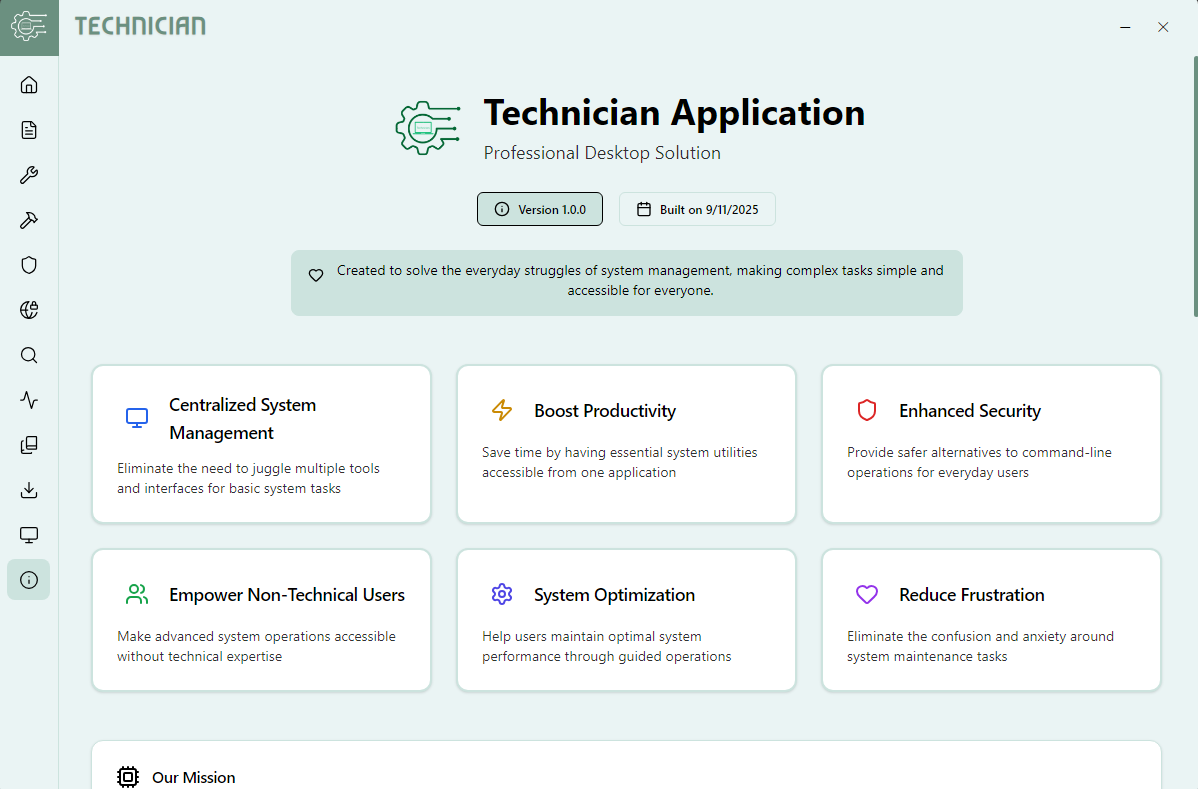
The interface design of My-Technician is sleek yet intuitive, akin to a well-organized toolbox—everything in its place. Navigating through menus feels natural, with clear labels and straightforward workflows that reduce the learning curve. Whether you're a tech novice or a seasoned user, you'll find the operation smooth and responsive, with minimal lag or confusion.
The app's automation features reduce manual effort—automatically scanning and fixing issues in the background—allowing users to focus on their work or leisure without interruption. Its step-by-step guidance and informative prompts make complex procedures feel approachable, like having a knowledgeable friend by your side.
What Sets My-Technician Apart?
Unlike many utility tools that focus narrowly on one aspect—be it cleaning or backup—My-Technician combines detection, repair, optimization, and security into a cohesive platform. Its standout feature is the intelligent diagnostic system that not only identifies problems but also suggests tailored solutions, often with one-click fixes. This integration streamlines what typically requires juggling multiple tools, making system maintenance less cumbersome and more reliable.
Additionally, it emphasizes automation and user guidance, making it particularly suitable for users who prefer a set-and-forget approach yet still want control over their system health.
Final Recommendations and Usage Suggestions
I would rate My-Technician for Windows as a solid option for everyday users seeking a balanced utility tool. It's most beneficial for those who want quick, effective maintenance without delving into technical complexities. If you're someone who prefers an all-in-one solution that blends diagnostics, optimization, and security in a single interface, this app deserves a try.
For advanced users or IT professionals, it might not replace specialized tools but can serve as a handy secondary utility for routine checks and basic troubleshooting. Overall, it's a friendly, capable assistant ready to make your Windows experience smoother and safer.
Pros
- User-friendly interface
- Comprehensive diagnostics
- Real-time remote support
- Automatic updates
- Secure connection
Cons
- Limited device compatibility
- Occasional connectivity issues
- Learning curve for advanced features
- Battery consumption
- Limited free features










