

- Category Utilities & tools
- Available on PC
- OS Windows 10 version 19041.0 or higher
- languages Afrikaans, Albanian, Arabic, Armenian, Azerbaijani (Arabic), Bangla, Basque, Belarusian, Bulgarian, Catalan, Central Kurdish, Chinese (Simplified), Chinese (Traditional Chinese), Croatian, Czech, Danish, Dutch, English, Estonian, Finnish, French, Galician, Georgian, German, Greek, Gujarati, Hebrew, Hindi, Hungarian, Icelandic, Indonesian, Irish, Italian, Japanese, Kazakh, Kiswahili, Korean, Kyrgyz, Latvian, Lithuanian, Macedonian, Malay, Marathi, Mongolian (Cyrillic), Mongolian (Traditional Mongolian), Nepali, Norwegian (Bokmål), Norwegian (Nynorsk), Persian/Farsi, Polish, Portuguese, Portuguese (Brazil), Punjabi (India), Romanian, Russian, Serbian (Cyrillic), Serbian (Latin), Sinhala, Slovak, Slovenian, Spanish, Swedish, Tajik (Arabic), Tamil, Tatar (Arabic), Thai, Turkish, Turkmen (Cyrillic), Ukrainian, Uyghur (Arabic), Uzbek (Cyrillic), Uzbek (Latin), Valencian, Vietnamese, Welsh, Yoruba (Latin)
Introduction to NanaZip for Windows
NanaZip for Windows is a lightweight, open-source archiving tool designed to seamlessly integrate modern compression features into your everyday file management. Think of it as the reliable sidekick to your Windows Explorer, making compressed file handling both effortless and efficient.
About the Developer
Developed by Kenji Mouri, NanaZip is a community-driven project that aims to bring a contemporary, user-friendly compression tool to Windows users, building upon the foundations of the classic 7-Zip technology.
Key Features that Make NanaZip Stand Out
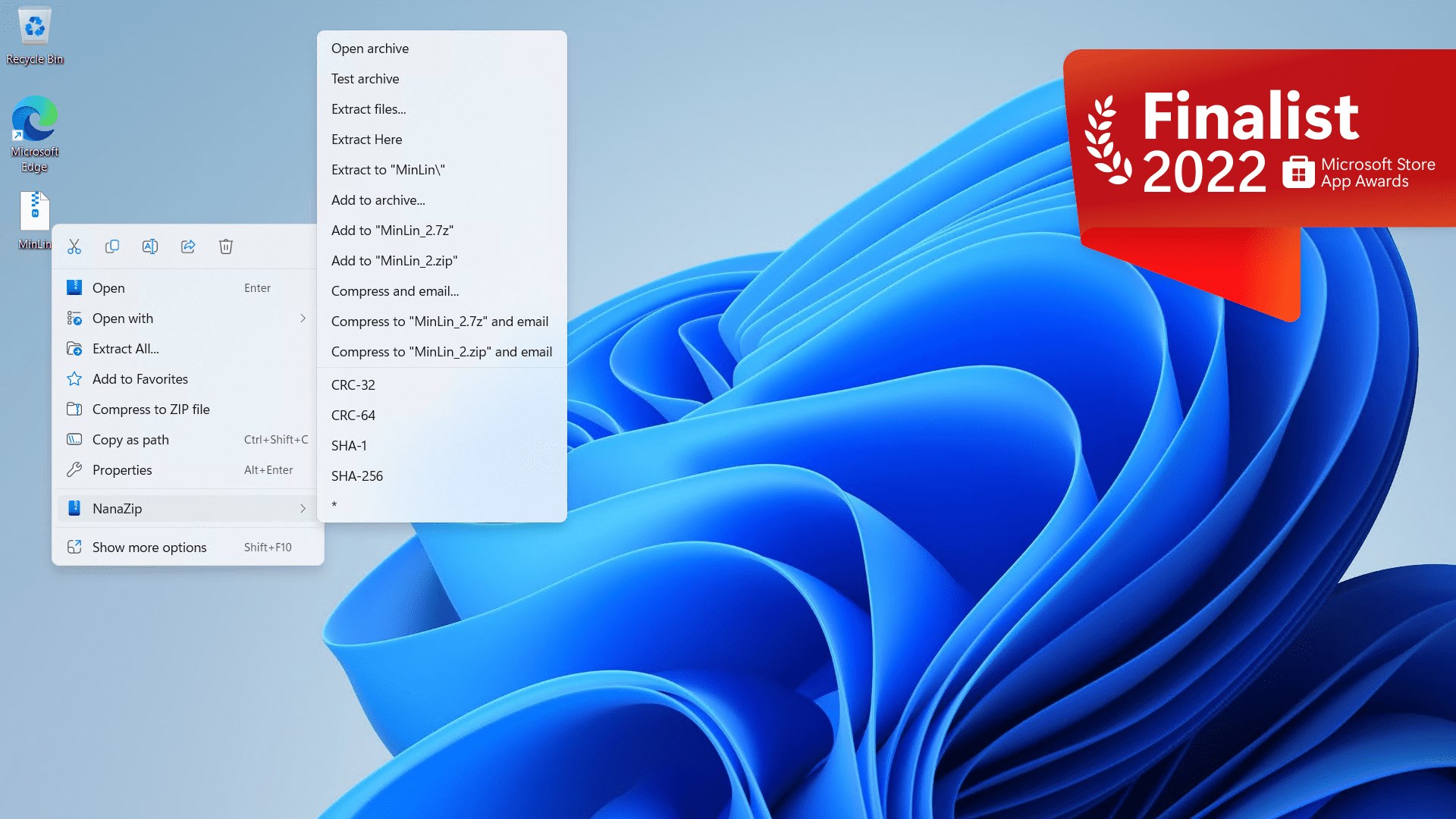
- Enhanced Windows Explorer Integration – right-click context menu support for quick compression and extraction
- Support for modern archive formats like 7z, ZIP, TAR, and more, with improved compression options
- Open-source design allowing for transparency and community contributions
- Lightweight and resource-friendly, ensuring minimal impact on system performance
Target Users
This app is ideal for Windows users seeking a simple, reliable file archiving solution that integrates smoothly into their workflow—ranging from casual users handling occasional compressed files to seasoned professionals requiring robust compression tools.
A Fresh Breeze in File Compression: An Enthusiast's Perspective
Imagine opening your file explorer and seeing your folder seamlessly transform into a well-oiled machine, where zipping and unzipping are as intuitive as flipping a switch. NanaZip turns what used to be a task fraught with confusing options and clunky interfaces into a smooth, almost pleasurable experience. It's like swapping out an old, dusty toolbox for a sleek, modern device that makes your work easier and more fun.
Core Functionality 1: Seamless Explorer Integration
One of NanaZip's most appealing features is its deep integration within Windows Explorer. Right-clicking on files or folders now reveals intuitive options like "Compress" and "Extract," which feel natural and unobtrusive. Unlike many utilities that require their own separate interface, NanaZip melds into your familiar environment, saving you from switching apps or navigating complex menus.
This tight coupling not only speeds up your workflow but also reduces the learning curve. If you've ever felt overwhelmed by confusing options in traditional archivers, NanaZip's streamlined approach offers a breath of fresh air. The interface is clean, with minimal clutter, and the options are straightforward, making compression, decompression, or even updating archives a matter of seconds.
Core Functionality 2: Advanced Compression Support and Flexibility
Under the hood, NanaZip leverages modern algorithms for quicker, more efficient compression. Support for popular formats like 7z, ZIP, TAR, and GZIP means you're covered regardless of your needs. Plus, advanced options allow power users to tweak compression levels, encryption, and other parameters—giving you control without complexity.
This feature becomes particularly noticeable when working with large datasets or multiple files—NanaZip maintains speed and stability, outperforming many traditional tools. Its open-source nature means bug fixes and improvements are community-driven, ensuring it stays relevant and secure.
User Experience and Unique Selling Points
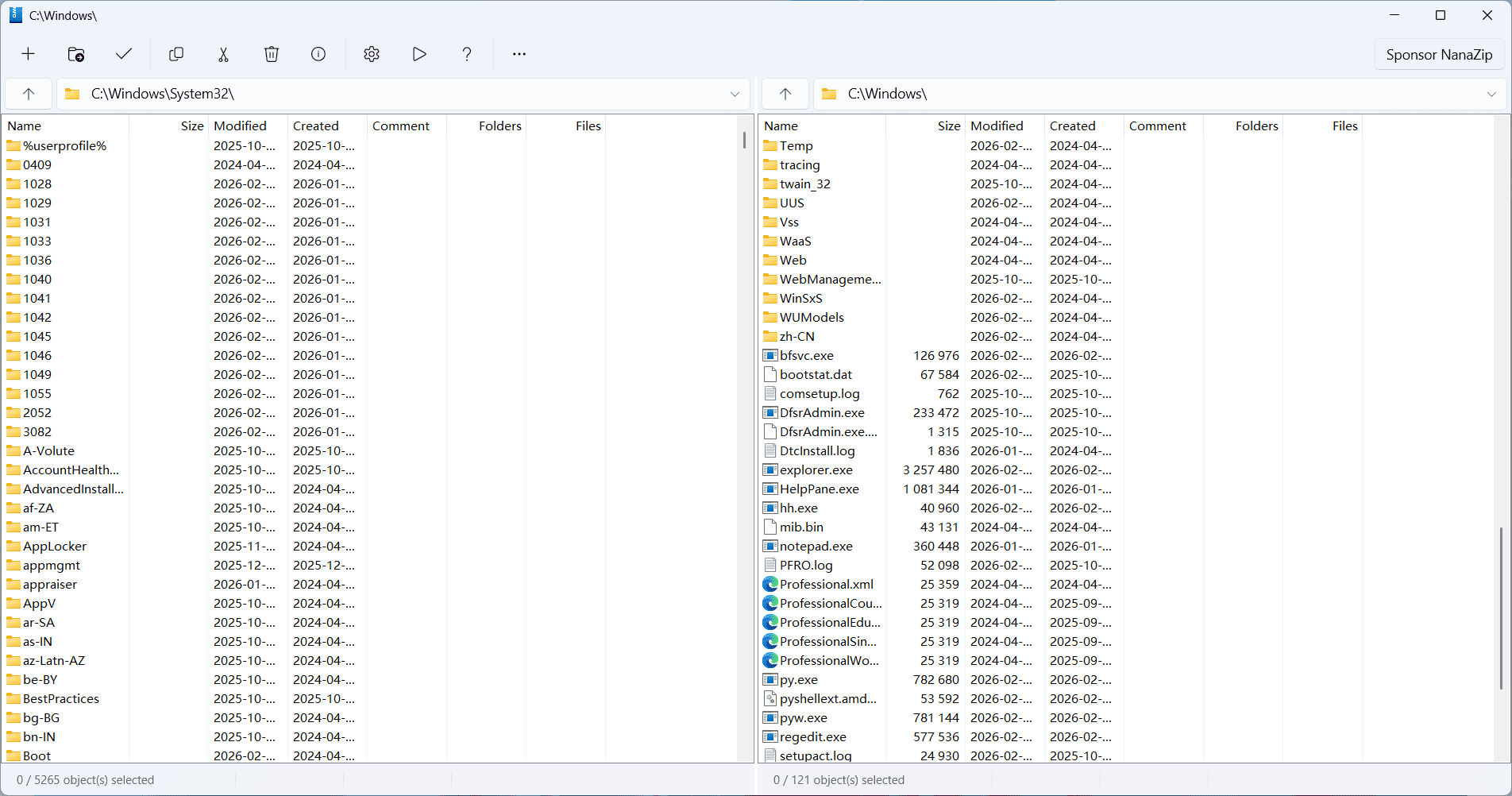
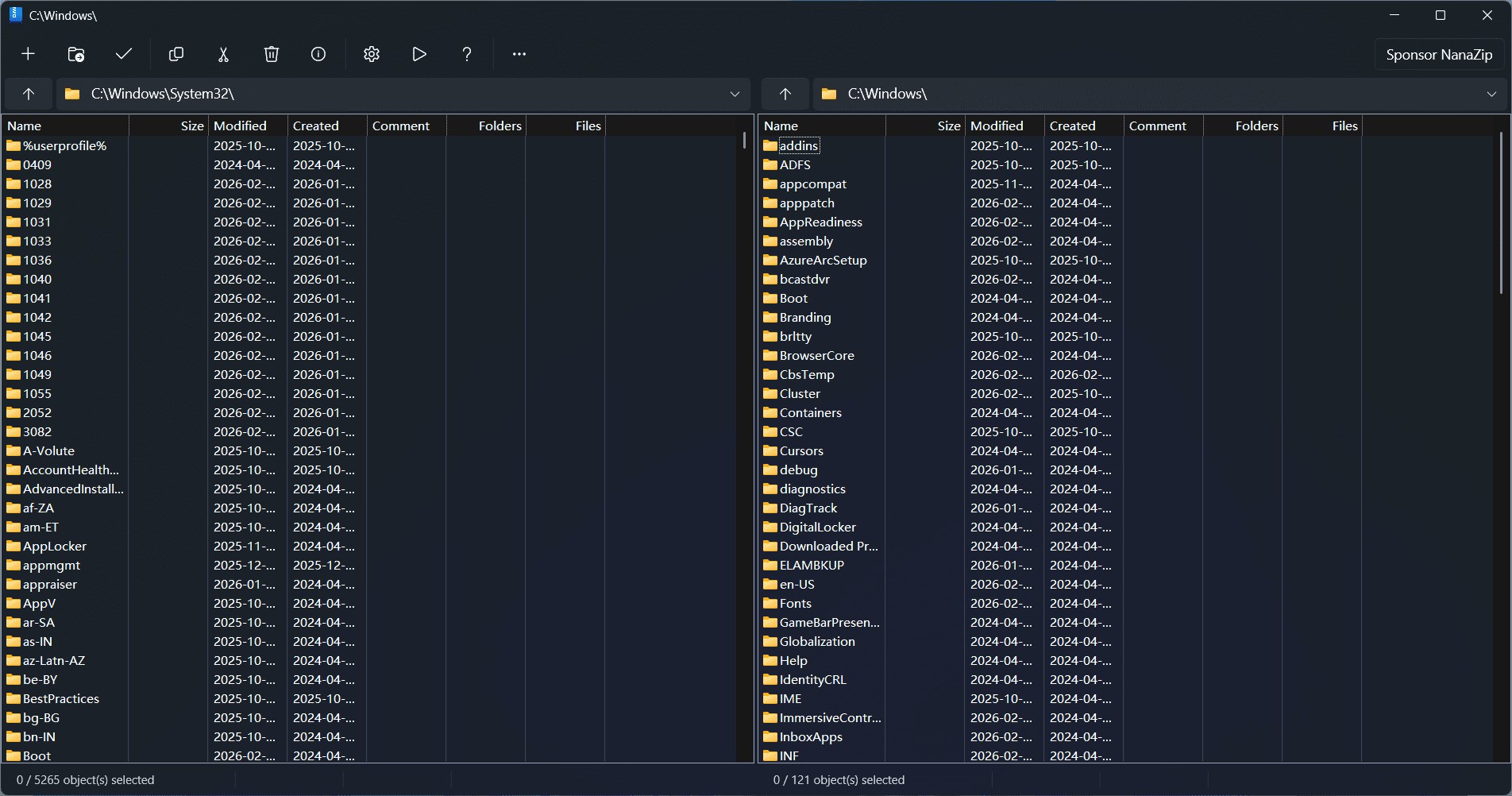
The design of NanaZip is both modern and familiar. The user interface is reminiscent of Windows' native style, which reduces the learning curve, while providing essential features at your fingertips. The operation is smooth, with quick response times, and the app's lightweight footprint ensures it won't hog your system resources even during intensive tasks.
What truly sets NanaZip apart is its commitment to open source and continuous community support. Unlike proprietary tools, its transparency fosters trust, and frequent updates based on user feedback enhance its robustness. Additionally, its ease of integration with Windows Explorer makes it especially user-friendly, even for those who aren't tech-savvy.
Final Verdict and Recommendations
If you're searching for a reliable, unobtrusive archiving tool that feels like an extension of your Windows environment and offers modern compression features, NanaZip is an excellent choice. Its simplicity, combined with powerful functionality, makes it suitable for a broad user base.
While it may lack some of the more advanced features found in heavyweight commercial tools, NanaZip's focus on core usability and open-source ethos make it a keeper. I would recommend it especially to users who value integration and transparency over bells and whistles. For everyday file management and occasional compression needs, NanaZip deserves a top spot in your software toolkit.
Pros
- Lightweight and fast file compression
- Open-source and free to use
- Supports a wide range of archive formats
- Integrated seamlessly with Windows
- Regular updates and active development
Cons
- Limited advanced features compared to other tools
- Interface could be more user-friendly
- Initial setup may require manual configuration for certain formats
- Limited language support beyond major languages
- Performance issues with very large files in some cases











