

- Category Utilities & tools
- Developer Shek Lab
- Available on PC
- OS Windows 10 version 17763.0 or higher
- languages Chinese (Simplified), Chinese (Traditional), English (United States), Persian, Portuguese (Brazil), Russian, Spanish (Spain), Turkish
Introducing Node.js/JavaScript Runner for Windows: Your Lightweight Coding Companion
If you're a developer or tech enthusiast eager to run and test JavaScript or Node.js scripts directly on Windows without the hassle of complex setups, this app aims to streamline your workflow. Designed by Shek Lab, it offers a simple yet powerful environment to execute your scripts swiftly, making coding on Windows more convenient and accessible.
Core Highlights and Features
Seamless Script Execution with Built-in Terminal
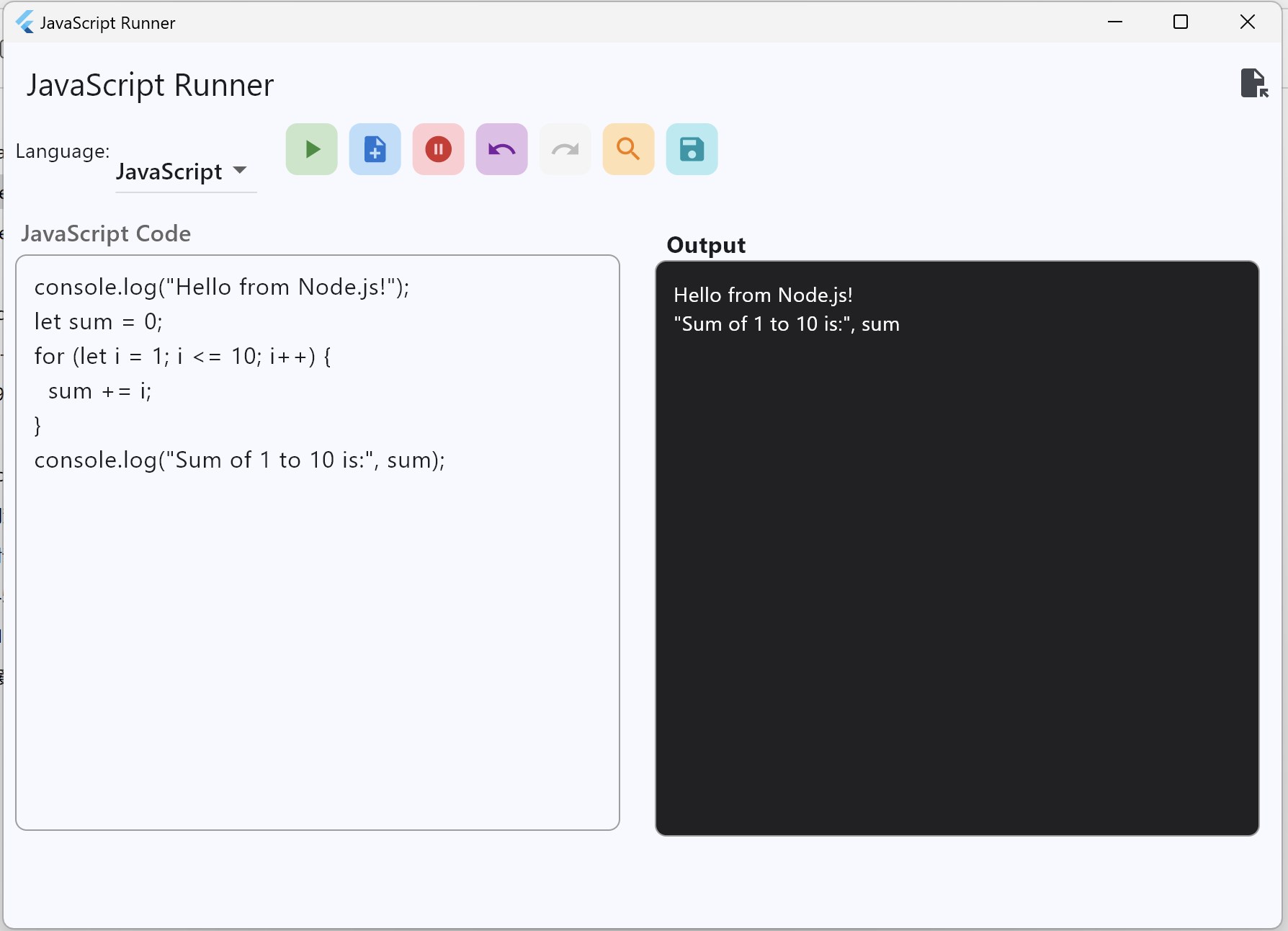
At its heart, the app provides an integrated terminal environment that enables you to run Node.js or JavaScript files instantly. Imagine having a command-line interface embedded within a GUI — this means no more juggling between multiple tools or worrying about configuration issues. Whether you're testing a quick script or debugging a complex module, this streamlined execution is your handy device.
Intuitive User Interface Designed for Efficiency
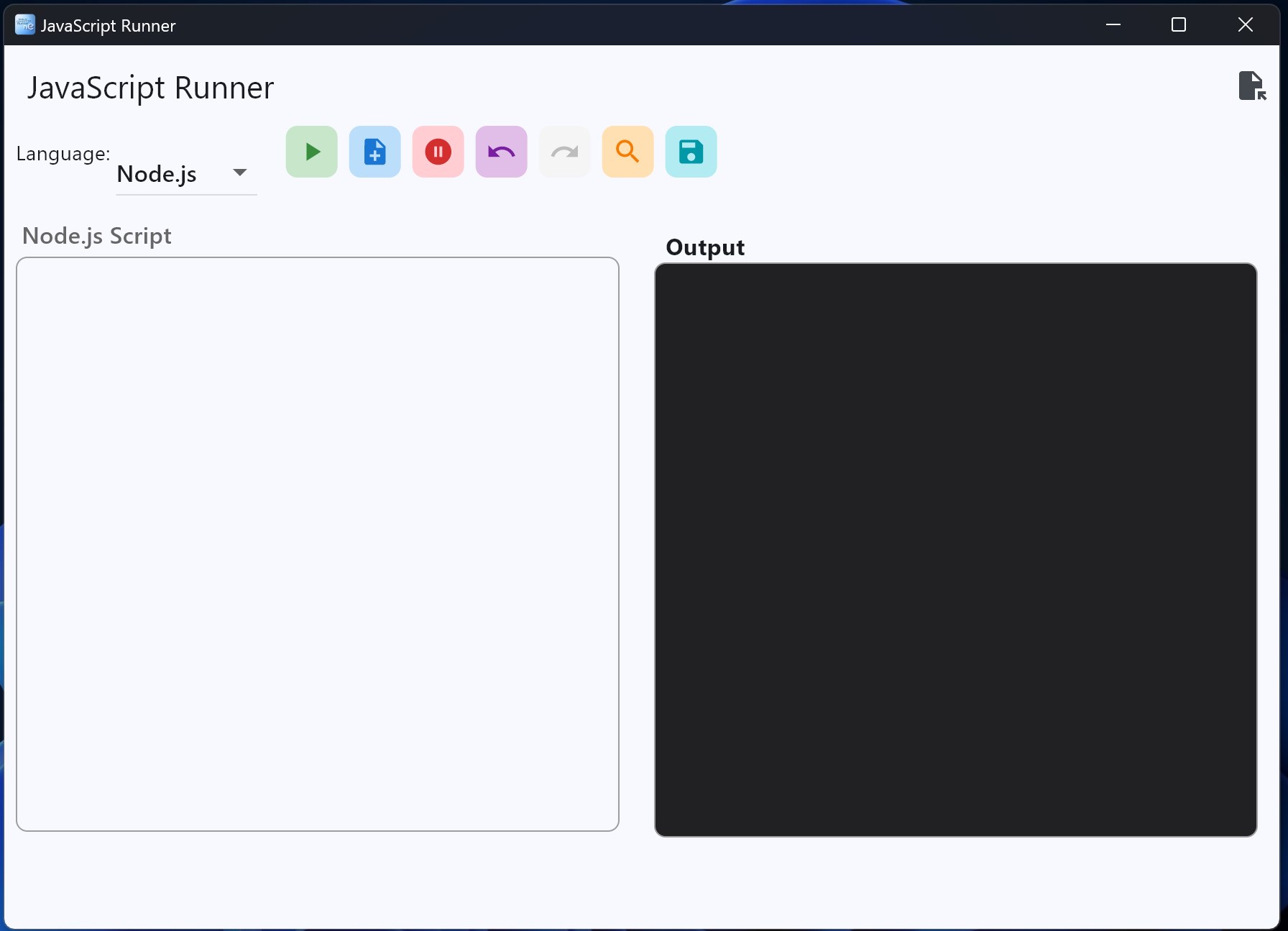
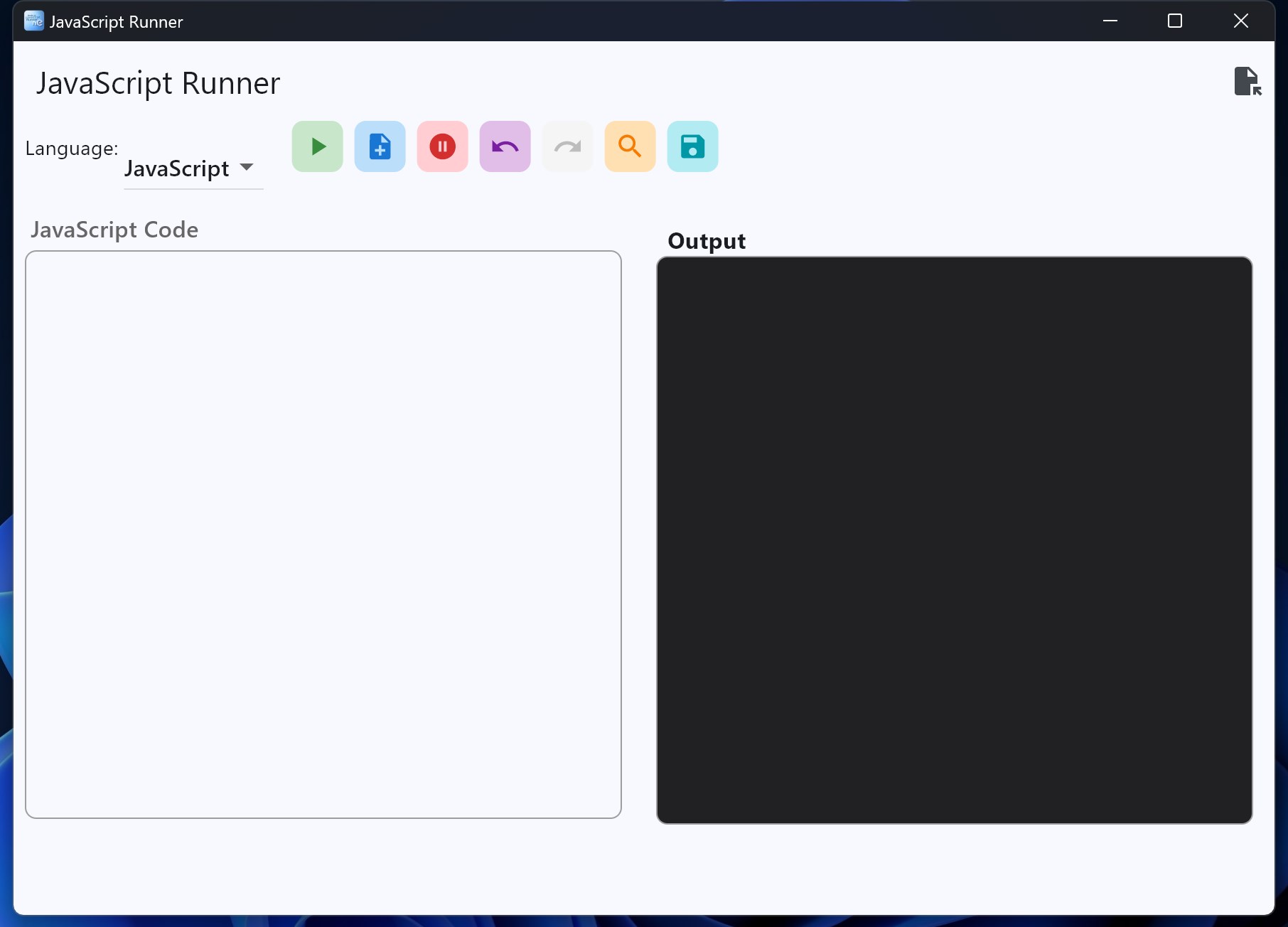
With a clean, minimalistic interface, the app makes navigating your scripts a breeze. Its design resembles a familiar code editor, but tailored to run scripts effortlessly. For beginners, the interface reduces the intimidation often associated with command-line tools, while seasoned developers will appreciate the quick access and straightforward workflow. The UI is optimized for smooth operation, ensuring minimal lag even when handling larger scripts.
Unique Script Management and Customization
One particular standout feature is its ability to organize and manage multiple scripts efficiently. Users can save snippets, organize projects, and switch between them seamlessly. Additionally, the app allows for some level of customization, such as setting default node paths or modifying execution parameters, catering to both casual testers and professional devs alike. Unlike many utilities that just run scripts, this app offers a miniature environment to manage your code assets.
User Experience: Smooth, Intuitive, and Friendly
The app scores high on ease of use, thanks to its straightforward setup and clear visual cues. Launching a script feels almost like pressing play on your favorite music — instant, satisfying, and devoid of clutter. Even those new to command-line tools will find the learning curve gentle; the app's guided prompts and organized layout act like a friendly tutor guiding you along. For veteran developers, the rapid execution and customization options are akin to having a personal assistant that understands your workflow.
What Sets It Apart from Other Utilities & Tools?
Compared to other Windows utilities for running JavaScript or Node.js, this app's primary differentiator is its blend of simplicity with functionality. Many similar tools are either too raw or overly complex, requiring extensive configuration. This app hits a sweet spot — a minimal setup combined with core features essential for scripting. Its script management capabilities and the integrated terminal provide a more cohesive experience, reminiscent of desktop IDEs but with the lightweight agility of a dedicated utility. This makes it particularly appealing for quick experiments, teaching, or on-the-go debugging.
Final Verdict: A Practical and Friendly Tool for Developers
Overall, the Node.js/JavaScript Runner for Windows by Shek Lab is a reliable, easy-to-use utility that promises to enhance your scripting experience. It's ideally suited for developers looking for a ready-to-go, lightweight solution to test and run scripts without fuss. While it may not replace full IDEs for complex projects, its simplicity, efficiency, and thoughtful design make it a highly recommended addition to your developer toolkit. Whether you're a hobbyist or a professional, this app is worth trying out — think of it as your quick-access JavaScript sidekick on Windows.
Pros
- Seamless Node.js and JavaScript code execution within the store
- User-friendly interface with integrated code editor and runtime environment
- Supports multiple JavaScript versions and Node.js modules
- Real-time output display and debugging tools improve coding workflow
- Regular updates to improve stability and add new features
Cons
- Limited project management features
- Occasional lag or slow response during heavy code execution
- Basic output console without extensive customization options
- No built-in version control or collaboration tools
- Some advanced debugging features are limited compared to full IDEs










