

- Category Utilities & tools
- Available on PC
- OS Windows 10 version 14393.0 or higher
- Keyboard Integrated Keyboard
- Mouse Integrated Mouse
- DirectX Version 9
- Memory 1 GB
- languages English (United States)
Introducing NVIDIA Control Panel for Windows: Your Gateway to Optimal Gaming and Graphics Performance
The NVIDIA Control Panel for Windows is a versatile and essential utility designed to give users granular control over their NVIDIA GPU settings, enhancing visual quality and gaming performance with ease. As part of NVIDIA's ecosystem, it serves both casual users and demanding gamers alike, offering an intuitive interface for fine-tuning display preferences.
Developed by NVIDIA Corporation: A Leader in Graphics Innovation
NVIDIA Corporation, a titan in the graphics card industry, developed this application to empower users to customize their visual experience. Their expertise ensures reliable updates, seamless integration with NVIDIA hardware, and continuous feature enhancements tailored to evolving user needs.
Key Features That Stand Out
- Game-Ready Optimization Settings: Easily tweak graphics profiles for popular titles, ensuring smooth gameplay and optimal visuals without delving into complex settings.
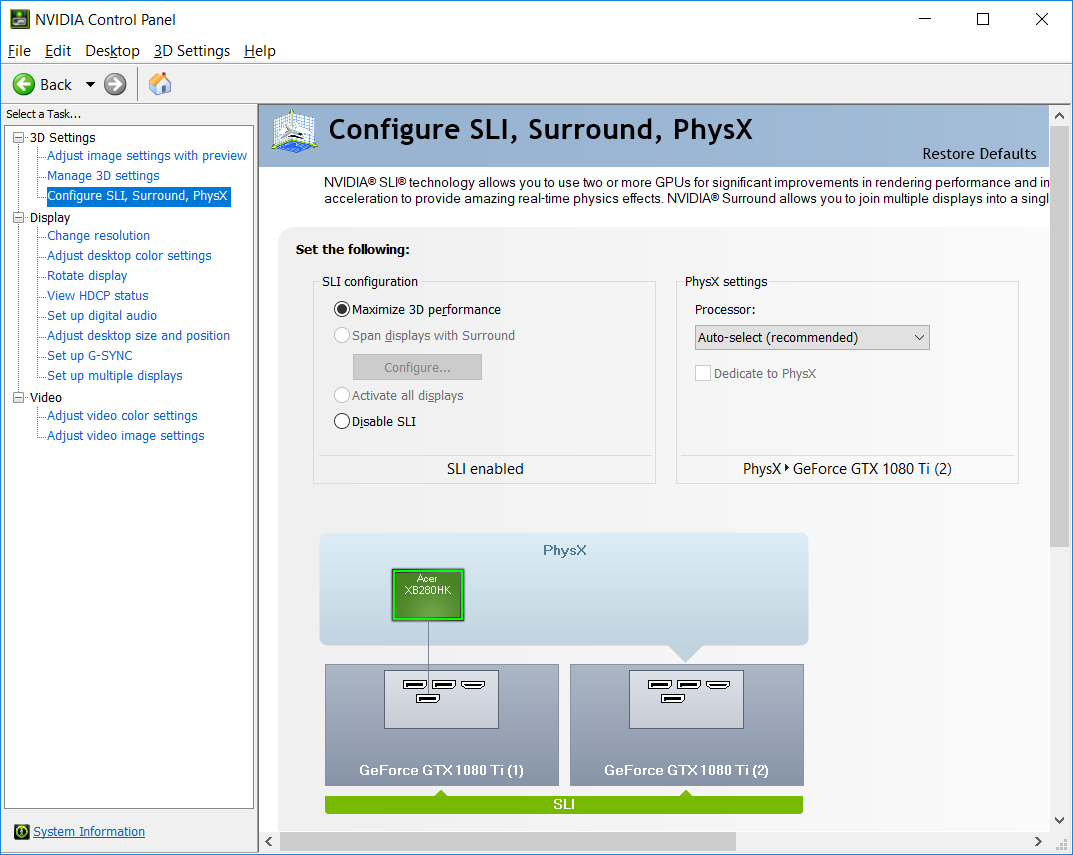
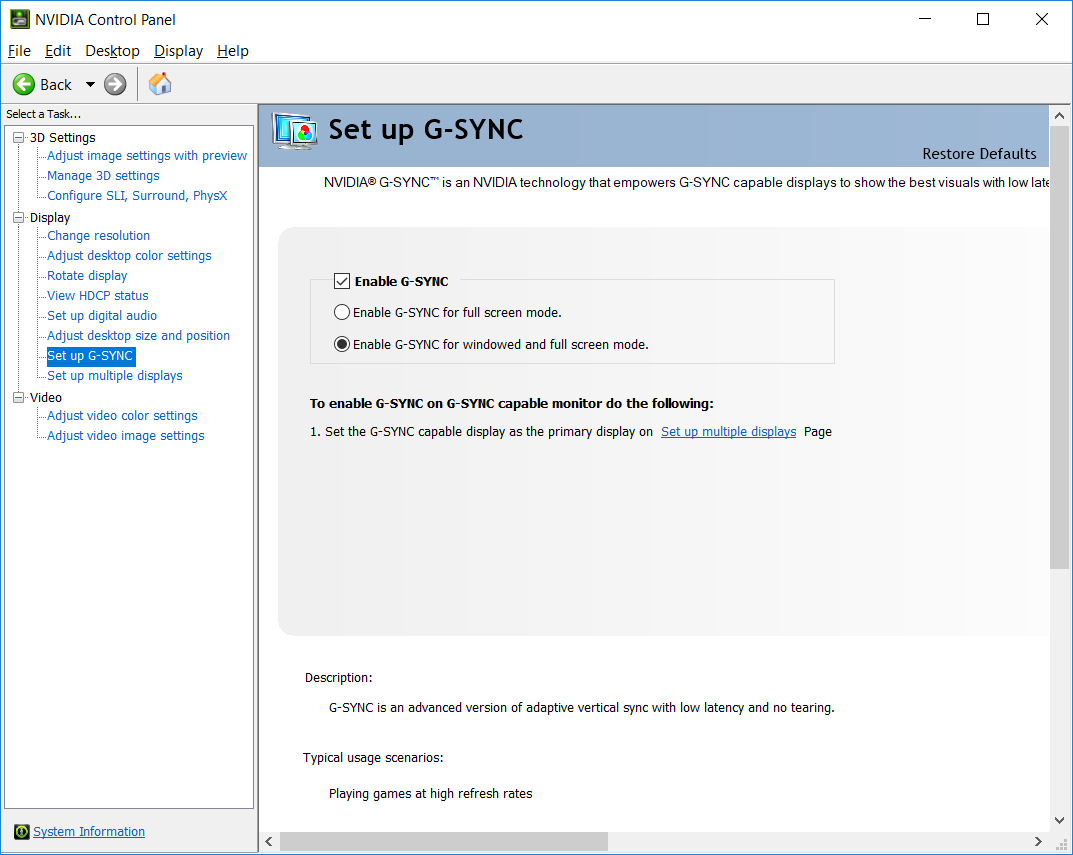
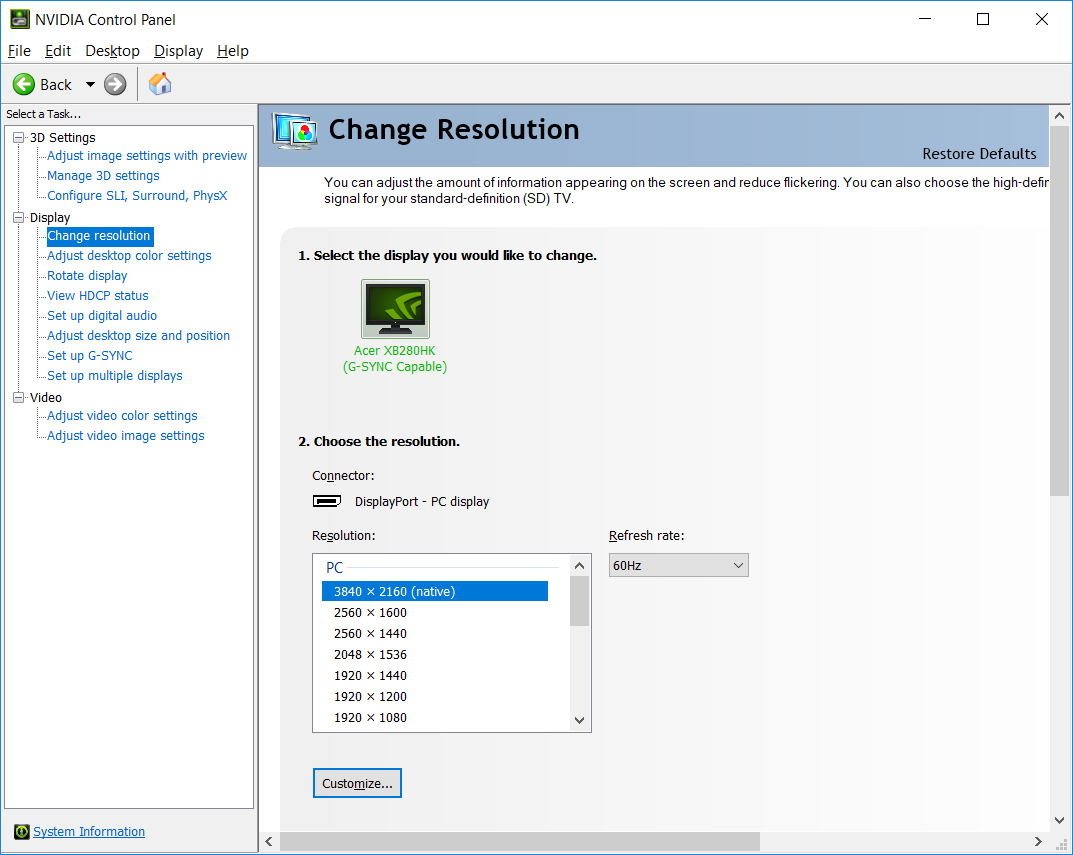
- Display and Resolution Management: Fine-tune your monitors, set multi-display configurations, or customize refresh rates and color settings for a tailored viewing experience.
- Advanced 3D Settings: Control image sharpening, anisotropic filtering, and V-Sync to balance quality and performance based on your preferences.
- Driver Updates & Monitoring: Keep your GPU drivers up-to-date directly from the panel, ensuring compatibility and access to latest features.
Vivid, User-Friendly Interface Designed for All
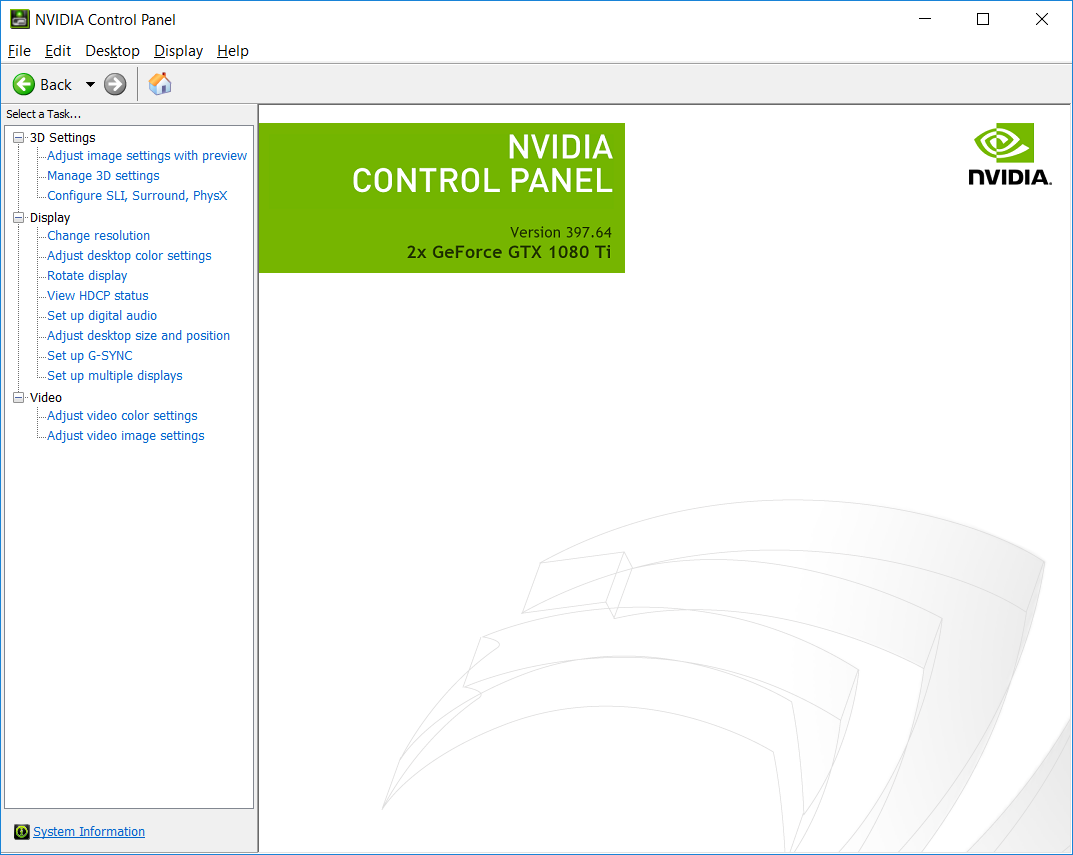
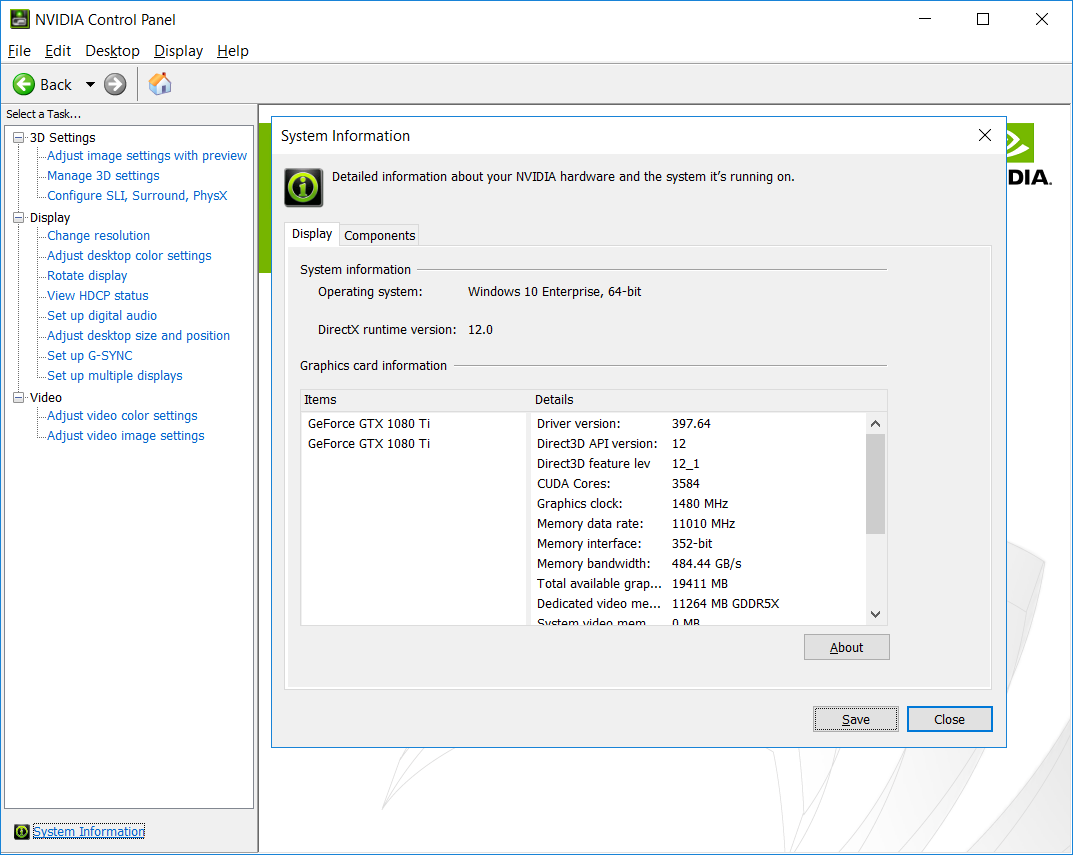
The NVIDIA Control Panel boasts a clean, organized interface that feels like a well-organized toolbox—immediate and approachable. Navigating through the myriad of options is akin to strolling through a neatly kept workshop: everything has its place. The layout employs familiar tabs and menus, reducing the learning curve for new users while offering depth for seasoned enthusiasts.
Performance and Usability in Action
Thanks to its streamlined design, the control panel responds swiftly, with transitions between menus feeling fluid—much like shifting gears smoothly in a well-oiled machine. Accessing core features typically takes only a few clicks, making adjustments efficient and less frustrating. Even if you're a newcomer, the intuitive categorization helps you quickly find what you need without wading through technical jargon.
The Unique Strengths That Set It Apart
When comparing the NVIDIA Control Panel to similar utilities, its standout feature is the tailored optimization for NVIDIA hardware—offering a level of granularity and reliability that third-party tools often struggle to match. Its ability to provide game-specific profiles ensures your settings are optimized for each title, a true boon for gamers seeking the perfect balance between visuals and performance. Additionally, seamless driver updates integrated within the panel mean you're always running the latest, least buggy versions, reducing the hassle of manual updates.
Recommendation and Usage Tips
Overall, the NVIDIA Control Panel for Windows is highly recommended for anyone using NVIDIA graphics cards who wishes to squeeze out every ounce of performance or customize their visual environment. Casual gamers and professionals alike will appreciate its stable, user-centric approach. For best results, spend some time exploring game profiles and display settings; you might discover how subtle adjustments can significantly impact your experience.
In essence, this utility is like your personal graphics conductor—guiding your system to perform harmoniously while giving you control over the visual symphony. Whether you're aiming for sharper images, smoother gameplay, or better multi-display setups, the NVIDIA Control Panel is your reliable companion in the realm of digital visuals.
Pros
- Intuitive User Interface
- Real-time Graphics Settings Management
- Excellent Performance Monitoring
- Custom Profile Management
- Seamless Integration with Windows
Cons
- Occasional Compatibility Issues
- Limited Embedded Help Resources
- Potential for UI Lag
- Default Settings May Not Suit All Users
- Automatic Updates Can Occasionally Disrupt Settings











