

- Category Utilities & tools
- Developer Neuron Software
- Available on PC
- OS Windows 10 version 17763.0 or higher
- languages English (United States)
Introduction to NX Auto Clicker for Windows
Imagine having a dependable helper that automates repetitive clicking tasks with seamless precision—that's exactly what NX Auto Clicker offers. Crafted to simplify your daily automations, this lightweight utility ensures you spend less time on boring clicks and more on what truly matters. Developed by Neuron Software, a team dedicated to creating user-friendly automation tools, NX Auto Clicker stands out as a practical solution for gamers, office workers, and programmers alike. Its core strengths lie in its simple yet powerful functionality, intuitive interface, and flexibility to handle complex clicking patterns without fuss.
Core Features That Make a Difference
Smart Click Scheduling and Automation
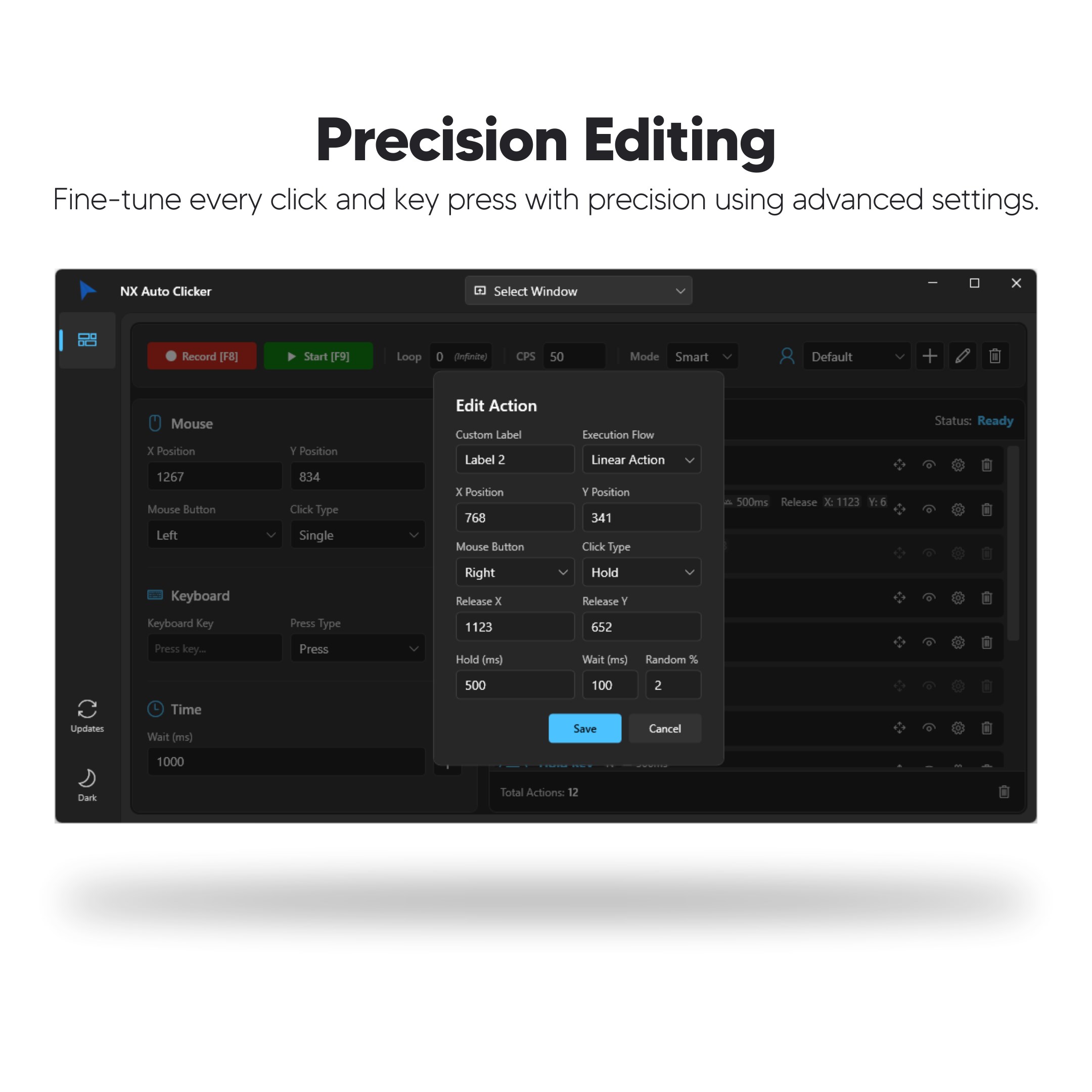
At the heart of NX Auto Clicker is its ability to simulate mouse clicks intelligently. You can set up precise click intervals—such as every 100 milliseconds or every second—allowing tasks like farming resources in games or filling out repetitive forms to become effortless. It supports both single and multiple-click modes, and even enables users to create repeat sequences, making automation customizable to a variety of scenarios. This flexibility gives you full control over when and how the clicks happen, ensuring performance matches your specific needs.
Advanced Positioning & Hotkey Support
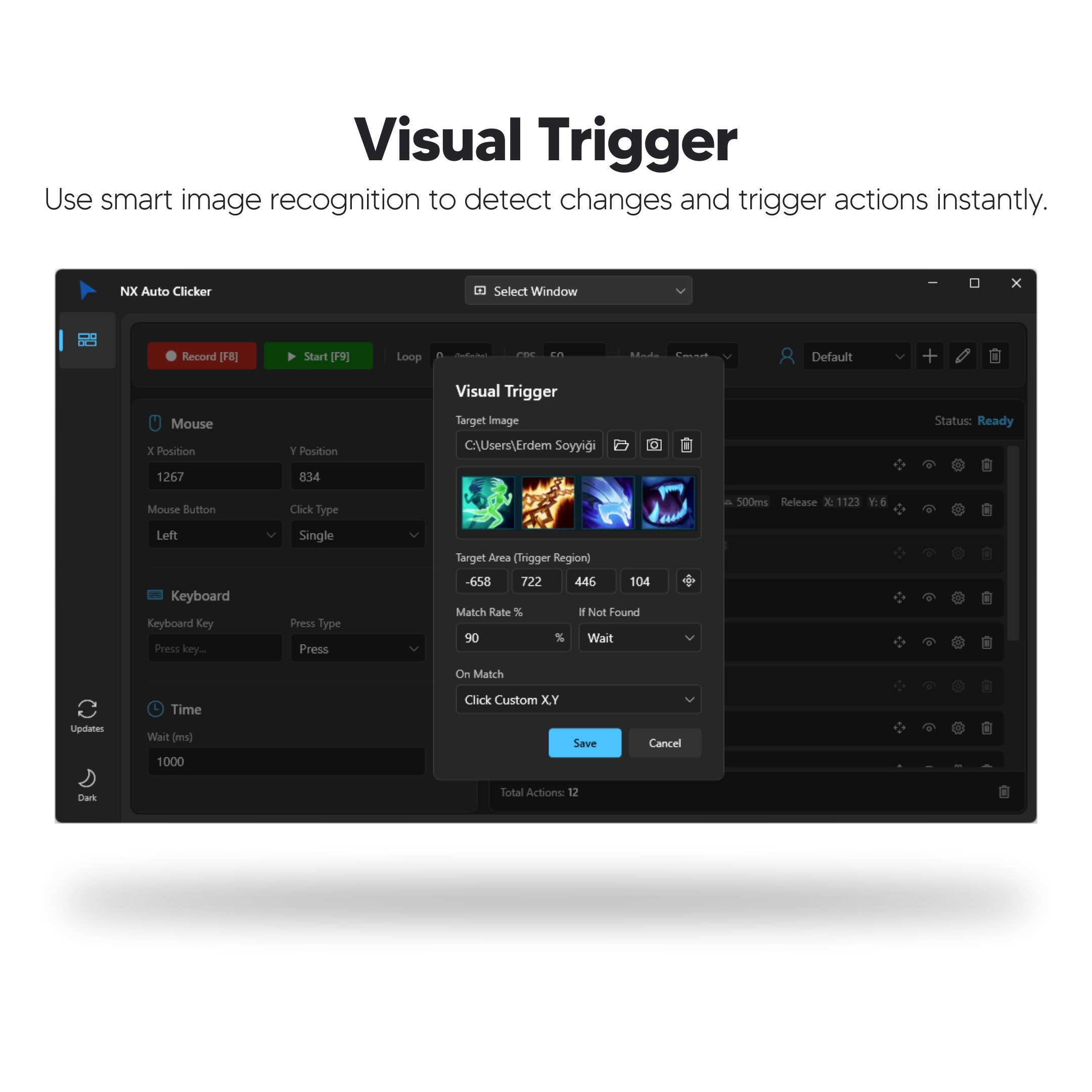
One standout feature is the application's capacity to target specific screen coordinates. Whether you need clicking at a fixed point or dynamically moving based on an object's location, NX Auto Clicker handles it gracefully. Additionally, its hotkey support lets you activate or pause scripts instantly—think of this feature as a convenient remote control at your fingertips. Whether you're gaming or working, these shortcuts greatly enhance usability without interrupting your flow, allowing for quick adjustments mid-session.
User-Friendly Interface & Smooth Performance
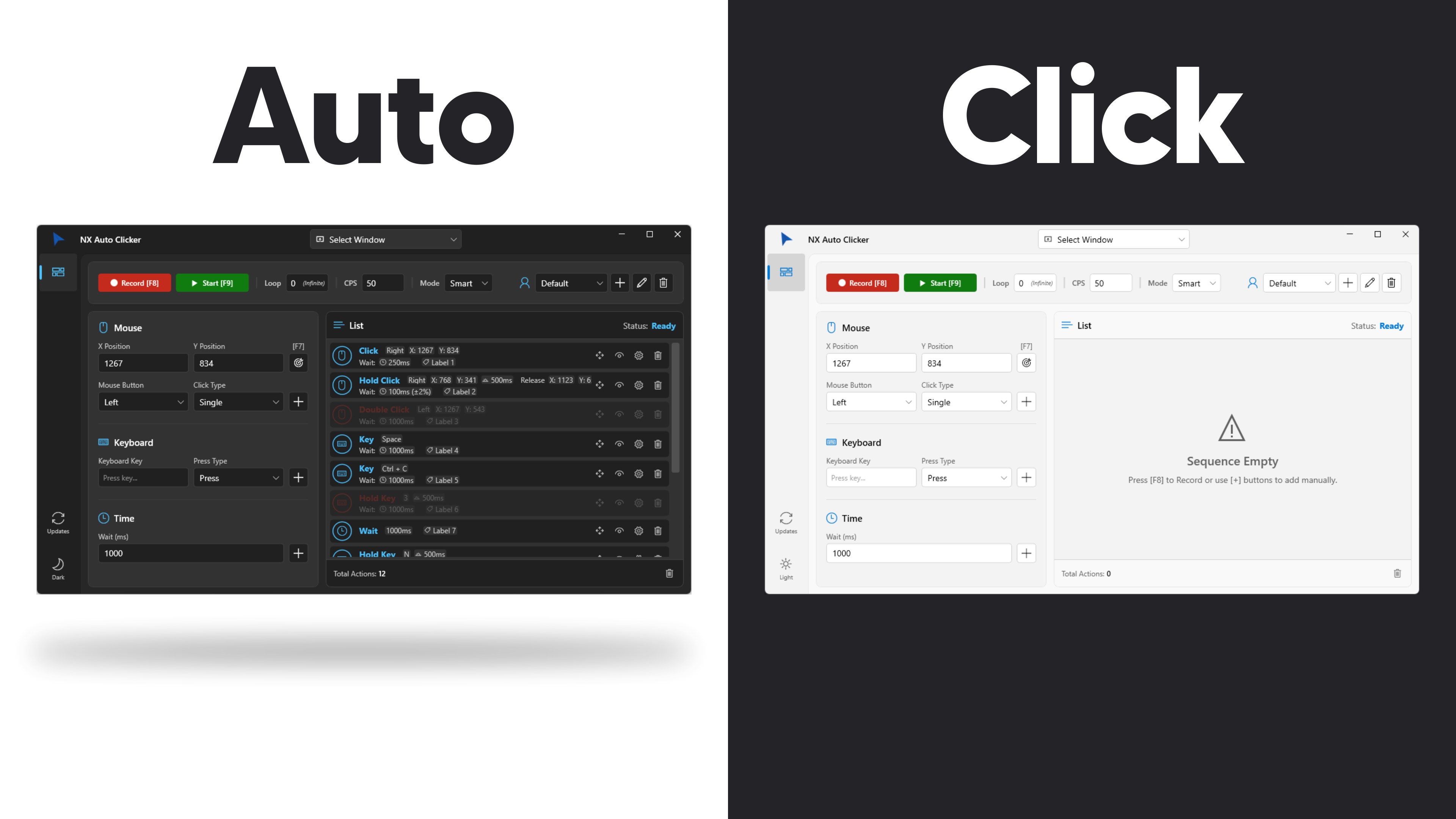
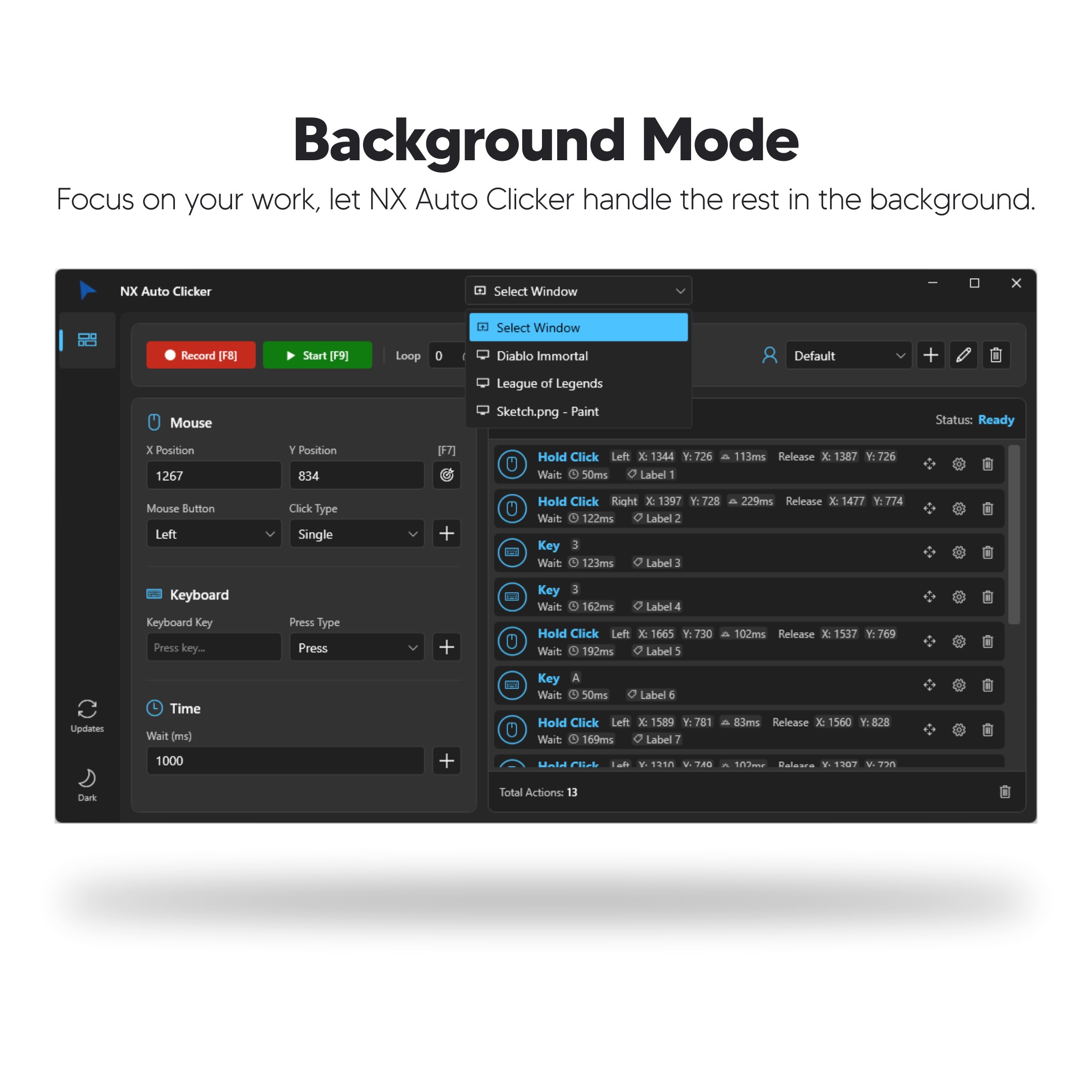
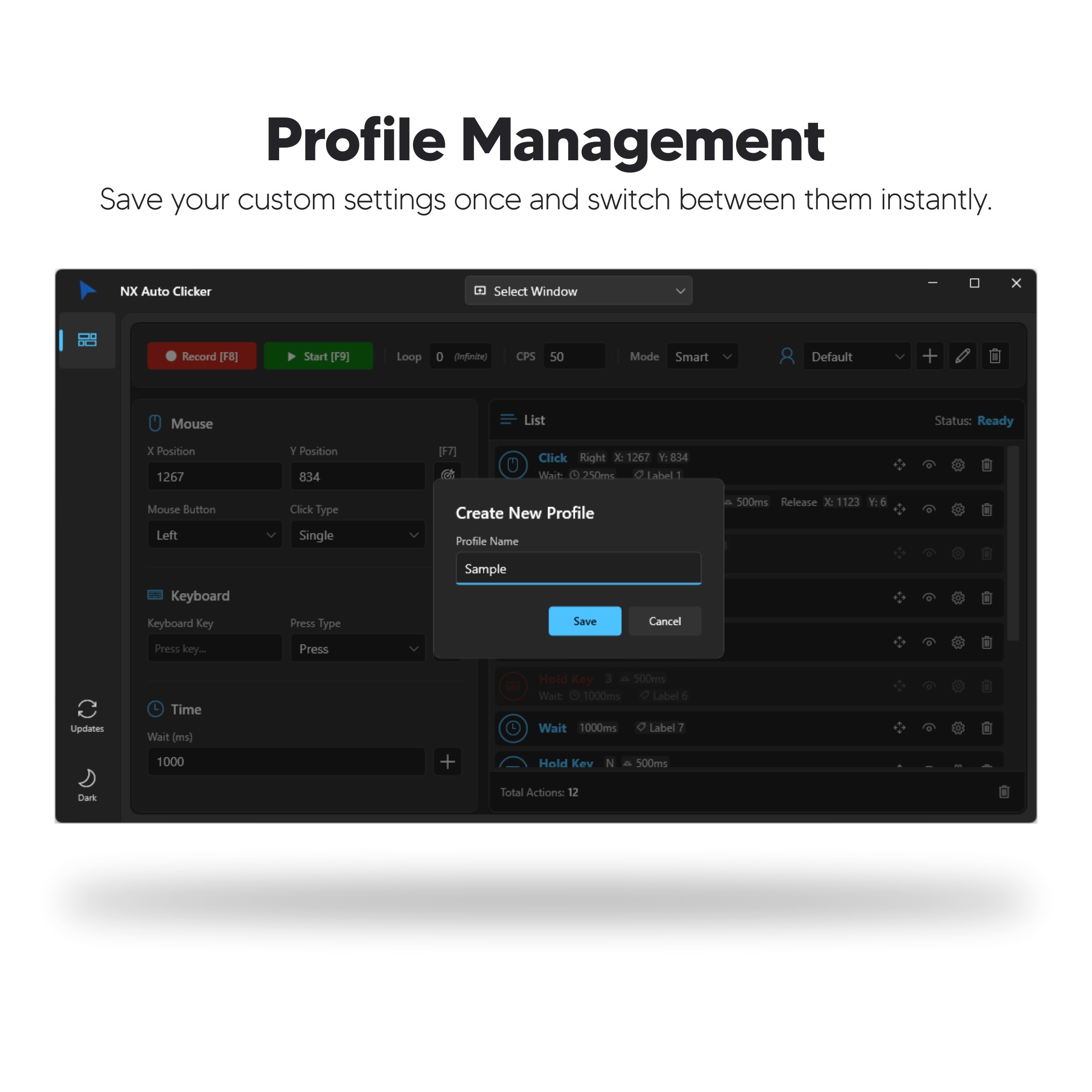
The app's clean, uncluttered interface resembles a well-organized toolbox—each function easily accessible without confusing menus. Setup is straightforward, with minimal learning curve; even newcomers can configure their automation scripts within minutes. During operation, the app remains remarkably smooth and responsive, avoiding lag or stutters that could hamper your experience. Its lightweight nature means it runs quietly in the background, conserving system resources while providing reliable performance.
What Sets NX Auto Clicker Apart?
While many auto clickers line up like soldiers in a parade, NX Auto Clicker distinguishes itself through its balance of simplicity and sophistication. Its core advantage is the ability to precisely target specific locations on your screen with varying click intervals, making it ideal for nuanced tasks—unlike generic tools that only support basic auto-clicking at random spots. Furthermore, its seamless hotkey integration provides instant control, a feature that serious users will find invaluable. This combination of detailed customization and ease of use makes it suitable for both casual users and those with more complex automation needs.
Recommendation and Usage Tips
All in all, I'd rate NX Auto Clicker as a highly practical utility worth having in your toolkit—particularly if you're seeking a lightweight, flexible, and easy-to-use automation helper. It's ideal for repetitive clicking tasks across gaming, productivity, or testing scenarios. My advice is to start with basic configurations and gradually explore more advanced settings to maximize its potential. Remember, while powerful, it's best used responsibly—especially in gaming environments—to avoid violating terms of service.
Final Thoughts: A Friendly Companion for Your Automation Needs
In conclusion, NX Auto Clicker for Windows is like having a trusty sidekick that quietly handles monotonous clicking chores. Its standout features—smart positioning, hotkey support, and user-friendly design—make it a versatile tool that adapts to various workflows. Whether you're a gamer wanting to automate resource gathering, or a professional automating form filling, this app offers a reliable and straightforward solution. If you're on the hunt for an auto clicker that balances power with simplicity, give NX Auto Clicker a try—you might just find yourself wondering how you ever managed without it.
Pros
- User-friendly interface
- High customization options
- Lightweight and efficient
- Flexible click modes
- No registration required
Cons
- Limited platform support
- Basic scripting capabilities
- No official macro recording feature
- Potential false positives
- Limited customer support











