


- Category Utilities & tools
- Available on PC
- OS Windows 10 version 19041.0 or higher
- Keyboard Integrated Keyboard
- Mouse Integrated Mouse
- languages Arabic, Chinese (Simplified), Chinese (Traditional Chinese), Chinese (Traditional), Croatian, Czech, Danish, Dutch, English, English (Canada), English (United Kingdom), English (United States), Finnish, French, German, Greek, Italian, Japanese, Korean, Latvian, Lithuanian, Norwegian, Polish, Portuguese (Portugal), Russian, Slovak, Slovenian, Spanish, Swedish
OMEN Gaming Hub for Windows: Your All-in-One Gaming Companion
Designed to elevate your gaming experience, OMEN Gaming Hub for Windows offers a centralized platform to optimize, monitor, and customize your gaming setup seamlessly.
Meet the Minds Behind the Tool
Developed by HP Inc., a renowned leader in computing and gaming peripherals, OMEN Gaming Hub is crafted with a passion for delivering a streamlined and integrated gaming environment for enthusiasts and casual players alike.
Core Features That Make a Difference
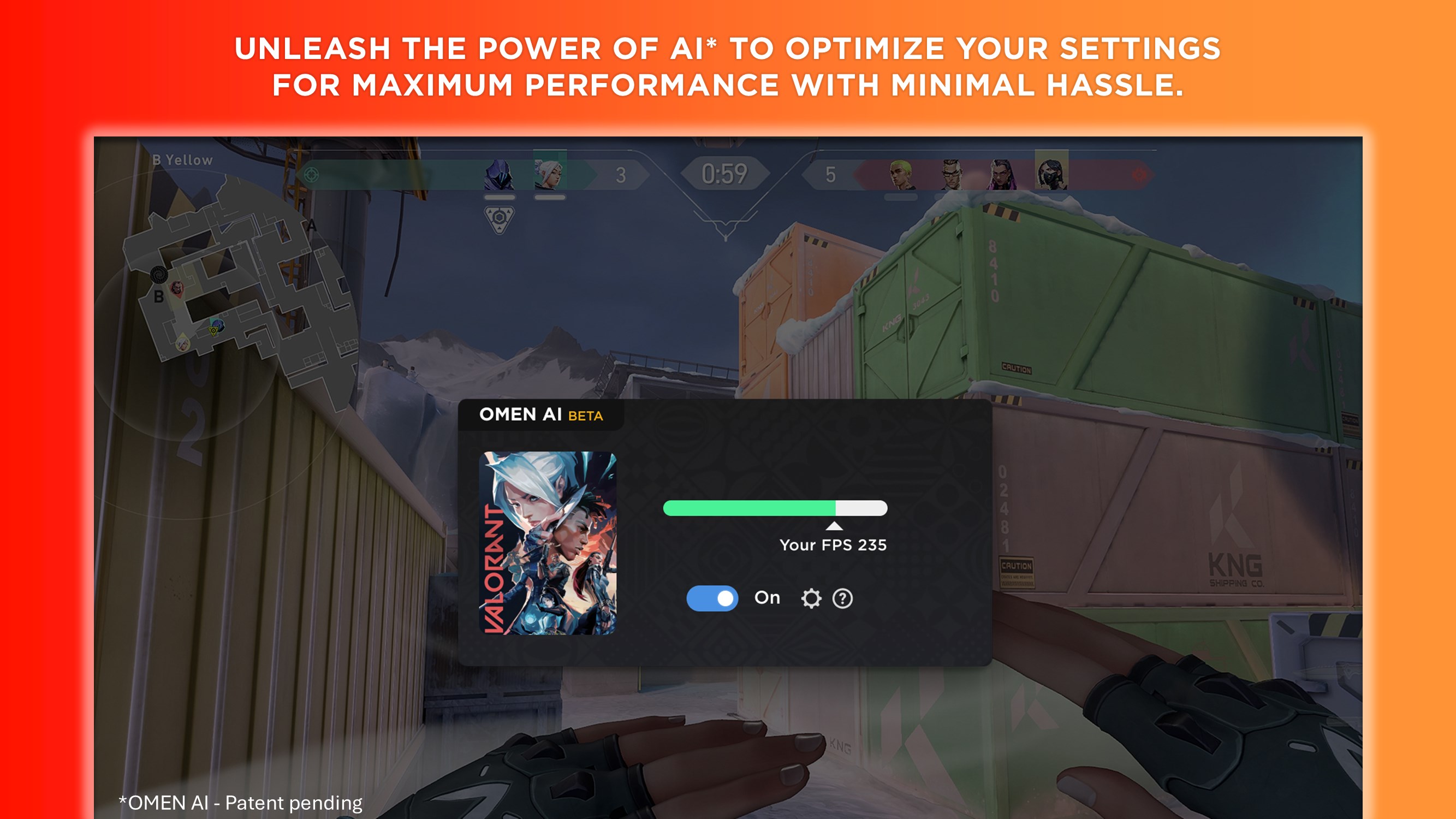
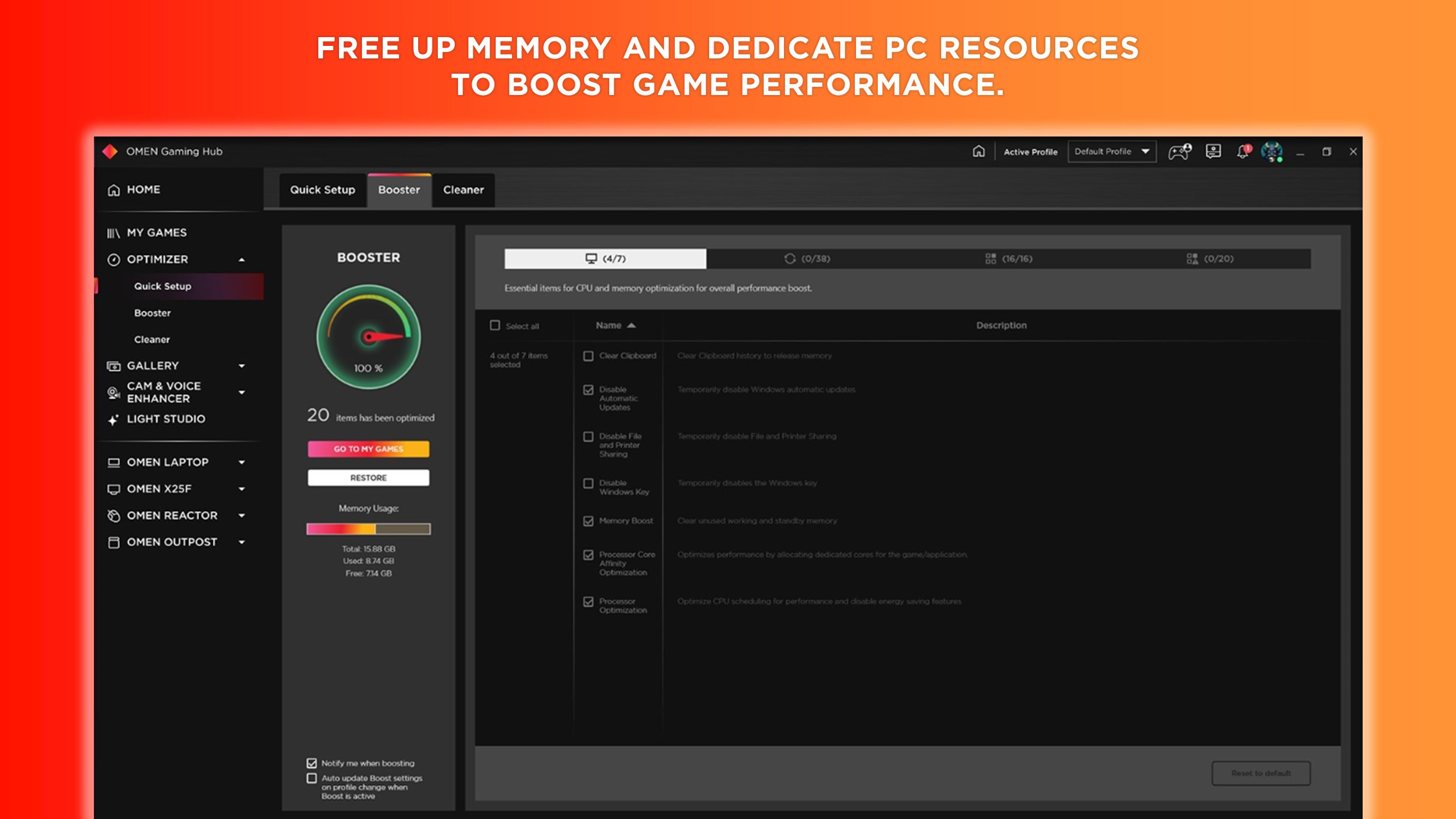
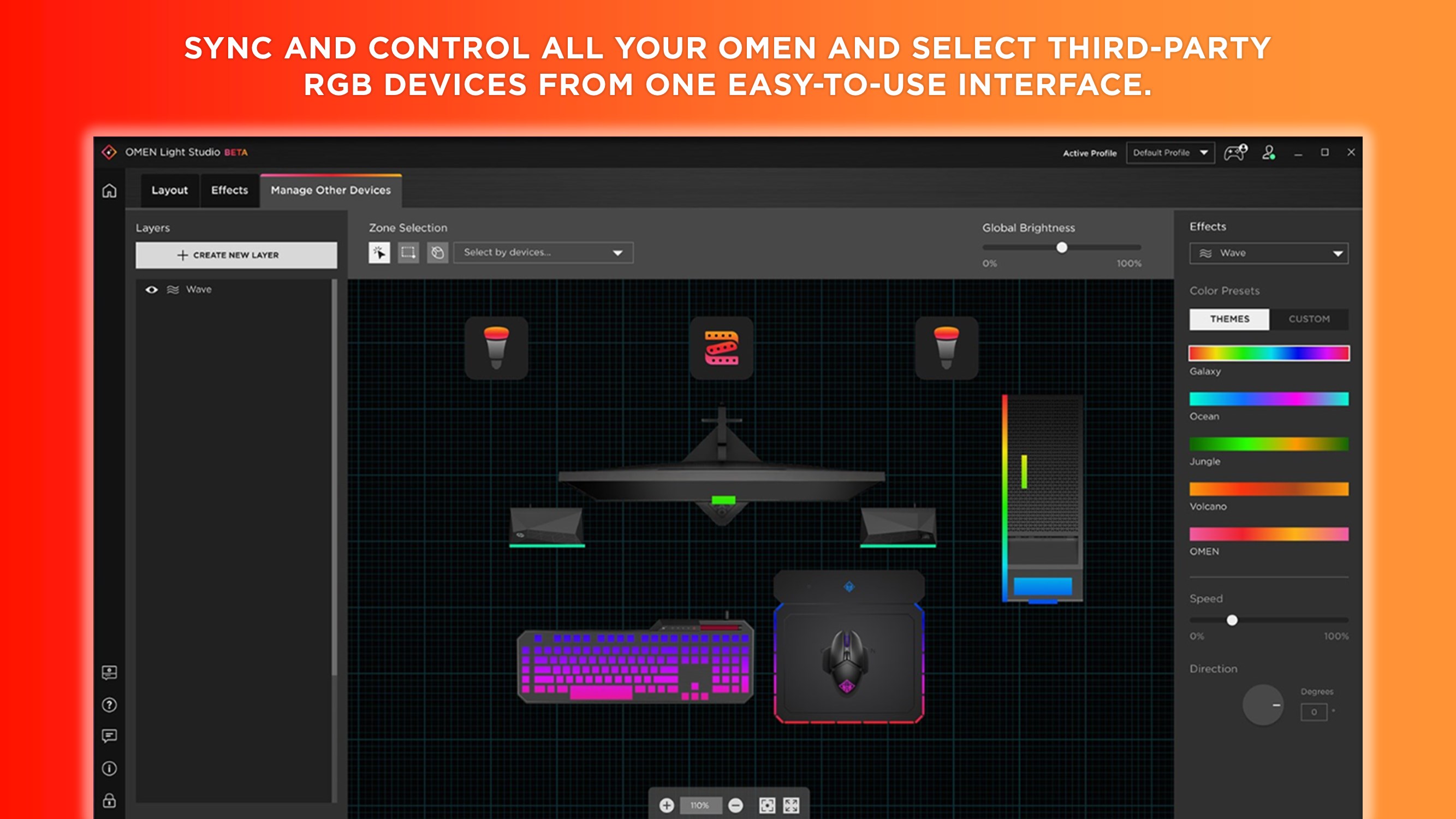
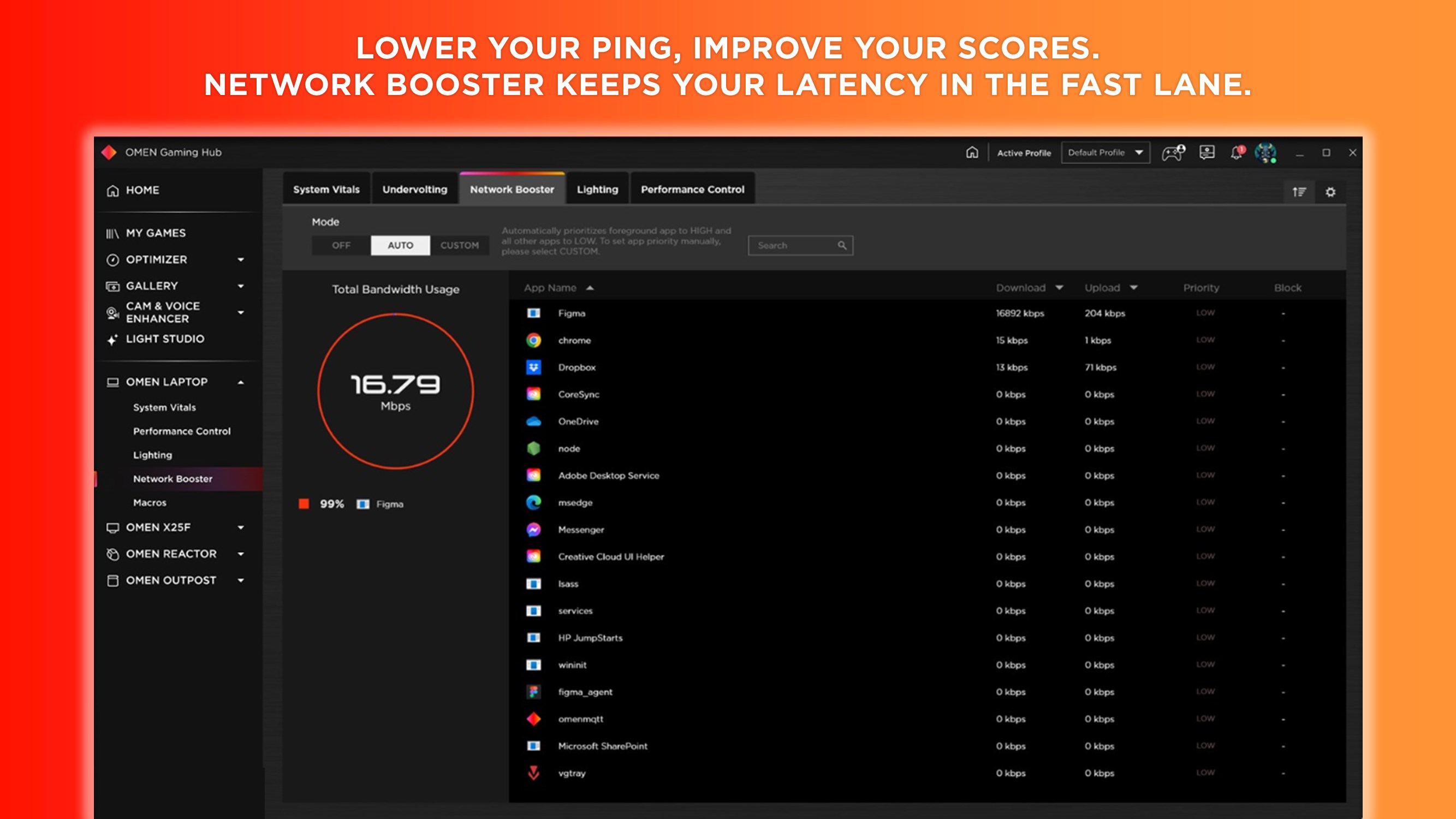
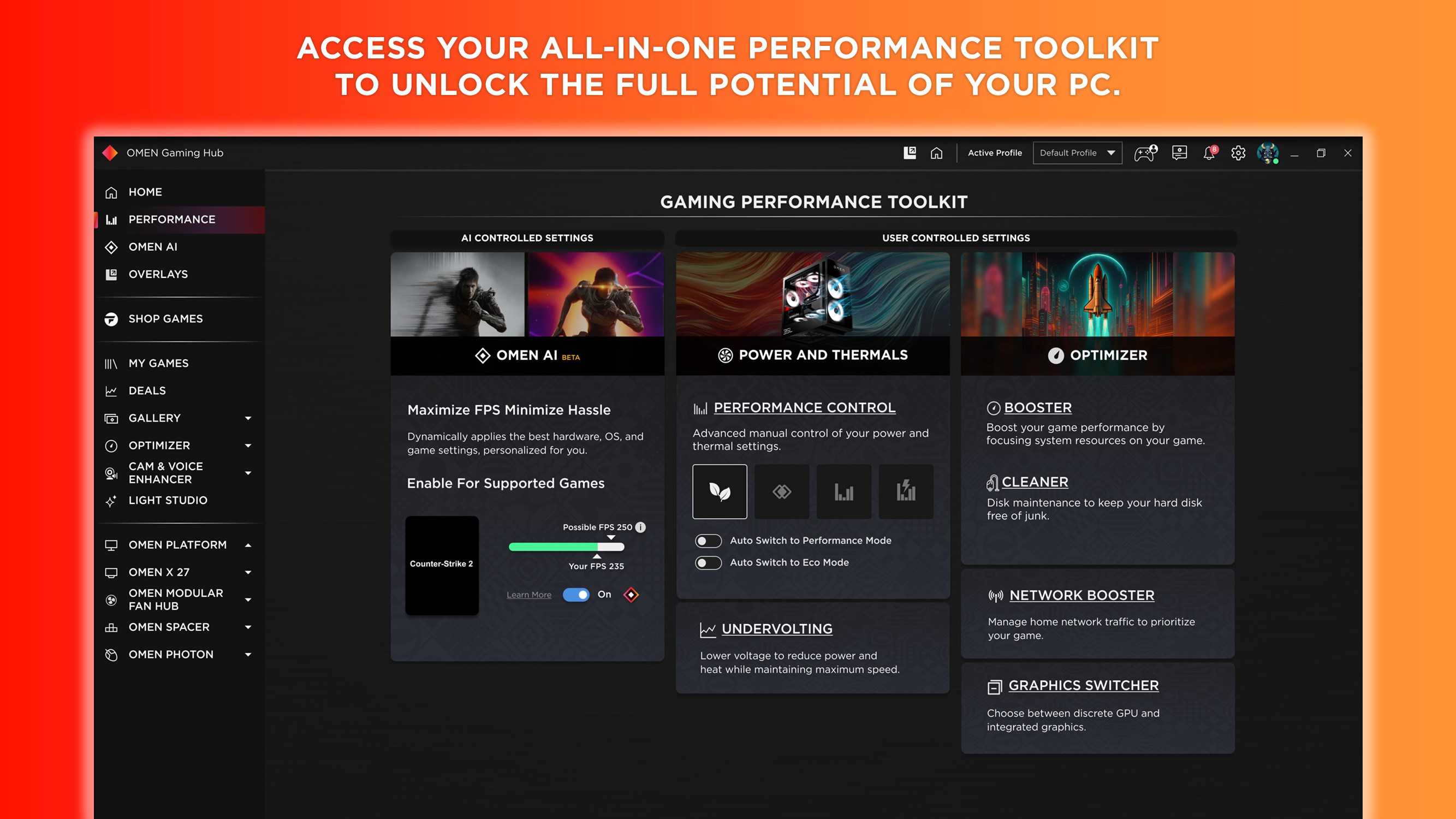
- Performance Optimization and Customization: Fine-tune your system's settings, control fan speeds, and adjust RGB lighting to match your style and gaming needs.
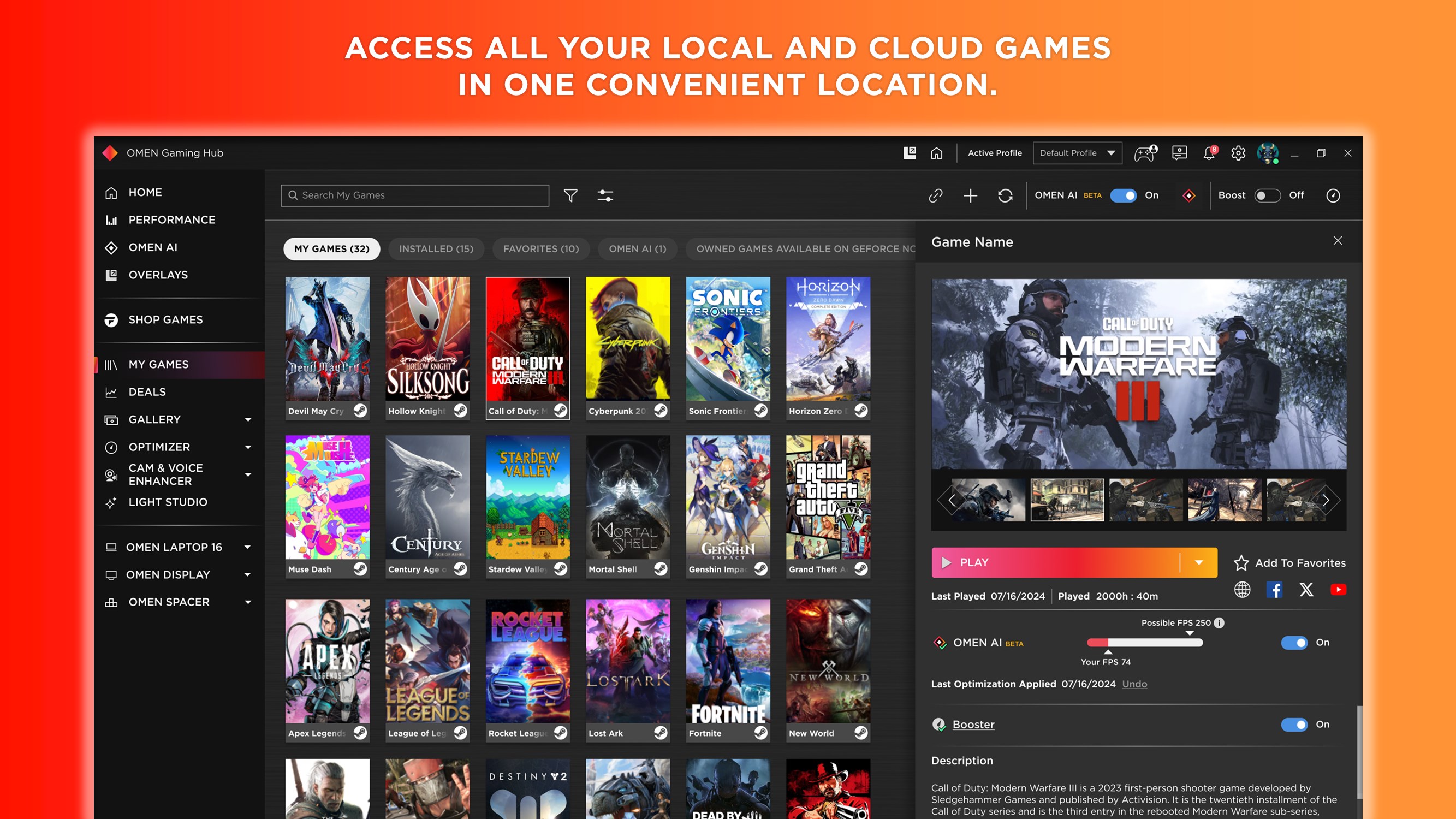
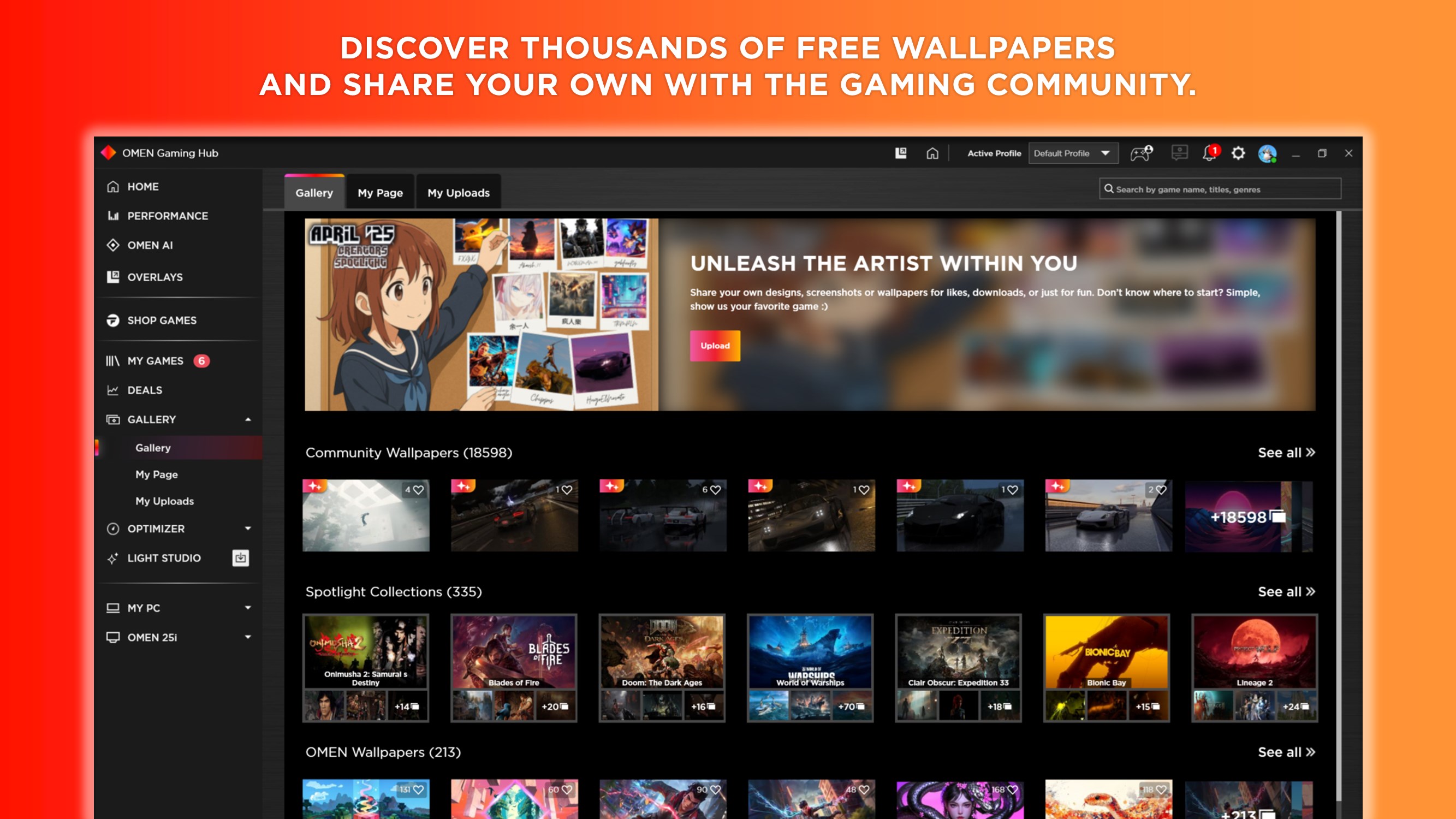
- Game Launcher and Management: Easily launch and organize your library, monitor in-game overlays, and access game-specific settings for an immersive experience.
- Device Control and Integration: Manage compatible peripherals such as keyboards, mice, and headsets, creating a cohesive interface for all your gaming gear.
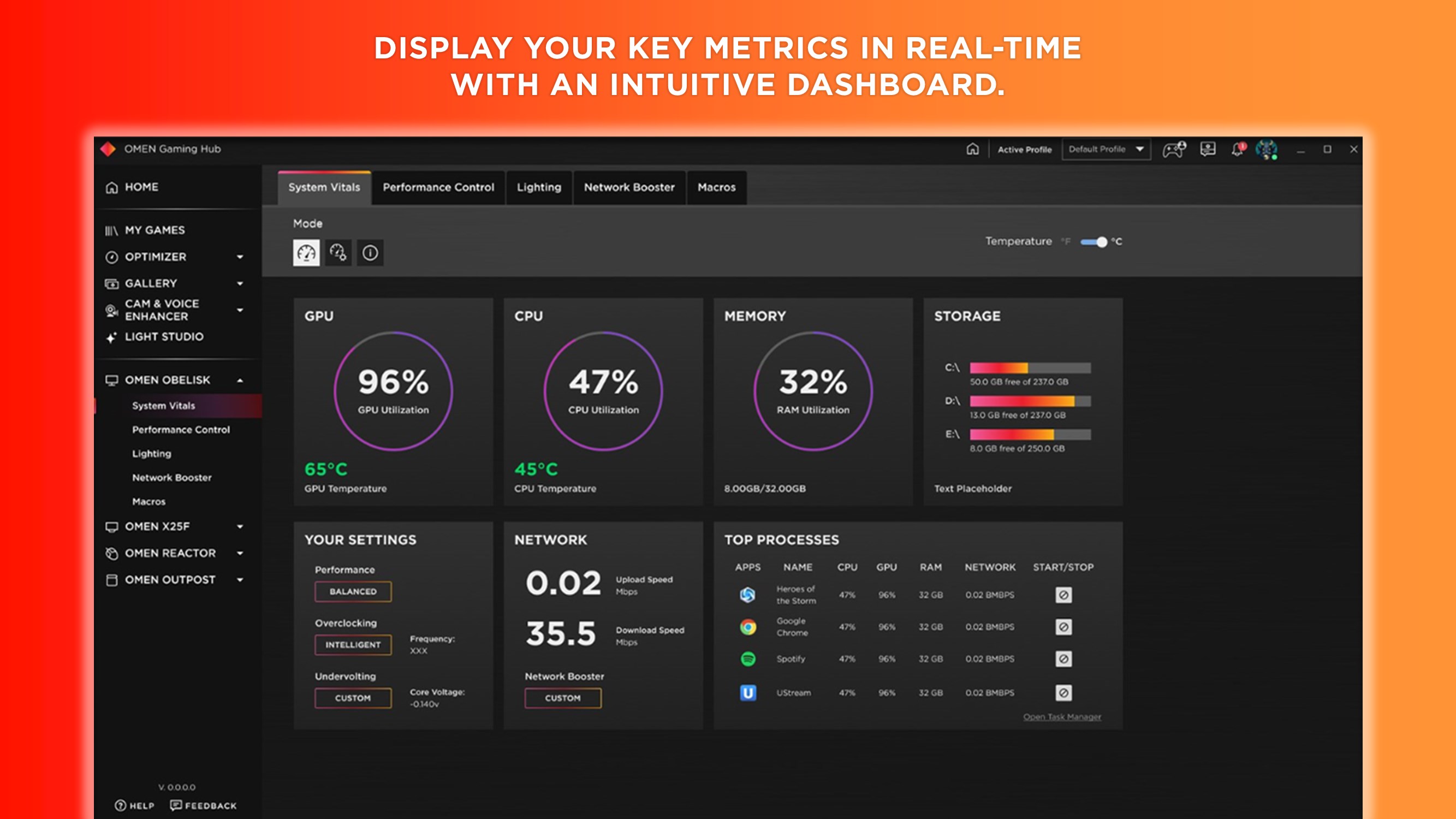
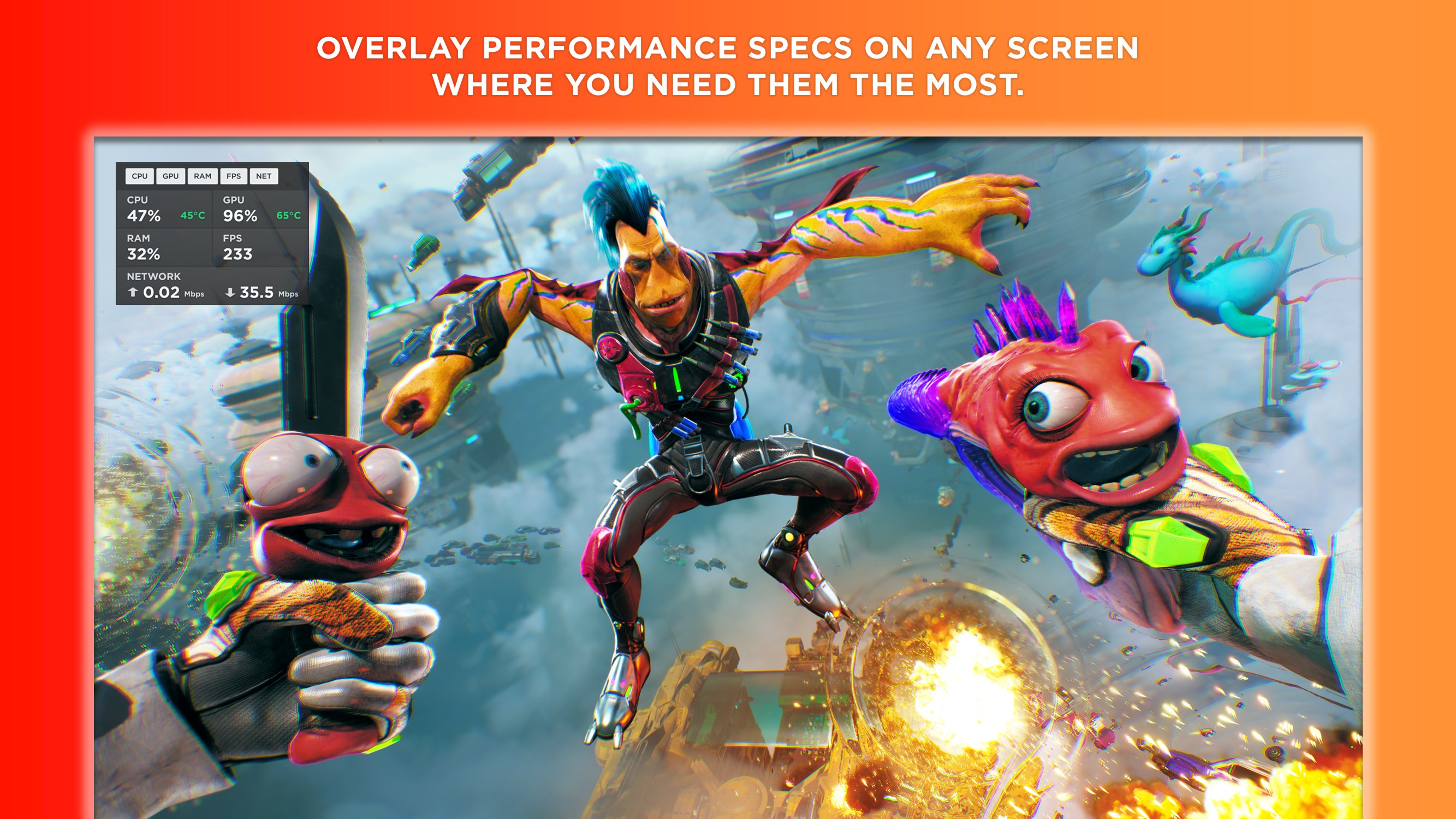
- Real-Time Monitoring and Alerts: Keep tabs on system temperature, CPU and GPU usage, and receive alerts to prevent overheating or performance drops.
A Deep Dive into the User Experience
The moment you open OMEN Gaming Hub, you're greeted with a sleek, visually engaging interface that feels more like stepping into a cockpit than launching an app. The design cleverly imitates a high-tech control panel, which not only looks stunning but makes navigation intuitive. From the dashboard, configuration options are logically grouped, enabling users to access features without getting lost in complexity.
Performance-wise, the app operates smoothly with minimal lag, even when adjusting multiple settings simultaneously. The responsive controls and quick loading times mean less waiting and more gaming. Learning curve is gentle; the app provides helpful tooltips and guides, making it accessible for novice gamers, yet packed with depth for seasoned enthusiasts.
What Sets OMEN Gaming Hub Apart?
Compared to other utilities, OMEN Gaming Hub's standout feature is its tight integration with OMEN hardware and peripherals, offering a level of synchronization that few other tools match. Its ability to create custom profiles for individual games, automatically adjusting system and peripheral settings, offers gamers a tailored experience without manual tinkering each time. Additionally, the centralized dashboard consolidates everything from performance metrics to lighting schemes, eliminating the need to juggle multiple apps.
This unified approach simplifies setup and enhances consistency across gaming sessions, making it especially attractive for users who prioritize efficiency and precision. Unlike generic system utilities, OMEN Gaming Hub's focus on gaming-specific customization offers a unique, gamer-centric ecosystem.
Final Verdict: A Worthwhile Tool for Dedicated Gamers
I would recommend OMEN Gaming Hub for Windows highly to anyone who owns OMEN hardware or seeks an organized, centralized way to enhance their gaming sessions. Its seamless integration, user-friendly design, and game-specific customization make it a compelling addition to your gaming arsenal. Whether you're fine-tuning your system for competitive play or just want a unified control panel, this app delivers substantial benefits with a remarkably polished experience.
Pros
- User-friendly interface
- Real-time performance monitoring
- Customizable gaming profiles
- Voice control support
- Seamless integration with OMEN hardware
Cons
- Limited game support
- Occasional lag during profile switching
- Battery consumption issues
- Inconsistent update notifications
- Limited customization options for advanced users










