

- Category Utilities & tools
- Developer Marcelo de Souza
- Available on PC
- OS Windows 10 version 17763.0 or higher
- languages English (United States)
Introducing Orions Browser for Windows: A Fresh Take on Efficient Browsing
Orions Browser is a sleek, lightweight web browser developed by Marcelo de Souza, aiming to deliver a faster and more personalized browsing experience on Windows. Designed with simplicity and efficiency in mind, it seeks to stand out in a crowded browser landscape.
Core Features That Shine Bright
1. Smart Tab Management for Seamless Multitasking
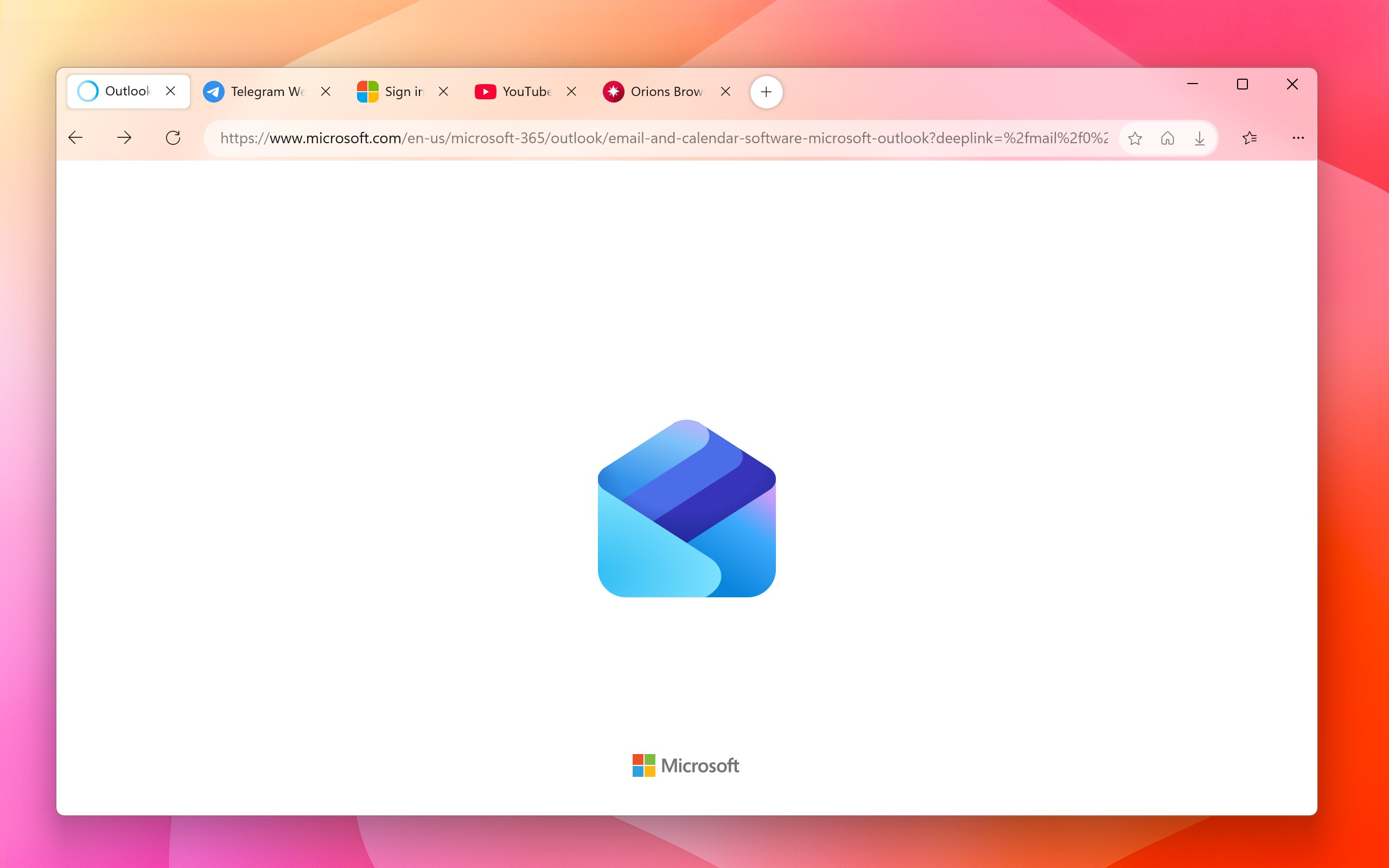
One of the standout features of Orions Browser is its intuitive tab management system. Unlike traditional browsers where managing dozens of open tabs can feel like juggling flaming torches, Orions introduces a smart grouping and preview function. Users can categorize tabs into groups, quickly switch between them, or preview content without fully opening each tab. Imagine having your work and entertainment windows organized like files in a well-lit cabinet—easy to find and access, reducing the chaos often associated with browser clutter.
2. Customizable Interface with Focus on User Personalization
Orions gives users the ability to tailor the interface to their liking – whether that's adjusting themes, toolbar layouts, or shortcut configurations. The design adopts a minimalistic and clean aesthetic, which not only looks modern but also minimizes distractions, helping users stay focused. Switching themes or rearranging features is straightforward, making it accessible even for those new to customization options. This high flexibility ensures that each user can craft an environment that feels uniquely theirs.
3. Enhanced Privacy and Security Features
In an era where online privacy is paramount, Orions Browser steps up with built-in privacy tools—like blocking trackers, managing cookies, and offering private browsing modes that don't compromise performance. The browser's architecture emphasizes security without bogging down in complicated settings, making privacy accessible for everyday users. Think of it as having a personal security guard quietly working in the background, allowing you to surf without worry.
Design, Performance, and User Experience
The interface of Orions is refreshingly uncluttered, with a modern minimalist style that resembles a calm digital workspace. Navigation feels fluid—scrolling, opening, and switching tabs occur swiftly, almost like gliding on ice—thanks to its optimized rendering engine. The learning curve is gentle; even users unfamiliar with advanced browsers can quickly adapt to its features through guided prompts and intuitive design. Customization options are logically organized, making personalizing your browsing environment a breeze rather than a chore.
What Sets Orions Apart from Other Utilities & Tools?
While many browsers focus on speed or privacy individually, Orions cleverly combines both with a particular emphasis on user-centric customization and efficient tab management. Its smart grouping feature is especially notable—users can declutter their browsing space instinctively, much like organizing files into folders rather than stacking everything into one chaotic pile. This sets it apart from more generic browsers that lack such nuanced workspace management. Additionally, its lightweight nature ensures minimal system resource consumption, making it ideal for both powerful desktops and modest laptops.
Final Thoughts: Is Orions Browser Right for You?
If you're someone who craves a browser that adapts to your workflow without overwhelming you with options, Orions Browser is worth a try. Its key strengths lie in the smart tab management and user personalization, which cater to both productivity aficionados and casual users alike. While it may not replace a browser like Chrome or Firefox for power users needing extensive extension support, its streamlined design and thoughtful features make for a compelling choice for everyday browsing. I'd recommend giving it a spin—especially if you value a clutter-free interface and tailored user experience.
Pros
- Fast browsing speed
- User-friendly interface
- Built-in privacy features
- Customizable themes and extensions
- Lightweight footprint
Cons
- Limited extension ecosystem
- Occasional stability issues
- Limited sync options
- Less mature compared to major browsers
- Official support and documentation are still evolving











