

- Category Utilities & tools
- Developer 四川法尔考智能科技有限公司
- Available on PC
- OS Windows 10 version 17763.0 or higher
- languages Arabic, Chinese (Simplified), Chinese (Traditional Chinese), English, French, German, Hindi, Indonesian, Italian, Japanese, Korean, Portuguese, Portuguese (Brazil), Russian, Spanish, Thai, Vietnamese
Introducing PigeonCast: Your Wireless Cast Companion for Windows
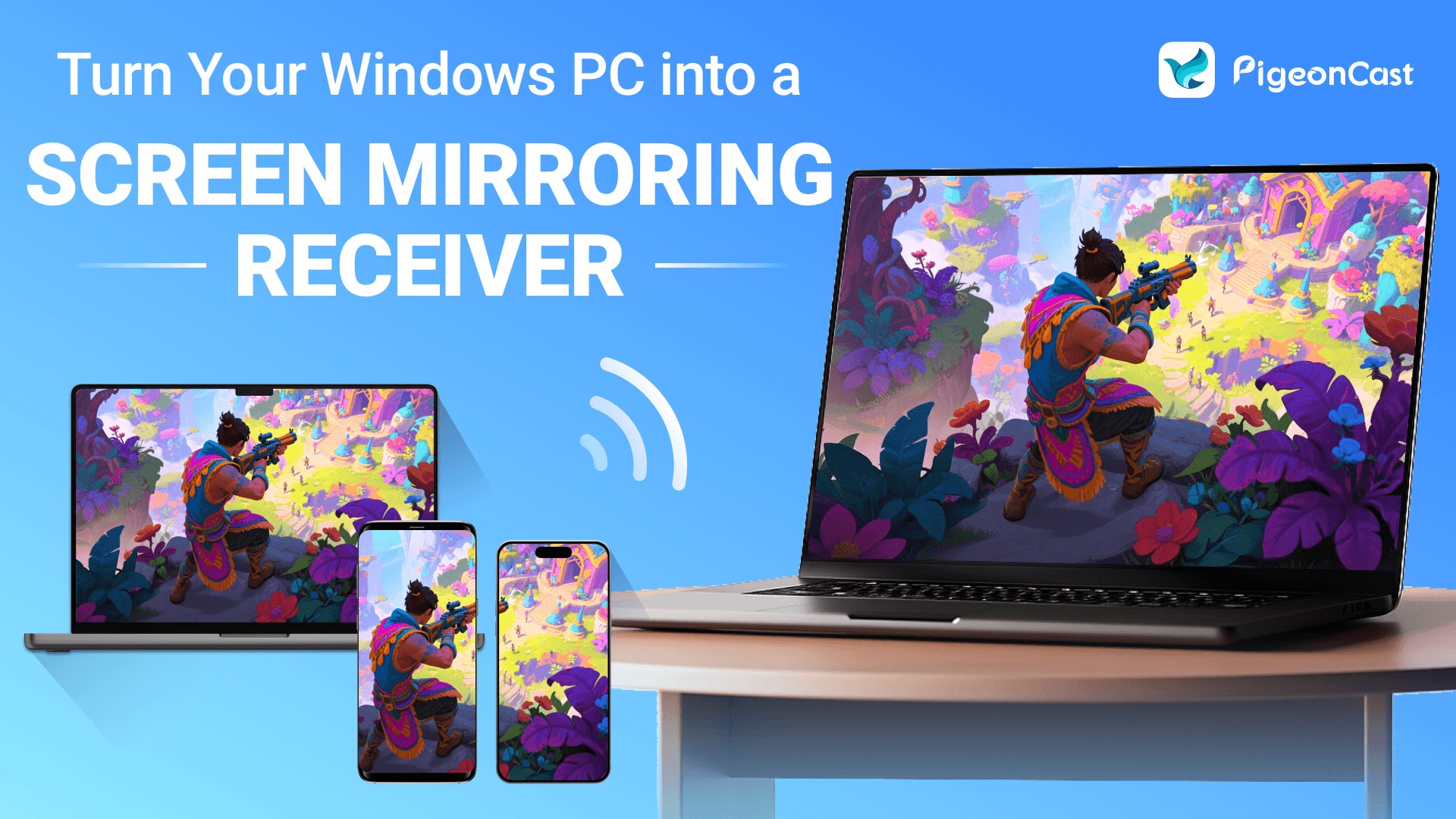
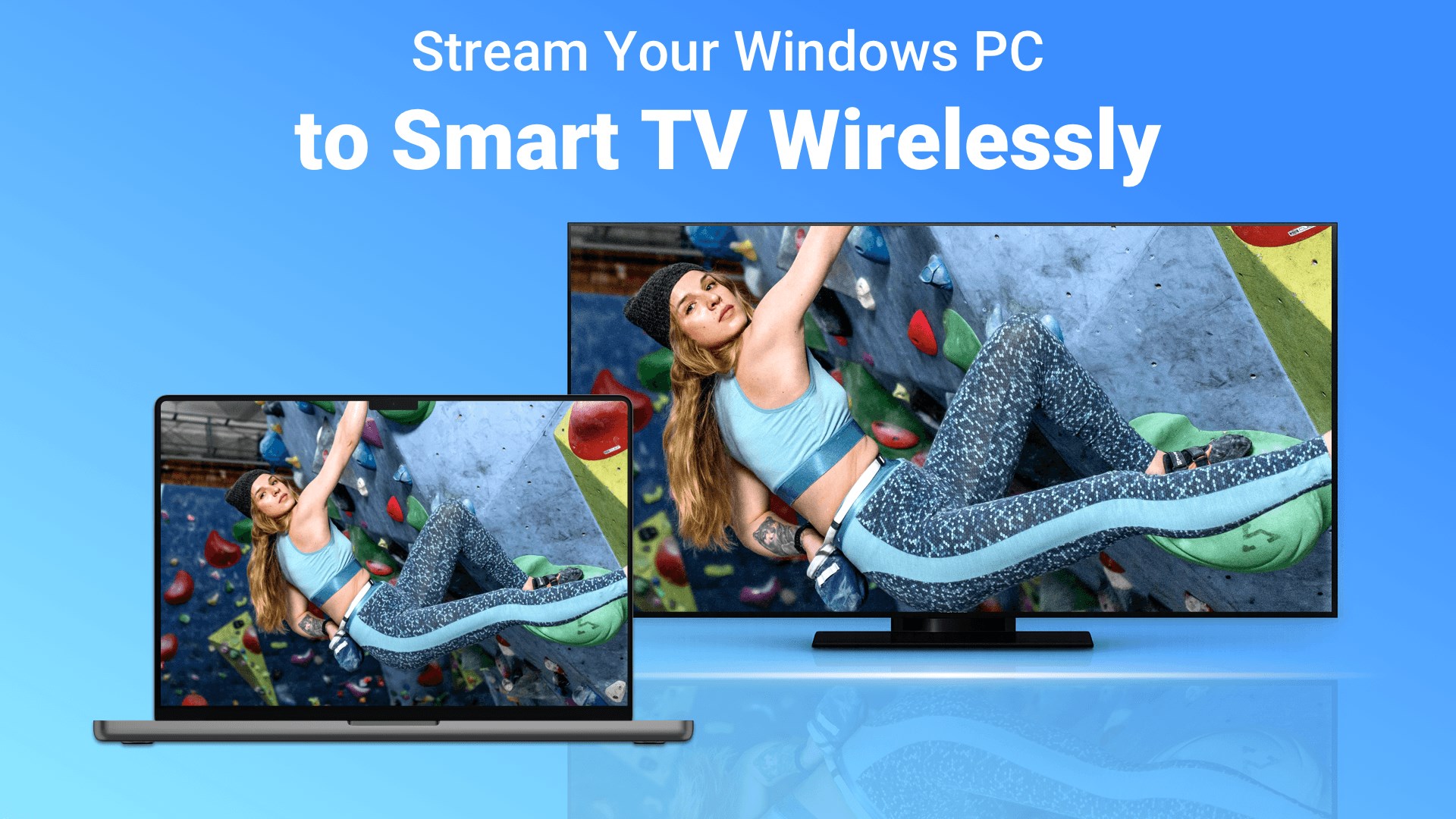
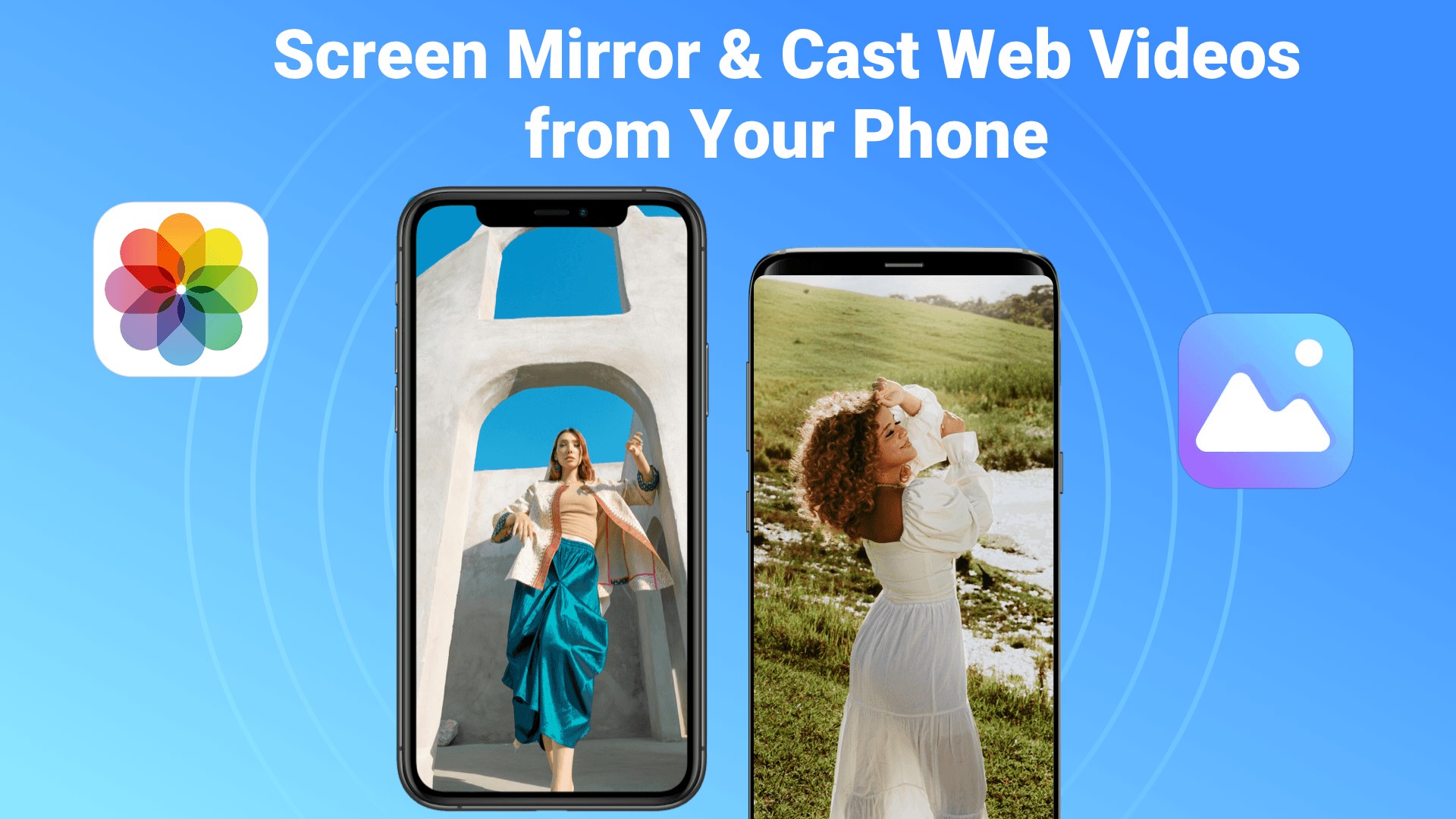
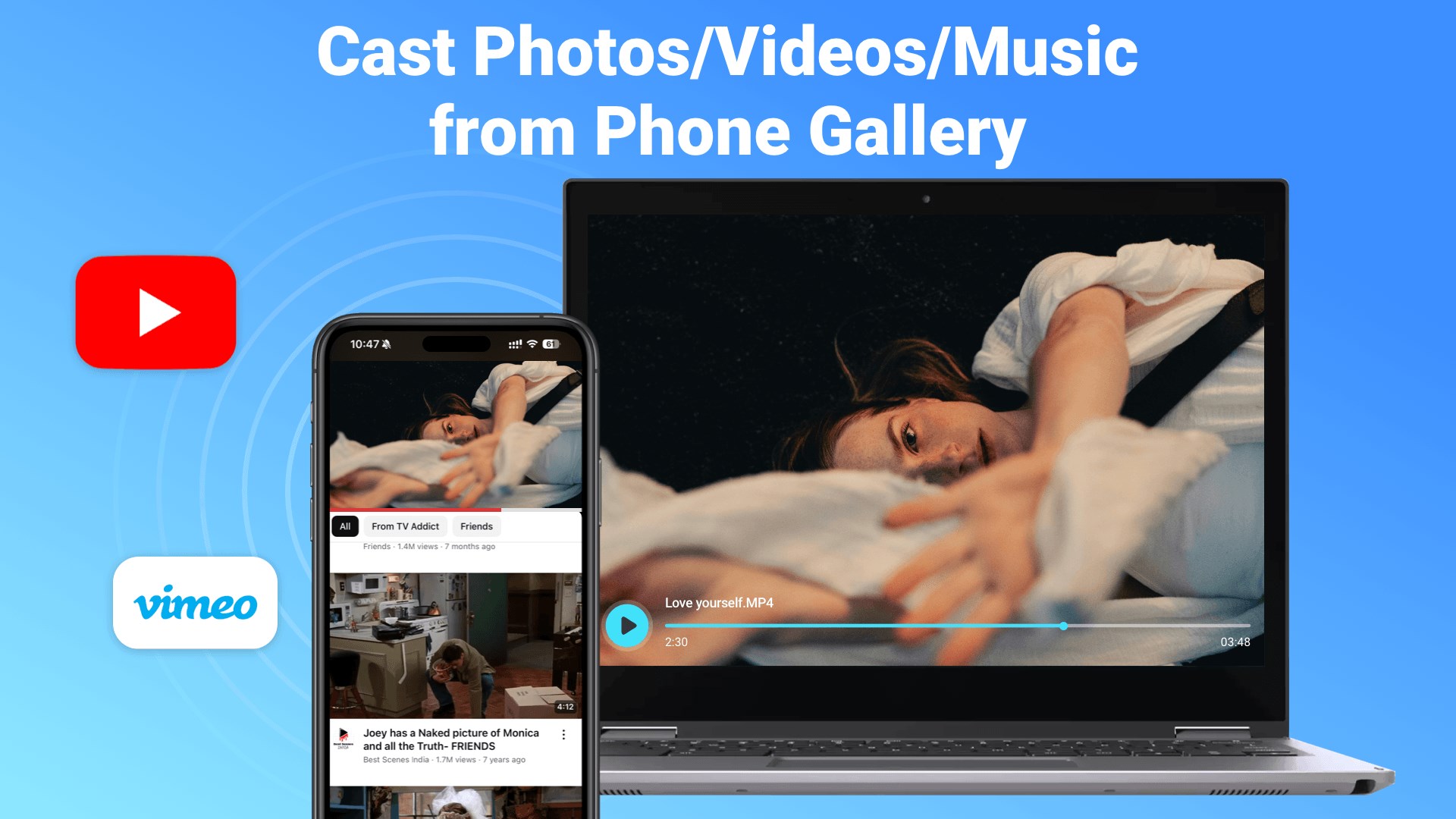
PigeonCast is a straightforward yet powerful application designed to enable users to easily stream media content from Windows devices to AirPlay and Google Cast-compatible devices, eliminating the need for complex setup and additional hardware.
About the Developer: Sichuan Farkao Intelligent Technology Co., Ltd.
Developed by Sichuan Farkao Intelligent Technology Co., Ltd., a company specializing in innovative software solutions, PigeonCast embodies their commitment to simplifying media sharing and enhancing multimedia experiences for users worldwide.
Core Features That Make PigeonCast Stand Out
- Dual Cast Support: Seamlessly streams media to both AirPlay and Google Cast devices, broadening compatibility across a variety of smart TVs, speakers, and other streaming gadgets.
- Simple One-Click Casting: Supports quick and intuitive connection with minimal configuration, making it accessible even for non-tech-savvy users.
- Cross-Platform Compatibility: Designed specifically for Windows, providing a dedicated desktop experience that integrates smoothly into the user's workflow.
- Low Latency Streaming: Offers stable and responsive media transmission, ideal for presentations, video watching, or music playback.
Revving Up Your Media Sharing: A User-Friendly Experience
Imagine cozying up in the living room with a laptop, ready to share that latest family video or playlist, but dreading the complicated setup involved with traditional casting devices. PigeonCast steps in as your handy sidekick—familiar and approachable, yet surprisingly capable—turning a potentially daunting task into a breezy experience. Its interface resembles a sleek control panel, easy to understand even for beginners, making media mirroring as simple as clicking a button.
Intuitive Interface and Ease of Use
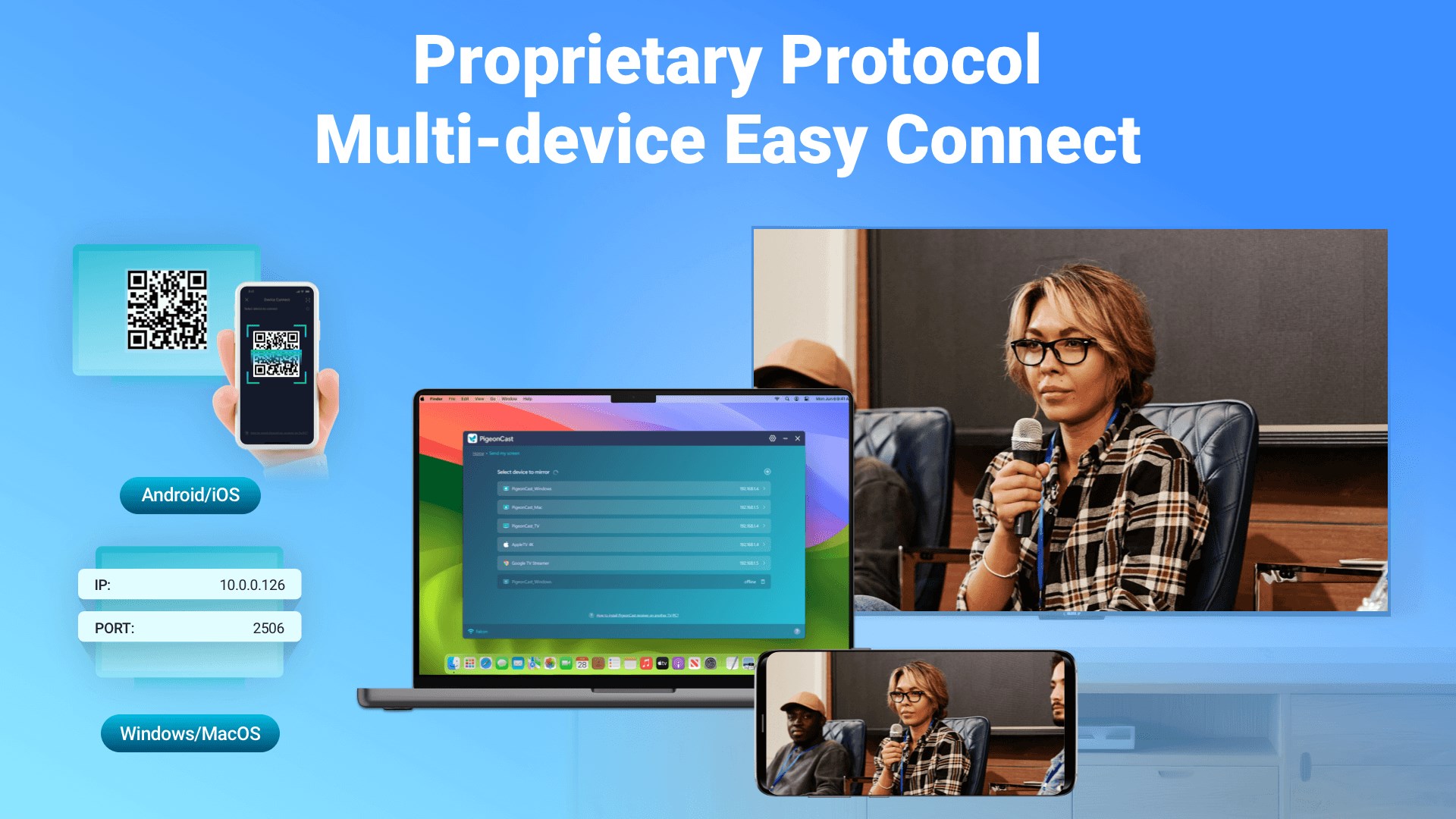
PigeonCast boasts a clean, minimalist interface that centers on ease of operation. The main window displays your available devices clearly, along with straightforward options for selecting media sources. Its design resembles navigating a well-organized digital cockpit—reducing learning time and increasing enjoyment. For users new to casting, the learning curve is quite gentle; just a few clicks can connect your Windows PC to compatible streaming devices. The app performs smoothly, with quick connections and no noticeable lag, creating a seamless virtual bridge between your device and your home entertainment system.
Powerful Dual Compatibility—AirPlay and Google Cast
One of PigeonCast's most compelling features is its dual support for both AirPlay and Google Cast protocols. Think of it as having a universal remote for your media universe—no need to switch between different apps or devices. Whether you're streaming a sunny playlist to your Chromecast-enabled TV or showing family photos on an Apple TV, PigeonCast adapts fluidly. This broad compatibility sets it apart from many utilities that are limited to a single protocol. Its flexibility makes it a versatile addition to your digital toolkit, replacing multiple apps with a single, unified solution.
Performance and Specialist Features
Under the hood, PigeonCast isn't just about compatibility—it also emphasizes stability and speed. The app delivers low-latency streams, reducing delays that can make synchronizing audio and video a headache. Its streamlined performance ensures that even high-quality videos or live presentations translate smoothly onto your big screen, without stuttering or buffering. This reliability makes it suitable for casual media sharing as well as more professional presentations.
How It Suits Different Users and Why It Stands Out
Compared with similar utilities, PigeonCast's dual-compatibility is its shining feature—like having a bilingual translator for your media devices. Many apps support only AirPlay or Cast, but not both, restricting users to specific ecosystems. PigeonCast's ability to bridge both protocols without additional hardware makes it particularly appealing for households or offices with mixed device environments. Its straightforward design and stable performance also contribute to its unique appeal, providing more confidence than some of the more complicated or less reliable apps out there.
Final Verdict and Recommendations
All in all, PigeonCast is a dependable, user-friendly solution that elegantly sidesteps the typical frustrations of media casting. It's ideal for users looking for a simple yet effective way to share media across different platforms. I would recommend it primarily for those who want a hassle-free experience supporting both AirPlay and Google Cast in one lightweight app. Casual users, family sharing, or even small business presentations all stand to benefit from its reliable performance and intuitive design. If seamless, cross-platform casting is on your wishlist, PigeonCast earns a solid thumbs-up.
Pros
- Easy AirPlay/Google Cast Integration
- Free to Use
- User-Friendly Interface
- Supports Multiple Devices
- Stable Casting Performance
Cons
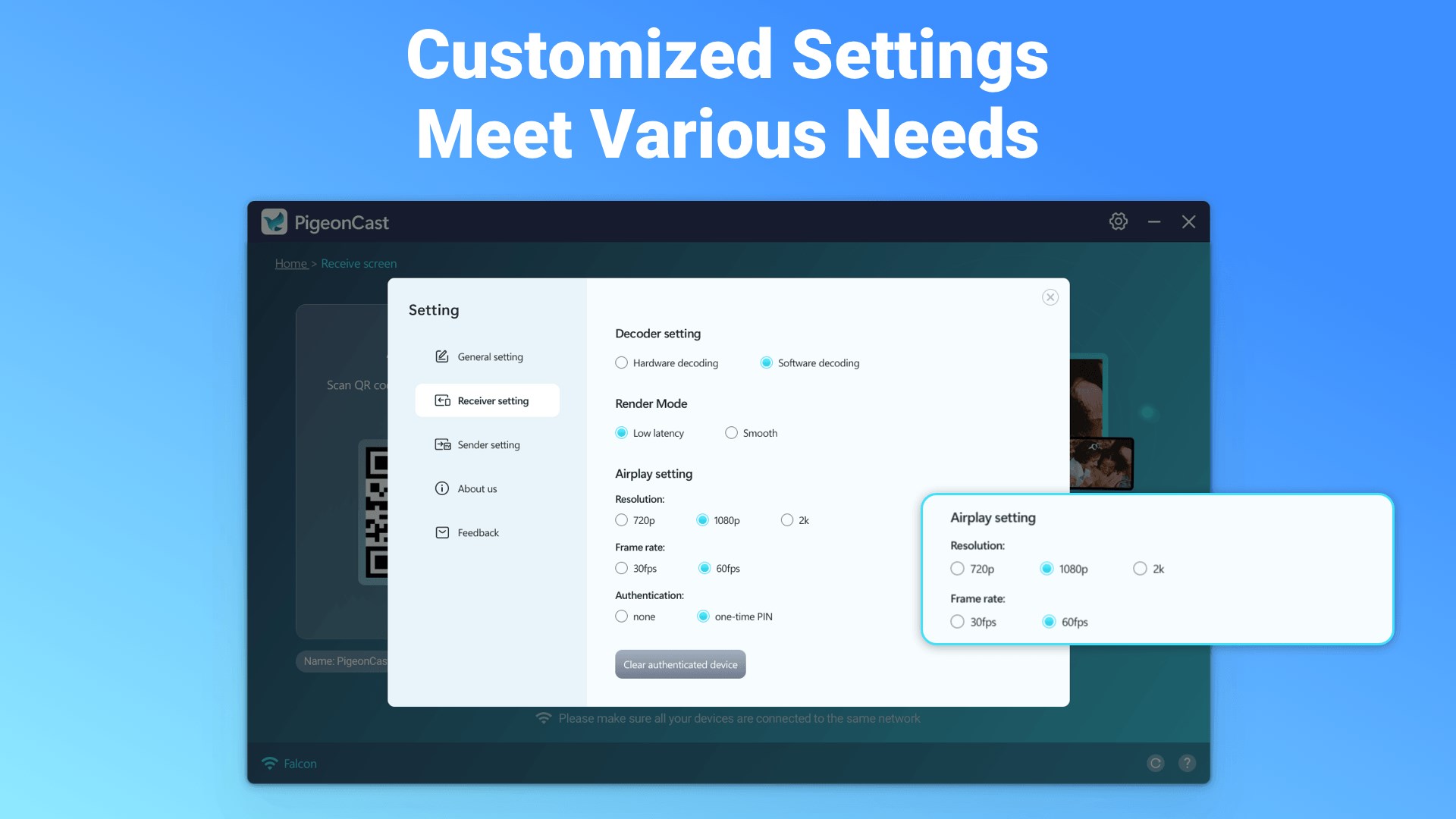
- Limited Customization Options
- Occasional Connection Drops
- Requires Network Stability
- Compatibility Issues with Certain Devices
- No In-App Purchase or Premium Version











