

- Category Utilities & tools
- Available on PC
- OS Windows 10 version 10240.0 or higher
- languages English (United States), Portuguese (Brazil)
Introduction: Your Digital Wallet Companion for Windows
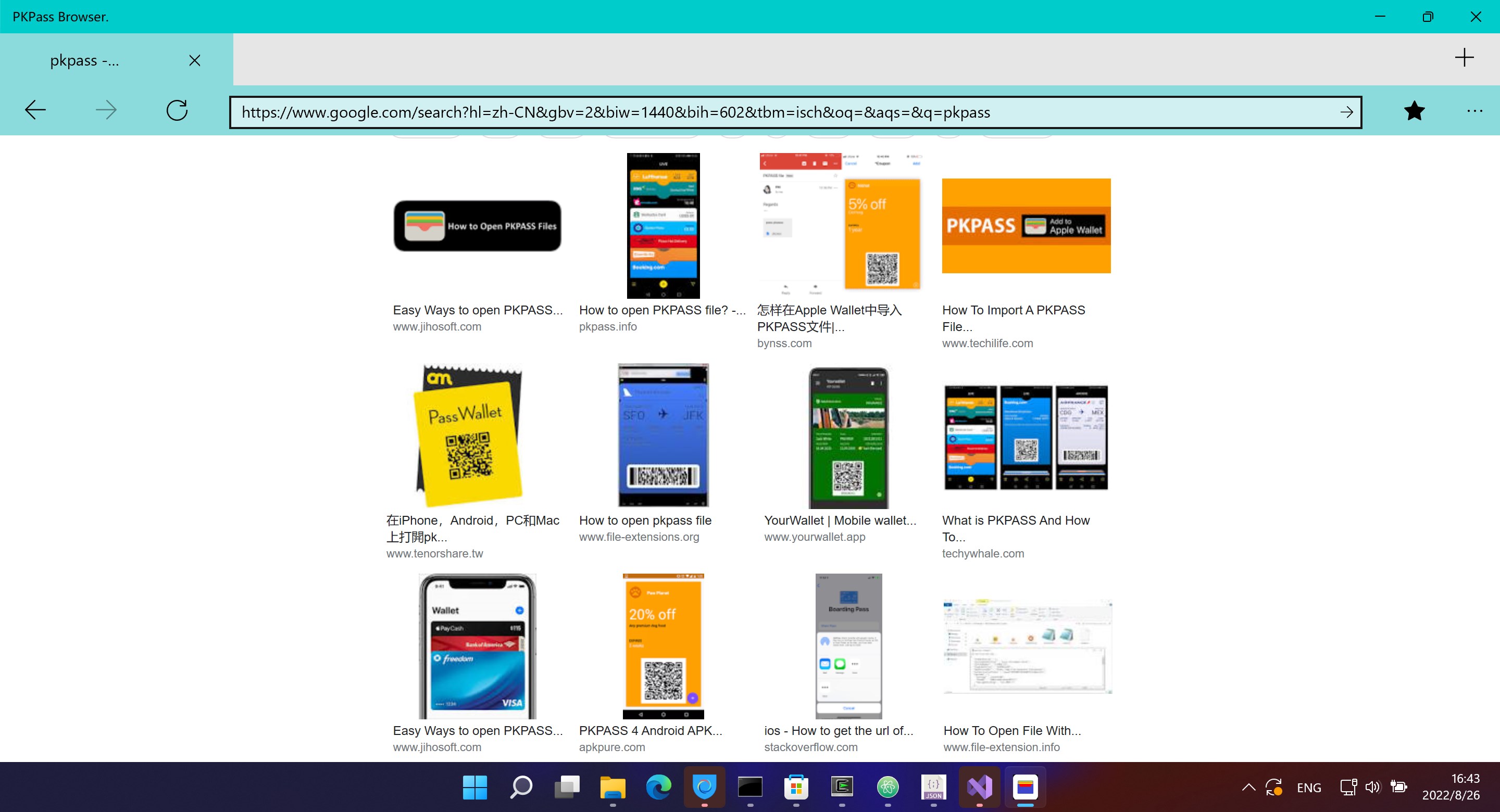
If you've ever found yourself fumbling through dozens of boarding passes, event tickets, or loyalty cards on your device, PKPass Browser for Windows steps in as your sleek, organized digital wallet. Designed to streamline your pass management and enhance accessibility, this app offers a seamless way to view, manage, and store passes directly on your desktop.
Developed by Herbert Studio: A Trusted Name in Utility Tools
Herbert Studio, a dedicated developer team specializing in utility and productivity apps, has crafted PKPass Browser to cater to the needs of modern users seeking efficient pass management. Their focus on user experience and functional robustness makes this app a reliable choice for Windows users longing for an intuitive pass solution.
Key Features that Stand Out
- Universal Pass Compatibility: Supports viewing all standard .pkpass files, regardless of origin, consolidating multiple passes into a single platform.
- Fast and Secure Access: Offers quick access with a simple interface, keeping your passes safe and private without unnecessary clutter.
- Easy Import and Export: Simplifies adding passes from various sources and exporting them easily, ensuring you stay prepared in any situation.
- Offline Mode: Allows access to stored passes even without internet, ensuring that you're never caught off guard.
Vivid First Impressions and User Experience
Imagine preparing for a flight or a concert — your passes are your tickets to a smooth experience. PKPass Browser for Windows feels akin to a digital organizer that arrives just in time, translating the chaotic piles of passes into a neatly arranged digital wallet. Its straightforward interface makes you feel like you're flipping through a high-end wallet rather than navigating a complex app. Everything is designed with clarity, minimal clutter, and an inviting feel. The app responds swiftly to commands, with no lag or stuttering, making your pass management experience both efficient and reassuring.
Intuitive Interface and Seamless Navigation
The app boasts a clean, modern interface that emphasizes simplicity. Navigating through passes involves just a few clicks, and the drag-and-drop import feature feels as natural as flipping through a physical card holder. The menu layout is logical, reducing the learning curve to just a few moments. Even newcomers or less tech-savvy users can comfortably start organizing their passes right away.
Core Functionality Breakdown
- Pass Viewing & Management: The core function is straightforward—double-click your pass file, and it displays in an easy-to-read format. The app intelligently handles different pass types, from boarding passes to coupons, and displays relevant details neatly. The ability to delete or update passes adds to its utility, ensuring your wallet reflects real-time information.
- Import & Export Features: Whether you receive a pass via email, download it from a website, or transfer from mobile devices, importing into PKPass Browser is a breeze. The app supports multiple formats and facilitates quick addition, saving you from tedious manual entry. Export options are equally user-friendly, allowing you to save copies or share passes with colleagues or friends.
- Offline Accessibility & Security: Once passes are imported, they reside locally, allowing you to access them without an internet connection—perfect for travel or offline events. The app prioritizes privacy, storing data securely on your device with no unwarranted cloud syncing.
What Sets PKPass Browser Apart?
While many utility apps offer pass management, PKPass Browser's closest competitors often get bogged down by complicated interfaces or limited compatibility. Here, Herbert Studio's app shines with its focus on a minimalist yet capable experience. Its standout feature is the universal pass compatibility, supporting all standard pass file types and ensuring your varied passes — whether from airlines, cinemas, or store loyalty programs — can be managed under one roof. This flexibility saves you from juggling multiple apps or platforms. Moreover, its offline mode and secure storage give users confidence that their passes are both accessible and protected, especially in high-stakes situations like travel or VIP events.
Final Verdict: A Practical Tool Worth Having
All in all, PKPass Browser for Windows strikes a balance between simplicity and functionality, making it an excellent companion for anyone seeking to organize and access passes conveniently on their desktop. Its particularly strong points—universal pass compatibility and offline access—are the features that distinguish it in a crowded utility landscape. I recommend it strongly for frequent travelers, event-goers, or loyalty program aficionados who want a reliable, fuss-free way to keep their passes handy.
Pros
- Intuitive browsing experience
- Supports multiple pass types
- Regular updates improve stability
- Customizable notifications
- Compact size reduces device storage impact
Cons
- Limited pass management features
- Occasional sync delays with server
- No built-in pass sharing option
- Limited customization of notifications
- Some passes may not display correctly on older devices











