

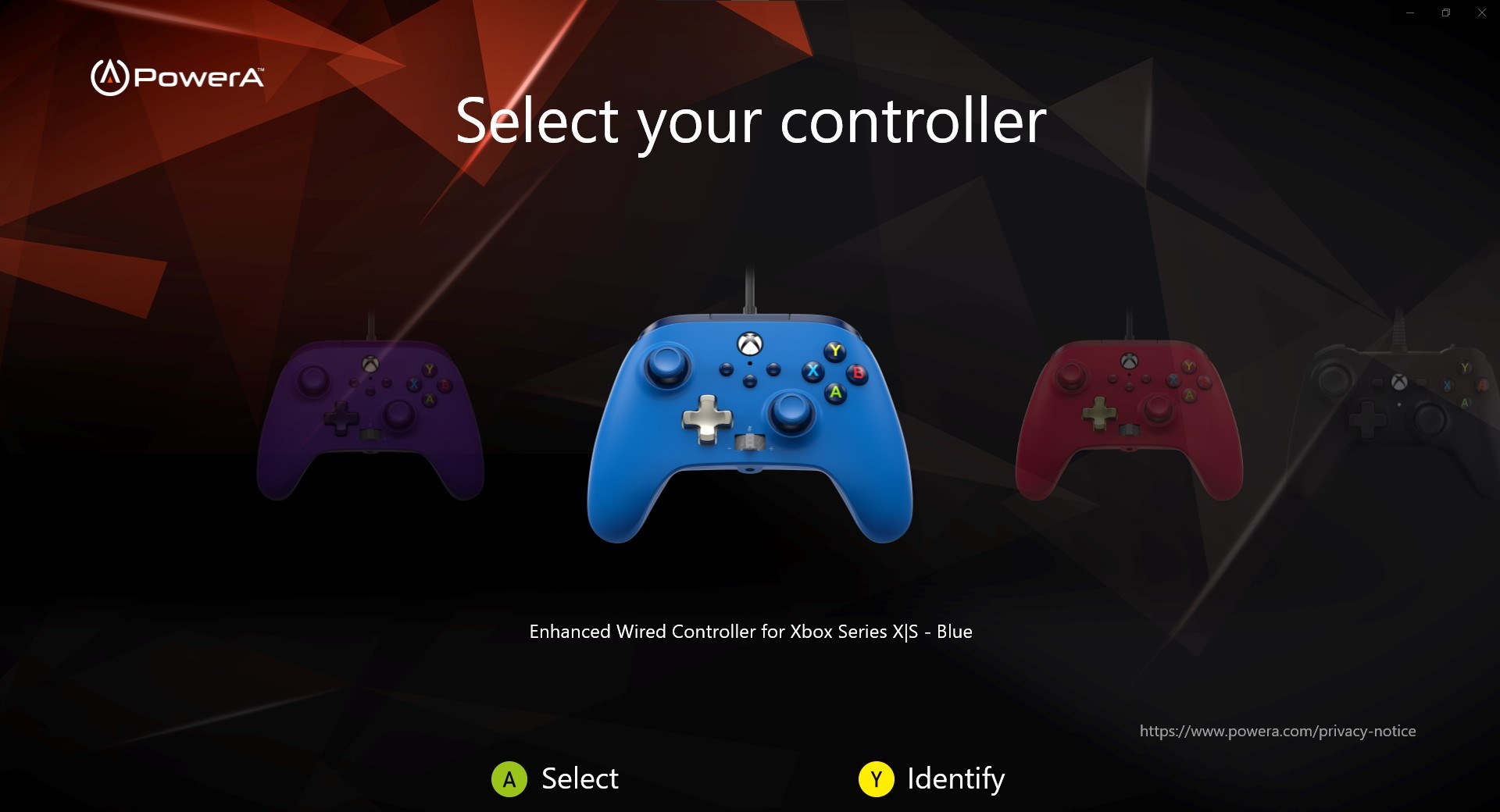
- Category Utilities & tools
- Available on Xbox console, PC
- OS Windows 10 version 18362.0 or higher
- languages English (United States)
An Introduction to PowerA Gamer HQ for Windows
PowerA Gamer HQ for Windows is a comprehensive gaming utility designed to streamline your gaming experience by offering seamless controller management, customization, and real-time insights—all within a user-friendly interface. Whether you're a casual player or a competitive gamer, this app aims to optimize your gaming sessions by providing in-depth control and performance features.
Who's Behind the PowerA Gamer HQ?
Developed by PowerA Gaming, a trusted name in gaming peripherals and accessories, this application benefits from a team that understands gamers' needs intimately. Their expertise ensures that the tool integrates smoothly with gaming setups, offering reliable and practical features to enhance gameplay.
Top Features That Make a Difference
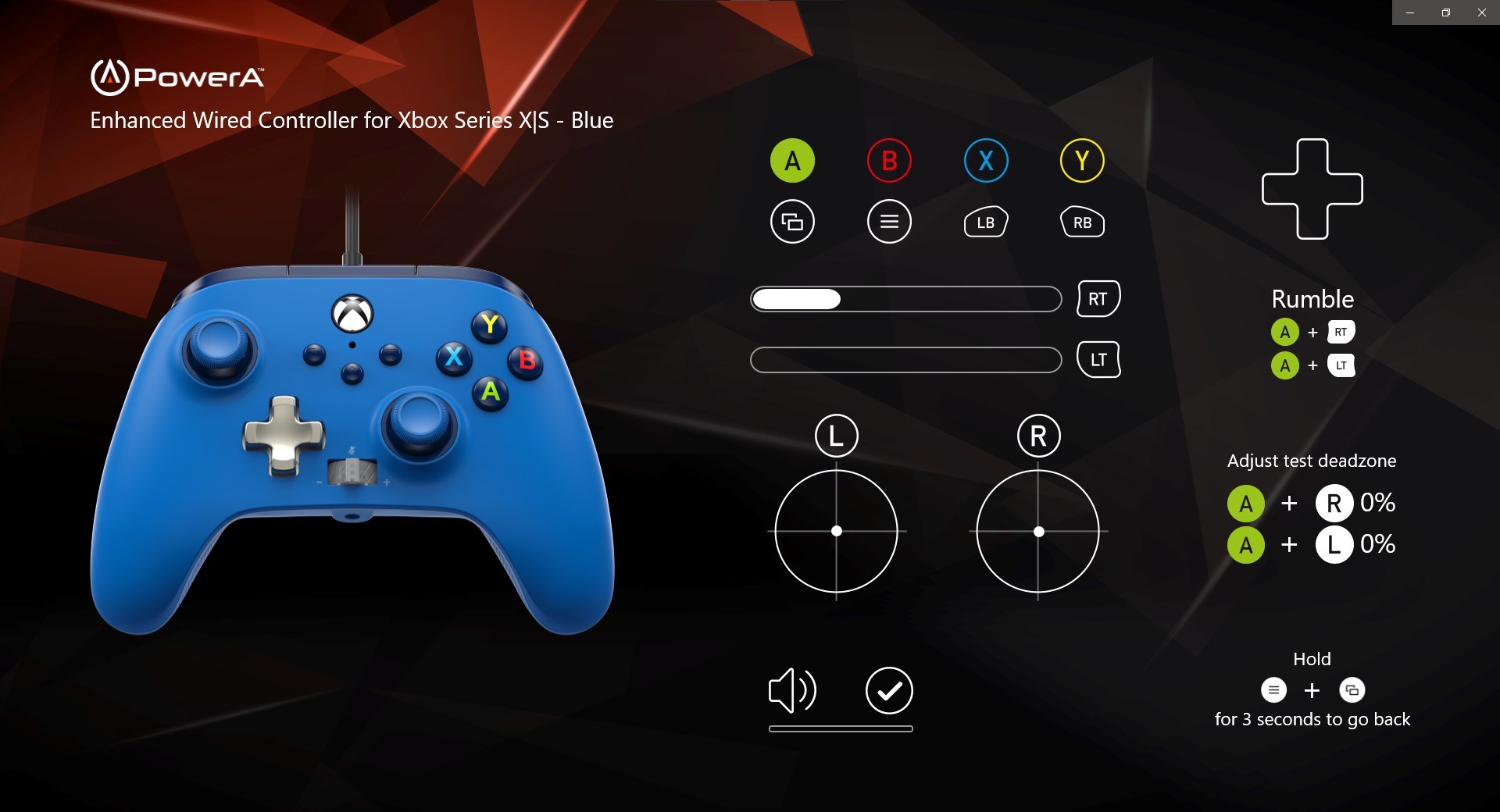
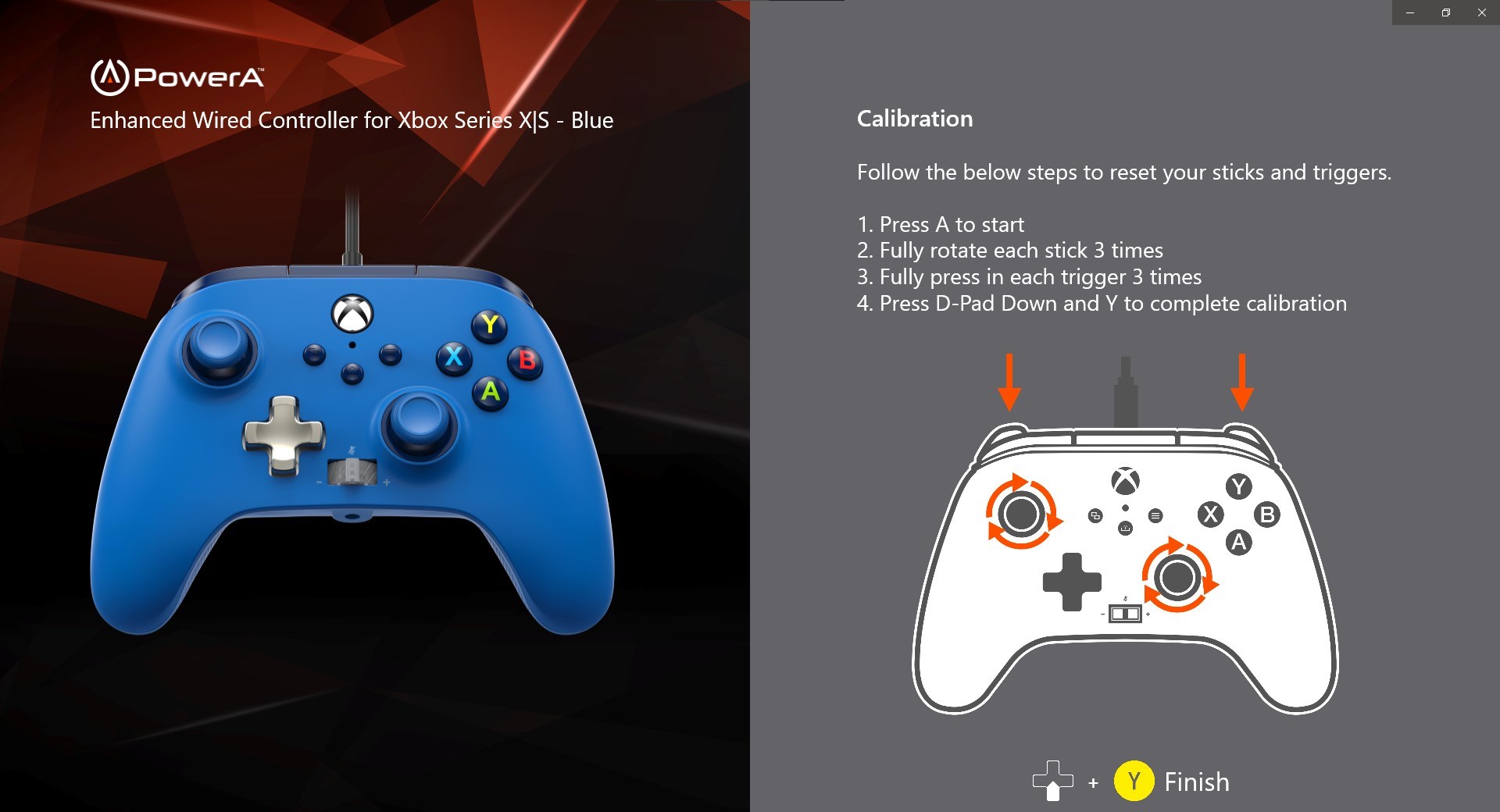
- Controller Configuration & Custom Profiles: Easily customize button mappings and create profiles tailored to different games or play styles, allowing for quick switches without hassle.
- Real-Time Game Monitoring: Provides live insights into controller status, battery life, and connectivity, helping you troubleshoot issues before they disrupt your game.
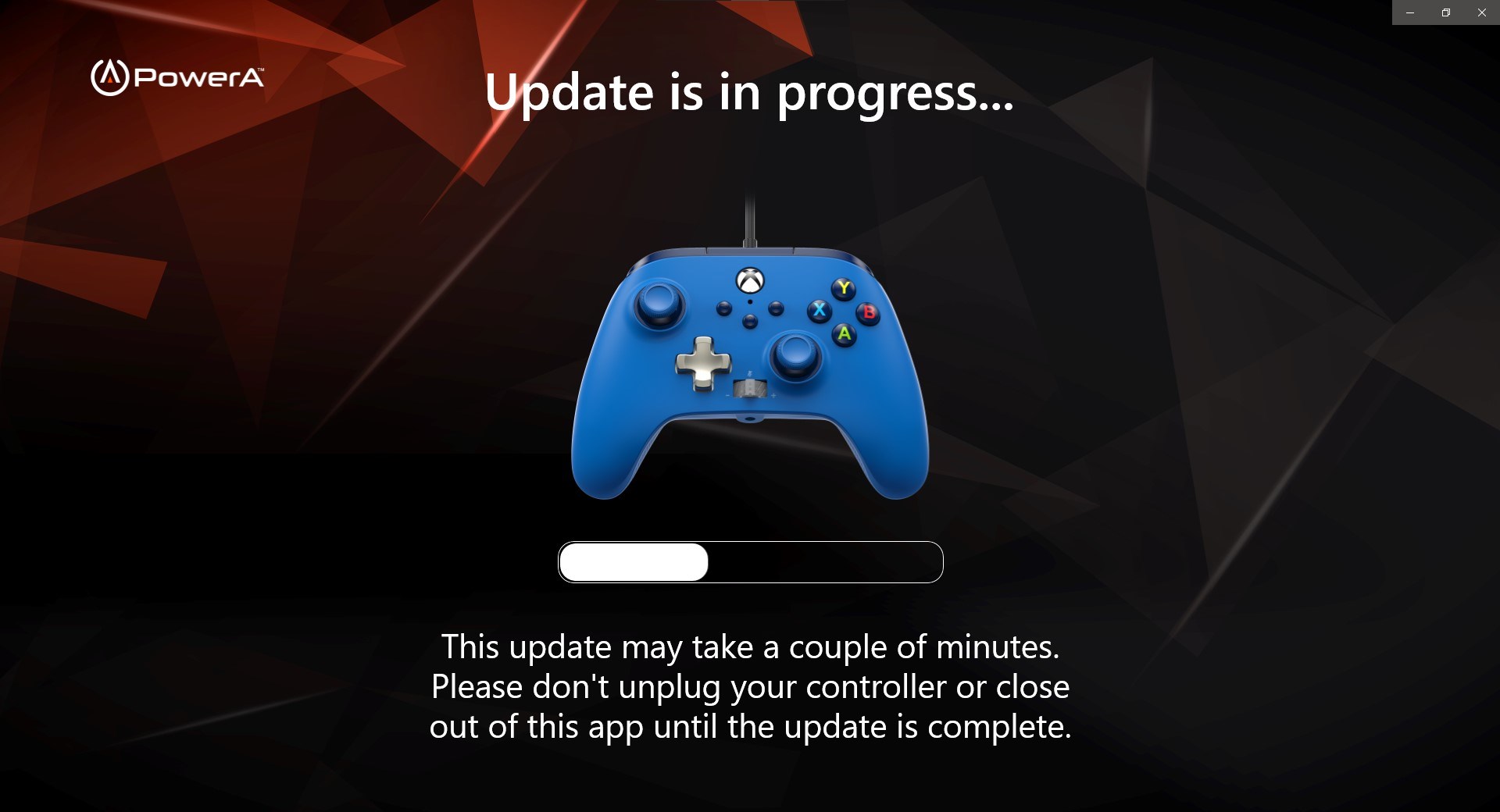
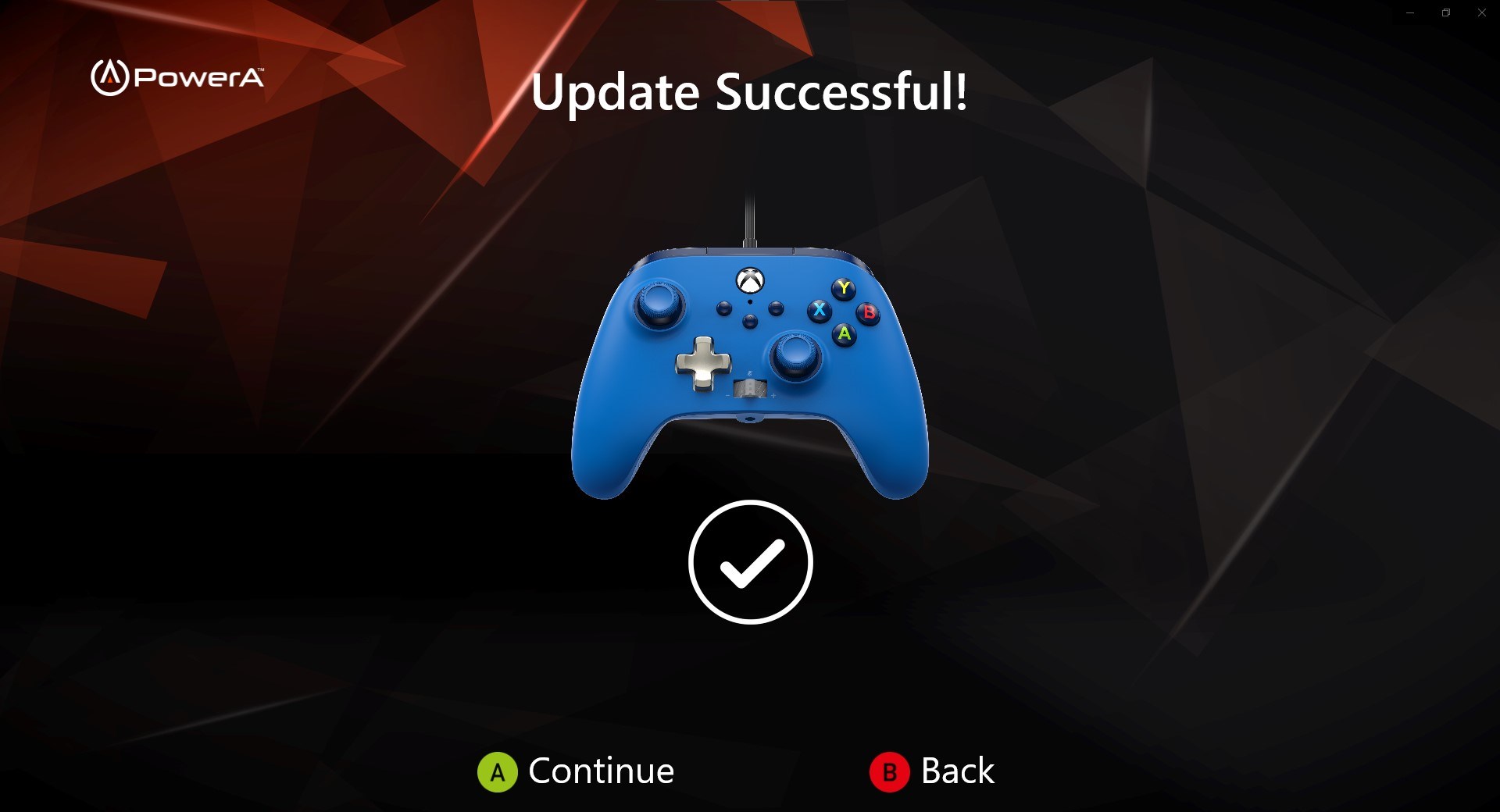
- Firmware & Software Updates: Simplifies keeping your controllers up-to-date with the latest firmware, ensuring optimal performance and compatibility.
- Lighting & Aesthetic Customization: For compatible controllers, offers options to tweak lighting effects, creating a personalized gaming atmosphere.
A Vibrant and Intuitive User Experience
Launching PowerA Gamer HQ feels akin to stepping into a well-organized control room—everything is laid out clearly, inviting you to explore without feeling overwhelmed. The interface boasts a sleek, modern design with colorful icons that resemble gaming gear, making navigation feel natural. Users praise its smooth operation; switching between profiles or adjusting settings is as swift as a flick of a wrist, thanks to responsive controls and minimal lag.
Learning curve? Minimal. The app is crafted with user-friendliness in mind, featuring helpful tooltips and guided setup options. Even those new to controller customization will find it approachable, yet powerful enough for seasoned gamers seeking detailed configuration.
What Sets PowerA Gamer HQ Apart?
Compared to other utilities in the genre, PowerA Gamer HQ's standout strength lies in its dual focus on user experience and hardware integration. Its deep compatibility with PowerA controllers and emphasis on lighting customization provides a unique edge—few tools marry aesthetic personalization with functional control so seamlessly. Additionally, its real-time monitoring capabilities set it apart; many competitors lack this level of insight, which can prevent frustrating disconnections or performance drops during intense gaming sessions.
This app isn't just a controller manager; it's a mini command center dedicated to elevating your gaming setup, all within a single, cohesive interface.
Final Verdict and Recommendations
All things considered, PowerA Gamer HQ for Windows earns a solid recommendation for gamers who seek a comprehensive yet easy-to-use solution for controller management and customization. It's especially advisable for PowerA hardware owners, but its features are valuable enough to appeal to any PC gamer looking to optimize their setup. For those who value real-time performance insights and aesthetic tweaks—think of it as giving your gaming rig a smart, stylish dashboard—this app is a worthwhile addition.
While it may not replace more advanced, professional-level tools for competitive e-sports setups, for everyday gaming—whether casual or competitive—it provides a balanced blend of features, usability, and reliability. Give it a try, and let PowerA Gamer HQ help you elevate your gaming experience to a new level of comfort and control.
Pros
- User-Friendly Interface
- Comprehensive Game Library
- Customized Notifications
- Easy Purchase Process
- Regular Updates and Support
Cons
- Limited Search Filters
- Occasional App Crashes
- Slow Loading Times
- Lack of Detailed Reviews
- Limited Customer Support Options











