
- Category Utilities & tools
- Developer Wuhan Yousigan Technology Co., Ltd
- Available on PC, Mobile, Surface Hub, HoloLens
- OS Windows 10 version 17763.0 or higher
- Mouse Integrated Mouse
- languages Arabic, Bangla, Chinese (Simplified), Chinese (Traditional Chinese), English, English (United States), French, German, Hindi, Indonesian, Italian, Japanese, Korean, Portuguese, Russian, Spanish, Thai, Turkish, Vietnamese
A Reliable Companion for Printer Management and Troubleshooting
If you've ever been caught in a print emergency—say, desperately needing to print an important document and finding your printer unresponsive—then you'll appreciate what Printer Driver - Install & Fix Driver Issues offers. This app positions itself as a straightforward yet powerful tool designed to streamline the often frustrating process of managing printer drivers and resolving compatibility issues on Windows. Developed by Wuhan Yousigan Technology Co., Ltd, it promises to be a one-stop solution avoiding the chaos of multiple utilities, making your printing woes a thing of the past.
Essential Features That Ship the Print Troubleshooting Ship
Seamless Driver Detection and Installation
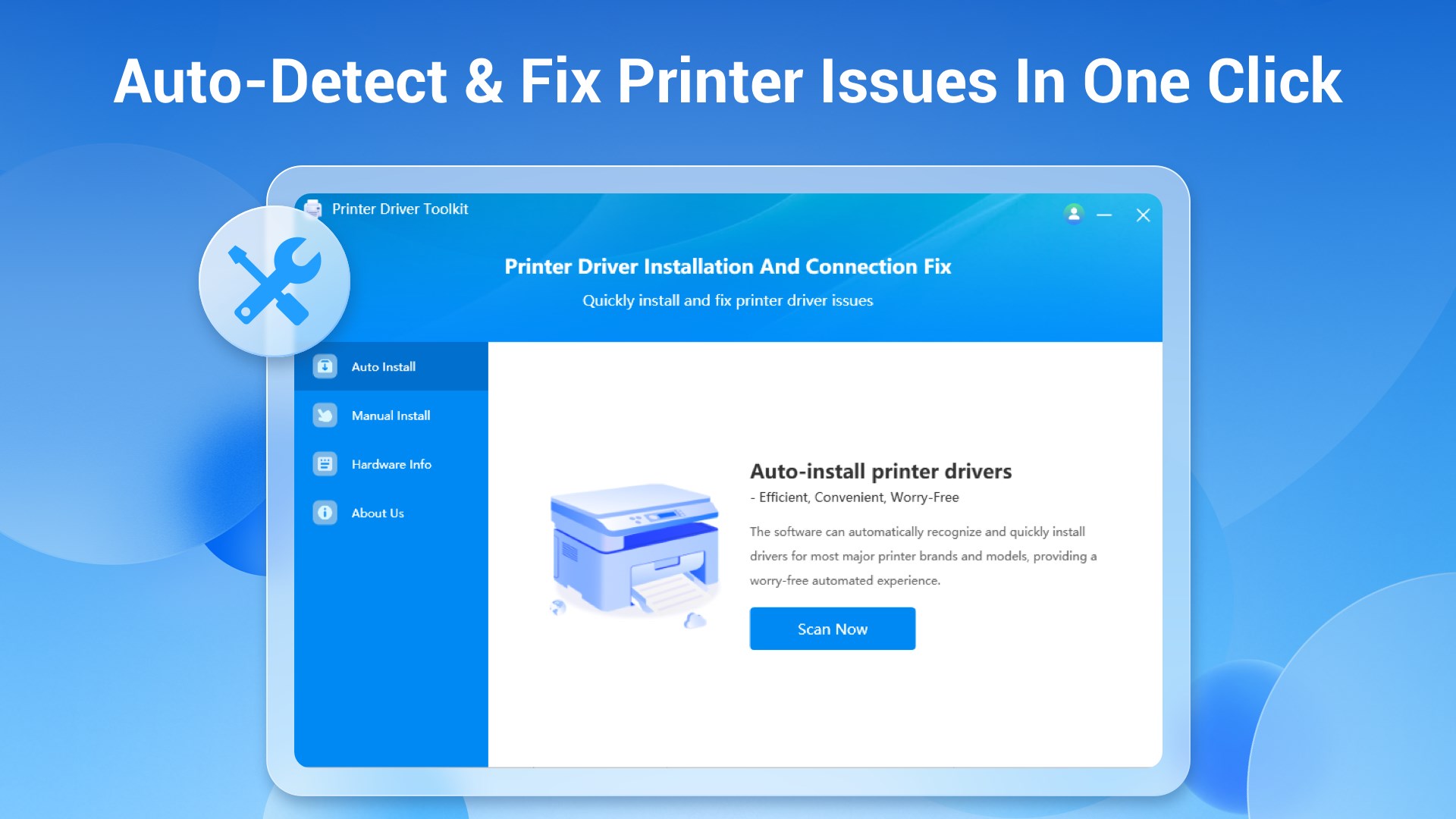
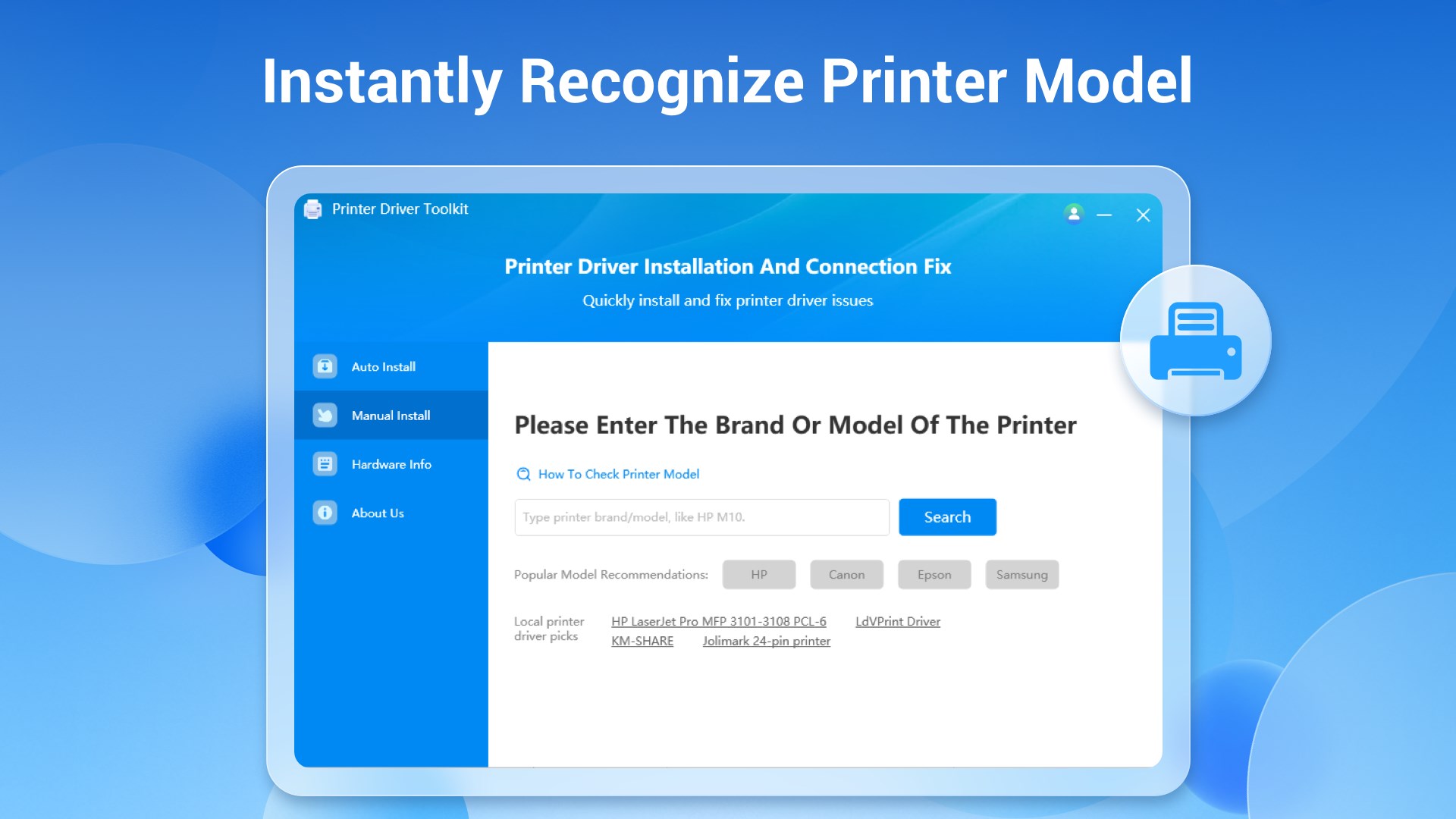
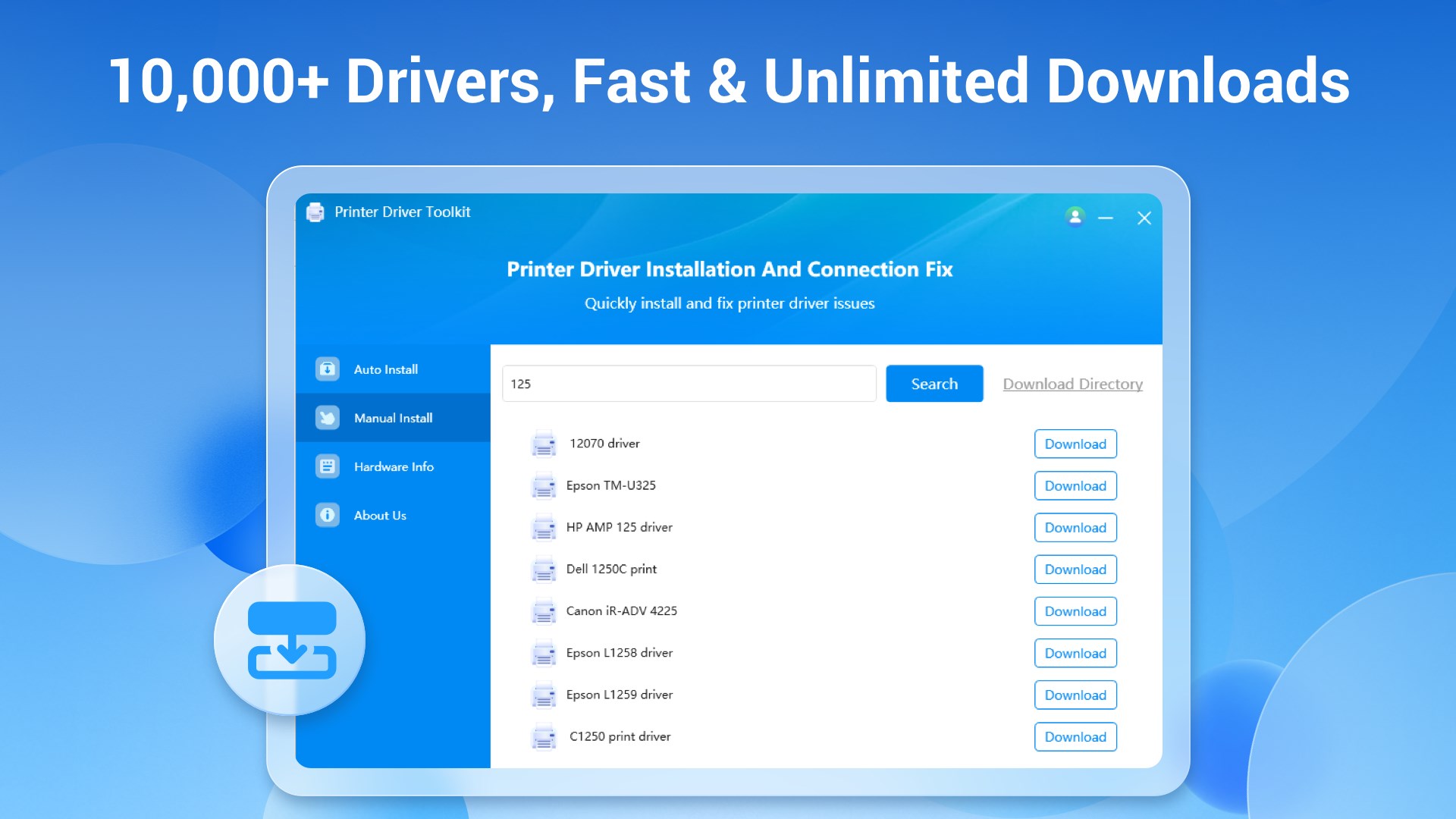
One of the standout features of this app is its ability to swiftly detect your connected printers and automatically identify missing or outdated drivers. Imagine you're setting up a new printer in the office; instead of rummaging through Manufacturer websites or Windows' complex update system, this app swiftly scans your system, recommends the appropriate driver, and guides you through installation. Its database seems to be continuously updated, ensuring compatibility with the latest printer models, which is quite reassuring.
Intelligent Driver Repair and Updates
Beyond simple installation, the app excels at diagnosing driver issues—often the root of print errors—and providing tailored fixes. Whether a driver is corrupt, conflicted, or simply outdated, the app presents an intuitive interface that enables users to repair drivers directly. Plus, it notifies you of available updates, helping prevent future hiccups. The process feels like having a dedicated tech support agent at your fingertips, simplifying what traditionally required technical expertise.
Easy Management and Troubleshooting Workflow
The user experience is thoughtfully designed—clear layouts, step-by-step guidance, and minimal learning curve. Even non-tech-savvy users can navigate through driver management tasks without breaking a sweat. The app's interface is reminiscent of a neatly organized toolbox: icons are intuitive, and operations flow smoothly without lag or crashes. This fluidity makes the entire process of fixing or installing drivers feel less like a chore and more like engaging with a friendly technician.
What Sets It Apart From Other Utilities?
While many driver management tools exist, this application distinguishes itself through its intelligent auto-detection and repair capabilities combined with a user-centric approach. Unlike generic tools that simply download drivers blindly, this app verifies driver compatibility and health before making changes—much like a doctor performing diagnostics before prescribing treatment. Its database updates and real-time troubleshooting guidance serve as its core strengths, ensuring users avoid unnecessary driver conflicts and system instability. What's more, it offers a straightforward, clutter-free interface, making complex driver issues approachable for everyday users.
Recommendation and Usage Tips
Overall, I find this app to be a reliable and practical tool that deserves a solid recommendation—especially for users who frequently encounter printer issues or need to set up new printers hassle-free. It's an excellent choice for small business owners, home-office users, or anyone seeking a dependable utility without the often overwhelming complexity of professional IT solutions. For optimal results, I suggest using it as a periodic maintenance tool, ensuring your printer drivers stay updated and issues are caught early. Even if your printer works flawlessly now, having this app handy can prevent future headaches.
Pros
- Easy Driver Installation
- Automatic Problem Detection
- User-Friendly Interface
- Comprehensive Printer Support
- Fixes Common Driver Errors
Cons
- Limited Advanced Customization
- Occasional False Positives
- Requires Stable Internet Connection
- Limited Support for Older Printers
- Potential for Driver Overwrites











