

- Category Utilities & tools
- Developer Kowloon
- Available on PC
- OS Windows 10 version 14316.0 or higher
- languages English (United States)
Introducing Python Compiler for Windows: A Streamlined Coding Companion
Designed by Kowloon, the Python Compiler for Windows emerges as a lightweight yet powerful tool aiming to simplify Python development on the desktop. Whether you're a beginner eager to dive into programming or a seasoned coder needing a quick environment, this app seeks to bridge the gap between simplicity and functionality without overwhelming your workflow.
Core Features That Make Coding a Breeze
Intuitive Code Editing and Immediate Compilation
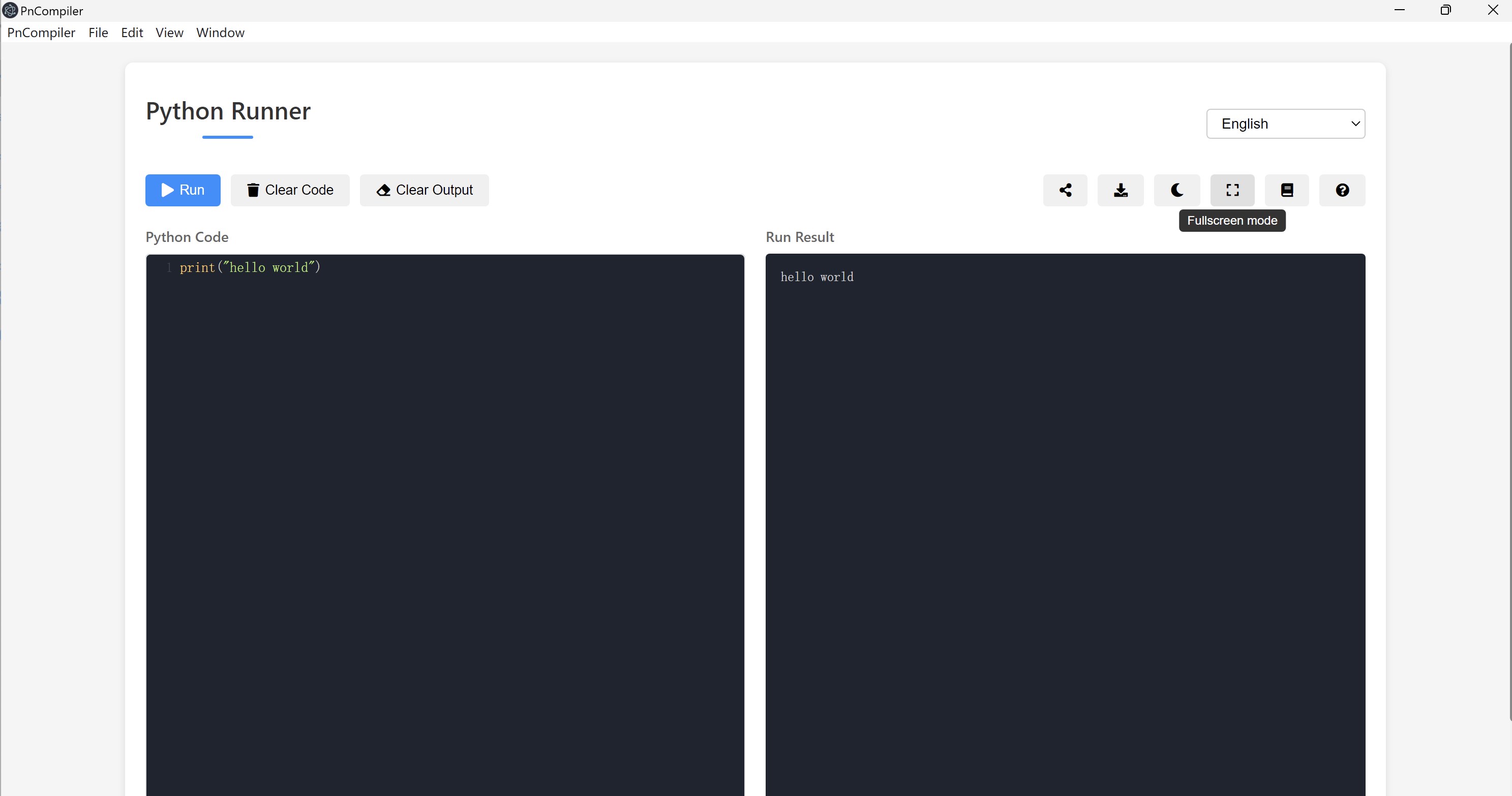
The app offers a clean, minimalist code editor that feels almost like sketching on a digital notepad—no clutter, just focus. With real-time syntax highlighting and error detection, programmers can see issues as they write, reducing debugging time. The seamless integration of the compilation process ensures that running scripts is as straightforward as pressing a single button, making iterative development smooth and hassle-free.
Built-in Libraries and Quick Setup for Beginners
One standout feature is its pre-configured setup that includes essential Python libraries, removing the need for complicated environment configuration. For newcomers, this means less time fussing with environment variables and more time experimenting with code. Advanced users, however, appreciate the ability to customize and extend the environment according to their project needs—a balance that caters to diverse skill levels.
Efficient User Interface and User Experience
The interface is designed with clarity and ease-of-use in mind. The layout resembles a familiar text editor combined with Windows-style controls, providing a comfortable environment for those accustomed to the Windows ecosystem. Responsiveness is impressive; even with larger scripts, the app maintains a smooth operation. Learning curve? Minimal—it's built for quick adoption, echoing the feel of writing in Notepad but with programming enhancements. This ease encourages users to focus on coding rather than navigating complex menus.
What Sets It Apart from Other Utilities Tools?
Unlike many similar tools cluttered with excessive features or complicated setups, Python Compiler for Windows emphasizes simplicity and speed. Its most unique selling point is the optimized compilation process—enabling near-instant execution of scripts, which is especially beneficial for quick testing or learning. Moreover, its focus on a clean, distraction-free interface makes it stand out from bulkier IDEs that can be overwhelming for beginners. The app's design philosophy prioritizes accessibility: you don't need to be a guru to start coding; just open, write, and run.
Final Thoughts and Recommendations
Overall, Python Compiler for Windows is a practical, user-friendly tool that meets the needs of a broad spectrum of Python enthusiasts. While it might not replace full-fledged IDEs for large projects, its strength lies in rapid prototyping, learning, and casual scripting. I recommend it to students, hobbyists, or developers looking for a lightweight, reliable, and straightforward compiler environment. For anyone who appreciates a no-frills, efficient approach to Python coding, this app is definitely worth a try.
Pros
- User-friendly interface
- Fast code execution
- Built-in code editor with syntax highlighting
- Includes essential Python libraries pre-installed
- Offline functionality support
Cons
- Limited advanced features
- Performance issues with larger scripts
- Basic customization options
- Limited documentation within the app
- No support for virtual environments











