

- Category Utilities & tools
- Available on PC
- OS Windows 10 version 14393.0 or higher
- languages English
Quick Screen Privacy Blackout for Windows: Your Personal Privacy Shield
If you've ever felt uneasy about anyone glancing over your shoulder while you're working or browsing on your computer, Quick Screen Privacy Blackout offers an elegant solution. This app transforms your screen into a private sanctuary at the simple flick of a switch, ensuring your sensitive information stays confidential. Developed by EvlarSoft LLC, this lightweight utility is designed to cater to anyone who values their privacy, whether you're working in a crowded cafe, sharing your screen during a video call, or simply want peace of mind at home.
Core Features That Make Privacy Seamless
Instant Screen Blackout with One Click
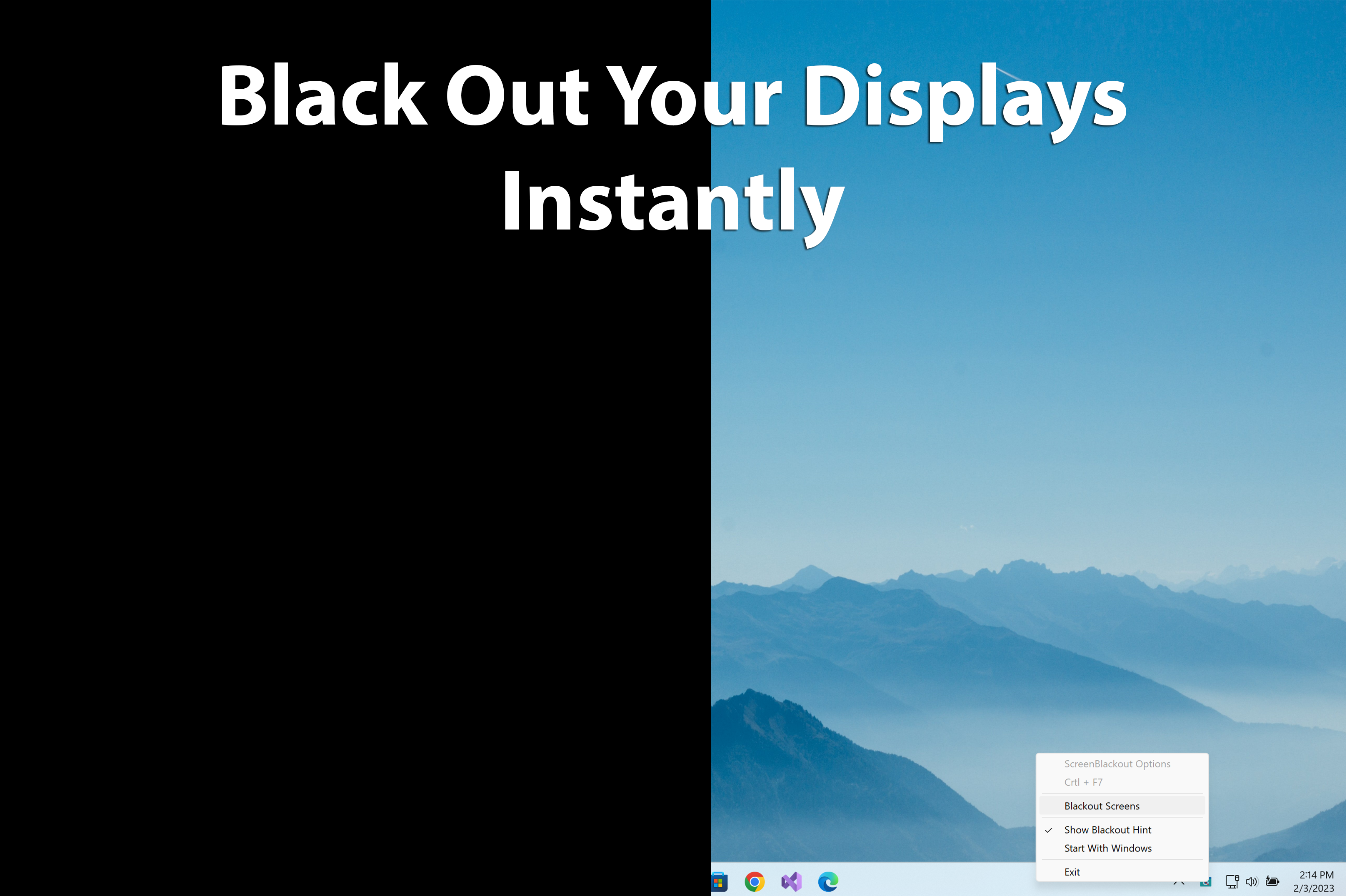
The hallmark of Quick Screen Privacy Blackout is its straightforward activation feature. With a single click or keyboard shortcut, you can instantly obscure your screen, making it invisible to anyone nearby. Think of it as pulling down an invisible curtain—no fuss, no complicated settings—just immediate privacy when you need it. This is especially useful during sensitive meetings or when stepping away from your desk suddenly.
Customizable Privacy Modes
The app offers various blackout styles, from full opaque screens to custom-tinted overlays, allowing users to choose the level of obscurity suited to their environment. Whether you prefer a solid black screen, a privacy tint, or perhaps a pattern that indicates “do not disturb,” these options cater to diverse needs, enhancing your control over when and how your screen is hidden.
Secure and Non-Intrusive Background Operation
Unlike some privacy tools that run intrusive background processes or require complex configurations, Quick Screen Privacy Blackout is lightweight and operates silently in the background. It seamlessly integrates with your Windows environment, ensuring your privacy is protected without interrupting your workflow. The app's minimal footprint also means it won't slow down your system, maintaining a smooth user experience even during extended use.
Evaluating the User Experience
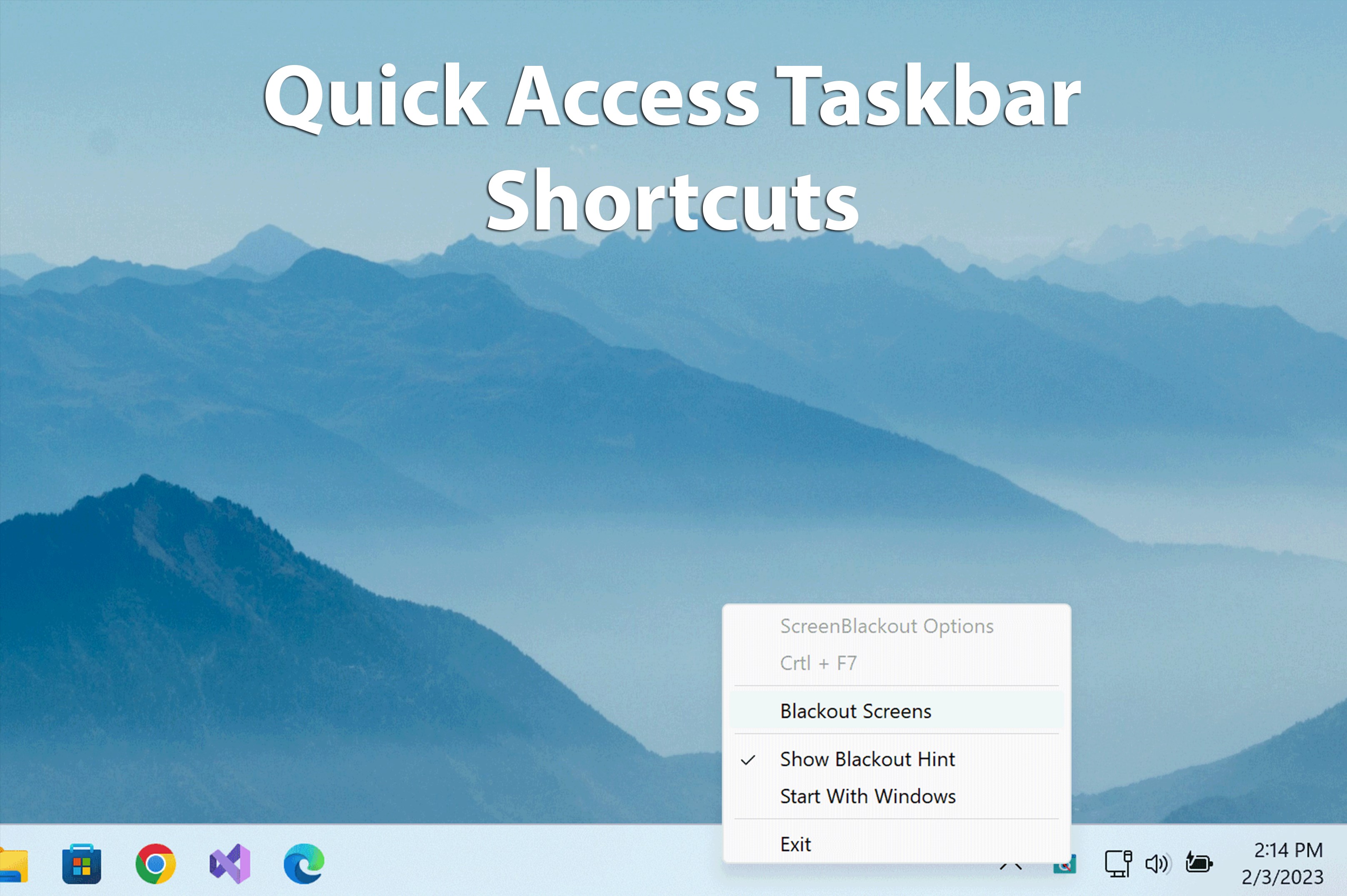
The design of Quick Screen Privacy Blackout is clean and intuitive, resembling a simple toggle switch that's easy to locate on your desktop or keyboard shortcut. The user interface avoids clutter, making it accessible even for those less tech-savvy. Activation and deactivation are instantaneous, which contributes to a feeling of reliability—no lag or delays when privacy is needed immediately.
Navigation through settings is straightforward, enabling quick customization without diving into complex menus. The app's learning curve is minimal; most users will get comfortable within minutes. It's almost like having a magic switch—simple, effective, and reliable.
Unique Selling Points and Competitors
What sets Quick Screen Privacy Blackout apart from other utilities & tools lies in its simplicity and reliability. While many privacy screens on the market require physical setup or additional hardware, this app leverages software solutions to provide instant privacy without cluttering your workspace. Its one-click blackout feature is particularly standout, delivering swift privacy control that's easy to remember and execute.
Unlike generic screen dimming tools, it offers customizable blackout modes tailored to different scenarios, making it more versatile than a simple opaque overlay. Additionally, its seamless integration with Windows ensures unobtrusive operation, which is a significant advantage over more complicated or resource-intensive solutions.
Final Thoughts and Recommendations
For anyone who frequently shares their workspace or works with sensitive information, Quick Screen Privacy Blackout is a straightforward yet powerful utility worth having in your digital toolkit. Its main strength is the instant, reliable blackout feature, which offers peace of mind in just a tap or keystroke. While it's not a comprehensive security solution, it's a handy tool for maintaining privacy in everyday situations.
We recommend this app for students, remote workers, professionals handling confidential data, or anyone seeking a quick privacy fix without fuss. Its ease of use and effective blackout modes make it a standout choice among similar utilities. Overall, it's a practical addition that enhances your privacy with minimal effort and maximum confidence.
Pros
- Easy Screen Privacy Control
- Lightweight App
- User-Friendly Interface
- Customizable Privacy Settings
- Compatibility with Multiple Devices
Cons
- Limited Customization Options
- Blackout Quality Variability
- Lack of Backup Settings
- Potential Interference with System UI
- Limited Free Trial Features











