

- Category Utilities & tools
- Available on Xbox console, PC
- OS Windows 10 version 14393.0 or higher
- languages Chinese (Simplified), Chinese (Traditional), English (United States), French, German, Japanese, Korean , Portuguese (Brazil), Russian, Spanish (Spain)
Razer Controller Setup for Xbox for Windows: Your Gateway to Seamless Gaming
If you're a passionate gamer looking to elevate your Xbox controller experience on Windows, Razer Controller Setup offers a streamlined solution that bridges the gap between hardware and software, ensuring you're always game-ready. Developed by Razer USA Ltd., a renowned name in gaming peripherals, this app simplifies controller management, customization, and troubleshooting—making it a must-have for gaming enthusiasts and casual players alike.
Designed by Experts for Gamers
At its core, Razer Controller Setup is a dedicated utility crafted specifically to optimize your Xbox controller experience on Windows platforms. Whether you're configuring button mappings or updating firmware, this app consolidates various functions into an intuitive interface. Developed by Razer USA Ltd., a company celebrated for its innovative gaming gear, the app embodies their commitment to delivering high-quality, user-centered solutions. Its main highlights include straightforward controller calibration, easy firmware updates, and customizable button profiles, all aimed at enhancing your gaming precision and comfort. The target users are Windows gamers who utilize Xbox controllers, from competitive eSports players to casual gaming fans seeking better control and personalization.
Bringing Gaming to Your Fingertips: An In-Depth Look
Effortless Controller Calibration and Firmware Updates
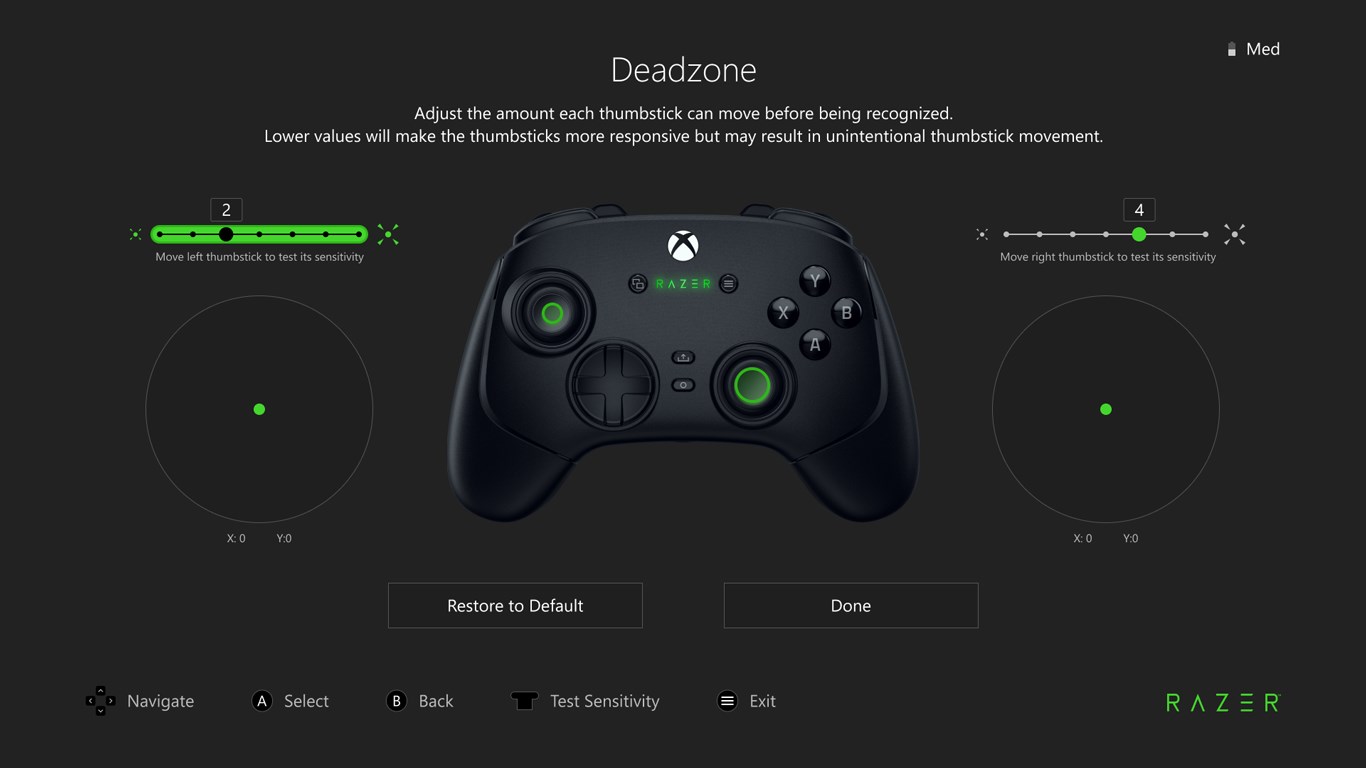
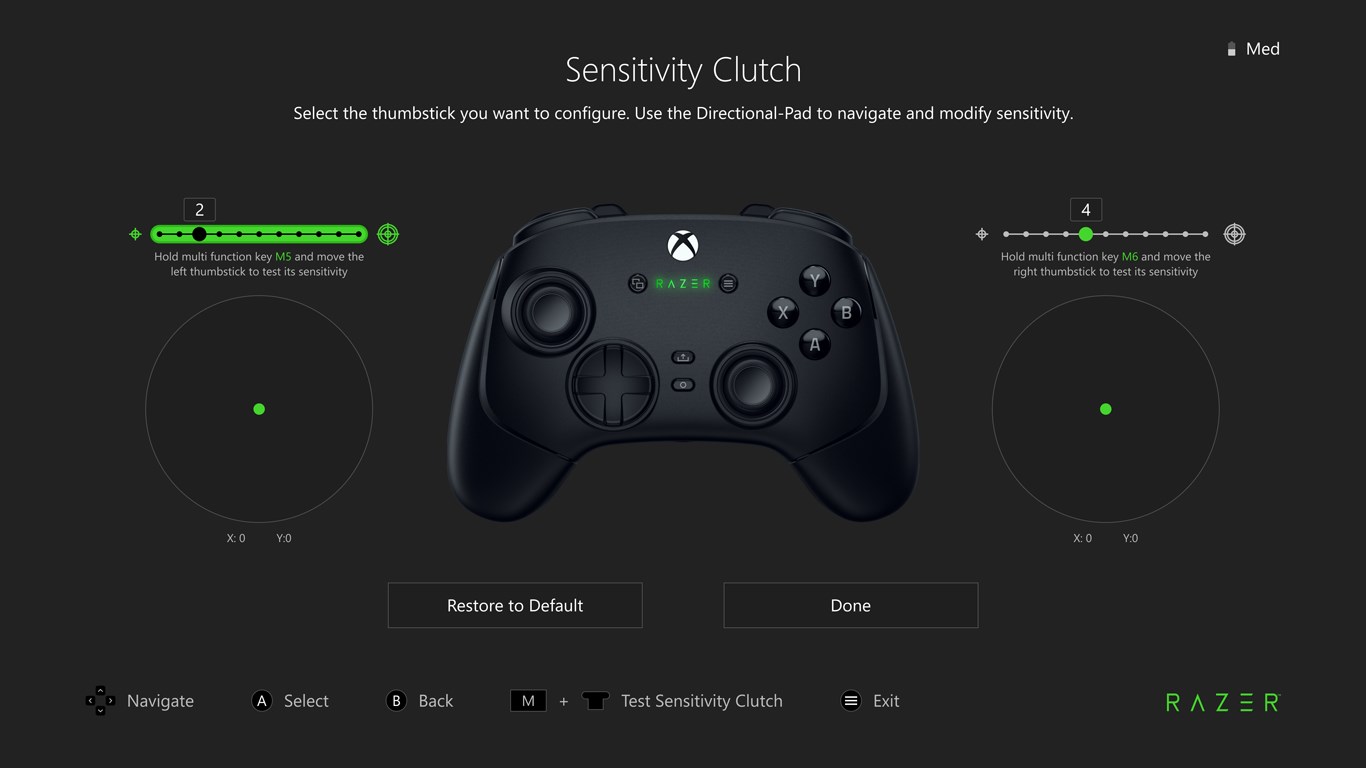
Imagine plugging in a controller and instantly having it fine-tuned to your preferences—that's the promise of the calibration feature. Razer Controller Setup allows users to calibrate their Xbox controllers with just a few clicks, ensuring that stick sensitivities and trigger responses match their playstyle. Plus, firmware updates are seamlessly integrated into the app. Instead of navigating cumbersome menus or visiting external sites, users can effortlessly keep their controllers up-to-date, improving stability and adding new features. The process is quick, guided, and transparent, making maintenance feel less like a chore and more like routine care for your gaming gear.
Custom Profiles and Button Remapping
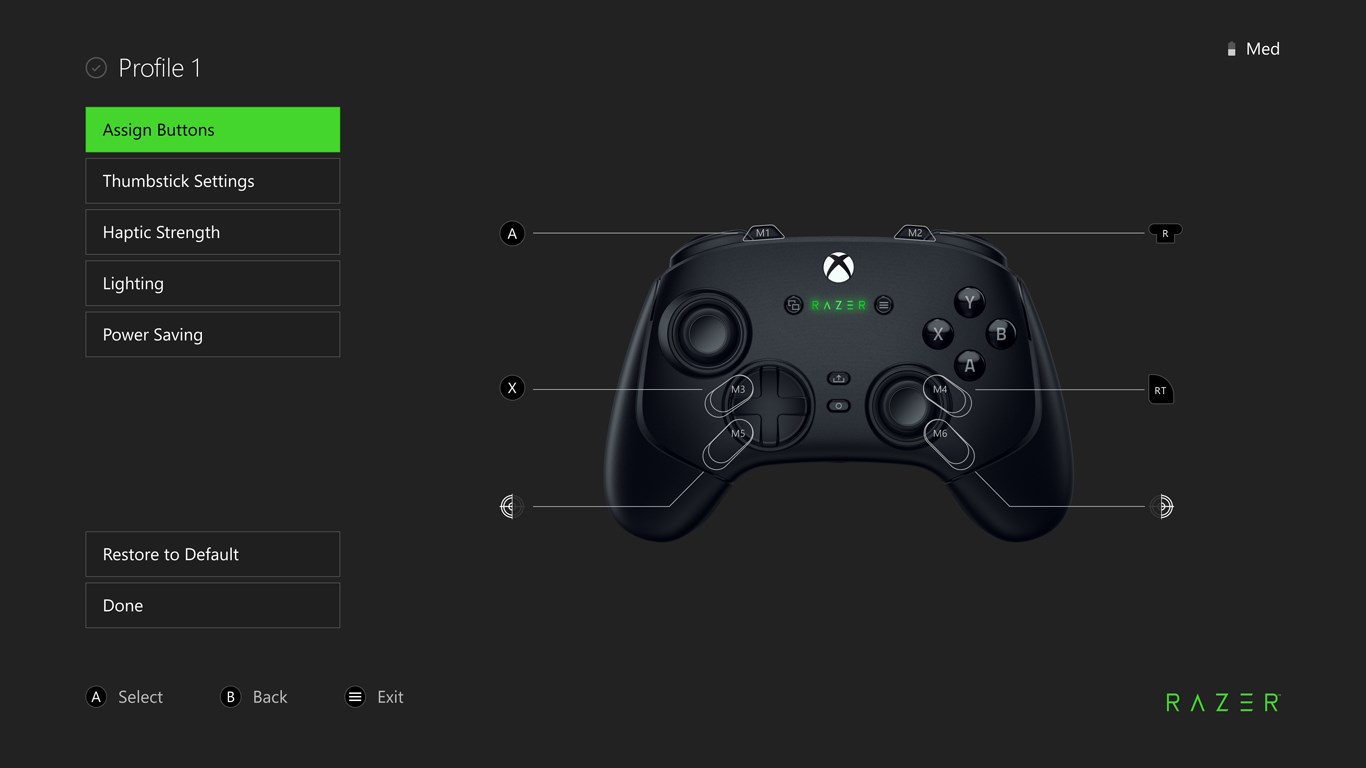
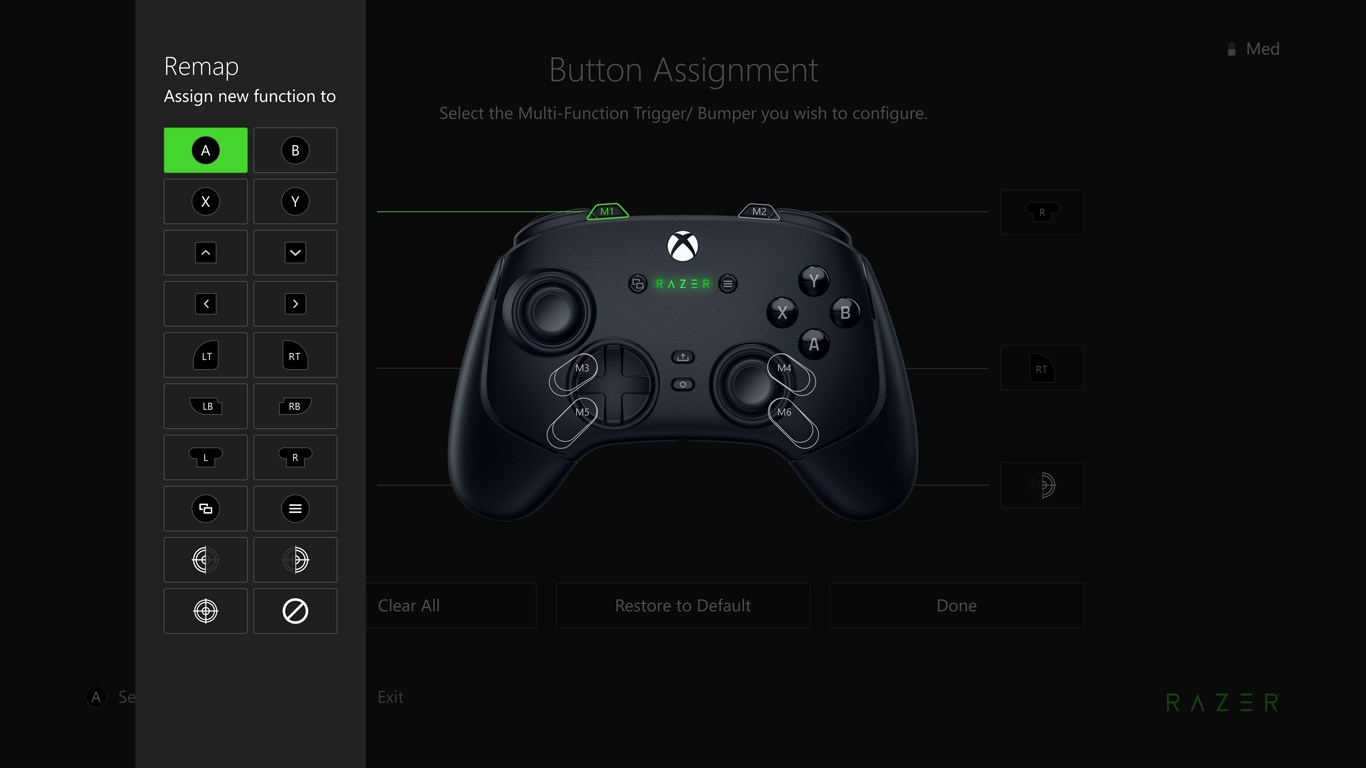
The true gem of this app lies in its ability to create personalized button profiles. Picture yourself as a mechanic tuning your vehicle—each button remapping allows for a tailored setup fit for different games or even specific play sessions. Whether you prefer a combat-oriented layout or a more relaxed configuration for casual titles, Razer Controller Setup provides a drag-and-drop interface that's as user-friendly as a smartphone app. This flexibility ensures that your controller adapts to your needs, not the other way around. It's like having multiple controllers in one—just switch profiles and get right into the action without fuss.
User Interface and Experience: Smooth, Simple, and Accessible
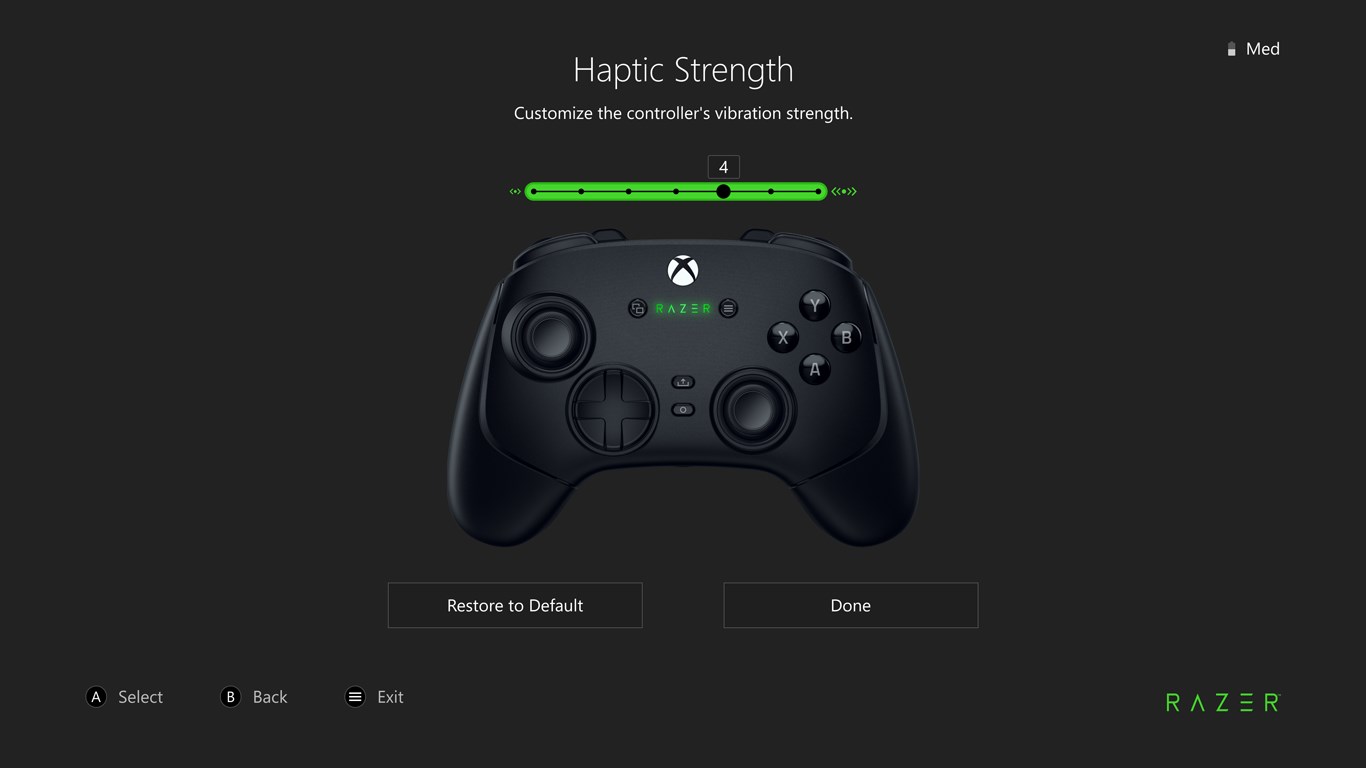
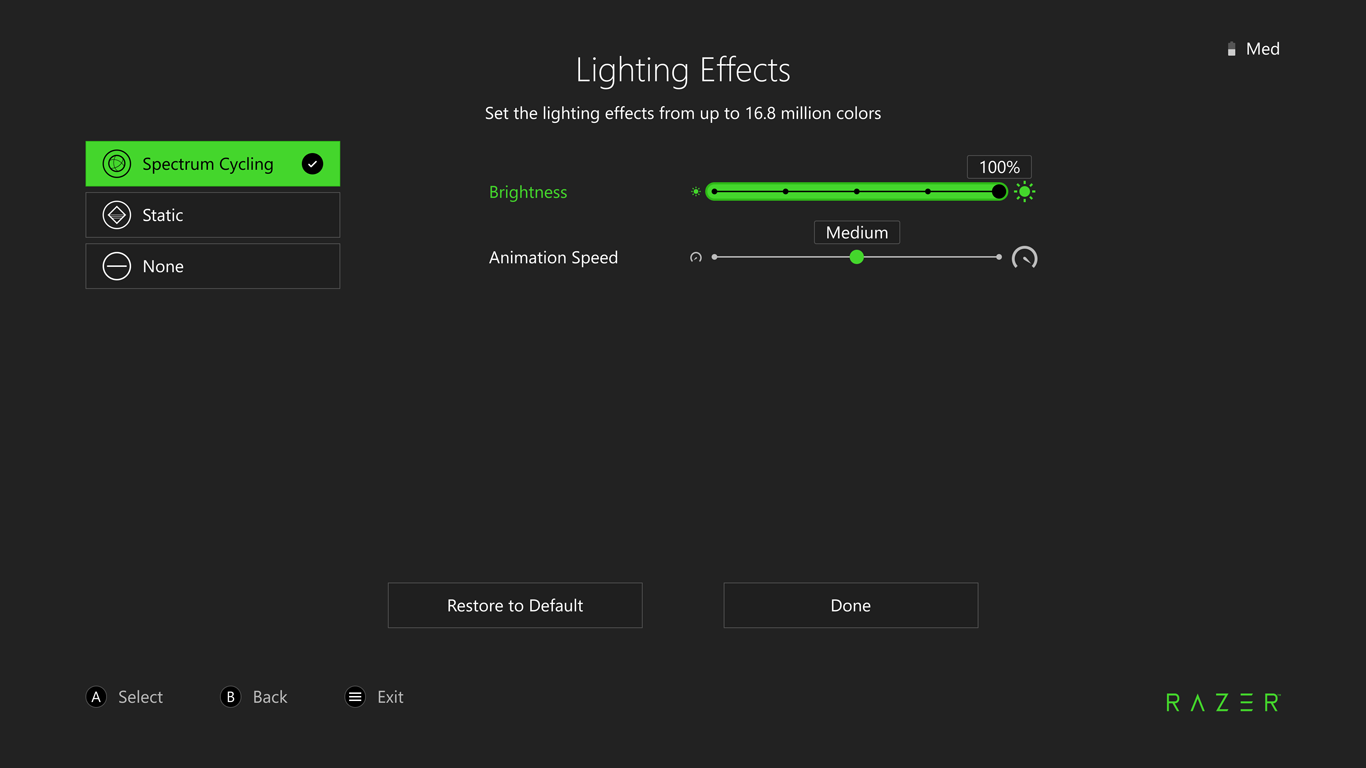
The app's design exudes clarity and ease of use, akin to a well-organized toolbox—you know exactly where everything is. Navigation is intuitive, with clear icons guiding users through calibration, firmware updates, and profile management. The operation flows smoothly, with minimal lag or glitches, reinforcing its role as a reliable utility. Even newcomers to controller customization will find the learning curve gentle—thanks to helpful prompts and straightforward labels. Razer Controller Setup feels like the friendly tech-savvy assistant who's always ready to lend a hand without complicating your workflow.
What Sets It Apart? The Pinnacles of Innovation
Unlike other controller utilities that just scratch the surface, Razer Controller Setup shines with its specialized focus on Xbox controllers and its integration of firmware management—making device updates as simple as a click. Its ability to seamlessly switch between multiple custom profiles and instantly apply advanced settings gives it a distinct edge, especially for players who juggle different games and play styles. For gamers seeking a reliable, dedicated utility tailored to their controller, this app offers a level of control and flexibility that's hard to beat.
Final Thoughts: Your Gaming Companion
If you're looking to maximize your Xbox controller's potential on Windows, Razer Controller Setup is a thoughtful, user-centric application that delivers essential features without unnecessary clutter. Its standout strength is the ease of firmware management combined with versatile profile customization—making it not just a setup tool, but an ongoing companion in your gaming journey. I recommend it for serious gamers and casual users alike who want a reliable, straightforward way to optimize their gameplay. Just think of it as your personal tuning shop for the ultimate controller experience—efficient, customizable, and always ready when you are.
Pros
- Intuitive setup process
- Accurate button remapping
- Seamless Xbox integration
- Regular updates and support
- User-friendly interface
Cons
- Limited device compatibility
- Occasional connection disruptions
- Optional advanced settings may be confusing
- Limited customization profiles per device
- Initial setup may take time on slow computers











