
- Category Utilities & tools
- Developer V3TApps
- Available on PC
- OS Windows 10 version 17763.0 or higher
- languages English (United States)
Record Screen - FREE for Windows: A Simple Yet Powerful Screen Recording Tool
If you're hunting for a straightforward yet capable screen recording app that doesn't bloat your system, Record Screen - FREE for Windows by V3TApps might just be your new best friend. It promises to deliver essential recording features with a clean interface, perfect for students, professionals, or content creators alike.
About the App: Basic Info in a Nutshell
Record Screen - FREE for Windows is designed to be an easy-to-use, free tool that enables users to record their computer screens seamlessly. Developed and published by V3TApps, this application positions itself as a lightweight solution for capturing tutorials, gameplay, or online meetings without the fuss of complicated settings.
- Core Purpose: Simplified screen recording for casual and professional use
- Developer/Publisher: V3TApps, a team focusing on user-friendly utilities for Windows
- Main Features Highlights:
- One-click recording with minimal setup
- Options for full screen or custom region captures
- Easy to share video outputs directly after recording
- Lightweight and quick to launch, conserving system resources
- Target Users: Students, educators, gamers, content creators, and professionals needing quick screen captures without complex features
Captivating First Impressions: Effortless, Yet Capable
Imagine sitting at your desk, wanting to record an important tutorial but dreading complex software that feels like navigating a spaceship. Record Screen - FREE for Windows is like that friendly neighbor who always lends you a hand—simple, approachable, and surprisingly capable. Its design whispers efficiency, promising that capturing your screen can be as easy as a click, without sacrificing essential functionalities.
Core Functionality: Record with Confidence and Clarity
Streamlined Recording Setup and Options
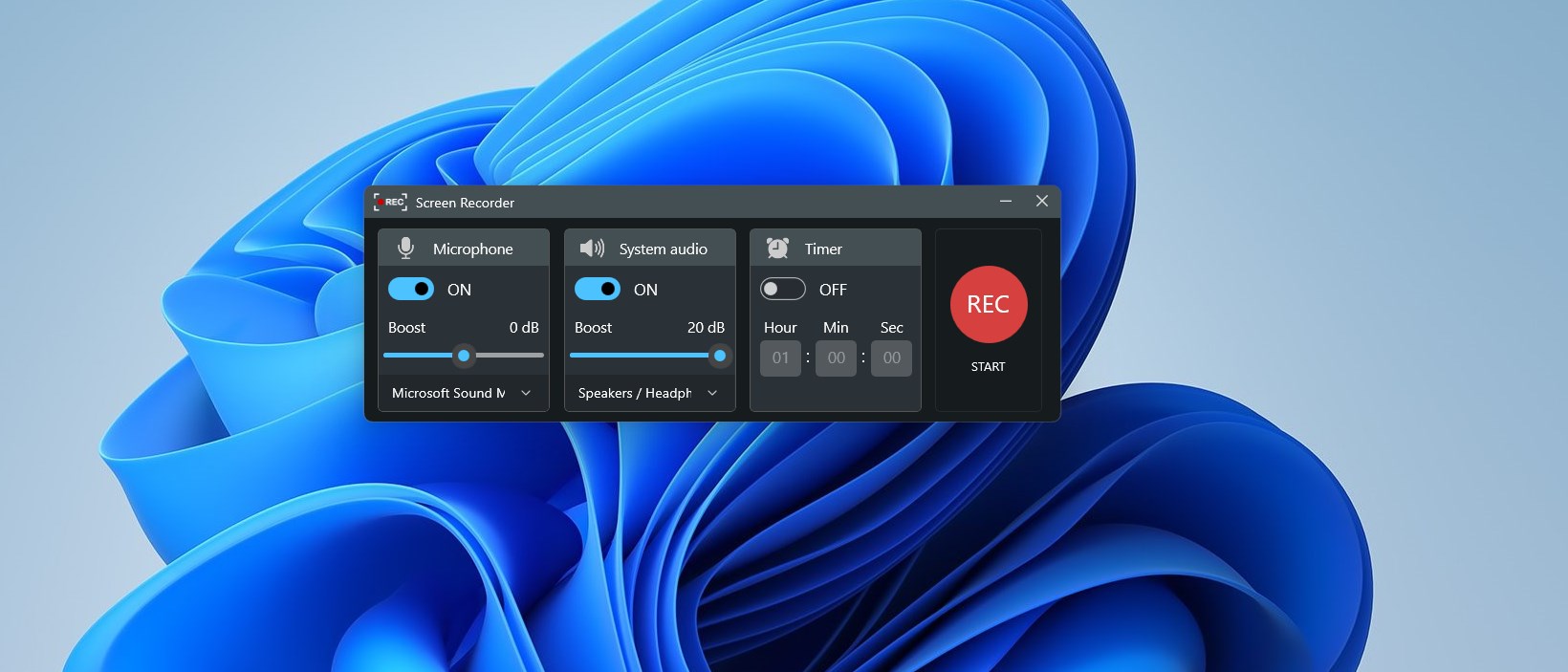
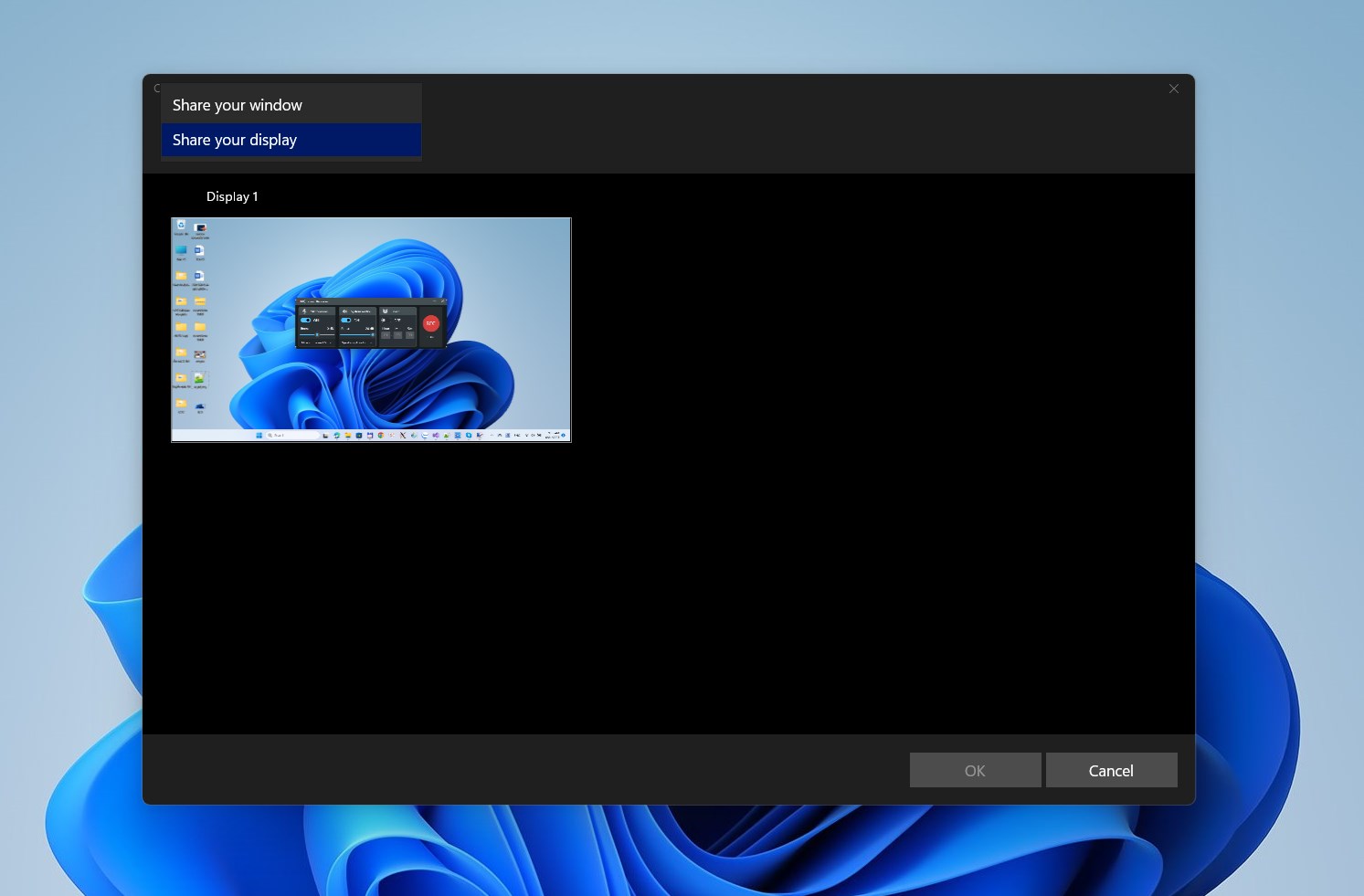
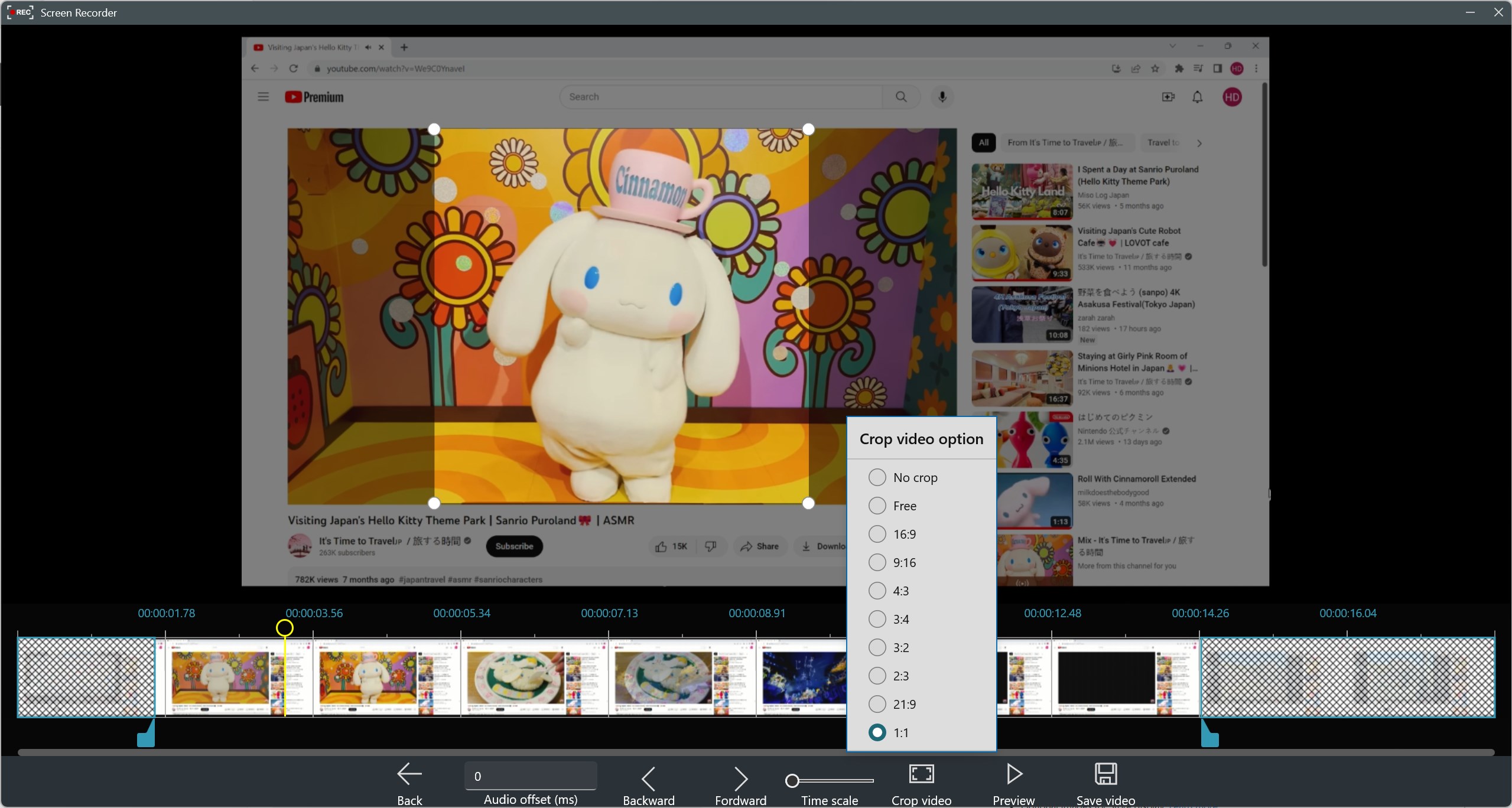
The app's interface resembles a minimalist control panel—clean, intuitive, without unnecessary clutter. Users can select to record the entire screen or specify a custom region via straightforward drag-and-select tools, akin to drawing a box around what you want to capture in a digital scrapbook. Starting a recording is as simple as clicking a big 'Record' button, making it accessible even for newcomers. The absence of complicated settings means you spend more time recording and less time figuring out how.
Video Quality and Output Management
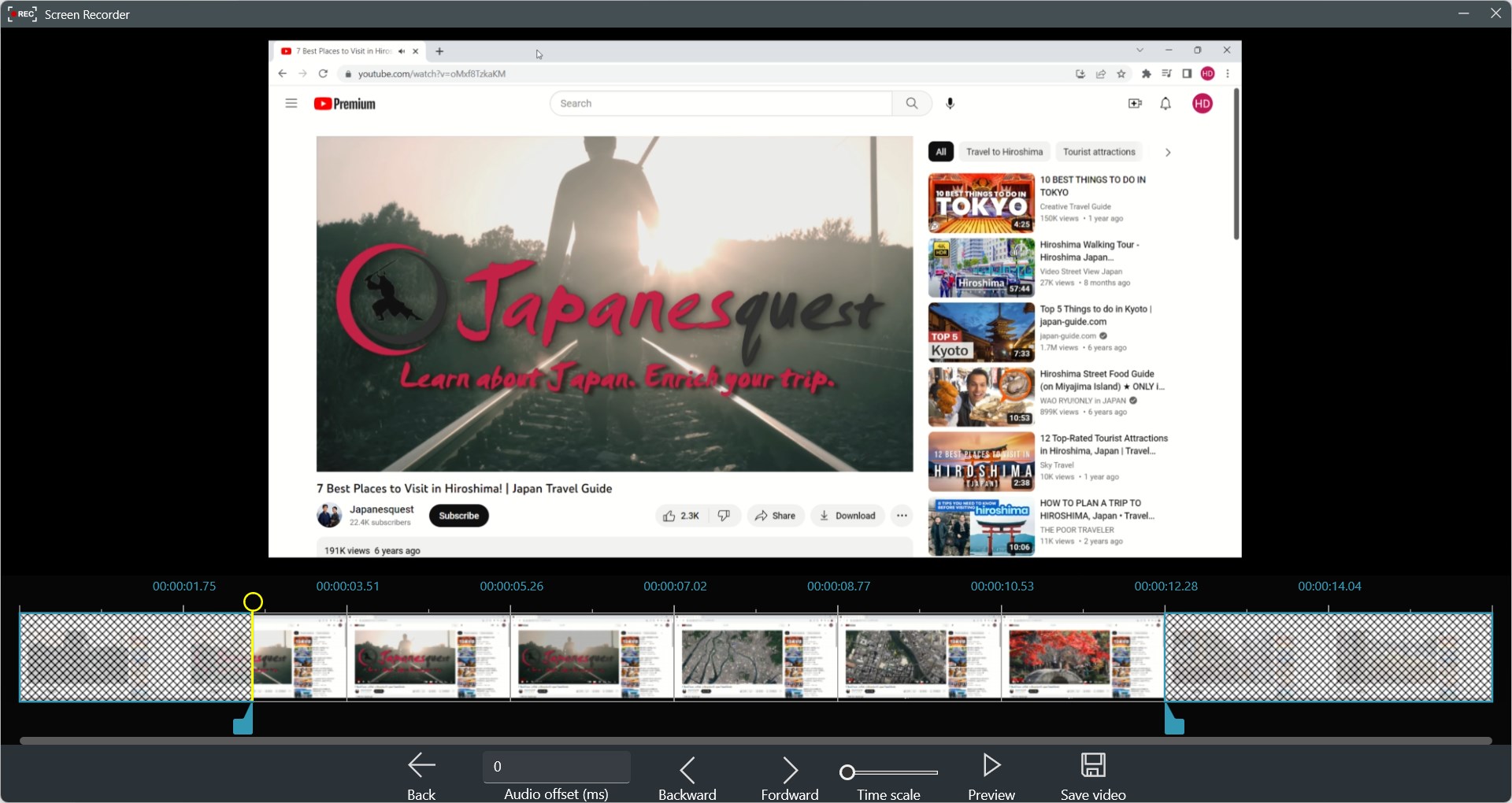
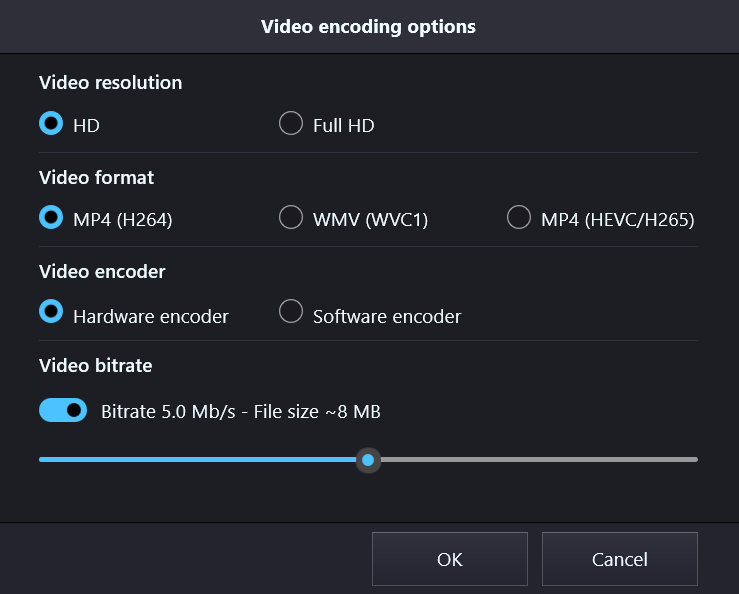
Once recorded, the app saves videos in common formats compatible with most media players and editing tools. The output quality remains sharp—from crisp text to smooth gameplay footage—thanks to efficient encoding. Files are stored in your chosen folder, ready to be shared, uploaded, or edited. The quick preview feature allows for instant review, so you can verify your recording right after stopping, ensuring every important moment is captured without the need for third-party players.
Seamless User Experience and Unique Features
The application's user experience impresses with its rapid launch time—think of it as opening a friendly notebook rather than a bulky manual. Navigation is fluid, with controls that respond instantly—a crucial aspect during time-sensitive recordings. The most distinctive feature is its focus on simplicity: unlike complex tools that bury users under settings and options, this app prioritizes core recording functions, making it ideal for quick, on-the-fly captures. Additionally, its status bar indicator provides real-time feedback, so you're always aware of what's being recorded.
Differentiating from Similar Utilities: What's Unique?
While many free screen recorders offer a broad spectrum of features—many of which often overwhelm—Record Screen - FREE for Windows distinguishes itself with its laser focus on ease of use. Unlike advanced tools that require extensive tutorials, this app's minimalistic approach handles the essentials efficiently. Its hallmark is speed: launch, record, share—done. This makes it particularly advantageous for users who need quick snapshots rather than intricate editing. Moreover, its small install size ensures minimal impact on system performance, a bonus for laptops or older machines.
Final Verdict: A Practical Choice for Quick Screen Capture Needs
If you're seeking a reliable, no-fuss screen recorder that works swiftly and gets the job done without unnecessary extras, Record Screen - FREE for Windows proves to be a solid option. It's especially recommended for those who value simplicity and efficiency over advanced editing features. Perfect for capturing quick tutorials, gameplay snippets, or online meetings, this app offers a straightforward, dependable experience.
My recommendation? Give it a try if your main goal is quick and fuss-free screen recording. For users requiring advanced editing or live streaming features, you might look toward more comprehensive tools. But for everyday recording needs, this app hits the sweet spot of simplicity and effectiveness.
Pros
- User-friendly interface
- Free to use with no hidden costs
- Simple start and stop recording options
- Lightweight application with minimal system impact
- Includes basic editing tools
Cons
- Limited recording customization options
- Occasional stability issues during longer recordings
- No built-in audio commentary feature
- Basic editing features only
- Lack of cloud storage integration











