

- Category Utilities & tools
- Developer VS Revo Group Ltd.
- Available on PC
- OS Windows 10 version 0.0 or higher
- Keyboard Integrated Keyboard
- Mouse Integrated Mouse
- Memory 1 GB
- languages Albanian, Arabic, Armenian, Azerbaijani, Bulgarian, Chinese, Chinese (Simplified), Chinese (Traditional Chinese), Croatian, Czech, Danish, Dutch, English, Estonian, Finnish, French, Georgian, German, Greek, Gujarati, Hebrew, Hindi, Hungarian, Indonesian, Italian, Japanese, Korean, Kurdish, Macedonian, Norwegian, Persian/Farsi, Polish, Portuguese, Portuguese (Brazil), Portuguese (Portugal), Romanian, Russian, Serbian, Serbian (Cyrillic), Serbian (Latin), Slovak, Slovenian, Spanish, Swedish, Thai, Turkish, Ukrainian, Vietnamese, Bangla
Revo Uninstaller for Windows: A Powerful Companion for Clean and Efficient System Management
Revo Uninstaller for Windows is a dedicated utility designed to streamline the process of uninstalling unwanted programs and cleaning up residual files, ensuring your system remains clutter-free. Developed by VS Revo Group Ltd., this app aims to provide users with a robust solution that surpasses the native Windows uninstallation features, offering more control and precision.
Who's behind the magic? An introduction to the developer
Created by VS Revo Group Ltd., a reputable name in the realm of system utilities, Revo Uninstaller has earned recognition for its focus on thorough uninstallation and system cleanup tools. Their experience and dedication to software quality are evident in the app's intuitive design and efficient performance.
Key features that make Revo Uninstaller stand out
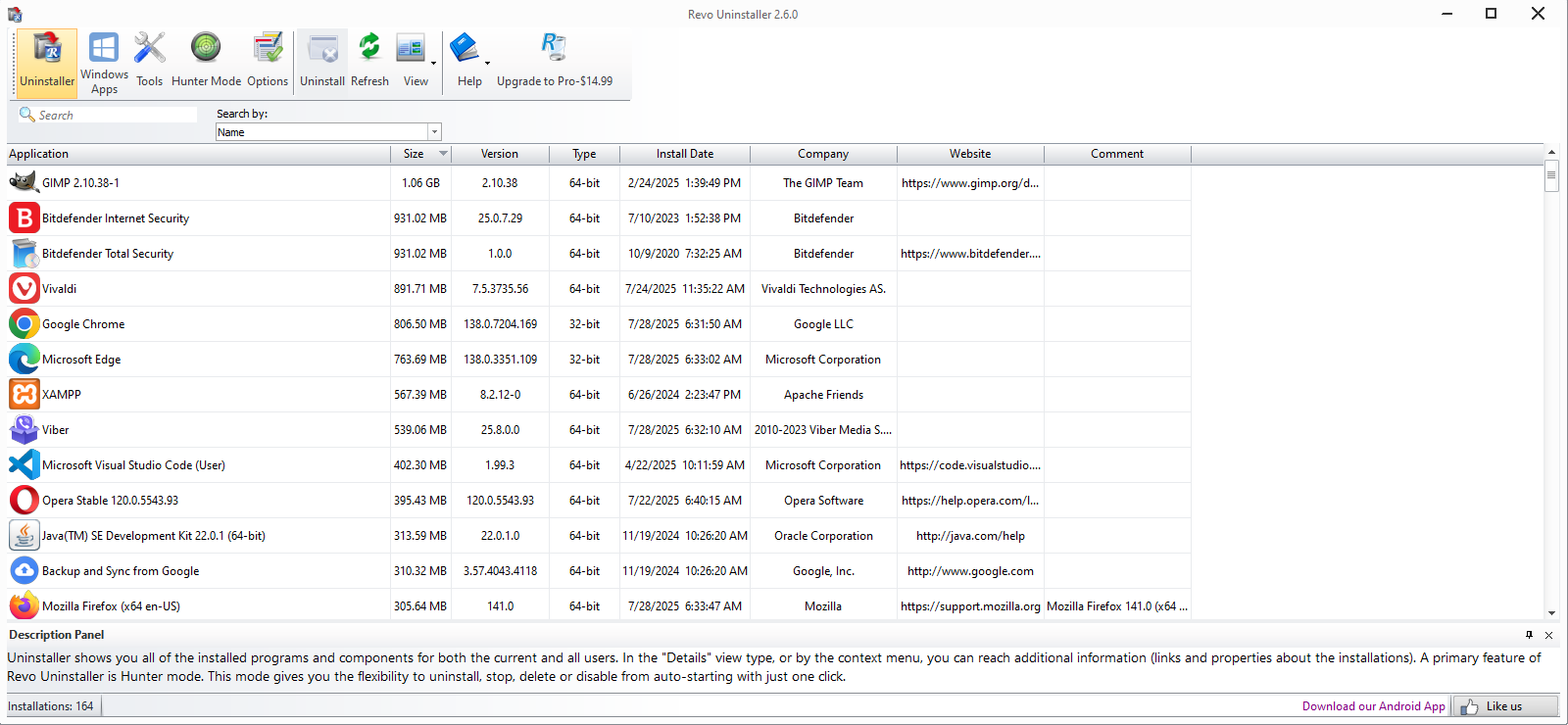
- Deep Scanning for Residual Files: Unlike Windows' basic uninstaller, Revo digs deeper to locate and remove leftover files, registry entries, and folders that might otherwise occupy space and slow down your PC.
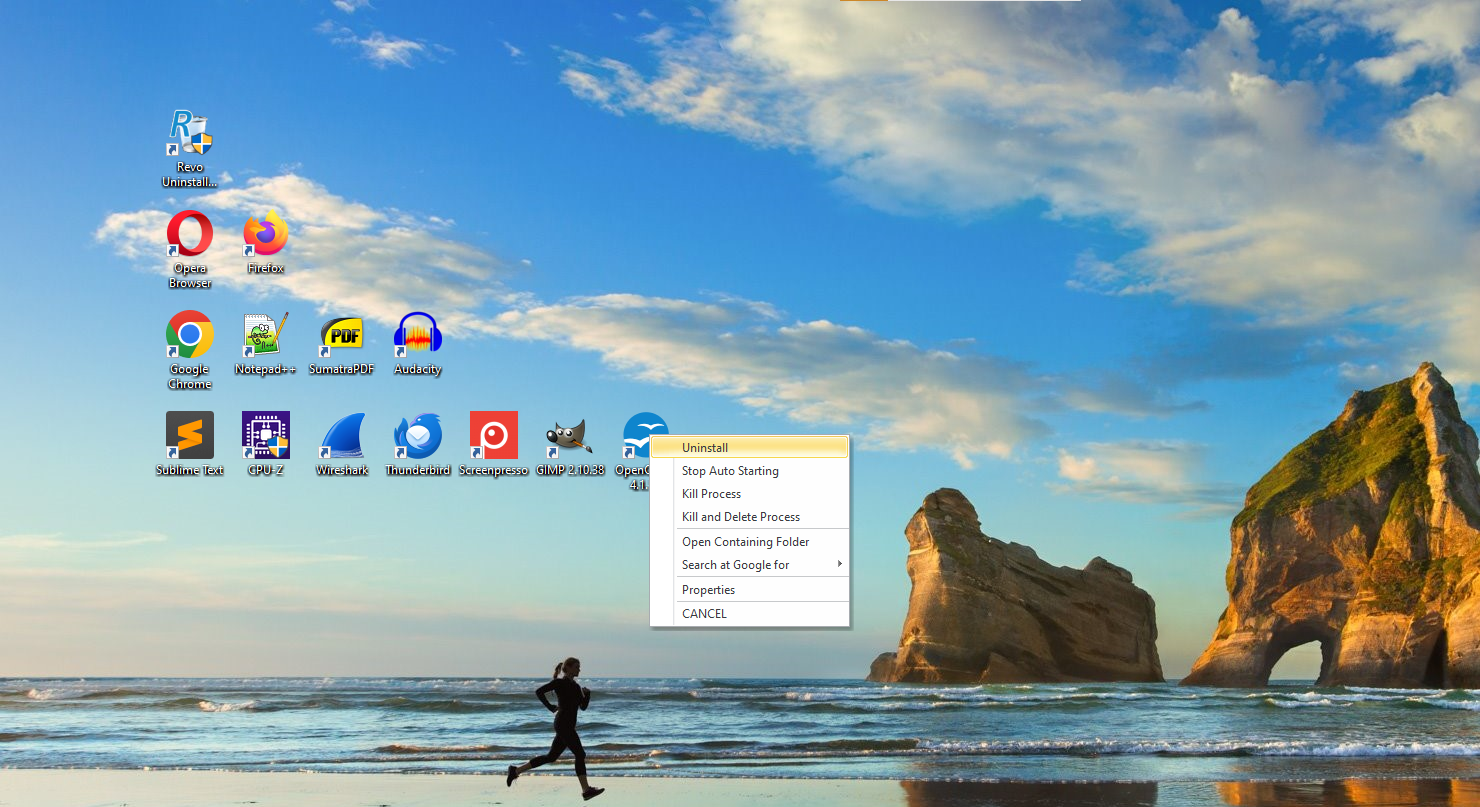
- Forced Uninstall Mode: For stubborn programs that refuse to be uninstalled normally, this feature allows users to force their removal, preventing lingering clutter.
- Batch Uninstallation: Manage multiple programs simultaneously, saving time especially when cleaning numerous applications in one go.
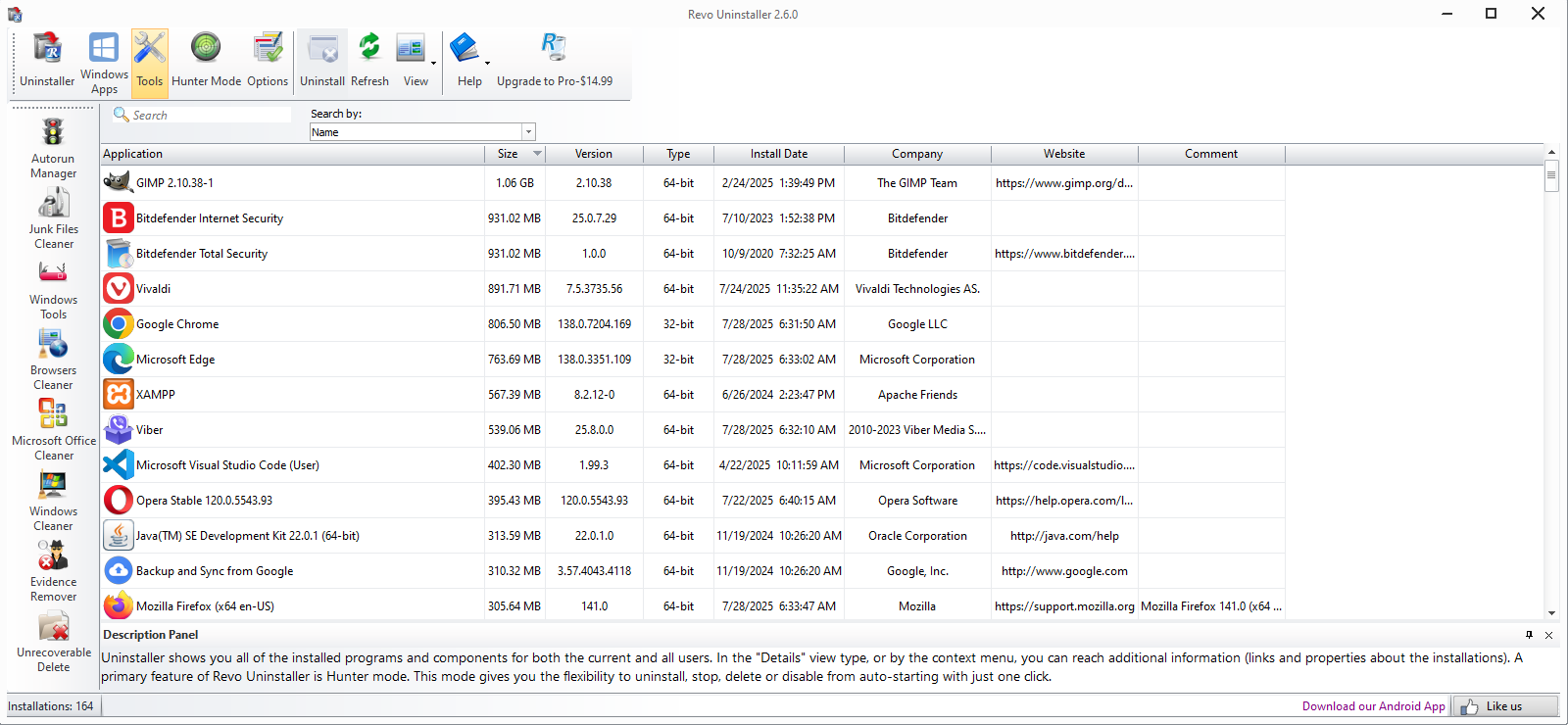
- Additional Maintenance Tools: Incorporates tools like junk file cleaner, startup manager, and browser history cleaner—all in one package for comprehensive system maintenance.
Unpacking the user experience: Intuitive, smooth, and approachable
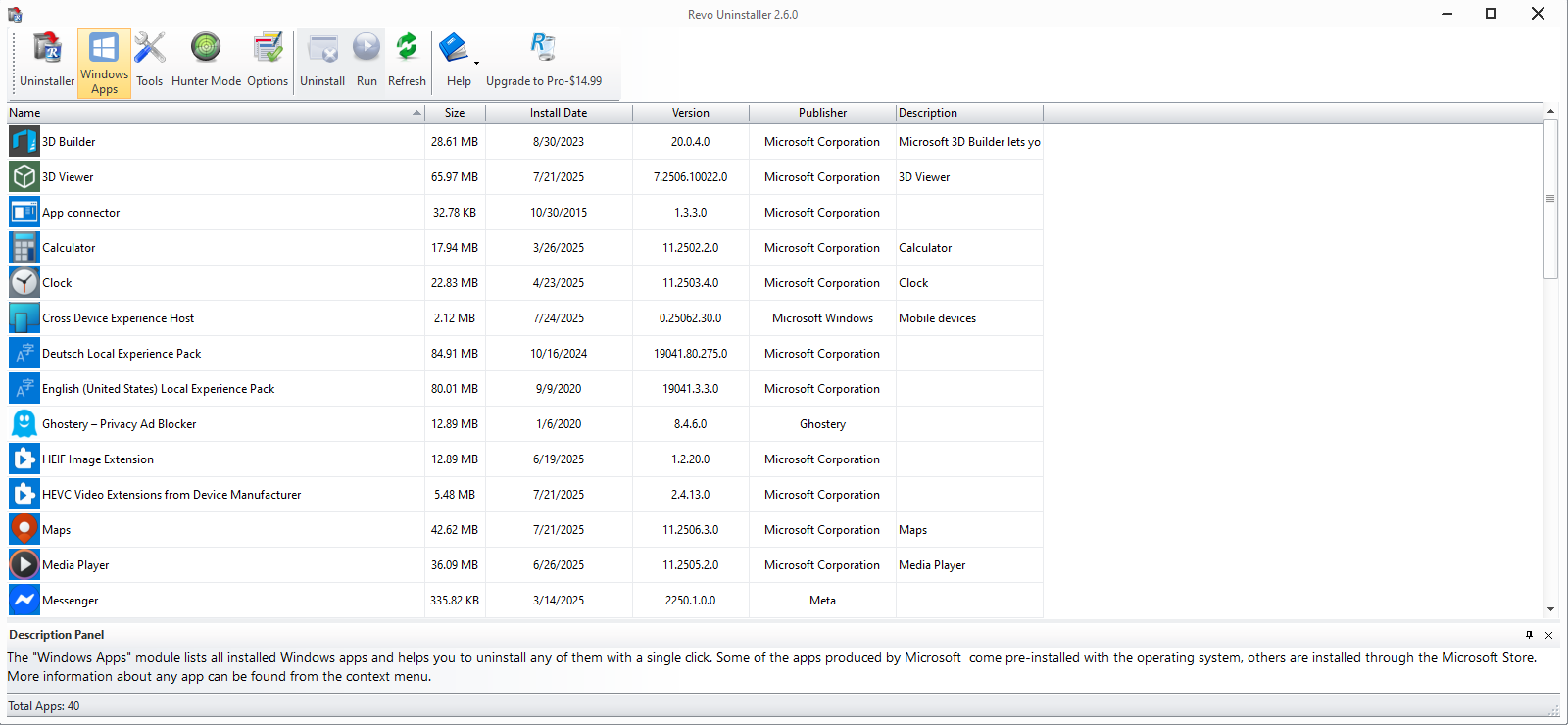
From the moment you launch Revo Uninstaller, it greets you with a clean, straightforward interface designed like a friendly dashboard. Navigating through its functionalities feels natural, much like strolling through a well-organized toolbox. The app operates with remarkable speed, quickly scanning and processing removal tasks without lagging, which makes cleanups feel satisfying rather than a chore.
For newcomers, the learning curve is gentle; interactive prompts and guided steps demystify even complex uninstall tasks. Seasoned users will appreciate the detailed reporting and control options, allowing for a tailored cleanup experience. Its design effectively balances simplicity and advanced features, catering to a wide user base—from casual users to professionals.
What sets Revo apart from its peers?
While there are numerous uninstaller tools on the market, Revo Uninstaller's strength lies in its thorough residual file detection and removal, combined with the Forced Uninstall mode—these are not always available in competing utilities. The app's capacity to perform batch operations and integrate additional system cleanup tools offer a more holistic approach to maintaining a healthy, speedy computer. Its focus on deep cleaning, rather than superficial uninstallation, makes it a particularly valuable tool for those who want to ensure their system stays clutter-free long-term.
Verdict and recommendations
Considering its capabilities, user-friendly design, and robust performance, Revo Uninstaller for Windows deserves a strong recommendation. It is especially suitable for users who seek an easy-to-use yet comprehensive tool to manage program uninstallation and system cleanup efficiently. For those who often install and uninstall a variety of applications or want to safeguard their system's cleanliness, Revo offers a dependable solution—a genuine partner that's worth keeping in your digital toolbox.
Pros
- Comprehensive uninstallation features
- User-friendly interface
- Powerful tracking capabilities
- Additional tools included
- Lightweight and fast
Cons
- Limited free version
- Occasional false positives
- No cloud backup options
- Learning curve for advanced features
- Pricing might be high for some users











