

- Category Utilities & tools
- Developer VS Revo Group Ltd.
- Available on PC
- OS Windows 10 version 0.0 or higher
- Keyboard Integrated Keyboard
- Mouse Integrated Mouse
- Memory 1 GB
- languages Albanian, Arabic, Armenian, Azerbaijani, Bangla, Bulgarian, Chinese (Simplified), Chinese (Traditional Chinese), Czech, Dutch, Danish, English, Estonian, Finnish, French, German, Gujarati, Greek, Hebrew, Hindi, Hungarian, Croatian, Indonesian, Italian, Japanese, Korean, Kurdish, Macedonian, Norwegian, Polish, Persian/Farsi, Portuguese (Portugal), Portuguese, Portuguese (Brazil), Russian, Romanian, Serbian (Cyrillic), Serbian (Latin), Slovak, Slovenian, Spanish, Swedish, Thai, Turkish, Ukrainian, Vietnamese
Revo Uninstaller Pro for Windows: A Deep Dive into Efficient PC Cleanup
If you're anything like me, your computer's rapid slowdown or pesky residual files often feel like cluttered closets—some things you need, most things you don't, and nothing quite in its place. Enter Revo Uninstaller Pro for Windows, a tool designed to streamline the often frustrating process of removing unwanted applications and cleaning residual traces, making your PC feel fresh and responsive once again. Developed by VS Revo Group Ltd., this software aims to be your trusty digital decluttering partner, ensuring that uninstallations are thorough and your system stays optimized.
Core Features That Make Revo Uninstaller Pro Stand Out
1. Deep and Accurate Uninstallation Process
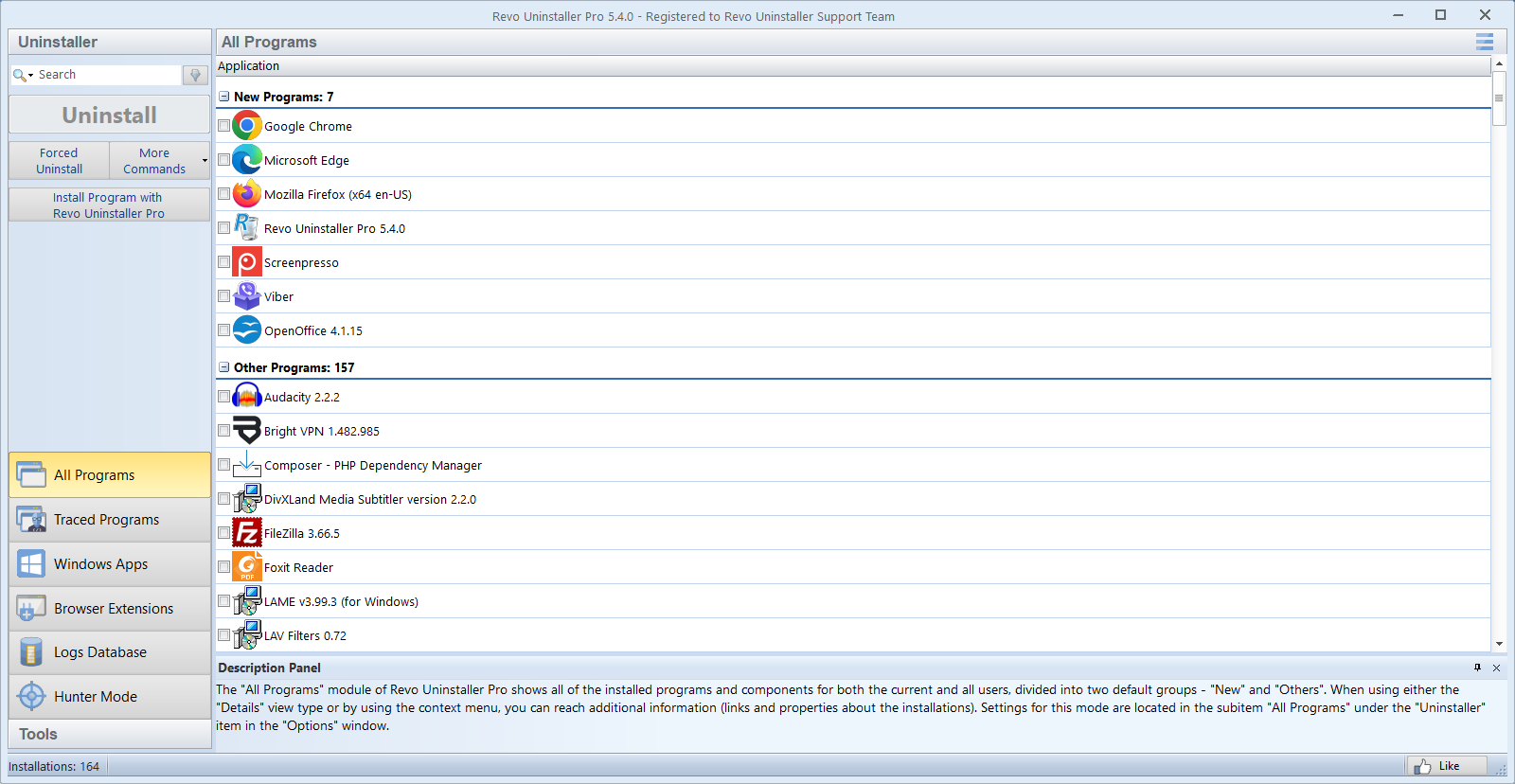
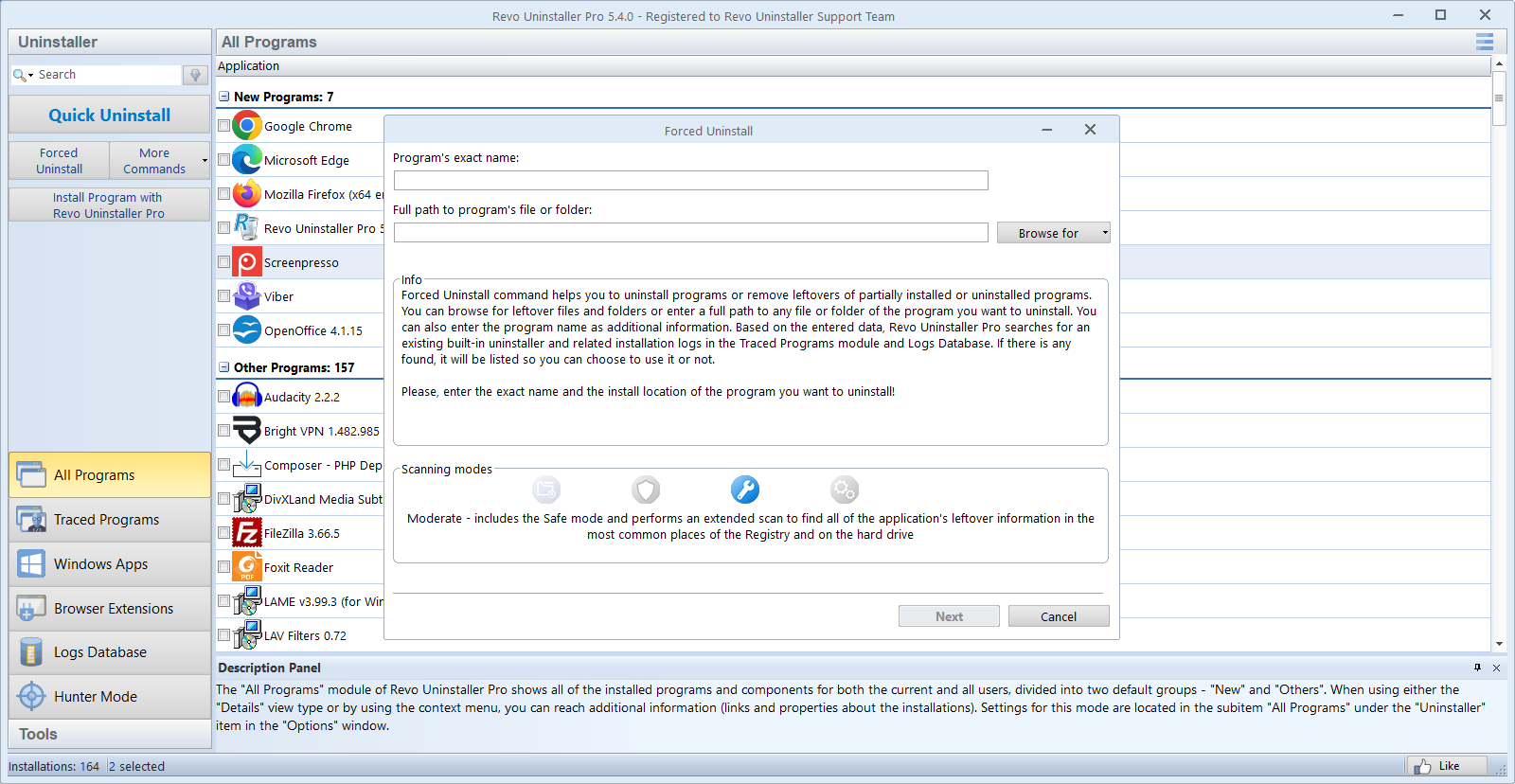
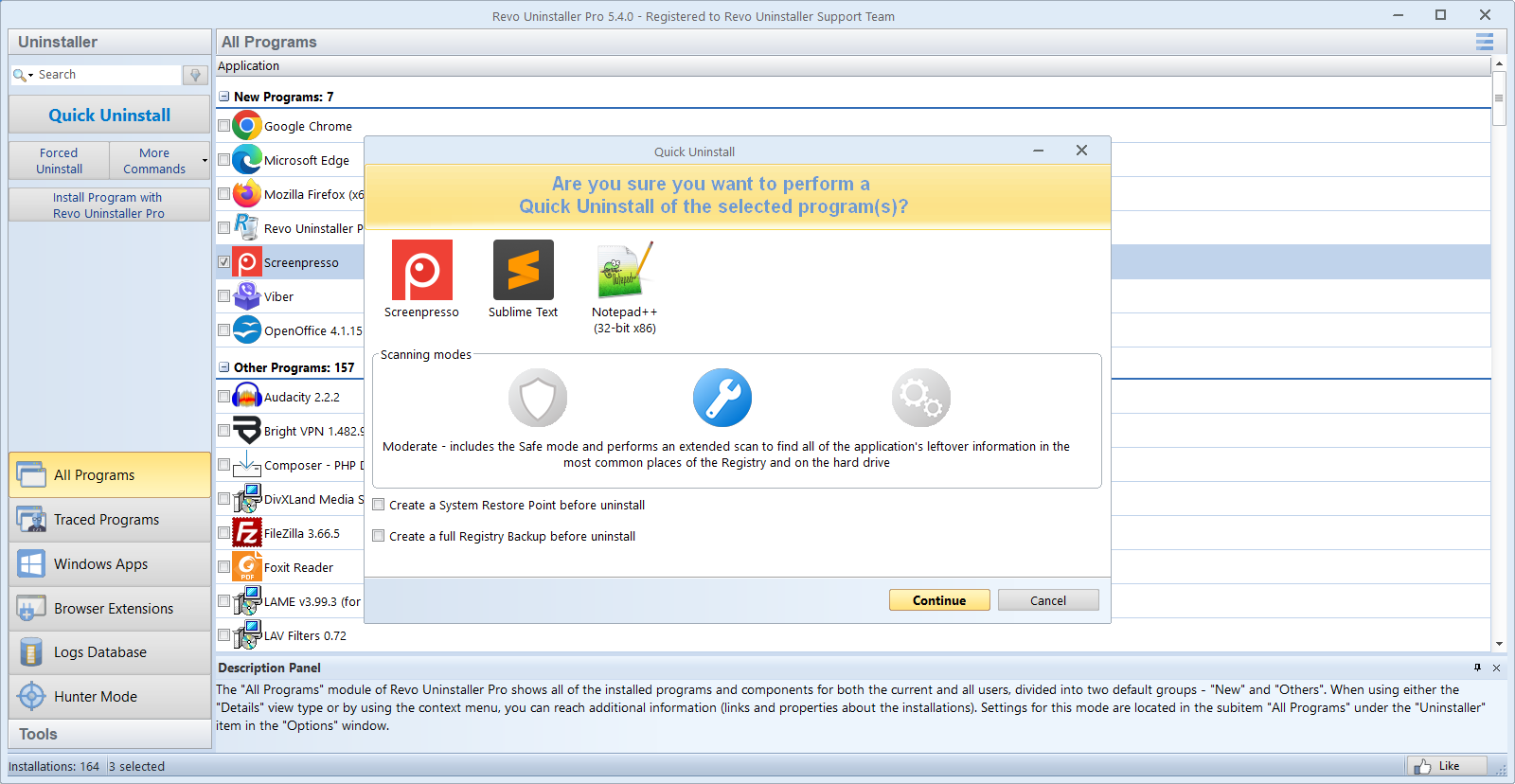
Unlike standard Windows uninstallers that often leave behind bits and pieces, Revo Uninstaller Pro employs advanced scanning algorithms to thoroughly detect and remove leftover files, folders, and registry entries. This ensures that when you decide to bid farewell to an app, it truly departs—freeing up space and fixing potential conflicts.
2. Real-Time Monitoring During Installations and Uninstallations
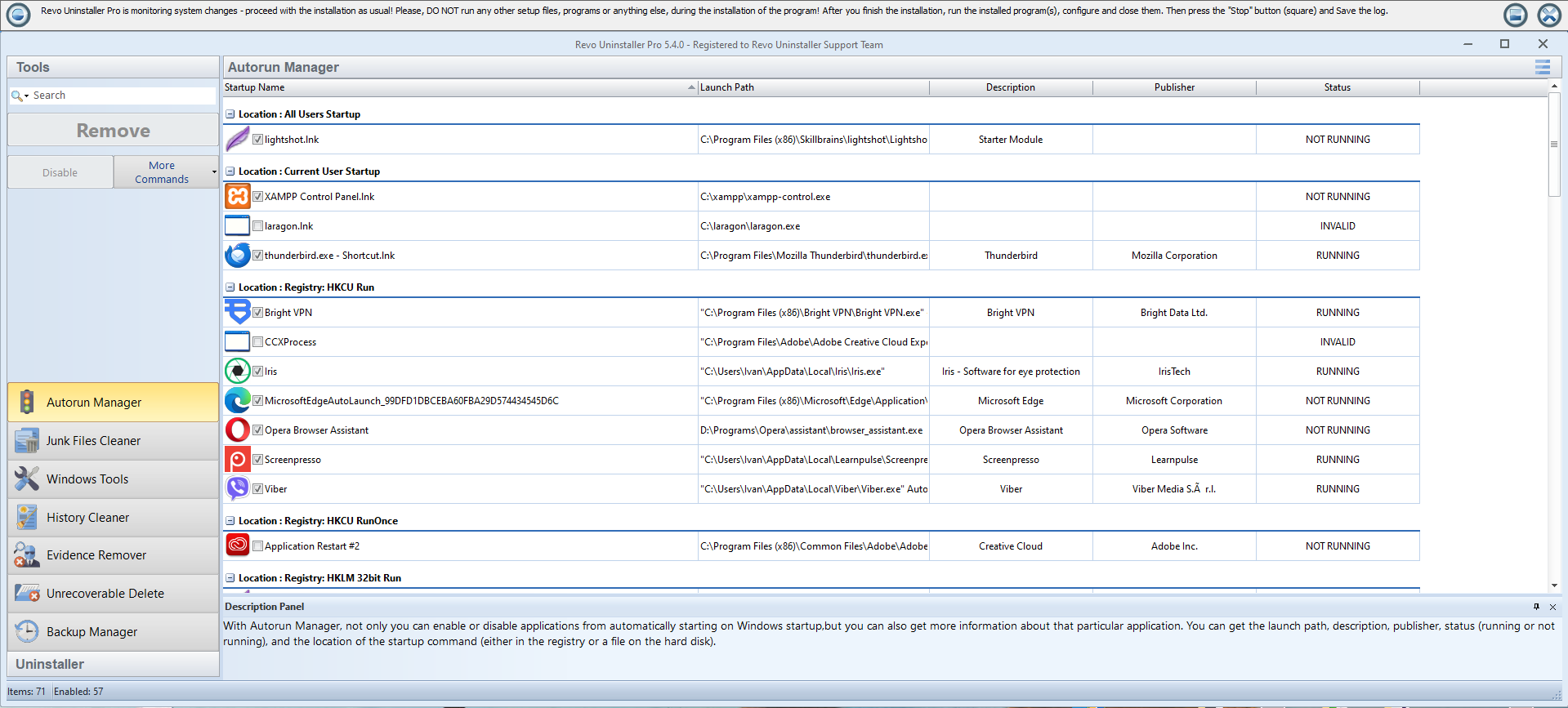
This feature acts like having a security camera for your system's operations. By monitoring changes during software installs and uninstall processes, Revo can precisely reverse these changes if needed, ensuring no residual clutter remains. It's like having a digital safety net that catches any unwanted baggage before it can cause chaos.
3. Hunter Mode for Manual Removal
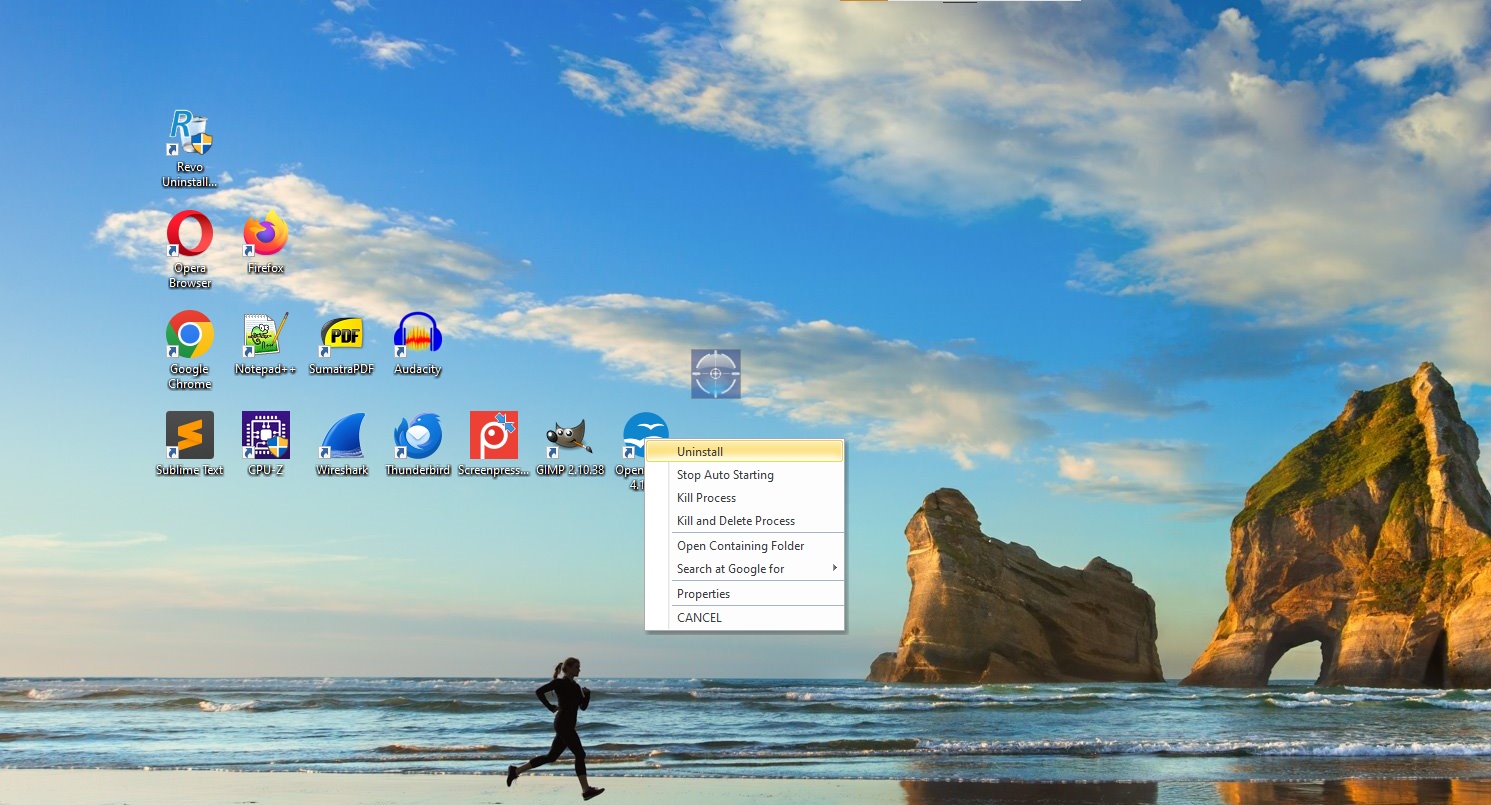
Ever stumbled upon a stubborn program that refuses to uninstall? Revo's Hunter Mode is your secret weapon. Simply drag and drop theHunter icon onto the target application, and Revo will identify it for easy removal. It's as effortless as catching a butterfly with a net—direct and effective.
User Experience: Intuitive, Clean, and Seamless
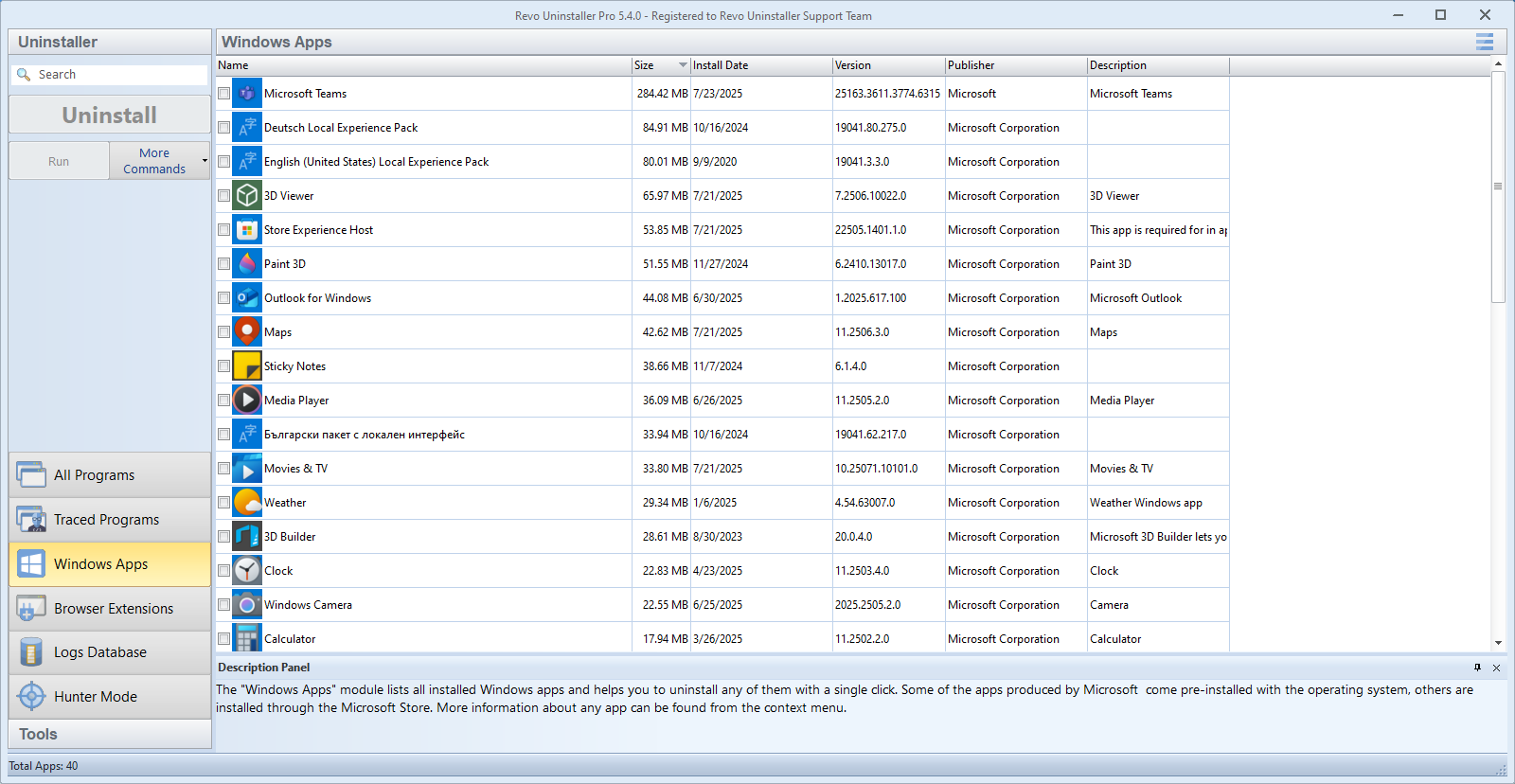
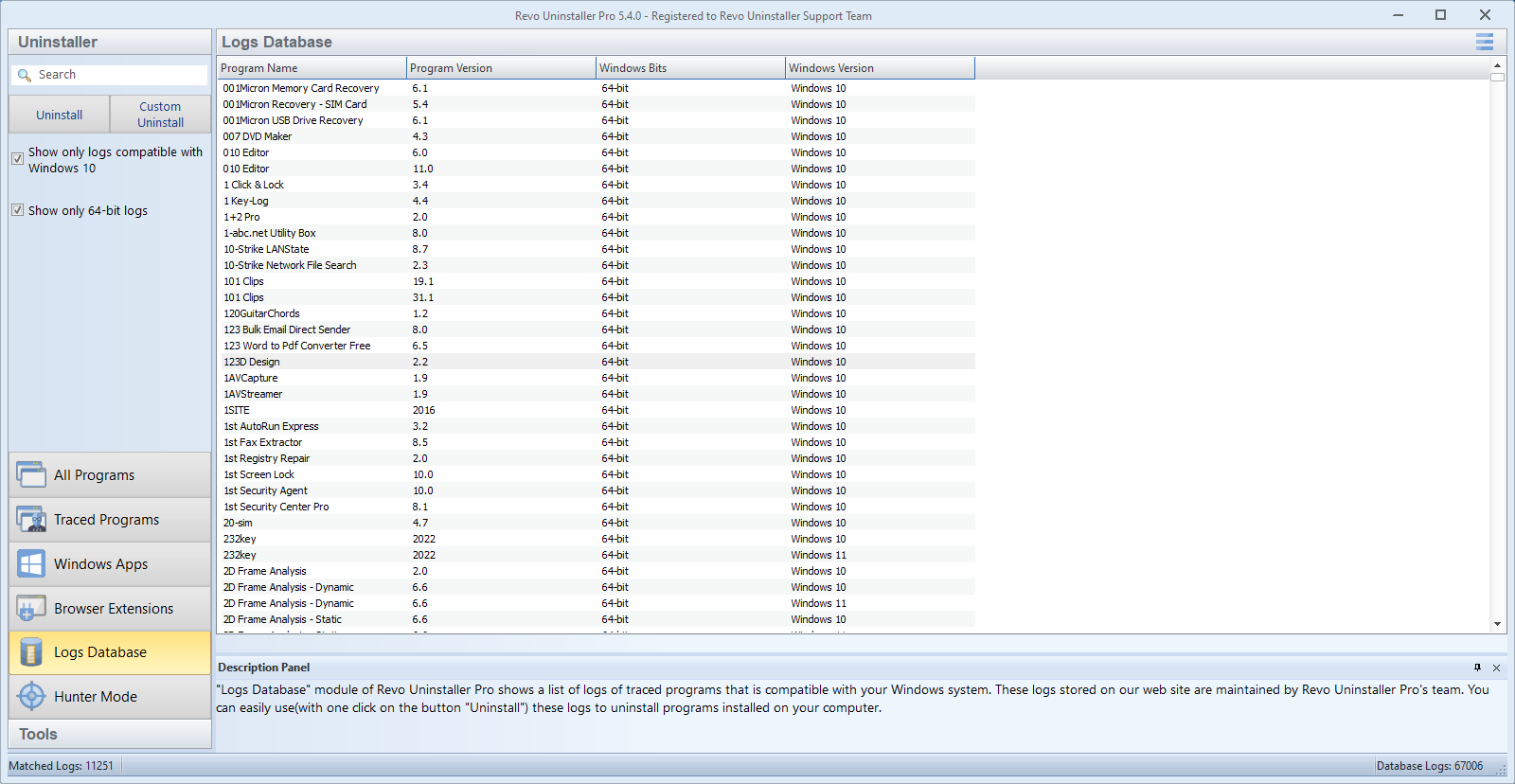
The interface of Revo Uninstaller Pro is akin to a well-organized toolbox—everything is logically laid out, and the navigation feels fluid, almost like flipping through a familiar, friendly magazine. The design employs a sleek dark theme with clear icons and straightforward labels, making it easy for both tech-savvy users and beginners to get started without a steep learning curve.
Operations are smooth; initiating an uninstall, scanning for leftovers, or accessing advanced tools feels instantaneous, which enhances user trust and satisfaction. The learning curve is gentle; most users can master its core functions in mere minutes, turning what might seem like a technical chore into a streamlined, even enjoyable, task.
Unique Selling Points: What Sets Revo Apart
While many uninstallers exist, Revo Uninstaller Pro shines particularly through its comprehensive detection of residual files and the innovative Hunter Mode. Its real-time monitoring sets it apart—imagine it as a vigilant assistant shadowing your installations, ready to reverse their footprints if needed. This proactive approach reduces the risk of system clutter over time, a common pitfall with basic uninstall tools.
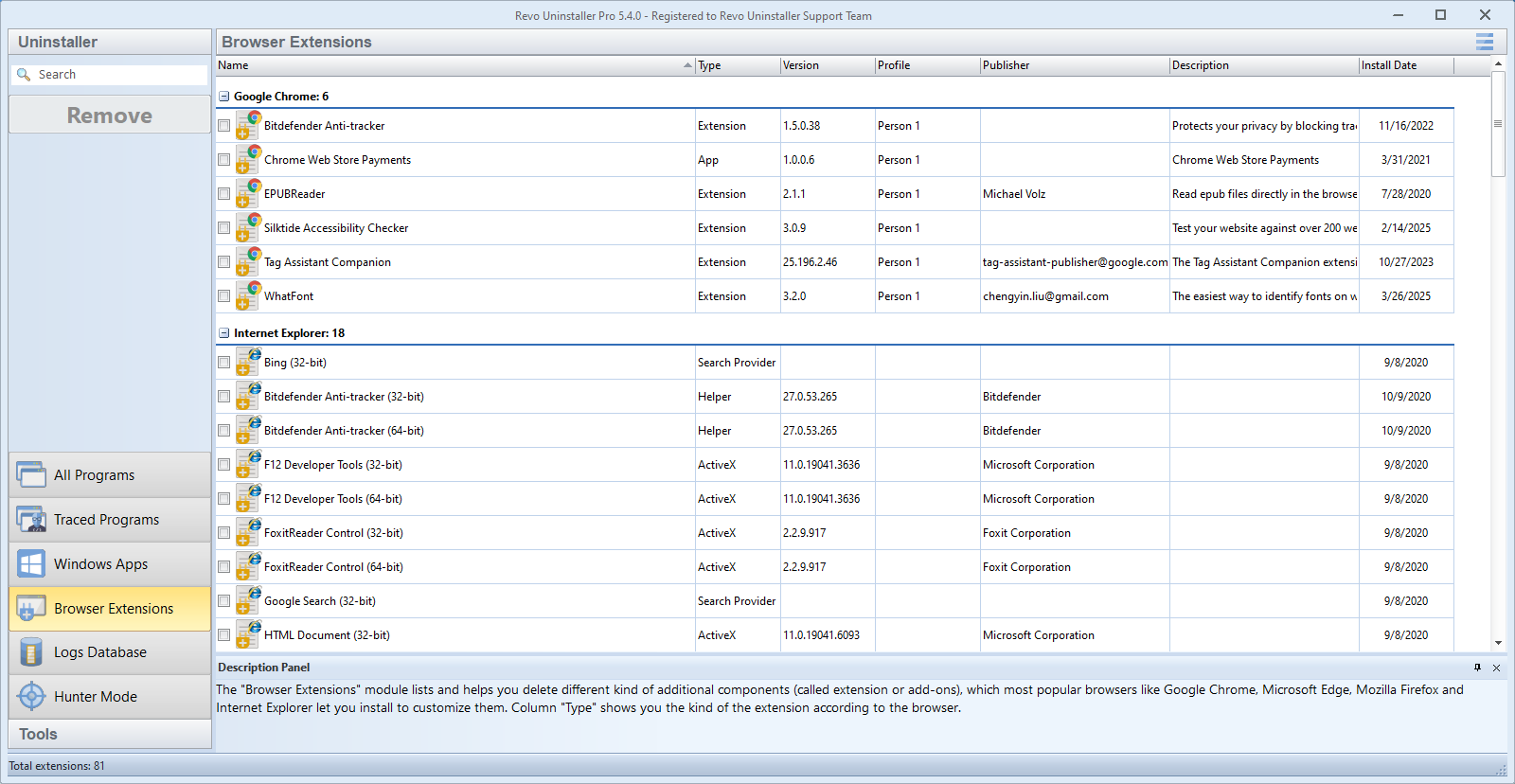
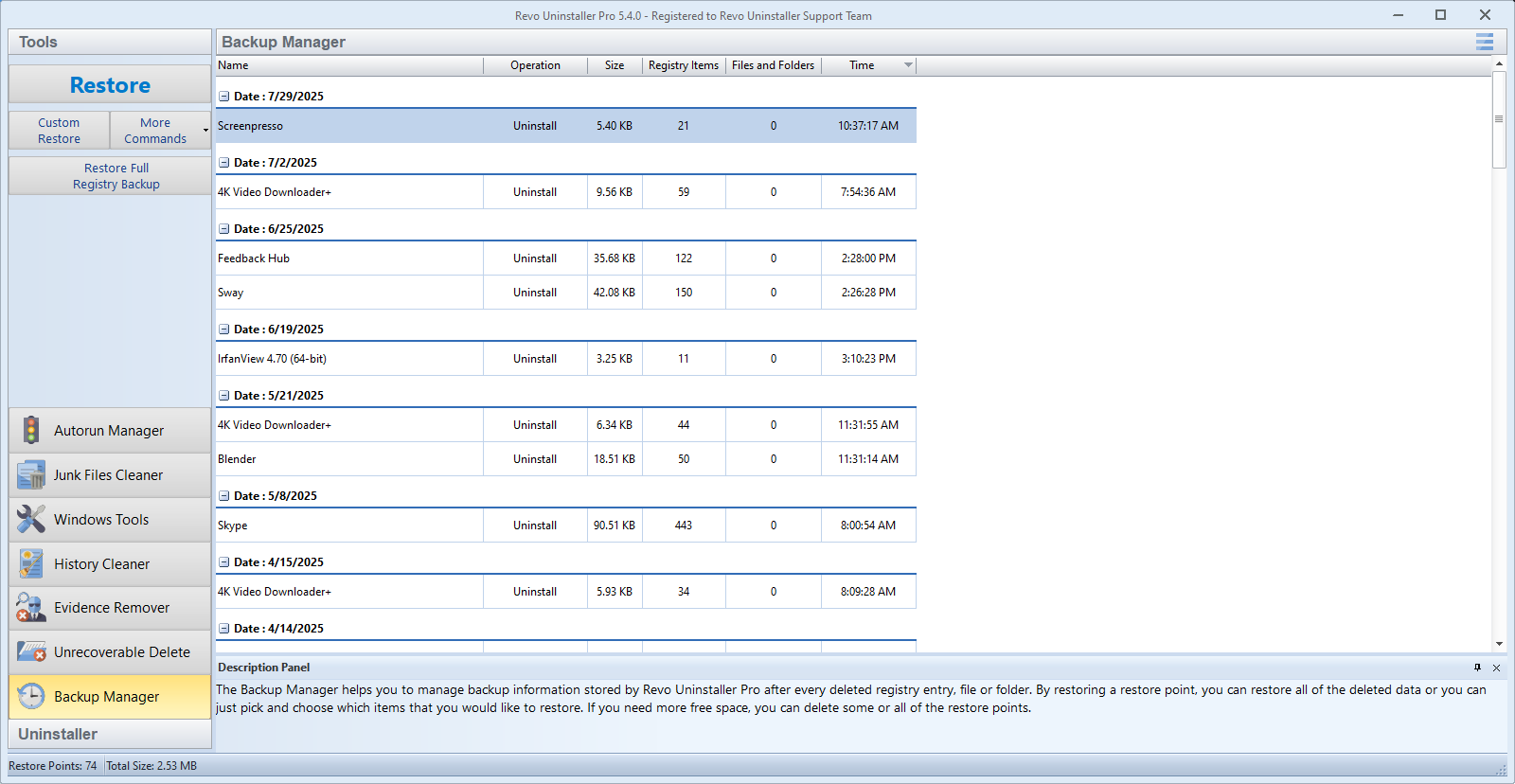
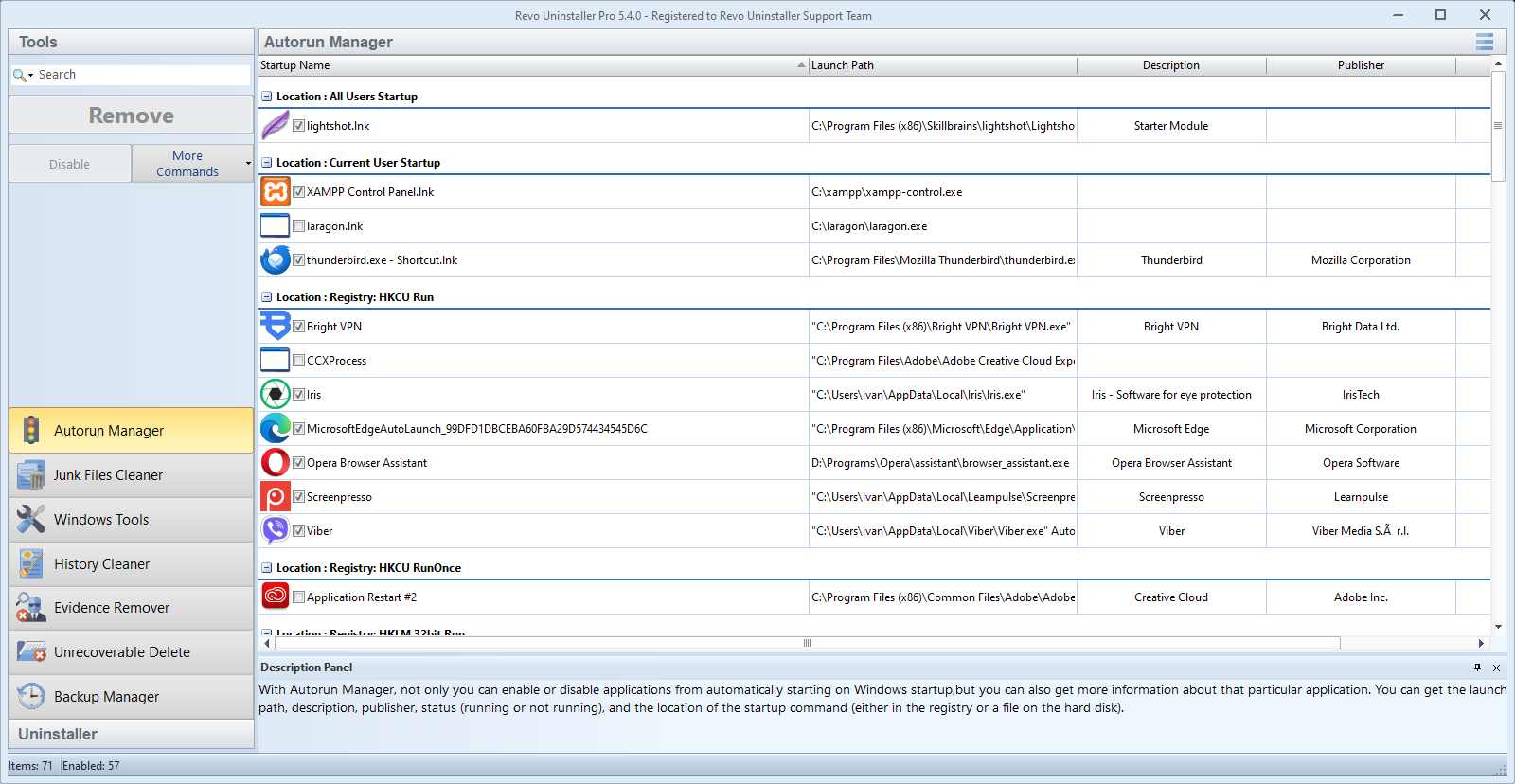
Additionally, the program offers extra utilities such as browser extensions removal, startup manager, and a system restore point creation, making it a versatile toolkit rather than just an uninstaller. These features collectively contribute to maintaining system integrity and performance in a way that free or less comprehensive tools can't match.
Final Verdict and Recommendations
Revo Uninstaller Pro offers a robust, reliable, and user-friendly suite of tools that can significantly streamline your system cleanup routines. Its standout features—particularly the deep cleanup process and Hunter Mode—are best suited for users who value precise control and thoroughness, whether everyday users or IT enthusiasts.
I recommend it to anyone frustrated with leftover files after uninstallation or those seeking a proactive way to maintain optimal PC performance. While the price might be a consideration, the benefits of cleaner, faster, and more responsive systems justify the investment, especially for power users and professionals.
Overall, Revo Uninstaller Pro earns its spot as a highly capable utility that transforms the often tedious task of system cleanup into a simple, straightforward process—much like having a diligent digital cleaning service at your fingertips.
Pros
- Thorough Uninstallation Process
- Easy-to-Use Interface
- Real-time Monitoring
- Batch Uninstallation Support
- Additional Cleanup Tools
Cons
- High Resource Usage During Scans
- Limited Mac Compatibility
- Occasional False Positives
- Advanced Features Might Be Overwhelming
- Pricing Might Be Higher Compared to Competitors











