

- Category Utilities & tools
- Developer Ricoh Company, Ltd.
- Available on PC
- OS Windows 10 version 18362.0 or higher
- languages English (United States), Japanese
Introducing RICOH Print Support Application for Windows
The RICOH Print Support Application for Windows is a sleek utility designed to streamline printer management and support tasks, making printing smoother and hassle-free for RICOH device users.
A Stellar Tool from a Renowned Leader
Developed and published by Ricoh Company, Ltd., a global leader in imaging and printing solutions, this application embodies Ricoh's commitment to enhancing user experience through dedicated software support. It's tailored to provide quick diagnostics, easy setup, and comprehensive support for RICOH printers connected to Windows PCs.
Core Features That Make Printing Easier
1. Simplified Printer Diagnostics and Troubleshooting
One of the app's most compelling features is its ability to diagnose common printer issues automatically. Imagine a scenario where your print job stalls or the print quality fades; instead of manually digging through configurations or contacting support, this app offers quick diagnostic tools, identifying problems like driver conflicts or connection issues efficiently. It not only pinpoints problems but also suggests potential fixes, saving users from hours of frustration.
2. Seamless Printer Setup and Configuration
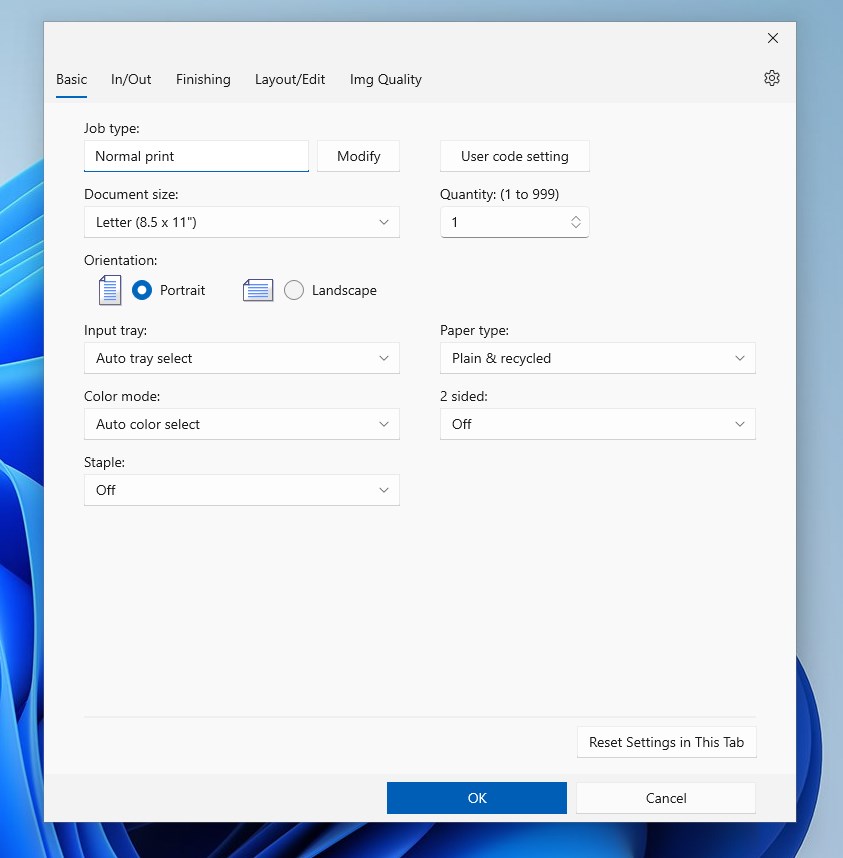
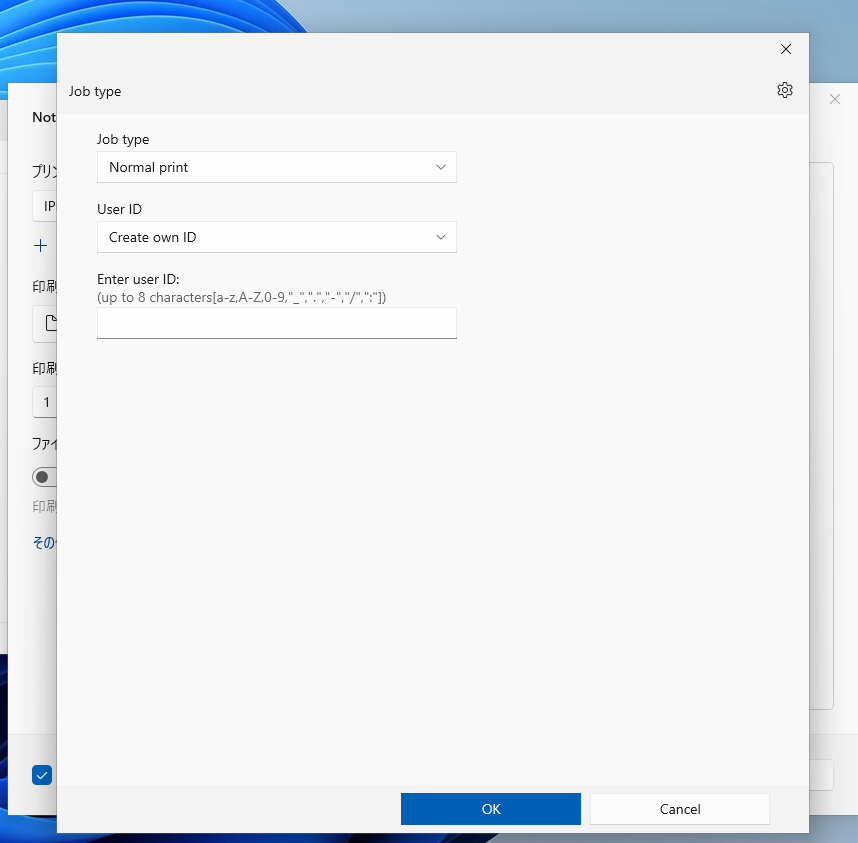
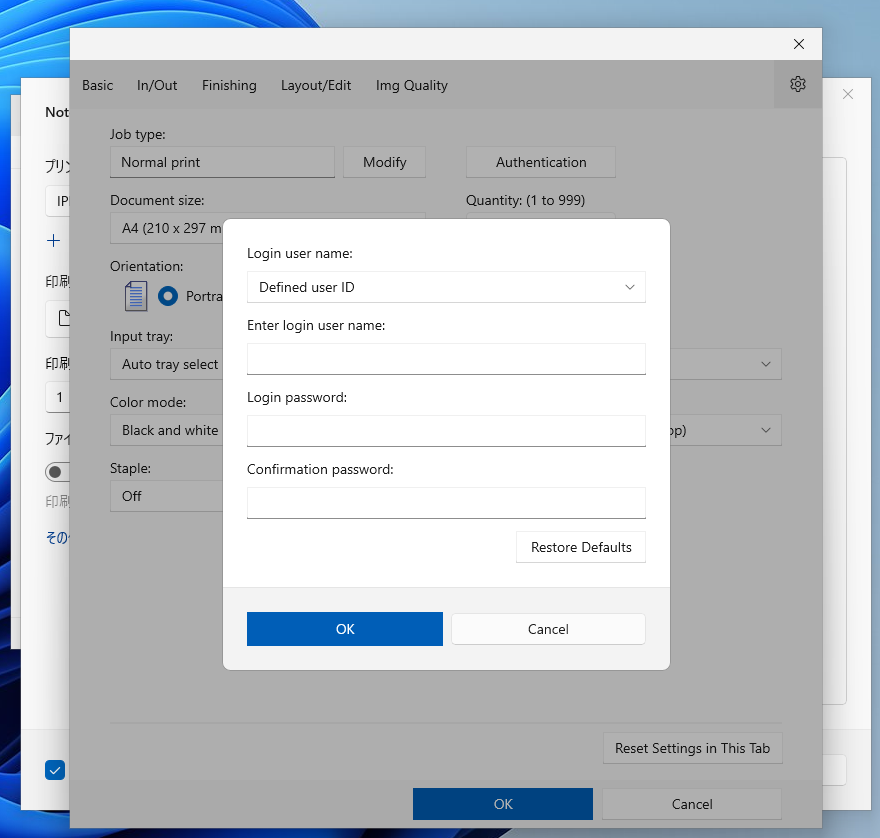
Setting up a new RICOH printer becomes a breeze with this application. It guides users step-by-step through installation, ensuring proper driver installation and configuration. The intuitive interface reduces the learning curve, making it accessible even to less tech-savvy users who need to get their printers up and running swiftly.
3. Firmware and Driver Updates Made Easy
Staying current with firmware and driver updates is crucial for optimal performance and security. The app provides a simplified process to check for and install updates without navigating complex menus or visiting external websites. This automation ensures your device remains in peak condition, much like a health check-up, without the hassle.
Enjoyable User Experience and Design
The interface strikes a good balance between simplicity and functionality. Clear icons and logical arrangement mean that even first-time users can navigate confidently. Operation feels fluid and responsive—clicking through menus is swift, akin to flipping through familiar pages of a well-organized manual. The application's learning curve is gentle, allowing users to quickly master essential functions without feeling overwhelmed.
What Sets This App Apart from Others?
While many printer utilities offer basic support features, the RICOH Print Support Application stands out with its focus on proactive diagnosis and streamlined maintenance workflows. Its ability to automatically identify issues and suggest solutions elevates it from being just another utility to a partner in maintaining printer health. Additionally, the app's integration with Ricoh's firmware update system ensures users spend less time searching for updates and more time printing reliably.
Final Recommendations and Usage Scenarios
If you are a RICOH printer user—be it in an office, home setup, or a business environment—this application is a valuable addition to your toolkit. It's especially beneficial for those who prefer a proactive approach to device maintenance, reducing downtime and ensuring smooth printing operations. For tech novices, its friendly interface and guided setup make it accessible; for advanced users, its diagnostic and update features save time and streamline troubleshooting.
Overall, I'd rate the RICOH Print Support Application as highly recommended for users seeking an easy-to-use, reliable software companion for their RICOH printers. It's not just a troubleshooting tool, but a preventive support system that keeps your printing workflow uninterrupted.
Pros
- Seamless integration with Ricoh printers
- User-friendly interface
- Supports multiple document formats
- Remote print management
- Regular updates and support
Cons
- Occasional connectivity issues
- Limited customization options
- Performance delays with large documents
- Requires stable internet connection for some features
- App occasionally crashes on certain devices











