
- Category Utilities & tools
- Developer Pete Batard
- Available on PC
- OS Windows 10 version 14316.0 or higher
- languages Arabic, Bulgarian, Chinese (Simplified), Chinese (Traditional), Croatian, Czech, Danish, Dutch, English (United States), Finnish, French, German, Greek, Hebrew, Hungarian, Indonesian, Italian, Japanese, Korean , Latvian, Lithuanian, Malay, Norwegian (Bokmål), Persian, Polish , Portuguese (Brazil), Portuguese (Portugal), Romanian, Russian, Serbian (Latin, Serbia), Slovak, Slovenian (Slovenia), Spanish (Spain), Swedish, Thai, Turkish, Ukrainian, Vietnamese
Rufus for Windows: A Reliable Tool for Bootable USB Creation
Rufus for Windows is a straightforward yet powerful utility designed to help users create bootable USB drives with ease and efficiency, making OS installations and troubleshooting much more accessible.
Developed by Pete Batard, Published by Akeo Consulting
Created by Pete Batard, a renowned developer in the tech community, Rufus is published by Akeo Consulting, emphasizing its commitment to reliable and user-centric software solutions.
Key Features that Stand Out
- Fast and Reliable Bootable Media Creation: Rufus is optimized for speed and stability, allowing users to prepare bootable drives in a fraction of the time compared to traditional methods.
- Multi-Partition and Firmware Compatibility: Supports a wide array of filesystems, partition schemes, and firmware modes, ensuring compatibility across diverse hardware architectures.
- Advanced Formatting Options: Offers options like ransomware protection, persistent storage, and customization options for power users.
- Open-Source and Regular Updates: As open-source software, Rufus benefits from a vibrant community and frequent updates, ensuring continued reliability.
An Engaging Dive into Rufus' Core Functionalities
Imagine preparing for a new adventure—you're about to trek into uncharted territory, and you'll need the right gear. Rufus is that dependable gear, transforming your simple USB drive into a powerful launchpad for OS installs, recovery tools, or even custom project deployments. Its straightforward interface makes what once required technical prowess now surprisingly approachable.
Creating Bootable USB Drives with Precision
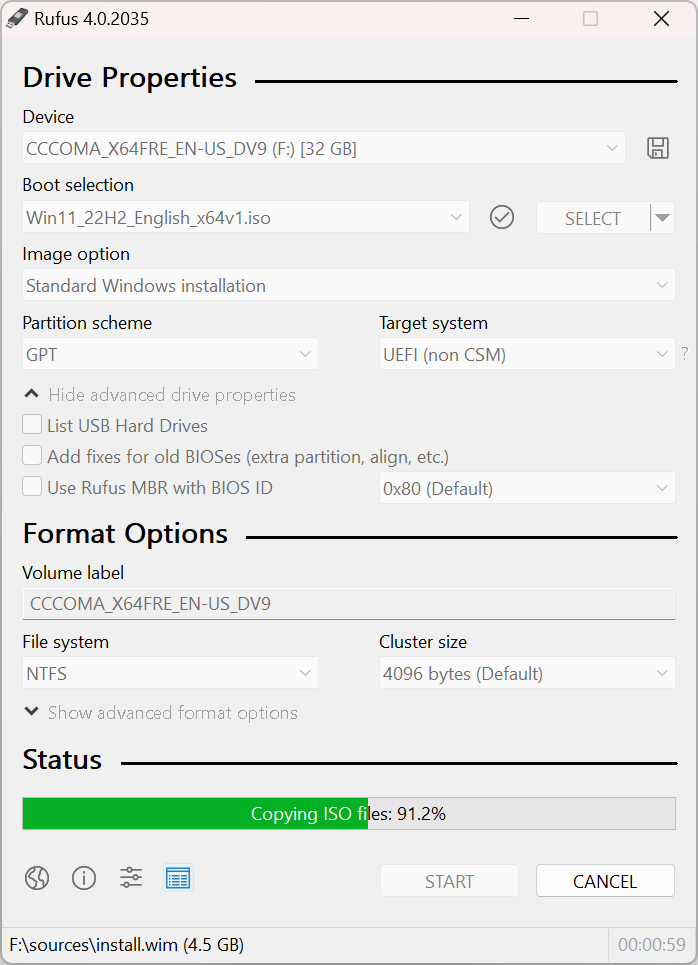
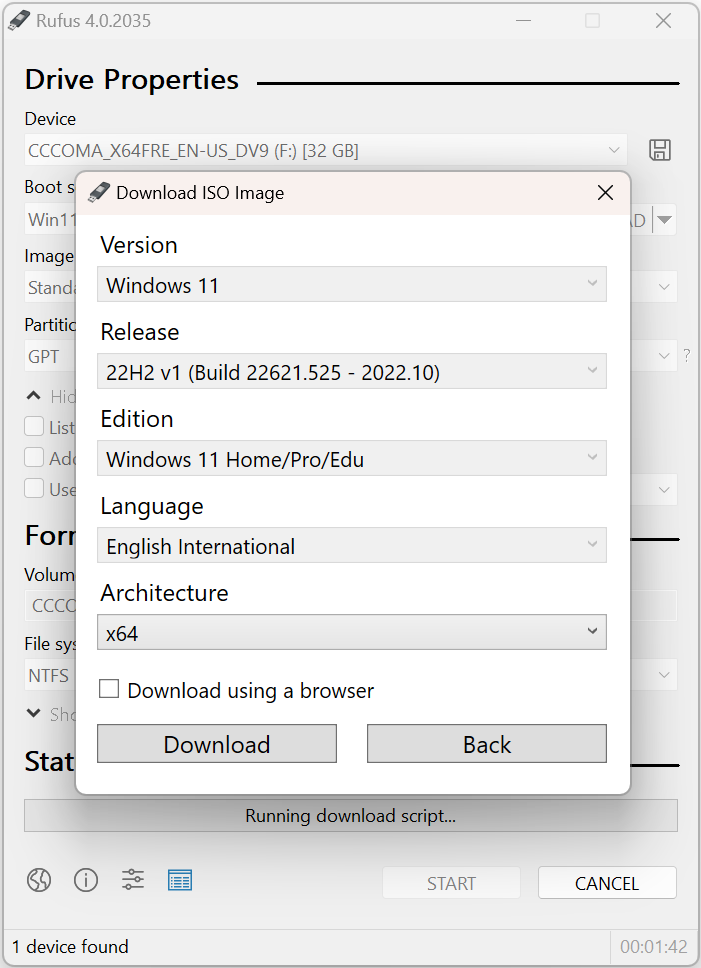
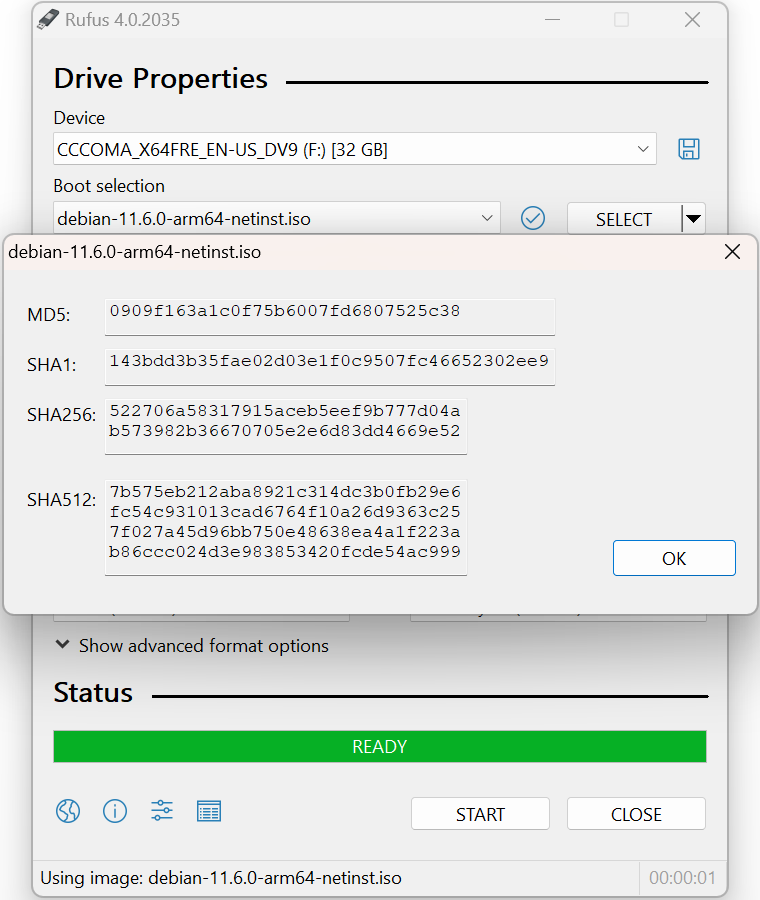
At its heart, Rufus shines in turning a standard USB stick into a bootable media device. Whether you're installing Windows, Linux, or other OSes, Rufus streamlines the process. Simply select your ISO image, choose the target drive, and let Rufus handle the rest. Its speed optimization ensures that bootable drives are ready swiftly, reducing waiting times. The app intelligently detects firmware types and partition schemes, eliminating common pitfalls faced by users attempting manual setups.
Customization and Advanced Options for Power Users
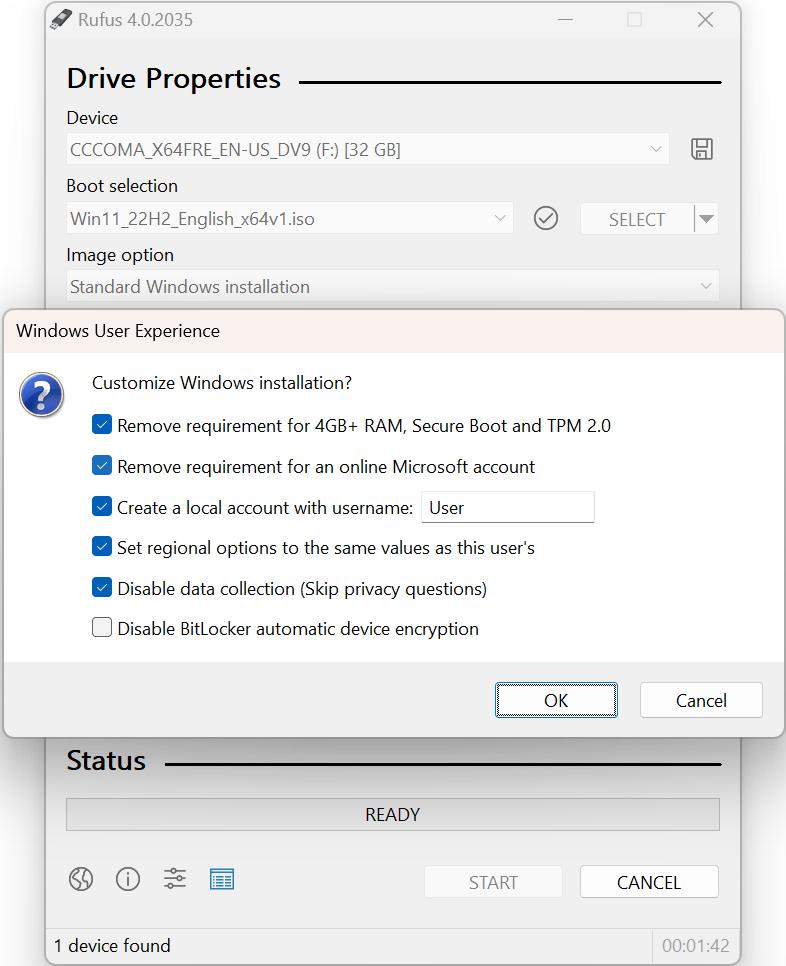
Beyond the basics, Rufus offers advanced features tailored for tech-savvy users. Want to enable persistent storage for Linux live USBs? Looking for custom formatting options or adding extra security layers? Rufus provides these tools within an intuitive interface. Its ability to configure UEFI or BIOS compatibility on the fly means it can adapt to virtually any hardware scenario, making it a versatile tool for IT professionals and enthusiasts alike.
Design, Usability, and User Experience
Rufus sports a clean and uncluttered interface, akin to a well-organized toolbox. The layout guides users step-by-step through the process, reducing the learning curve even for those new to bootable media creation. The app responds smoothly—no lag or crashes—making it feel as reliable as a trusted toolkit. Even with its array of options, the straightforward design ensures users don't get overwhelmed, thanks largely to sensible defaults and contextual guidance.
What Sets Rufus Apart from Similar Tools?
While many utilities claim to create bootable drives, Rufus distinguishes itself through its combination of speed, simplicity, and reliability. Its support for a broad spectrum of device configurations—including legacy BIOS systems and the latest UEFI firmware—renders it more versatile than many counterparts. Additionally, its open-source nature fosters transparency and continuous improvement, cultivating trust that proprietary tools sometimes lack. The app's ability to perform quick, error-resistant formatting and support for persistent storage for Linux Live USBs are particularly notable, giving it an edge for both casual users and IT professionals.
Final Verdict and Recommendations
Rufus for Windows proves to be an indispensable utility for anyone needing to create bootable media reliably and efficiently. Its balance of simplicity for beginners and advanced features for power users makes it a versatile choice. If you're preparing for an OS installation, recovery, or testing environment, especially when time and precision matter, Rufus is highly recommended. It's like having a trusted workshop companion always ready—no fuss, no frills, just efficient results.
Pros
- User-Friendly Interface
- Fast Creation Speeds
- Wide Compatibility
- Lightweight and Portable
- Regular Updates and Improvements
Cons
- Limited Customization Options
- Minimal Guidance for Beginners
- Potential Compatibility Issues with Some ISO Files
- Lack of Multi-Boot Support
- No Built-in File Management Features











