

- Category Utilities & tools
- Available on PC
- OS Windows 10 version 16299.0 or higher
- languages Arabic, Azerbaijani, Chinese (Simplified), Chinese (Traditional), Chinese (Traditional, Hong Kong SAR), Danish, Dutch, English (United Kingdom), English (United States), Finnish, French, French (Canada), German, Hebrew, Hindi, Hungarian, Icelandic, Indonesian, Italian, Japanese, Kazakh, Korean , Malay, Norwegian (Bokmål), Persian, Polish , Portuguese (Brazil), Portuguese (Portugal), Russian, Spanish (Argentina), Spanish (Chile), Spanish (Latin America), Spanish (Mexico), Spanish (Paraguay), Spanish (Spain), Spanish (Uruguay), Swedish, Thai, Turkish, Ukrainian, Uzbek, Vietnamese
Seamless Connectivity at Your Fingertips
Samsung Flow for Windows is a thoughtfully crafted application designed to bridge your Samsung devices with your PC, creating a unified, efficient, and intuitive workflow that feels almost magical in its fluidity. Developed by Samsung Electronics Co., Ltd., this app transforms your Windows environment into a central hub where your Samsung Galaxy device is an extension of your workspace.
Core Features That Make Life Easier
Immediate Device Sync and Notifications
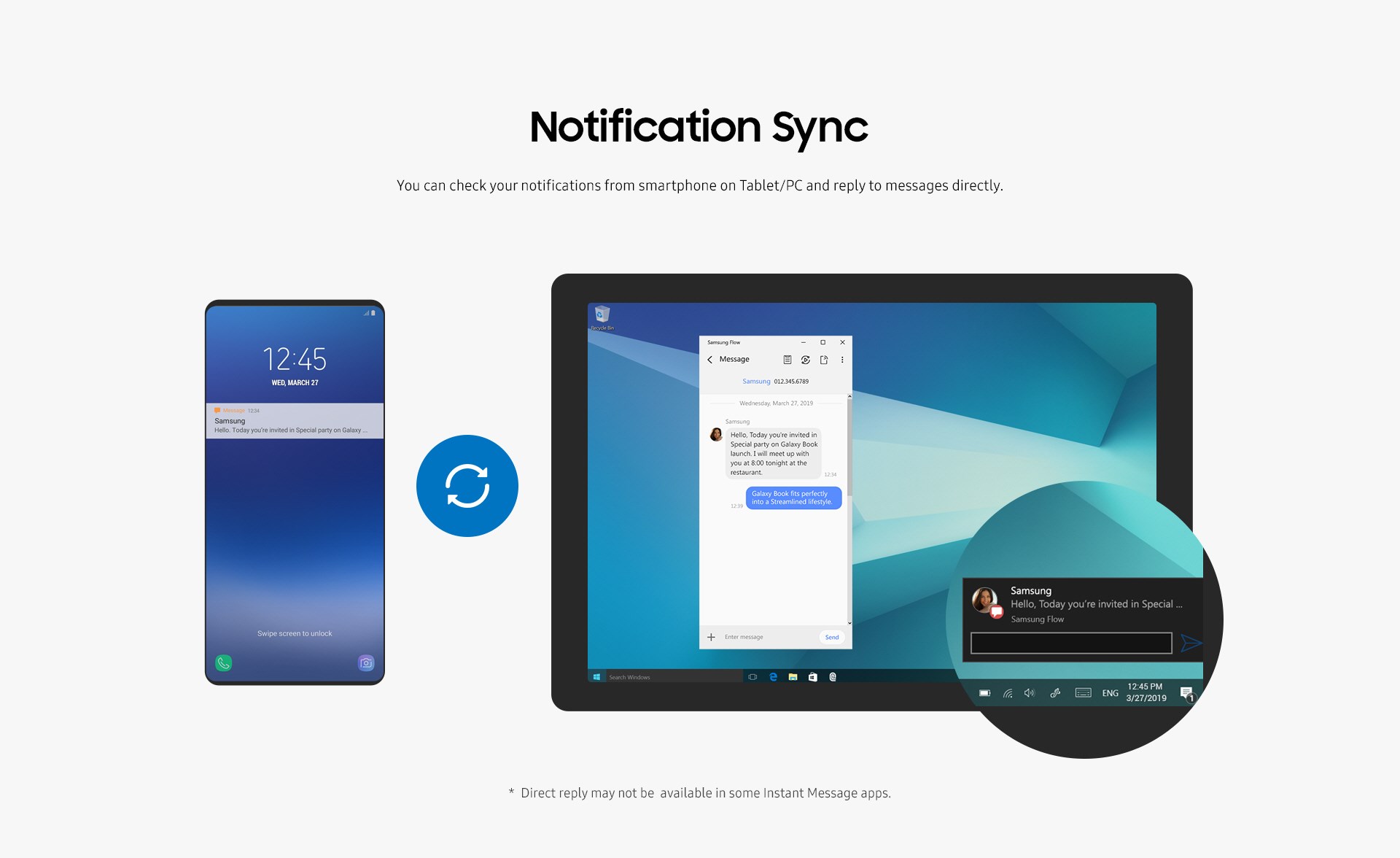
Imagine being able to see your phone's notifications instantly on your PC without frantically reaching for your device — Samsung Flow makes this a reality. Whether it's a message, call alert, or app update, your notifications are pushed seamlessly to your Windows screen, keeping you informed without distraction. This real-time sync fosters a sense of connectedness that feels almost telepathic, saving you precious time and effort.
Secure Screen Unlock and Instant Sharing
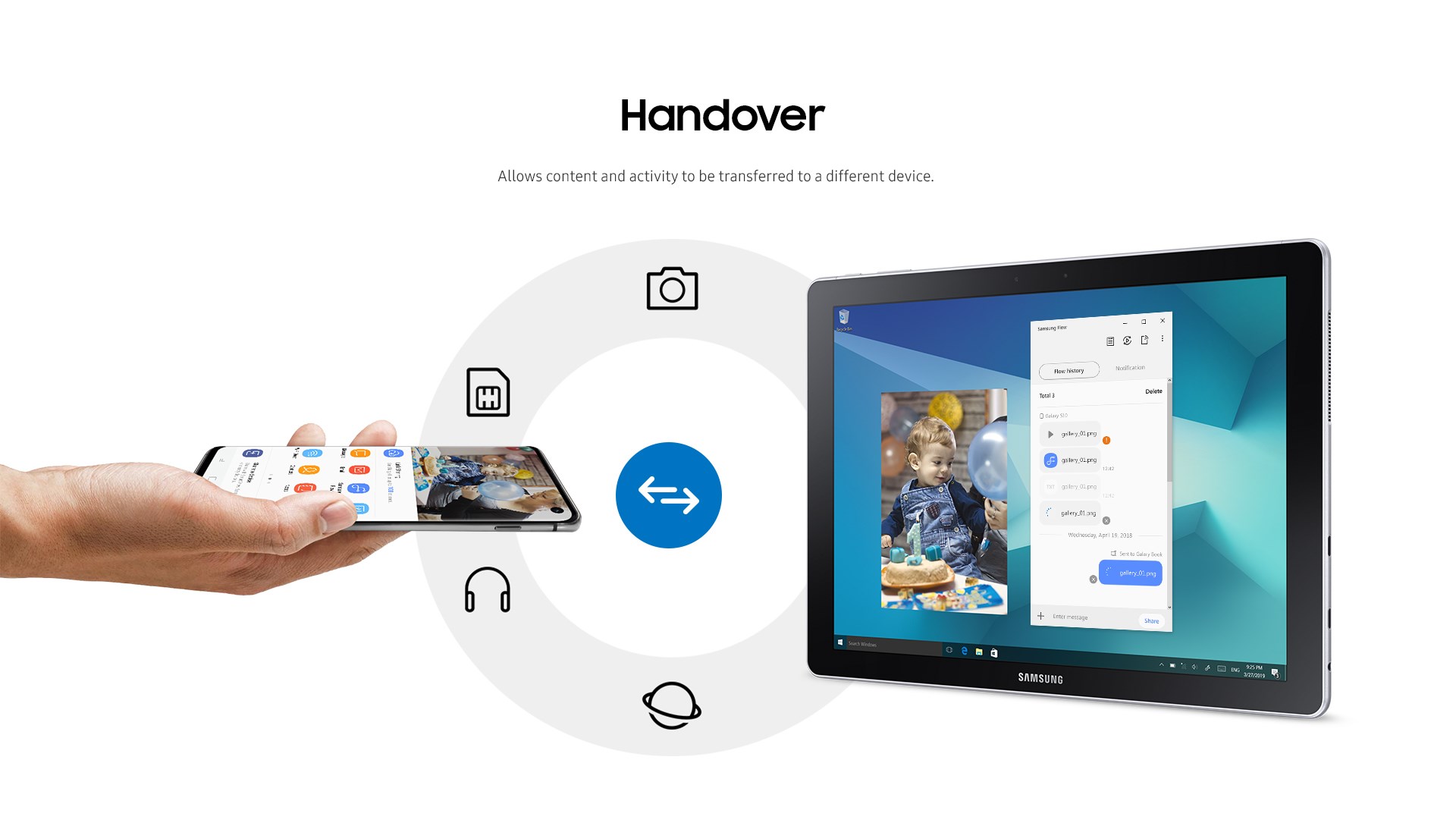
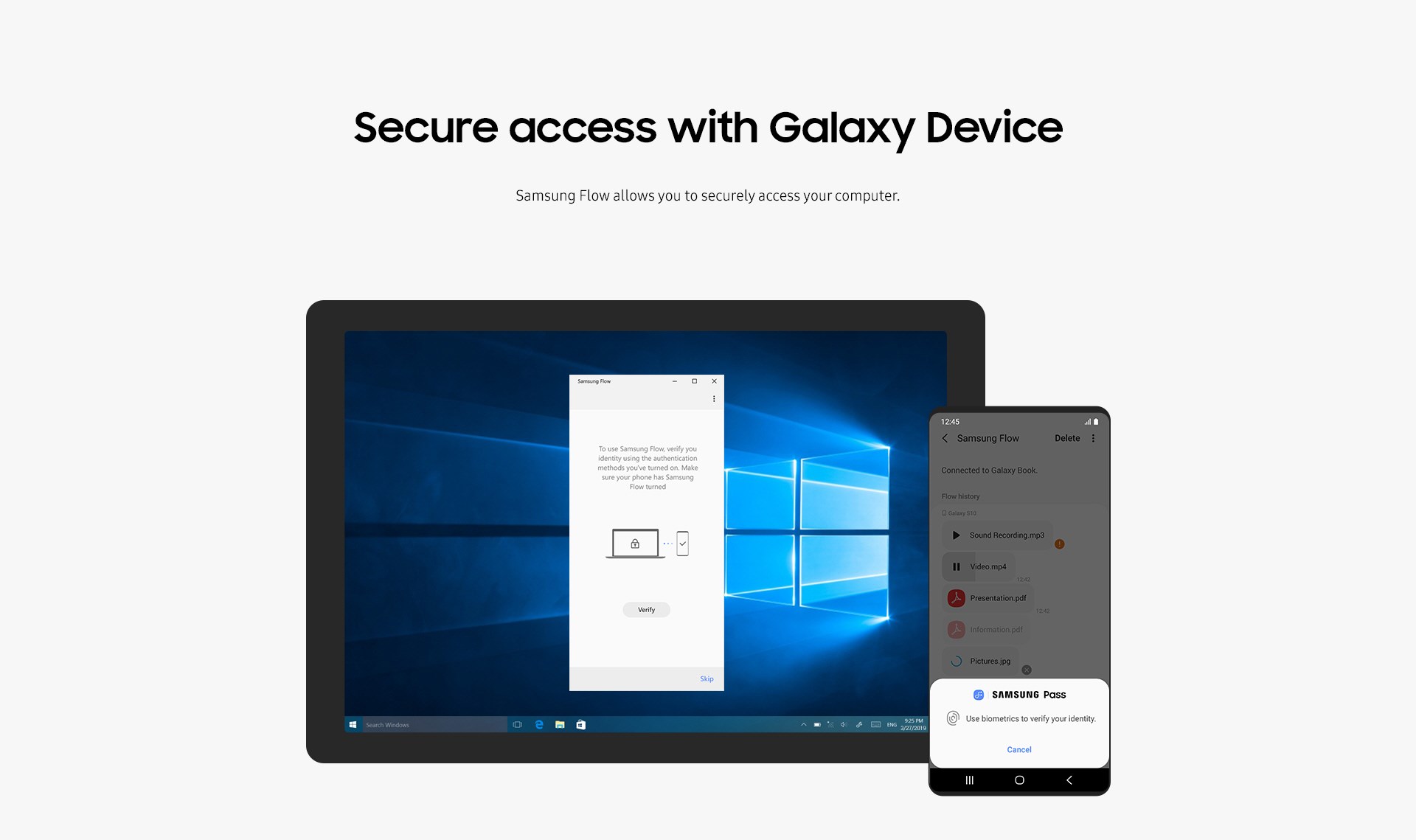
One of the app's standout features is its ability to unlock your Windows PC using your fingerprint or face recognition from your phone. Simply put, it eliminates the need to remember complex passwords or dig through password managers. Additionally, you can effortlessly share images, files, or clipboard data between your devices with just a few clicks, turning your smartphone into an extension of your desktop workspace.
Smart Continuity for Increased Productivity
Samsung Flow excels in creating a seamless ecosystem where tasks flow naturally from one device to another. For example, you could receive a call on your phone, decide to take it on your PC, and then switch back without missing a beat. This continuity is powered by a stable connection that not only enhances productivity but also simplifies multitasking — truly a game-changer for busy professionals and students alike.
Designed for User Comfort and Ease
The interface of Samsung Flow strikes a fine balance between simplicity and functionality. Its clean, modern layout ensures that even newcomers can navigate with ease, while the logical arrangement of features minimizes the learning curve. Connection setup is straightforward—a few taps on your phone and a couple of clicks on your PC, and you're up and running. The app's responsiveness is commendable; transitions between functions are smooth, with minimal lag, making daily usage a pleasant experience reminiscent of a well-orchestrated dance.
Unique Advantages Over Competitors
Compared to other utility apps, Samsung Flow's tight integration within the Samsung ecosystem and its security features set it apart. Its ability to unlock your PC via biometric verification from your phone adds a layer of convenience that isn't always available in generic solutions. Additionally, the app's focus on maintaining a stable, low-latency connection, even in fluctuating network environments, ensures reliable performance — a critical factor for professional settings. Unlike stand-alone notification tools or file-sharing apps, Samsung Flow offers an all-in-one ecosystem that harmonizes device connectivity and security seamlessly.
Final Thoughts: A Tool Worth Having
If you're a Samsung user looking to streamline your digital life, Samsung Flow for Windows is a solid choice. Its strongest points—quick device pairing and the secure, effortless unlocking experience—make it stand out. For anyone seeking a reliable bridge between their Galaxy smartphone and Windows PC, it's a tool that genuinely enhances workflow and connectivity. While it may not be necessary for casual users who rarely switch between devices, power users and professionals will find it a valuable addition to their digital toolkit.
Pros
- Seamless device pairing
- Secure authentication
- Notification sync
- Easy file sharing
- User-friendly interface
Cons
- Connectivity drops occasionally
- Limited device compatibility
- Battery consumption increases
- Initial setup can be complex
- Limited customization options











