
- Category Utilities & tools
- Developer Simon Knuth
- Available on PC
- OS Windows 10 version 18362.0 or higher
- languages Arabic (Tunisia), Catalan, Chinese (Simplified), Czech, Dutch, English, English (Canada), English (United Kingdom), French, French (Belgium), German, Hebrew, Hindi, Hungarian, Indonesian, Italian, Norwegian (Bokmål), Polish, Portuguese, Portuguese (Brazil), Romanian, Russian, Slovak, Spanish, Ukrainian
Effortless Document Scanning Made Simple for Windows
Scanner — Quick and Easy Document Scanning for Windows is a straightforward tool designed to streamline your digitization process. Whether you're a busy professional or a student juggling multiple documents, this app aims to turn your Windows PC into a personal scanner, combining simplicity with efficiency.
About the Developer and Core Features
Developed and published by Simon Knuth, Scanner is crafted with a focus on usability and practicality. Its main strengths lie in providing quick access to essential scanning features, intuitive operation, and minimal fuss. Key highlights include:
- Fast Scan-to-Digital Conversion: Capture physical documents with minimal steps, saving you precious time.
- Auto-Adjustment & Enhancement: Intelligent image processing ensures clear, legible scans without needing professional editing skills.
- Multiple Output Formats: Save your scans as PDFs, images, or other formats suitable for various applications.
- Easy Organization & Sharing: Quick export options streamline sharing or filing your documents with ease.
The app targets users who frequently need to digitize documents quickly and efficiently, including professionals, students, and small business owners.
Vivid Walkthrough: Putting Scanner to the Test
Imagine sitting at your desk, surrounded by a stack of receipts, notes, or contracts. With Scanner, turning those physical snippets into digital assets feels as seamless as flipping a switch. The app's straightforward approach makes bringing paper to digital a breeze—almost like magic—without any complicated setup or steep learning curve.
Smooth and Clear User Interface
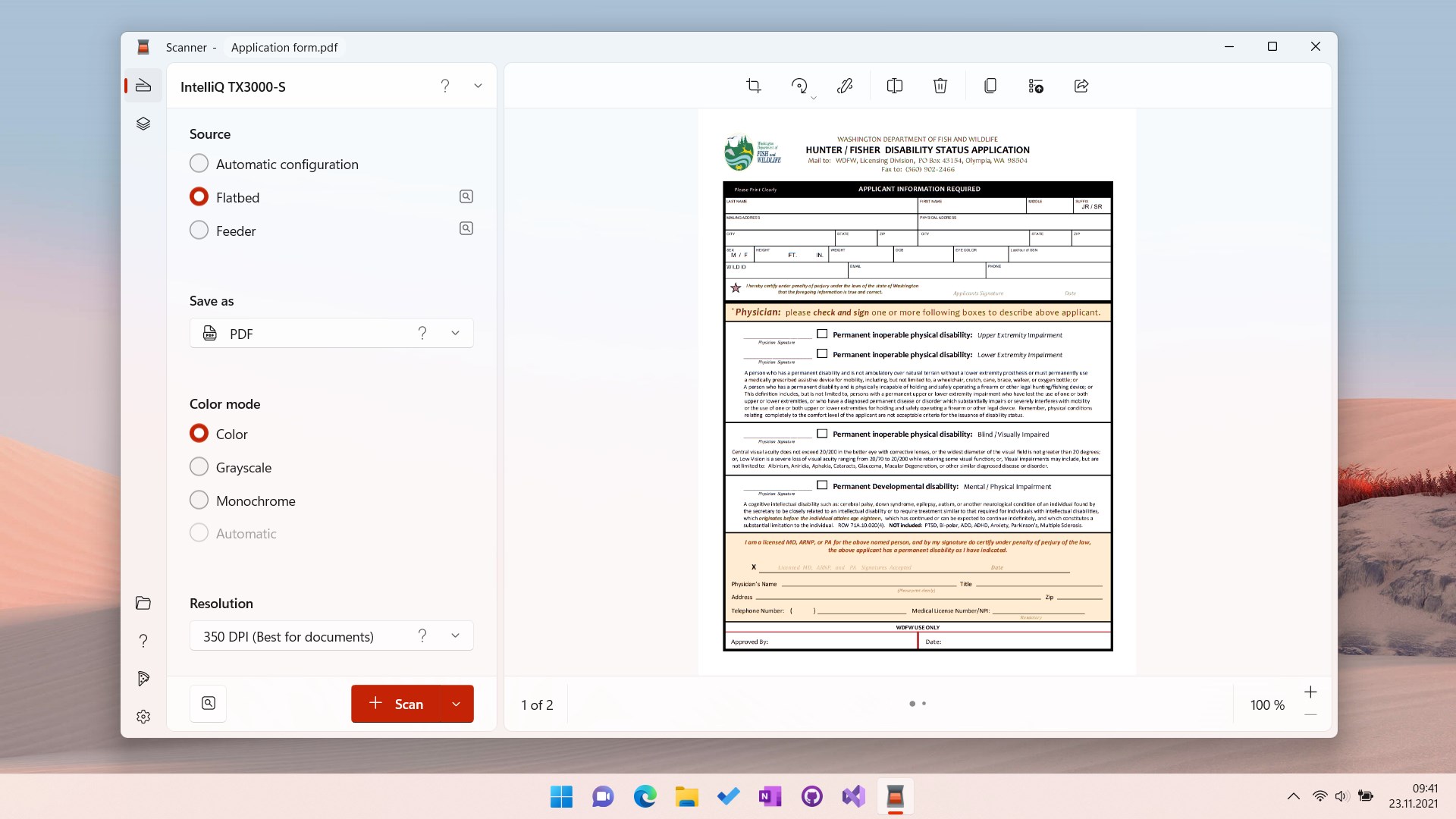
The first thing you notice is the clean, uncluttered interface. It's designed like an organized desk—everything in its place, no distractions. Small, intuitive icons lead you step-by-step through the scanning process. Even first-time users will find it accessible, thanks to clear guidance and minimal options that keep user interactions straightforward. The overall aesthetic fosters confidence that you can accomplish your scanning tasks swiftly, without frustration or confusion.
Core Functionality: Scan, Enhance, Share
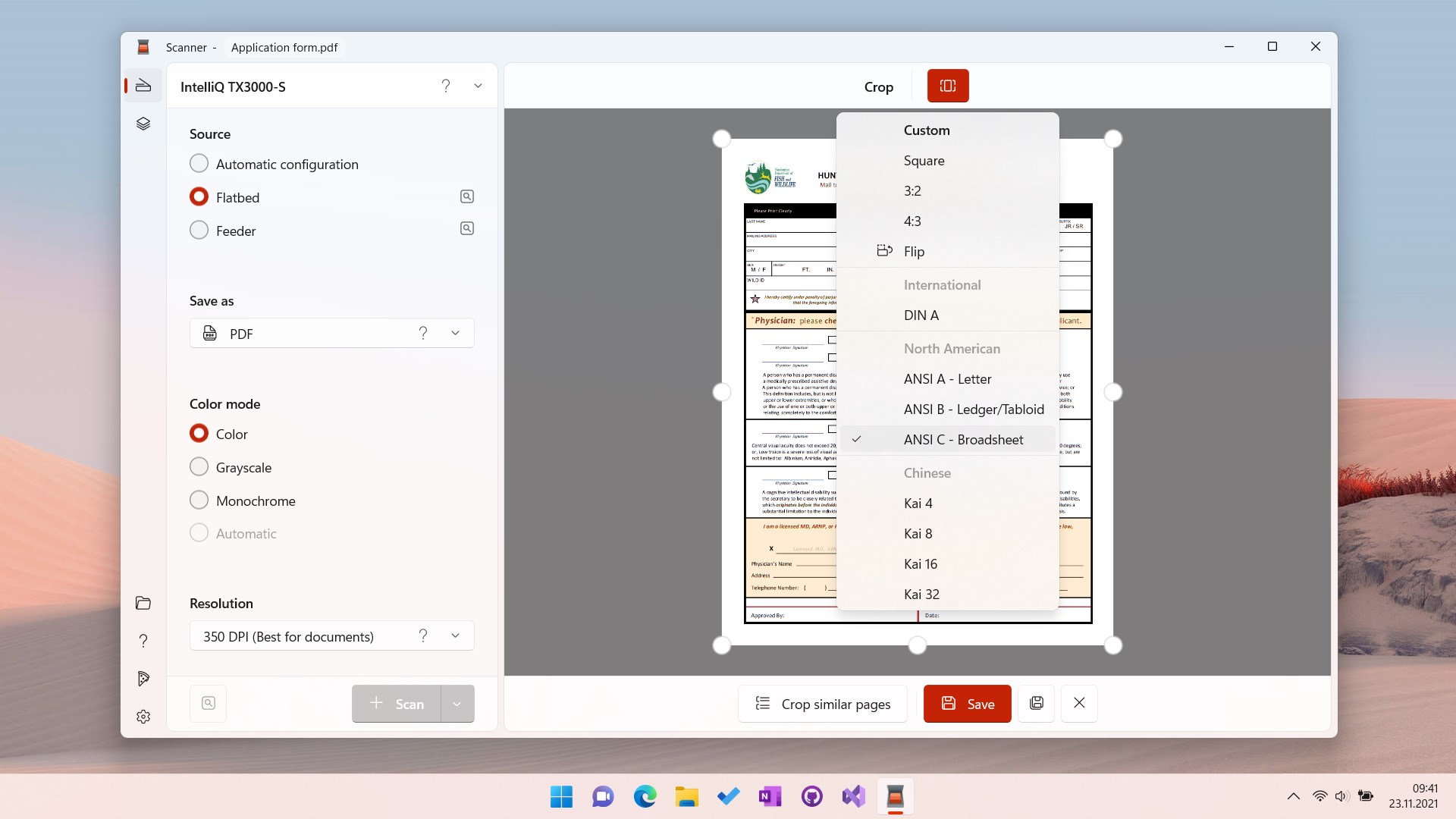
Scanner excels in delivering rapid, high-quality scans. With auto-detection, the app automatically aligns and crops documents, much like an experienced secretary adjusting every detail perfectly. Its intelligent enhancement features sharpen text and improve contrast, turning dim, fuzzy images into crisp, professional-looking files—ideal for archiving or sharing.
Export options are generous and flexible. Want a crisp PDF of your handwritten notes? Done. Need a JPEG for quick sharing? No problem. The app's ability to handle multiple formats is a major plus—especially for those who need versatility in their workflow.
Performance, Stability, and Unique Edge
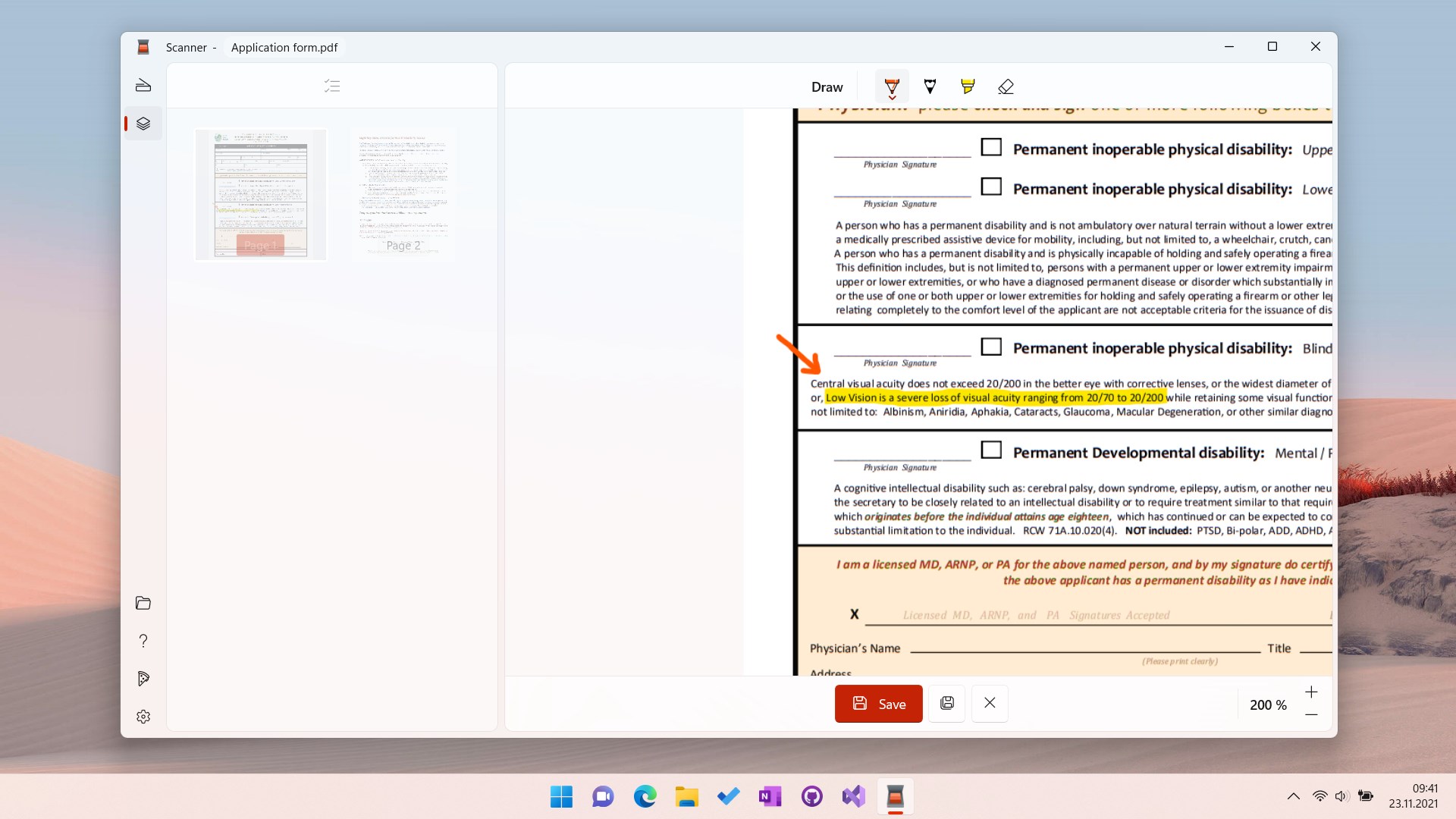
Operation remains smooth and responsive even with multiple scans queued up, demonstrating solid performance that's crucial if you're scanning in bulk. Compared to other utilities, Scanner's standout feature is its emphasis on speed combined with intelligent editing—allowing users to produce professional-grade results without any graphic design or photo editing know-how. Its minimal learning curve means you're up and running from the get-go, making it highly accessible for users of varying tech comfort levels.
While many scanning apps offer similar features, Scanner's focus on instantly producing clear, ready-to-use files sets it apart. It doesn't drown users in unnecessary options but instead consolidates essential capabilities into an elegant, user-friendly package.
Final Verdict: Worth Giving a Try
If you're seeking a no-fuss, reliable, and fast document scanner app for Windows, Scanner by Simon Knuth deserves your attention. Its simplicity, combined with intelligent auto-correction features, makes it an excellent choice for anyone who needs quick digitization without sacrificing quality. While it may not boast a vast suite of complex editing tools, its core strengths are ideal for everyday use. I'd recommend it to students, professionals, or small businesses looking for an efficient, effective scanning solution that fits right into their workflow.
Pros
- User-Friendly Interface
- Fast and Accurate Scanning
- Easy Document Organization
- Supports Multiple Formats
- Cloud Integration
Cons
- Limited Editing Features
- Occasional App Crashes
- Watermark on Free Version
- Batch Scanning Limitations
- Language Support for OCR











