
- Category Utilities & tools
- Available on PC
- OS Windows 10 version 19041.0 or higher
- languages Arabic, Azerbaijani, Chinese (Simplified), Chinese (Traditional), Chinese (Traditional, Hong Kong SAR), Danish, Dutch, English (United Kingdom), English (United States), Finnish, French, French (Canada), German, Hebrew, Hindi, Hungarian, Icelandic, Indonesian, Italian, Japanese, Kazakh, Korean , Malay, Norwegian (Bokmål), Persian, Polish , Portuguese (Brazil), Portuguese (Portugal), Russian, Spanish (Argentina), Spanish (Chile), Spanish (Latin America), Spanish (Mexico), Spanish (Paraguay), Spanish (Spain), Spanish (Uruguay), Swedish, Thai, Turkish, Ukrainian, Uzbek, Vietnamese
Discover Seamless Second Screen Experience with Samsung's Windows App
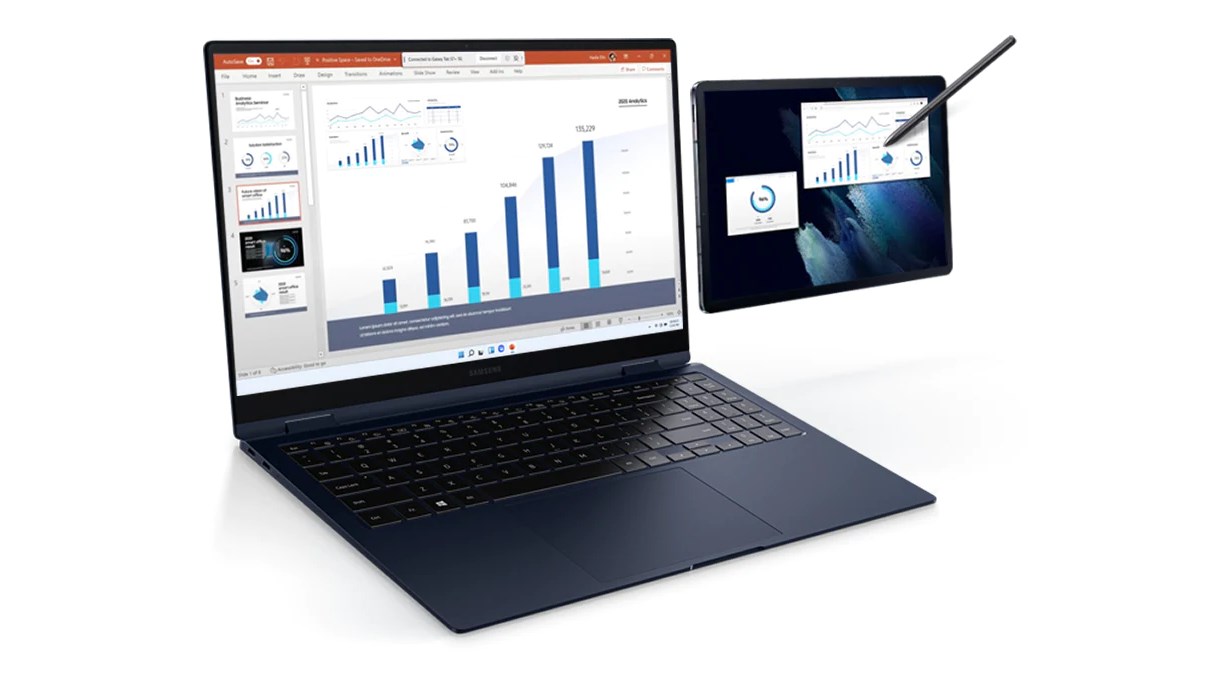
Second Screen for Windows by Samsung Electronics Co., Ltd. is designed to transform your PC into an extension of your mobile device, offering a fluid and intuitive way to multitask and enhance productivity.
Basic Information and Key Features
定位描述
An innovative second screen application that bridges your Windows PC with Samsung mobile devices to create a unified, multi-display environment.
开发公司/团队
Developed by Samsung Electronics Co., Ltd., a global leader in consumer electronics and technology solutions.
主要功能亮点
- Device Mirroring and Archiving: Effortlessly mirror your mobile screen onto your PC, capturing content for later reference or sharing.
- Multi-Window Control: Manage and interact with multiple screens simultaneously, boosting multitasking capabilities.
- Wireless Connectivity: Seamlessly connect without cables, allowing flexible workspace arrangements.
- Content Transfer: Drag and drop files directly between your device and PC, simplifying file management.
目标用户群体
Primarily aimed at Samsung users seeking a more integrated workflow—professional creators, digital artists, students, and remote workers looking to expand their screen real estate and streamline their device interactions.
Engaging the User: A Peek Into the Experience
Imagine sitting at your desk, seamlessly transforming your laptop into a canvas that extends your phone's display—a symphony of pixels dancing in harmony. Second Screen for Windows makes this a reality, turning simple connectivity into an engaging productivity enhancer. Whether you're managing multiple apps, transferring files on the fly, or simply wishing to view the world through a dual-display lens, this app promises a fluid symphony of connectivity that feels natural and hassle-free.
The Core Powers: Unlocking the App's Potential
1. Mirroring and Content Capture—Your Mobile, Amplified
This feature acts as the heartbeat of the app. It allows users to mirror their Samsung smartphones onto the Windows desktop effortlessly. Imagine having your phone's screen on your PC, making presentations, demonstrations, or quick checks without fussing with cables. The added ability to archive snapshots or recordings fosters a useful repository of visuals—perfect for creative workflows or real-time feedback. The process is intuitive: with a few taps, your mobile content becomes a part of your larger workspace, turning your PC into a powerful control hub.
2. Multi-Device Management—A Control Center in Your Hands
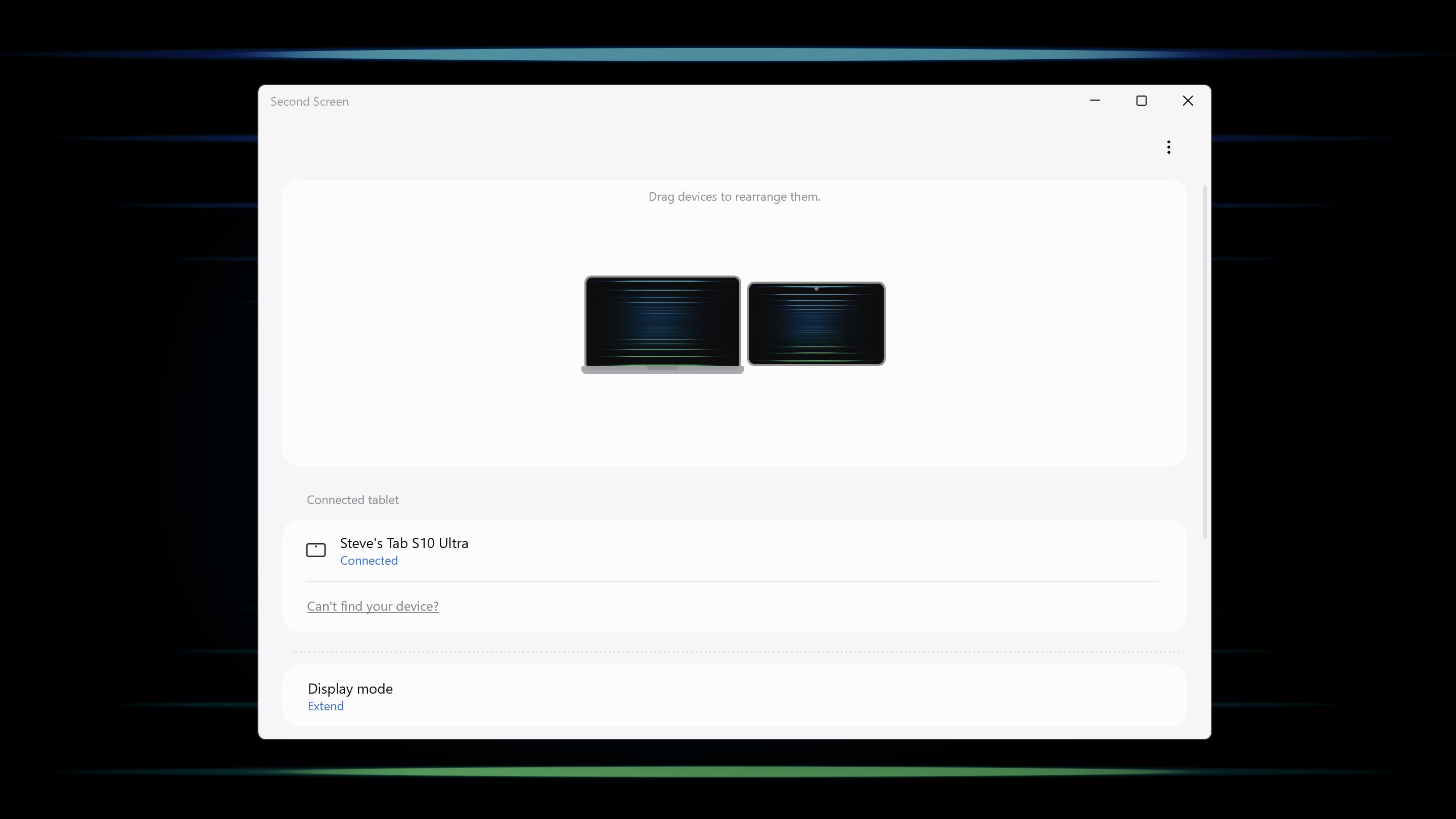
Second Screen stands out with its multi-window capabilities. You can run apps from your Samsung device on your PC in separate windows, allowing parallel workflows—for example, editing a photo on your PC while referencing chat messages from your phone. The app's interface intuitively arranges these screens, making multitasking feel like orchestrating a well-conducted symphony, not juggling. The seamless transition and smooth operation encourage users to experiment with different setups, elevating their productivity without feeling overwhelmed.
3. Wireless Connection—Breaking the Cables, Not the Flow
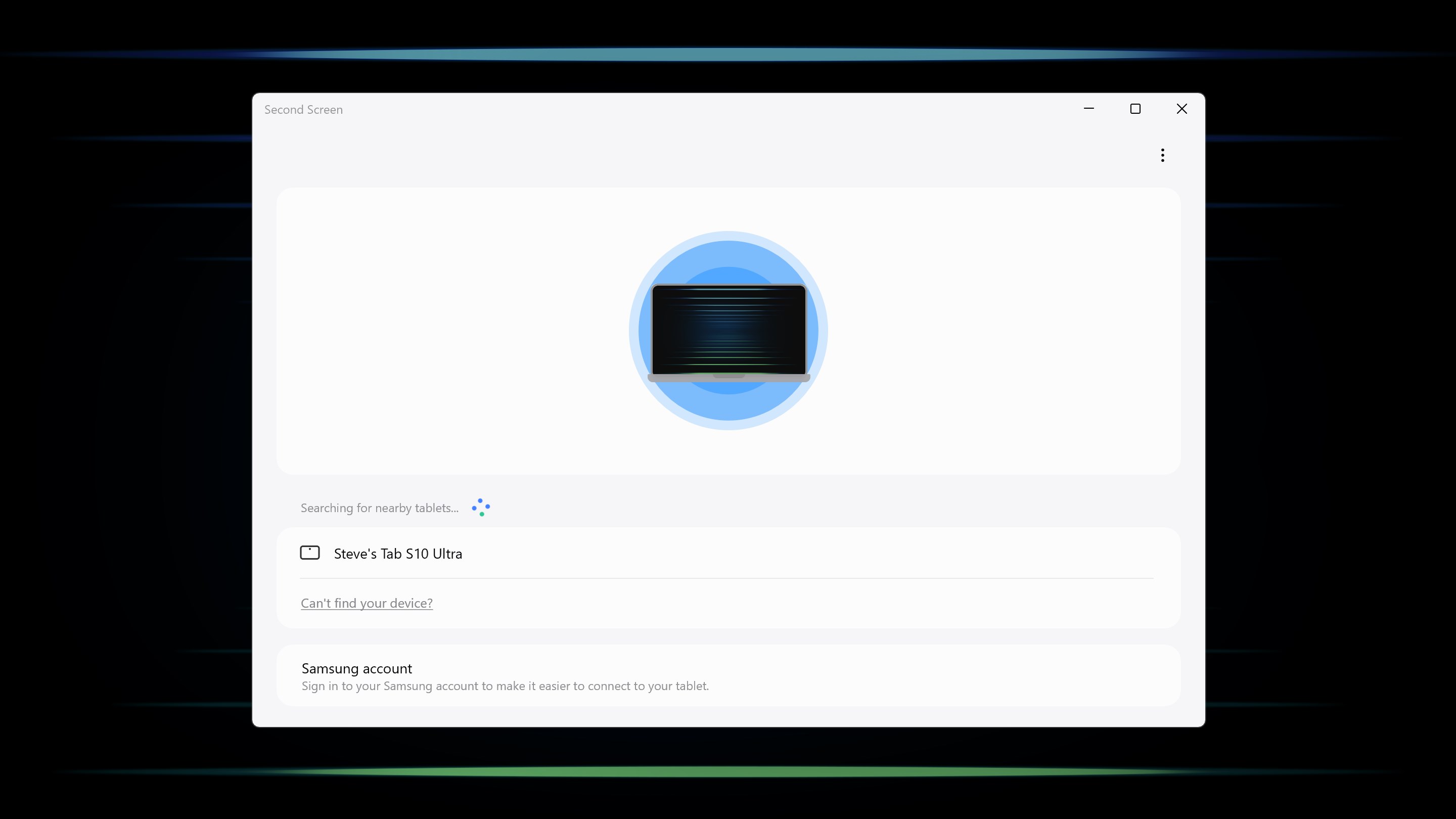
The wireless aspect is a breath of fresh air—no more tangled cords or clutter. Connecting your device to your PC is straightforward, relying on Wi-Fi, with minimal setup time involved. The transition feels like a dance, gliding from one screen to another without interruption. This wireless feature empowers users to arrange their workspace flexibly—whether at home, in a coffee shop, or during a presentation—without sacrificing ease or speed.
Design, Usability, and Unique Advantages
The interface adopts a clean, minimalistic design inspired by Samsung's sleek aesthetic, which makes navigation intuitive even for first-time users. Setting up the connection is straightforward—just a few taps, and you're live—allowing users to jump in quickly. The app operates with a smooth, fluid response, minimizing lag and providing a lag-free experience that feels natural, comparable to an extension of your device rather than an external tool.
Compared to similar utilities, Second Screen for Windows distinguishes itself through its tight integration with Samsung devices and its emphasis on wireless connectivity. Most competitors still rely heavily on cables or less stable connections, whereas Samsung's approach offers flexibility and reliability, making it especially appealing for users who value a clutter-free environment and quick setup.
Final Thoughts: Should You Give It a Try?
Overall, Second Screen for Windows is a thoughtfully designed application that enhances your productivity by creating a harmonious relationship between your PC and Samsung mobile device. It's particularly recommended for Samsung users who want a smooth, wireless extension and seamless content management. For casual users or those already embedded in the Samsung ecosystem, this app could become an essential part of your digital toolkit. While not overly complex, it provides enough innovative touches—like wireless operation and multi-window management—to stand out in the crowded realm of utilities & tools.
In summary, if you're looking for a reliable second screen solution that's easy to set up, visually appealing, and genuinely useful in daily tasks, Samsung's Second Screen for Windows is worth exploring. It's like having an extra hand—helping you work smarter, not harder.
Pros
- Seamless second screen functionality
- Easy setup process
- Supports multiple devices
- Synchronization of content
- Responsive and real-time updates
Cons
- Limited app compatibility
- Occasional connection drops
- Battery consumption on primary device
- Lack of customizable settings
- Limited drag-and-drop support between screens











