
- Category Utilities & tools
- Developer S & S Computing
- Available on PC
- OS Windows 10 version 0.0 or higher
- Keyboard Integrated Keyboard
- Mouse Integrated Mouse
- Memory 300 MB
- languages Arabic, Danish, Dutch, English, French, German, Portuguese, Spanish
Seamless Vector Image Conversion with SewArt for Windows
SewArt is a straightforward yet powerful tool designed to convert raster images into scalable vector graphics, primarily benefiting crafters, designers, and hobbyists looking to digitize their artwork effortlessly.
About the Developer and Core Highlights
Developed and published by S & S Computing, SewArt offers a focused set of features aimed at simplifying image trace and conversion tasks. The application's main strengths include its intuitive auto-tracing capabilities, customizable edge detection settings, and batch processing options. Its user-centric design makes it accessible for both beginners and experienced users aiming to save time and maintain quality.
Getting Inspired: The Promise of SewArt
Imagine transforming a simple hand-drawn sketch or a detailed photograph into a crisp, scalable vector graphic without needing extensive graphic design skills. SewArt cuts through the technical complexity, much like a skilled tailor turning raw fabric into a perfect piece—precise, efficient, and tailored to your needs. Whether you're creating embroidery designs or preparing logos for large-scale printing, SewArt aims to be your trusty digital scissors and stitching kit.
Core Features Breakdown
Intelligent Auto-Tracing and Customization
The standout feature of SewArt is its auto-tracing engine, which intelligently detects edges and converts raster images into vector paths. This process can be as simple as importing a photo and letting the software do its magic or diving into detailed settings to fine-tune the detection thresholds. The tool offers various adjustable parameters such as color threshold, edge detection sensitivity, and smoothing, enabling a balance between precision and simplicity. This flexibility makes SewArt suitable not just for quick conversions, but also for fine-tuning complex artwork.
Batch Processing for Efficiency
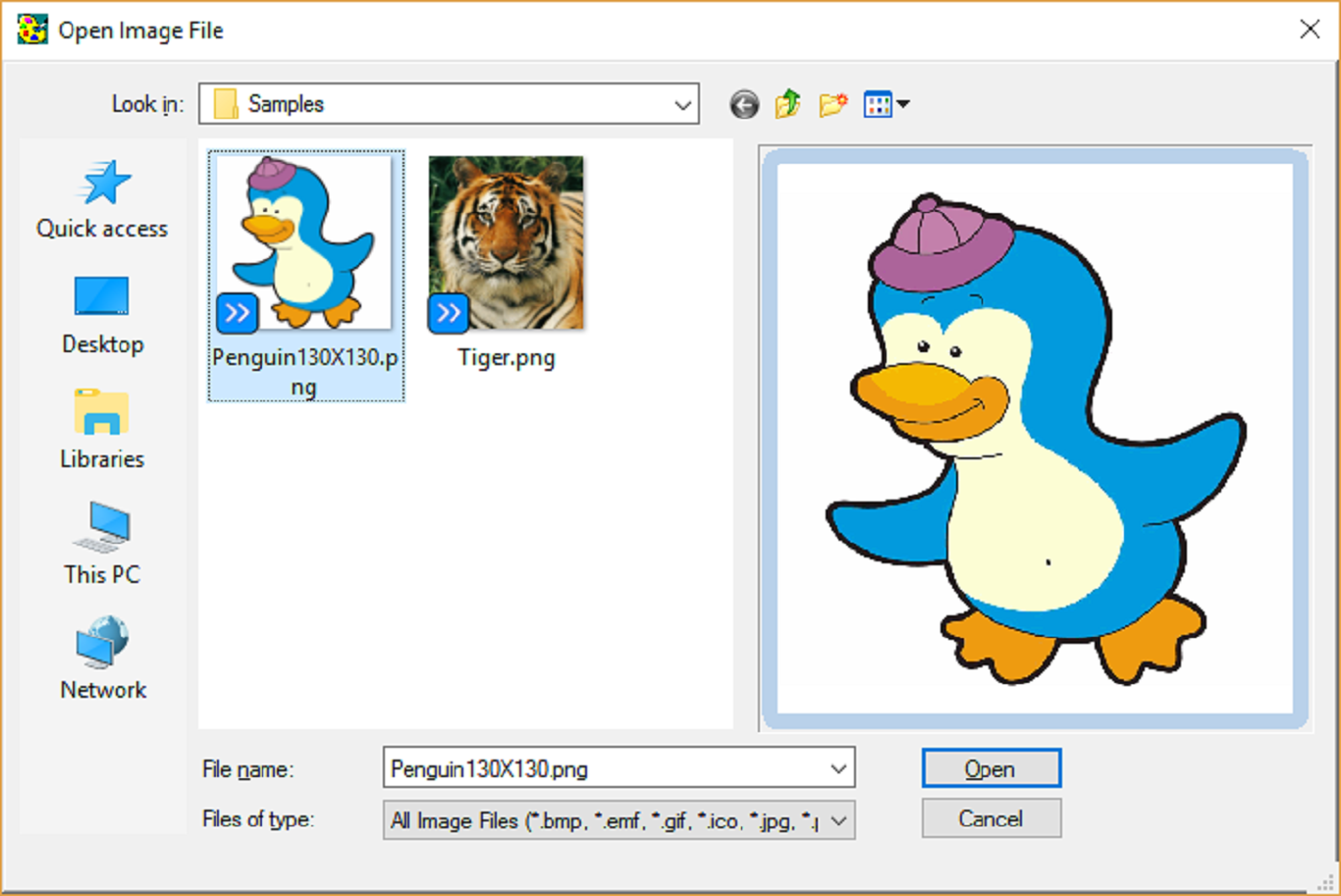
If you're someone who often needs to convert multiple images—say, a series of sketches or pattern motifs—SewArt excels with its batch processing feature. You can load a folder of images, apply your preferred settings globally, and let the software process them sequentially. This feature greatly reduces repetitive manual work, turning what could be a tedious task into a streamlined workflow—like having a digital assembly line in your studio.
Export Versatility and Compatibility
After finishing the tracing, SewArt exports files in popular vector formats such as SVG, EMF, WMF, and even BMP for raster backups. This broad compatibility allows you to integrate the graphics seamlessly into other design programs or embroidery machines. Moreover, the software offers options to refine nodes, smooth curves, and adjust line thickness, ensuring that the final output meets your project specifications precisely.
Design and User Experience: Friendly, Yet Functional
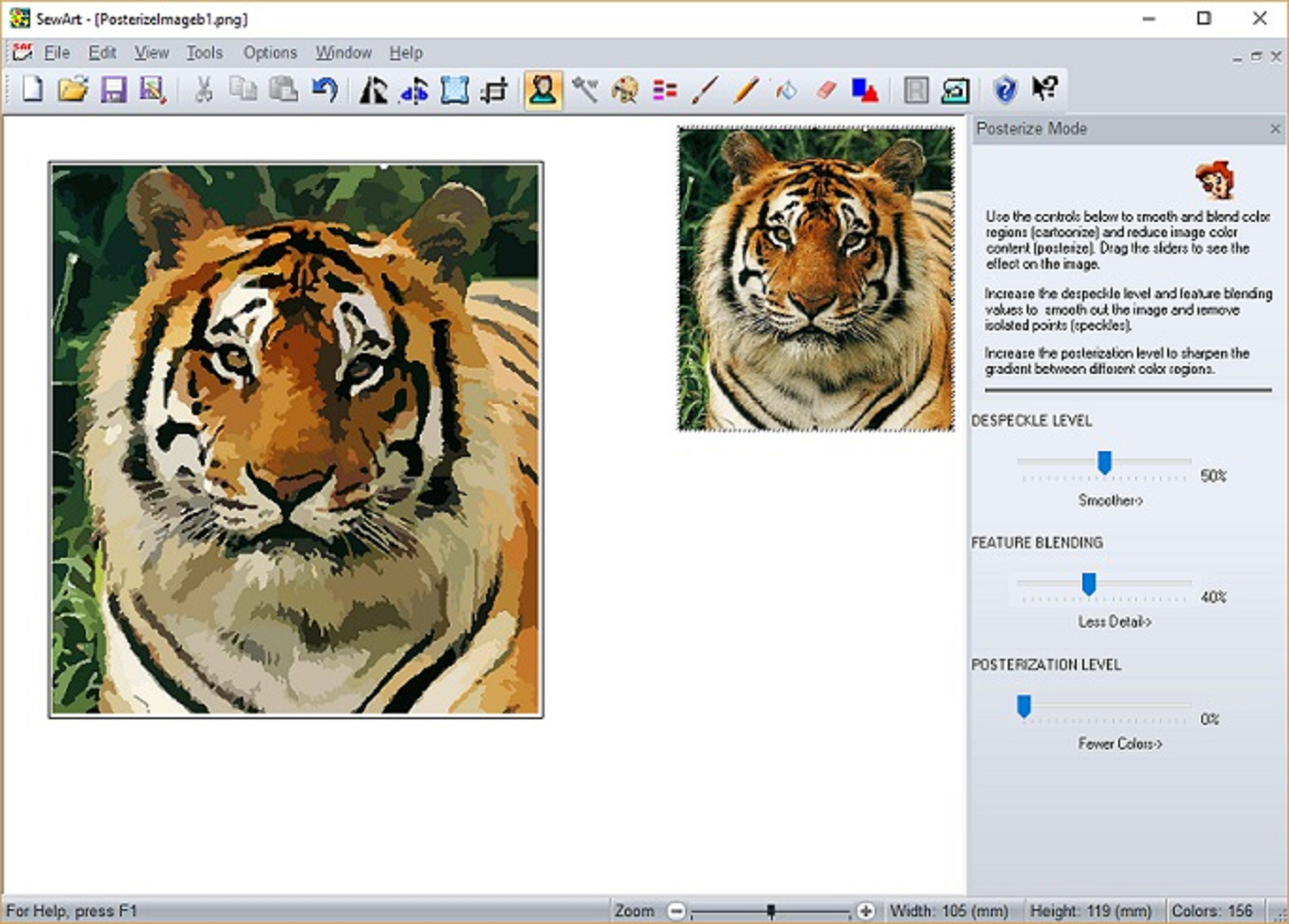
The interface of SewArt feels like a tidy workshop—organized and easy to navigate. The layout is clean, with intuitive controls that make even first-timers feel at home. The preview window provides real-time feedback, so you can see changes on the fly, much like adjusting a camera's focus before taking a perfect shot. Operation flows smoothly without lag, allowing users to experiment freely without frustration. While some advanced options may require a brief learning curve, the overall experience remains accessible, like learning to play a simple instrument—initially challenging but rewarding once grasped.
What Sets SewArt Apart From Similar Tools?
Compared to other vectorization utilities, SewArt's most distinctive advantage is its combination of automatic tracing with detailed, customizable controls. Many similar apps either offer limited auto-trace capabilities or lack batch processing, making SewArt stand out for users who need a reliable, yet flexible tool that works efficiently at scale. Its focus on embroidery and craft-related outputs, along with multi-format exports, tailors it well for hobbyists and small business owners, turning complex vector work into a manageable craft—like having a mini design studio in your pocket.
Final Recommendations and Usage Tips
If you're seeking a dedicated, easy-to-use raster-to-vector converter that doesn't compromise on control, SewArt is worth considering. It's particularly recommended for crafters, embroidery enthusiasts, and small designers who need a straightforward solution without the overhead of professional-grade software. For best results, start with simple images to familiarize yourself with the settings, then gradually experiment with more complex artwork. Keep in mind that, while powerful, SewArt excels in auto-tracing rather than manual editing—so for highly detailed or nuanced designs, some post-processing in a vector graphic editor may still be necessary.
Overall, SewArt for Windows offers a practical, user-friendly experience that democratizes vector graphic creation—much like turning raw clay into a beautiful sculpture with just the right tools. If you're ready to transform your images into scalable masterpieces with ease, this app is a dependable companion in your creative toolkit.
Pros
- Intuitive interface
- Robust image processing capabilities
- Batch processing support
- Multiple format exports
- Continuous updates and support
Cons
- Limited editing tools within the app
- Slow processing times on large images
- Occasional inaccuracies in vector conversion
- Lack of detailed tutorials
- No support for Mac OS











