

- Category Utilities & tools
- Developer ShareX Team
- Available on PC
- OS Windows 10 version 18362.0 or higher
- languages English (United States)
ShareX for Windows: A Powerful and Versatile Screen Capture and Sharing Tool
ShareX for Windows stands out as a comprehensive solution for users seeking an efficient way to capture, edit, and share their screen content with ease. Its feature-rich environment makes it a go-to utility for professionals, content creators, and casual users alike who demand flexibility and reliability in their screen capturing workflows.
About the Developer and Core Features
Developed and published by the dedicated ShareX Team, this application embodies a passion for creating open-source tools that streamline digital workflows. Its main strengths include:
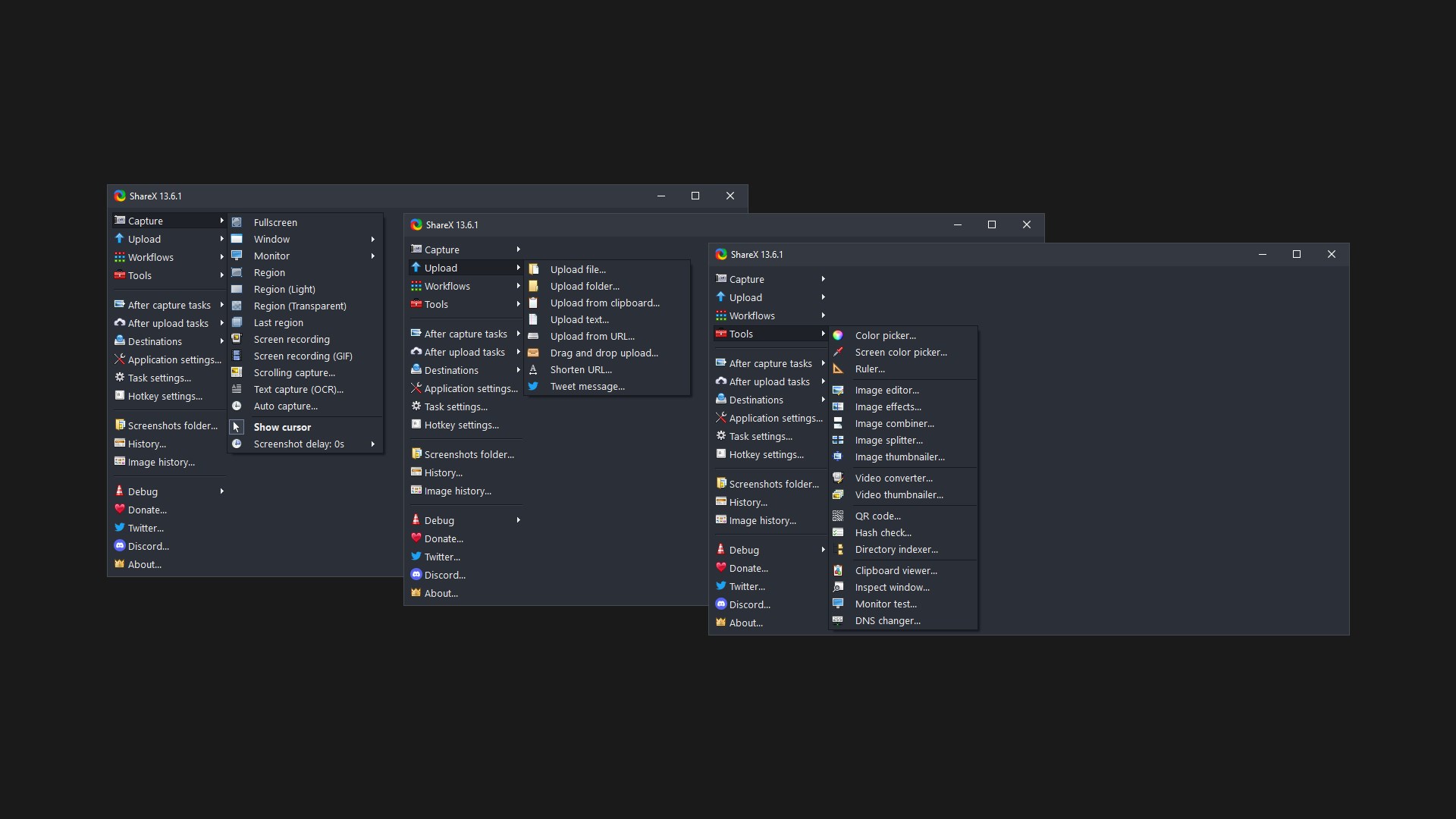
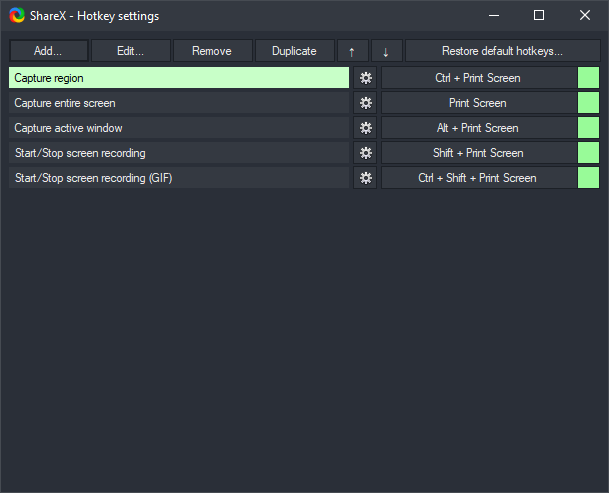
- Extensive Capture Options: Supports full screen, window, region, scrolling capture, and even customizable hotkeys, offering exceptional flexibility.
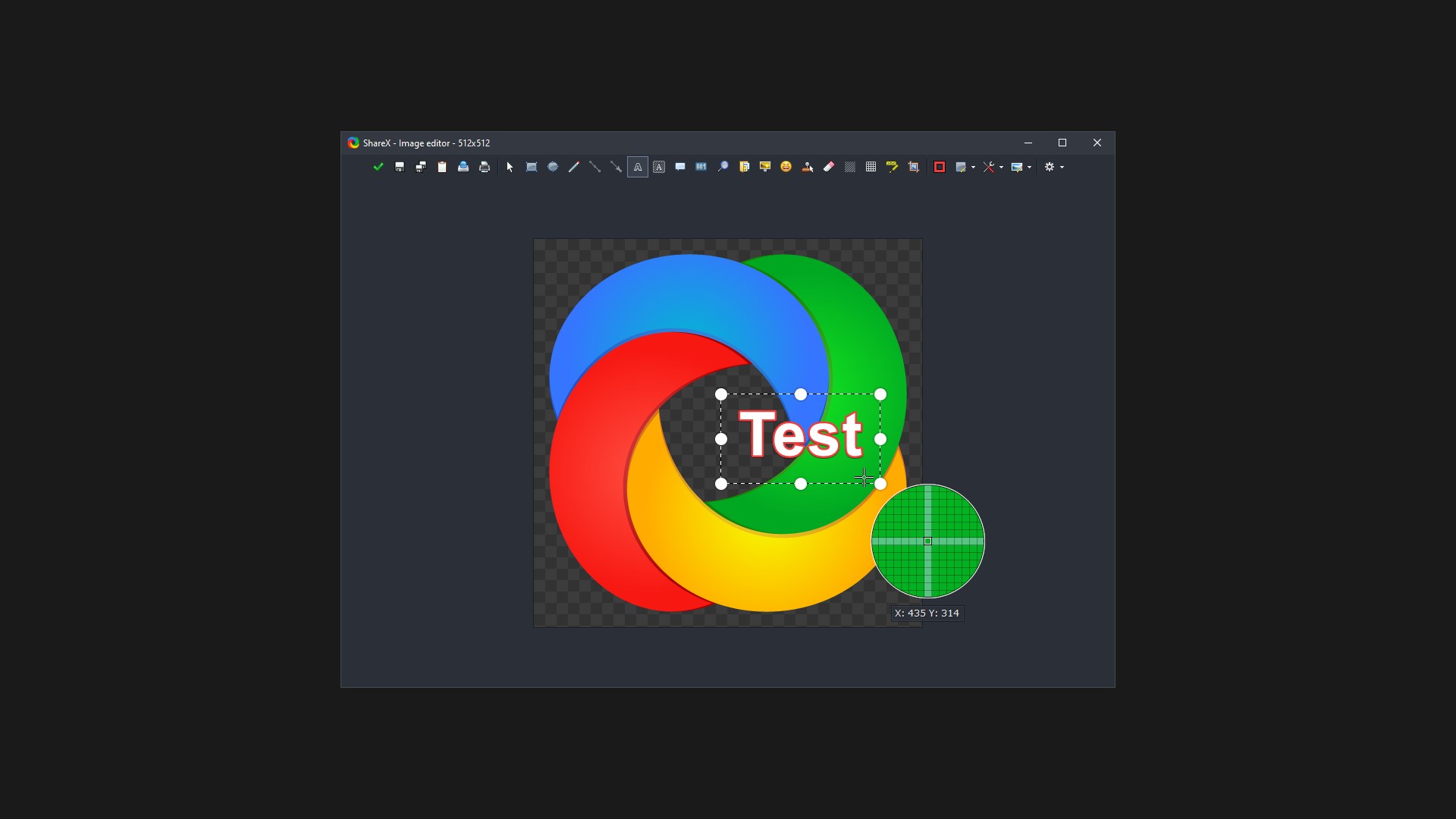
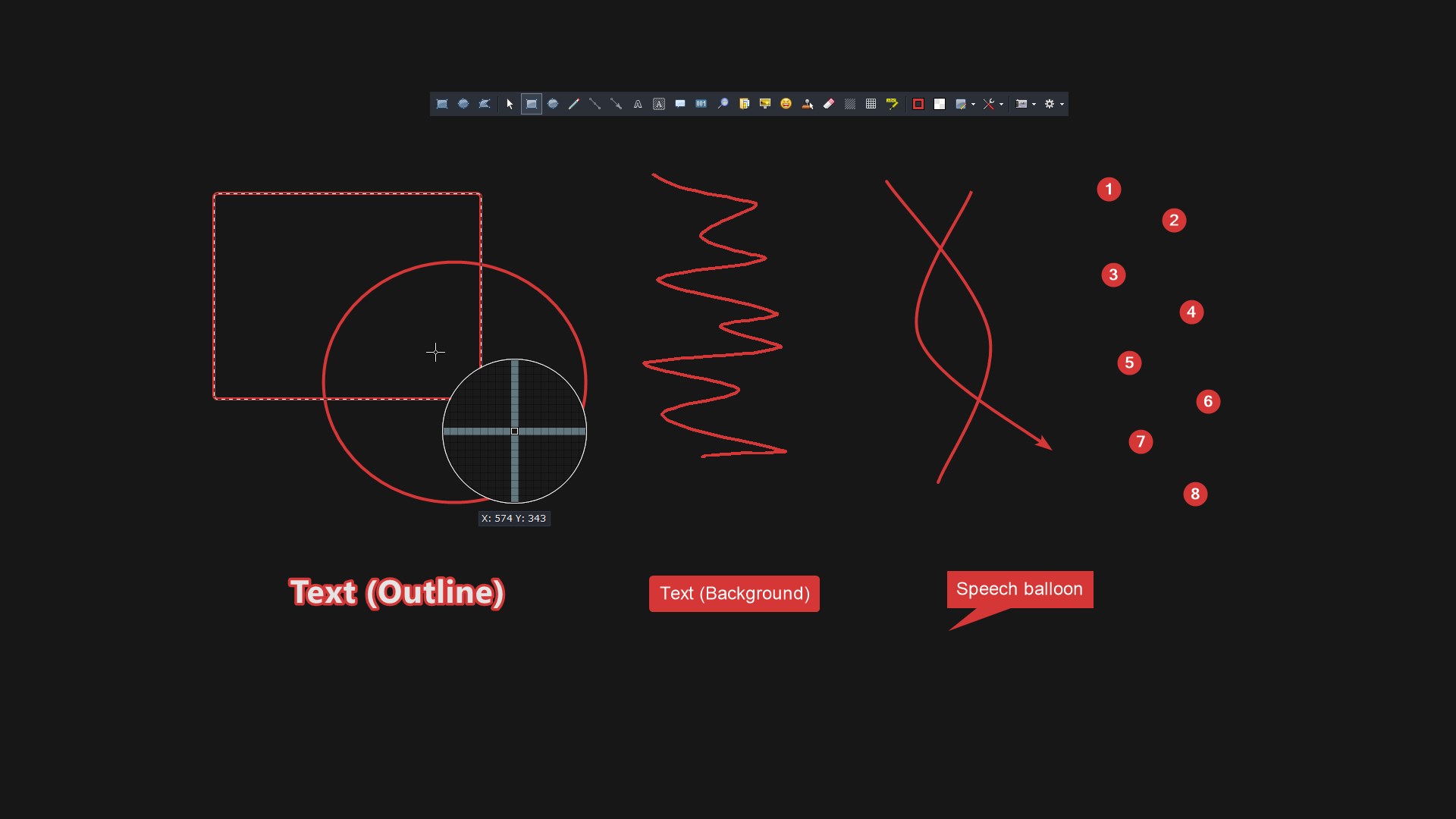
- Advanced Editing and Annotation: Comes equipped with built-in editing tools such as text, arrow, shapes, and pixelation to tailor captures before sharing.
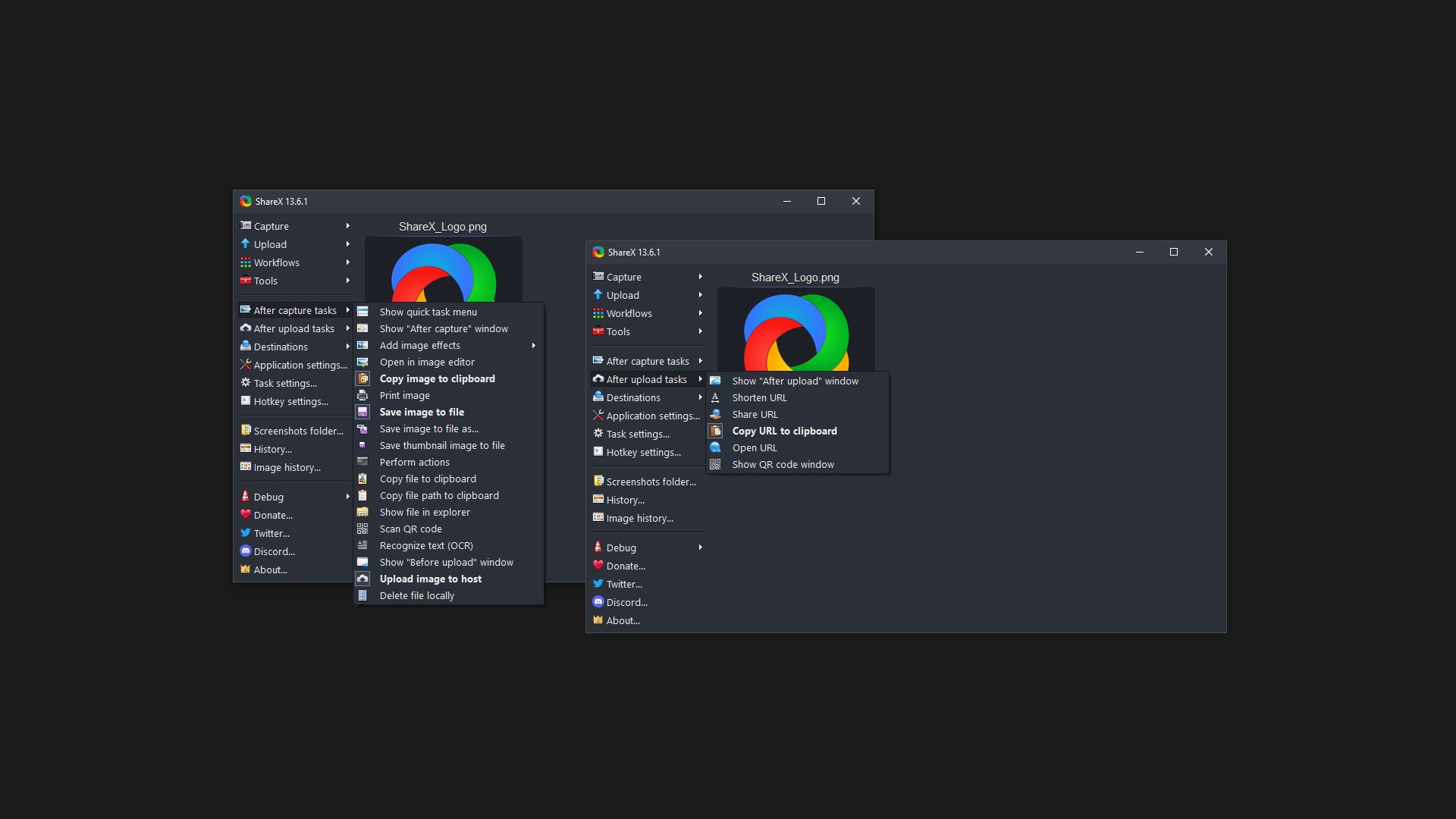
- Automated Uploading and Sharing: Integrates with numerous cloud services like Imgur, Dropbox, and even custom FTP servers, enabling seamless sharing processes.
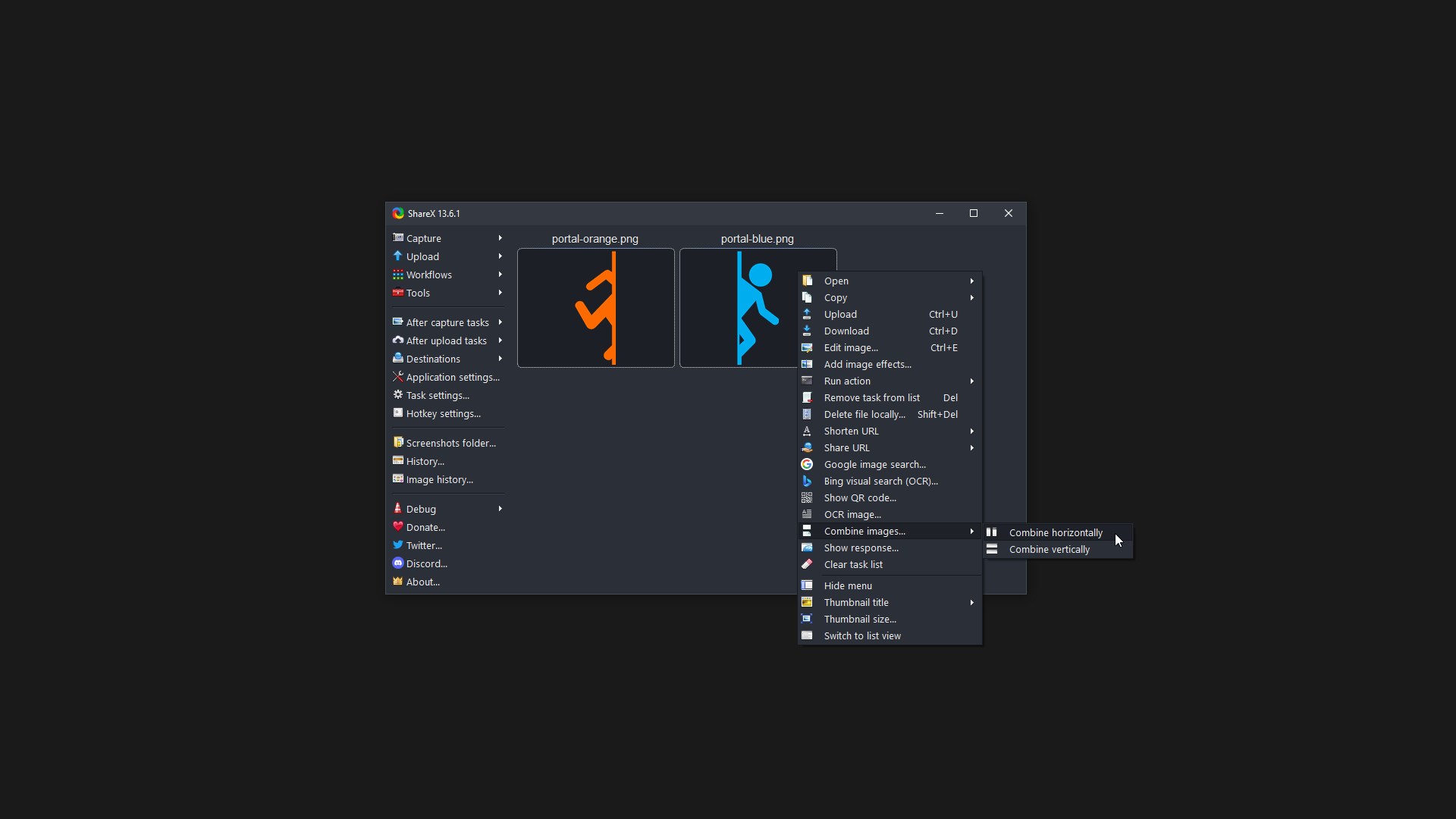
- Custom Workflows: Users can script and automate repetitive tasks, enhancing productivity for power users.
Targeting a broad spectrum, from tech enthusiasts to corporate professionals, ShareX appeals particularly to those who require an efficient, customizable tool to streamline their screen capture routines.
A Dynamic Introduction: Why ShareX?
Imagine yourself as a digital artist or a developer debugging an issue—you need to capture a snippet of your screen quickly, annotate it for clarity, and share it with a team member or on social media. ShareX acts like a knowledgeable assistant who not only captures your screen in various ways but also helps you polish and distribute your visuals effortlessly. Its rich features and open-source nature make it a favorite in the tech community—think of it as the Swiss Army knife for screen capturing.
Core Functionality: Capture That Perfect Moment
The heart of ShareX is its versatile capture capabilities. Whether you need a quick full-screen shot or a detailed scrolling capture of a lengthy webpage, ShareX handles it gracefully. Its customizable hotkeys make capturing feel almost instinctive—saving time and effort, especially during intense work sessions. Its scrolling capture feature shines when documenting entire web pages or lengthy documents, akin to unrolling a scroll to reveal the full story in one go.
Streamlined Editing and Annotation
Editing within ShareX is straightforward yet powerful. After capturing, users can annotate images with text, arrows, or shapes, making it simple to highlight important details or add comments. Pixelation tools enable discreet hiding of sensitive information. The interface for editing is intuitively designed, much like customizing a photo with familiar editing tools—no steep learning curve here, allowing even beginners to enhance their screenshots confidently.
Seamless Sharing and Automation
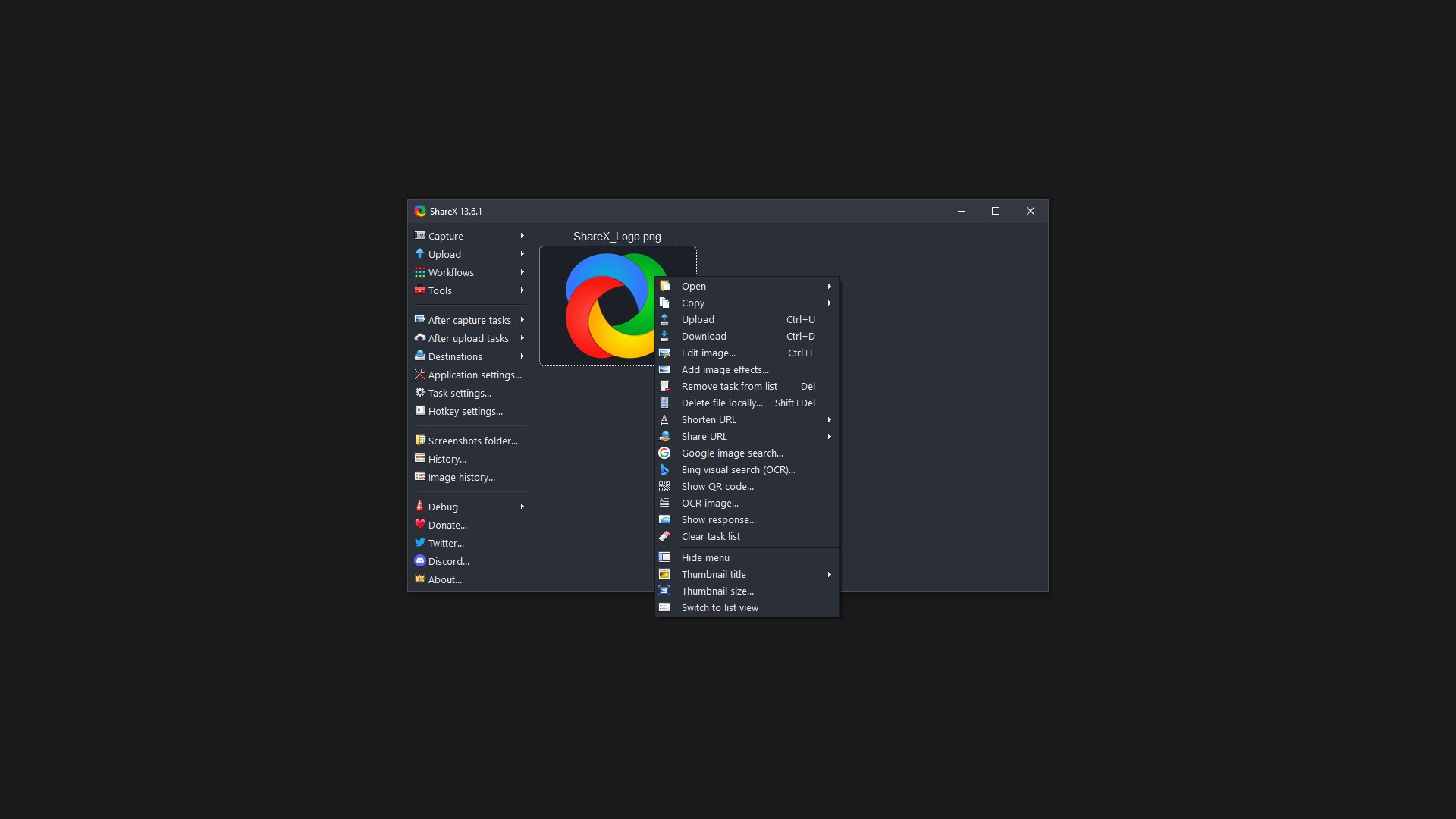
Uploading and sharing are simplified through integrations with popular cloud services or custom upload options. Once you've finished editing, with a single click, your image can be uploaded and a link copied to your clipboard—no fuss, no delays. Advanced users can take advantage of scripting features to automate repetitive tasks—imagine having a personal assistant handling routine uploads and sharing, freeing you to focus on more creative pursuits. This automation proves to be a standout feature that sets ShareX apart from other utilities.
Comparable Landscape and Unique Advantages
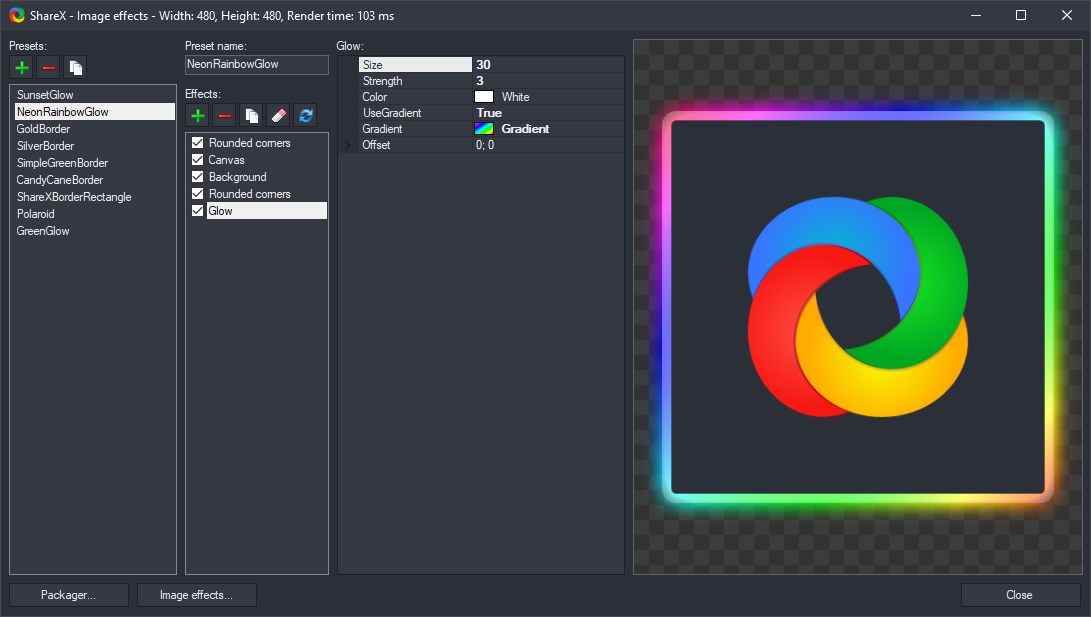
While there are other screen capture tools out there—some with slick interfaces or specific niche features—ShareX's strength lies in its comprehensive, customizable, and open-source nature. Unlike simpler app counterparts, it caters to both casual users and power users through its scripting capabilities and multi-platform integrations. Its ability to handle complex workflows, combined with a rich set of editing tools and automation options, makes it uniquely suited for users who need more than just basic screen captures.
Final Recommendations and Usage Tips
Considering its feature set and reliability, I recommend ShareX for users looking for a free yet professional-grade screen capture and sharing tool. It's particularly ideal for educators, developers, and content creators who benefit from automation and detailed customization. Beginners should take some time to explore its hotkeys and scripting options, but even novice users will find its straightforward interface manageable. For those who value flexibility and open-source solutions, ShareX is undoubtedly worth adding to your toolbox.
Pros
- High Customizability
- Rich Feature Set
- Automation Capabilities
- Open Source and Free
- Active Community Support
Cons
- Steep Learning Curve
- Occasional Stability Issues
- Limited Official Documentation
- Resource Intensive at Times
- UI Design Could Be More Intuitive











