

- Category Utilities & tools
- Available on PC
- OS Windows 11 version 22000.0 or higher
- languages Afrikaans, Albanian, Amharic, Arabic, Azerbaijani, Bangla (Bangladesh), Basque, Belarusian, Bulgarian, Catalan, Chinese (Simplified), Chinese (Traditional), Croatian, Czech, Danish, Dutch, English (United Kingdom), English (United States), Estonian, Filipino, Finnish, French, French (Canada), Galician , German, Greek, Hebrew, Hindi, Hungarian, Icelandic, Indonesian, Italian, Japanese, Kannada, Kazakh, Khmer, Kiswahili, Korean , Lao, Latvian, Lithuanian, Macedonian, Malay, Malayalam, Norwegian (Bokmål), Persian, Polish , Portuguese (Brazil), Portuguese (Portugal), Romanian, Russian, Serbian (Latin, Serbia), Slovak, Slovenian (Slovenia), Spanish (Mexico), Spanish (Spain), Swedish, Tamil, Telugu, Thai, Turkish, Ukrainian, Uzbek, Vietnamese
A Clear-Cut Companion for Saving Moments: Snipping Tool for Windows
If you're seeking a straightforward yet powerful way to capture and annotate your screen, Snipping Tool for Windows stands out as a reliable choice. This no-fuss utility simplifies screenshot capture while delivering essential editing features, making it a trusted tool for students, professionals, and casual users alike.
Designed by a Trusted Team for Everyday Users
Developed by Microsoft Corporation, this application benefits from the company's extensive experience in crafting user-centric tools. Its main spotlight is on quick, simple screen captures that integrate seamlessly into your workflow. With features tailored to both tech novices and seasoned users, the app bridges the gap between simplicity and utility.
Core Features That Make Screen Sniping an Art
Multiple Capture Modes for Flexibility
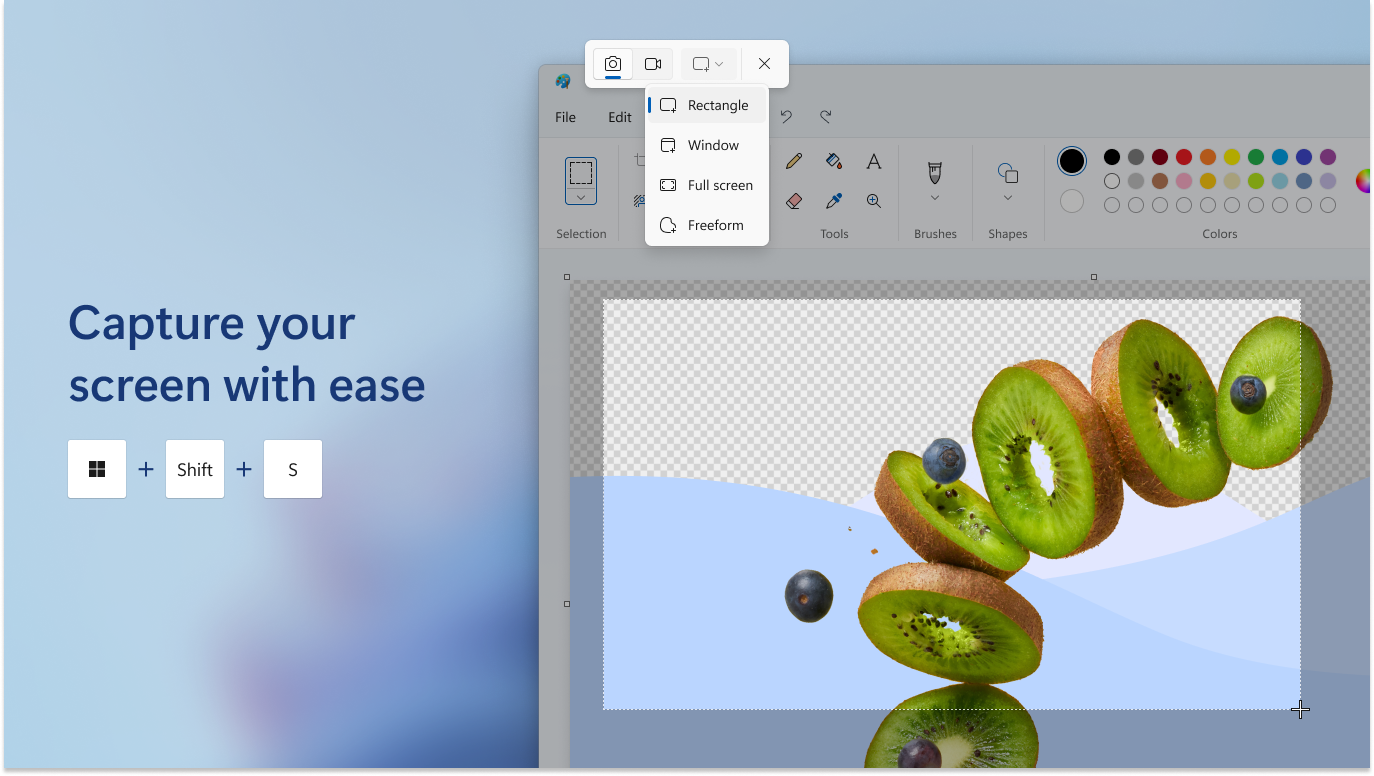
The application offers various snipping options — freeform, rectangular, window, and full-screen — giving users the flexibility to capture exactly what they need. Imagine having a Swiss Army knife for screenshots that adapts to every scenario, from grabbing a quick chat box to capturing an entire monitor display.
Instant Annotation and Editing
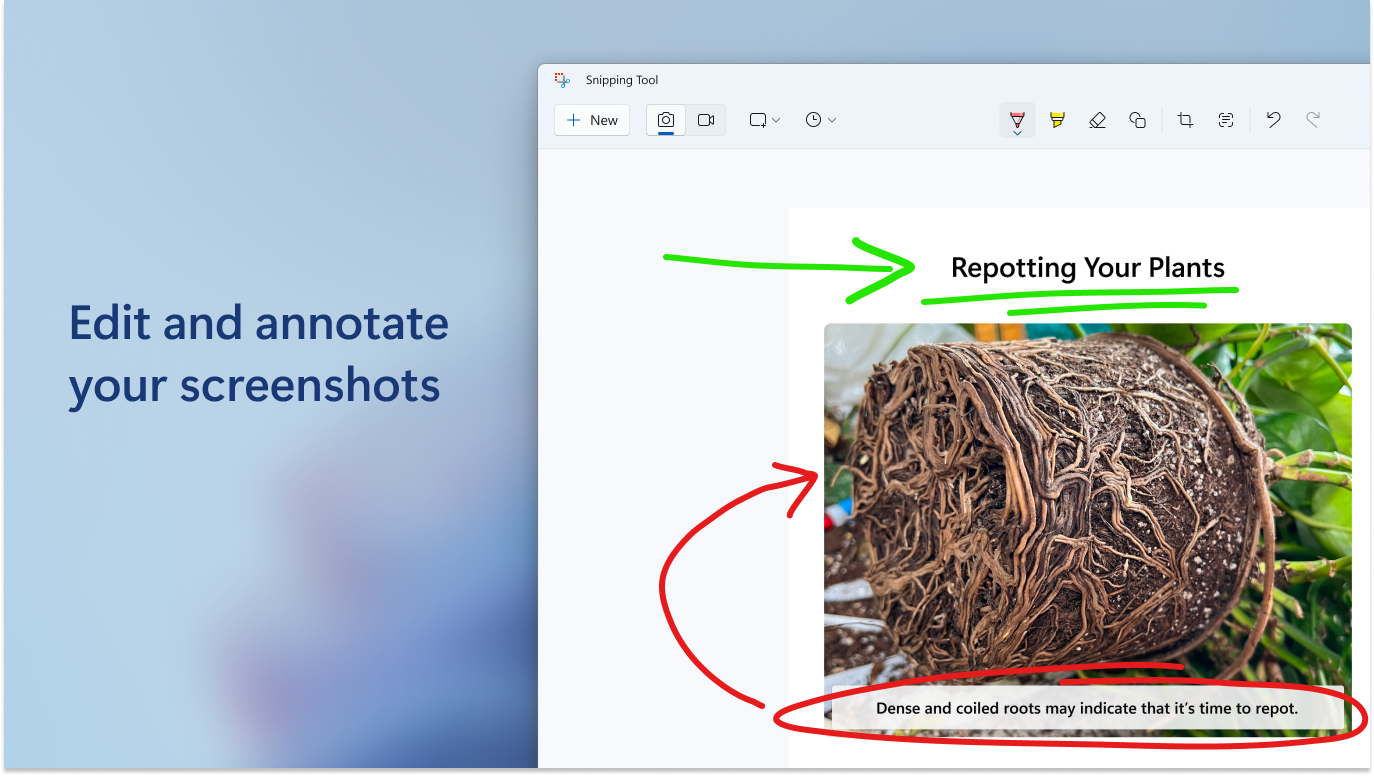
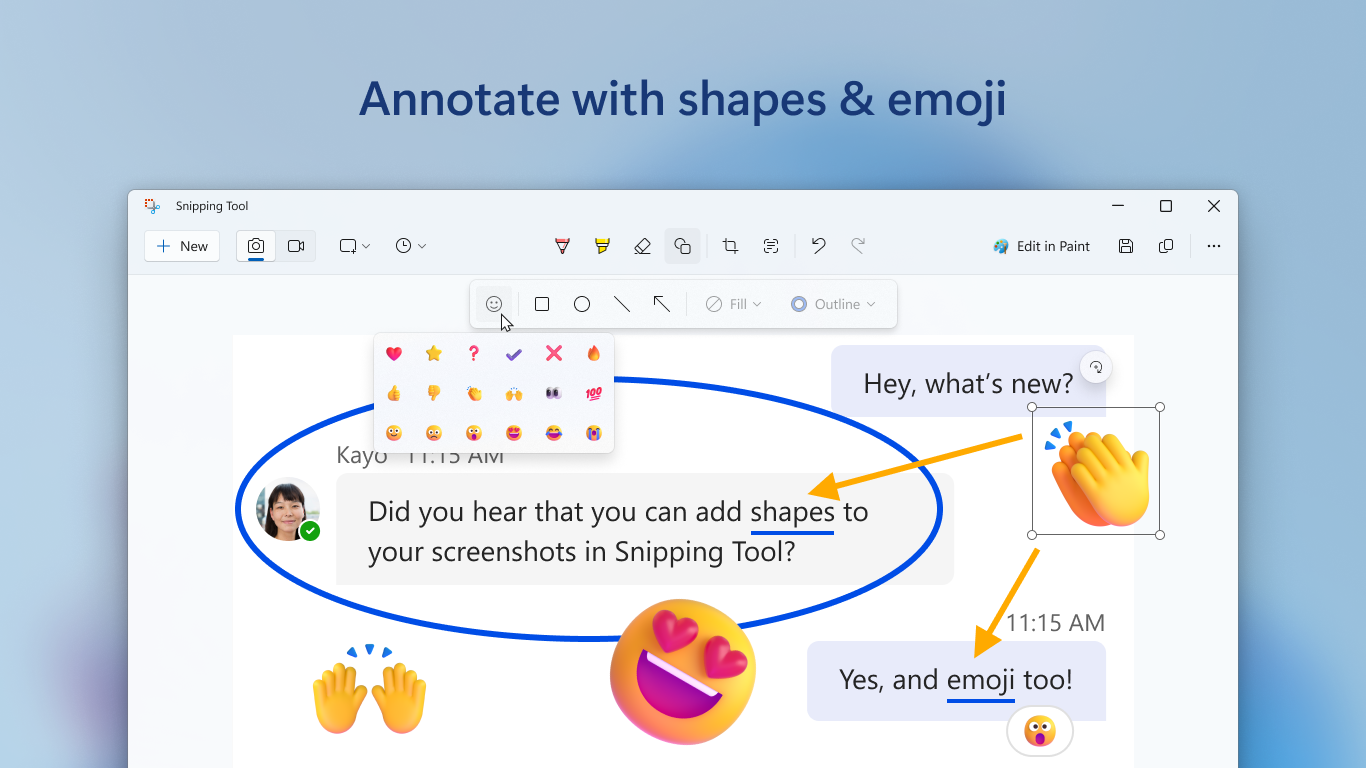
Once a snip is made, it can be immediately annotated with simple tools like pens, highlighters, or erasers. This feature transforms a static image into an interactive canvas, perfect for quick explanations or highlighting critical details. The editing tools are intuitive enough for beginners yet precise enough for detailed annotations.
Seamless Integration and Sharing
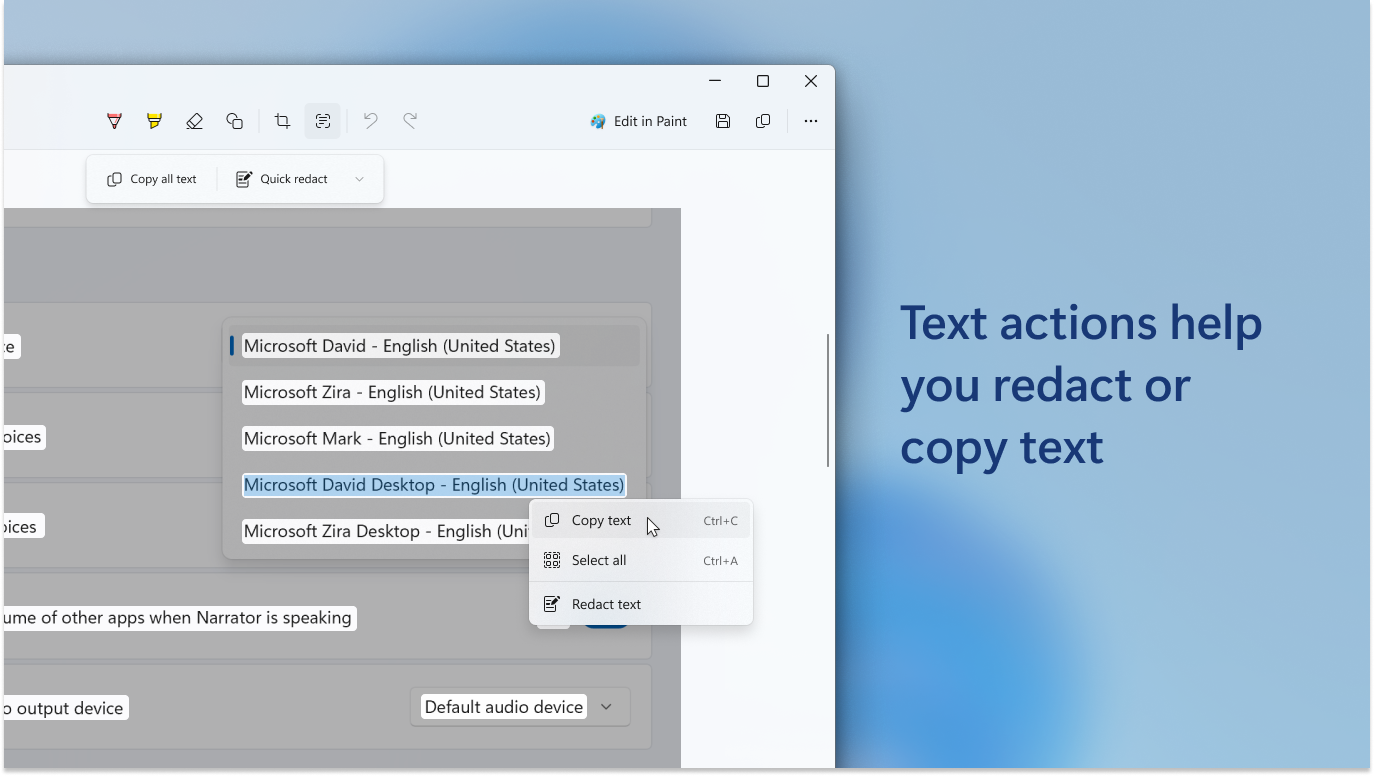
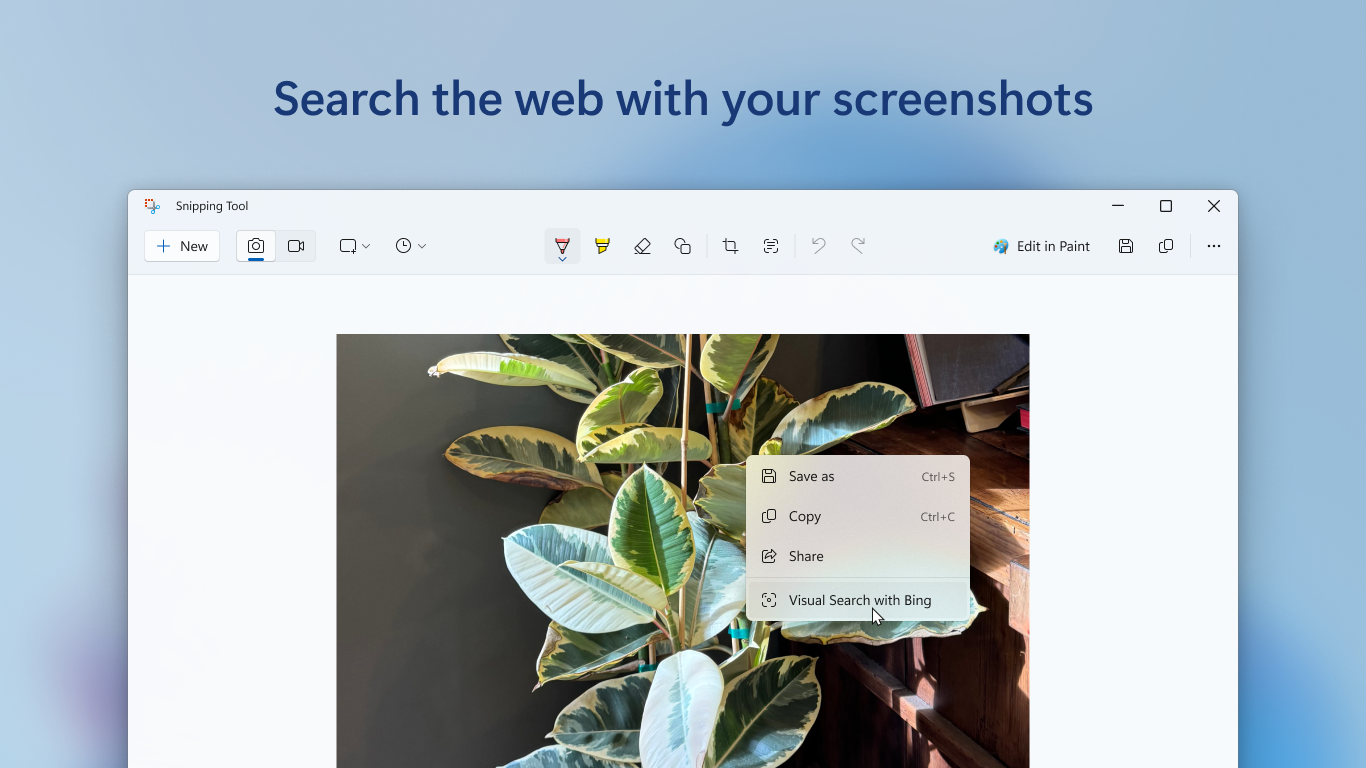
The captured images can be easily saved, copied to clipboard, or directly shared via email and other apps. This smooth integration makes it a convenient hub for instantly disseminating visual information, whether you're preparing a report or sharing a quick screenshot in a chat.
User Experience: Simplicity Meets Smoothness
The interface of Snipping Tool for Windows is minimalist and clean, resembling a familiar window with accessible options that don't overwhelm. Operation is straightforward: invoke the tool, choose your snip mode, create your capture, and edit if needed — all within a few clicks. The transitions are smooth, with snipping and editing actions performed swiftly, making the learning curve gentle enough for first-time users. The app's responsiveness means you won't experience laggy interactions, which often plague more bloated screenshot tools.
What Sets It Apart from Other Utilities & Tools
Unlike many third-party screenshot apps laden with unnecessary features and confusing menus, this tool emphasizes core essentials — quick capture, simple annotation, and easy sharing. Its tight integration with Windows OS ensures a native feel, with faster launch times and consistent performance. Additionally, the option to snip directly from the system tray or via hotkeys adds to its efficiency, making it a go-to utility for professionals who need rapid visual documentation.
Final Thoughts: Ready for Your Screen Snipping Needs?
All in all, Snipping Tool for Windows earns a solid recommendation for users valuing speed, simplicity, and integration. It's especially suitable for those who prefer a no-nonsense approach to capturing screens without the bloat of more complex apps. If you often find yourself needing quick visual references or annotations, this tool can become an indispensable part of your digital toolkit. Given its balanced mix of functionality and user-friendly design, it's definitely worth trying out for your daily screen capturing tasks.
Pros
- Intuitive Snipping Interface
- Multiple Snip Modes
- Built-in Annotation Tools
- Ease of Access
- Integration with Windows
Cons
- Limited Editing Features
- No Cloud Saving
- Occasional Lag During Snip Capture
- Limited Customization Options
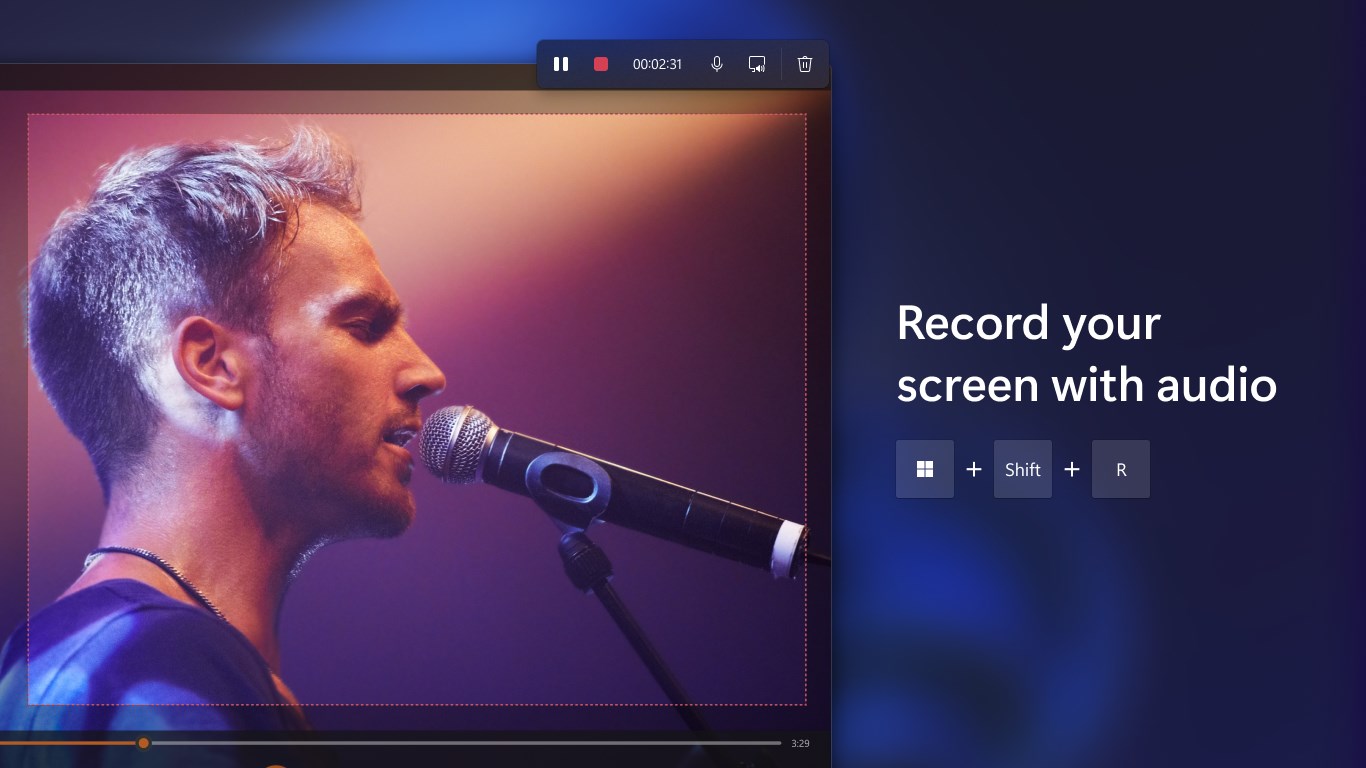
- No Video Capture Support











