

- Category Utilities & tools
- Available on PC, Mobile, Surface Hub, HoloLens
- OS Windows 10 version 17763.0 or higher
- languages English (United States)
StartBack Taskbar for Windows:Revitalizing Your Desktop Experience
If you've ever wished for a more versatile and efficient taskbar on Windows, StartBack Taskbar might just be your new best friend. Designed to mimic the classic Windows 7 style while offering modern enhancements, this application aims to bring back the nostalgia and practicality of older Windows versions with a fresh twist.
Basic Information: A Blend of Tradition and Innovation
StartBack Taskbar is a utility developed by Shek Lab that reintroduces the traditional Windows 7-style taskbar into Windows 10 and 11 environments. Its main goal is to provide users with a more familiar and efficient workflow without sacrificing the modern interface Windows offers.
- Key features include:
- Customizable Classic-style taskbar to suit personal preferences.
- Improved application pinning and grouping capabilities.
- Seamless integration with Windows, maintaining system stability.
- Additional customization options for icons, colors, and behaviors.
Targeted at users who seek a balance between old-school familiarity and contemporary Windows features, StartBack Taskbar appeals especially to those transitioning from Windows 7 or users who prefer a straightforward, no-fuss taskbar experience.
Vivid First Impressions: A Nostalgic Yet Modern Revival
Imagine kicking back with your familiar old desktop, where everything felt within reach and intuitively organized — that's what StartBack Taskbar offers. It's like rediscovering an old favorite song that still hits the right notes, but with a fresh remastered sound. The app's intuitive setup and clean interface immediately transport users to a more comfortable workspace, making it easy for newcomers to adopt and seasoned users to appreciate the enhancements.
Core Features: Closer Look at What Makes StartBack Unique
Classic Taskbar Customization
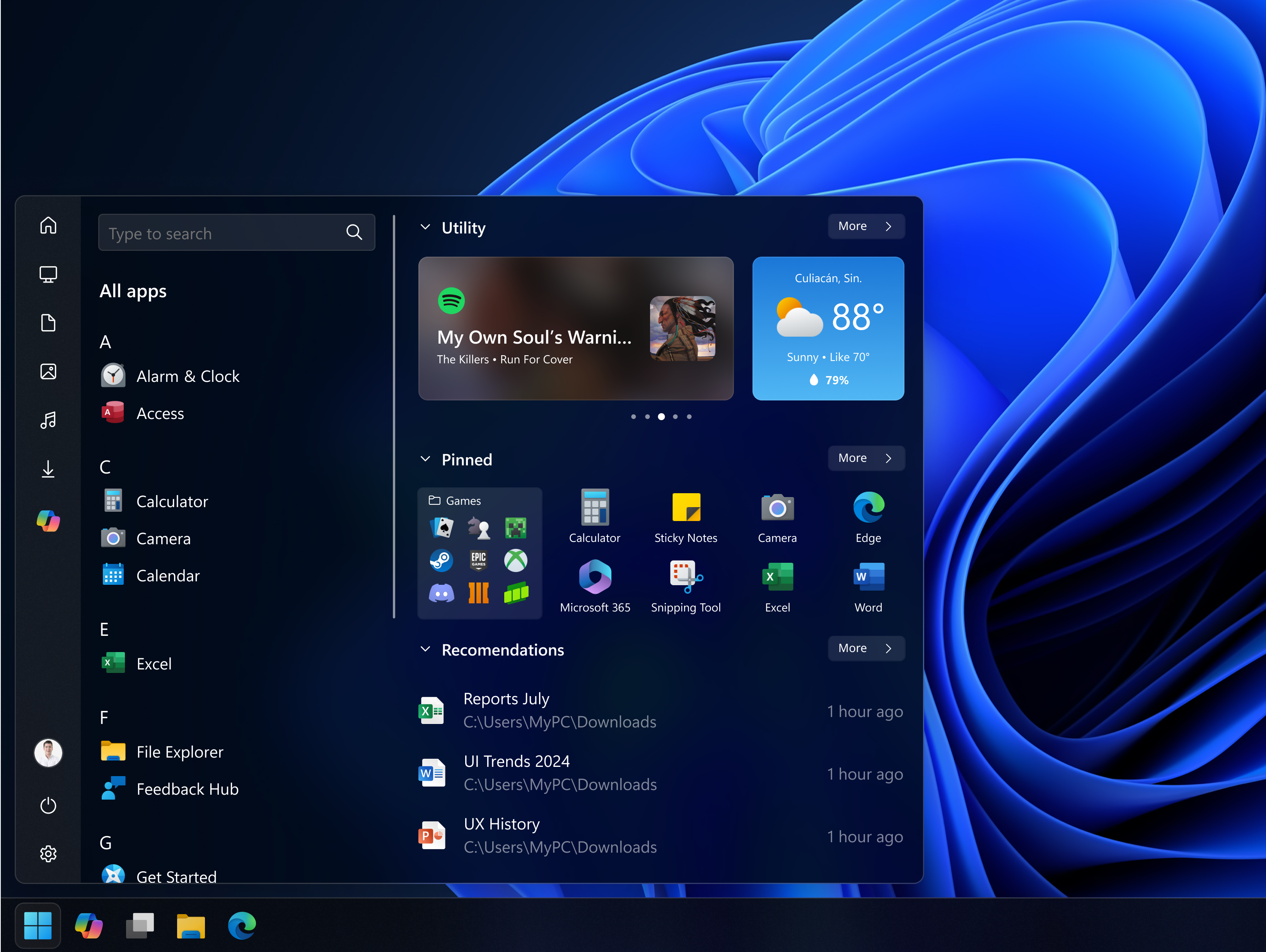
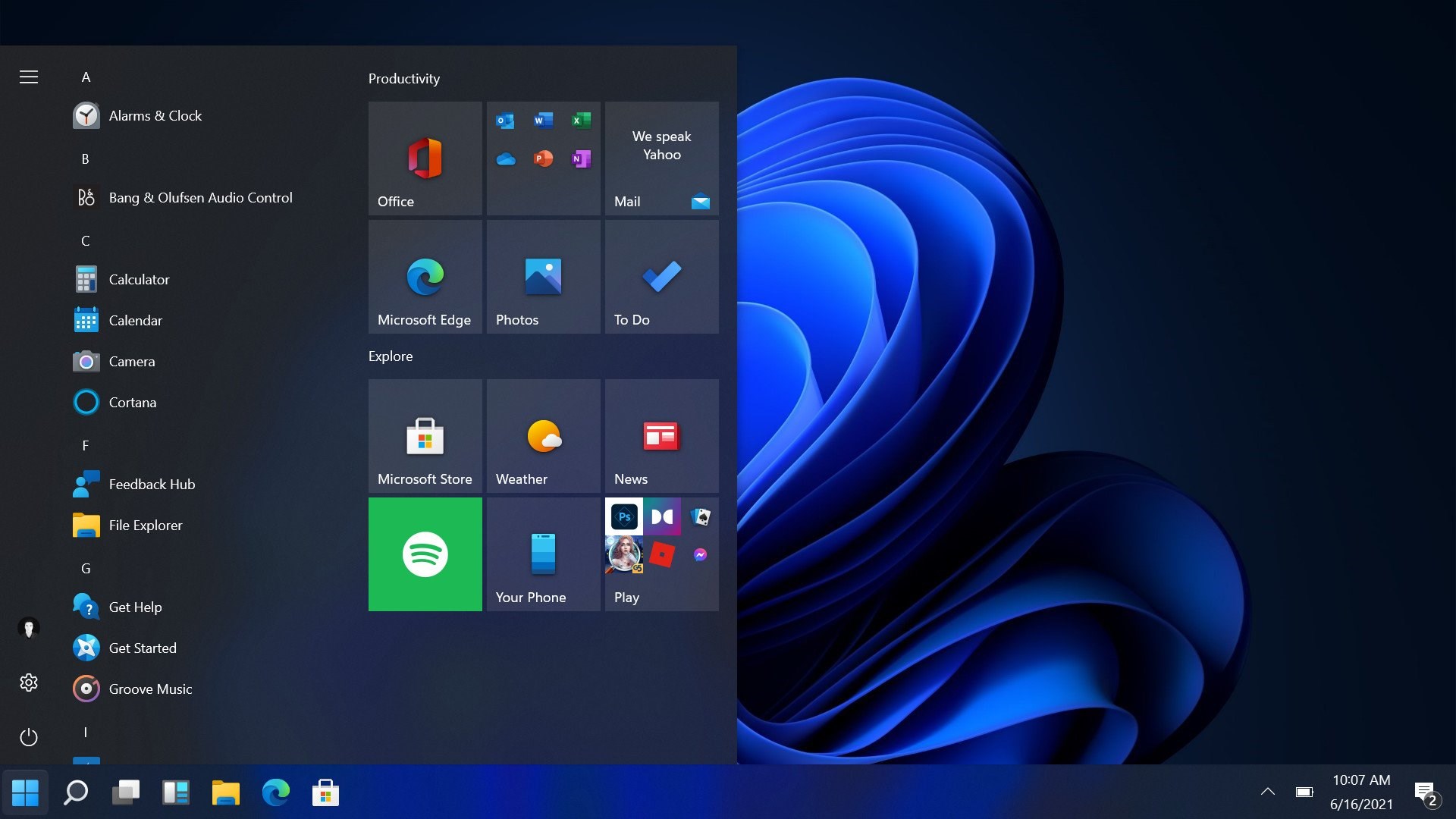
The standout feature is its faithful recreation of the Windows 7 taskbar, but with added flexibility. Users can switch between the classic style or a more modern look, adjusting icon sizes, background colors, and transparency levels. This feature caters to those who find the default Windows taskbar too modern or cluttered, allowing a more personalized and organized desktop environment.
Enhanced Pinning & Grouping Capabilities
While Windows already offers pinning, StartBack elevates this by enabling more intuitive grouping and management of applications. You can organize apps into clusters or categories, making multitasking smoother — imagine having your work apps, media tools, and communication platforms neatly arranged and accessible at your fingertips. This creates a visual shortcut paradise, reducing time spent hunting for icons.
User Interface & Experience: Friendly Footprints
Installment is straightforward, and the main interface is clean and lightweight, ensuring minimal impact on system resources. The transition between different styles is seamless, and navigating the settings feels as natural as flipping through a well-designed catalog. The learning curve is gentle, even for those less tech-savvy, thanks to clear options and preview features. Overall, the experience feels smooth and responsive, akin to gliding a well-lubricated notebook across your desk rather than pushing a stiff drawer open.
What Sets It Apart: The Sharp Edge in a Crowded Market
Compared to other utility tools that aim to customize Windows visuals or improve productivity, StartBack's most distinctive advantage lies in its authentic recreation of the Windows 7 taskbar coupled with deep customization. Many applications simply add overlays or limited themes, but StartBack rebuilds the core taskbar experience, making it feel native yet highly adaptable. This focus on preserving the familiar while enabling extensive personalization makes it particularly appealing to users longing for that classic Windows feel, especially in a modern, evolving Windows ecosystem.
Final Words: To Try or Not to Try?
In terms of recommendation, StartBack Taskbar earns a solid spot for anyone nostalgic about Windows 7 or looking for a more customizable, less cluttered taskbar environment. Its ease of use, lightweight footprint, and focus on delivering a traditional yet flexible interface make it a worthwhile addition to your system toolkit.
If you value a straightforward, stable, and visually familiar taskbar with room for personal tweaks — especially if you find Windows 10/11 default options too sterile or corporate — give StartBack a whirl. It's like bringing a trusted old chair back into your modern living room — comfort, style, and familiarity wrapped into one package.
Pros
- Intuitive User Interface
- Enhanced Customization Options
- Lightweight Performance
- Easy Accessibility
- Reliable Stability
Cons
- Limited Free Features
- Initial Setup Complexity
- Occasional Compatibility Issues
- Limited Support for Older Windows Versions
- Lack of Advanced Multi-Tasking Features











