

- Category Utilities & tools
- Developer iDreamMoon Studio
- Available on PC
- OS Windows 10 version 14316.0 or higher
- languages English (United States)
Unlocking the World of 3D Models: An In-Depth Review of STL 3D Viewer Pro for Windows
If you've ever stared at a complex 3D model and wished for a straightforward way to visualize its details without fuss, STL 3D Viewer Pro by iDreamMoon Studio might just be your new best friend. Designed to streamline 3D model exploration, this application offers a blend of user-friendly features and powerful tools that can cater to hobbyists, educators, and professionals alike.
Basic Information: What Sets STL 3D Viewer Pro Apart?
Positioned as a dedicated 3D model viewer for Windows, STL 3D Viewer Pro aims to simplify the way users interact with their 3D files. Developed and published by iDreamMoon Studio, a team recognized for creating accessible digital tools, the app focuses on providing an intuitive experience for visualizing and analyzing 3D models with minimal learning curve.
Key features include:
- Fast and smooth rendering of STL, OBJ, and 3MF files.
- Multi-view navigation, including orbit, pan, and zoom functionalities.
- Measurement tools for precise dimension checks.
- Support for various color and shading options to enhance visualization.
Targeted mainly at 3D printing enthusiasts, designers, educators, and students, this app serves both casual viewing needs and more detailed analysis tasks.
Immersive and Intuitive: A User-Friendly Interface
Imagine opening a sleek, inviting dashboard where your 3D models come to life with a gentle, almost magnetic allure. The interface of STL 3D Viewer Pro is designed to be intuitive, avoiding cluttered menus or overwhelming options. Its layout resembles a digital workshop—clean, organized, but packed with all the tools you need at your fingertips.
Navigation feels seamless, with gestures and mouse controls that mimic familiar interactions. Whether you're rotating a model to examine intricate details or zooming out for an overall view, operations are fluid and responsive. The learning curve? Gentle as a ripple on still water—beginners can pick it up quickly, while experienced users will appreciate the precision and depth of control.
Core Functionality Highlights: Precision Meets Convenience
Model Visualization and Customization
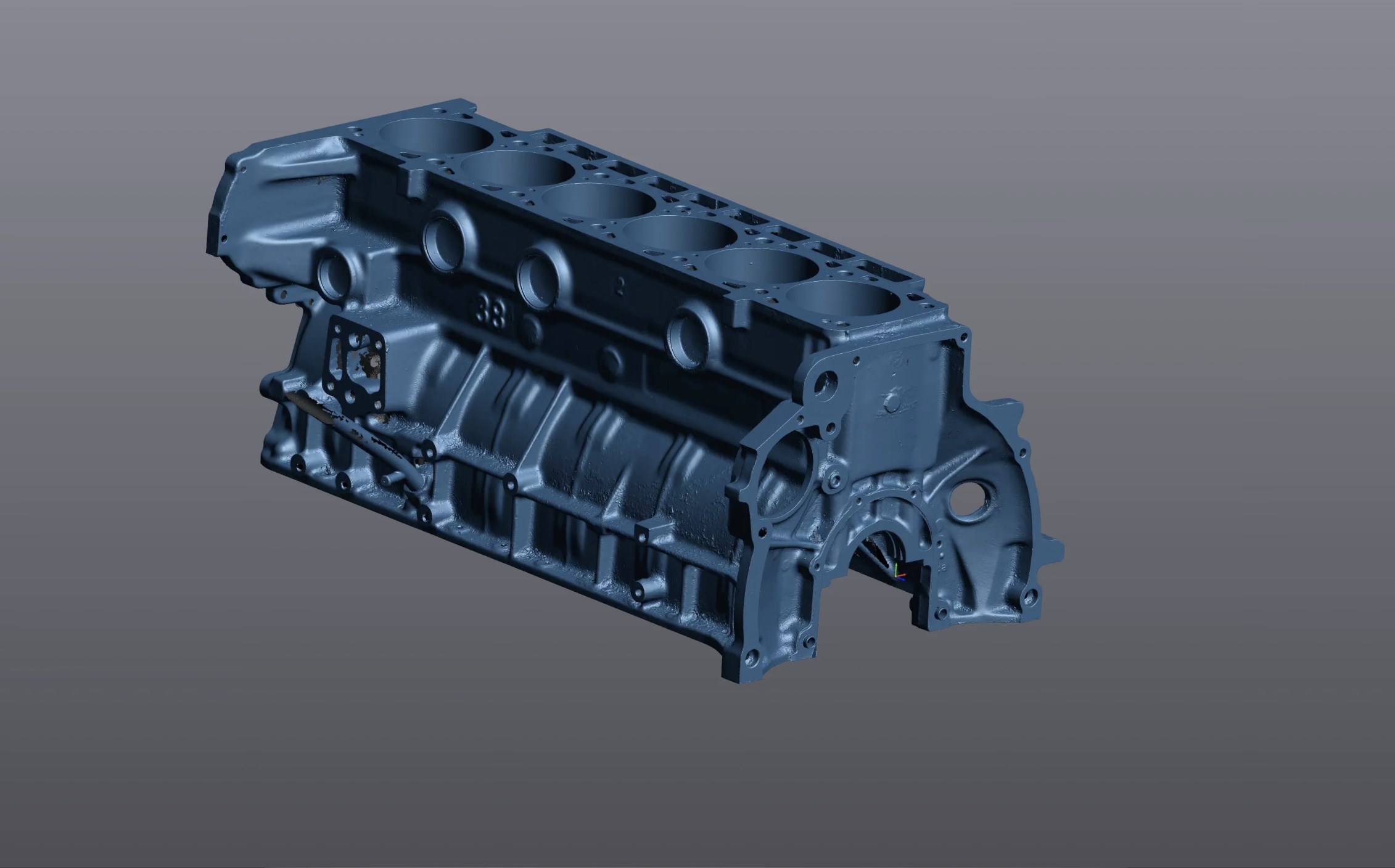
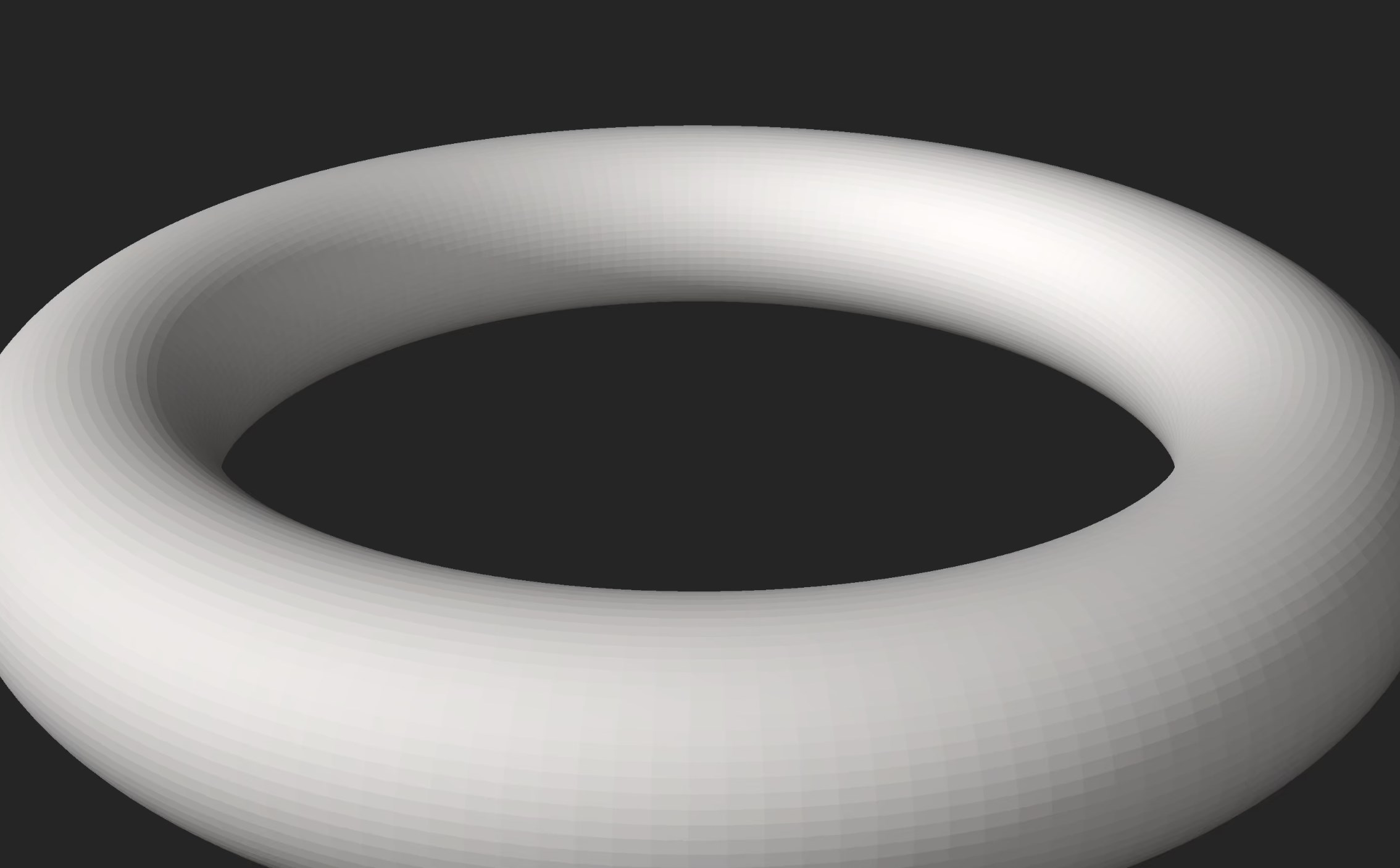
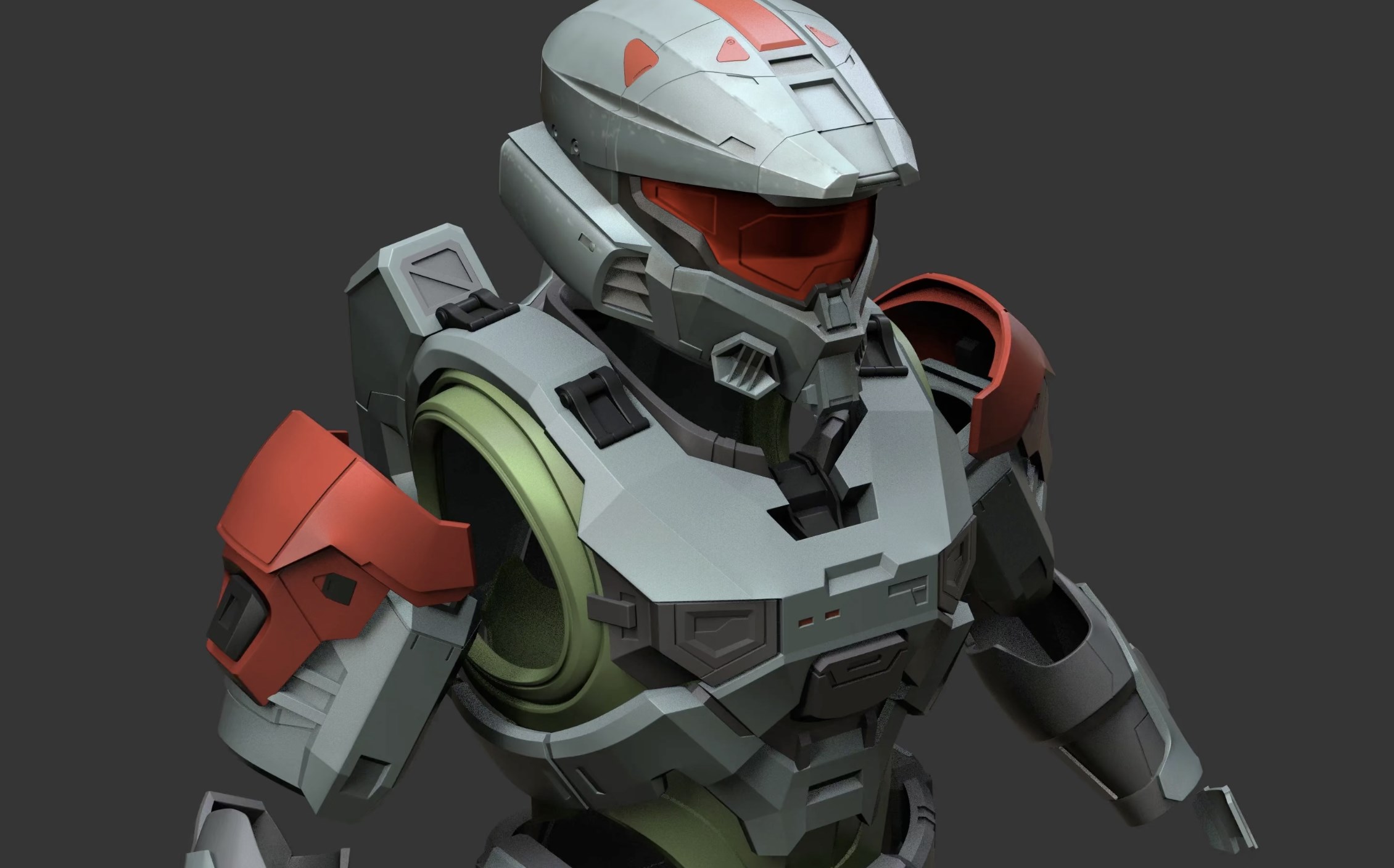
The app supports multiple file formats such as STL, OBJ, and 3MF, making it versatile for various applications. Beyond merely viewing, it offers shading modes—including wireframe, shaded, and textured views—that let users see their models in different lighting conditions. This visual flexibility is particularly useful for identifying potential issues before printing or manufacturing. The ability to switch between display modes with a click feels like flipping between different lenses—each bringing unique insights into your model.
Measurement and Analysis Tools
One standout feature that elevates STL 3D Viewer Pro from a simple viewer to a handy analysis tool is its built-in measurement function. Users can select points, edges, or surfaces to obtain real-time dimension data. Think of it as having a virtual ruler and caliper built right into your model space. This capability is especially invaluable for those checking tolerances or verifying dimensions without exporting to separate CAD programs, streamlining workflows significantly.
Customization and Visual Enhancements
To aid in understanding complex geometries, the app offers various shading and color options—allowing models to be rendered in different styles to highlight specific features. Users can adjust lighting, apply transparency, or switch to a textured view, making this more than a basic viewer—it's an interactive analysis tool that caters to detailed inspection needs.
Experience and Differentiation: Why Choose This Over Others?
Compared to other utilities and tools on the market, STL 3D Viewer Pro distinguishes itself through its focus on accessibility combined with practical features. While many applications bombard users with extensive editing capabilities—a double-edged sword—this app sticks to its core purpose: viewing and analyzing. Its streamlined interface and responsive controls make it feel more like a digital magnifying glass rather than a convoluted CAD suite. Moreover, its support for multiple file formats and shading options provide versatility, allowing it to serve varied user needs effortlessly.
Unique selling points include its precise measurement tools integrated directly into the viewing environment and the smoothness of its rendering engine, which is akin to watching a high-definition broadcast rather than a grainy video. These aspects provide an edge for users who need quick, reliable visual inspections without the overhead of heavyweight software.
Final Verdict: A Solid, User-Centric 3D Model Viewer
Overall, STL 3D Viewer Pro for Windows earns a confident recommendation for users seeking a straightforward yet capable tool for viewing and analyzing 3D models. Its design philosophy favors ease of use without sacrificing necessary features, making it suitable for both newcomers and seasoned practitioners. If your workflow involves frequent model inspections, verifications, or just a need to peer into your designs without fuss, this app deserves a spot in your toolkit.
Though it doesn't chase after complex editing features or advanced rendering effects, its focus on precise, interactive viewing makes it a true utility for everyday use. For anyone curious to explore their 3D files with clarity and ease, STL 3D Viewer Pro is a trustworthy companion—simple, efficient, and reliable, like a good pair of magnifying glasses for the digital age.
Pros
- Intuitive interface for easy navigation
- Supports a wide range of 3D file formats
- High-quality rendering with smooth rotation
- Offers measurement tools for precise dimension analysis
- Seamless integration with Microsoft Store
Cons
- Limited editing capabilities
- Occasional lag with very large models
- Basic lighting options without custom setups
- No built-in support for annotations or comments
- Limited advanced measurement tools










